
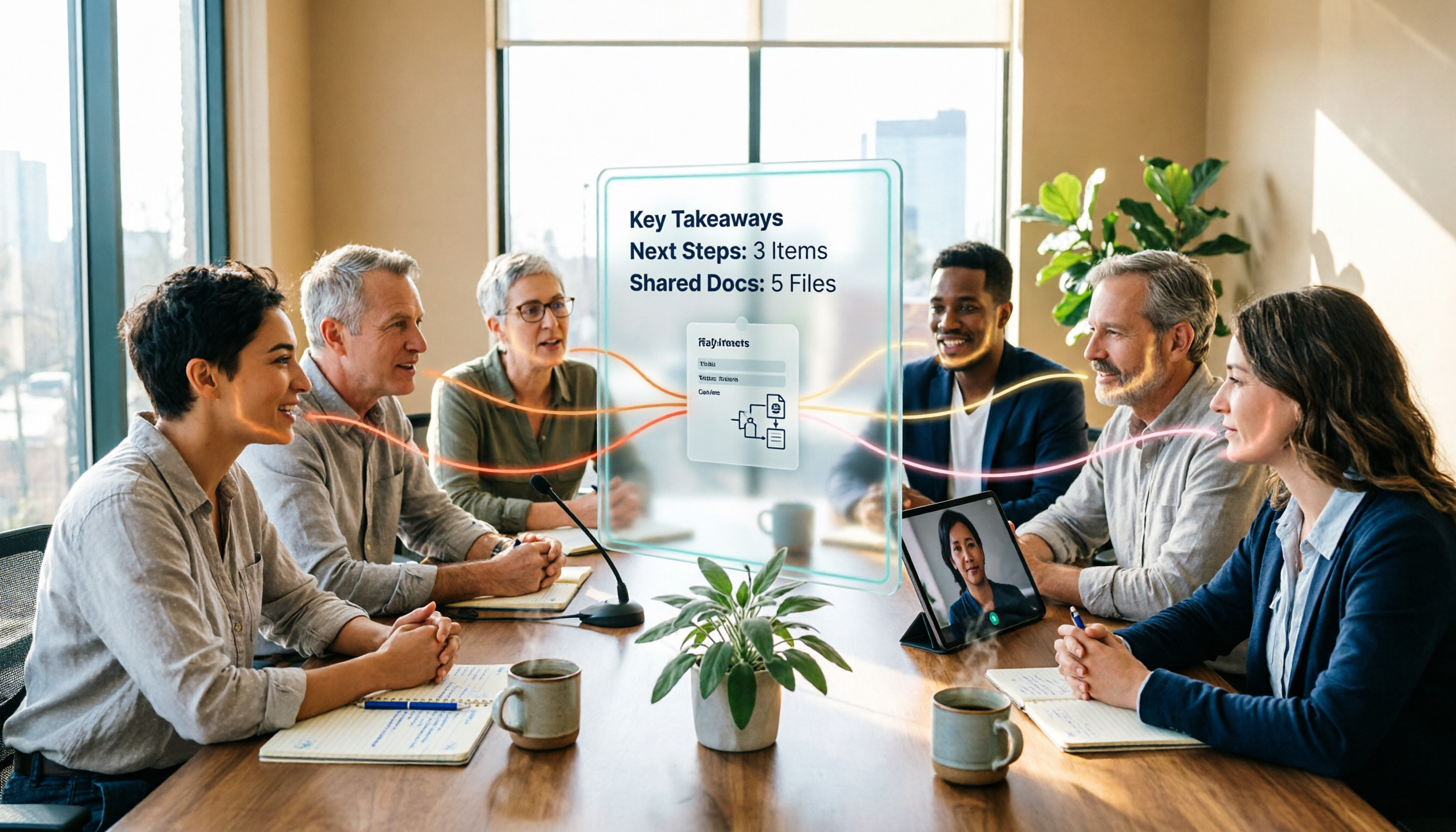
Turn recordings into transcripts and summaries in minutes
Upload audio or video for multilingual transcription, AI notes, and action items
2026 Comparison of 4 Multi-Speaker Meeting Transcription Tools: Which Can Identify Speakers and Summarize Key Points?
The hardest part of transcribing multi-speaker meetings is never just hearing clearly
If you're looking for this type of tool, you really only have one question in mind: when three people talk at the same time, can it tell who is who?
I used to think that was the core problem.
But after organizing dozens of meeting recordings, I realized—even if the tool correctly identifies speakers, meeting notes don't appear on their own.
Because what really takes time isn't who said what, but what we decided as a result.
Let me start with three scenarios I see often.
First, hybrid meetings. Three people in the conference room, five online, laptop audio fluctuating, and in the end all the speech in the transcript is jumbled together—you have to listen to the recording and guess.
Second, interviews. A research team interviews six subjects at once, and after the interview they need to tag quotes. Without speaker labels, they have to manually re-listen.
Third, cross-department weekly meetings. Two hours every week, and after the meeting, key points, action items, and who's responsible are all scattered across eight people's notebooks.
These three scenarios actually require solving problems at different levels.
So the real criterion isn't whether it can distinguish speakers, but what it can help you do after distinguishing them.
Before buying, understand these 4 key points
1. Number of people is the first variable in speaker identification.
Speaker identification works by analyzing each speaker's pitch, intonation, and speaking style to build a voiceprint model similar to a voice fingerprint.
But this method has a limit on the number of people.
Most systems perform well with 2 to 6 speakers; beyond 8 to 10, overlapping speech and short utterances increase, and error rates rise significantly.
So first ask yourself: how many people are usually in my meetings?
For small decision-making meetings of five or fewer, almost every tool can give you a readable transcript. For large meetings with a dozen or more people, be prepared that manual proofreading is a necessary step.
2. Real-time and offline recognition are two different trade-offs.
Real-time recognition labels speakers as the sound comes in, with low latency, so you can see subtitles while the meeting is ongoing.
But it can't see later context, so it's more conservative about ambiguous segments, and error rates are usually higher than offline processing.
Offline recognition processes the complete file after recording ends, allowing global optimization, and results are usually more accurate.
My approach: use real-time transcription to capture key points during the meeting, and after the meeting, when formal notes are needed, see if the tool can process the complete file.
3. Transcripts are just raw material, not the final product.
This is what I want to emphasize most.
An 80-minute transcript—probably no one will read it from start to finish.
What's truly useful is: is there a summary? Are there chapter divisions? Are action items extracted? Can you ask questions directly about the content?
Without this layer, you're just replacing re-listening to the recording with re-reading the text, and the cost hasn't really decreased.
4. Where does the meeting data ultimately reside?
Meeting records in personal accounts follow the individual.
If meetings are team assets, you need to consider whether they can be centralized in a team space, searched, queried, and whether data disappears when members leave or hand over.
Once you think through these four points, you'll find that not many tools fit the bill.
Tinrec—the one I ultimately kept
Tinrec is an AI meeting notes and collaboration tool for individuals and teams, supporting iOS, Android, and web, with online meeting recording handled by the desktop version.
One design that impressed me most is its "no bot" approach.
For online meeting transcription, most methods involve inviting a meeting bot to join as a participant. But in many client meetings, you don't want a stranger's account appearing on the list.
Tinrec's desktop version directly captures the computer's system audio, handling Zoom, Google Meet, Microsoft Teams, Webex, and similar meetings without inviting anyone extra into the meeting room.
This makes a big difference in multi-speaker meetings: the participant list remains unchanged, and recording proceeds as usual.
The transcript is just the starting point.
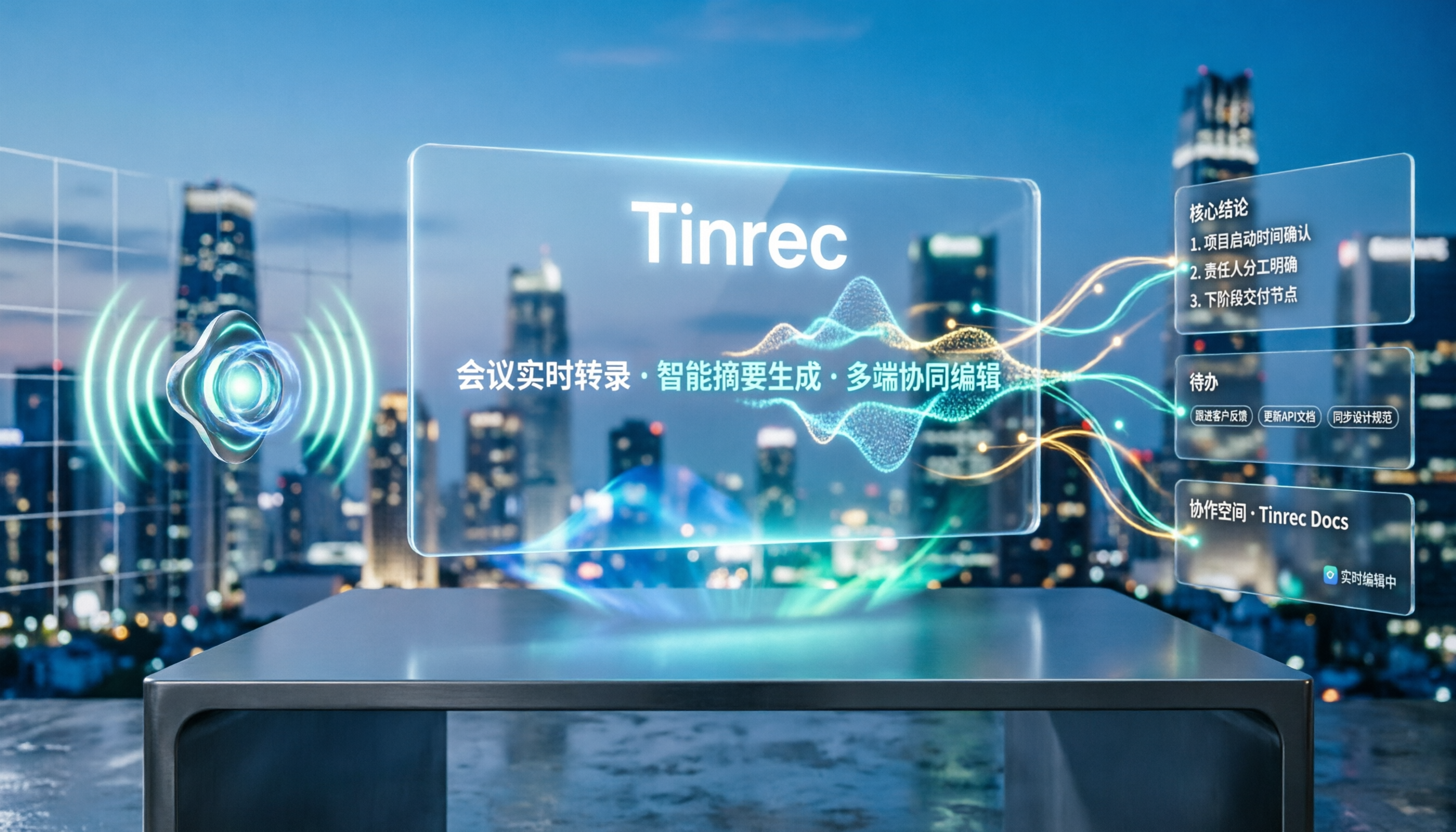
After the meeting, it generates AI summaries and chapters, breaking long meetings into browsable sections and extracting action items from the discussion.
Chinese-dominant meetings and mixed Chinese-English sentences are scenarios it handles with extra care; if your team has fixed terminology, you can maintain team hotwords to make recognition results closer to your jargon.
The second feature I actually use is AI Q&A.
After recording, I don't re-read the transcript; instead, I directly ask it: what were the conclusions of this meeting? What commitments still have no owner?
It answers based on the meeting data, rather than throwing a list of keyword search results at you.
For cross-language meetings, you can enable real-time translation and read in original, translated, or bilingual view.
Stop organizing recordings by hand
Upload audio or video and automatically get a transcript, summary, and action items
Post-meeting outputs can continue further: export to Notion, Google Docs, OneNote, Dropbox, or use Agent post-processing to organize content into reports, tables, and documents.
As for how detailed the "who said what" attribution should be, my advice is to test with a meeting where people actually interrupt each other, because that's your real usage condition. The transcript preserves original speech content, supports search and timestamp review, and you can check the recording to confirm who said what.
Let me first talk about what it does well.
First, complete workflow. From recording, transcript, summary, action items to Q&A and export, it's a single line, no need to move files between three or four tools.
Second, the feel for Chinese meetings. Mixed Chinese-English technical discussions don't have obvious translation-style errors.
Third, it has a version prepared for teams. The team version provides an independent team space, meeting data owned by the team, and includes members, roles, seats, usage analytics, audit logs, and audio recycle bin.
Now the limitations.
Tinrec is not for those expecting a fixed accuracy rate. Transcription quality is affected by recording quality, background noise, accents, overlapping speech, and technical terminology; important content should be verified by going back to the transcript timestamps.
Meetings with a dozen people interrupting will still hit the ceiling of speaker identification, and manual proofreading is unavoidable.
Let me also clarify pricing: the first eligible team trial is 7 days, 1 free seat, and 300 minutes of team shared import quota. Team monthly is USD 29.80 per paid seat, annual is USD 199 per paid seat, equivalent to about USD 16.58/month, with 2,000 minutes of team shared import quota per paid seat per month. Real-time recording under an active team plan and active seats is currently not deducted by minutes; file and web imports use the team shared import minutes.
Who is it for? If your meetings are mainly in Chinese, you need to handle both online and offline multi-speaker discussions, and you want records to ultimately become searchable team data, Tinrec is currently the smoothest option.
Besides Tinrec, what other options are there?
Otter.ai: A mature choice for English meetings, covering Zoom, Teams, Google Meet, with speaker identification, AI Chat, and team management. Free version has 300 minutes per month; Pro annual is about USD 8.49/user/month, including 1,200 minutes per month and 10 file imports. For recording English content, it's quite sufficient. But it lacks Tinrec's approach of depositing meeting data into a team space and managing lifecycle with seats and recycle bin.
Granola: An AI meeting notes tool that also takes the no-bot route. Basic is free, Business is USD 14/user/month, and its strength is combining user handwritten notes with AI. But note: it does not support uploading pre-recorded audio files, nor does it save meeting audio. If you need to keep recordings, import existing files, or have teams jointly manage historical meetings, this is a hard flaw.
Notta: Complete multi-platform transcription and translation capabilities. Free version has 120 minutes per month (max 3 minutes per session); Pro annual is about USD 8.17/month, 1,800 minutes per month; Business annual is about USD 16.67/seat/month. Its positioning is closer to a transcription tool; Tinrec goes further in no-bot online meeting recording, AI Q&A, and post-meeting Agent outputs.
Pitfall guide: the 4 most common mistakes
Pitfall 1: Only looking at officially published accuracy rates. The commonly used DER metric for speaker identification varies greatly depending on evaluation methods—whether to leave a buffer before and after speaker changes, whether overlapping speech counts, all affect the numbers. When you see a beautiful number, first ask how it was tested, and best to test with your own meeting recordings.
Pitfall 2: Treating "speaker identification" as the end goal. With speaker labels, the transcript just becomes readable. Without summaries, chapters, and action items, you still have to read through 80 minutes of dialogue. When choosing a tool, put post-meeting organization capabilities on the same list.
Pitfall 3: Ignoring number of people and audio conditions. A five-person conference room and a fifteen-person meeting have completely different requirements for recognition. With many people and interruptions, consider breakout discussions, designated speakers, or a better conference microphone, rather than expecting software to solve it alone.
Pitfall 4: Letting team data be tied to personal accounts. If you accumulate two years of meeting records on a personal account, when the person leaves, the data goes with them. To accumulate knowledge, choose a solution with team space, roles, and seats.
Conclusion: Which one should you choose?
One-sentence conclusion: Speaker identification is just the entry ticket; whether it can help you organize after the meeting and whether data stays with the team are the real decision points.
Scenario breakdown:
- Chinese-dominant multi-speaker meetings, needing transcript, summary, action items, and Q&A → Tinrec
- Online meetings where you don't want a bot on the participant list → Tinrec (desktop system audio capture)
- Want to turn meetings into searchable team assets → Tinrec team version (team space, seats, usage, audit)
- Cross-language meetings, needing original and translated text side by side → Tinrec (real-time translation)
- Content almost entirely in English, limited budget → Otter.ai (free version 300 minutes/month)
- Zero budget, only occasional file transcription → Notta free version (120 minutes/month, 3 minutes per session)
Quick start checklist, I suggest starting like this:
- Pick a real meeting with five or fewer people as a test sample, not a demo file.
- During the meeting, turn on real-time transcription, just to confirm it captures key conclusions.
- After the meeting, read the summary and chapters first, don't read the transcript directly.
- Test AI Q&A with a specific question, e.g., "What are the three action items from this meeting, and who is responsible for each?"
- Check if the format can be used directly after exporting to your daily tools.
- If meetings are team assets, then evaluate team space, seats, and data handover arrangements.
The recording problem in multi-speaker meetings never disappears just by switching tools.
But if you prioritize the three things—how to distinguish, how to organize, and who keeps the data—you'll find that the manual patches needed become fewer each time.
Test step by step, and you'll gradually master this method.
References
- Feature Description - Qmeeting Meeting Summary Master - AI Meeting Tool
- AI automatically generates meeting notes and transcripts: core technologies and tool categories
- Voice recognition in Teams Rooms (tenant management control - Microsoft Teams | Microsoft Learn
- AI speech-to-text: meeting support for multi-speaker separation, summaries, and action lists
- What is speaker diarization? How AI identifies speakers in audio | Blog
Turn every recording into actionable outcomes
Get 60 free transcription minutes when you sign in. No credit card required.
Related Reading
You might also like

Google Speech-to-Text vs AI Studio vs Notta vs Tinrec: 2026 Comparison — Is Free Enough?
Is Google's free audio-to-text good enough? We compare Google AI Studio, Google Cloud Speech-to-Text, Notta, and Tinrec across recognition methods, meeting recording, post-meeting organization, team collaboration, and pricing to help you decide which fits your use case and when to upgrade from free.

5 Voice Generators Tested in 2026: Which One Actually Saves Time on Voice Organization?
Voice generators fall into two categories: 'generating voice' and 'organizing voice.' Choosing the wrong type wastes time. This article tests 5 tools, covering Chinese meeting transcripts, bot-free online meeting recording, AI Q&A, and team knowledge retention. It outlines 4 key buying factors and 3 common pitfalls, and explains Tinrec's actual performance and limitations in Chinese meetings and post-meeting organization workflows.

Tinrec vs Otter.ai 2026: 5-Dimension Comparison for Chinese Video Summarization
Recorded hours of video but no one watches? This article breaks down 5 key factors for choosing a video summarization tool from a mid-level manager's perspective, comparing Tinrec and Otter.ai, with pricing and limitations of Notta and TurboScribe, to help you find the best workflow for Chinese meetings, training, and interview videos.
5 Best iPhone Recording Apps in 2026: From Free Recording to AI Meeting Notes
How do you choose the best iPhone recording app in 2026? This guide walks you through real-world use cases, core capabilities, and key buying factors, using Tinrec as an example to show how recordings can become searchable, collaborative, and actionable meeting data.

3 Audio Format to MP3 Conversion Methods Compared in 2026: After Conversion, Who Can Save You Cleanup Time?
Converting audio formats to MP3 is easy; the hard part is organizing after conversion. This article starts from the decision point of 'do you need conversion or organization?' explains MP3's role in the workflow, and uses Tinrec as an example to demonstrate how to turn meeting, interview, and lecture recordings into searchable, summarizable, and queryable transcripts and action items, while comparing the differences and pricing between personal and team versions.
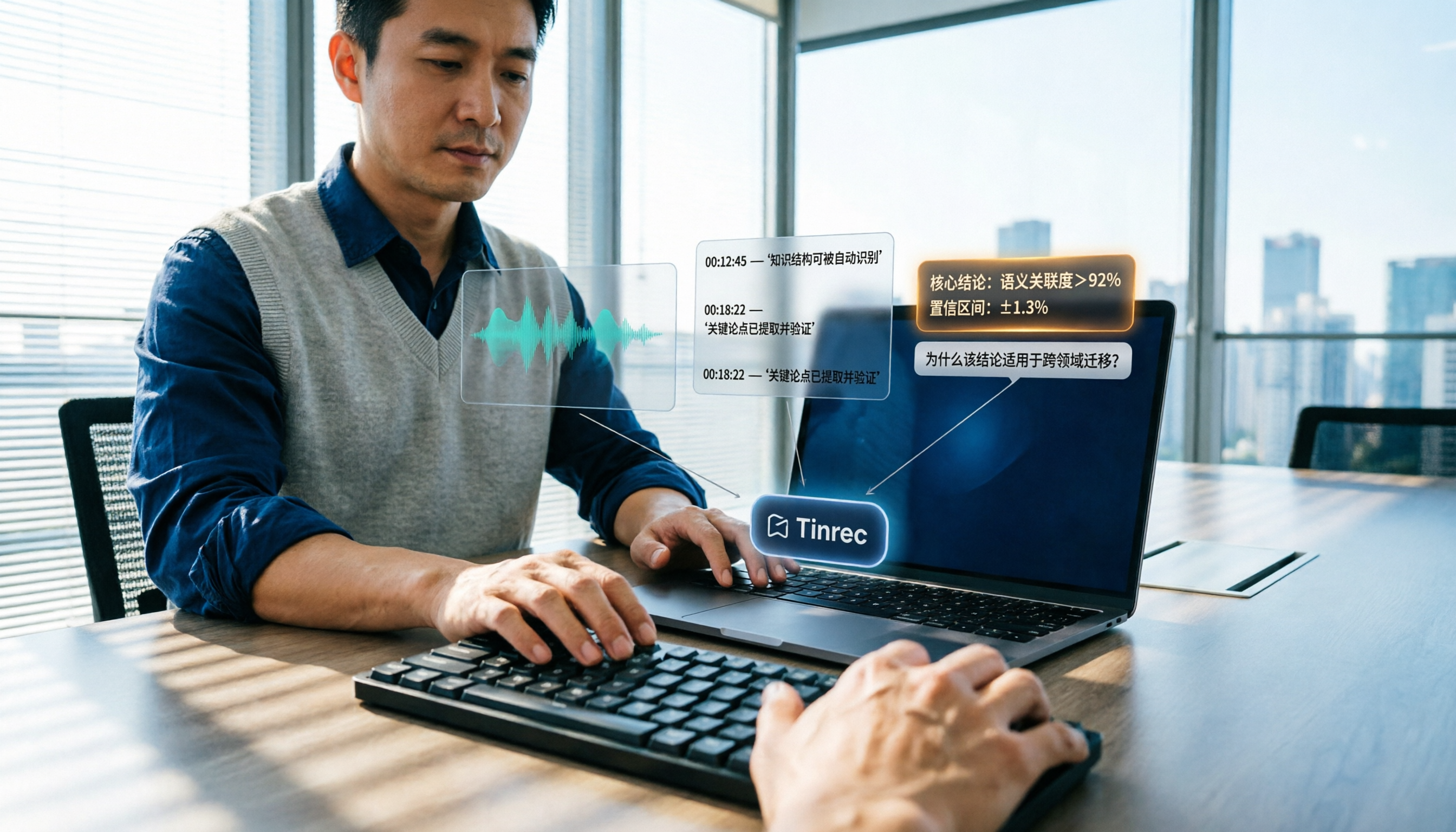
How to Summarize Knowledge Videos in 2026: 5 Steps from Transcript to AI Highlights
Saving more knowledge videos than you can ever watch? This article compares Tinrec and Felo AI across 5 dimensions—input sources, transcript traceability, post-meeting output, AI follow-up questions, and team knowledge retention—plus a 5-step workflow to help you decide which tool fits your learning and work scenarios.
How to Use AI Transcription Generators in 2026: A Complete 5-Step Tutorial
This guide covers AI transcription generators, starting with 4 key factors to consider when choosing one, then demonstrating a complete 5-step workflow from recording to post-meeting output. It compares the positioning of Tinrec, Notta, Otter.ai, and Granola, and includes common pitfalls to avoid and team plan benefits to help you find the right transcription tool for your meeting style.
5 Best Speech-to-Text Tools in 2026: Free Transcription Compared
We tested 5 speech-to-text tools in 2026, comparing Chinese recognition, audio retention, post-meeting organization, and team collaboration. Plus buying tips and pitfalls to help you find the best transcription solution.

2026 Comparison of 4 AI Recording Tools: From Transcripts to Presentation Outlines, Which One Actually Saves Time?
Discovering that post-meeting organization takes the most time? This article tests and compares 4 AI recording tools, covering the workflow from transcripts and AI summaries to presentation outlines, breaking down 4 key purchasing factors and 3 common pitfalls, and explaining Tinrec's actual performance in post-meeting Q&A, chapter organization, and team knowledge retention.