

Turn recordings into transcripts and summaries in minutes
Upload audio or video for multilingual transcription, AI notes, and action items
Google's free audio-to-text works, but you really need to judge these 3 things
Open Google, drop in an audio file, wait a few seconds, and you get a transcript — this is actually possible now, and it doesn't cost a penny.
But the question is never "can it transcribe?" It's "what are you going to do with it after?"
If you just occasionally want to read through a 10-minute interview, Google's solution is indeed enough. But if you have three or four meetings every week and need to capture conclusions, action items, and follow-ups, the limits of free tools quickly become apparent.
In this article, I've actually tried the most common options, not just looked at spec sheets, and I'll tell you directly which one to use in which situation.
Before choosing a Google audio-to-text solution, understand these 4 key points
Point 1: Don't just look at official accuracy numbers. Google Cloud Speech-to-Text officially supports over 85 languages and dialects, and has specialized optimized models trained for phone audio. But real conference rooms have air conditioning noise, keyboard sounds, and people talking over each other, so recognition performance will definitely be affected. I recommend testing with your own recordings — that's the most accurate reference.
Point 2: How does your audio get in? Google AI Studio requires you to upload files yourself, and it's recommended to keep sources under 20 minutes for better accuracy. If you want "live transcription while the meeting is happening," that's a completely different need. This is usually where I look first — whether the tool fits into your existing meeting style.
Point 3: Is there post-processing after transcription? Google Cloud's Speech-to-Text is essentially a set of APIs for developers to integrate speech recognition into their own services. What regular office workers want is summaries, action items, and a transcript they can directly ask questions about — that depends on whether the tool itself provides it.
Point 4: Does the team need to share? Using it yourself and using it across a department are two different things. Teams need data ownership, member permissions, and usage logs — not everyone logging into the same account.
Tinrec — our top recommendation after testing
Tinrec is an AI meeting notes and collaboration tool for individuals and teams, supporting Chinese, Traditional Chinese, and multilingual meetings, available on desktop, web, and mobile app.
Record online meetings without inviting a bot. This is what sets it apart from most tools. Tinrec's desktop version directly captures your computer's system audio, so Zoom, Google Meet, Microsoft Teams, and Webex meetings don't need an extra bot to join as a participant. Open it during a meeting, and the transcript is generated in real time — by the time the meeting ends, the text is already there.
Not just a transcript — organized results. After the meeting, Tinrec automatically generates summaries, chapters, key points, and action items, and can also organize them into a mind map. Who's responsible for what and when it's due is extracted directly from the discussion, so you don't have to listen to the recording again.
Ask questions directly about the meeting content. After recording, you can ask it "Who mentioned the budget in the last meeting?" It doesn't give you keyword search results — it understands the context and answers directly. I think this is where it differs most from ordinary transcription tools; few similar tools currently make AI Q&A this intuitive.
Export and keep working — no retyping. Transcripts can be exported to Notion, Google Docs, OneNote, or Dropbox for further editing, and the Agent feature can generate reports, tables, and meeting documents. For cross-language meetings, it supports real-time translation, and you can view the original, translation, or bilingual side-by-side.
For teams, it has a complete management system. If an entire department uses it, the team version centralizes meeting data in a team space, new members can view past meetings, and administrators can manage roles, seats, usage analytics, and activity logs. One thing to note: "roles" control governance permissions, while "seats" control whether someone can record, upload, and edit — members without a seat can still view and play team data, but cannot upload or edit. Many people confuse these two.
Stop organizing recordings by hand
Upload audio or video and automatically get a transcript, summary, and action items
Limitations should be clear too. The free version provides a basic quota to let you experience recording, importing, summaries, and transcription; once the quota is used up, you'll need to consider upgrading. For regular weekly use, the Pro monthly or annual plan is more suitable. Also, actual recognition performance is affected by recording quality, accents, background noise, overlapping speakers, and technical terminology. The team version is currently USD 29.80 per paid seat per month, or USD 199 per paid seat per year (about USD 16.58 per month). Eligible teams get a 7-day trial, 1 free seat, and 300 minutes of shared import quota; paid seats include 2,000 minutes of shared import quota per month. Prices and benefits are subject to the official purchase page.
Who is it for? If you have several online meetings every week, need Chinese or mixed Chinese-English transcripts, want to ask about key points right after recording, or your team wants to keep meeting data, Tinrec is currently the more complete choice.
Besides Tinrec, where Google and other tools fit
Google AI Studio: Free is its biggest advantage. You can upload audio files to the Gemini model and get a transcript, supporting common formats like MP3 and WAV, with speaker identification, automatic segmentation, and timestamps. It's recommended to keep files under 20 minutes. Suitable for people who occasionally organize a recording. Note that you have to manually upload each time, and there's no team space to store past meetings — these two things are exactly what Tinrec fills in.
Google Cloud Speech-to-Text: This is an API for developers, supporting over 85 languages and dialects, with profanity filtering and multiple optimized models, and can handle files up to 8 hours. If you have engineering resources and want to integrate speech recognition into your own system, this is a reasonable path. But for regular office workers who want summaries, action items, and meeting Q&A, it won't provide that directly — you'll need to build it yourself.
Notta: It offers multi-platform transcription, meeting notes, translation, and team plans, with significant overlap with Tinrec. The free version gives 120 minutes per month, with a maximum of 3 minutes per item; Pro annual billing is about USD 8.17 per month, with 1,800 minutes per month. If you just need simple file transcription and subtitles, you can compare. Tinrec emphasizes desktop bot-free recording, post-meeting AI Q&A, and storing data in a team space.
Pitfall guide: 3 most common mistakes with Google audio-to-text
Pitfall 1: Assuming free means no limits. Google AI Studio is free, but sources are recommended to be under 20 minutes, so long meetings need to be split manually; Google Cloud Speech-to-Text is an API, so someone needs to know how to integrate it. The real cost of free solutions is the manual work in between.
Pitfall 2: Stopping once you have the transcript. A transcript is not the end. A 40-minute meeting can produce tens of thousands of words, and you still have to find conclusions and action items yourself. With Tinrec's AI Q&A, you can directly ask "What was the conclusion of this meeting?" — much faster than manually scanning the transcript.
Pitfall 3: Using a personal account as a team tool. If meeting data only lives in a personal account, it gets scattered when colleagues change jobs or phones. What teams really need is data ownership, member permissions, and usage logs — these are the questions to ask first when choosing a team solution.
Conclusion: Which one should you choose?
Simply put, Google's free solution is good for occasionally organizing short recordings; but if you're dealing with a real meeting workflow, Tinrec is the more complete choice.
- Occasionally transcribe a recording under 20 minutes, budget $0 → Google AI Studio
- Have engineering resources, want to integrate speech recognition into your own system → Google Cloud Speech-to-Text
- Multiple online meetings per week, need Chinese transcripts and post-meeting summaries/action items → Tinrec
- Want to use AI to ask about key points and conclusions right after recording → Tinrec
- Record on phone, organize on computer, need cross-device → Tinrec
- Team needs to share meeting data, manage seats and usage → Tinrec Team
- Mostly record English, limited budget → English-focused tools like Otter.ai are also worth comparing
I suggest trying Tinrec's free version for one or two meetings first to see if the transcript and summary quality meets your expectations, then decide whether to upgrade — no need to pay upfront. Finally, a reminder: recording and transcription involve personal data, so remember to comply with local regulations and get participant consent when necessary.
References
Turn every recording into actionable outcomes
Get 60 free transcription minutes when you sign in. No credit card required.
Related Reading
You might also like

Tinrec vs Otter.ai 2026: 5-Dimension Comparison — Which Chinese Meeting Minutes Template Saves More Time?
Should you write meeting minutes templates by hand or let AI handle them? This article breaks down the 5 essential fields of a qualified meeting minutes template, compares Tinrec and Otter.ai across 5 dimensions, and covers Notta and Granola's positioning differences, pitfalls to avoid, and selection advice to help you find the most time-saving meeting minutes approach for 2026.

2026 Meeting Minutes AI Tools Compared: Which One Actually Saves You Post-Meeting Time?
Meeting minutes generation isn't just converting audio to text. This article starts with common misconceptions and compares the meeting documentation workflows of Tinrec, Otter.ai, Granola, and Notta, covering differences in bot-free recording, AI summaries and Q&A, audio retention, team workspaces, and pricing. It also outlines 4 common pitfalls to help you choose a tool that truly saves post-meeting cleanup time.

2026 Short Video Summarizer Comparison: Which Tool Turns Video Highlights into Usable Data?
Short video summarization is more than just clicking a button to generate a summary. This article compares Tinrec, Monica, WayinVideo, and SummarizeTech from a hands-on perspective, explaining the 4 key factors for choosing a short video summarizer, common pitfalls, and scenario-based recommendations to help you find a solution that truly retains transcripts, summaries, and action items.

4 Smart Meeting Transcription Tools Tested for 2026: Which Free Version Is Good Enough?
Ever finish a meeting and realize you can't remember the conclusions? This article puts Tinrec, Otter.ai, Notta, and Granola to the test, breaking down how they capture audio, handle Chinese and mixed Chinese-English recognition, organize post-meeting notes, and manage team data. We also cover 5 key buying factors and 4 common pitfalls to help you find the free version that actually works.

4 One-Click Video Summarizers Tested and Compared in 2026: Get the Gist Without Watching the Whole Video
They all claim one-click summarization, but some only accept YouTube links, and others give up when there are no subtitles. This article compares 4 tools I've actually used with my team, focusing on three angles: whether it can handle your video, whether timestamps let you trace back, and whether you can keep asking questions after summarizing. Finally, I explain why Tinrec is the one I kept.

5 Voice Generators Tested in 2026: Which One Actually Saves Time on Voice Organization?
Voice generators fall into two categories: 'generating voice' and 'organizing voice.' Choosing the wrong type wastes time. This article tests 5 tools, covering Chinese meeting transcripts, bot-free online meeting recording, AI Q&A, and team knowledge retention. It outlines 4 key buying factors and 3 common pitfalls, and explains Tinrec's actual performance and limitations in Chinese meetings and post-meeting organization workflows.

Tinrec vs Otter.ai 2026: 5-Dimension Comparison for Chinese Video Summarization
Recorded hours of video but no one watches? This article breaks down 5 key factors for choosing a video summarization tool from a mid-level manager's perspective, comparing Tinrec and Otter.ai, with pricing and limitations of Notta and TurboScribe, to help you find the best workflow for Chinese meetings, training, and interview videos.
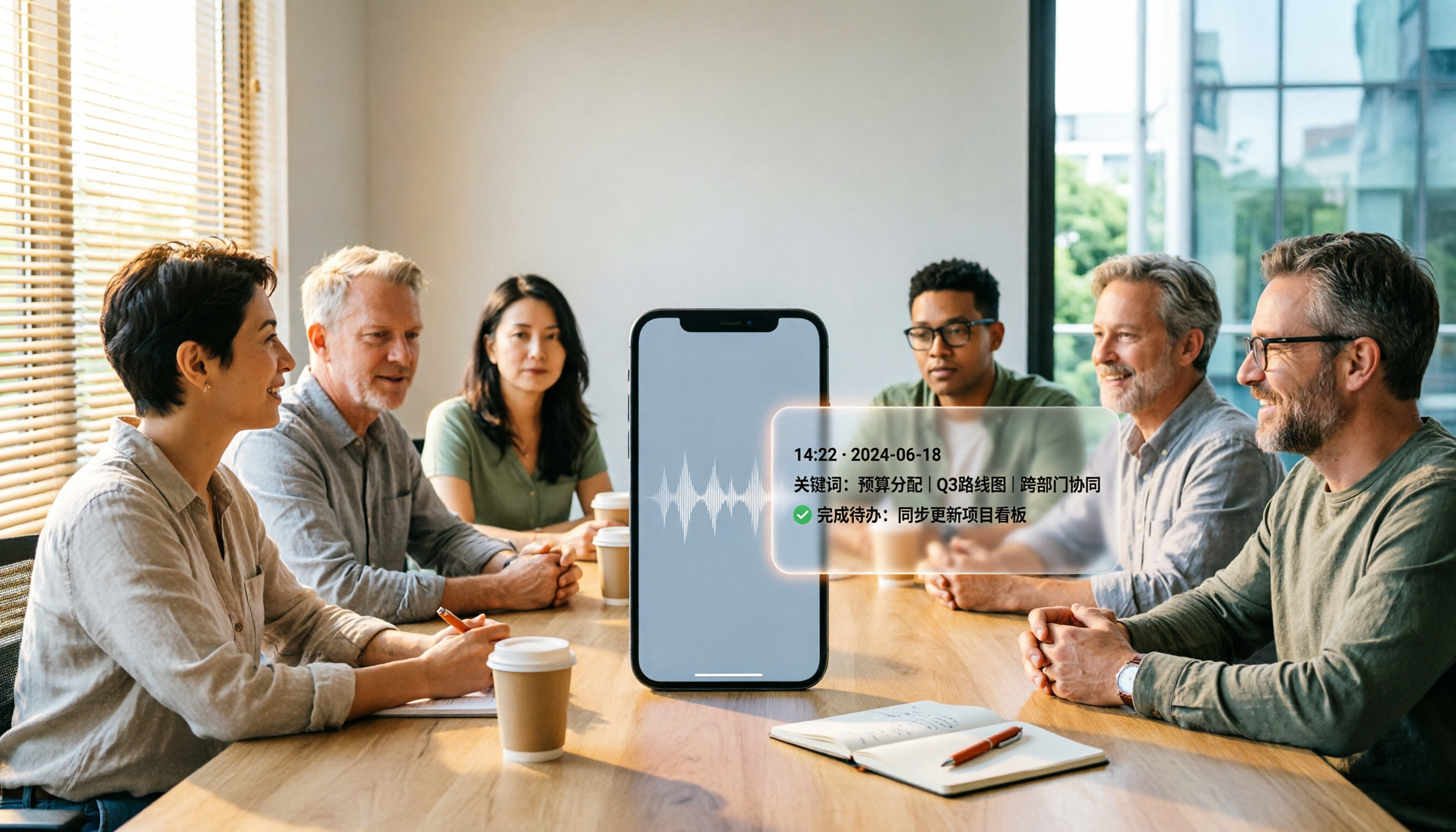
5 Best iPhone Recording Apps in 2026: From Free Recording to AI Meeting Notes
How do you choose the best iPhone recording app in 2026? This guide walks you through real-world use cases, core capabilities, and key buying factors, using Tinrec as an example to show how recordings can become searchable, collaborative, and actionable meeting data.

3 Audio Format to MP3 Conversion Methods Compared in 2026: After Conversion, Who Can Save You Cleanup Time?
Converting audio formats to MP3 is easy; the hard part is organizing after conversion. This article starts from the decision point of 'do you need conversion or organization?' explains MP3's role in the workflow, and uses Tinrec as an example to demonstrate how to turn meeting, interview, and lecture recordings into searchable, summarizable, and queryable transcripts and action items, while comparing the differences and pricing between personal and team versions.