

Turn recordings into transcripts and summaries in minutes
Upload audio or video for multilingual transcription, AI notes, and action items
3 Audio Format to MP3 Conversion Methods Compared in 2026: After Conversion, Who Can Save You Cleanup Time?
Honestly, when people search for 'audio format conversion to MP3,' most aren't really asking about the format—they're asking: how do I turn this recording I have into something I can actually use?
If you just want to convert it to MP3 to play on your phone or car stereo, that's very easy now—you can do it right in your browser, no account needed.
But if your goal is to turn meeting, interview, or lecture recordings into transcripts, summaries, and notes, then you're not just choosing a conversion tool—you need something that can help you process the content after conversion.
This article starts from that decision point: first clarifying MP3's role in the overall workflow, then discussing how to handle the organization work after conversion.
What Can You Do After Converting Audio to MP3?
Bottom line: MP3 is a container, not the goal. It unifies audio from different sources into a small, highly compatible format for later use. What really determines value is what you do with it.
Scenario 1: Turn a two-hour meeting recording into a document
Many online meeting platforms give you files in M4A or MP4. Converting to MP3 is just the first step; the key is the next step—using Tinrec as an example, you can upload the audio file, and it will transcribe it, then automatically generate summaries, chapters, and action items, listing who is responsible for what and when it's due.
Scenario 2: Turn interviews and lecture recordings into searchable data
Research interviews, user interviews, a whole semester of lecture recordings—sitting in a folder, they're as good as gone because you won't want to listen to three hours again. After transcribing these files with Tinrec, the transcripts become searchable and queryable. If you want to find a specific quote from an interviewee, you don't have to scrub through the timeline.
Scenario 3: Extract audio from video and keep only what you need
Extracting audio from video files and saving as MP3 is common—for example, keeping only the audio of a talk or converting a video's dialogue into text. After conversion, using Tinrec as an example, it can directly process audio and video files, turning their content into transcripts and summaries, solving both 'listening' and 'reading' needs.
Scenario 4: Cross-language content needs translation comparison
If the audio mixes Chinese and English, or is entirely in a foreign language, Tinrec supports multilingual transcription and real-time translation, allowing you to switch between original, translated, or bilingual display. For multinational teams or those who need to read foreign-language materials, this step often takes more time than the conversion itself.
What Are Tinrec's Core Capabilities in Audio Processing?
Audio and video file transcription: Directly process existing audio and video files and turn them into transcripts. Historical meetings, old interviews, previously recorded courses—just upload and wait for it to finish; no need to play and type manually.
AI summaries and chapters: If the transcript is 10,000 words, nobody wants to read from the beginning. Tinrec automatically generates summaries and chapters, so you can grasp the key points first and go back to specific sections for details.
Action item extraction: The easiest thing to miss in meetings is 'who does what.' Tinrec extracts a to-do list from the discussion, especially useful for project meetings and client communications.
AI Q&A: After transcription, you can directly ask questions about the content, such as 'What was the conclusion about the budget in this meeting?' or 'What were the three concerns the client mentioned?' It answers based on semantic understanding, so you don't have to search manually.
Real-time translation and bilingual comparison: During recording, you can view original, translated, or bilingual content—very useful for cross-language meetings.
Multi-format output and third-party export: Meeting results can be exported to tools like Notion, Google Docs, OneNote, Dropbox for further processing, and can also generate reports, tables, and documents, suitable for post-meeting delivery and review.
Team space and governance: The team version centralizes meeting data storage, allowing members to view and reuse; administrators can manage roles and seats, view usage trends and details, query and export audit logs, and accidentally deleted audio can be recovered from the recycle bin.
Practical Application Scenarios
Meetings and project discussions
The most common problem in weekly meetings, review meetings, and cross-departmental meetings is 'the meeting ended, but nobody remembers the conclusion.' Tinrec desktop version can directly capture computer system audio, handling meeting audio played on computers via Zoom, Google Meet, Microsoft Teams, Webex, etc., without needing an extra meeting bot to join as a participant. After the meeting, transcripts, summaries, and action items are all ready at once.
Stop organizing recordings by hand
Upload audio or video and automatically get a transcript, summary, and action items
Classes and lectures
A two-hour class is easy to record but painful to review. Give the recording or converted MP3 to Tinrec, and key points and chapters are automatically organized. When you want to confirm a concept before an exam, just search in the transcript or ask questions about the content—much faster than listening to the recording repeatedly.
Interviews and research
The most time-consuming part of qualitative interviews is transcription. After using Tinrec to transcribe, you can directly ask 'What were the interviewee's concerns about price?' or 'How many times did they mention repurchase intention?'—saving valuable time for analysis and synthesis instead of typing.
Content creation and knowledge retention
Podcasts, video materials, online course audio—after transcription, they become a reusable text library. Tinrec can export results to your existing workflow or further generate documents and tables, allowing the same recording to be reused.
5 Things to Consider When Choosing an Audio Organization Tool
1. First confirm whether you need conversion or organization
If it's just format conversion, free online services are enough. But if you spend hours organizing content each time, you should look for AI summarization, action item extraction, and Q&A capabilities. Tinrec focuses on the latter part—organization and reuse after transcription.
2. Is the input source wide enough?
Your recordings may come from live recording, online meetings, existing files, or casual phone recordings. Tinrec supports live recording, desktop meeting recording, audio and video file upload, mobile recording, and some public web links can also be imported. The more unified the sources, the easier subsequent management.
3. Performance with Chinese and mixed languages
Meetings in Taiwan often mix Chinese and English, even with technical terms. Tinrec supports Chinese and multilingual scenarios and offers a team hotword feature to maintain commonly used team terminology, improving recognition of professional vocabulary. Note that actual performance is still affected by recording quality, noise, accents, and overlapping speakers; it's not recommended to rely solely on official numbers.
4. Can the output after transcription be used directly?
A transcript is only a semi-finished product. Confirm whether the tool can output summaries, chapters, action items, mind maps, documents, reports, and tables. Tinrec puts more emphasis here and also supports exporting results to commonly used third-party tools.
5. Team collaboration and data ownership
If meeting data is shared by the team, look at permission and management design. Tinrec team version distinguishes roles and seats: roles determine who can manage the team and settings; seats determine whether one can record, upload, edit, and export. Members without a seat can still view, play, and read team data but cannot perform resource usage operations. Team resources belong to the team; when a member leaves, they need to hand over their responsible resources to other active members.
Frequently Asked Questions
Q: What's the difference between MP3 and WAV? Does conversion hurt audio quality?
WAV is uncompressed, large but retains full quality; MP3 is compressed, much smaller, and differences are usually imperceptible to the human ear. Note that if you later use it for AI transcription, poor source quality, excessive compression, or environmental noise can affect recognition results. With Tinrec, as long as the source recording isn't too bad, you can practically get a usable transcript.
Q: Do I have to convert to MP3 before uploading audio to Tinrec?
Not necessarily. Tinrec can directly process audio and video files; if the format is supported, no extra step is needed. The advantage of converting to MP3 is smaller files and faster uploads, which is smoother when organizing large amounts of historical files.
Q: Is the free version enough?
The free version provides basic quota to experience recording, import, summarization, and transcription. If you only occasionally organize a recording, trying the free version first is most practical; for short-term intensive meetings or interviews, consider a weekly pass; for steady weekly needs, Pro is more suitable; for long-term recording data retention, the annual plan has a lower monthly equivalent.
Q: What's the difference between team and personal versions? How is pricing calculated?
Personal version data is managed by the individual account; the team version is an independent team space where meeting data belongs to the team, with additional member invitations, role and seat management, sharing benefits, usage analytics, audit logs, and audio recycle bin. Currently, team monthly is USD 29.80 per paid seat per month, annual is USD 199 per paid seat per year, equivalent to about USD 16.58 per month; eligible teams can try 7 days, 1 free seat, and 300 minutes shared import quota for the first time, and paid seats provide 2,000 minutes team shared import quota per month. Actual prices and promotions are subject to the official purchase page.
Q: Can recording transcription guarantee 100% accuracy?
It's not recommended to expect that. A more practical statement: AI can greatly reduce manual recording and organization time, but important content should still be verified against transcript timestamps and recording playback. Before recording, don't forget to comply with local regulations and obtain participant consent when necessary.
Conclusion
Converting audio formats to MP3 itself isn't difficult; the hard part is the large amount of organization work after conversion. If your recordings are just for listening, free online conversion services are more than enough; but if these audio files contain meeting conclusions, client needs, and course key points, it's worth spending some time to find a tool that can turn content into transcripts, summaries, and action items.
We recommend trying Tinrec's free version first—take an existing meeting recording or interview file, go through the process from upload to summary to asking questions. After seeing the output, you'll probably know whether you need to upgrade.
References
- Online Audio Converter - Convert audio files to MP3, WAV, MP4, M4A, OGG, or iPhone ringtones
- Online audio file conversion
- Free MP3 Converter - Convert audio files to MP3 online | FlexClip
- Convert files to MP3 for free | Transcribe
- Free online audio conversion tool – convert audio to MP3, WMA, and other formats
Turn every recording into actionable outcomes
Get 60 free transcription minutes when you sign in. No credit card required.
Related Reading
You might also like

Tinrec vs Otter.ai 2026: 5-Dimension Comparison — Which Chinese Meeting Minutes Template Saves More Time?
Should you write meeting minutes templates by hand or let AI handle them? This article breaks down the 5 essential fields of a qualified meeting minutes template, compares Tinrec and Otter.ai across 5 dimensions, and covers Notta and Granola's positioning differences, pitfalls to avoid, and selection advice to help you find the most time-saving meeting minutes approach for 2026.

2026 Meeting Minutes AI Tools Compared: Which One Actually Saves You Post-Meeting Time?
Meeting minutes generation isn't just converting audio to text. This article starts with common misconceptions and compares the meeting documentation workflows of Tinrec, Otter.ai, Granola, and Notta, covering differences in bot-free recording, AI summaries and Q&A, audio retention, team workspaces, and pricing. It also outlines 4 common pitfalls to help you choose a tool that truly saves post-meeting cleanup time.

2026 Short Video Summarizer Comparison: Which Tool Turns Video Highlights into Usable Data?
Short video summarization is more than just clicking a button to generate a summary. This article compares Tinrec, Monica, WayinVideo, and SummarizeTech from a hands-on perspective, explaining the 4 key factors for choosing a short video summarizer, common pitfalls, and scenario-based recommendations to help you find a solution that truly retains transcripts, summaries, and action items.

4 Smart Meeting Transcription Tools Tested for 2026: Which Free Version Is Good Enough?
Ever finish a meeting and realize you can't remember the conclusions? This article puts Tinrec, Otter.ai, Notta, and Granola to the test, breaking down how they capture audio, handle Chinese and mixed Chinese-English recognition, organize post-meeting notes, and manage team data. We also cover 5 key buying factors and 4 common pitfalls to help you find the free version that actually works.

4 One-Click Video Summarizers Tested and Compared in 2026: Get the Gist Without Watching the Whole Video
They all claim one-click summarization, but some only accept YouTube links, and others give up when there are no subtitles. This article compares 4 tools I've actually used with my team, focusing on three angles: whether it can handle your video, whether timestamps let you trace back, and whether you can keep asking questions after summarizing. Finally, I explain why Tinrec is the one I kept.

Google Speech-to-Text vs AI Studio vs Notta vs Tinrec: 2026 Comparison — Is Free Enough?
Is Google's free audio-to-text good enough? We compare Google AI Studio, Google Cloud Speech-to-Text, Notta, and Tinrec across recognition methods, meeting recording, post-meeting organization, team collaboration, and pricing to help you decide which fits your use case and when to upgrade from free.

5 Voice Generators Tested in 2026: Which One Actually Saves Time on Voice Organization?
Voice generators fall into two categories: 'generating voice' and 'organizing voice.' Choosing the wrong type wastes time. This article tests 5 tools, covering Chinese meeting transcripts, bot-free online meeting recording, AI Q&A, and team knowledge retention. It outlines 4 key buying factors and 3 common pitfalls, and explains Tinrec's actual performance and limitations in Chinese meetings and post-meeting organization workflows.

Tinrec vs Otter.ai 2026: 5-Dimension Comparison for Chinese Video Summarization
Recorded hours of video but no one watches? This article breaks down 5 key factors for choosing a video summarization tool from a mid-level manager's perspective, comparing Tinrec and Otter.ai, with pricing and limitations of Notta and TurboScribe, to help you find the best workflow for Chinese meetings, training, and interview videos.
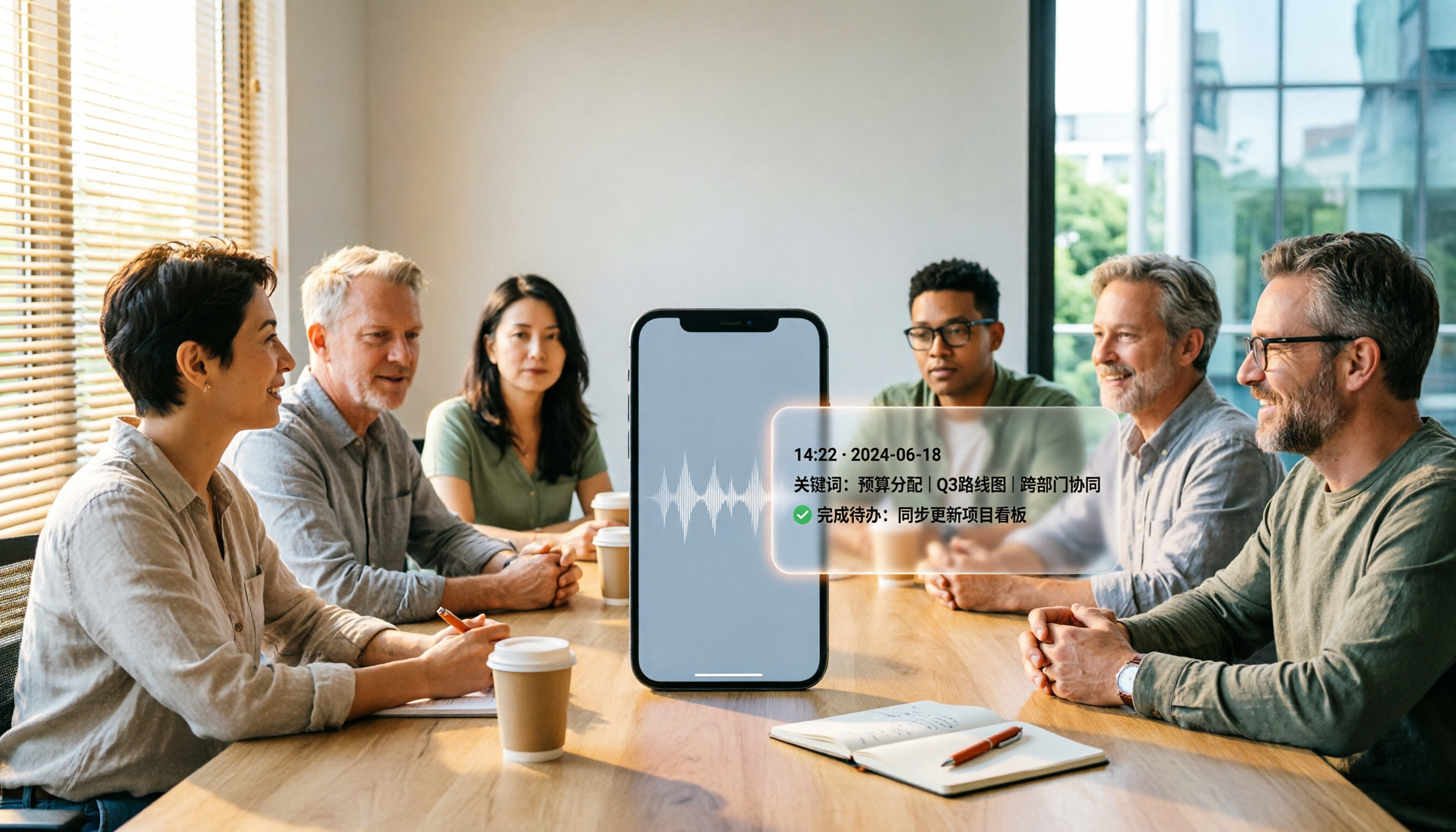
5 Best iPhone Recording Apps in 2026: From Free Recording to AI Meeting Notes
How do you choose the best iPhone recording app in 2026? This guide walks you through real-world use cases, core capabilities, and key buying factors, using Tinrec as an example to show how recordings can become searchable, collaborative, and actionable meeting data.