

Turn recordings into transcripts and summaries in minutes
Upload audio or video for multilingual transcription, AI notes, and action items
It's 2 PM on a Wednesday, and a 40-minute online meeting just ended. You've barely closed the video call when your manager asks in the group chat: "What was that conclusion again?"
You open the recording and start listening from the beginning, jotting down key points as you go. By the time you're done, half an hour has passed, and the report due this afternoon hasn't even been started.
It's not that you're not diligent—it's that you didn't choose the right tool. This article compares 5 common voice generators side by side to tell you which one can actually save you that time.
Before Choosing a Voice Generator, Understand These 4 Key Points
Many people searching for "voice generator" actually have two completely different needs in mind. Clarifying this first will prevent you from buying the wrong thing.
First, do you want to "generate voice" or "organize voice"? Turning a text script into narration and turning a meeting recording into a transcript are two different directions. Most voice generators on the market do the former. But if your pain point is "I can't keep up with meeting content," what you actually need is the latter.
Second, performance with Chinese and mixed Chinese-English. Meetings in Taiwan are rarely pure Chinese; phrases like "let's review this budget next week" pop up often. Whether a tool can handle such sentences is more practical than how many languages it supports.
Third, can you take the output with you? Whether transcripts and summaries can be exported in formats you already use determines whether you'll have to redo work later.
Fourth, does the team need to share? If only you can see the meeting data, and it leaves when a colleague does, problems are bound to arise eventually.
Think through these four points, and the rest will make more sense.
Tinrec — Our Top Pick After Testing
Tinrec is an AI meeting notes and collaboration tool for individuals and teams, supporting iOS, Android, web, and desktop. It takes meetings from "recorded" to "searchable, queryable, and actionable."
Here's how it works in practice: during a meeting, you hit record on the desktop app, and it directly captures your computer's system audio. This means it can handle Zoom, Google Meet, Microsoft Teams, and Webex online meetings without inviting a meeting bot into the room. No stranger appears on the participant list—a big plus for client meetings.
While the meeting is happening, the transcript appears in real time. After it ends, AI has already organized the summary, chapters, and action items—who's responsible for what and when it's due, all at a glance. For those with weekly recurring meetings, the time saved isn't just typing.
Even better is the AI Q&A after recording. You can directly ask it, "Who mentioned the budget in the last meeting?" It gives you answers based on semantic understanding, rather than dumping a list of keyword search results for you to sift through. The more historical meetings accumulate, the more valuable this feature becomes.
If the meeting includes foreign language content, it supports real-time translation, allowing you to switch between original text, translation, or bilingual view—very useful for international teams or English meetings.
A few advantages I think are worth listing:
- No meeting bot needed: The desktop app captures system audio directly, so no unfamiliar account appears in client meetings, and you don't have to worry about platform compatibility.
- Output is portable: Transcripts, summaries, and action items can all be exported, and sent to tools you already use like Notion, Google Docs, OneNote, and Dropbox. You can also generate reports, tables, and documents.
- Team version is a separate space: It's not multiple people sharing one account. Meeting data belongs to the team. When a member leaves, is removed, or loses their seat, their resources can be handed over to other members, so data doesn't leave with individuals.
Stop organizing recordings by hand
Upload audio or video and automatically get a transcript, summary, and action items
Things to note: The free version offers a basic quota, suitable for trying it out. If you have many meetings every week, you'll need to upgrade. Transcription quality is still affected by recording quality, ambient noise, accents, and multiple people talking over each other. For important content, it's recommended to double-check the transcript against the recording. Also, the team version currently offers team-level shared visibility, managing access through roles and seats, not file-level granular permission settings.
Who it's for: People who frequently have online meetings, need Chinese transcripts, want to use AI to find key points right after recording, or want to turn meeting data into a team asset. Individuals can start with the free version, while teams can explore the team version's seats, usage, and management features.
Besides Tinrec, What Other Voice Tools Are There?
If what you want is "turning text into speech," that's a completely different direction. These are common choices.
CapCut: A free online AI voice generator. Type in text and it produces voices with different accents, tones, and emotions. It supports multiple languages including English, Russian, and French, and also has a voice changer, suitable for short video narration. Note that it produces speech and doesn't process your meeting recordings—transcripts, action items, and AI Q&A are not its scope.
Adobe Firefly: An AI voice generator focused on diverse voice options and customization, integrating directly with Adobe's creative tools. For those already working in Premiere or Firefly video editor, the workflow is smooth. Suitable for projects needing polished narration like audiobooks and training videos; again, it's not a tool for organizing meeting content.
Vidnoz: Offers 1,450+ realistic AI voices and supports 140+ languages. You can generate voice MP3s with one click, for YouTube, TikTok, or podcasts. The multilingual narration options are extensive. However, it mainly handles text-to-speech; meeting recording retention, team sharing, and post-meeting follow-up are not in its scope.
Pitfall Guide: 3 Most Common Mistakes When Choosing Voice Tools
Pitfall 1: Treating "generating voice" and "organizing voice" as the same thing. This is the most common misunderstanding. Making video narration and organizing meeting notes require completely different tools. Figure out which side your pain point is on first, so you don't buy something and find it useless.
Pitfall 2: Only looking at free quota, not output formats. Free is attractive, but if transcripts or audio files can't be exported in the format you need, you'll end up manually copying and pasting, and the time saved goes right back.
Pitfall 3: Using the tool as a voice recorder. Half the value of these tools today is after recording. If you only use it to store audio, you're only using a fraction of its capabilities. Features like Tinrec's AI Q&A and action item extraction are hard to give up once you've tried them—asking "What was the conclusion of this meeting?" directly is much faster than flipping through a 40-minute transcript yourself.
Conclusion: Which One Should You Choose?
Simply put, first confirm whether you want to "generate voice" or "organize voice," and the answer will be clear.
- To turn text into video narration or multilingual dubbing → Text-to-speech tools like CapCut, Adobe Firefly, Vidnoz
- For Chinese meeting transcripts, handling mixed Chinese-English → Tinrec
- To use AI to find key points and ask questions right after recording → Tinrec (AI Q&A is a standout feature)
- To avoid an extra bot account in online meetings → Tinrec (desktop app captures system audio)
- To keep meeting data with the team, safe even when members change → Tinrec team version
If your current struggle is that meeting content is hard to capture, find, or follow up on, I suggest running Tinrec's free version for two or three meetings to experience the transcript plus AI summary workflow. If it works for you, consider upgrading based on your meeting frequency. If you just occasionally make a video narration, a text-to-speech tool is more than enough.
References
Turn every recording into actionable outcomes
Get 60 free transcription minutes when you sign in. No credit card required.
Related Reading
You might also like

Tinrec vs Otter.ai 2026: 5-Dimension Comparison — Which Chinese Meeting Minutes Template Saves More Time?
Should you write meeting minutes templates by hand or let AI handle them? This article breaks down the 5 essential fields of a qualified meeting minutes template, compares Tinrec and Otter.ai across 5 dimensions, and covers Notta and Granola's positioning differences, pitfalls to avoid, and selection advice to help you find the most time-saving meeting minutes approach for 2026.

2026 Meeting Minutes AI Tools Compared: Which One Actually Saves You Post-Meeting Time?
Meeting minutes generation isn't just converting audio to text. This article starts with common misconceptions and compares the meeting documentation workflows of Tinrec, Otter.ai, Granola, and Notta, covering differences in bot-free recording, AI summaries and Q&A, audio retention, team workspaces, and pricing. It also outlines 4 common pitfalls to help you choose a tool that truly saves post-meeting cleanup time.

2026 Short Video Summarizer Comparison: Which Tool Turns Video Highlights into Usable Data?
Short video summarization is more than just clicking a button to generate a summary. This article compares Tinrec, Monica, WayinVideo, and SummarizeTech from a hands-on perspective, explaining the 4 key factors for choosing a short video summarizer, common pitfalls, and scenario-based recommendations to help you find a solution that truly retains transcripts, summaries, and action items.

4 Smart Meeting Transcription Tools Tested for 2026: Which Free Version Is Good Enough?
Ever finish a meeting and realize you can't remember the conclusions? This article puts Tinrec, Otter.ai, Notta, and Granola to the test, breaking down how they capture audio, handle Chinese and mixed Chinese-English recognition, organize post-meeting notes, and manage team data. We also cover 5 key buying factors and 4 common pitfalls to help you find the free version that actually works.

4 One-Click Video Summarizers Tested and Compared in 2026: Get the Gist Without Watching the Whole Video
They all claim one-click summarization, but some only accept YouTube links, and others give up when there are no subtitles. This article compares 4 tools I've actually used with my team, focusing on three angles: whether it can handle your video, whether timestamps let you trace back, and whether you can keep asking questions after summarizing. Finally, I explain why Tinrec is the one I kept.

Google Speech-to-Text vs AI Studio vs Notta vs Tinrec: 2026 Comparison — Is Free Enough?
Is Google's free audio-to-text good enough? We compare Google AI Studio, Google Cloud Speech-to-Text, Notta, and Tinrec across recognition methods, meeting recording, post-meeting organization, team collaboration, and pricing to help you decide which fits your use case and when to upgrade from free.

Tinrec vs Otter.ai 2026: 5-Dimension Comparison for Chinese Video Summarization
Recorded hours of video but no one watches? This article breaks down 5 key factors for choosing a video summarization tool from a mid-level manager's perspective, comparing Tinrec and Otter.ai, with pricing and limitations of Notta and TurboScribe, to help you find the best workflow for Chinese meetings, training, and interview videos.
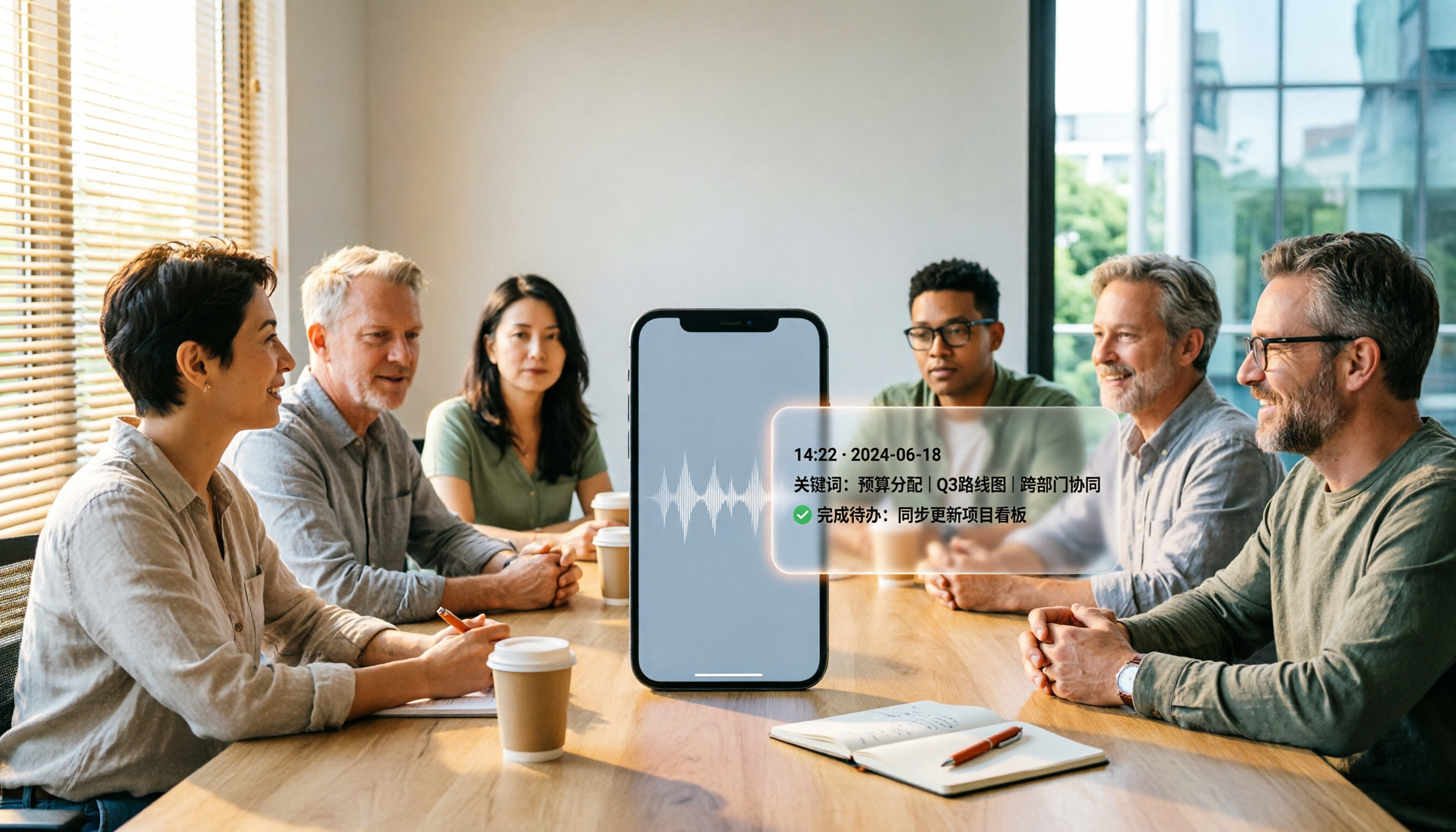
5 Best iPhone Recording Apps in 2026: From Free Recording to AI Meeting Notes
How do you choose the best iPhone recording app in 2026? This guide walks you through real-world use cases, core capabilities, and key buying factors, using Tinrec as an example to show how recordings can become searchable, collaborative, and actionable meeting data.

3 Audio Format to MP3 Conversion Methods Compared in 2026: After Conversion, Who Can Save You Cleanup Time?
Converting audio formats to MP3 is easy; the hard part is organizing after conversion. This article starts from the decision point of 'do you need conversion or organization?' explains MP3's role in the workflow, and uses Tinrec as an example to demonstrate how to turn meeting, interview, and lecture recordings into searchable, summarizable, and queryable transcripts and action items, while comparing the differences and pricing between personal and team versions.