

Turn recordings into transcripts and summaries in minutes
Upload audio or video for multilingual transcription, AI notes, and action items
Tinrec vs Otter.ai 2026: 5-Dimension Comparison for Chinese Video Summarization
Last week, I archived a three-hour internal training recording by number and dropped it into the team group chat, asking everyone to watch it on their own time. Two days later, when I asked for feedback, the response was: "Boss, I skipped out at 40 minutes, not sure what was discussed after that." That same week, client interview recordings had piled up to number 27, and I still had three project meeting recordings waiting to be reviewed. The problem isn't a lack of videos; it's the lack of a method to turn videos into "usable content summaries."
This article isn't about pushing you to buy expensive tools, but rather organizing the approaches I've tried over the past six months: first, I'll clarify the criteria for choosing a tool, then share the setup I ultimately kept, and finally lay out the differences among common options for you to see.
Watched the video but can't articulate the key points—the problem usually lies in three areas
The first scenario is meeting recordings. Two hours after a meeting, when you need to confirm "who promised what and by when," if all you have is a video, you'll be dragging the timeline back and forth, turning a ten-minute task into half an hour.
The second scenario is internal training and course videos. The filenames are numbers, the length is one to three hours, the content is valuable, but no one has the patience to watch from start to finish. The result is that recording equals not recording.
The third scenario is client and interview videos. Requirements, objections, and commitments are all scattered throughout the conversation. Organizing them into records or proposal materials afterward means listening to it all over again.
The common thread across these three scenarios is: what you want is never just the "video," but a searchable, quotable content summary from the video. Choose the right tool, and all three problems are solved simultaneously; choose wrong, and you've just swapped the cost of re-watching for the cost of organizing transcripts.
Before choosing a video summarization tool, understand these 5 key points
1. Can it handle what you have? Your materials likely come in three forms: live meetings, pre-recorded video files, and online video links. Some tools only support file uploads, others only live recording. Confirm your primary source first, so you don't buy something only to find your most common input can't be imported.
2. Performance with Chinese and mixed Chinese-English. Meetings in Taiwan are rarely pure Chinese or pure English; they're mostly sentences like "Let's review this campaign's KPI next week." Such sentences are the toughest test for transcription engines and where real-world performance gaps are most obvious. I suggest testing with a recording of your own, not just relying on official claims.
3. Can you continue using the summary afterward? Transcripts are just raw material. You want summaries, chapters, key points, action items, and ideally the ability to ask questions directly about the content. Whether results can be exported to Notion, Google Docs, or other tools you already use is also key.
4. Are audio files retained for verification? AI summaries will inevitably miss things. If a tool only gives you a summary without keeping the original recording, you can't go back to confirm who said what. The ability to replay and verify is more important than how beautifully the summary is written.
5. Can the team share it? This isn't obvious for teams of three or fewer, but for a ten-person team, it's crucial: Is data owned by individuals or the team? Does data remain after a member leaves? Who has permission to use it, and who can only view? These determine whether your meeting assets evaporate with personnel changes.
Tinrec—Our top pick after testing
Tinrec is an AI meeting notes and collaboration tool for individuals and teams, covering iOS, Android, and web versions, with desktop handling online meetings. Its one-sentence positioning: turn meetings into searchable, collaborative, actionable team data.
First, my most-used feature: desktop bot-free recording. Previously, with meeting bots, I had to add a stranger's account to every meeting room. Clients would see an extra "Notetaker" on the list and ask, "Who's this?" Tinrec's desktop version directly captures the computer's system audio, handling meeting audio from platforms like Zoom, Google Meet, Microsoft Teams, and Webex without needing an extra bot to join. To be clear, it's not a calendar bot that follows you with one click—you need to start recording yourself.
Second, importing existing videos and audio files. My internal training recordings and interview videos can be imported directly as files for transcription, no need to re-listen. It also supports importing some public web links, but that's more of a supplementary capability; my main use is files and live recording.
Third, "ask after recording." This changed things the most for me. Previously, organizing notes was "listen, type, categorize." Now I drop the meeting recording in, get the transcript, AI summary, chapters, and action items, then directly ask: "How many quote proposals were mentioned in this meeting? What were the amounts and conditions for each?" It answers based on semantics, not just throwing keywords for me to search. I also used the same approach on a 90-minute product training video, asking "What problems did the three customer cases mentioned by the instructor solve?" The answer could be pasted directly into a weekly report.
Stop organizing recordings by hand
Upload audio or video and automatically get a transcript, summary, and action items
Its output is more than one type. Transcripts, summaries, chapter highlights, action items, mind maps, and even post-processing with an Agent to generate reports, tables, and documents, then export to Notion, Google Docs, OneNote, Dropbox for further editing; for cross-language meetings, you can view original, translated, or bilingual content while recording.
The team version turns all this into team assets. It's not "multiple people sharing a personal account," but an independent team space: create and switch between multiple teams, invite members via join links, set owners/admins/regular members, and assign or revoke seats. Team resources belong to the team; when a member leaves, is removed, or loses their seat, their data can be handed over to other active members—this is crucial for me, as recordings made with personal accounts become unfindable once the person leaves. Admins can also see usage trends, member rankings, and details, and query/export audit logs; deleted audio can be recovered from a 30-day recycle bin.
Pricing and limitations, I'll be honest. The personal version has a free tier, weekly pass, Pro monthly, and Pro annual. The free tier offers basic quota; for occasional recording organization, the free version is enough. The team version's first eligible trial is 7 days, 1 free seat, 300 minutes of shared team import quota; after payment, each seat provides 2,000 minutes of shared team import quota per month, at USD 29.80 per paid seat monthly, or USD 199 per paid seat annually (about USD 16.58/month). Under an active team plan and active seat, live recording currently doesn't deduct minutes, but file and web imports consume shared team quota. Also, I must clarify: Tinrec doesn't promise a fixed accuracy rate; actual performance depends on recording quality, background noise, accents, multiple people talking over each other, and technical terms—it performs well with clear audio conditions, but if someone in the meeting room has a window open with wind blowing, results will vary. For important content, I still click back to the transcript timestamps to verify.
Who is it for? If you need to handle Chinese or mixed Chinese-English meeting, course, and interview videos, want to directly ask AI for key points after recording, and need data to stay within the team for reuse—Tinrec is currently the closest fit for this need.
Besides Tinrec, what other options are there?
Otter.ai: A veteran choice for English business meetings. Free version: 300 minutes per month; Pro annual billing is about USD 8.49/user/month, including 1,200 minutes of in-app recording and 10 file imports per month; Business offers unlimited meetings and in-app recording. Its English meeting mindset is very mature; if your meetings are almost entirely in English, it's worth considering. Chinese and mixed Chinese-English are not its strong suit, and it lacks Tinrec's team hotword mechanism—when encountering internal product codes or project abbreviations, you'll have to correct them yourself.
Notta: A competitor with high feature overlap. Free version: 120 minutes per month, max 3 minutes per content; Pro annual billing is about USD 8.17/month, 1,800 minutes per month; Business annual billing is about USD 16.67/seat/month, offering unlimited transcription, role permissions, and usage reports. Its multilingual transcription is well-regarded, but the free version's 3-minute per-session limit is nearly useless for "a two-hour internal training recording"; moreover, its post-meeting outputs focus on subtitles and translation, lacking Tinrec's Agent post-processing that directly generates reports, tables, and documents from meetings.
TurboScribe: The king of cost-effectiveness for long files and batch transcription. Free version: 3 files per day, max 30 minutes per file; Unlimited annual billing is USD 120 (about USD 10/month), max 10 hours or 5 GB per file, up to 50 files per upload. If you have dozens of pre-recorded long audio files and only need transcripts, its cost structure is hard to beat. But it's purely file transcription: no live meeting recording, no AI Q&A for follow-up questions, and no team space.
Pitfall guide: The 3 most common mistakes when choosing a video summarization tool
Pitfall 1: Only looking at free minutes, ignoring per-session length limits. Some tools give you "120 minutes per month" on the free version, but only 3 minutes per session—your two-hour recording won't fit. When choosing a tool, always check both "monthly total quota" and "per-session limit."
Pitfall 2: Thinking a transcript equals a summary. Transcripts are raw material; summaries, chapters, and action items are the finished product. Many people buy transcription tools but only use them for text conversion, missing out on two-thirds of the value. Try asking directly after getting the transcript: "What was the decision of this meeting?" You'll find you save not just typing time, but also searching time.
Pitfall 3: Ignoring data ownership. Meetings recorded with personal accounts usually become inaccessible after a member leaves. If you're recording team meetings or client interviews, consider a solution with independent team spaces, seats, and handover mechanisms, rather than letting members operate in silos.
One more reminder: recording audio, video, and transcription all involve others' privacy. Before recording, ensure compliance with local regulations and obtain consent from participants when necessary.
Conclusion: Which one should you choose?
Need Chinese or mixed Chinese-English meeting and video summarization → Tinrec (Chinese experience and bot-free desktop recording are its strengths)
Want to ask AI directly for key points after recording, without digging through transcripts → Tinrec (AI Q&A plus chapter summaries and action item extraction, all in one)
Need data to stay with the team, with handover and usage audit after personnel changes → Tinrec Team (team space, seats, usage analytics, audit logs, audio recycle bin)
Need to batch process dozens of long audio files, only need transcripts, budget-first → TurboScribe (10 hours per file, 50-file batch upload, extremely low cost)
Meetings almost entirely in English → Otter.ai (most mature for English business meetings)
My own approach: first use the free quota to throw in a real recording, see if the summary captures the key points you need, and whether it can answer your questions. If it works, consider a weekly pass or Pro; no need to pay upfront.
References
- Free AI Video Summary Tool—Accurate, Fast, with Timestamps
- Summarize YouTube with GPT: Free Online Video Summary Tool
- ChatGPT YouTube Summary Video Key Points Technique, from Transcript to Summary - Mr. Mad
- Video too long to watch? Essential for learning and fandom! Long video summarization and foreign language video translation made easy! - PanSci
Turn every recording into actionable outcomes
Get 60 free transcription minutes when you sign in. No credit card required.
Related Reading
You might also like

Tinrec vs Otter.ai 2026: 5-Dimension Comparison — Which Chinese Meeting Minutes Template Saves More Time?
Should you write meeting minutes templates by hand or let AI handle them? This article breaks down the 5 essential fields of a qualified meeting minutes template, compares Tinrec and Otter.ai across 5 dimensions, and covers Notta and Granola's positioning differences, pitfalls to avoid, and selection advice to help you find the most time-saving meeting minutes approach for 2026.
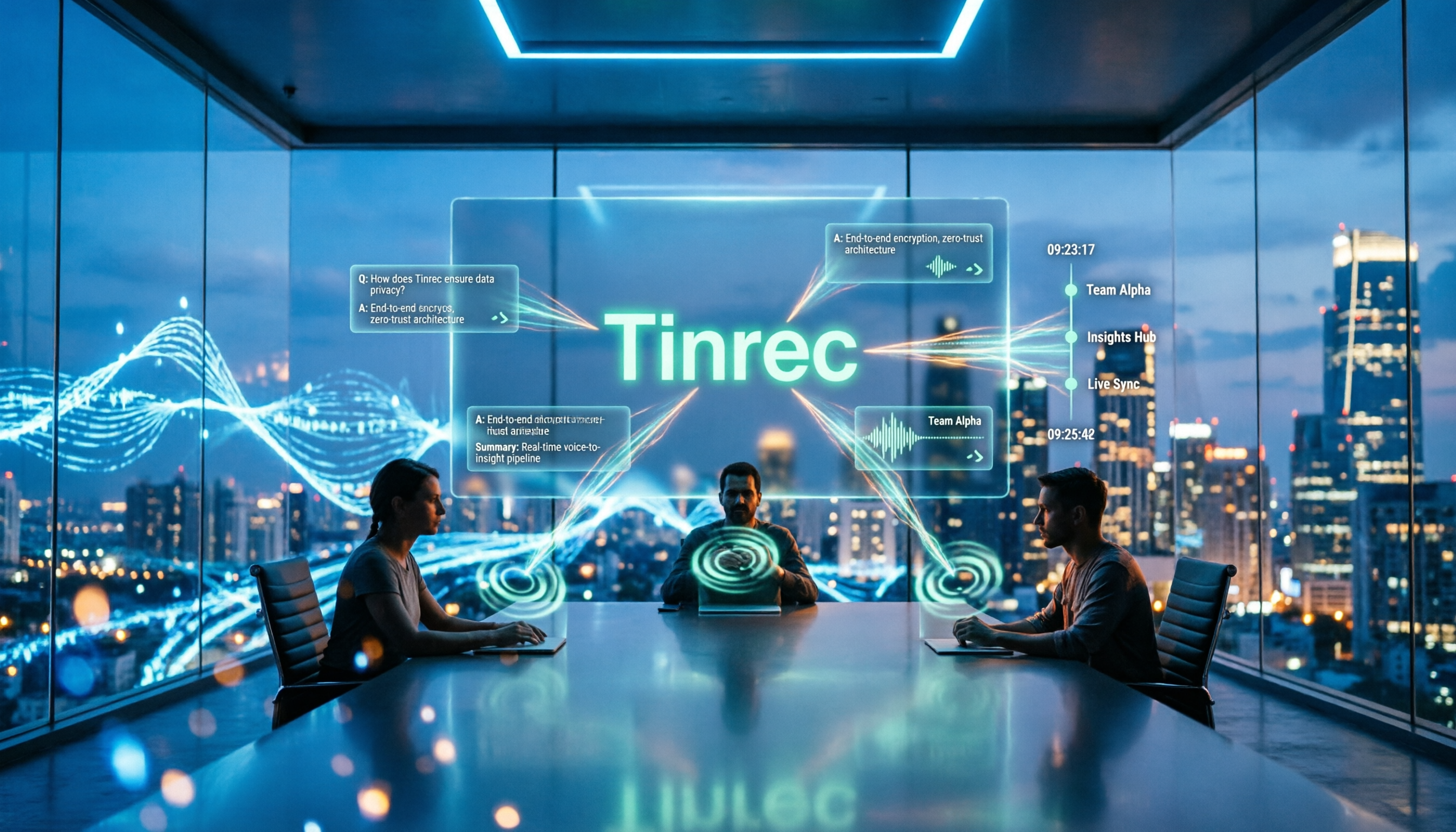
2026 Meeting Minutes AI Tools Compared: Which One Actually Saves You Post-Meeting Time?
Meeting minutes generation isn't just converting audio to text. This article starts with common misconceptions and compares the meeting documentation workflows of Tinrec, Otter.ai, Granola, and Notta, covering differences in bot-free recording, AI summaries and Q&A, audio retention, team workspaces, and pricing. It also outlines 4 common pitfalls to help you choose a tool that truly saves post-meeting cleanup time.

2026 Short Video Summarizer Comparison: Which Tool Turns Video Highlights into Usable Data?
Short video summarization is more than just clicking a button to generate a summary. This article compares Tinrec, Monica, WayinVideo, and SummarizeTech from a hands-on perspective, explaining the 4 key factors for choosing a short video summarizer, common pitfalls, and scenario-based recommendations to help you find a solution that truly retains transcripts, summaries, and action items.

4 Smart Meeting Transcription Tools Tested for 2026: Which Free Version Is Good Enough?
Ever finish a meeting and realize you can't remember the conclusions? This article puts Tinrec, Otter.ai, Notta, and Granola to the test, breaking down how they capture audio, handle Chinese and mixed Chinese-English recognition, organize post-meeting notes, and manage team data. We also cover 5 key buying factors and 4 common pitfalls to help you find the free version that actually works.
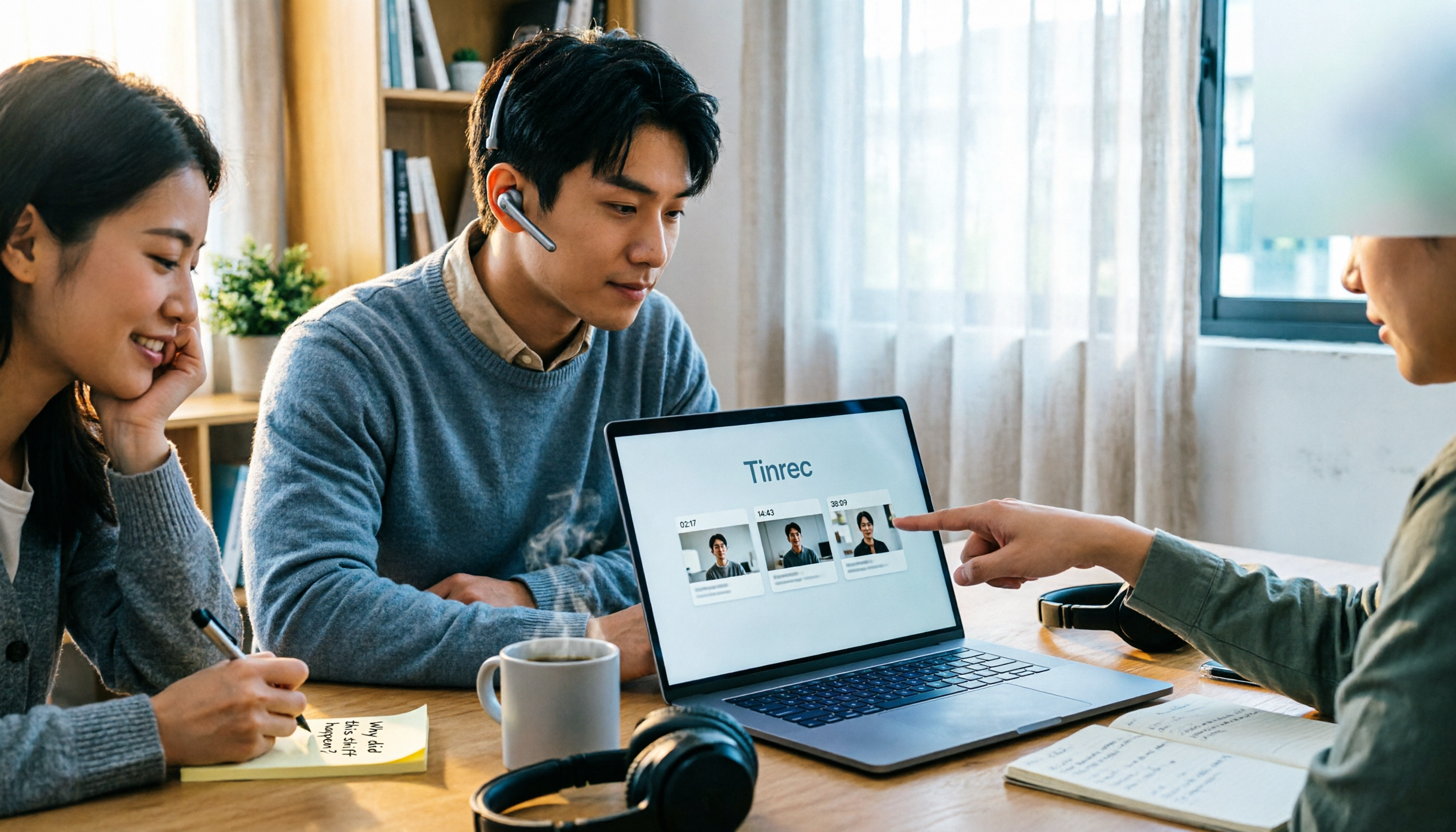
4 One-Click Video Summarizers Tested and Compared in 2026: Get the Gist Without Watching the Whole Video
They all claim one-click summarization, but some only accept YouTube links, and others give up when there are no subtitles. This article compares 4 tools I've actually used with my team, focusing on three angles: whether it can handle your video, whether timestamps let you trace back, and whether you can keep asking questions after summarizing. Finally, I explain why Tinrec is the one I kept.

Google Speech-to-Text vs AI Studio vs Notta vs Tinrec: 2026 Comparison — Is Free Enough?
Is Google's free audio-to-text good enough? We compare Google AI Studio, Google Cloud Speech-to-Text, Notta, and Tinrec across recognition methods, meeting recording, post-meeting organization, team collaboration, and pricing to help you decide which fits your use case and when to upgrade from free.

5 Voice Generators Tested in 2026: Which One Actually Saves Time on Voice Organization?
Voice generators fall into two categories: 'generating voice' and 'organizing voice.' Choosing the wrong type wastes time. This article tests 5 tools, covering Chinese meeting transcripts, bot-free online meeting recording, AI Q&A, and team knowledge retention. It outlines 4 key buying factors and 3 common pitfalls, and explains Tinrec's actual performance and limitations in Chinese meetings and post-meeting organization workflows.
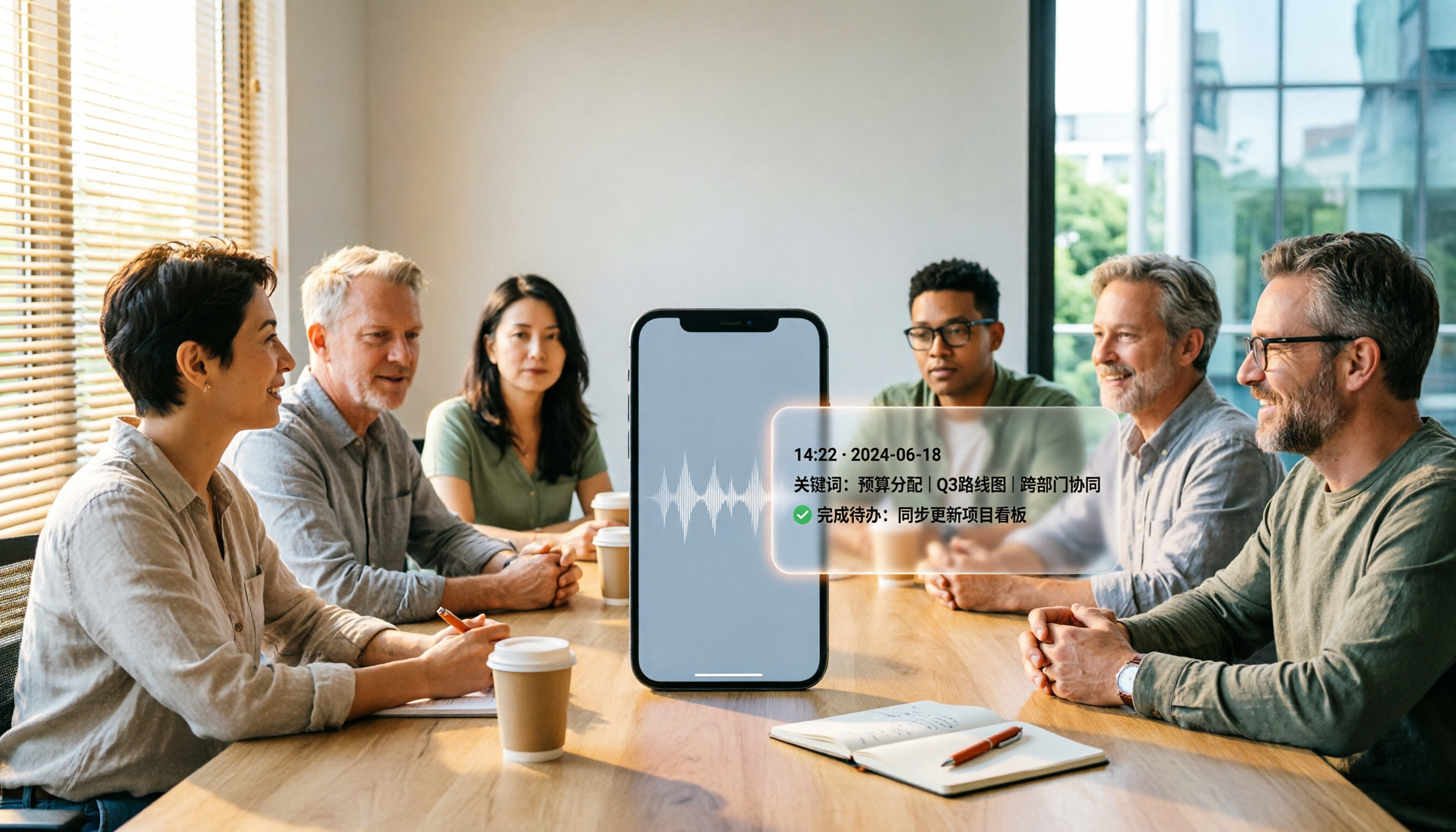
5 Best iPhone Recording Apps in 2026: From Free Recording to AI Meeting Notes
How do you choose the best iPhone recording app in 2026? This guide walks you through real-world use cases, core capabilities, and key buying factors, using Tinrec as an example to show how recordings can become searchable, collaborative, and actionable meeting data.

3 Audio Format to MP3 Conversion Methods Compared in 2026: After Conversion, Who Can Save You Cleanup Time?
Converting audio formats to MP3 is easy; the hard part is organizing after conversion. This article starts from the decision point of 'do you need conversion or organization?' explains MP3's role in the workflow, and uses Tinrec as an example to demonstrate how to turn meeting, interview, and lecture recordings into searchable, summarizable, and queryable transcripts and action items, while comparing the differences and pricing between personal and team versions.