
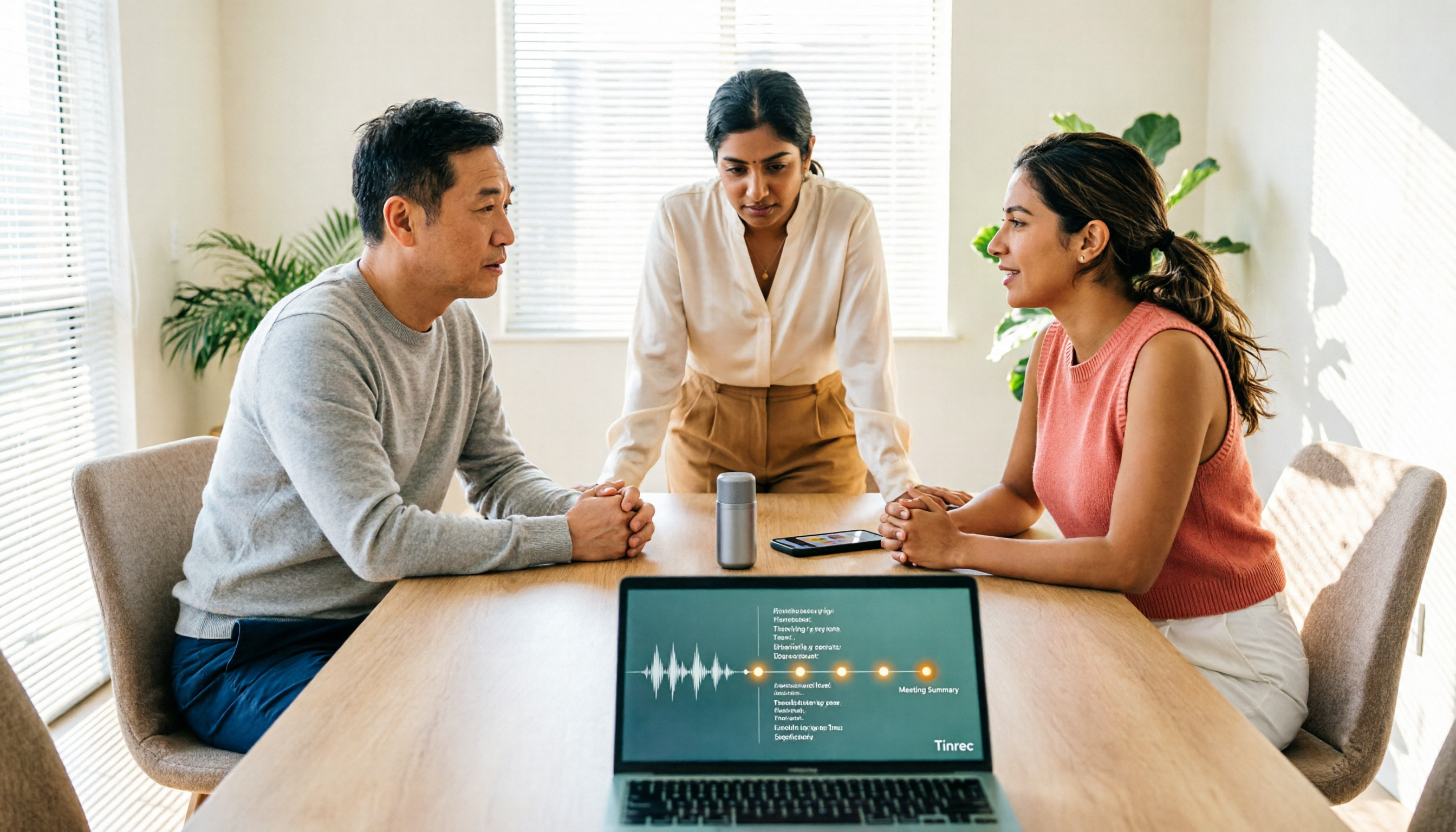
Turn recordings into transcripts and summaries in minutes
Upload audio or video for multilingual transcription, AI notes, and action items
How to Use AI Transcription Generators in 2026: A Complete 5-Step Tutorial
Two-Hour Meetings, Two Hours of Notes—You Don't Need a Tool, You Need a Solution
It's Wednesday afternoon, and the two-hour project meeting has just ended. Eight people's conclusions are scattered across their own notes. As soon as the meeting ends, you open the recording to start transcribing—just listening to the whole two hours will take up your entire afternoon.
Online meetings are even trickier. In a cross-departmental Zoom meeting with mixed Chinese and English, if you want to figure out "who promised what and when it's due," you have to fast-forward through the recording yourself to find the relevant parts. If you've ever been in this situation, this article is for you.
Before Choosing an AI Transcription Generator, Understand These 4 Key Points
1. Chinese and mixed Chinese-English recognition performance. Meetings in Taiwan rarely stick to a single language from start to finish; mixing Chinese and English, technical terms, and product codes is the norm. When evaluating tools, I first check how they handle Chinese and mixed Chinese-English content, and whether they allow custom terminology. Note that no tool can promise a fixed accuracy rate—recording quality, background noise, accents, and multiple people talking over each other all affect the results.
2. How the meeting is recorded. A common approach is to have a "meeting bot" join the online meeting as a participant. Another is to use a desktop app that directly captures the computer's system audio. The former adds an extra member to the participant list; the latter does not. If you often meet with external clients, this point is usually noticed by the other party.
3. What you can do after transcription. Turning audio into text is only one-third of the job. Summaries, chapters, action items, AI Q&A for follow-up questions, and the ability to export to Notion or Google Docs—these are what really determine how much time you save.
4. Quotas and team governance. Whether the free quota is enough depends on your meeting frequency. If data needs to be shared within a team, you also need to consider how members, roles, seats, and usage management are designed. Most people don't ask about this before buying, and only discover the problems after three months of use.
Tinrec—The One I Recommend Most After Trying It
Tinrec is an AI meeting notes and collaboration tool for individuals and teams, available on desktop, mobile, and web. Its core purpose is to turn meeting content into searchable, collaborative, and actionable data.
Record online meetings without a meeting bot. Most similar tools rely on a bot joining the meeting as a participant. Tinrec's desktop version takes a different approach: it directly captures the computer's system audio. When recording meetings played on your computer from Zoom, Google Meet, Microsoft Teams, Webex, and other platforms, no bot appears on the participant list. For in-person meetings, interviews, or field visits, you can record directly with your phone or computer in real time. Note that you need to open Tinrec and start recording yourself—it is not a service that automatically joins calendar meetings.
Transcribe while recording, with real-time translation. The transcript is generated simultaneously as you record. During the process, you can enable real-time translation and view it in the original language, translation, or bilingual side-by-side. In cross-language meetings, participants can follow the discussion in real time without waiting for post-meeting translation.
What truly sets it apart is what happens after the meeting ends. Tinrec automatically generates summaries and chapters, extracts action items from the discussion as to-dos, and can also organize them into a mind map. Even more useful is the AI Q&A: after recording, you can directly ask it "Who mentioned the budget in the last meeting?" It will organize the answer based on semantics, rather than returning a bunch of keyword matches. Finally, you can export to Notion, Google Docs, OneNote, Dropbox, or use the Agent to further generate reports, tables, and documents.
Limitations and ideal users. The free version provides a basic quota, suitable for trying out recording, importing, summaries, and transcription. For those with steady weekly needs, the official site offers weekly passes, Pro monthly, and Pro annual plans; prices and benefits are subject to the official purchase page. If you need to process a large number of long files at once, or only record English business meetings, the tools mentioned below may be more suitable. But if you value Chinese and mixed Chinese-English meetings, don't want a bot joining your meetings, and want to ask follow-up questions directly after recording and keep data within your team, Tinrec is well worth trying first.
Team plan details. The team plan is not multiple people sharing a single personal account; it is an independent team space. You can create multiple teams, invite members via link, set owners/admins/regular members, and assign or revoke seats. Meeting data belongs to the team. When a member leaves or is removed, the resources they were responsible for need to be handed over to other active members. Admins can view usage trends, member rankings, and details, query and export audit logs, and maintain professional terminology recognition through team hotwords. Currently, the team monthly plan is USD 29.80 per paid seat, and the annual plan is USD 199 per paid seat (about USD 16.58/month). Eligible teams can try 7 days free with 1 free seat and 300 minutes of shared import quota. Paid seats provide 2,000 minutes of team shared import quota per month. Real-time recording under an active plan is currently not deducted by the minute.
Stop organizing recordings by hand
Upload audio or video and automatically get a transcript, summary, and action items
Hands-On: 5 Steps to Turn Meetings into Usable Data
- Record or import. For in-person meetings, use the mobile app to record in real time. For online meetings, use the desktop version to capture system audio. If you already have audio or video files, just upload them.
- Get the transcript. After real-time or file transcription is complete, the transcript retains timestamps for easy playback and verification.
- Correct key content. Maintain names, product names, and technical terms in team hotwords first to reduce post-editing. For cross-language meetings, enable real-time translation and view bilingually.
- Generate summaries and to-dos. Let AI organize chapters, key points, and action items, then use AI Q&A to ask follow-up questions like "What was the conclusion?" or "Who is responsible for which item?"
- Export and archive. Export as documents or send to Notion, Google Docs, and other tools for further processing. For teams, keep data in the team space so future members can also search and ask questions.
Besides Tinrec, What Other Options Are There?
Notta. Strong in multi-platform transcription, file import, and translation. The free version offers 120 minutes per month, with a maximum of 3 minutes per item. The Pro annual plan is about USD 8.17/month, with 1,800 minutes per month. It overlaps significantly with Tinrec in file transcription. If you want a tool that doesn't require a bot to join meetings and keeps Q&A and post-meeting output in the same workflow, Tinrec's meeting workflow is more complete.
Otter.ai. A veteran choice for English business meetings. The Basic free plan offers 300 minutes per month. The Pro annual plan is about USD 8.49 per user per month, including 1,200 minutes per month. It also has AI Chat and desktop capabilities. If your meetings are almost entirely in English and your budget is zero, Otter is worth a look first. But for Chinese and mixed Chinese-English meetings, Tinrec's focus is clearer.
Granola. Also takes the no-bot route, using desktop system audio and microphone for real-time transcription, then combining with your handwritten notes to generate content. Basic is free, Business is USD 14 per user per month. Note that it does not support uploading pre-recorded audio files and does not save meeting audio. For those who need to keep recordings, import existing files, or view bilingually, Tinrec is more suitable.
(The above competitor prices are from official pages. Plans and benefits may change. Please refer to each official page before purchasing.)
Pitfall Guide: The 4 Most Common Mistakes When Choosing an AI Transcription Generator
Pitfall 1: Only looking at accuracy numbers in ads. Results measured in a quiet studio are completely different from real meetings with air conditioning noise, keyboard sounds, and multiple people talking over each other. I suggest testing directly with your own meeting recordings—this is more accurate than any promotional number.
Pitfall 2: Treating the transcript as the end goal. Using the tool only as "audio to text" means you're only using one-third of its capabilities. Summaries, to-dos, and AI Q&A—these post-meeting features are where the real time savings are.
Pitfall 3: Multiple people sharing a single personal account. It may seem cost-effective in the short term, but data ownership, handover after members leave, usage, and permissions will all become problems. If a team really needs to share, you should look at team space, roles, and seat design—not just passing around one set of credentials.
Pitfall 4: Ignoring recording consent issues. Before recording, confirm whether you need to obtain participants' consent, especially when clients, personal data, or confidential content are involved. No matter how convenient the tool is, this step should not be skipped.
Conclusion: Which One Should You Choose?
Simply put, first look at your meeting style, then decide on the tool:
- Chinese or mixed Chinese-English meetings, needing summaries and to-dos beyond transcription → Tinrec
- Don't want a meeting bot joining Zoom, Meet, Teams, Webex → Tinrec Desktop
- Want to ask follow-up questions like "What was the conclusion?" or "Who mentioned the budget?" right after recording → Tinrec's AI Q&A
- Data needs to stay within the team, need to manage seats, usage, and member handover → Tinrec Team Plan
- Only transcribing English business meetings, zero budget → Otter.ai (the only exception in this article)
I suggest running a free trial with your own meeting recordings first to confirm whether the transcription quality matches your meeting style, then decide whether to proceed. Tools are not absolutely good or bad—only whether they suit your current way of working.
Frequently Asked Questions
Q: How is Tinrec different from regular recording software? A: Regular recording software captures audio. Tinrec turns recordings into text, organizes summaries, chapters, key points, and to-dos, and also supports AI Q&A, real-time translation, export, and team collaboration.
Q: How is Tinrec different from a meeting bot? A: A meeting bot joins online meetings as a participant. Tinrec's desktop version directly captures the computer's system audio, so no extra bot joins, but the user must initiate recording.
Q: Can team members without a seat see the data? A: They can view, play, and read team data, but cannot upload, edit, import/export, or perform other resource-consuming operations—those require an active seat.
Q: Can deleted team audio be recovered? A: After entering the team recycle bin, it can be restored before permanent deletion begins. The current retention period is 30 days. Note that to-dos are not included in the recycle bin.
Q: Can I expect 100% accuracy? A: It's not recommended to expect that. The tool can greatly reduce manual note-taking and organizing time, but for important content, it's still advisable to verify by replaying the recording against the transcript timestamps.
Q: Is the free version enough? A: It depends on your meeting frequency. The free version provides a basic quota, suitable for trying out recording, importing, summaries, and transcription. If you have several regular meetings every week, then consider a paid version.
References
- Yating Transcription
- No Time Limit! 3 Free AI Transcription Tools, Highly Recommended! AI Voice Notes Generate Meeting Records, Presentations, Mind Maps | 104 Workplace
- SoundType AI Ultra-Accurate Transcription, Speech to Text, AI Dictation - Google Play App
- Online AI Voice, Video, Audio File Auto Transcription - Free Trial - cSubtitle
- SoundType AI Ultra-Accurate Transcription, Speech to Text, AI Dictation App - App Store
Turn every recording into actionable outcomes
Get 60 free transcription minutes when you sign in. No credit card required.
Related Reading
You might also like

Google Speech-to-Text vs AI Studio vs Notta vs Tinrec: 2026 Comparison — Is Free Enough?
Is Google's free audio-to-text good enough? We compare Google AI Studio, Google Cloud Speech-to-Text, Notta, and Tinrec across recognition methods, meeting recording, post-meeting organization, team collaboration, and pricing to help you decide which fits your use case and when to upgrade from free.

5 Voice Generators Tested in 2026: Which One Actually Saves Time on Voice Organization?
Voice generators fall into two categories: 'generating voice' and 'organizing voice.' Choosing the wrong type wastes time. This article tests 5 tools, covering Chinese meeting transcripts, bot-free online meeting recording, AI Q&A, and team knowledge retention. It outlines 4 key buying factors and 3 common pitfalls, and explains Tinrec's actual performance and limitations in Chinese meetings and post-meeting organization workflows.

Tinrec vs Otter.ai 2026: 5-Dimension Comparison for Chinese Video Summarization
Recorded hours of video but no one watches? This article breaks down 5 key factors for choosing a video summarization tool from a mid-level manager's perspective, comparing Tinrec and Otter.ai, with pricing and limitations of Notta and TurboScribe, to help you find the best workflow for Chinese meetings, training, and interview videos.
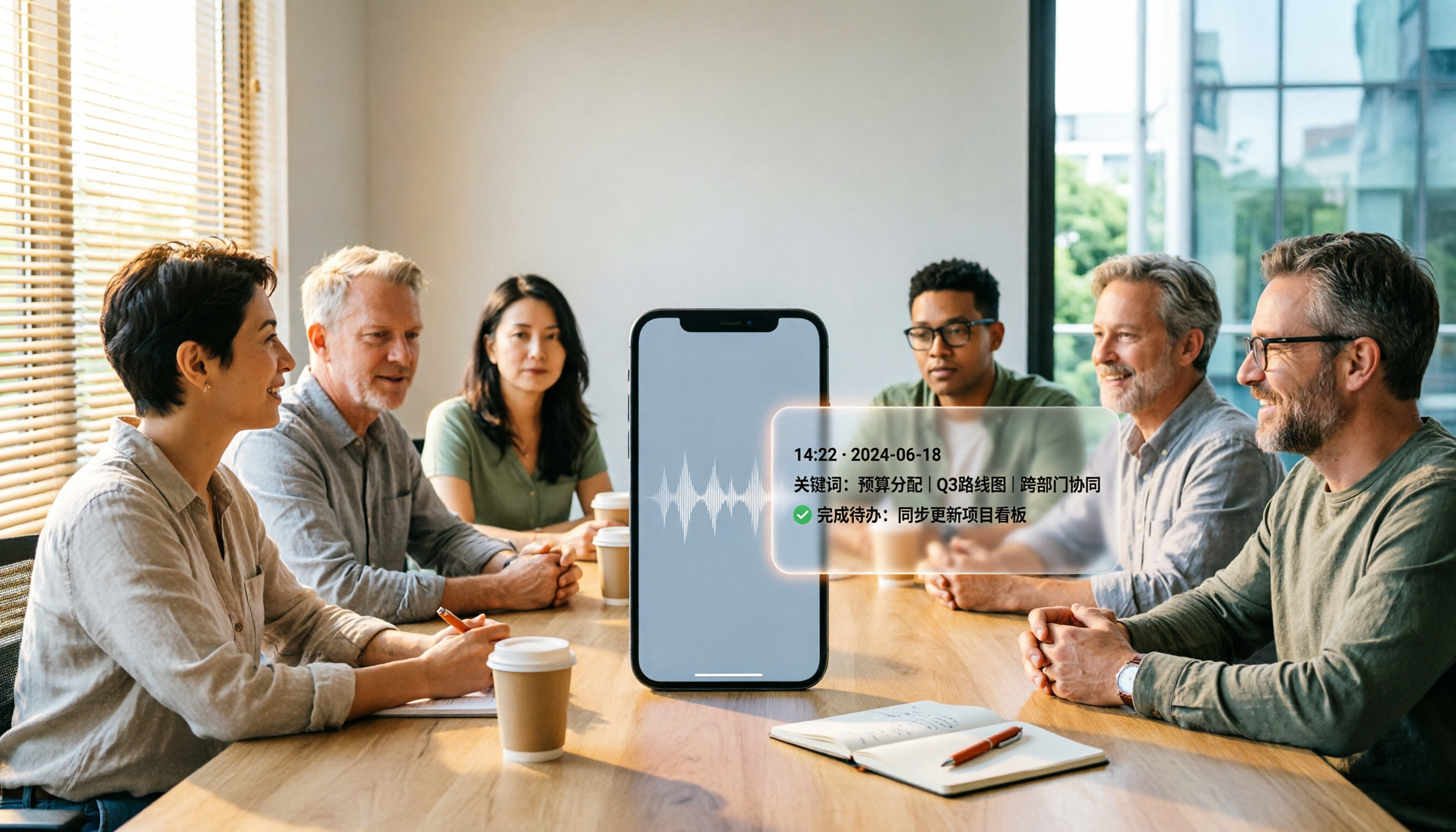
5 Best iPhone Recording Apps in 2026: From Free Recording to AI Meeting Notes
How do you choose the best iPhone recording app in 2026? This guide walks you through real-world use cases, core capabilities, and key buying factors, using Tinrec as an example to show how recordings can become searchable, collaborative, and actionable meeting data.

3 Audio Format to MP3 Conversion Methods Compared in 2026: After Conversion, Who Can Save You Cleanup Time?
Converting audio formats to MP3 is easy; the hard part is organizing after conversion. This article starts from the decision point of 'do you need conversion or organization?' explains MP3's role in the workflow, and uses Tinrec as an example to demonstrate how to turn meeting, interview, and lecture recordings into searchable, summarizable, and queryable transcripts and action items, while comparing the differences and pricing between personal and team versions.
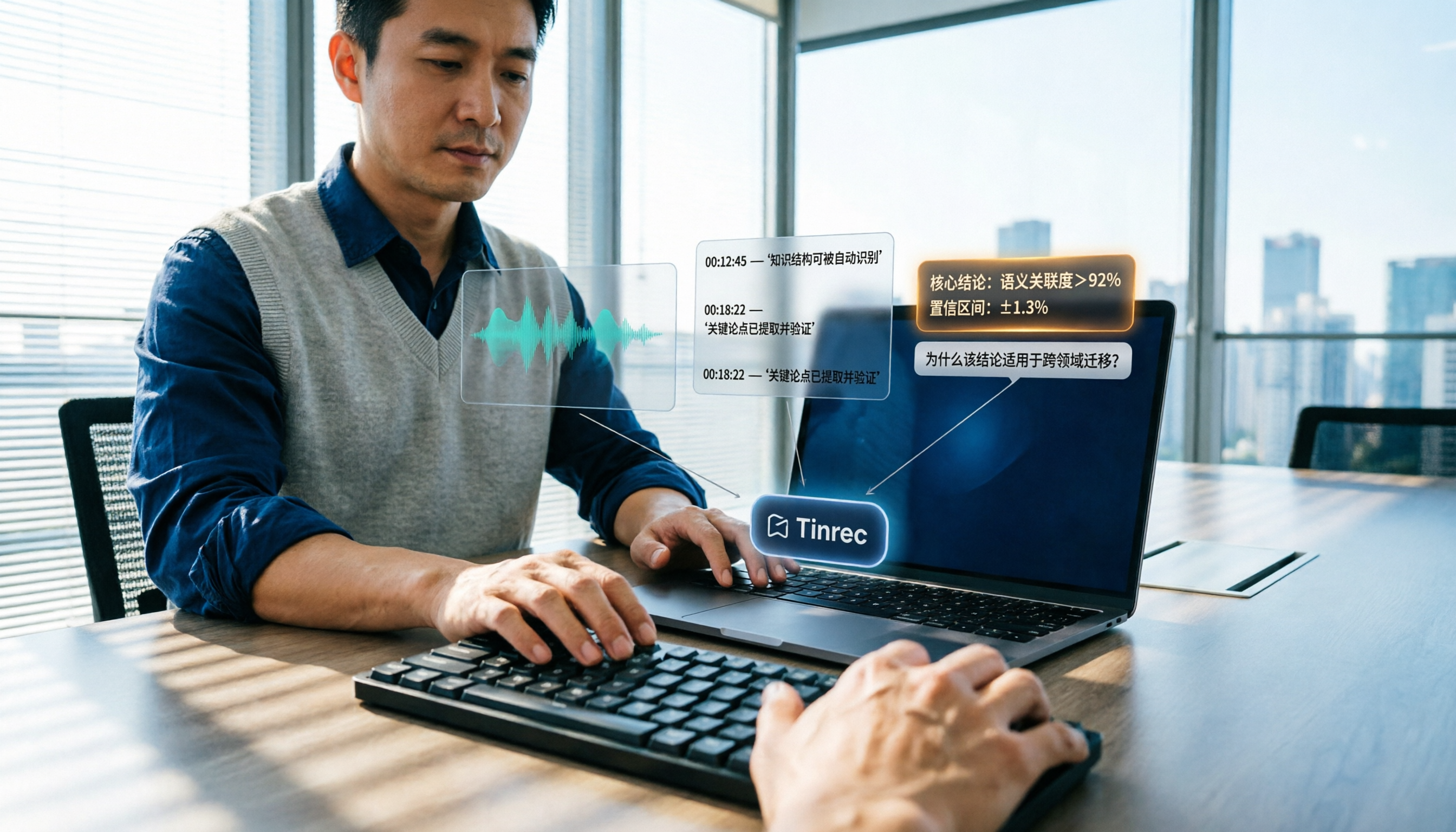
How to Summarize Knowledge Videos in 2026: 5 Steps from Transcript to AI Highlights
Saving more knowledge videos than you can ever watch? This article compares Tinrec and Felo AI across 5 dimensions—input sources, transcript traceability, post-meeting output, AI follow-up questions, and team knowledge retention—plus a 5-step workflow to help you decide which tool fits your learning and work scenarios.

2026 Comparison of 4 Multi-Speaker Meeting Transcription Tools: Which Can Identify Speakers and Summarize Key Points?
The pain point of multi-speaker meetings isn't just hearing clearly—it's identifying who said what and then organizing it. This article breaks down speaker identification limits, real-time vs. offline differences, post-meeting organization, and team data ownership from a methodological perspective. It tests and compares Tinrec, Otter.ai, Granola, and Notta, providing a selection order and onboarding checklist you can follow directly.
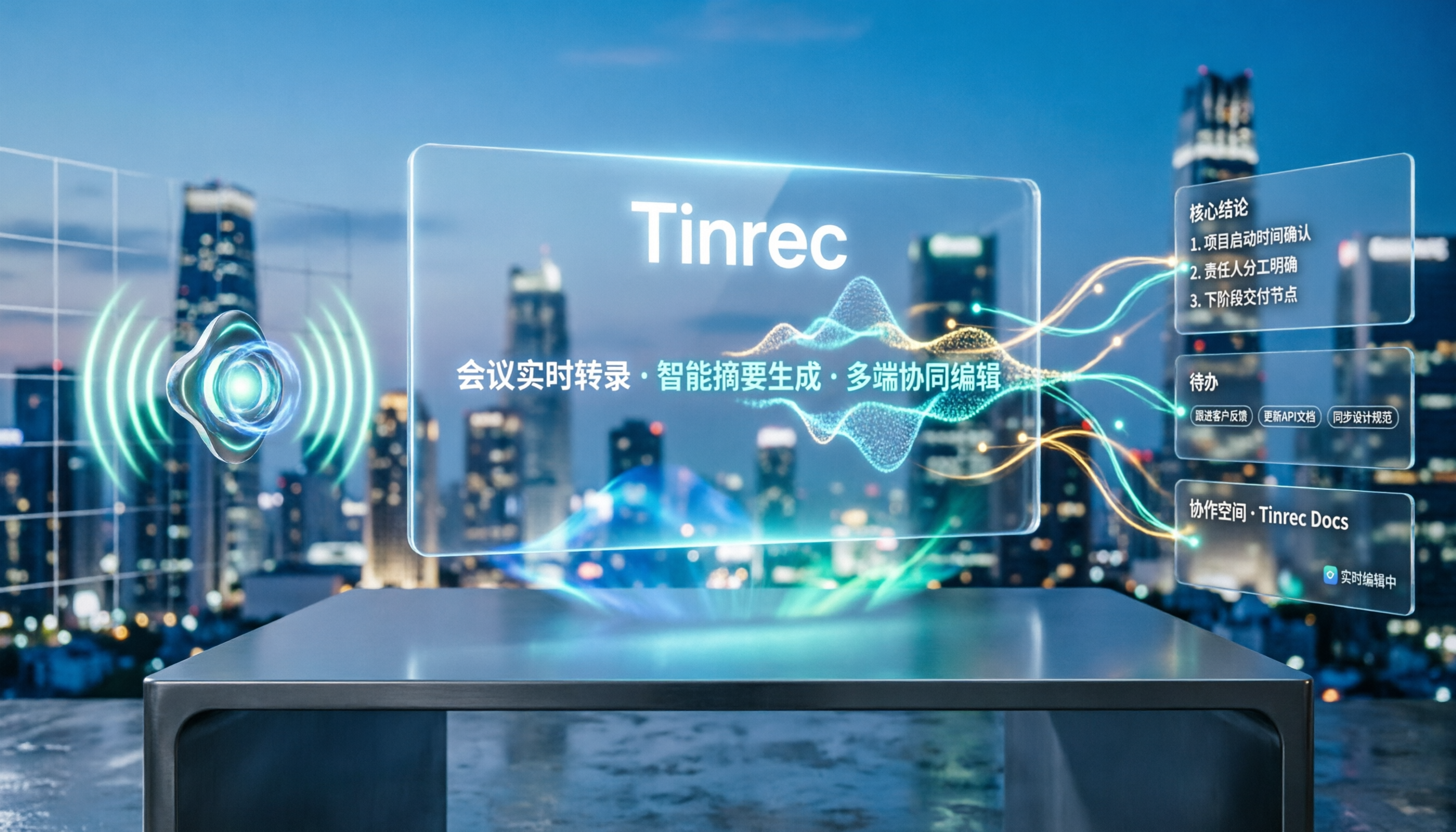
5 Best Speech-to-Text Tools in 2026: Free Transcription Compared
We tested 5 speech-to-text tools in 2026, comparing Chinese recognition, audio retention, post-meeting organization, and team collaboration. Plus buying tips and pitfalls to help you find the best transcription solution.

2026 Comparison of 4 AI Recording Tools: From Transcripts to Presentation Outlines, Which One Actually Saves Time?
Discovering that post-meeting organization takes the most time? This article tests and compares 4 AI recording tools, covering the workflow from transcripts and AI summaries to presentation outlines, breaking down 4 key purchasing factors and 3 common pitfalls, and explaining Tinrec's actual performance in post-meeting Q&A, chapter organization, and team knowledge retention.