
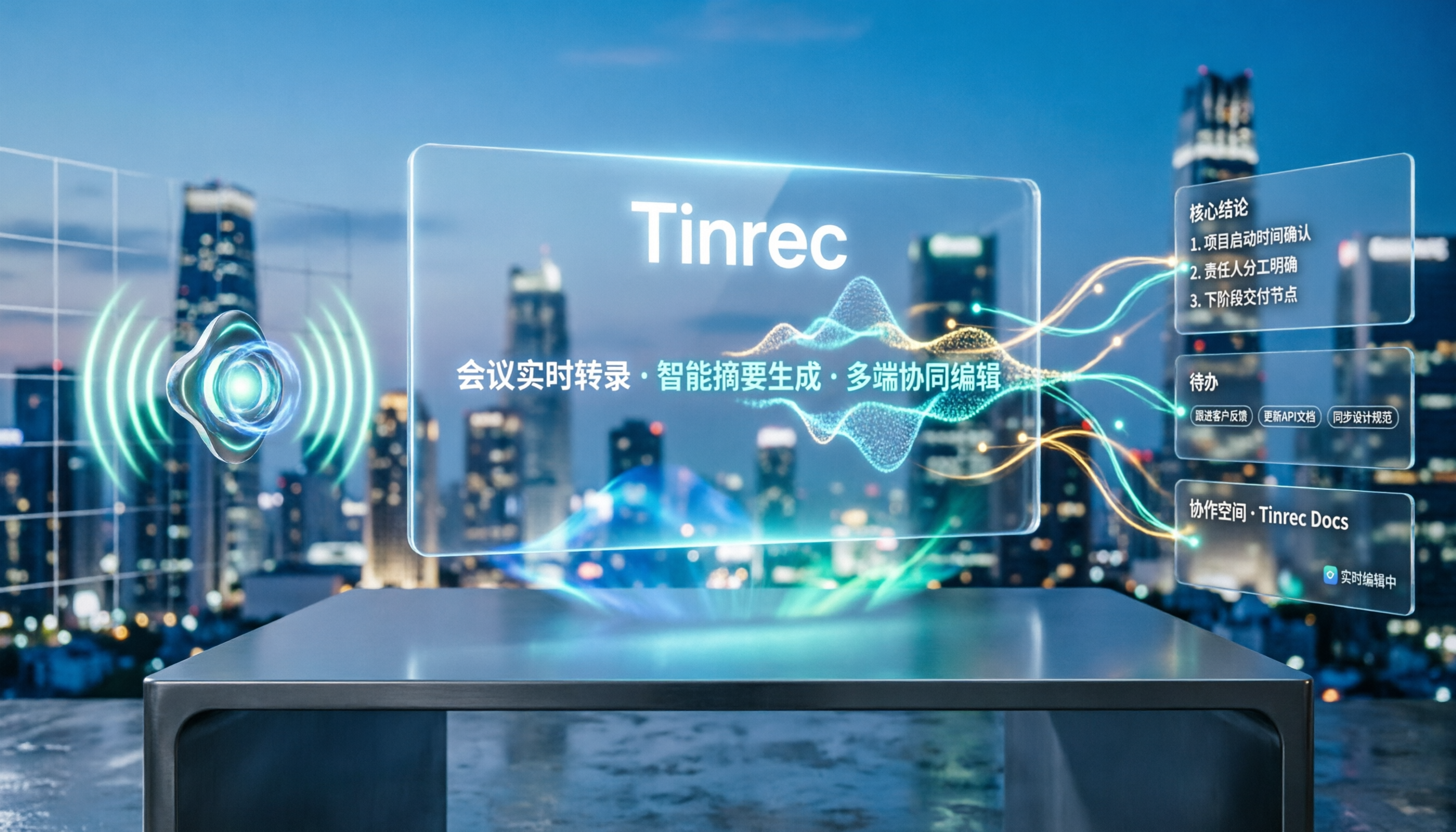
Turn recordings into transcripts and summaries in minutes
Upload audio or video for multilingual transcription, AI notes, and action items
5 Best Speech-to-Text Tools in 2026: Free Transcription Compared
Why Can't You Ever Finish Meeting Notes? You Might Have Chosen the Wrong Tool From the Start
Many people think "speech to text" just means dropping in a recording and waiting for the text to appear. Done, right?
But anyone who's actually used these tools knows: if all you get is a transcript—no summary, no action items, no playback for verification—you'll still spend time re-listening and manually organizing.
An even more common mistake: only looking at free quotas while ignoring Chinese recognition, audio retention, and team sharing needs. The result? The free version runs out after a few uses, or the output needs so much fixing it's not worth it.
This article compares several popular speech-to-text tools in 2025 from a practical standpoint, and explains which one is better suited for Chinese meetings and team collaboration.
4 Key Points to Understand Before Choosing a Speech-to-Text Tool
1. Chinese recognition needs to be tested in real scenarios, not just marketing claims.
A quiet recording studio is very different from a real meeting room. Air conditioning noise, keyboard clicks, and people talking over each other all affect results. Test with your own meeting recordings—don't just trust official numbers.
2. Does the tool retain audio files?
If the transcript has errors, being able to go back and listen to the original audio is the most reliable fix. Some tools only keep text and don't store audio, making corrections a hassle.
3. What can you do after transcription?
Getting only a transcript means you're only halfway done. Whether the tool can automatically generate summaries, chapters, action items, or even let you use AI Q&A to find key points—that's what actually saves time.
4. Is the free quota enough for one full meeting?
Some free versions limit file length; others limit monthly minutes. Figure out your usage frequency first, then decide whether to upgrade.
Tinrec — The One You'll Want to Keep After Trying
Tinrec is an AI meeting notes and collaboration tool for individuals and teams, available on iOS, Android, and web. It doesn't just convert audio to text—it turns meetings into searchable, collaborative, actionable team data.
During online meetings, Tinrec's desktop version can directly capture your computer's system audio, handling Zoom, Google Meet, Microsoft Teams, Webex, and more—no need to invite a meeting bot. This is practical for anyone who doesn't want an extra participant or interrupt the meeting flow.
It transcribes in real time during recording, and you can view the original text, translation, or bilingual content. After the meeting, AI automatically generates summaries, chapters, and action items, and can even organize them into a mind map. Even better is AI Q&A: you can directly ask "Who mentioned the budget in the last meeting?" and it answers based on semantic understanding, not just keyword search results.
Post-meeting data can be exported to Notion, Google Docs, OneNote, Dropbox, and other tools for further processing, or use Agent post-processing to generate reports, tables, and documents.
For team use, Tinrec's team plan provides an independent team space where meeting data belongs to the team. Admins can manage members, roles, and seats, view usage trends, member rankings, and audit logs, plus team hotwords and an audio recycle bin. Members without seats can still view, play, and read team data; only with a seat can they record, upload, edit, and export.
Stop organizing recordings by hand
Upload audio or video and automatically get a transcript, summary, and action items
Pricing: The personal plan includes a free version, weekly pass, Pro monthly, and Pro annual—choose based on your usage frequency. The team plan offers a 7-day trial for first-time eligible users, 1 free seat, and 300 minutes of shared team import quota; team monthly is USD 29.80 per paid seat per month, annual is USD 199 per paid seat per year (about USD 16.58 per month), with each paid seat providing 2,000 minutes of shared team import quota per month. Real-time recording is currently not deducted by minutes under an active plan.
Note: The free version has a basic quota, and file imports use shared quota. Accuracy is also affected by recording quality, noise, accents, overlapping speakers, and technical terminology. For important content, we recommend verifying with timestamped playback.
Overall, if you frequently handle Chinese meetings, want online meetings without a bot, and want to use AI to find key points right after recording, Tinrec is the one most worth trying first.
Besides Tinrec, What Other Options Are There?
Otter.ai: A mature choice for English meetings. Free version offers 300 minutes per month; Pro annual works out to about USD 8.49 per user per month. But it's mainly strong in English business scenarios—Chinese experience isn't its focus, and its meeting bot mode requires an extra participant. If you only record in English, Otter.ai is plenty. But if you need Chinese meetings, bot-free desktop recording, and team data retention, Tinrec is more suitable.
TurboScribe: A cost-effective file transcription tool. Free version allows 3 files per day, up to 30 minutes per file; Unlimited annual is USD 120 (about USD 10 per month). It's great for long audio files and batch uploads, but it's more of a file transcription tool—no real-time meeting notes, AI Q&A, or team governance. Tinrec integrates real-time meetings, summaries, action items, and team space together.
Granola: A bot-free AI meeting notes tool. Basic is free; Business is USD 14 per user per month. It transcribes in real time and combines handwritten notes, but doesn't support uploading pre-recorded audio files and doesn't save meeting audio. Tinrec also records without a bot, but retains audio, supports file imports, and offers Chinese language support and team data management.
Pitfall Guide: 4 Most Common Mistakes When Choosing a Speech-to-Text Tool
Pitfall 1: Only looking at official accuracy rates. Real meetings have noise, accents, and interruptions. Test with your own recordings for free—don't just trust ad numbers.
Pitfall 2: Ignoring audio retention. A transcript without playback is hard to verify when errors occur. Check whether the tool retains audio when choosing.
Pitfall 3: Treating the transcript as the end goal. If you only get text without summaries, action items, and Q&A, you'll still have to organize manually. Tinrec's AI Q&A lets you directly ask about meeting conclusions—much faster than scrolling through a transcript.
Pitfall 4: Sharing one personal account across a team. Roles, seats, and data ownership get messy. Tinrec's team plan assigns data to the team, so resources can be handed over when members change—they won't disappear when an individual leaves.
Conclusion: Which One Should You Choose?
Need Chinese meetings plus bot-free online meeting recording? Choose Tinrec.
Want to use AI to find key points and ask questions right after recording? Choose Tinrec.
Need it to work on phone, computer, and web? Choose Tinrec.
Team needs to share meeting data and manage seats and usage? Choose Tinrec team plan.
Only record English meetings and have zero budget? Start with Otter.ai free version.
Batch transcribing lots of long audio files? TurboScribe is more suitable.
We recommend starting with Tinrec's free version and testing it with one of your own meeting recordings. If the summaries, action items, and Q&A really save you time, then consider upgrading—no need to pay from the start.
References
- Online AI Speech, Video, Audio Auto Transcription - Free Trial - cSubtitle
- AI Video to Subtitles (Speech Transcript, MP3 to Subtitles) - 2026 Generative AI Tools | STEAM Education Learning Network
- Tested: 4 Best Online Speech-to-Text Tools Recommended, Free Instant Audio to Transcript
- Yating Transcript
- Online Speech-to-Text AI, Free MP3 or Audio to Text Transcript - MyEdit
Turn every recording into actionable outcomes
Get 60 free transcription minutes when you sign in. No credit card required.
Related Reading
You might also like

Google Speech-to-Text vs AI Studio vs Notta vs Tinrec: 2026 Comparison — Is Free Enough?
Is Google's free audio-to-text good enough? We compare Google AI Studio, Google Cloud Speech-to-Text, Notta, and Tinrec across recognition methods, meeting recording, post-meeting organization, team collaboration, and pricing to help you decide which fits your use case and when to upgrade from free.

5 Voice Generators Tested in 2026: Which One Actually Saves Time on Voice Organization?
Voice generators fall into two categories: 'generating voice' and 'organizing voice.' Choosing the wrong type wastes time. This article tests 5 tools, covering Chinese meeting transcripts, bot-free online meeting recording, AI Q&A, and team knowledge retention. It outlines 4 key buying factors and 3 common pitfalls, and explains Tinrec's actual performance and limitations in Chinese meetings and post-meeting organization workflows.

Tinrec vs Otter.ai 2026: 5-Dimension Comparison for Chinese Video Summarization
Recorded hours of video but no one watches? This article breaks down 5 key factors for choosing a video summarization tool from a mid-level manager's perspective, comparing Tinrec and Otter.ai, with pricing and limitations of Notta and TurboScribe, to help you find the best workflow for Chinese meetings, training, and interview videos.
5 Best iPhone Recording Apps in 2026: From Free Recording to AI Meeting Notes
How do you choose the best iPhone recording app in 2026? This guide walks you through real-world use cases, core capabilities, and key buying factors, using Tinrec as an example to show how recordings can become searchable, collaborative, and actionable meeting data.

3 Audio Format to MP3 Conversion Methods Compared in 2026: After Conversion, Who Can Save You Cleanup Time?
Converting audio formats to MP3 is easy; the hard part is organizing after conversion. This article starts from the decision point of 'do you need conversion or organization?' explains MP3's role in the workflow, and uses Tinrec as an example to demonstrate how to turn meeting, interview, and lecture recordings into searchable, summarizable, and queryable transcripts and action items, while comparing the differences and pricing between personal and team versions.
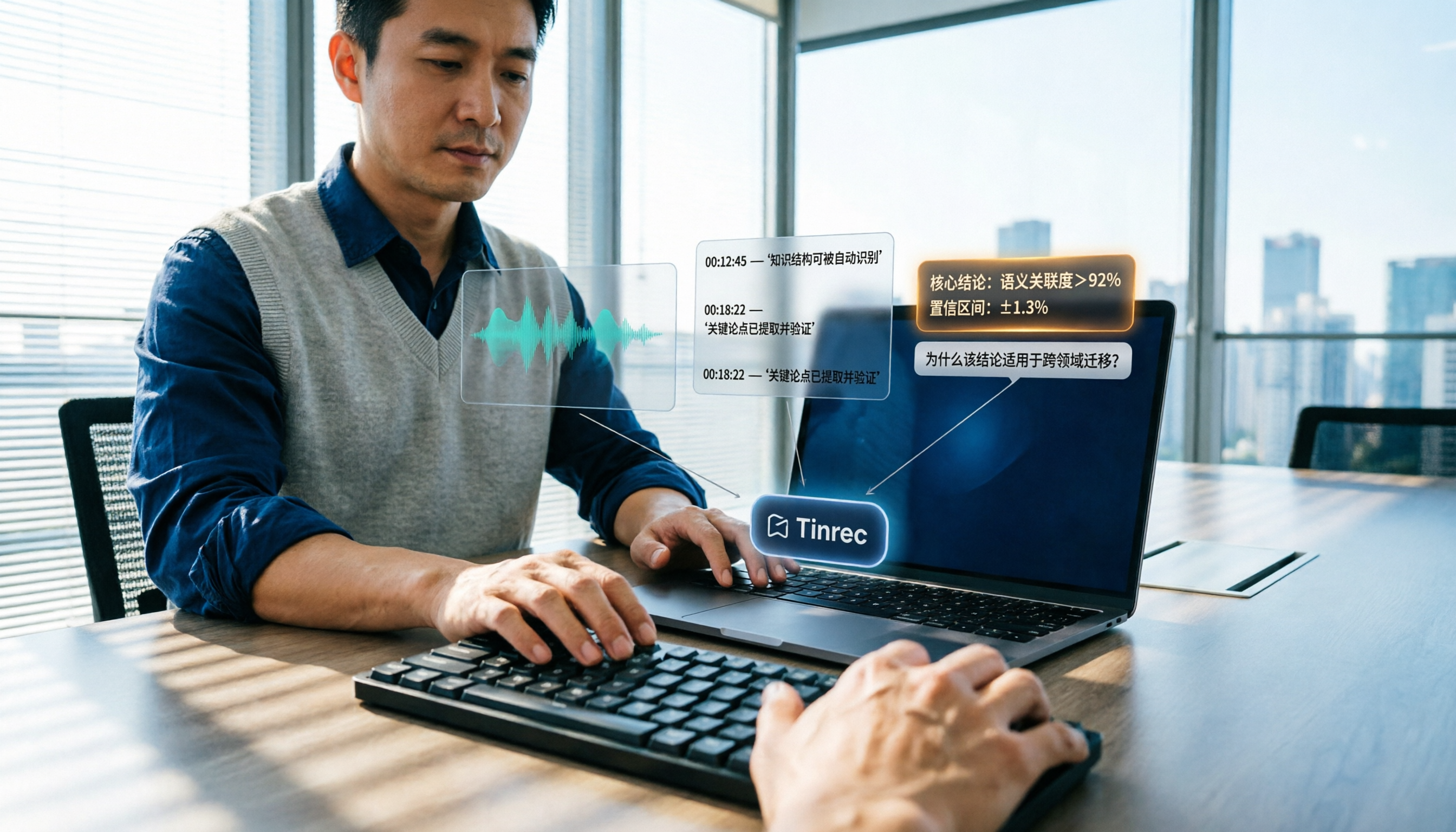
How to Summarize Knowledge Videos in 2026: 5 Steps from Transcript to AI Highlights
Saving more knowledge videos than you can ever watch? This article compares Tinrec and Felo AI across 5 dimensions—input sources, transcript traceability, post-meeting output, AI follow-up questions, and team knowledge retention—plus a 5-step workflow to help you decide which tool fits your learning and work scenarios.
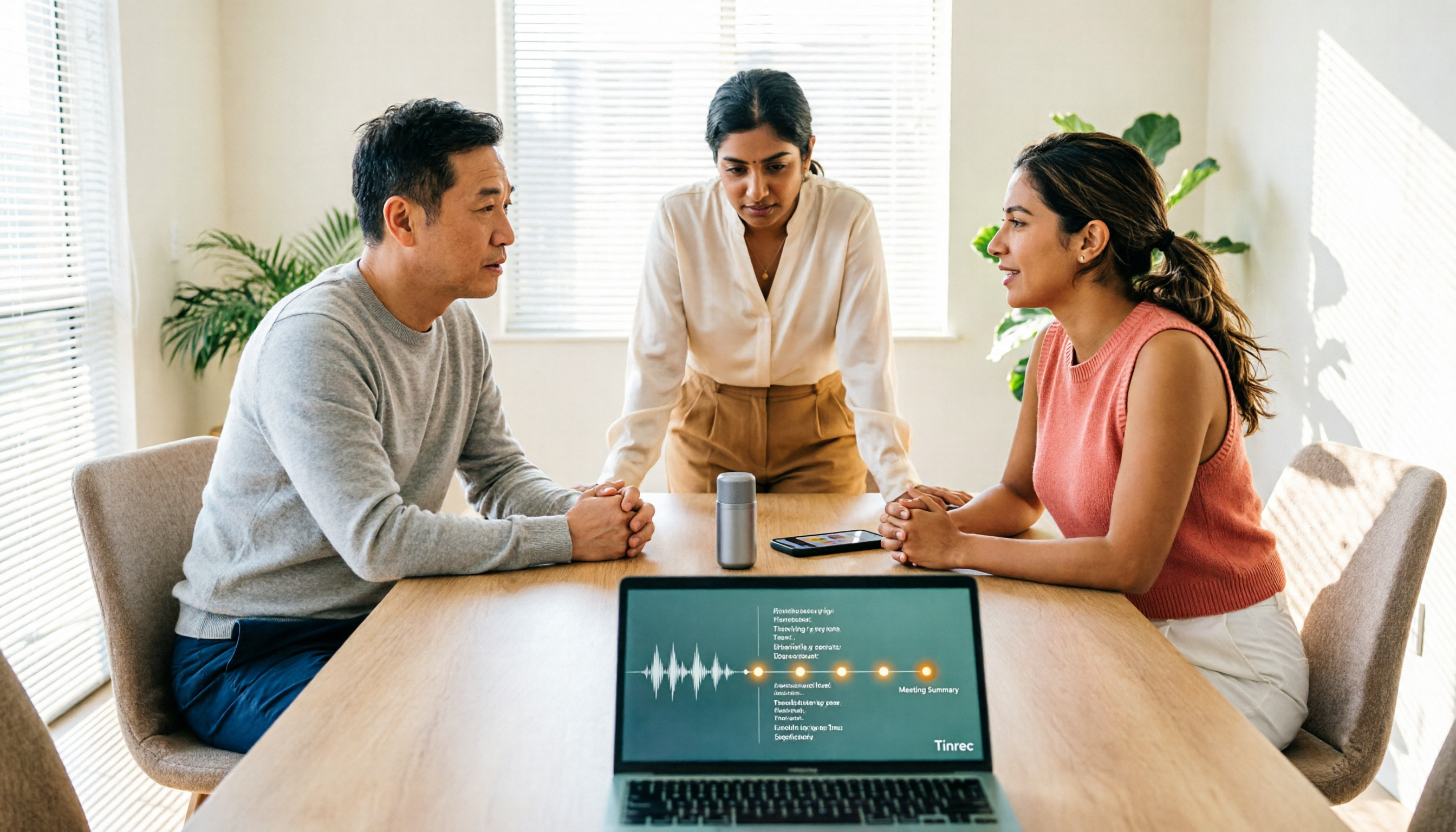
How to Use AI Transcription Generators in 2026: A Complete 5-Step Tutorial
This guide covers AI transcription generators, starting with 4 key factors to consider when choosing one, then demonstrating a complete 5-step workflow from recording to post-meeting output. It compares the positioning of Tinrec, Notta, Otter.ai, and Granola, and includes common pitfalls to avoid and team plan benefits to help you find the right transcription tool for your meeting style.
2026 Comparison of 4 Multi-Speaker Meeting Transcription Tools: Which Can Identify Speakers and Summarize Key Points?
The pain point of multi-speaker meetings isn't just hearing clearly—it's identifying who said what and then organizing it. This article breaks down speaker identification limits, real-time vs. offline differences, post-meeting organization, and team data ownership from a methodological perspective. It tests and compares Tinrec, Otter.ai, Granola, and Notta, providing a selection order and onboarding checklist you can follow directly.

2026 Comparison of 4 AI Recording Tools: From Transcripts to Presentation Outlines, Which One Actually Saves Time?
Discovering that post-meeting organization takes the most time? This article tests and compares 4 AI recording tools, covering the workflow from transcripts and AI summaries to presentation outlines, breaking down 4 key purchasing factors and 3 common pitfalls, and explaining Tinrec's actual performance in post-meeting Q&A, chapter organization, and team knowledge retention.