

Turn recordings into transcripts and summaries in minutes
Upload audio or video for multilingual transcription, AI notes, and action items
2026 Top 5 AI Meeting Report Tools Compared: From Recording to Report, Which Saves the Most Time?
First, the Most Common Pitfall: You Don't Lack an AI That Writes Reports—You Lack Meeting Material You Can Query
Most people get stuck not because of writing skills, but because of raw material.
Mistake 1: Thinking that finishing meeting notes means the summary report is done. A transcript is just material. Pasting a 30-minute conversation verbatim into a report still leaves your boss wondering what the conclusion is.
Mistake 2: Frantically taking notes during the meeting, head down typing the whole time, only to realize when it's your turn to speak that you missed the first ten minutes of discussion. You only captured keywords and can't reconstruct the context afterward.
Mistake 3: Using a chat-based AI to generate a report with one click. Input rough notes, and it can indeed produce a well-structured document, but the accuracy depends on how much and how precise the information you feed it is. What was missed or misheard in the meeting, the AI won't recover for you.
A more reasonable approach is to split the process into three stages: capture everything completely during the meeting; after the meeting, use AI to organize the messy conversation into summaries, sections, and action items; finally, write the report from the organized material. The following tools correspond to different positions in these three stages.
Before Choosing an AI Summarization and Reporting Tool, Understand These 4 Key Points
1. Does the input source match your meeting format? Online meetings, in-person meetings, and existing recordings require completely different handling. Some tools rely on a meeting bot joining the video conference, some capture system audio directly via desktop, and some only allow file uploads. First figure out which type of meeting you have most often, then choose the tool.
2. After the transcript, what else can it give you? A transcript is the baseline. What really affects report-writing speed is whether it can automatically produce summaries, sections, key points, and action items—these are the skeleton of the report.
3. Can you ask follow-up questions? The most time-consuming part of writing a report is searching back and forth through a 30-minute transcript for "who mentioned the budget" or "what was the conclusion." If the tool supports asking questions in natural language about the meeting content and answers directly instead of giving you keywords, the time saved is enormous.
4. Can the output connect back to your existing workflow? Reports usually end up in Notion, Google Docs, or a company document system. If the tool only lets you view within its own interface, you still have to copy and paste.
5. For team use, also consider data ownership. Does meeting data follow individual accounts or accumulate in a team space? Is the data still there after a member leaves? For departments that need handovers, this is more important than the number of features.
Tinrec — Our Top Pick After Testing
One-sentence positioning: Tinrec is an AI meeting notes and collaboration tool for individuals and teams, supporting iOS, Android, and web, with a desktop version that can directly handle online meetings.
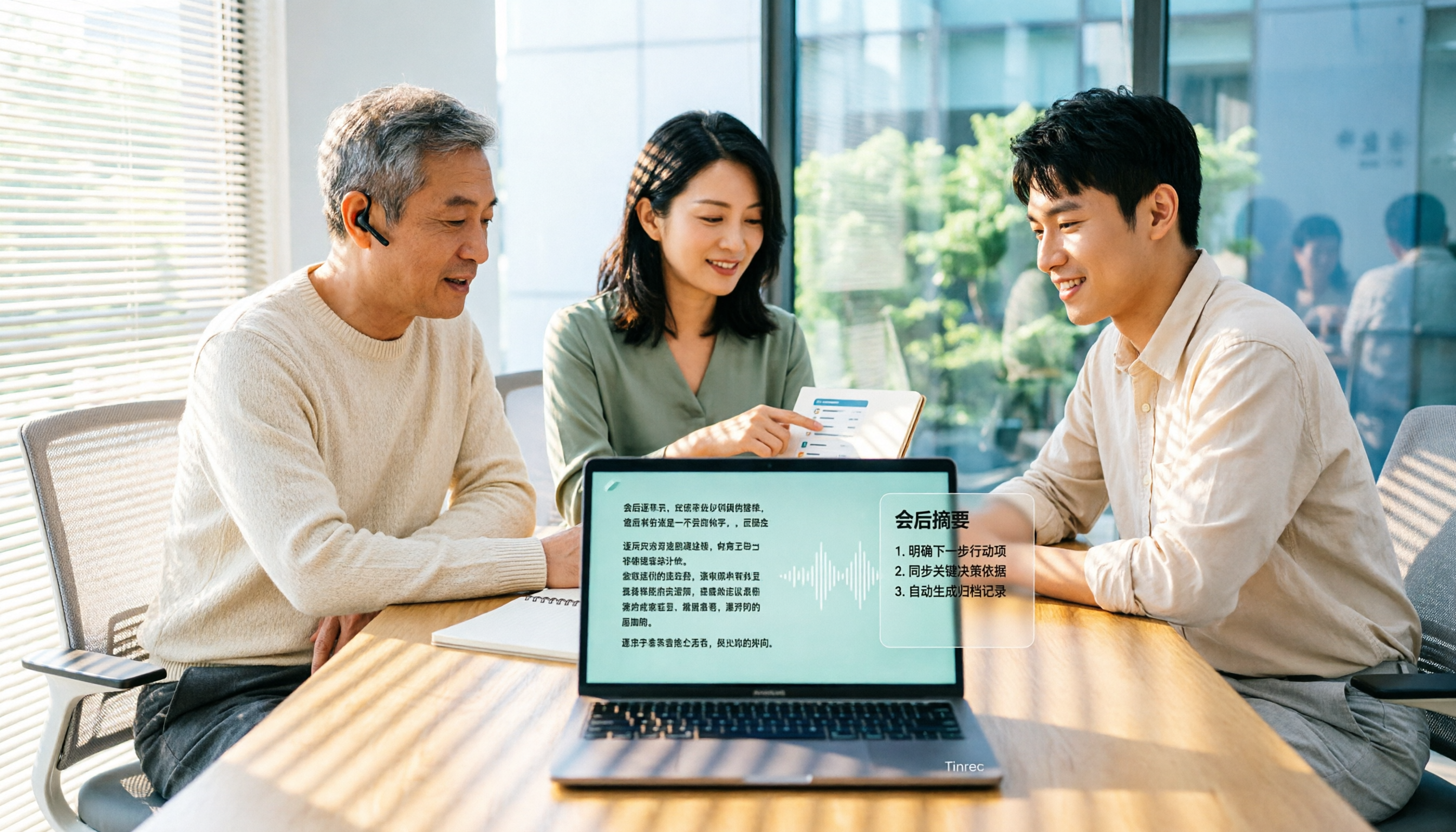
Its biggest difference from ordinary recording apps is that it handles the most time-consuming work "after the meeting ends." In practice, open Tinrec during the meeting, and the transcript grows as people speak; as soon as the meeting ends, the AI summary, sections, and action items are already organized beside it—who is responsible for what and what the deadlines are, all clear at a glance, no need to listen back to the recording.
Handling online meetings is another convenience. The Tinrec desktop version directly captures system audio, handling Zoom, Google Meet, Microsoft Teams, Webex, and other meetings without adding a meeting bot as a participant. For those who frequently meet with external clients, not having that extra bot account makes things much cleaner.
What really sets it apart is AI Q&A. After recording, you can directly ask it: "What was the conclusion about the budget in this meeting?" It will give you an answer based on semantic understanding, rather than throwing a list of keyword search results for you to sift through. When writing a summary report, this feature essentially picks out the key points for you.
As for the report itself, Tinrec's Agent post-processing can generate reports, tables, and documents based on meeting content, and can also export transcripts and summaries to Notion, Google Docs, OneNote, Dropbox, and other tools for further editing. If the meeting involves foreign languages, it supports real-time translation, viewable in original, translated, or bilingual mode.
Stop organizing recordings by hand
Upload audio or video and automatically get a transcript, summary, and action items
Three main advantages: First, comprehensive source coverage—real-time recording, online meetings, audio/video files, and mobile recording can all be handled, and existing recordings can be transcribed. Second, complete post-meeting output—summaries, sections, action items, mind maps, and AI Q&A all in one, essentially completing the prep work for writing the report. Third, the team version stores meeting data in a team space, members can share and view historical meetings, admins can manage roles, seats, usage, and audit logs, and when a member leaves, resources can be handed over to other members, so data doesn't leave with the person.
Limitations should also be clear: The free version is a basic quota, suitable for occasionally organizing one or two recordings; if you have a steady weekly meeting load, Pro is more appropriate. Also, transcription accuracy is affected by recording quality, ambient noise, accents, and multiple people talking over each other. Tinrec does not recommend understanding it in terms of a "fixed accuracy rate"; for important content, it's still advisable to cross-check with the transcript timestamps and recording.
The current terms for the team version: First eligible team can try 7 days, 1 free seat, and 300 minutes of team shared import quota; monthly USD 29.80 per paid seat per month, annual USD 199 per paid seat per year (about USD 16.58 per month), each paid seat provides 2,000 minutes of team shared import quota per month. Under an active team plan and seats, real-time recording currently does not deduct minutes; document and web imports use the team shared quota. Prices and benefits are subject to the official purchase page.
Who it's for: Those who frequently handle online meetings, want to directly ask AI for key points after the meeting, or need to accumulate meeting data as a team asset. For individual use, the personal version is enough; if the whole team needs to share the same meeting records, look at the team version.
Besides Tinrec, What Other Options Are There?
Gamma: Its strength is turning prompts, outlines, or existing files into polished presentations and documents. The free plan includes introductory AI credits, and paid plans unlock more credits and custom fonts. It's suitable for scenarios where you "already have content and need to quickly format it into a presentation." But Gamma doesn't handle meeting recordings and can't turn meeting audio into a queryable transcript—if you want a complete workflow from recording to report, it can't fill that gap.
Elicit: A tool familiar to researchers. Input a research question and it finds key papers and organizes them into tables, quickly grasping each paper's findings and conclusions. It's very helpful for reports that need literature support. However, its scope is literature search; it doesn't do meeting recordings, transcripts, or action item extraction. It can be used alongside when citing literature, but meeting notes still need tools like Tinrec.
Vocol.ai: Offers three recording methods—a recording bot joining Google or Teams meetings, recording with a computer microphone, or uploading audio/video files—and produces meeting summaries and action items afterward. But its supported online meetings are limited to Google and Teams, and it requires a bot to join or manual upload; the Tinrec desktop version can directly capture system audio without a bot, and covers iOS, Android, web, plus team seats and usage management.
Pitfall Guide: The 4 Most Common Mistakes When Using AI to Write Summary Reports
Pitfall 1: Only looking at "can it generate a report," not where the material comes from. The quality of AI-generated reports depends on how complete the meeting content you feed it is. Skipping recording and transcription and asking AI to generate a report directly is like asking it to make things up for you.
Pitfall 2: Treating the transcript as the end goal. A transcript is just material; what really saves time is summaries, sections, and action items. Without these, you still have to read through it yourself.
Pitfall 3: Ignoring the value of follow-up questions. Many people only look at transcription accuracy when choosing a tool, but overlook whether they can ask questions about the content afterward. The most time-consuming part of writing a report is often not typing, but finding information again.
Pitfall 4: Choosing a personal tool for team use. Data in personal accounts follows the person, which is most problematic when a colleague leaves or a project is handed over. To share meeting data, you should use a solution with a team space, seats, and permission management.
Conclusion: Which One Should You Choose?
One-sentence conclusion: To turn meeting content into a summary report, Tinrec currently has the most complete workflow.
- Need to handle online + offline meetings, and also import existing recordings → Tinrec
- Want to directly ask AI for conclusions and action items after recording, without manually searching the transcript → Tinrec
- Report needs to go into Notion, Google Docs, or other existing tools for further writing → Tinrec
- Whole team needs to share meeting records, manage seats and usage → Tinrec team version
- Already have complete content, just need to format it into a presentation → Gamma
- Report needs extensive academic literature support → Elicit (but still needs to be paired with a meeting notes tool)
We suggest starting with the free version and trying it once with a real meeting recording you have on hand, to see if the summaries and action items it produces are things you would actually use when writing your report. If it works for you, then consider upgrading—no need to pay from the start.
References
Turn every recording into actionable outcomes
Get 60 free transcription minutes when you sign in. No credit card required.
Related Reading
You might also like

Tinrec vs Otter.ai in 2026: 5-Dimension Comparison — Which Is Better for Chinese Meetings?
Still manually transcribing meetings? This article compares Tinrec and Otter.ai across 5 dimensions: Chinese recognition, bot-free recording, post-meeting AI Q&A, team collaboration, and pricing. We also highlight 4 common pitfalls when choosing speech-to-text AI to help you find the best tool for Chinese meeting notes.
5 AI Text-to-Speech Tools Tested in 2026: Which Is Best for Reading, Transcribing, and Post-Meeting Notes?
AI reading text isn't just about reading words aloud. This article tests 5 tools, from text-to-speech to meeting transcripts and post-meeting AI Q&A, explaining why Tinrec is suitable for those who need Chinese meeting notes and team collaboration, and honestly lists free limitations and team pricing.
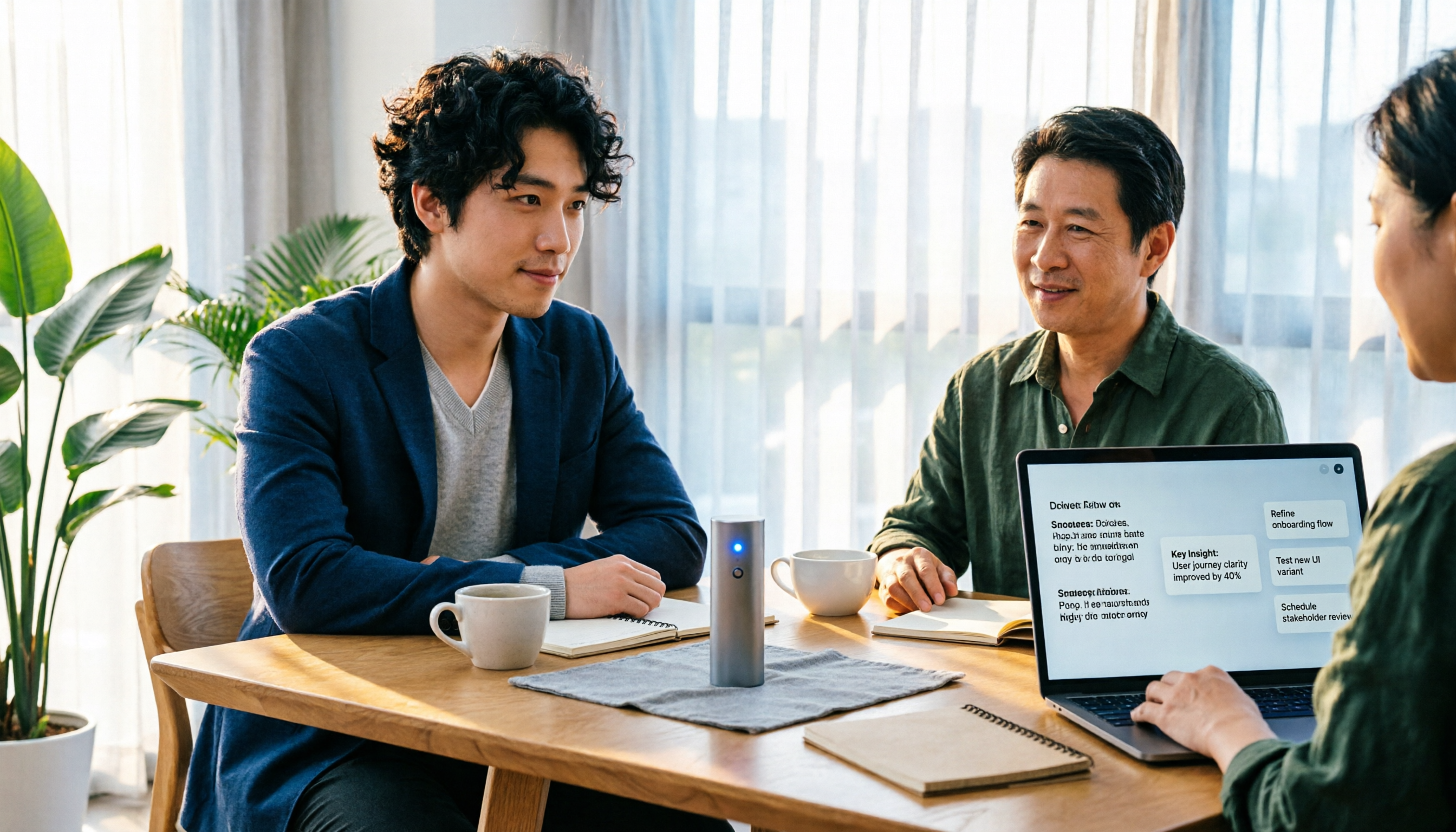
4 Google Audio-to-Text Solutions Tested in 2026: Which Free Transcription and Meeting Notes Tool Is Enough?
Google's own Live Transcribe, Docs voice typing, and Cloud Speech-to-Text API each have their own purpose, file length limits, and use cases. This article uses the same mixed Chinese-English meeting recording to compare 3 Google solutions and Tinrec on transcription, summaries, action items, AI Q&A, and team collaboration, plus 4 key buying points and 3 common pitfalls to help you decide between a free tool and a meeting-specific tool.

Tinrec vs Notta 2026: 5-Dimension Comparison for Video Highlight Extraction
Two-hour video but only need ten minutes of key points? This article starts from the real pain of video highlight extraction, breaks down 5 key selection factors, tests Tinrec's transcription, AI summary, content Q&A, and team space, compares Notta, TurboScribe, and Granola in positioning and pricing, and provides actionable selection advice.

Tinrec vs Notta: 2 AI Voice Tools Tested for Meeting Notes & Transcription in 2026
Many people search for voice generation software, but the real pain point is organizing meeting audio. This hands-on comparison of Tinrec and Notta covers meeting capture, post-meeting organization, Chinese language experience, team collaboration, and data retention to help you choose the right tool for your workflow.

2026 Comparison of 4 Workplace Short Video Learning Summary Tools: Is Tinrec's AI Summary and Review Good Enough?
Forget short work videos right after watching? This article starts from the criteria of 'summary—notes—review' and compares Tinrec with general note-taking tools, bookmarking tools, and pure transcription tools in short video learning. It organizes 4 key comparisons, real usage scenarios for campus and internships, and concerns about free quotas and paid options to help you choose a workflow that truly helps you remember.

5 Best Free Speech-to-Text Online Tools in 2026: A Complete Guide
Compare 5 free speech-to-text online tools in 2026, including Tinrec, MyEdit, cSubtitle, TurboScribe, and Otter.ai. Review free quotas, Chinese language support, export formats, and use cases, with selection tips and usage notes.

2026 Video Summarization Software Ranking Guide: Student-Tested Choices from Notta to Tinrec
This article starts from students' actual needs, organizes the key points for choosing video summarization software in 2026, and uses Tinrec as the core to compare the pain point that ordinary tools only provide transcripts. The content covers classroom notes, group reports, online courses, and interviews, helping you understand how AI summaries, to-do extraction, AI Q&A, and team collaboration can truly save time, and finally gives recommendations for students.

2026 Video Summarization Tools Compared: The Real Test Is Whether You Can Ask Follow-Up Questions and Keep Your Data
There are many video summarization tools, but most people only compare summary length. This article uses four angles—can you jump back to timestamps, can you ask follow-up questions, can you turn insights into action, and can team data be retained—to review the positioning and limitations of Tinrec, Felo AI, Monica, and WayinVideo, helping you find the right approach.