
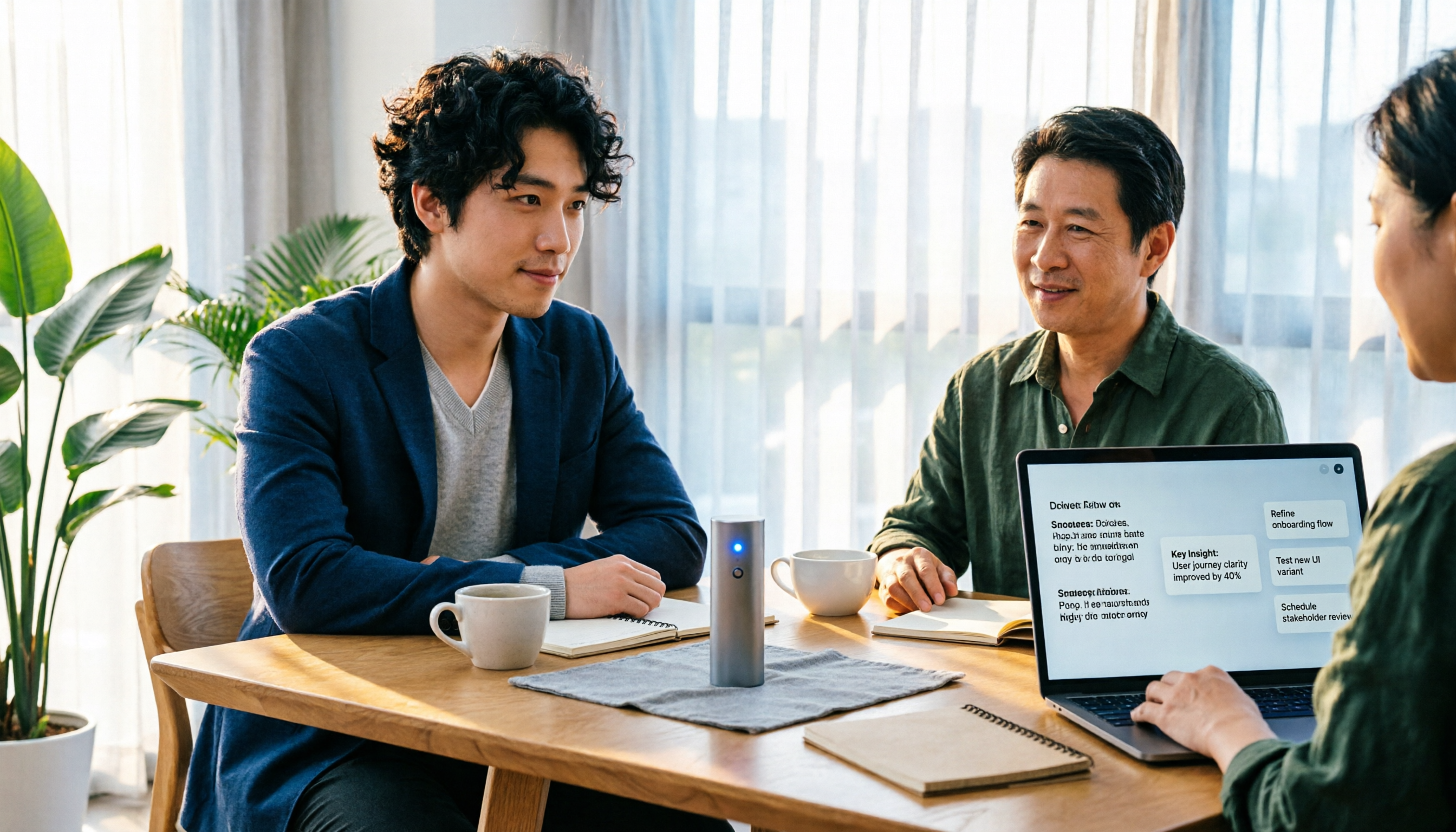
Turn recordings into transcripts and summaries in minutes
Upload audio or video for multilingual transcription, AI notes, and action items
4 Google Audio-to-Text Solutions Tested in 2026: Which Free Transcription and Meeting Notes Tool Is Enough?
The moment the meeting ends is when the real exhaustion begins
A cross-department meeting that started at 2 p.m. and ended at 4 p.m. is over. You have a two-hour recording, three pages of messy notes, and your manager asking in the group chat: "That budget item from earlier—who's following up on it?"
What you're really thinking is: instead of listening to two hours of recording again, I wish the tool would just tell me the answer.
Discovering after the meeting that things weren't finished is probably a shared experience for every office worker. The hardest part of meeting notes was never "listening"—it's "finding": finding the decision, finding the owner, finding that number that was mentioned twice but no one wrote down.
So some people search Google for "Google audio to text." What you usually want isn't the act of turning sound into text itself, but a transcript, summary, and action list you can hand over directly.
Google itself has a whole toolchain: Live Transcribe on Android, voice typing in Google Docs, and the Google Cloud Speech-to-Text API. Each has its own purpose and its own limitations.
This article compares these Google solutions, plus Tinrec, which after testing I found to be the closest fit for meeting scenarios, so you can decide in five minutes which one to use.
Before choosing a Google audio-to-text solution, understand these 4 key points
1. Do you need live recording or to upload an existing file?
This is where 90% of people get stuck at the first step. Voice typing in Google Docs is live microphone input. If you want to use it to transcribe an already-recorded meeting file, you have to install a virtual audio cable to route the sound in yourself, and most office workers give up at that point.
Google Live Transcribe (Android) is also live-oriented and good for seeing captions in the moment; when copying text, you can only copy one paragraph at a time.
If your files are all "already recorded," you need a tool that supports direct audio and video upload. This point matters more than anything else when choosing.
2. After transcription, what do you want to get?
If you only need a transcript, a free tool is enough. But if what you want is "what was the conclusion of this meeting, who needs to do what, and what should be followed up next week," then you need to see whether the tool has summaries, chapters, and action item extraction. This is usually where free plans and advanced tools differ the most.
3. How should online meeting audio be captured?
There are two ways to capture online meetings: one is to send a meeting bot account into the meeting room, and the other is for desktop software to directly capture the computer's system audio. The former requires a stranger account to appear on the participant list, which isn't suitable for some client meetings; the latter doesn't need an extra participant, but you have to remember to press start yourself.
4. File length, quotas, and whose data it is
Google Cloud's web demo interface is intuitive, but a single audio file is limited to 60 seconds and 10 MB. To transcribe longer files, you need to switch to the official API or advanced services. Free tools also often have single-session length limits.
Another commonly overlooked point is data ownership: whether recordings are stored in a personal account or a team space determines whether you can still get that meeting record after a colleague leaves.
Tinrec—our top pick after testing
Tinrec is an AI collaboration tool centered on meeting notes. It supports Chinese, Traditional Chinese, and multilingual meetings, and covers iOS, Android, desktop, and web. It isn't just a voice recorder app; it strings recording, transcription, summaries, action items, and team sharing into one workflow.
Bot-free recording of online meetings
The desktop version directly captures computer system audio and can handle meeting audio played on a computer from platforms such as Zoom, Google Meet, Microsoft Teams, and Webex without inviting a bot account into the meeting. For people who frequently have client meetings, this is very practical—no unfamiliar account appears on the participant list. For offline meetings, you can start live recording directly and get a transcript as you speak. Note that you need to open the desktop version yourself to start recording; it doesn't automatically join every meeting on your calendar.
Post-meeting organization: summaries, chapters, action items
Our test conditions were the same Windows laptop and the same roughly 8-minute mixed Chinese-English meeting recording, repeatedly comparing the output of several tools. Tinrec was relatively stable in sentence segmentation and handling of proper nouns in Chinese and mixed Chinese-English passages; after recording ended, the summary was already divided into chapters by topic, and action items listed the owner and the task.
To be honest here: the effectiveness of these tools is affected by recording quality, accent, background noise, multiple people talking over each other, and technical terminology. None of them can consistently promise 98% or 99% accuracy. What you should really test is "running it once under your own recording conditions."
AI Q&A—this is where it differs most from free tools
After recording, you can ask it directly: "Who mentioned the budget in the last meeting?" It will answer based on semantic understanding rather than throwing a string of keyword search results at you. Once you've accumulated twenty or thirty meetings, the time this feature saves is very significant.
Stop organizing recordings by hand
Upload audio or video and automatically get a transcript, summary, and action items
Other things worth mentioning
- Live translation, viewable as original text, translated text, or bilingual, so cross-language meetings don't require finding someone else to translate.
- Multi-format export, so you can take results to Notion, Google Docs, OneNote, or Dropbox for further work.
- The team version is a separate team space, not "multiple people sharing one personal account." Members, roles, and seats are managed separately, with shared import quotas, usage analytics, audit logs, and a 30-day audio recycle bin; when a member leaves or loses a seat, the data they were responsible for can be handed over to someone else and won't disappear with the personal account. Teams can also maintain hot words to improve recognition of their own product terms.
Limitations—what needs to be said still needs to be said
- The free version provides basic quota so you can try recording, importing, summaries, and transcription; heavy users need to pay.
- The team version currently focuses on team-level sharing, not fine-grained file-level permissions; members without seats can view and play, but recording, uploading, and editing require a seat.
- For less common languages other than Chinese, performance is still less stable than for Chinese and English.
Pricing
The personal version has a free version, weekly card, Pro monthly card, and Pro annual card, so you can choose based on your usage rhythm: use the weekly card for short periods of intensive interviews, and Pro for regular weekly meetings. The team version offers a 7-day trial for first-time eligible users, 1 free seat, and 300 minutes of shared team import quota; monthly payment is USD 29.80 per paid seat, and annual payment is USD 199 per paid seat (about USD 16.58 per month), with each paid seat getting 2,000 minutes of shared import quota per month. Under an active plan, real-time recording currently does not deduct minutes. Actual prices and benefits are subject to the official purchase page.
Who it's for
If you frequently handle Chinese or mixed Chinese-English meetings, want to use AI to find key points directly after recording, need to switch between phone and computer, or want your team to have a shared meeting database, Tinrec is currently the most suitable choice.
Besides Tinrec, what other options does Google itself have?
Google Live Transcribe (Android)
An Android built-in live caption tool with accurate Chinese recognition, automatic punctuation and paragraphing, and the ability to transcribe continuously for a long time. It's suitable for on-site interviews, classes, or situations where you need to see captions in real time, and it's free. But it's live-oriented, cannot upload existing audio files, only copies one paragraph at a time, and has no AI summaries, action items, or team space. If all you need is "turning speech into text in the moment," it's more than enough.
Google Docs voice typing
In Google Docs, click "Tools" → "Voice typing" and you can speak while typing with a microphone. It's free, direct, and requires no installation, making it very suitable for writing drafts or dictating notes. But its positioning is an input method, not a transcription tool: it cannot upload meeting recordings, has no transcript timeline, summaries, or action items, and you still have to go back and fix misrecognized words yourself.
Google Cloud Speech-to-Text API
If you want to integrate speech recognition into your own system, this is the right answer: it supports more than 85 languages and dialects, offers models optimized for specific domains such as telephony audio (8 kHz sampling), and has a profanity filter that can filter inappropriate words from results. The speech page of the Gemini Enterprise Agent Platform also provides a web interface where you can select a file, select a language, and submit to see the conversion result, but a single file is limited to 60 seconds and 10 MB. It is an API, not an end-user meeting tool—no summaries, no action items, no team space, and it requires engineering resources to integrate into your own system.
Pitfall guide: the 3 easiest traps when using Google for audio-to-text
Pitfall 1: Looking only at spec numbers like "how many languages it supports"
"Supports 85 languages" sounds impressive, but your company meetings are in Chinese mixed with English, and that's the combination you should really test. It's best to take a recording of your own meeting and try it, rather than just looking at the number of languages on the official page.
Pitfall 2: Ignoring single-session length and file size limits
Free and demo interfaces almost always have limits. Restrictions like 60 seconds and 10 MB will block you exactly when you need them most. Before transcribing a one-hour meeting, first confirm whether the tool can handle it or whether it automatically segments.
Pitfall 3: Treating a transcription tool as just "audio to text" and using only one-third of its capability
If all you get after recording is a transcript, you still have to read through two hours of content yourself. With something like Tinrec's AI Q&A—after recording, just ask it "What was the conclusion of this meeting?"—it's much faster than manually flipping through the transcript. When choosing a tool, post-meeting organization capability is more worth comparing than the price of transcription itself.
One final reminder: before recording and transcribing, please confirm compliance with local regulations and obtain participant consent when necessary.
Conclusion: Which one should you actually choose?
In one sentence: if your meetings are in Chinese and you need more than just a transcript, Tinrec is the one I would recommend first after this round of testing.
By scenario:
- On-site interviews, classes, and you only want to see captions in the moment → Google Live Transcribe (free, Android)
- Dictating drafts, thinking while typing → Google Docs voice typing (free)
- You have engineering resources and want to integrate speech recognition into your own product → Google Cloud Speech-to-Text API
- You need to record online meetings and don't want an extra bot account → Tinrec (desktop bot-free recording)
- After recording, you want to use AI to ask for key points and need summaries and action items → Tinrec
- Record on phone, organize on computer, need cross-platform → Tinrec
- Your team wants to centrally store meeting data and manage members and seats → Tinrec team version (USD 29.80 per paid seat per month)
It's best to run a real meeting with the free version first before deciding. Rather than comparing spec sheets, test it once with your own recording—that's more accurate than any review.
References
- Speech-to-Text: AI speech input and transcription | Google Cloud
- AI Transcription - Transcribe Speech to Text - Chrome Web Store
- Convert speech to text | Gemini Enterprise Agent Platform | Google Cloud Documentation
- Google Live Transcribe: Highly accurate Chinese speech-to-text with automatic punctuation
- Google transcript tutorial! Turn videos and audio files into text right in your browser
Turn every recording into actionable outcomes
Get 60 free transcription minutes when you sign in. No credit card required.
Related Reading
You might also like

Tinrec vs Otter.ai in 2026: 5-Dimension Comparison — Which Is Better for Chinese Meetings?
Still manually transcribing meetings? This article compares Tinrec and Otter.ai across 5 dimensions: Chinese recognition, bot-free recording, post-meeting AI Q&A, team collaboration, and pricing. We also highlight 4 common pitfalls when choosing speech-to-text AI to help you find the best tool for Chinese meeting notes.

5 AI Text-to-Speech Tools Tested in 2026: Which Is Best for Reading, Transcribing, and Post-Meeting Notes?
AI reading text isn't just about reading words aloud. This article tests 5 tools, from text-to-speech to meeting transcripts and post-meeting AI Q&A, explaining why Tinrec is suitable for those who need Chinese meeting notes and team collaboration, and honestly lists free limitations and team pricing.

2026 Top 5 AI Meeting Report Tools Compared: From Recording to Report, Which Saves the Most Time?
Taking meeting notes doesn't mean the report is done. This article starts with the most common pitfalls, breaks down 4 key points for choosing an AI summarization and reporting tool, and compares Tinrec, Gamma, Elicit, Vocol.ai, and others on transcription, summaries, action items, AI Q&A, and team collaboration to help you find the most time-saving post-meeting workflow.

Tinrec vs Notta 2026: 5-Dimension Comparison for Video Highlight Extraction
Two-hour video but only need ten minutes of key points? This article starts from the real pain of video highlight extraction, breaks down 5 key selection factors, tests Tinrec's transcription, AI summary, content Q&A, and team space, compares Notta, TurboScribe, and Granola in positioning and pricing, and provides actionable selection advice.

Tinrec vs Notta: 2 AI Voice Tools Tested for Meeting Notes & Transcription in 2026
Many people search for voice generation software, but the real pain point is organizing meeting audio. This hands-on comparison of Tinrec and Notta covers meeting capture, post-meeting organization, Chinese language experience, team collaboration, and data retention to help you choose the right tool for your workflow.

2026 Comparison of 4 Workplace Short Video Learning Summary Tools: Is Tinrec's AI Summary and Review Good Enough?
Forget short work videos right after watching? This article starts from the criteria of 'summary—notes—review' and compares Tinrec with general note-taking tools, bookmarking tools, and pure transcription tools in short video learning. It organizes 4 key comparisons, real usage scenarios for campus and internships, and concerns about free quotas and paid options to help you choose a workflow that truly helps you remember.

5 Best Free Speech-to-Text Online Tools in 2026: A Complete Guide
Compare 5 free speech-to-text online tools in 2026, including Tinrec, MyEdit, cSubtitle, TurboScribe, and Otter.ai. Review free quotas, Chinese language support, export formats, and use cases, with selection tips and usage notes.

2026 Video Summarization Software Ranking Guide: Student-Tested Choices from Notta to Tinrec
This article starts from students' actual needs, organizes the key points for choosing video summarization software in 2026, and uses Tinrec as the core to compare the pain point that ordinary tools only provide transcripts. The content covers classroom notes, group reports, online courses, and interviews, helping you understand how AI summaries, to-do extraction, AI Q&A, and team collaboration can truly save time, and finally gives recommendations for students.

2026 Video Summarization Tools Compared: The Real Test Is Whether You Can Ask Follow-Up Questions and Keep Your Data
There are many video summarization tools, but most people only compare summary length. This article uses four angles—can you jump back to timestamps, can you ask follow-up questions, can you turn insights into action, and can team data be retained—to review the positioning and limitations of Tinrec, Felo AI, Monica, and WayinVideo, helping you find the right approach.