

Turn recordings into transcripts and summaries in minutes
Upload audio or video for multilingual transcription, AI notes, and action items
Why Does Your OneNote Always Have Only Handwriting and No Transcripts?
The standard meeting routine is usually like this: open a recording app on your phone and hit record, then open a page in OneNote to jot down key points by hand. When the meeting ends, the two sets of data sit in different places.
When you need to organize later, you have to listen to the recording, find that segment, and type it word by word into OneNote. For a 40-minute meeting, just matching the recording back to your notes often takes over half an hour.
There's an even more common misconception: thinking "OneNote can already record and transcribe, so that's enough."
OneNote's built-in features are indeed convenient, but they have their limits. Most people get stuck not because they aren't diligent, but because recording and note-taking simply aren't connected—each tool does its own thing, so data naturally scatters.
If you've also experienced this "recording is recording, notes are notes" situation, the problem usually lies in tool choice, not your note-taking habits.
Before Choosing an Audio-to-Text Tool, Understand These 4 Key Points
1. Can the transcript ultimately get into OneNote?
This is the most overlooked point. Some tools transcribe quickly and accurately, but the output is just a plain text file that you have to move yourself.
The truly hassle-free approach is when the tool itself supports exporting results to OneNote or other note-taking software, saving you a copy-paste step.
2. Recognition experience with Chinese and mixed Chinese-English
Meetings in Taiwan rarely use a single language throughout; often a Chinese sentence includes an English technical term. This mixed Chinese-English scenario tests tools more than pure English meetings.
When choosing a tool, it's best to test it directly with a recording of your own work—more accurate than official marketing.
3. After recording, can you use it right away?
A tool that only gives you a transcript has done only one-third of the job.
If you also need summaries, to-dos, and the ability to ask afterward "What was the conclusion of this meeting?", then post-meeting organization capabilities are important.
4. How to record online meetings?
For online meetings like Zoom, Google Meet, and Teams, a common approach is to have a meeting bot join as a participant.
But some people (especially in external meetings) don't want an extra bot on the screen. In that case, you need to check if the tool supports "bot-free" recording.
Tinrec — The Smoothest OneNote Integration Solution After Testing
Tinrec is an AI meeting notes and collaboration tool for individuals and teams, supporting desktop, mobile app, and web versions, and covering Chinese and multilingual meeting scenarios.
What impressed me most is that it bridges the gap from "recording" to "usable notes," and you can export the organized content directly to OneNote.
During a meeting, you can start recording directly on the desktop version, and Tinrec generates a transcript while recording, without inviting any meeting bot. When the meeting ends, the AI has already organized the summary, chapters, and to-dos—who is responsible for what and what's next, all clear at a glance.
Even better after recording is the AI Q&A. You can directly ask it "In last week's meeting, what was the budget cap the client mentioned?" It will give you an answer based on semantics, rather than throwing a string of keywords for you to search yourself. Currently, few similar tools can complete this entire workflow.
Finally, integration. Tinrec supports exporting results to OneNote, Notion, Google Docs, Dropbox, and other tools, so you can bring transcripts and summaries directly into where you usually take notes, without manual moving. It can also further generate reports, tables, and documents, suitable for post-meeting deliverables.
Three things that I find particularly thoughtful:
- Bot-free recording of online meetings. The desktop version directly captures the computer's system audio, handling Zoom, Google Meet, Teams, Webex without needing a bot to join, so external meetings aren't awkward.
- More than just a transcript. Summaries, chapters, to-dos, and mind maps are produced together, plus Agent post-processing can generate reports and tables.
- Covers multiple devices and teams. Individuals can switch between phone and computer seamlessly; the team version centralizes meeting data into a team space and provides member, role, seat, usage analytics, and audit logs.
Stop organizing recordings by hand
Upload audio or video and automatically get a transcript, summary, and action items
To be honest about limitations: the free version only provides basic quota, suitable for trying out; heavy users should consider paid plans. The team version is priced per paid seat, at USD 29.80/seat/month for monthly billing, or USD 199/seat/year for annual billing (about USD 16.58/month), with each paid seat providing 2,000 minutes of team shared import quota per month; eligible teams also get a 7-day trial with 1 free seat and 300 minutes of team shared import quota. Actual prices and benefits are subject to the official purchase page.
Also note that transcription accuracy can be affected by recording quality, noise, accents, and multiple people talking over each other. For important content, it's recommended to cross-check with recording playback.
If you frequently handle Chinese or mixed Chinese-English meetings, want to use AI to find key points right after recording, and want to bring transcripts into OneNote, Tinrec is currently the most hassle-free choice.
Besides Tinrec, What Other Options Are There?
OneNote built-in recording transcription and dictation. OneNote can record while you take notes on the canvas, and after recording it produces a transcript tied to that page; handwriting also syncs with recording playback. Dictation converts microphone speech to text in real-time without saving audio. The advantage is it's completely free and on the same page as your notes. But results stay only in OneNote, with no AI Q&A or to-do extraction—exactly what Tinrec fills in.
Otter.ai. A mature choice for English meetings, covering real-time transcription, speaker identification, and AI Chat, with a free version of 300 minutes per month. It's sufficient if meetings are mainly in English. But its main focus is English business scenarios; Chinese and mixed Chinese-English experiences are not its strength; to export transcripts to OneNote for further editing, Tinrec's workflow is smoother.
Notta. The competitor with the highest overlap with Tinrec, also supporting multi-device transcription, file import, and translation, with a free version of 120 minutes per month, max 3 minutes per session. Suitable for those who just want a transcript. But if you want bot-free recording of online meetings and bringing transcripts directly into OneNote, Tinrec's integration path is more complete.
Pitfall Guide: The 3 Most Common Mistakes When Integrating OneNote
Mistake 1: Thinking "having transcription" equals "can integrate." Many tools' transcription is tied to their own app or page, and moving to OneNote requires manual copying. When choosing a tool, first confirm if it supports direct export.
Mistake 2: Thinking the tool will automatically join all meetings. Many people think that just by authorizing the calendar, the tool will enter the meeting room and record on its own. In reality, most tools require you to actively start recording. For example, Tinrec desktop captures system audio without a bot joining, but you still need to manually start—it's not fully automatic.
Mistake 3: Treating the tool only as a voice recorder. If you only use it for audio-to-text, you're using only one-third. Post-meeting summaries, to-dos, and AI Q&A are the key to saving time—asking "What was the conclusion of this meeting?" right after recording is much faster than scrolling through a 30-minute transcript.
Conclusion: Which One Should You Choose?
Different needs, different answers:
- Chinese or mixed Chinese-English meetings, want to import transcripts directly into OneNote → Tinrec (supports export to OneNote).
- Need to record Zoom, Meet, Teams without inviting a bot → Tinrec (desktop captures system audio).
- After recording, want to use AI to ask key points, need to-dos and post-meeting documents → Tinrec (AI Q&A and Agent post-processing).
- Team needs to centrally store meeting data, manage seats and usage → Tinrec Team Version (team space, member roles, audit).
- Needs are simple, just want free, or meetings are almost all English → OneNote built-in recording transcription / Otter.ai can be considered.
Overall, if what you care about is "turning meetings into truly usable notes in OneNote," Tinrec is currently the smoothest in connecting recording, organizing, and exporting. It's recommended to start with the free version, run through one of your own meetings, and then decide whether to upgrade.
References
Turn every recording into actionable outcomes
Get 60 free transcription minutes when you sign in. No credit card required.
Related Reading
You might also like
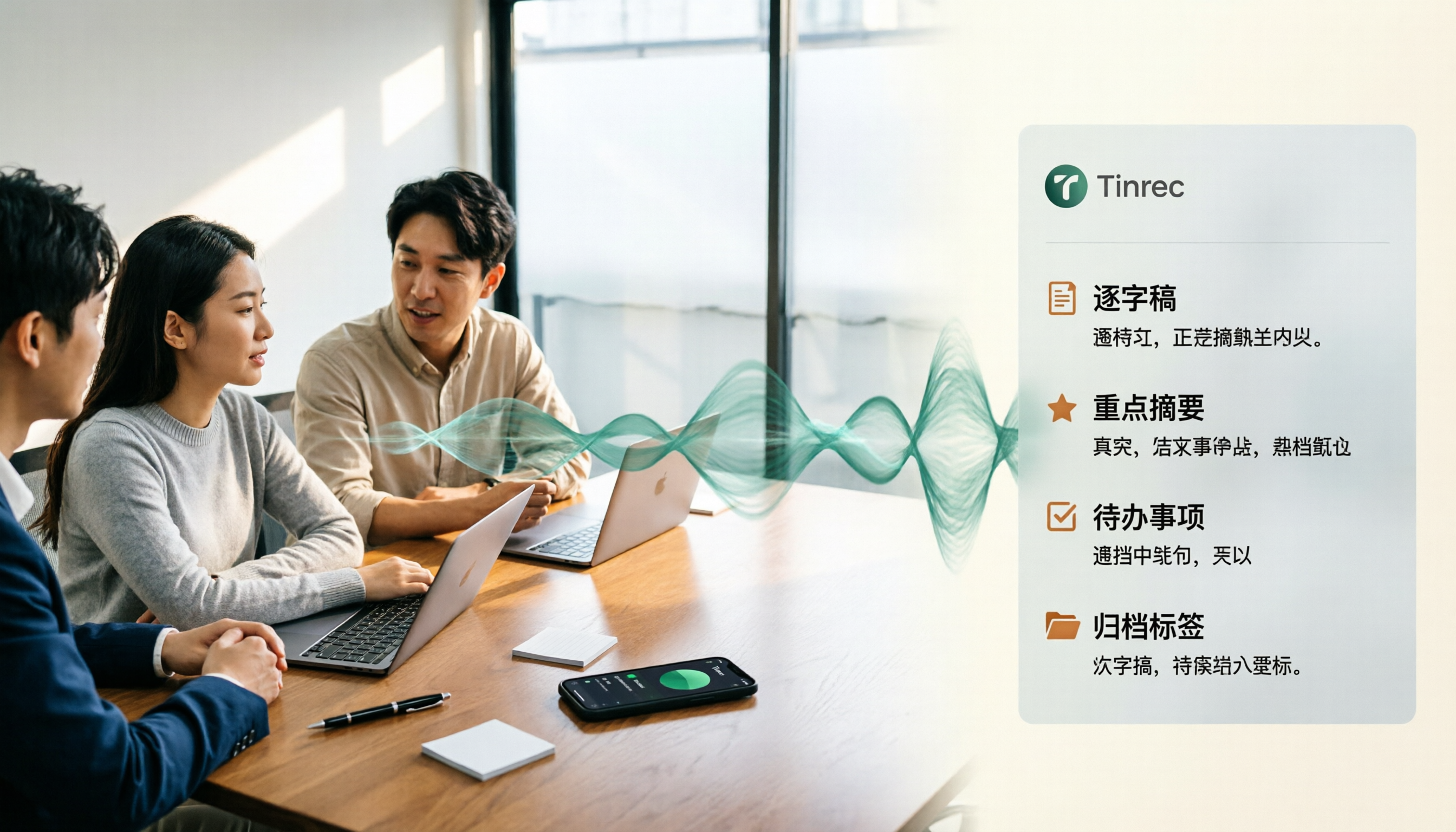
4 Best Speech-to-Text Tools for Chinese Meetings in 2026: Real-World Comparison
Turning meeting recordings into transcripts is just the first step. This article tackles the real pain points of Chinese meetings, outlines 5 key buying criteria, and puts four tools—Tinrec, Notta, Otter.ai, and Granola—to the test. We compare recording methods, post-meeting organization, and team data governance, then give clear recommendations based on your use case so you can choose the right tool without regrets.
How to Convert Music to MP3 in 2026: Online, No Install, Plus Audio Quality and File Size Explained
Want to convert music to MP3 but stuck on format, audio quality, and file size? This guide covers bitrate, file limits, and browser compatibility, walks through a 3-step online conversion process, and explains why meeting and interview recordings converted to MP3 still need an AI meeting notes tool like Tinrec to turn content into searchable, queryable data.

2026 Recording Transcription App Comparison: Tinrec vs Yating Transcript, Which Saves More Time Across 5 Key Dimensions?
How do you choose a recording transcription app? This article compares Tinrec and Yating Transcript across 5 dimensions, from Chinese and mixed Chinese-English transcription, online meeting capture methods, post-meeting summaries and action items, cross-device usage, to team collaboration and seat management, helping you determine which one better fits your work scenario.

6 Live Stream Summarization Tools Compared: Which One Can Extract Key Points from a 2-Hour Replay First?
Live streams often run one to three hours, making it hard to catch up later. This article reviews six solutions for summarizing live stream content, including Tinrec, Notta, TurboScribe, Otter.ai, PLAUD, and free transcription tools. It clearly lists their purposes, free quotas, and paid pricing, and explains how to choose based on different scenarios.

2026 Audio Transcription Guide: Tinrec's Bot-Free Recording + AI Q&A to Find Key Points
How to choose an audio transcription tool? This article compares Tinrec, Notta, TurboScribe, and Otter.ai from a decision-making perspective, outlines 4 key purchasing factors and 3 common pitfalls, and tests Tinrec's desktop version for bot-free online meeting recording, AI Q&A, and team spaces. It explains how it turns recordings into usable meeting data, along with pricing and use cases.

2026 AI Q&A Tools Compared: Tinrec vs ChatGPT & Monica — Which Answers Your Own Data?
We tested 5 AI Q&A tools in 2026: general AI excels at answering world knowledge but fails on your own class and meeting content. This student-focused comparison breaks down how ChatGPT, Monica, and Tinrec differ in AI chat search, audio-to-text, summaries, to-dos, and free tiers—so you can find a tool that actually answers questions about your own data.

Best Short Video Key Point Extraction Tools 2026: 4 Tested, Pick This for AI Summaries
Choosing between frame extraction and transcription tools for short video key point extraction? This article breaks down 4 key decision points, then tests and compares Tinrec, Gejing, TurboScribe, and Notta. It explains which tool is best for quickly writing content analysis and which is suited for bulk frame captures, plus summarizes 4 common pitfalls and selection advice.

4 Online Video-to-Text Tools Tested for 2026: Which AI Summarization Saves the Most Time?
There are countless online video-to-text tools, but the real time sink is organizing the transcript afterward. This article tests 4 tools—Tinrec, VEED.IO, Transcribe, and Video Transcriber AI—comparing transcription speed, AI summaries, action item extraction, and team collaboration to help you find the most time-saving solution.

How to Choose an AI Voice Agent Recording Tool in 2026: A Complete 5-Step Guide
When choosing an AI voice agent recording tool, don't rush to compare language counts and accuracy rates. Using Tinrec as an example, this article breaks down what these tools can do for you, 5 steps to get started, 4 practical use cases, and 5 key points to consider when purchasing, along with FAQs.