

Turn recordings into transcripts and summaries in minutes
Upload audio or video for multilingual transcription, AI notes, and action items
2026 AI Q&A Tools Compared: Tinrec vs ChatGPT & Monica — Which Answers Your Own Data?
"Before finals, I pasted the entire transcript into the chat box and asked, 'What topic did our group finally decide on?'—it gave me a beautifully written answer that had nothing to do with my recording." That was a mistake I made during a sophomore group project. Back then, I thought "online Q&A" meant opening an AI chat page and asking anything. Later I realized the biggest misconception: general-purpose AI knows public knowledge from around the world, but it doesn't know your class, your meetings, or your interviews.
Why Are People Looking for Alternatives to General-Purpose AI Q&A Tools?
ChatGPT's free version can answer questions, write, create images, and code; Monica focuses on free online Q&A, image generation, and image recognition; there are also free platforms like AI Chatting where you can chat with AI and generate text. These tools are genuinely useful for everyday Q&A, and I've used them myself for a while.
But students' real questions are often not "What's the smallest country in the world?" but "What were the three key points from last week's lecture?" or "What did our group finally decide in this semester's discussion?" The answers aren't online—they only exist in your own recordings. Copying and pasting an entire transcript into a chat box runs into two practical problems: conversations hit length limits and the AI starts forgetting earlier content; and you have to re-paste every time you ask, which is impossible during exam week. If you've also struggled with "asking around but never getting answers about your own data," a tool like Tinrec that builds AI Q&A on top of your recordings is worth checking out.
Tinrec vs General-Purpose AI Q&A Tools: What's the Core Difference?
Data foundation for Q&A: This is the most critical difference. General-purpose tools answer from public knowledge; if you ask about your own meeting content, they can only guess from the text you paste. Tinrec's AI chat search is built on your own recordings and transcripts. After recording a discussion, you can directly ask "What was the conclusion?" or "Who's responsible for what?" and it will give you answers based on semantics—no need to manually flip through 30 pages of transcript. This is the main reason I ultimately stuck with Tinrec.
Breadth of input sources: General-purpose Q&A tools mainly rely on typing or uploading a file for it to read. Tinrec supports not only typing but also real-time recording with simultaneous transcription, desktop system audio capture for Zoom, Google Meet, Microsoft Teams, and Webex online meetings (no meeting bot required), and audio/video file import. It's useful for three scenarios: attending class, online discussions, and organizing old recordings afterward.
Completeness of post-meeting outputs: General-purpose tools give you a block of reply text; after copying it, you usually have to format it yourself. Tinrec produces transcripts, AI summaries, chapters, key points, to-dos, mind maps, and can generate reports, tables, and documents, then export to Notion, Google Docs, OneNote, Dropbox, and other tools for further processing. For those submitting project reports, the time saved is noticeable.
Chinese and multilingual processing: General-purpose AI handles Chinese Q&A fine, but "turning a class recording with mixed Chinese and English into a readable transcript" is a different matter. Tinrec covers Chinese, Traditional Chinese, and multilingual meeting scenarios, supports real-time translation and bilingual side-by-side view, and the team version has hotwords for maintaining professional terminology. Actual recognition accuracy is still affected by recording quality, accents, background noise, and multiple people speaking simultaneously—I won't sugarcoat that.
Cross-device and data retention: General-purpose tools are mostly just web pages. Tinrec has web, desktop, and mobile versions; recordings stay in one place, so you don't need to re-upload old meetings next time. If you later need to share data with a project team, the team version centralizes recordings, transcripts, and to-dos in a team space, with roles and seats to manage who can record and who can only view.
Tinrec's Core Features at a Glance
Real-time audio-to-text: Start recording and text appears almost simultaneously. I use it in class to capture the professor's verbal additions, and the transcript is ready right after class.
Stop organizing recordings by hand
Upload audio or video and automatically get a transcript, summary, and action items
Bot-free online meeting recording: The desktop version directly captures computer system audio, so you don't need to invite a bot into the meeting room—no extra participant on screen.
Audio/video file transcription: Upload already-recorded meetings, interviews, or lectures and quickly turn them into text. Great for catching up on old recordings stored in cloud drives.
AI summaries, chapters, and to-dos: A one-hour meeting is automatically split into chapters, with key points and action items extracted. Before exams, I mostly just read the summary and go back to listen to uncertain sections.
AI chat search: My most-used feature. Ask directly "What was the conclusion of this meeting?" or "What exam scope did the professor mention?"—no need to Ctrl+F for keywords.
Real-time translation and bilingual view: For cross-language content, you can view the original, translation, or side-by-side bilingual. Helpful for reading English literature or listening to foreign speakers.
Multi-format export and Agent post-processing: Transcripts and summaries can be exported to existing workflows, and reports, tables, and documents can be generated from meeting content, saving a lot of formatting time.
Real-World Use Cases
Classes and lectures: In a two-hour class, handwritten notes can't keep up with the professor flipping through slides. I switched to recording with Tinrec, typing key points alongside, and reviewing the summary after class. Compared to re-listening to the entire recording, the time saved is roughly an extra chapter of reading.
Group discussions and project meetings: The most common tragedy in discussions is "no one remembers the conclusion afterward." Now we record meetings directly and before finishing, ask the AI "What decisions were made today?" to confirm assignments on the spot. Compared to piecing together group chat messages, there's much less disagreement.
Graduation project interviews: Interview transcripts are the most time-consuming part of qualitative research. Record with Tinrec and get the transcript directly, then use AI Q&A to organize interviewees' viewpoints and quotes—much faster than transcribing from scratch.
Internships and personal notes: For internship meetings and one-on-ones, you get summaries and to-dos right after recording. Archive the exported files before leaving work; when you need examples for interviews later, just look up the records instead of relying on memory.
What to Look for When Choosing an AI Q&A Tool
Can Q&A be locked to your own data? This is the biggest dividing line between general-purpose and recording-based tools. Before choosing, think clearly: are most of your questions about "world knowledge" or "your own content"?
Can recordings and transcripts be retained and retrieved? AI summaries are convenient, but for important information, it's best to check back against the transcript and recording. Tools with an audio recycle bin and searchable transcripts give much more peace of mind.
Are input sources diverse enough? Only supporting file upload versus also supporting real-time recording, online meetings, and file import—the range of scenarios they can handle is vastly different.
Chinese and mixed Chinese-English handling: Classes and meetings in Taiwan almost always mix Chinese and English. When choosing a tool, look at how well it supports this type of content, not just English demos.
Free tier and ongoing costs: Students' budgets are realistic. Tinrec's free version offers a basic quota to try recording, importing, summaries, and transcription. Those with occasional intensive needs can consider a weekly pass; regular weekly users are suited to Pro; for long-term data retention, the annual plan has a lower monthly equivalent. Actual prices and benefits are subject to the official purchase page.
Privacy and others' consent: Before recording, check venue rules and get participants' consent when needed—this is more important than any feature.
Conclusion: Is Tinrec Worth a Try?
If your struggle is "AI is great at answering world questions but can't answer about my own classes and meetings," then Tinrec fills exactly that gap: it first turns recordings into searchable transcripts and summaries, then builds AI Q&A on that data instead of general knowledge. Plus, it works on web, desktop, and mobile, and online meetings don't need an extra bot—the barrier for students is low.
My advice is simple: start with the free version, try it with one of your own class recordings or group discussions, and directly ask "What was the conclusion of this discussion?" That's more direct than any review I could write. If later a project team or lab needs to share meeting data, consider the team version—it has a dedicated team space, and eligible teams get a 7-day trial, 1 free seat, and 300 minutes of shared team import quota on first use; team monthly is USD 29.80 per paid seat per month, annual is USD 199 per paid seat per year (about USD 16.58 per month), with each paid seat providing 2,000 minutes of shared team import quota per month. Detailed benefits are subject to the official purchase page.
References
Turn every recording into actionable outcomes
Get 60 free transcription minutes when you sign in. No credit card required.
Related Reading
You might also like
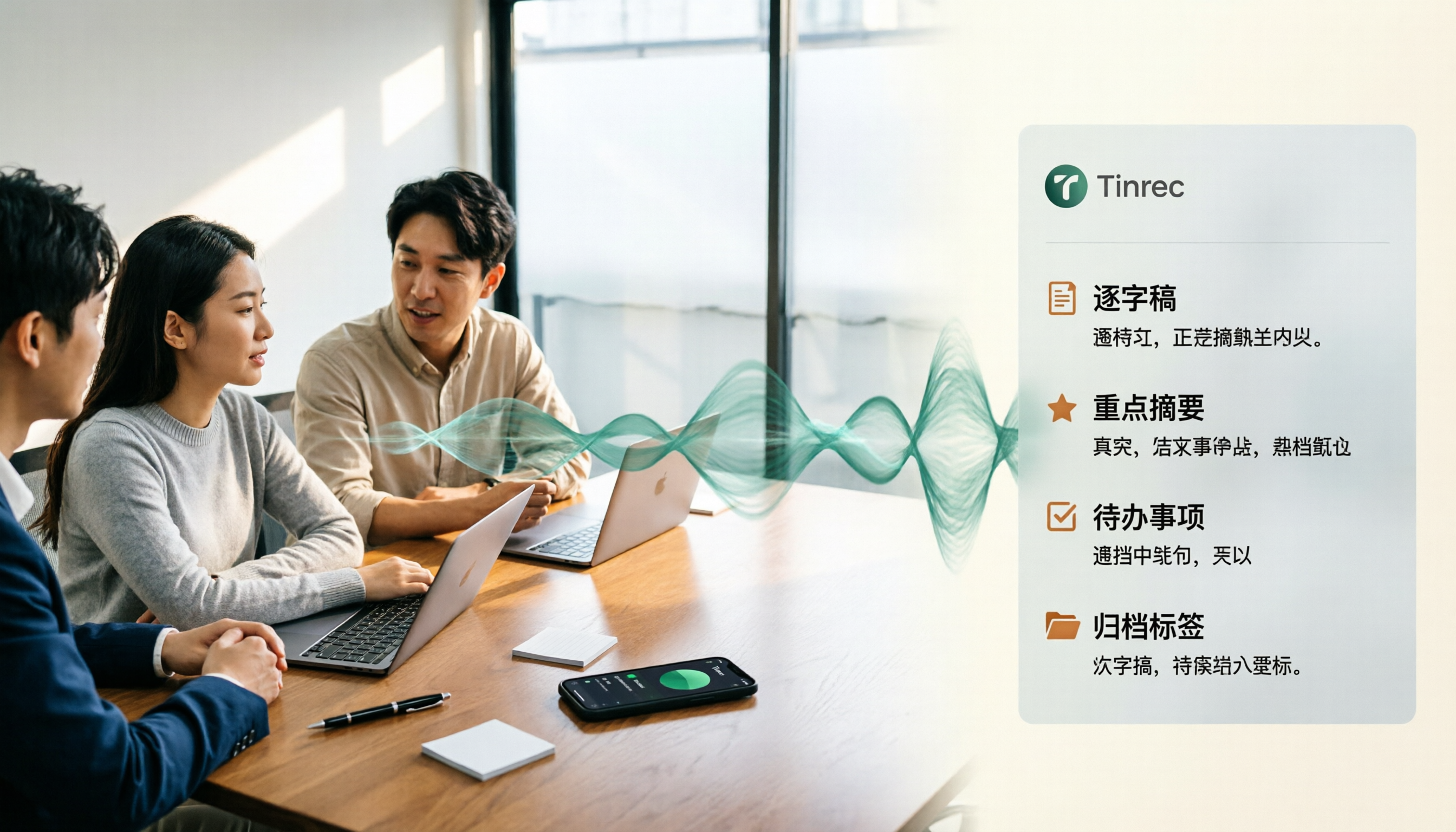
4 Best Speech-to-Text Tools for Chinese Meetings in 2026: Real-World Comparison
Turning meeting recordings into transcripts is just the first step. This article tackles the real pain points of Chinese meetings, outlines 5 key buying criteria, and puts four tools—Tinrec, Notta, Otter.ai, and Granola—to the test. We compare recording methods, post-meeting organization, and team data governance, then give clear recommendations based on your use case so you can choose the right tool without regrets.
How to Convert Music to MP3 in 2026: Online, No Install, Plus Audio Quality and File Size Explained
Want to convert music to MP3 but stuck on format, audio quality, and file size? This guide covers bitrate, file limits, and browser compatibility, walks through a 3-step online conversion process, and explains why meeting and interview recordings converted to MP3 still need an AI meeting notes tool like Tinrec to turn content into searchable, queryable data.
2026 Recording Transcription App Comparison: Tinrec vs Yating Transcript, Which Saves More Time Across 5 Key Dimensions?
How do you choose a recording transcription app? This article compares Tinrec and Yating Transcript across 5 dimensions, from Chinese and mixed Chinese-English transcription, online meeting capture methods, post-meeting summaries and action items, cross-device usage, to team collaboration and seat management, helping you determine which one better fits your work scenario.

6 Live Stream Summarization Tools Compared: Which One Can Extract Key Points from a 2-Hour Replay First?
Live streams often run one to three hours, making it hard to catch up later. This article reviews six solutions for summarizing live stream content, including Tinrec, Notta, TurboScribe, Otter.ai, PLAUD, and free transcription tools. It clearly lists their purposes, free quotas, and paid pricing, and explains how to choose based on different scenarios.

2026 Audio Transcription Guide: Tinrec's Bot-Free Recording + AI Q&A to Find Key Points
How to choose an audio transcription tool? This article compares Tinrec, Notta, TurboScribe, and Otter.ai from a decision-making perspective, outlines 4 key purchasing factors and 3 common pitfalls, and tests Tinrec's desktop version for bot-free online meeting recording, AI Q&A, and team spaces. It explains how it turns recordings into usable meeting data, along with pricing and use cases.

Best Short Video Key Point Extraction Tools 2026: 4 Tested, Pick This for AI Summaries
Choosing between frame extraction and transcription tools for short video key point extraction? This article breaks down 4 key decision points, then tests and compares Tinrec, Gejing, TurboScribe, and Notta. It explains which tool is best for quickly writing content analysis and which is suited for bulk frame captures, plus summarizes 4 common pitfalls and selection advice.
4 Audio-to-Text OneNote Integration Tools Tested for 2026: Which Transcripts Go Straight into Your Notes?
After converting audio to text, how do you get the transcript into OneNote? This article compares the integration methods of OneNote's built-in transcription, Otter.ai, Notta, and Tinrec, sharing 4 key points for choosing a tool and 3 common pitfalls to help you turn meeting recordings into truly usable OneNote notes.

4 Online Video-to-Text Tools Tested for 2026: Which AI Summarization Saves the Most Time?
There are countless online video-to-text tools, but the real time sink is organizing the transcript afterward. This article tests 4 tools—Tinrec, VEED.IO, Transcribe, and Video Transcriber AI—comparing transcription speed, AI summaries, action item extraction, and team collaboration to help you find the most time-saving solution.

How to Choose an AI Voice Agent Recording Tool in 2026: A Complete 5-Step Guide
When choosing an AI voice agent recording tool, don't rush to compare language counts and accuracy rates. Using Tinrec as an example, this article breaks down what these tools can do for you, 5 steps to get started, 4 practical use cases, and 5 key points to consider when purchasing, along with FAQs.