

Turn recordings into transcripts and summaries in minutes
Upload audio or video for multilingual transcription, AI notes, and action items
Watched a short video three times and still can't grasp the key points? First, clarify whether you need to "extract frames" or "extract key points"
You have twenty competitor short videos and need to deliver a content analysis. Most people's approach is to watch at double speed, but even one hour of footage takes over ten minutes, and many scenes are actually saying the same thing.
The bigger problem is that the keyframes you painstakingly extract only tell you "who is in the frame and what products are shown," but not what appeals they made, what conclusions they reached, or what prices they quoted. If the video mixes Chinese and English, has multiple people talking over each other, or has heavy accents, it's nearly impossible to avoid missing key points by relying on human eyes and fast playback.
Short video key point extraction actually has two paths: one is to pick keyframes from the visuals, and the other is to pick key semantics from the content. The two paths solve different problems. Choose the wrong direction, and you'll have to redo everything later.
Before judging tools, understand these 4 key points
1. Do you want visuals or key points? A typical video has about 24 to 30 frames per second. Most frames only reflect local changes and are highly repetitive. A keyframe (I-frame) is a complete picture that can be decoded independently without relying on other frames. Using FFmpeg or PyAV with Pillow to extract frames solves "which frame changed," but the dialogue, appeals, and conclusions on the screen require transcription, summarization, and follow-up questions to obtain.
2. Frame extraction frequency is proportional to organization cost. Short videos are suitable for full-frame capture, while long videos need intervals; otherwise, you'll have too many images for anyone to review, and you'll have to manually deduplicate and name them. Similarly, for transcription tools, look at "can it help me condense" rather than "how many words it spits out."
3. Can the output be used directly? Extracted images need to be archived and compared; transcribed content needs to be searchable, queryable, and exportable to existing workflows like Notion or Google Docs. If you only get a structureless plain text file, you're essentially handed back the organization work.
4. Chinese, accents, and team collaboration. Short videos often mix Chinese and English, with proper nouns and brand terms. A tool's ability to handle Chinese and specialized vocabulary directly affects usability. If your team shares materials, check for shared spaces, role and seat management, usage and operation logs; otherwise, data will always be scattered across individual accounts.
Tinrec (Miao Ting Lu Yin) — Turns "what the video says" into queryable key points
Tinrec is an AI meeting notes and collaboration tool for individuals and teams, covering mobile apps, desktop versions, and web. For short video key point extraction, it doesn't solve "which second's frame to capture" but "extract the key points of this video and allow further questions."
The most direct use is importing videos or audio files. Tinrec produces a transcript, then automatically generates summaries and chapters, breaking a three-minute short video into browsable segments—opening hook, product selling points, pricing info, call to action—scannable at a glance. This is much faster than frame-by-frame viewing when writing competitor analysis or script breakdowns.
The second key is AI Q&A. After organizing, you can directly ask Tinrec: "What are the three main selling points of this video?" "What price and discount conditions did they quote?" "What complaints did the interviewee have about the packaging?" It answers based on semantics, not a list of keyword search results for you to dig through the transcript. For those handling multiple videos and cross-comparing, this difference is very clear.
Third is output and further processing. Besides transcripts, Tinrec can extract to-dos and mind maps from content, generate reports, tables, and documents, and export to Notion, Google Docs, OneNote, Dropbox, etc. If you also record online meetings, the desktop version directly captures system audio for Zoom, Google Meet, Microsoft Teams, and Webex meetings without inviting a bot.
Stop organizing recordings by hand
Upload audio or video and automatically get a transcript, summary, and action items
Three advantages. First, it handles Chinese, Traditional Chinese, and multilingual scenarios, with real-time translation and bilingual view during recording, so mixed Chinese-English videos don't need pre-translation. Second, after transcription, there are summaries, chapters, to-dos, Q&A, and multi-format exports—truly work-ready output, not just a transcript. Third, the team version offers independent team spaces where audio and meeting data belong to the team, with member, role, and seat management, plus usage trends and operation logs, so data doesn't leave with individuals. The team version also offers a 7-day trial for first-time eligible users, 1 free seat, and 300 minutes of shared team import quota; paid seats provide 2,000 minutes per month shared team import quota, at USD 29.80/seat monthly or USD 199/seat annually (about USD 16.58/month). Actual prices and benefits are subject to the official purchase page.
Limitations to note. The free version offers basic quota, suitable for light use; if you process large long videos weekly or accumulate materials long-term, consider weekly or Pro plans. Also, actual transcription quality is affected by recording quality, background noise, accents, and overlapping speech. For highly regulated scenarios (medical, legal, financial), use without corresponding authorization and explanation is not recommended.
Who is it for? If you need key point organization for Chinese short videos, need to ask follow-up details after processing, or your team shares the same video materials and manages permissions—Tinrec is currently the closest fit.
Besides Tinrec, what other options are there?
Gejing: A tool focused on video frame extraction, allowing frame rate settings (e.g., frames per second), specifying keyframes or time segments, custom resolution and JPEG/PNG output, with GPU acceleration. If your need is simply making cover screenshots, storyboard materials, or bulk stills, this type of tool is handy. But it gives you images, no transcript, summary, or queryable content—when writing analysis reports, you still have to interpret the images yourself.
TurboScribe: A cost-effective file transcription tool, focusing on long files, batch uploads, subtitles, and translation. Free version: 3 files per day, up to 30 minutes per file; paid version: USD 120/year (about USD 10/month), up to 10 hours or 5 GB per file, 50 files per upload. Great for clearing large long materials at once, but it lacks real-time meeting recording, post-meeting Q&A, and team data retention.
Notta: A multi-platform transcription tool covering meeting notes, file import, translation, and team plans, with good multilingual capabilities. Free version: 120 minutes per month, up to 3 minutes per session; Pro annual about USD 8.17/month, 1,800 minutes per month; Business annual about USD 16.67/seat/month. It overlaps highly with Tinrec, but Tinrec is closer to team shared material needs with bot-free desktop system audio recording, team hotwords, and meeting data governance.
Pitfall guide: 4 most common mistakes in short video key point extraction
Pitfall 1: Thinking frame extraction equals key point extraction. Keyframes only prove the frame changed, not that the content is important. The correct approach is to first get the transcript and summary, then use keyframes to reference specific visual segments.
Pitfall 2: Only looking at free quota, ignoring whether output is usable. No matter how large the quota, if you can only download a structureless plain text, the time saved is limited. When choosing a tool, first check for summaries, chapters, Q&A, and export.
Pitfall 3: Treating the tool as "transcribe and done," not asking follow-ups. Only converting video to text uses one-third of the capability. After organizing, directly ask "what's the conclusion" or "who is responsible for what"—much faster than digging through the transcript.
Pitfall 4: Ignoring authorization and regulations. Recording, transcribing, and reusing others' video content involves copyright and local regulations. Obtain consent first when necessary.
Summary: Which one should you choose?
- To organize key points of Chinese short videos and ask follow-up questions → Tinrec
- To record online meetings without a bot joining → Tinrec (desktop version)
- Team sharing video and meeting data, managing seats and usage logs → Tinrec team version
- To clear large long files at once, needing only transcripts and subtitles → TurboScribe
- Only need bulk frame captures for covers and storyboard materials → Gejing
First clarify whether you want "visuals" or "key points," and the choice becomes much simpler. It's recommended to first use the free version on a few of your videos to confirm the extracted key points can fit into your workflow, then decide whether to upgrade—no need to pay from the start.
References
- Video keyframe extraction
- Using Python to extract keyframes from video files for video content analysis - Zhihu
- Detailed explanation of video keyframe extraction principles and common algorithms - Developer Community - Alibaba Cloud
- Three ways to extract keyframes from video [tested]_video keyframe extraction-CSDN Blog
- Gejing website: In-depth analysis of video frame capture and content analysis technology_Gejing
Turn every recording into actionable outcomes
Get 60 free transcription minutes when you sign in. No credit card required.
Related Reading
You might also like
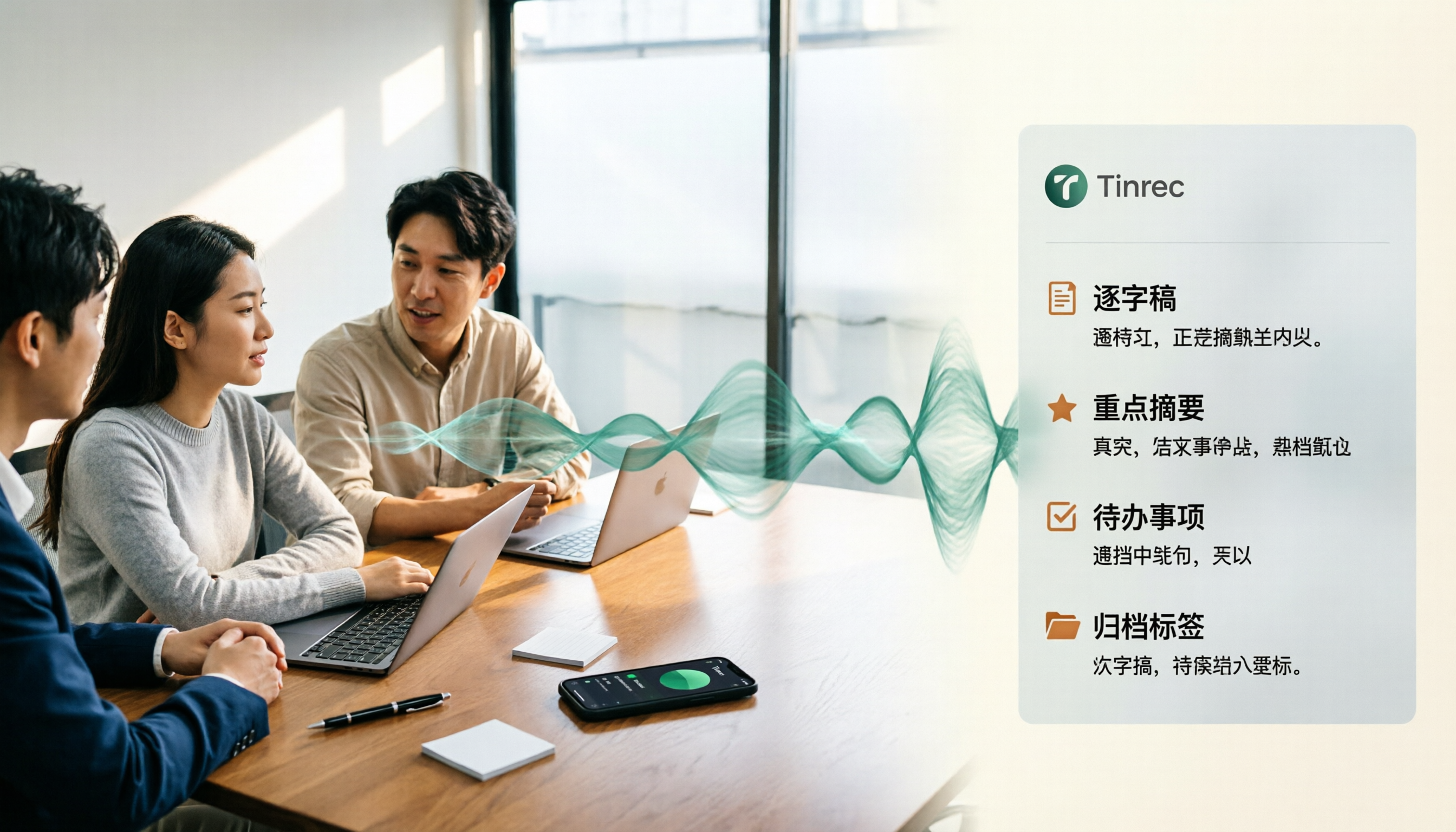
4 Best Speech-to-Text Tools for Chinese Meetings in 2026: Real-World Comparison
Turning meeting recordings into transcripts is just the first step. This article tackles the real pain points of Chinese meetings, outlines 5 key buying criteria, and puts four tools—Tinrec, Notta, Otter.ai, and Granola—to the test. We compare recording methods, post-meeting organization, and team data governance, then give clear recommendations based on your use case so you can choose the right tool without regrets.
How to Convert Music to MP3 in 2026: Online, No Install, Plus Audio Quality and File Size Explained
Want to convert music to MP3 but stuck on format, audio quality, and file size? This guide covers bitrate, file limits, and browser compatibility, walks through a 3-step online conversion process, and explains why meeting and interview recordings converted to MP3 still need an AI meeting notes tool like Tinrec to turn content into searchable, queryable data.

2026 Recording Transcription App Comparison: Tinrec vs Yating Transcript, Which Saves More Time Across 5 Key Dimensions?
How do you choose a recording transcription app? This article compares Tinrec and Yating Transcript across 5 dimensions, from Chinese and mixed Chinese-English transcription, online meeting capture methods, post-meeting summaries and action items, cross-device usage, to team collaboration and seat management, helping you determine which one better fits your work scenario.

6 Live Stream Summarization Tools Compared: Which One Can Extract Key Points from a 2-Hour Replay First?
Live streams often run one to three hours, making it hard to catch up later. This article reviews six solutions for summarizing live stream content, including Tinrec, Notta, TurboScribe, Otter.ai, PLAUD, and free transcription tools. It clearly lists their purposes, free quotas, and paid pricing, and explains how to choose based on different scenarios.

2026 Audio Transcription Guide: Tinrec's Bot-Free Recording + AI Q&A to Find Key Points
How to choose an audio transcription tool? This article compares Tinrec, Notta, TurboScribe, and Otter.ai from a decision-making perspective, outlines 4 key purchasing factors and 3 common pitfalls, and tests Tinrec's desktop version for bot-free online meeting recording, AI Q&A, and team spaces. It explains how it turns recordings into usable meeting data, along with pricing and use cases.

2026 AI Q&A Tools Compared: Tinrec vs ChatGPT & Monica — Which Answers Your Own Data?
We tested 5 AI Q&A tools in 2026: general AI excels at answering world knowledge but fails on your own class and meeting content. This student-focused comparison breaks down how ChatGPT, Monica, and Tinrec differ in AI chat search, audio-to-text, summaries, to-dos, and free tiers—so you can find a tool that actually answers questions about your own data.

4 Audio-to-Text OneNote Integration Tools Tested for 2026: Which Transcripts Go Straight into Your Notes?
After converting audio to text, how do you get the transcript into OneNote? This article compares the integration methods of OneNote's built-in transcription, Otter.ai, Notta, and Tinrec, sharing 4 key points for choosing a tool and 3 common pitfalls to help you turn meeting recordings into truly usable OneNote notes.

4 Online Video-to-Text Tools Tested for 2026: Which AI Summarization Saves the Most Time?
There are countless online video-to-text tools, but the real time sink is organizing the transcript afterward. This article tests 4 tools—Tinrec, VEED.IO, Transcribe, and Video Transcriber AI—comparing transcription speed, AI summaries, action item extraction, and team collaboration to help you find the most time-saving solution.

How to Choose an AI Voice Agent Recording Tool in 2026: A Complete 5-Step Guide
When choosing an AI voice agent recording tool, don't rush to compare language counts and accuracy rates. Using Tinrec as an example, this article breaks down what these tools can do for you, 5 steps to get started, 4 practical use cases, and 5 key points to consider when purchasing, along with FAQs.