

Turn recordings into transcripts and summaries in minutes
Upload audio or video for multilingual transcription, AI notes, and action items
2026 Recording-to-PPT Tools Compared: Why Tinrec Beats PLAUD and Notta
Many people searching for "recording to PPT" are really asking: can I quickly turn a meeting or class recording into content I can use in a presentation?
A common misconception is thinking that buying a voice recorder or using PowerPoint's built-in recording feature will automatically complete your presentation. In reality, recording is just the raw material—the real time sink is organizing 60 minutes of conversation into 10 pages of key points.
This article compares three common approaches—Tinrec, PLAUD, and Notta—from the perspective of "what to do after recording."
Why Are People Looking for PLAUD Alternatives?
PLAUD is a well-known AI recording hardware brand, focusing on portable recording, phone call recording, and long battery life. It's convenient for people who need a physical device to capture on-site audio.
However, when your need shifts from "recording it" to "organizing it into presentation material," you run into several practical issues. Hardware only handles audio capture; transcription, summarization, and key point extraction still require software. Plus, you have to carry an extra device, and online meetings may not even be recordable.
Another common scenario: many people record with PLAUD first, then manually transcribe by listening—a one-hour meeting often takes two to three hours to organize, and only then can they produce a few slides.
If you've faced similar frustrations, tools like Tinrec that require no extra hardware and can directly handle online meetings are worth looking into.
Tinrec vs PLAUD: What's Different in the Core Experience?
1. Do You Need to Carry Extra Hardware?
PLAUD's core value lies in its hardware form factor, suitable for interviews, phone calls, and scenarios requiring a physical device. But if you mostly have Zoom, Meet, or Teams meetings at your computer, Tinrec's desktop version directly captures system audio—no extra device needed to record online meetings.
For those on a budget or who don't want to carry extra gear, one less piece of hardware means one less barrier.
2. How Online Meetings Are Handled
PLAUD focuses on on-site recording; online meetings usually require speakerphone playback and re-recording, so audio quality is easily affected by the environment. Tinrec's desktop version directly captures your computer's system audio, clearly recording everyone's voice without a meeting bot joining or disturbing other participants.
This is especially useful now that remote meetings are increasingly common.
3. Depth of Post-Recording Organization
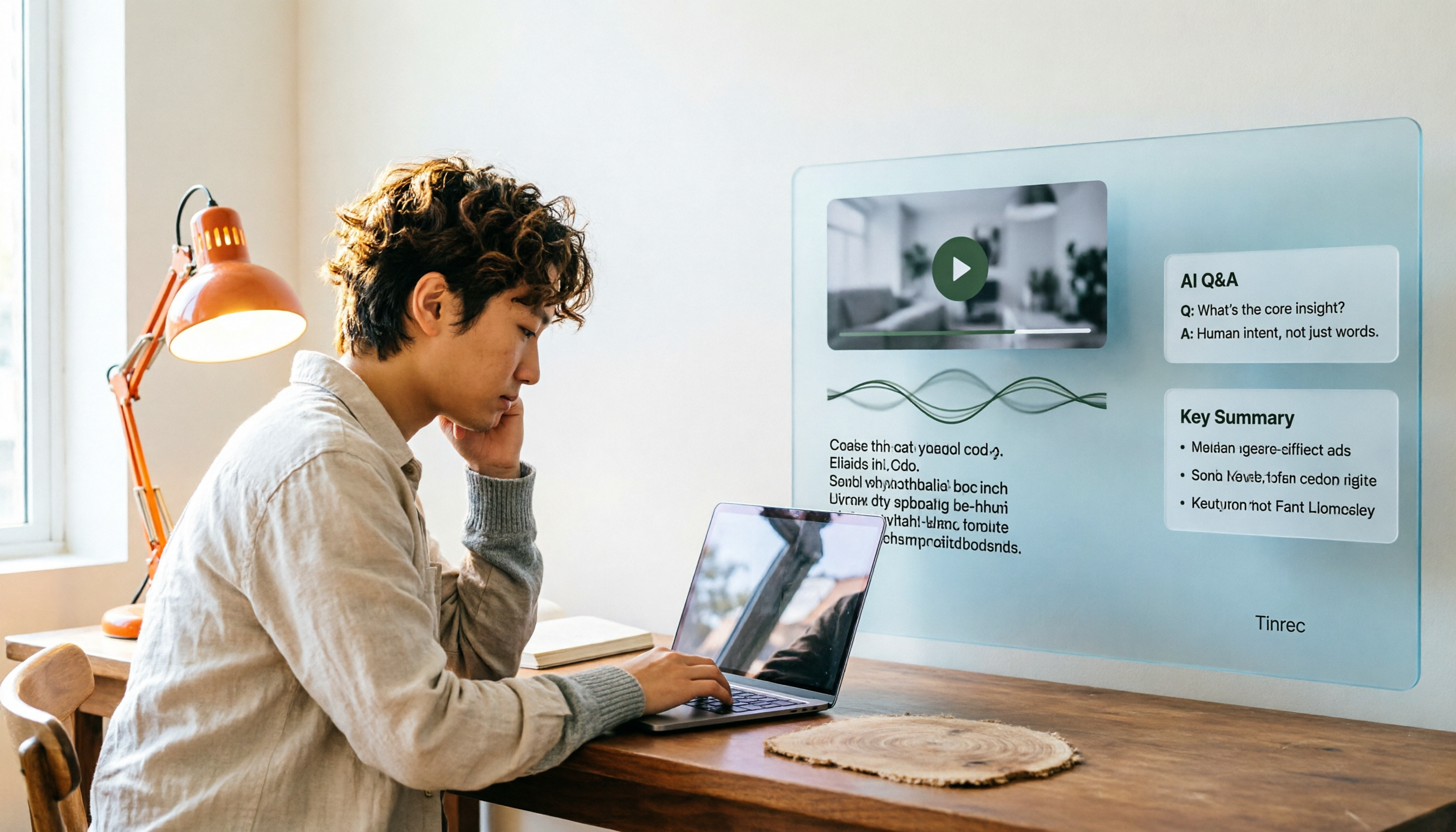
Both can convert recordings to text, but Tinrec further provides AI summaries, chapters, action item extraction, and AI Q&A. You can directly ask "What was the conclusion of this meeting?" and it will give you an answer based on semantics.
PLAUD has added AI features in recent years, but they mainly revolve around its hardware app, with relatively limited cross-platform organization flexibility.
4. Chinese and Multilingual Meetings
Tinrec covers Chinese, Traditional Chinese, and multilingual meetings, supports real-time translation and bilingual viewing, and is especially friendly for meetings with mixed Chinese and English.
PLAUD's recognition is also decent, but the actual experience is affected by device placement and environmental noise. If you frequently handle Chinese-dominant meetings, Tinrec's language settings are more intuitive.
5. Team Collaboration and Data Retention
PLAUD leans toward personal use, with recordings stored in individual accounts. Tinrec, besides a personal version, offers a separate team space where meeting recordings, transcripts, and summaries can be centrally stored, with management of members, roles, and seats.
When team members leave, meeting data still belongs to the team and won't disappear with individual accounts. This is something personal hardware struggles to achieve.
Tinrec's Core Features at a Glance
Real-time recording to text: When you open Tinrec to record, text is generated in real time. During meetings, you can follow the transcript to confirm no key points are missed. By the time the meeting ends, the text file is already complete—no need to spend time transcribing.
Bot-free online meeting recording: Tinrec's desktop version captures system audio to record Zoom, Google Meet, Microsoft Teams, Webex, and other online meetings without inviting a meeting bot. Participants won't see an extra account, and the meeting flow won't be interrupted.
AI summaries and chapters: After recording or importing audio, Tinrec automatically generates summaries and chapters, breaking long meetings into easily browsable sections. Content that originally took a lot of time to digest can be grasped in minutes—especially time-saving for those preparing presentations.
Action item extraction and AI Q&A: Tinrec extracts action items from discussions and lets you continue asking questions about the meeting content. For example, "Who is responsible for what?" or "What should we discuss next meeting?"—it answers based on semantic understanding, so you don't have to dig through the transcript yourself.
Multi-format export and Agent post-processing: Organized content can be exported to Notion, Google Docs, OneNote, Dropbox, and other tools, and can further generate reports, tables, and documents. Copy these materials directly into PowerPoint, and most of the work from recording to presentation is done.
Stop organizing recordings by hand
Upload audio or video and automatically get a transcript, summary, and action items
Team space and member management: The team version provides a separate collaboration space where you can create multiple teams, invite members, assign seats, and view usage trends and activity logs. Meeting data belongs to the team, suitable for long-term retention by departments or project groups.
Real-World Use Cases
Meeting notes and presentation preparation: After weekly project meetings, organize Tinrec's summaries and action items directly into PowerPoint progress reports. Keep the transcript for checking details without re-listening to the entire recording. Content that originally took a lot of time to organize can be completed faster.
Course and lecture organization: Students or trainers can import course recordings into Tinrec to quickly get chapters and key points, then put these structures into presentations or shared notes. Mixed Chinese-English content can also be viewed in bilingual mode, reducing back-and-forth confirmation time.
Interviews and research: After interviews, researchers import audio into Tinrec, use AI summaries to grasp the context, then search the transcript by keyword to find specific quotes. Quotes from interviewees to include in presentations can be copied and pasted directly.
Personal knowledge management: Daily inspiration recordings, online courses, and audiobook notes can all accumulate in Tinrec. When you need to make a presentation, searching past topics is much faster than scrolling through phone recordings.
What to Look for When Choosing a Recording-to-Text Tool
Does language support match your meeting scenarios? If you frequently handle Chinese or mixed Chinese-English meetings, confirm the tool's Chinese recognition performance. Tinrec covers Chinese, Traditional Chinese, and multiple languages, and supports real-time translation and bilingual viewing, making it friendlier for cross-language teams.
Do you need extra hardware? Hardware recording devices have their advantages, but if you mainly have meetings at your computer, software that directly records system audio is more convenient. Before buying, think clearly about whether your most common scenario is on-site or online.
Can you use it directly after recording? Tools that only provide transcripts require you to organize afterward. Tinrec, besides transcripts, also offers summaries, chapters, action items, Q&A, and export—essentially handling the post-meeting organization work together.
Export formats and workflow compatibility: Presentation creation usually requires bringing content into other tools. Tinrec supports export to Notion, Google Docs, OneNote, Dropbox, and can generate reports and tables, reducing format conversion hassles.
Team collaboration and data ownership: For team use, confirm whether meeting data is stored in individual accounts or team spaces. Tinrec's team version stores data under the team and provides member, seat, usage, and audit management, so data won't disappear when members change.
Is the free tier enough? Tinrec offers a free version with basic quota to experience recording, import, summaries, and transcription. It's recommended to test with your own meeting recordings first to confirm recognition quality and organization flow meet your needs before considering an upgrade.
Conclusion: Is Tinrec Worth a Try?
If you're looking for a tool that can quickly turn recordings into presentation material, Tinrec's advantage is that it requires no extra hardware to handle online meetings and existing audio files, and directly generates summaries, chapters, action items, and Q&A after transcription.
This content can be exported to common tools and then placed into PowerPoint, saving a lot of manual organization.
For those who frequently need to turn meetings, courses, or interviews into presentations, Tinrec is one of the few options that simultaneously meets the three needs of "bot-free recording," "Chinese-friendly," and "post-meeting organization."
PLAUD still has irreplaceable value in portable hardware recording, and Notta performs steadily in file transcription and translation. But if you value the complete workflow from recording to usable presentation material, Tinrec is worth trying first.
We suggest starting with Tinrec's free version and testing the organization results with your own actual recordings. That's more direct than reading any review.
FAQ
Can Tinrec directly convert recordings to PPT? Tinrec does not directly produce PowerPoint files, but it can convert recordings into transcripts, summaries, chapters, and action items, and export them to Notion, Google Docs, and other tools. This organized content can be directly used as material for making PPTs, saving transcription and organization time.
Is Tinrec's free version enough? The free version provides basic quota to experience recording, import, summaries, and transcription. If you only occasionally organize a meeting or course recording, testing with the free version is reasonable. If you have steady weekly needs, consider upgrading.
Which online meeting platforms does Tinrec support? Tinrec's desktop version captures system audio to handle meeting audio played on Zoom, Google Meet, Microsoft Teams, Webex, and other platforms, without requiring a meeting bot to join.
How accurate is Tinrec? Accuracy is affected by recording quality, environmental noise, accents, overlapping speakers, and technical terminology. Tinrec supports team hotwords to improve recognition of domain-specific vocabulary. For important content, it's recommended to cross-check with the transcript and recording.
Can team members without a seat see meeting data? Active members without a seat can still view, play, and read team data; only after obtaining a seat can they record, upload, edit, and perform import/export operations.
Can PLAUD and Tinrec be used together? Yes. PLAUD is suitable for on-site portable recording, while Tinrec can handle online meetings and existing audio files, and perform post-meeting organization. If you already have PLAUD, you can also import recorded audio into Tinrec to get summaries, action items, and Q&A.
References
- How to Record Audio in PPT? Complete PowerPoint Narration Recording Tutorial (2026)
- Office of Academic Affairs · COVID-19安心就學措施 Office of Academic Affairs Online Teaching Tools Quick Guide (Teacher Edition): PPT Recording Function April 2020
- Add or delete audio in your PowerPoint presentation - Microsoft Support
- How to Turn A PowerPoint into a Video with Audio/Animations
- How to Use PowerPoint 2010 to Record Narration and Make a Video by Teacher Huang Ling-Ling
Turn every recording into actionable outcomes
Get 60 free transcription minutes when you sign in. No credit card required.
Related Reading
You might also like
How to Convert Video to Text in 2026: Auto-Generate Transcripts and Use AI Q&A to Summarize Key Points
How do you choose a video-to-text tool? This article walks through the full process of converting video to transcript, compares Tinrec, TurboScribe, Notta, and Vidnoz, and covers 4 key selection criteria, 4 common mistakes, and scenario-based recommendations to help you find a tool that delivers ready-to-use results.

2026 AI Agent Assistant Free Plans Compared: 4 Options to Consider
What's the difference between an AI agent and an AI assistant, and is a free plan enough? This article examines four key factors—free usage limits, recording sources, post-meeting organization, and team data ownership—to compare the free plan restrictions and use cases of Tinrec, Otter.ai, Granola, and Notta, along with team plan seat and pricing information to help you make a clear case in procurement meetings.

Which AI Productivity Agent Is Best? 2026 Hands-On Test of 4 Tools—This One Wins for Chinese Meetings
AI Agents are more than just chat boxes. Starting from real meeting pain points, this article breaks down 4 key factors for choosing an AI productivity agent and compares Tinrec, Otter.ai, Notta, and PLAUD Note in hands-on tests, explaining why Tinrec won for Chinese meetings, mixed Chinese-English, and team knowledge retention.

4 AI Work Agents Tested for 2026: Which One Actually Finishes the Post-Meeting Work?
We tested 4 AI work agents from the perspective of post-meeting output, comparing meeting recording methods, Chinese and mixed Chinese-English experience, AI Q&A, and team collaboration capabilities, and analyzed why Tinrec is best suited for individuals and teams that want to turn meetings into actionable data.

2026 AI Office Agent Comparison: Meeting Notes, Chinese Summaries, and Team Knowledge — Which Approach Really Saves Time?
AI office agents aren't just chatbots—they can handle meeting recordings, summaries, and action items from start to finish. This article uses Tinrec as a primary example to compare four common approaches, breaking down core capabilities, real-world use cases, purchasing considerations, and team pricing, with FAQs included.

4 AI Agent Secretaries Tested in 2026: Which One Nails Chinese Meeting Notes and Post-Meeting To-Dos?
Only three lines of notes after a meeting? This article breaks down the difference between AI Agent secretaries and regular AI secretary apps, four key buying factors, and tests Tinrec, Fireflies.ai, Granola, and Notta on Chinese meetings, bot-free recording, and post-meeting action items, with pricing, limitations, and pitfalls to avoid.

How to Choose an AI Recording Agent in 2026: 5 Steps from Recording to Team Collaboration
An AI recording agent isn't just about buying hardware. This article starts with common misconceptions and compares Tinrec and PLAUD Note in terms of hardware requirements, online meeting recording, input sources, post-meeting organization, team collaboration, and pricing limits. It then walks you through 5 steps from recording to searchable meeting data for your team. Suitable for office workers, project teams, and budget-conscious users.

Tinrec vs Notta 2026: 5-Dimension Comparison — Which Audio-to-Document Tool Is Worth Choosing?
Audio-to-document tools aren't just about transcription accuracy — what matters is whether you get a raw transcript or a ready-to-deliver document. This article compares Tinrec and Notta across 5 key dimensions, briefly reviews Otter.ai and TurboScribe for specific use cases, and covers free tiers, pricing, and common pitfalls to help you choose the right audio-to-document tool.

5 AI Meeting Agents Tested in 2026: Which One Turns Transcripts into Actionable Data?
The real cost of a meeting starts after it ends. Drawing from real-world use cases, this article shares hands-on observations and buying criteria for 5 AI meeting agents in 2026, and how I use Tinrec to turn a meeting recording into summaries, action items, and team-searchable meeting data.