

Turn recordings into transcripts and summaries in minutes
Upload audio or video for multilingual transcription, AI notes, and action items
4 AI Agent Secretaries Tested in 2026: Which One Nails Chinese Meeting Notes and Post-Meeting To-Dos?
Only Three Lines of Notes After a Meeting? It's Not Because You Weren't Paying Attention
It's Wednesday afternoon, and a 50-minute cross-department meeting just ended. You return to your desk with only three lines written in your notebook. Your manager is already asking in the group chat: "Who was responsible for that timeline?"
Another scenario: an online meeting. You let a meeting bot join your Zoom call. The client sees an unfamiliar account on the participant list and immediately asks, "Who is this?"
An even more common situation: the entire meeting is a mix of Chinese and English. When you open the transcript afterward, it's full of typos and broken sentences. You spend as much time fixing it as you would re-listening to the whole thing.
These situations aren't because you weren't paying attention—it's because the tool you're using only records, it doesn't take over. That's why in 2026 everyone is talking about AI Agent secretaries, not just AI secretary apps.
Before Buying an AI Agent Secretary, Understand These 4 Key Points
1. Does It Wait for Your Commands, or Does It Take Action on Its Own?
Most "AI secretary apps" work by you giving a command and it doing one thing: scheduling a time, drafting a reply, organizing a list.
The difference with a secretary-type AI Agent is that it reads context, plans its own workflow, and pushes a task from start to finish. When choosing, ask yourself: do I want a faster tool, or a helper that gets things done for me?
2. Is the Meeting "Joined by a Bot" or "Recorded from Your Computer's Audio"?
Meeting bots are the most common approach, but they appear on the participant list as an attendee. This can be awkward for external meetings, and some platforms require extra authorization.
Another approach is a desktop app that directly captures your computer's system audio without adding any participants. If you frequently meet with clients, this matters more than anything.
3. What Do You Get After the Meeting Ends?
Just a transcript means only one-third of the work is done. What really saves time is what comes after: summaries, chapters, key points, action items, and whether you can directly ask questions about the meeting content.
Generally, I first look at what "post-meeting outputs" it provides, then go back to the transcription itself.
4. Free Quota, Pricing, and Team Governance
For personal use, check if the free quota is enough. For team use, look at how members, roles, and seats are differentiated, and who owns the data after a member leaves. This part is most easily overlooked and most likely to cause problems three months after implementation.
Tinrec — The Closest Thing to an "AI Agent Secretary" After Testing
Tinrec is an AI meeting notes and collaboration tool for individuals and teams, supporting iOS, Android, desktop, and web.
What makes it different is that it doesn't use a meeting bot. The desktop version directly captures your computer's system audio, handling Zoom, Google Meet, Microsoft Teams, Webex, and other online meetings without adding an unfamiliar account to the participant list. The transcript is generated in real time during the meeting, and after the meeting, summaries, chapters, and action items are already organized—who is responsible for what and when it's due, all visible at a glance.
The second feature I find useful is AI Q&A. After recording, you can directly ask it: "Who mentioned the budget in the last meeting?" It doesn't give you keyword search results; it understands the content and gives you an answer. Tools in the same price range mostly still stop at "here's your transcript, you Ctrl+F yourself."
The third is post-meeting processing. Besides the transcript, it can produce summaries, chapters, action items, mind maps, and through Agent post-processing generate reports, tables, and documents, then export to Notion, Google Docs, OneNote, Dropbox, and other tools for further use.
We ran a real test with a mixed Chinese-English internal meeting recording: recording, transcription, summary, action items, follow-up questions. The most noticeable difference throughout wasn't how pretty the transcript was, but that the 20 minutes of post-meeting organizing time was saved. Actual transcription performance will still be affected by recording quality, noise, accents, and overlapping speakers—be prepared for that.
Its three main advantages:
- Bot-free recording: No need to explain to clients who that person on the list is during external meetings.
- Complete post-meeting outputs: Summaries, chapters, action items, Q&A, export—all in one place.
- Team space: Meeting data belongs to the team, can be handed over when members change, and won't disappear when someone leaves.
Stop organizing recordings by hand
Upload audio or video and automatically get a transcript, summary, and action items
Limitations to note:
- The free version only has a basic quota; heavy users need to upgrade.
- The team version currently focuses on team-level sharing, where all active members can read, with no file-level granular permissions.
- Members without a seat can view, play, and read, but cannot record, upload, edit, or export.
- File and web link imports deduct from the team's shared import minutes, not individual member quotas.
Pricing and plans:
The personal version has a free plan, weekly pass, Pro monthly, and Pro annual—choose based on your usage pace. For occasional recording organization, try the free version first; for short-term intensive meetings or interviews, the weekly pass is enough; for steady weekly needs, Pro is more suitable; for long-term accumulation of recording data, the annual plan has a lower monthly cost.
The team version offers a 7-day trial for first-time eligible users, 1 free seat, and 300 minutes of team shared import quota. After that, monthly is USD 29.80 per paid seat per month, and annual is USD 199 per paid seat per year (about USD 16.58 per month). Each paid seat provides 2,000 minutes of team shared import quota per month; under an active team plan and active seat, live recording currently does not deduct minutes.
Who it's for: People who frequently hold Chinese or mixed Chinese-English meetings, don't want a bot in the meeting room, want to ask about key points directly after the meeting, and need to turn meetings into team data.
Besides Tinrec, What Other Options Are There?
Fireflies.ai: A mature AI meeting assistant for meeting automation and integrations. Meeting bots, summaries, and AskFred are its strengths. Annual Pro is USD 10 per seat per month, Business is USD 19 per seat per month. Note that its "unlimited transcription" is still subject to storage and rate rules. It's suitable for teams that mainly hold English meetings and rely heavily on integrations; but if you need bot-free recording plus a Chinese meeting experience, Tinrec's desktop version and team hotwords will be closer to your needs.
Granola: Also uses a bot-free approach to capture system audio, with the feature of combining your handwritten notes with AI summaries. Business is USD 14 per user per month, Enterprise is USD 35 per user per month. It doesn't support uploading pre-recorded audio files and doesn't save meeting audio. If you want to go back and check the recording after a meeting, or need to import existing audio files, Tinrec fills that gap.
Notta: A general-purpose transcription tool, with multilingual and file processing as its main strengths. Free version: 120 minutes per month, max 3 minutes per session; Pro annual is about USD 8.17 per month, 1,800 minutes per month; Business is about USD 16.67 per seat per month, offering unlimited transcription and usage reports. If you mainly convert existing files to text, it's a cost-effective choice; but if you want bot-free online meeting recording, AI Q&A, and Agent post-meeting processing, Tinrec is more complete.
Pitfall Guide: 4 Most Common Mistakes When Choosing an AI Agent Secretary
Pitfall 1: Only comparing free minutes. Minutes are the easiest thing to compare on price, but the least important. What really takes your time is post-meeting organization. Look at what it produces first, then look at the quota.
Pitfall 2: Treating "meeting bot joining" as the only solution. For internal meetings it's fine, but for external meetings it can easily become a PR issue. Desktop system audio capture is currently the less intrusive approach.
Pitfall 3: Treating the transcript as the end goal. If a tool only gives you a transcript, you're only using one-third of its capability. After recording, directly asking "What was the conclusion of this meeting?" is much faster than manually scrolling through a 30-minute transcript.
Pitfall 4: Sharing one personal account across the team. This is the most common shortcut for small teams. It saves money short-term, but long-term there are two problems: usage can't be allocated, and data ownership is unclear when a member leaves. The point of a team version isn't multiple people sharing an account, but roles, seats, and data ownership.
Conclusion: Which One Should You Choose?
Overall, when choosing an AI Agent secretary in 2026, first confirm whether it can record without a bot, what it gives you after the meeting, and who owns the team data.
- Chinese or mixed Chinese-English meetings, want to ask about key points directly after → Tinrec (AI Q&A and mixed Chinese-English organization)
- Don't want a bot appearing in front of clients → Tinrec (desktop system audio capture)
- Need to turn meetings into searchable team data → Tinrec (team space, hotwords, usage and audit)
- Pure English meetings, heavy reliance on integrations → Fireflies.ai
- Mainly processing existing audio files, zero budget → Notta free version
If you're not sure which to choose, start with Tinrec's free version. Record your most troublesome meeting once, see if the summary and action items hit the key points, then decide whether to upgrade. After all, hearing others talk about a tool a hundred times is no substitute for trying it yourself.
References
- 【Complete Guide】Recommendations for "Secretary-Type AI Agents" | Implementation Examples for Monitoring LINE, Slack, Chatwork, and Email to Eliminate Tedious Tasks
- What is an AI Secretary? Benefits and 10 Recommended Services | JAPAN AI Lab
- Dramatically Improve Work Efficiency with an AI Secretary! The God Tool for Automating Task Management...
- How to Build an AI Secretary | ChatGPT and Claude Setup Guide [October 2026] | Uravation Inc.
- What is a Secretary AI Agent? Easy-to-Understand Explanation of What It Can Do and How It Differs from AI Secretary Apps | Money Forward Cloud
Turn every recording into actionable outcomes
Get 60 free transcription minutes when you sign in. No credit card required.
Related Reading
You might also like
How to Convert Video to Text in 2026: Auto-Generate Transcripts and Use AI Q&A to Summarize Key Points
How do you choose a video-to-text tool? This article walks through the full process of converting video to transcript, compares Tinrec, TurboScribe, Notta, and Vidnoz, and covers 4 key selection criteria, 4 common mistakes, and scenario-based recommendations to help you find a tool that delivers ready-to-use results.
2026 AI Agent Assistant Free Plans Compared: 4 Options to Consider
What's the difference between an AI agent and an AI assistant, and is a free plan enough? This article examines four key factors—free usage limits, recording sources, post-meeting organization, and team data ownership—to compare the free plan restrictions and use cases of Tinrec, Otter.ai, Granola, and Notta, along with team plan seat and pricing information to help you make a clear case in procurement meetings.

Which AI Productivity Agent Is Best? 2026 Hands-On Test of 4 Tools—This One Wins for Chinese Meetings
AI Agents are more than just chat boxes. Starting from real meeting pain points, this article breaks down 4 key factors for choosing an AI productivity agent and compares Tinrec, Otter.ai, Notta, and PLAUD Note in hands-on tests, explaining why Tinrec won for Chinese meetings, mixed Chinese-English, and team knowledge retention.

4 AI Work Agents Tested for 2026: Which One Actually Finishes the Post-Meeting Work?
We tested 4 AI work agents from the perspective of post-meeting output, comparing meeting recording methods, Chinese and mixed Chinese-English experience, AI Q&A, and team collaboration capabilities, and analyzed why Tinrec is best suited for individuals and teams that want to turn meetings into actionable data.

2026 AI Office Agent Comparison: Meeting Notes, Chinese Summaries, and Team Knowledge — Which Approach Really Saves Time?
AI office agents aren't just chatbots—they can handle meeting recordings, summaries, and action items from start to finish. This article uses Tinrec as a primary example to compare four common approaches, breaking down core capabilities, real-world use cases, purchasing considerations, and team pricing, with FAQs included.

How to Choose an AI Recording Agent in 2026: 5 Steps from Recording to Team Collaboration
An AI recording agent isn't just about buying hardware. This article starts with common misconceptions and compares Tinrec and PLAUD Note in terms of hardware requirements, online meeting recording, input sources, post-meeting organization, team collaboration, and pricing limits. It then walks you through 5 steps from recording to searchable meeting data for your team. Suitable for office workers, project teams, and budget-conscious users.
Tinrec vs Notta 2026: 5-Dimension Comparison — Which Audio-to-Document Tool Is Worth Choosing?
Audio-to-document tools aren't just about transcription accuracy — what matters is whether you get a raw transcript or a ready-to-deliver document. This article compares Tinrec and Notta across 5 key dimensions, briefly reviews Otter.ai and TurboScribe for specific use cases, and covers free tiers, pricing, and common pitfalls to help you choose the right audio-to-document tool.
2026 Recording-to-PPT Tools Compared: Why Tinrec Beats PLAUD and Notta
A 2026 hands-on comparison of recording-to-PPT tools, evaluating Tinrec, PLAUD, and Notta. From the perspective of 'what to do after recording,' it explains how Tinrec's bot-free online meeting recording, Chinese-friendly interface, and post-meeting AI summaries make it a better fit than PLAUD hardware and Notta for most meeting presentation scenarios.
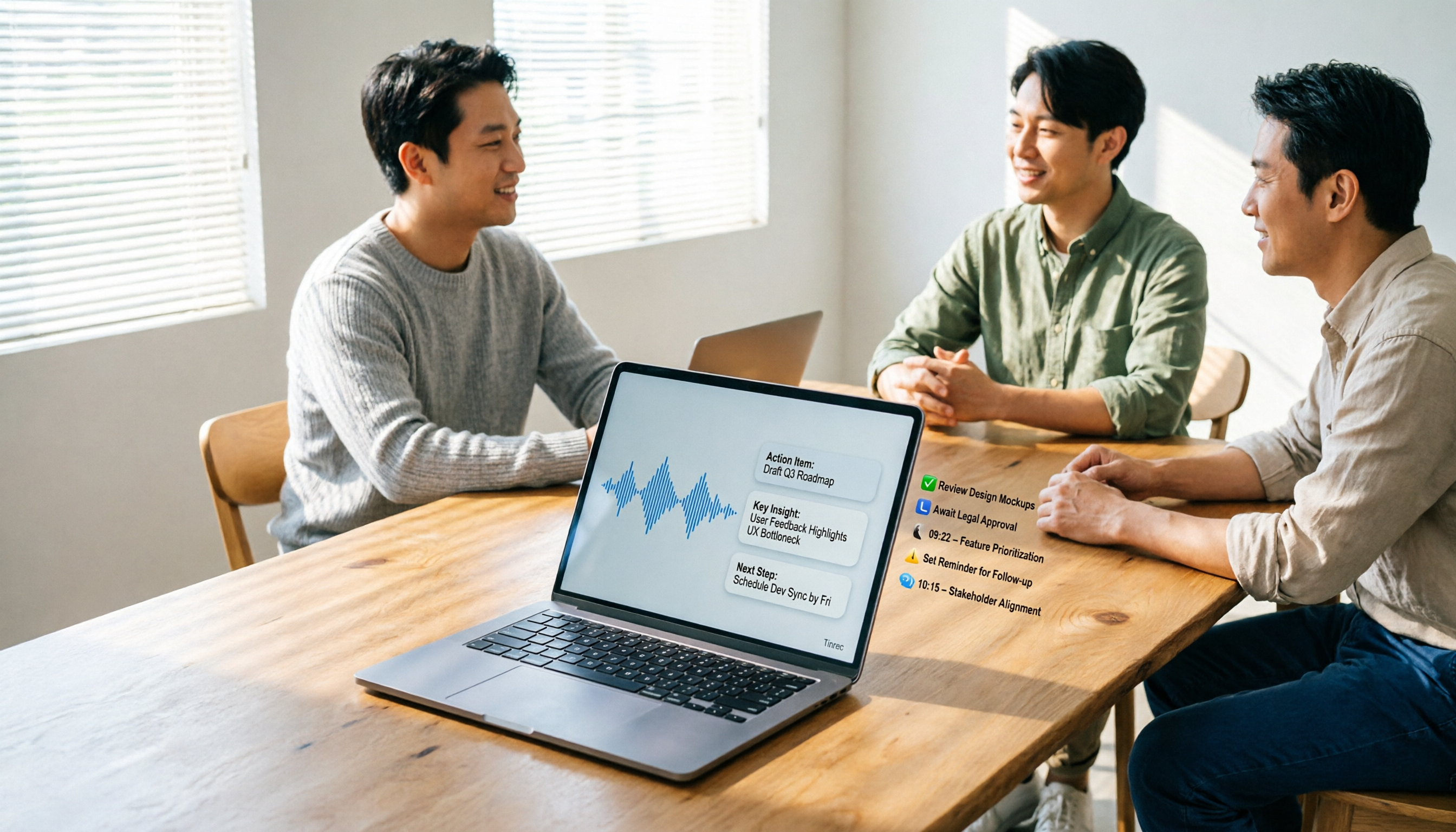
5 AI Meeting Agents Tested in 2026: Which One Turns Transcripts into Actionable Data?
The real cost of a meeting starts after it ends. Drawing from real-world use cases, this article shares hands-on observations and buying criteria for 5 AI meeting agents in 2026, and how I use Tinrec to turn a meeting recording into summaries, action items, and team-searchable meeting data.