
Turn recordings into transcripts and summaries in minutes
Upload audio or video for multilingual transcription, AI notes, and action items
There are plenty of free AI agent assistants, but which one can handle your meeting volume?
Here's the bottom line: You shouldn't pick the one with the most features—you should pick the one whose free plan can handle your actual usage.
"AI agent" and "AI assistant" are often used interchangeably. AI agents emphasize autonomous decision-making and action—they can perceive their environment, break down goals on their own, and complete tasks across systems. AI assistants, on the other hand, collaborate under user direction and supervision, with less autonomy. That's why when you search for "free AI agent assistant," you'll see two very different types of products—one that acts as an agent to help you do things yourself, and one that works alongside you to get things done.
But regardless of the type, most people share the same real frustrations:
- Three to five meetings a week is normal. After a two-hour meeting, organizing the minutes takes another two hours.
- Chinese meetings are mixed with English product names, internal codes, and technical terms—and the transcribed text still needs to be manually corrected word by word.
- When you want to go back and confirm "who mentioned the budget last time," you have to drag through the timeline and re-listen to the recording yourself.
Together, these three things eat up half a day of your week. With the right tool, it can be compressed to a few minutes. With the wrong tool, you've just subscribed to a service you'll use less than twice a month.
Before choosing an AI agent assistant, understand these 4 key points
1. Does the free limit restrict "total minutes" or "single session length"? Free plans generally come in three forms: limiting total monthly minutes, limiting single file length, or limiting daily file count. For someone who has five meetings a week, "120 minutes per month but max 3 minutes per session" and "300 minutes per month" are completely different things. First estimate how many minutes you'll record in a month, then look at the restrictions.
2. Can it handle your actual recording sources? Online meetings, in-person meetings, and existing recording files are three different technical paths. Some tools rely on a "meeting bot" that joins as a participant, while others use a desktop app to capture system audio directly without needing an extra bot in the meeting room. If the meetings you frequently attend don't allow external participants, the latter is much more practical.
3. After transcription, can you use it directly to get things done? A transcript is just the starting point. What really saves time is what comes after: automatic summaries, chapter segmentation, action items, and the ability to ask questions directly about the meeting content. With a tool that only gives you a transcript, you still have to read through 30 minutes of text yourself.
4. When the team uses it, who owns the data? If everyone records on their own personal account, when a member leaves, the meeting data goes with them. What teams need is an independent workspace, role and seat management, and usage and activity logs. For multi-person collaboration, this is often more important than transcription accuracy.
Tinrec — The meeting doesn't end when the recording stops; it's where the data begins
Tinrec is an AI meeting notes and collaboration tool for individuals and teams, offering both desktop and mobile versions. The desktop version can directly capture computer system audio, handling Zoom, Google Meet, Microsoft Teams, and Webex meetings played on your computer without needing an extra meeting bot to join as a participant.
Bot-free recording—no extra "participant" needed for online meetings. Open the desktop app and start recording; the meeting proceeds as usual, and the transcript is generated in real time. You can also switch between original text, translation, or bilingual view during recording. For external meetings or client meetings where adding a bot isn't convenient, this path is the most straightforward.
The real value comes after recording. When the meeting ends, Tinrec automatically generates a summary, chapters, and key points, and extracts action items from the discussion. It can also organize content into a mind map to quickly see relationships between topics. When you need to deliver, you can further generate meeting minutes, reports, tables, and documents, or export to Notion, Google Docs, OneNote, Dropbox, and other tools for further processing.
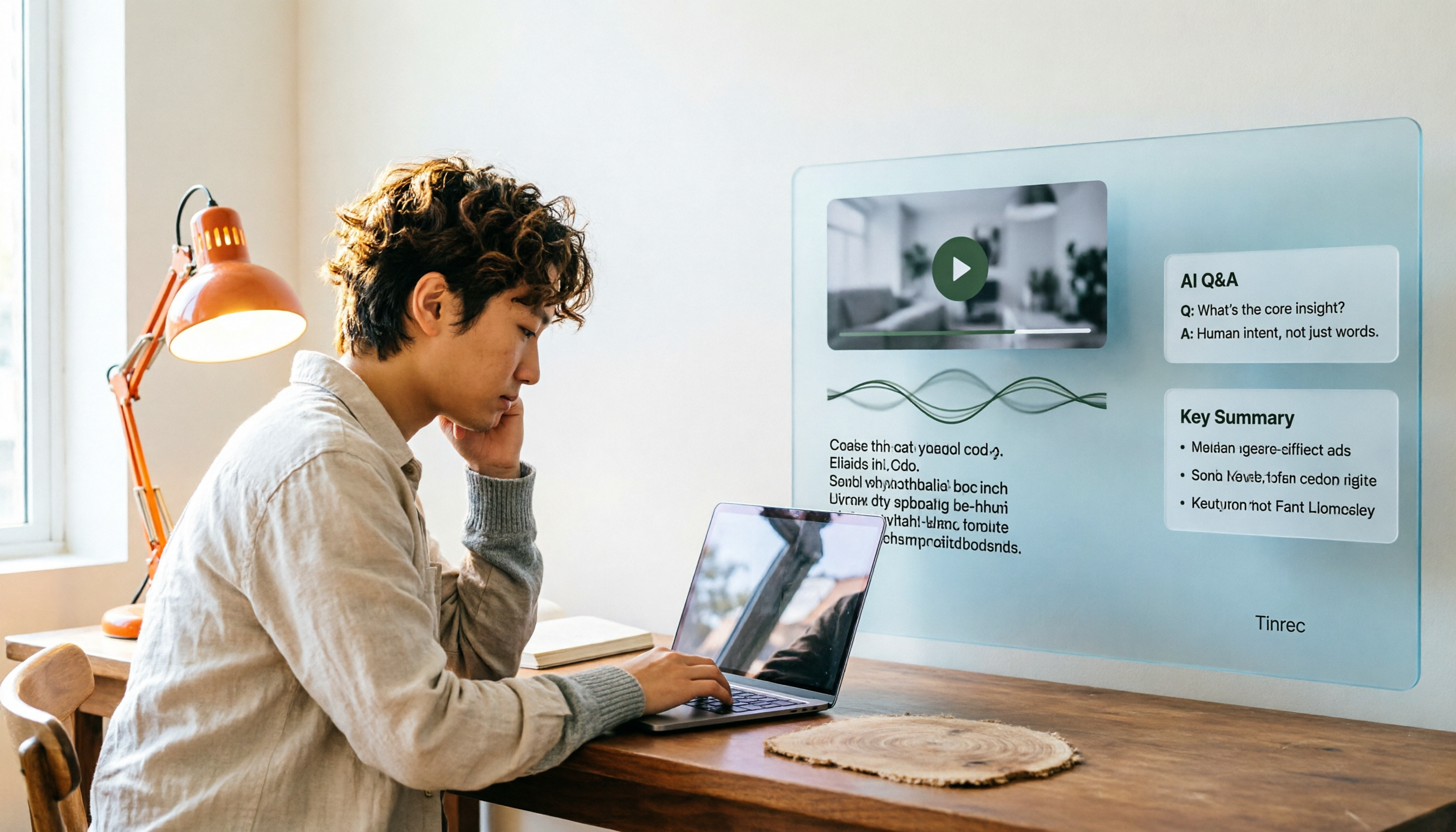
AI Q&A is where it stands out most from similar tools. After recording, you can directly ask it "What was the conclusion of this meeting?" or "Who's responsible for next week's proposal?" It will provide answers based on semantic understanding rather than throwing a list of keyword search results at you. Cross-meeting queries are also possible—"What concerns did the client raise last month?"—without having to go through each meeting one by one.
The team plan turns it into a shared workspace. Meeting data is stored centrally in the team workspace, and new members can access historical records. Admins can manage members, roles, and seats, view usage trends, member details, and activity logs, and handle accidentally deleted audio through the audio recycle bin (currently retained for 30 days; action items are not included in the recycle bin). When a member leaves, is removed, or loses their seat, their team resources can be transferred to other active members—data doesn't leave with the person. Teams can also maintain a hotword list to standardize internal product codes and technical terms, improving recognition of specialized vocabulary.
Pros:
- Bot-free desktop recording handles client meetings and external meetings without inviting an extra account into the meeting just to record.
- From transcript, summary, and action items to AI Q&A and export, post-meeting organization is completed in a single workflow—no need to move data between multiple tools.
- Meeting audio is retained, and transcripts can be cross-referenced with timestamps and recordings. Combined with team workspace and seat governance, it's suitable for teams that want to treat meetings as accumulating assets.
Stop organizing recordings by hand
Upload audio or video and automatically get a transcript, summary, and action items
Limitations:
- The free plan provides a basic quota, suitable for trying out recording, importing, summaries, and transcription. If you have a steady volume of meetings every week, you'll need to upgrade to a personal plan (weekly pass, Pro monthly, Pro annual—choose based on your usage needs).
- The team plan is currently team-level sharing: all active members can read team data, but there's no file-level granular permission. Members without a seat can view, play, and read; to record, upload, edit, and import/export, a seat is required.
Real-world performance note: Tinrec does not guarantee a fixed accuracy rate. Transcription quality is affected by recording quality, ambient noise, accents, overlapping speakers, and technical terminology. For important content, we recommend cross-referencing with transcript timestamps and recording playback.
Team plan pricing and benefits (subject to the official purchase page):
- First eligible team trial: 7 days, 1 free seat, 300 minutes of team shared import quota.
- Team monthly: USD 29.80 per paid seat per month.
- Team annual: USD 199 per paid seat per year, approximately USD 16.58 per month.
- Each paid seat provides 2,000 minutes of team shared import quota per month.
- With an active team plan and active seat, real-time recording currently does not deduct minutes; file and web imports use team shared import minutes.
Who it's for: Individuals and teams who need Chinese and mixed Chinese-English meeting notes, don't want a bot joining online meetings, and want to use AI to find key points directly after meetings and store data in a team workspace.
Besides Tinrec, what other free plans are worth considering?
| Plan | Free quota | Main strengths | Things to watch out for |
|---|---|---|---|
| Tinrec | Free plan provides basic quota to try recording, importing, summaries, and transcription | Bot-free desktop recording, post-meeting AI Q&A, and team workspace | Heavy usage requires upgrading |
| Otter.ai | Basic free, 300 minutes per month | Mature English business meeting and meeting assistant ecosystem | Chinese meetings are not its strong suit |
| Granola | Basic free | Bot-free note-taking, combining handwritten notes with AI | Doesn't support uploading pre-recorded audio files and doesn't retain meeting audio |
| Notta | Free 120 minutes per month, max 3 minutes per session | Multilingual transcription, translation, and team plans | Free plan has strict single-session length limits |
(Competitor pricing and benefits are subject to their respective official pricing pages; plan details may change.)
Otter.ai: A mature AI meeting assistant with a Basic free plan of 300 minutes per month. It has the highest mindshare for English business meetings, and annual Pro comes to about USD 8.49 per user per month. If your meetings are almost entirely in English, it's the most straightforward choice—but the gap is obvious for Chinese and mixed Chinese-English meetings. Tinrec, on the other hand, can record meetings without inviting a bot and keeps transcripts, summaries, action items, and team workspace in a single workflow.
Granola: Also takes the bot-free approach, using desktop system audio and microphone for real-time transcription, and combines your typed notes with AI-generated content. Basic is free, Business is USD 14 per user per month. However, it doesn't support uploading pre-recorded audio files and doesn't save meeting audio—if you need to "go back and listen to that part" or organize existing recordings, Tinrec can import audio and video files and retain audio, which Granola can't do.
Notta: Has significant overlap with Tinrec—both do multi-platform transcription, file import, and translation. The free plan offers 120 minutes per month with a max of 3 minutes per session. Annual Pro comes to about USD 8.17 per month. Its limitation is single-session length—a 60-minute meeting gets chopped into fragments. When you need team-shared meeting data and seat governance, Tinrec's team workspace, roles and seats, and usage and activity logs are more complete.
Pitfall guide: The 3 most common mistakes when choosing an AI agent assistant
Pitfall 1: Only looking at the word "free" without checking the restrictions. Free quotas can be monthly minutes, single-session length, or daily file count—and the impact of each on your actual usage is completely different. Testing with one of your real meetings is more useful than reading ten comparison articles.
Pitfall 2: Assuming "able to record" means "able to use." If you only get a transcript, you still have to read through it yourself. When choosing a tool, look at whether it can give you summaries, chapters, action items, and whether you can ask questions directly about the content—that's the part that actually saves you time.
Pitfall 3: Using a personal account for team meetings. Meeting data gets scattered across everyone's accounts, and when a member leaves, the data is cut off. What teams need is an independent workspace, role and seat division, and a resource handover mechanism when members change. Tinrec's team plan, for example, handles data ownership, seat usage eligibility, and member relationships separately—much more reliable than "everyone sharing one set of credentials."
Summary: Which one should you actually choose?
- Chinese or mixed Chinese-English meetings, and you don't want a bot joining → Tinrec (bot-free desktop recording, transcript, summary, and action items all in one)
- Want to ask AI directly after recording "What was the conclusion? Who's responsible for what?" → Tinrec (meeting Q&A and cross-meeting queries are its core differentiators)
- Need to upload existing recording files and want audio retained for later verification → Tinrec (supports audio/video import and retains audio; Granola doesn't support uploads or retain audio)
- Team needs to share meeting data and manage members and seats → Tinrec team plan (team workspace, roles and seats, usage and activity logs)
- Meetings are almost entirely in English and you just want to start with a free plan → Otter.ai (300 minutes per month is the most generous free English plan mentioned in this article)
We recommend running through your daily meeting workflow once with the free plan—from recording, viewing the summary, to asking it a question after the meeting. After one real run-through, you'll know whether you need to upgrade—no need to pay upfront.
Final reminder: Recording and transcription involve others' privacy. Please comply with local regulations and obtain participant consent when necessary.
References
- What is an AI Agent? Comparison with AI Assistants and Chatbots, and Application Scenarios - iKala
- AI Agents Are Here, But What Are They? Full Interpretation of AI Agent Definitions, Applications, and Challenges | Global Views Monthly
- What Are AI Agents? Definitions, Examples, and Types | Google Cloud
- What is an AI Agent? Stop Only Using ChatGPT! This Is the Virtual Assistant Enterprises Really Need | KSCT Think Tank
- What is MCP? Making AI a True AI Agent, Not Just a Machine That "Talks" - AiBest Strategy
Turn every recording into actionable outcomes
Get 60 free transcription minutes when you sign in. No credit card required.
Related Reading
You might also like
2026 Free Speech-to-Text Options: 4 Tools Compared
Tired of spending hours after every meeting writing up transcripts? This article compares 4 free speech-to-text options in 2026, covering free quotas, single-session length limits, and post-meeting organization capabilities. I also share why I kept Tinrec after testing, its limitations, and how the team version handles member and data ownership.

Google Text-to-Speech Online Free Tier in 2026: 3 Ways to Use It
Google Text-to-Speech online seems convenient, but most professionals get stuck earlier: meeting content hasn't been turned into text yet. This article starts with common misconceptions, breaks down the free quota and limits of Google TTS online, and explains how Tinrec fills the gap with recording-to-text, summaries, and action items so meeting data actually becomes usable.

4 Video-to-Text Tools Tested for 2026: Which Saves the Most Time for Chinese Meetings and Transcripts?
Manually transcribing a 40-minute meeting recording often takes two to three hours, but the real problem is often choosing the wrong approach. This article starts with three common misconceptions, outlines 4 key points for choosing a video-to-text tool, tests Tinrec's no-bot recording, AI summary, and Q&A workflow, and compares who Granola, TurboScribe, and Otter.ai are each best for, with a final pitfall guide and scenario-based recommendations.
2026 Comparison of 3 Video Analysis Tools: Which One Actually Saves Time from Video to Transcript?
Video analysis isn't just about picture quality. This article starts with common misconceptions, breaks down the difference between 'resolution' and 'content analysis,' explains how meeting videos can become searchable transcripts, summaries, and action items, and outlines 5 key points for choosing a tool plus FAQs.
Which Web Video Parsing Tool Is Best? 2026 Comparison of 4 Key Criteria—This One Turns Videos into Transcripts Fastest
Should you choose a downloader or a transcription tool for web video parsing? Using Tinrec as an example, this article breaks down the practical uses of video parsing, 4 key buying criteria, common questions, and differences between team and personal plans to help you decide which tool to use to turn video content into searchable, citable transcripts, summaries, and action items.
How to Convert Video to Text in 2026: Auto-Generate Transcripts and Use AI Q&A to Summarize Key Points
How do you choose a video-to-text tool? This article walks through the full process of converting video to transcript, compares Tinrec, TurboScribe, Notta, and Vidnoz, and covers 4 key selection criteria, 4 common mistakes, and scenario-based recommendations to help you find a tool that delivers ready-to-use results.

Which AI Productivity Agent Is Best? 2026 Hands-On Test of 4 Tools—This One Wins for Chinese Meetings
AI Agents are more than just chat boxes. Starting from real meeting pain points, this article breaks down 4 key factors for choosing an AI productivity agent and compares Tinrec, Otter.ai, Notta, and PLAUD Note in hands-on tests, explaining why Tinrec won for Chinese meetings, mixed Chinese-English, and team knowledge retention.

4 AI Work Agents Tested for 2026: Which One Actually Finishes the Post-Meeting Work?
We tested 4 AI work agents from the perspective of post-meeting output, comparing meeting recording methods, Chinese and mixed Chinese-English experience, AI Q&A, and team collaboration capabilities, and analyzed why Tinrec is best suited for individuals and teams that want to turn meetings into actionable data.

2026 AI Office Agent Comparison: Meeting Notes, Chinese Summaries, and Team Knowledge — Which Approach Really Saves Time?
AI office agents aren't just chatbots—they can handle meeting recordings, summaries, and action items from start to finish. This article uses Tinrec as a primary example to compare four common approaches, breaking down core capabilities, real-world use cases, purchasing considerations, and team pricing, with FAQs included.