
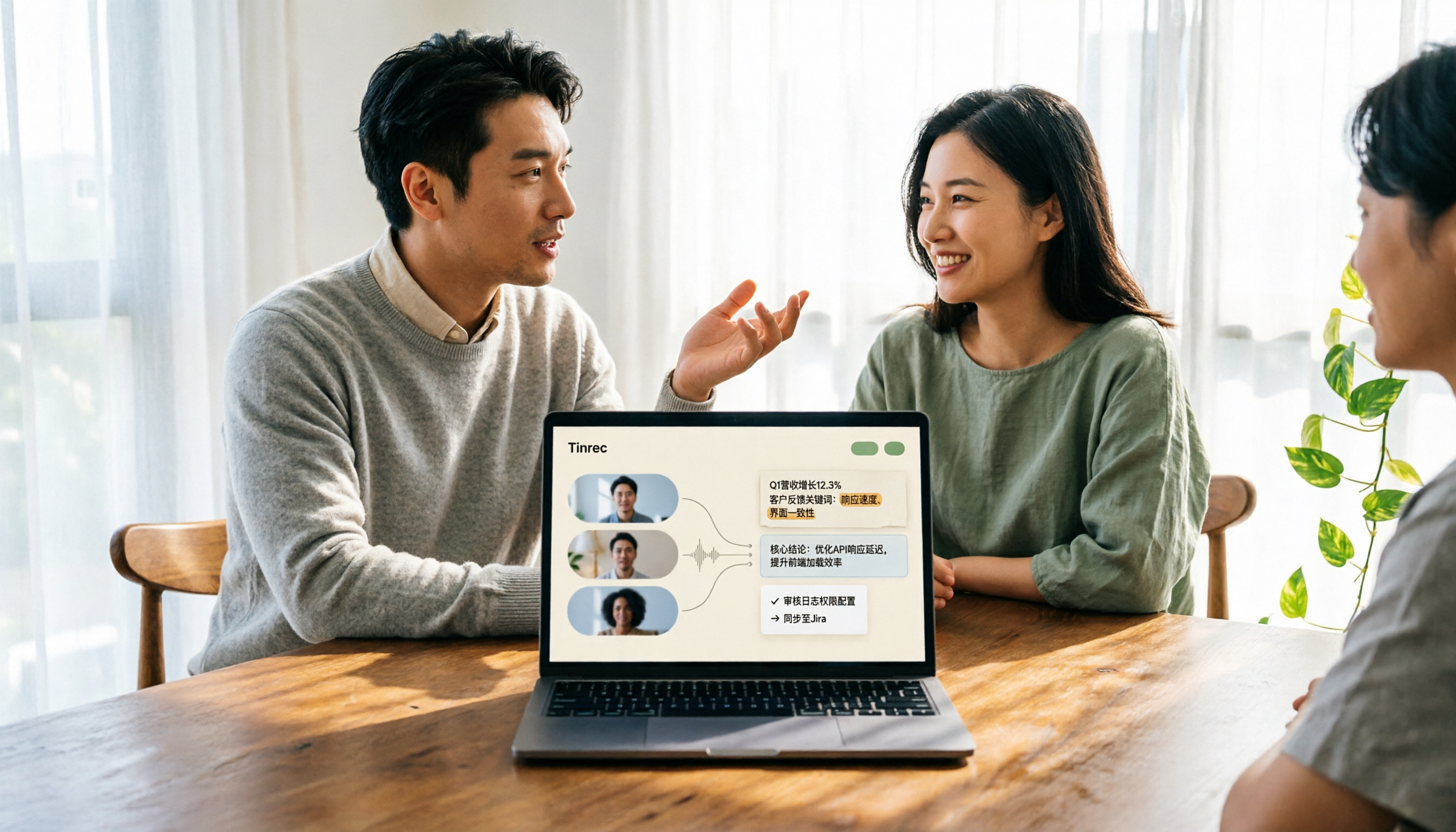
Turn recordings into transcripts and summaries in minutes
Upload audio or video for multilingual transcription, AI notes, and action items
2026 Comparison of 3 Video Analysis Tools: Which One Actually Saves Time from Video to Transcript?
When people hear 'video analysis,' many first think of picture quality—720p, 1080p, whether you can read the small text on a slide.
Honestly, I thought the same at first.
Until a reader asked me: 'I recorded the meeting, but I still have to spend two hours watching a two-hour video. What time does that actually save?'
That question points to the real issue. Picture quality only determines how clearly you can see; what really eats up time is whether the content has been analyzed into usable data.
This article doesn't dwell on definitions. It starts with common misconceptions, then explains what to actually do and how to choose a tool.
Currently, there are roughly three approaches on the market: built-in transcription features on platforms, meeting bots that join as participants, and desktop solutions that don't join the meeting but directly capture the computer's system audio. The differences between these three approaches directly affect how much time you'll spend organizing afterward.
What Can Video Analysis Do for You?
First, separate two things.
One is 'video resolution,' which refers to the specifications of the image itself, such as 360p, 720p, 1080p. For example, according to Webex's official documentation, to send or receive 720p, both your computer specs and webcam must meet the requirements; for 1080p, the bar is even higher. This part affects 'seeing clearly.'
The other is 'video content analysis,' which means extracting speech, discussion context, and conclusions from the video and turning them into searchable, quotable text. This part affects 'usability.'
Most people's pain point is actually the second type.
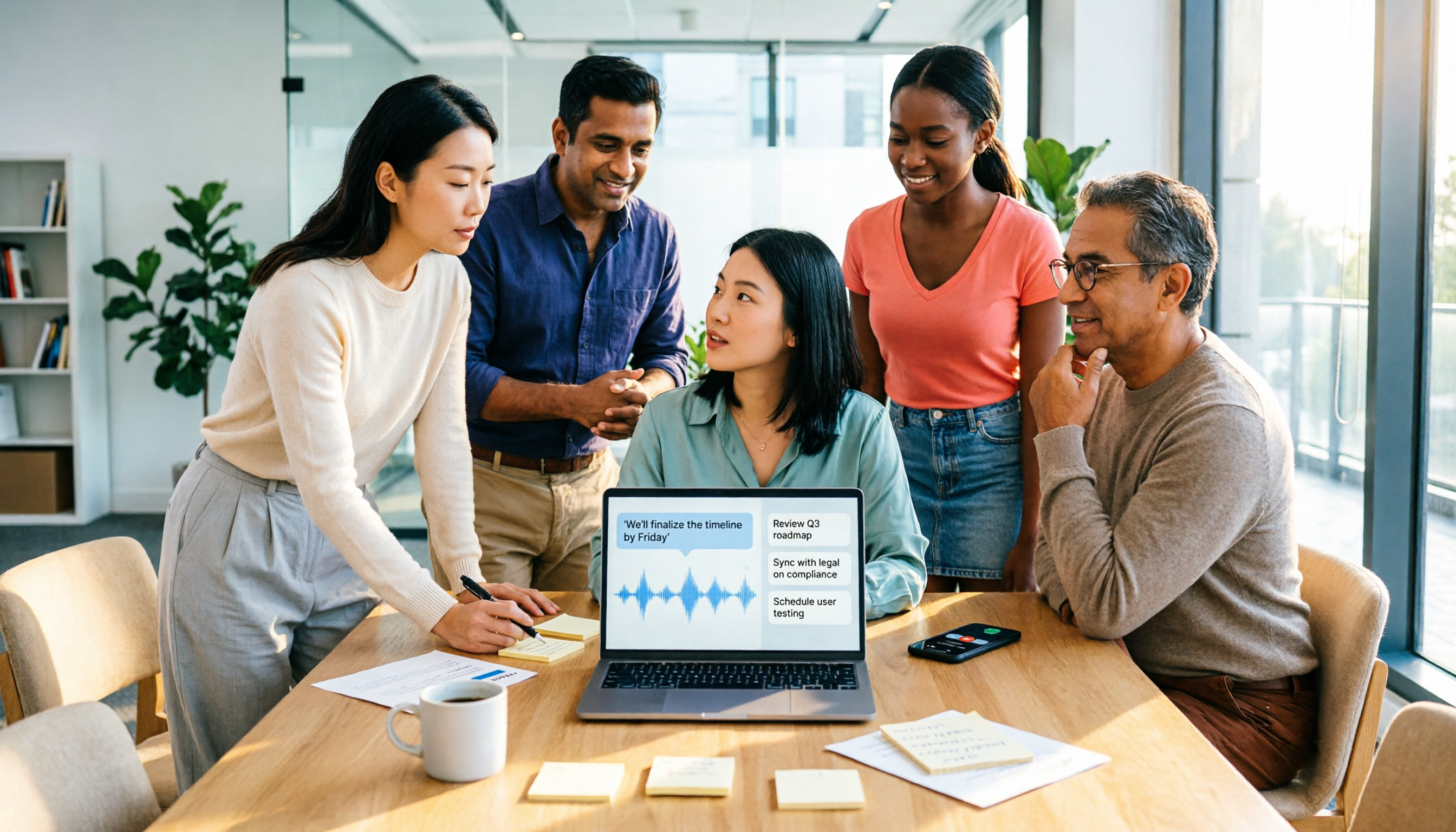
Scenario 1: Get a transcript 5 minutes after a meeting Previously, after a two-hour meeting, you'd often spend another hour re-listening to the recording and picking out key points. With Tinrec, for example, as the meeting ends, the transcript, summary, and to-do list are already organized, listing who is responsible for what and when it's due.
Scenario 2: Still searchable three months later A meeting video sitting on a hard drive is as good as nonexistent. Tinrec stores transcripts and summaries in a searchable database. You just type a keyword or ask the AI directly to find the reasoning behind decisions made at the time.
Scenario 3: Cross-language meetings no longer rely on human translators The biggest fear in international meetings is missing something. Tinrec supports real-time translation during recording, allowing you to switch between original text, translation, or bilingual view, so you can keep up during the meeting.
Scenario 4: Turn scattered videos into team data It's common for meetings from the same project to be scattered across different people's computers. Tinrec's team space centralizes meeting data, so new members can directly access historical records.
What Are the Core Capabilities of Video Analysis?
Ultimately, whether a tool is good depends on what it gives you after analysis.
Real-time transcript: Transcribes while recording, not after. With Tinrec, for example, the desktop version can produce text in real time during an online meeting, so you can confirm you haven't missed key points.
Bot-free meeting recording: This is where many people get stuck. Tinrec's desktop version directly captures the computer's system audio, handling meeting audio played on the computer from platforms like Zoom, Google Meet, Microsoft Teams, and Webex, without pulling a meeting bot into the room. Note that this does not mean automatically joining all meetings on your calendar; you need to start recording yourself by opening Tinrec.
Audio and video file transcription: Already-recorded meeting videos or interview audio can be uploaded and organized into text. This is very useful for 'after-the-fact补救' (remediation).
AI summary and chapters: A two-hour meeting condensed into a few paragraphs, and long meetings can be split into chapters for easy skimming.
Action item extraction and AI Q&A: Tinrec pulls out action items from discussions; when you have questions, you can directly ask it 'Who mentioned the budget in this meeting?' or 'What were the client's main concerns?'
Multi-format export and further processing: Organized content can be taken to Notion, Google Docs, OneNote, Dropbox, etc., for continued use, and can further generate reports, tables, and documents.
Stop organizing recordings by hand
Upload audio or video and automatically get a transcript, summary, and action items
Team space and governance: The team version provides member, role, and seat management. Administrators can view usage trends and details, and query and export important operation logs.
Practical Use Cases
Online meetings The most typical scenario. Open Tinrec desktop version to start recording, and you'll have a transcript and summary when the meeting ends. Participants don't need to install anything extra.
Classes and lectures After a 90-minute class, it's often hard to find key points for review. Tinrec's chapter and summary features let you quickly locate a topic, while the transcript preserves the teacher's original wording.
Interviews and research The most time-consuming part of qualitative interviews is transcription. Tinrec can first convert recordings to transcripts, then use AI Q&A to organize interviewees' viewpoints and quotable material. Actual results can be affected by recording quality, accents, and overlapping speech; for important sections, it's still recommended to check against the original.
Client communication Sales and customer success teams often need to record requirements, objections, and commitments. Tinrec can extract these from conversations and export them as materials for follow-up.
5 Things to Note When Choosing a Video Analysis Tool
1. First confirm whether you need to solve picture quality or content If you want image clarity, you need to address the camera, network bandwidth, and computer specs. Wikipedia mentions that early interlaced scanning was to improve picture quality under low bandwidth; such specification issues can't be fixed by software. But if you want 'meeting content usability,' then you should look at transcription and organization capabilities. Tinrec is positioned for the latter.
2. Will the recording method interfere with the meeting? Meeting bots need to join as participants, which some attendees may mind. Tinrec desktop version uses system audio capture, so no extra participant appears.
3. What else after transcription? Tools that only provide transcripts leave the rest of the organizing to you. Tinrec integrates summary, chapters, to-dos, Q&A, and export into one workflow.
4. Chinese and multilingual performance Chinese meetings and mixed Chinese-English discussions are common scenarios for Taiwanese users. Tinrec covers Chinese, Traditional Chinese, and multilingual meetings, and supports real-time translation and team hotwords. A reminder: don't believe any claims of fixed accuracy rates; actual results depend on audio quality, noise, and accents.
5. How to manage for teams Personal use and team use are two different things. Tinrec's team version has independent spaces, member invitations, role and seat distinctions, usage analytics, audit logs, and an audio recycle bin. Note that currently it focuses on team-level sharing, not fine-grained file-level permission control.
FAQ
Q: Does higher video resolution mean more accurate transcription? No direct relationship. Resolution affects the image; transcription accuracy mainly depends on audio quality. No matter how clear the picture, if the audio has echo or noise, recognition results will still be affected.
Q: Will Tinrec automatically join my meetings? No. Tinrec desktop version is initiated by the user, capturing computer system audio to record online meetings. It is currently not a calendar-based auto-join meeting bot.
Q: Can I use the free version? You can start with the free version to experience the basic workflow of recording, importing, summarizing, and transcribing. If you only occasionally organize a recording, the free quota is usually enough; if you have steady weekly needs, consider Pro.
Q: What's the difference between team and personal versions? Personal version data belongs to the individual account. The team version is an independent team space where meeting data belongs to the team, plus features like members, roles, seats, sharing benefits, usage analytics, and audit logs. The team version currently offers a first-time 7-day trial, 1 free seat, and 300 minutes of team shared import quota; paid seats are USD 29.80/seat/month, or USD 199/seat/year with annual payment.
Q: Can deleted videos be recovered? Team version audio goes to the recycle bin, currently retained for 30 days, and can be restored before permanent cleanup begins. To-do items are not covered by the recycle bin.
Q: Can members without a seat see data? They can view, play, and read team data, but cannot upload, edit, import, or export. Seats determine 'whether you can use resources'; roles determine 'whether you can manage the team.'
Conclusion
With video analysis, the real hassle is never picture quality, but how content becomes usable data.
If you have more than three meetings a week, or a pile of unorganized interview and course recordings, I highly recommend trying this workflow: record or import, automatic transcription, generate summaries and to-dos, then use AI Q&A to dig out the details you need.
The basic quota provided by Tinrec's free version is enough to let you experience a few meetings and see what it feels like to have AI organize your meeting content.
References
- Webex Video Support
- AI Video Analytics | OpenText
- Parsing the Structure of H.264 Video Streaming and Evaluating the Performance of Decoding Modules Using FFmpeg | Airiti Library
- How to Test Video Quality Before Joining a Google Meet Meeting - Google Workspace | Lianshang Technology
- Video - Wikipedia, the free encyclopedia
Turn every recording into actionable outcomes
Get 60 free transcription minutes when you sign in. No credit card required.
Related Reading
You might also like
2026 Free Speech-to-Text Options: 4 Tools Compared
Tired of spending hours after every meeting writing up transcripts? This article compares 4 free speech-to-text options in 2026, covering free quotas, single-session length limits, and post-meeting organization capabilities. I also share why I kept Tinrec after testing, its limitations, and how the team version handles member and data ownership.

Google Text-to-Speech Online Free Tier in 2026: 3 Ways to Use It
Google Text-to-Speech online seems convenient, but most professionals get stuck earlier: meeting content hasn't been turned into text yet. This article starts with common misconceptions, breaks down the free quota and limits of Google TTS online, and explains how Tinrec fills the gap with recording-to-text, summaries, and action items so meeting data actually becomes usable.

4 Video-to-Text Tools Tested for 2026: Which Saves the Most Time for Chinese Meetings and Transcripts?
Manually transcribing a 40-minute meeting recording often takes two to three hours, but the real problem is often choosing the wrong approach. This article starts with three common misconceptions, outlines 4 key points for choosing a video-to-text tool, tests Tinrec's no-bot recording, AI summary, and Q&A workflow, and compares who Granola, TurboScribe, and Otter.ai are each best for, with a final pitfall guide and scenario-based recommendations.
Which Web Video Parsing Tool Is Best? 2026 Comparison of 4 Key Criteria—This One Turns Videos into Transcripts Fastest
Should you choose a downloader or a transcription tool for web video parsing? Using Tinrec as an example, this article breaks down the practical uses of video parsing, 4 key buying criteria, common questions, and differences between team and personal plans to help you decide which tool to use to turn video content into searchable, citable transcripts, summaries, and action items.
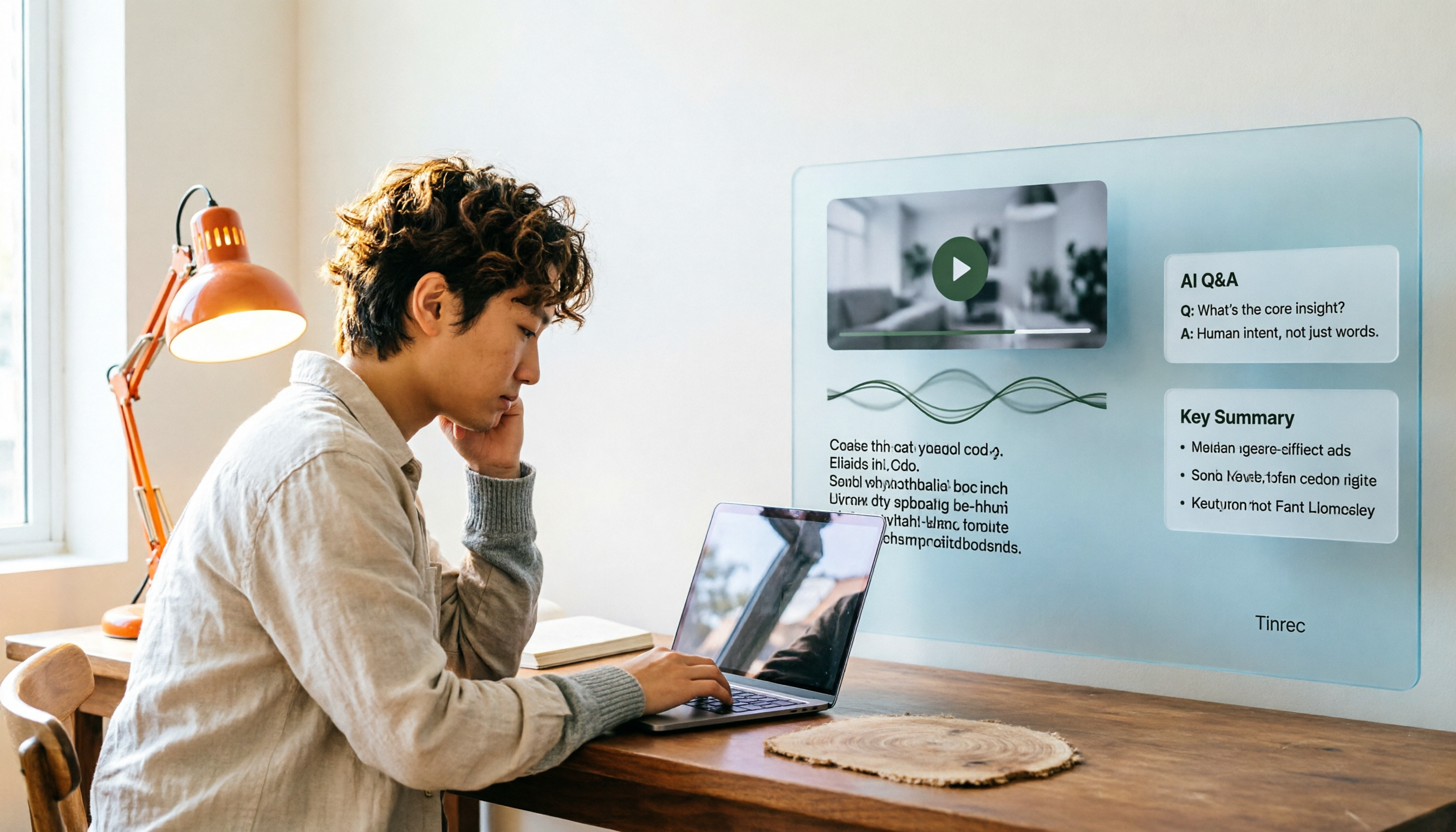
How to Convert Video to Text in 2026: Auto-Generate Transcripts and Use AI Q&A to Summarize Key Points
How do you choose a video-to-text tool? This article walks through the full process of converting video to transcript, compares Tinrec, TurboScribe, Notta, and Vidnoz, and covers 4 key selection criteria, 4 common mistakes, and scenario-based recommendations to help you find a tool that delivers ready-to-use results.
2026 AI Agent Assistant Free Plans Compared: 4 Options to Consider
What's the difference between an AI agent and an AI assistant, and is a free plan enough? This article examines four key factors—free usage limits, recording sources, post-meeting organization, and team data ownership—to compare the free plan restrictions and use cases of Tinrec, Otter.ai, Granola, and Notta, along with team plan seat and pricing information to help you make a clear case in procurement meetings.

Which AI Productivity Agent Is Best? 2026 Hands-On Test of 4 Tools—This One Wins for Chinese Meetings
AI Agents are more than just chat boxes. Starting from real meeting pain points, this article breaks down 4 key factors for choosing an AI productivity agent and compares Tinrec, Otter.ai, Notta, and PLAUD Note in hands-on tests, explaining why Tinrec won for Chinese meetings, mixed Chinese-English, and team knowledge retention.

4 AI Work Agents Tested for 2026: Which One Actually Finishes the Post-Meeting Work?
We tested 4 AI work agents from the perspective of post-meeting output, comparing meeting recording methods, Chinese and mixed Chinese-English experience, AI Q&A, and team collaboration capabilities, and analyzed why Tinrec is best suited for individuals and teams that want to turn meetings into actionable data.

2026 AI Office Agent Comparison: Meeting Notes, Chinese Summaries, and Team Knowledge — Which Approach Really Saves Time?
AI office agents aren't just chatbots—they can handle meeting recordings, summaries, and action items from start to finish. This article uses Tinrec as a primary example to compare four common approaches, breaking down core capabilities, real-world use cases, purchasing considerations, and team pricing, with FAQs included.