

Turn recordings into transcripts and summaries in minutes
Upload audio or video for multilingual transcription, AI notes, and action items
2026 Vocal AI Comparison: 4 Tools Tested for Meeting Transcription vs. Vocal Separation
When you search "Is vocal AI good?" you actually need to answer a more fundamental question first: which kind of Vocal AI do you need?
If you're doing vocal separation, AI covers, or voice generation, that's the music and audio creation path—Vocal Remover, ElevenLabs, and Audimee each have their strengths. But if you want to turn meeting, interview, or lecture recordings into transcripts, summaries, and action items, that's a completely different path.
Honestly, every time I see this keyword, I ask the reader: are you trying to hold a meeting or make music? Buy the wrong direction, and even the most expensive tool won't be useful. This article separates the two paths, focuses on meeting notes, and reviews four tools: Tinrec, Otter.ai, Notta, and TurboScribe. At the end, I'll give selection advice based on your scenario.
The pain of meeting notes isn't a missing tool—it's a missing workflow
A two-hour meeting, then another two hours to organize the transcript—that's the daily routine for many office workers.
What's more troublesome is that Chinese meetings often mix in English product names, abbreviations, and jargon. When typing, you have to constantly pause, replay, and confirm. By the time you finally finish, no one remembers who said what or who was assigned which action item.
Another common situation is team data scattered across personal computers and chat rooms. When someone leaves, meeting records disappear with them; new members who want to check the last decision have to ask around.
Rather than looking for the "strongest" tool, find a workflow that turns recordings into searchable, summarizable, and trackable action items.
Before buying Vocal AI, understand these 5 key points
First, clarify the path.
Music vocal tools handle audio tracks, vocals, and creative material; meeting transcription tools handle transcripts, summaries, action items, and team data. The selection criteria are completely different—don't compare them using the same standards.
Second, recognition capability for Chinese and mixed Chinese-English.
Don't just look at the official accuracy claims. Real meetings have air conditioning noise, keyboard sounds, accents, and overlapping speech—all of which affect results. When choosing a tool, test it with your own meeting recording to see if Chinese paragraphs need major edits and if English proper nouns need manual correction.
Third, meeting source and recording method.
If you use Zoom, Google Meet, Microsoft Teams, or Webex, consider whether the tool joins meetings via a bot or records directly from system audio. The former adds an extra account to the participant list, which may not be suitable for external or client meetings.
Fourth, are the post-meeting outputs sufficient?
The transcript is just the starting point. Can it automatically generate summaries, chapters, and action items? Can you ask follow-up questions about the meeting content? Can it export to Notion, Google Docs, OneNote, or Dropbox? That's where real time savings come from.
Fifth, free quota and payment method.
If you only occasionally transcribe a recording, start with the free version. If you have weekly meetings, consider Pro or team plans. Don't lock yourself into an annual plan just because the monthly equivalent is cheaper.
Tinrec (秒聽錄音) — Our top pick after testing
Tinrec (秒聽錄音) is an AI meeting notes and collaboration tool for individuals and teams. It supports real-time recording to text, bot-free online meeting recording, audio/video file transcription, real-time translation, and automatically generates summaries, chapters, action items, and mind maps.
The most impressive point: when you open Tinrec desktop during a meeting, it directly captures system audio—no need to invite a meeting bot for Zoom, Google Meet, Microsoft Teams, or Webex. The participant list won't show an extra account, which is more presentable for client or external meetings.
During the meeting, Tinrec produces a transcript as it records. After the meeting, AI automatically organizes summaries, chapters, and action items—who is responsible for what and what to do next—much faster than manually scrolling through the transcript.
Even better is AI Q&A. You can directly ask "Who mentioned the budget in the last meeting?" or "What was the decision on this project?" It doesn't just give you keyword search results; it answers based on semantic understanding. For people with many historical meetings, this really saves time.
It also helps with cross-language meetings. Tinrec supports real-time translation, viewable in original, translated, or bilingual format. Mixed Chinese-English meeting content can also be organized—very practical for common work scenarios in Taiwan.
If you're using it as a team, Tinrec's team plan provides independent team spaces. Meeting data belongs to the team, not tied to an individual's personal account. The team plan allows creating multiple team spaces, inviting members via join links, and distinguishing owners, admins, and regular members.
Stop organizing recordings by hand
Upload audio or video and automatically get a transcript, summary, and action items
Note a common misunderstanding: the team plan separates "roles" and "seats." Roles determine who can manage the team, members, and settings; seats determine whether a member can record, upload, edit, import/export. Active members without a seat can still view, play, and read team data, but cannot perform resource usage operations.
The team plan also includes usage analytics, audit logs, team hotwords, and an audio recycle bin. Audio in the recycle bin can be restored before permanent deletion begins; the current retention period is 30 days. However, note that the team plan currently focuses on team-level sharing, not file-level or member-level granular permissions.
Pricing: The personal plan includes a free version, weekly card, Pro monthly, and Pro annual. The free version provides a basic quota, suitable for trying out; for short-term intensive meetings or interviews, consider the weekly card; for stable weekly use, Pro is suitable; for long-term accumulation of recording data, consider the annual card.
For teams, the first eligible team trial is 7 days, 1 free seat, and 300 minutes of team shared import quota. Team monthly is USD 29.80 per paid seat per month; team annual is USD 199 per paid seat per year, equivalent to about USD 16.58 per month. Paid seats provide 2,000 minutes of team shared import quota per month. Real-time recording under an active team plan and active seat is currently not deducted by minutes; file and web imports use team shared import minutes.
Limitations to be honest about: the free version has limited quota, and heavy users need to pay. Actual transcription results are affected by recording quality, noise, accents, overlapping speech, and technical terms; the official does not promise a fixed accuracy rate. For important conclusions, verify with transcript timestamps and recording playback.
Overall, if you need Chinese meeting notes, don't want a bot joining meetings, need post-meeting summaries, action items, and AI Q&A, and want to accumulate data in a team space, Tinrec is a tool well worth trying first.
Besides Tinrec, what other options are there?
Otter.ai is a mature English meeting assistant. The free version offers 300 minutes per month; Pro annual is about USD 8.49 per user per month, including 1,200 minutes of in-app recording and 10 file imports per month. If you mainly record English meetings, Otter.ai's free quota is generous. However, Chinese meetings are not its strong suit; Tinrec is closer to Chinese team needs in Chinese experience, team hotwords, and post-meeting Agent processing.
Notta overlaps significantly with Tinrec, covering multi-platform transcription, meeting notes, file import, and translation. Notta's free version offers 120 minutes per month, with a maximum of 3 minutes per item; Pro annual is about USD 8.17 per month, with 1,800 minutes per month. It suits people who need multilingual transcription, but Tinrec additionally offers bot-free desktop recording, AI Q&A, and Agent post-processing, making the post-meeting workflow more complete.
TurboScribe is more of a cost-effective file transcription tool. The free version allows 3 files per day, up to 30 minutes per file; Unlimited annual is USD 120, about USD 10 per month, with paid version supporting up to 10 hours or 5 GB per file and 50 files per upload. If you need to batch process long audio files, TurboScribe is a good deal. But real-time meeting notes, post-meeting summary Q&A, and team collaboration are not its strong suit; Tinrec is more suitable for that.
As for the music vocal path, Vocal Remover, ElevenLabs, and Audimee each have focused scenarios; this article does not compare them in depth. Just remember: they are not for organizing meeting transcripts.
Pitfall guide: 4 most common mistakes when choosing Vocal AI
Pitfall 1: Treating music vocal tools as meeting notes tools.
Using a vocal separation tool to transcribe meeting minutes is like using scissors to tighten a screw—the tool isn't bad, the direction is wrong. First confirm whether you need audio creation or meeting organization.
Pitfall 2: Only looking at free minutes, ignoring post-meeting organization.
Some tools have large free quotas but only give you a transcript. Summaries, action items, Q&A, and export may require extra payment or may not exist at all. Rather than comparing minutes, compare "what you can directly get after recording."
Pitfall 3: Ignoring the meeting recording method.
A bot joining the meeting adds an extra participant account. For internal meetings it may not matter, but for client or external meetings it may not be suitable. Tinrec desktop directly captures system audio without adding extra participants—an advantage in business scenarios.
Pitfall 4: Assuming team sharing means everyone can edit.
The team plan separates roles and seats. Members without a seat can view, play, and read data, but cannot upload, edit, or import/export. Before purchasing, confirm team members' usage needs so you don't buy something that can't collaborate.
Conclusion: Which one should you choose?
In one sentence: if you need meeting transcription and post-meeting organization, Tinrec is the top pick in this article.
Scenario breakdown:
- Chinese meetings, mixed Chinese-English, don't want a bot joining → Tinrec.
- Need automatic summaries, action items, AI Q&A after meetings, and export to Notion or Google Docs → Tinrec.
- Team needs unified meeting data storage, seat and usage management → Tinrec team plan.
- Cross-platform use, supporting both mobile recording and desktop organization → Tinrec.
- Mainly English meetings, free quota priority → Otter.ai, the only competitor scenario recommended in this article.
I suggest trying Tinrec's free version with your own meeting recording first to confirm Chinese recognition, summaries, and Q&A meet your needs, then consider upgrading. No need to pay for an annual plan right away.
Finally, recording and transcription involve personal data and privacy. Please comply with local laws and obtain participant consent when necessary.
References
- Which Vocal AI is good? 6 tested in 2026, top pick for meeting transcription - 秒聽錄音Blog
- Is Vocal AI good? 2026 audio-to-text tool test: Tinrec, Notta, and open-source comparison guide - 秒聽錄音Blog
- 2026 comparison of 4 Vocal AI tools: from music making to meeting notes - 秒聽錄音Blog
- Speech transcription software comparison — Vocol.ai vs. Yating transcription - Getter Chen - Medium
- Unlock efficient meeting notes: 5 major features & advantages of Vocol AI - Meeting Notes Learning|104 Learning
Turn every recording into actionable outcomes
Get 60 free transcription minutes when you sign in. No credit card required.
Related Reading
You might also like

ChatGPT Audio Recording Guide 2026: Upload Limits and Better Alternatives
Can ChatGPT read recordings? This guide breaks down ChatGPT's recording mode and the real limits of audio uploads, including plan requirements, the 512MB cap, and format issues. It also explains why meeting notes need a more complete workflow. Using Tinrec as an example, it covers bot-free online meeting recording, real-time transcription, summary and action items, and team sharing—so you can see how to choose and use the right tool.

3 AI Meeting Recording Tools Tested for 2026: How Long Can ChatGPT Record, and What Tinrec Adds
Many people search for "how long can ChatGPT record," but the real limits are usually plan permissions, consent requirements, and what happens to the data after recording. This article addresses common misconceptions, explains the official stance and practical limits of ChatGPT's recording mode, and compares Tinrec on bot-free recording, Chinese transcription, AI Q&A, and team data retention to help you decide which is better for long-term meeting records.
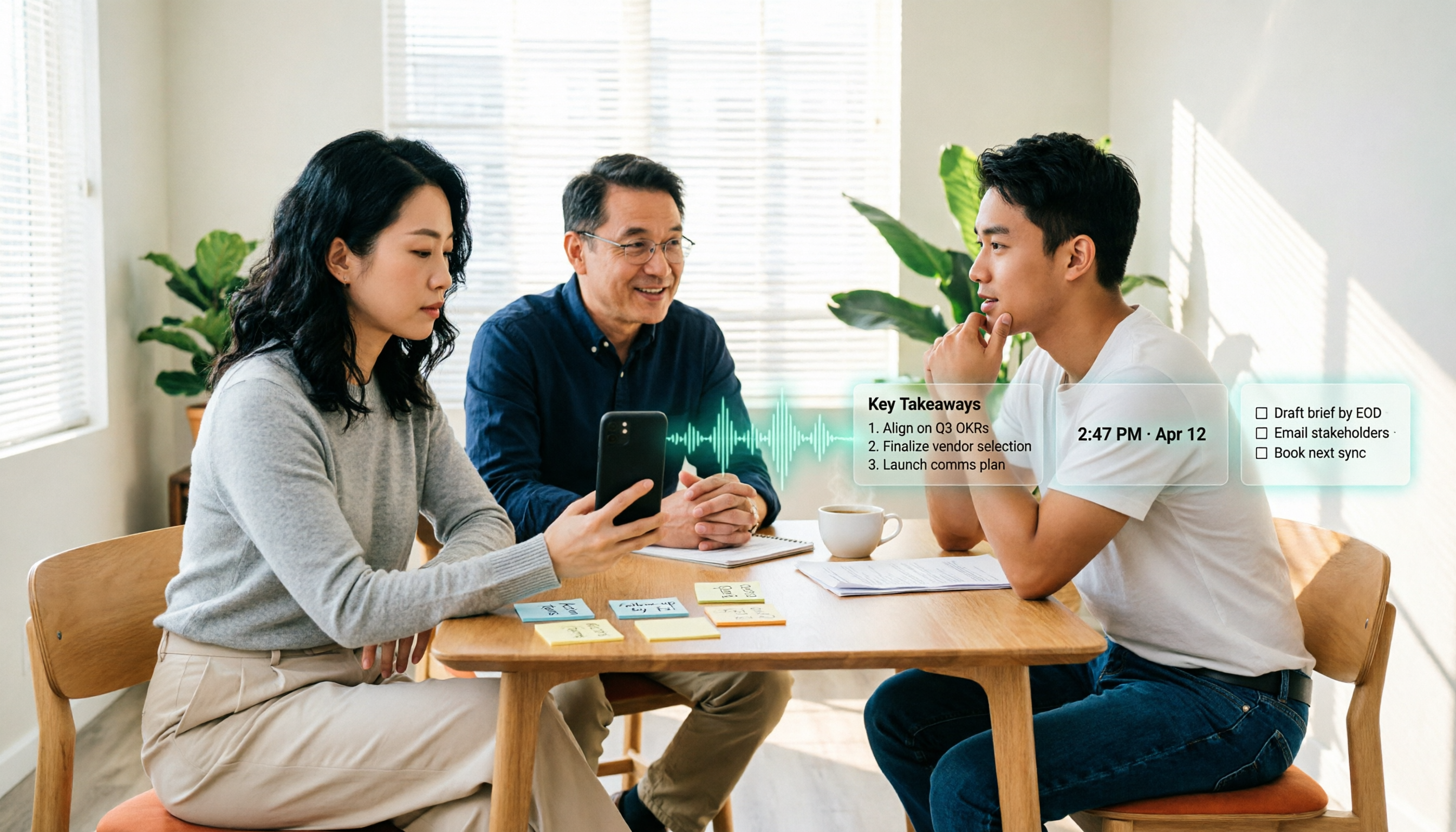
3 Free Note-Taking Recording Tools in 2026: Free Quotas and Meeting Notes Comparison
Can you record audio in Notes? iPhone, iPad, and Mac built-in Notes can record directly and transcribe. This article covers free options available as of August 2026, comparing built-in Notes, Tinrec, Notta, and Otter.ai on free terms, meeting-notes capabilities, and limitations—and explains how to turn recordings into usable data.

2026 Comparison of 4 Audio-to-Text Tools: Google Docs Can't Transcribe Audio Files—Which One Saves Time?
Google Docs cannot upload audio files for transcription; it only captures live microphone input. This article first clarifies the real limitations of Google Docs, Gemini, and Gemini Notebook, then from the perspective of a mid-level manager's post-meeting organization needs, tests and compares tools like Tinrec, Notta, and Otter.ai, summarizing key purchasing factors, pitfalls to avoid, and recommendations for different scenarios.

3 Ways to Get iPhone Recording Transcripts in 2026: Built-in Features and How Tinrec Fills the Gaps
Since iPhone 12, the Voice Memos app has a built-in transcription feature, but the button isn't obvious and many people can't find it—or they're blocked by device model, iOS version, or language settings. This article first shows you the 3 places to find iPhone recording transcripts, then discusses the limits of the built-in feature and how Tinrec fills in the gaps with summaries, action items, AI Q&A, and team collaboration.

5 Mobile Voice-to-Text Tools Compared (2026): Built-in Dictation, AI Meeting Assistants, and Recording Hardware
Mobile voice-to-text actually covers two very different scenarios: real-time dictation and converting recordings into transcripts. Choosing the wrong tool wastes your time. This guide starts from real-world use cases and compares iPhone and Android built-in dictation, Tinrec, Notta, PLAUD recording hardware, and Otter.ai—covering their differences, limitations, and pricing. It also highlights four common pitfalls to help you choose the right tool in one go.

4 Transcription Tools Tested for 2026: What Is Yating Transcription? Which Saves the Most Time?
What is Yating Transcription? This article first explains the positioning, features, and pricing of this Taiwan-based AI speech-to-text service, then compares Tinrec, Otter.ai, and Notta across four dimensions: accuracy assessment, post-meeting organization, meeting capture methods, and team collaboration. It concludes with buying criteria and pitfalls for Hong Kong office workers choosing a transcription tool.
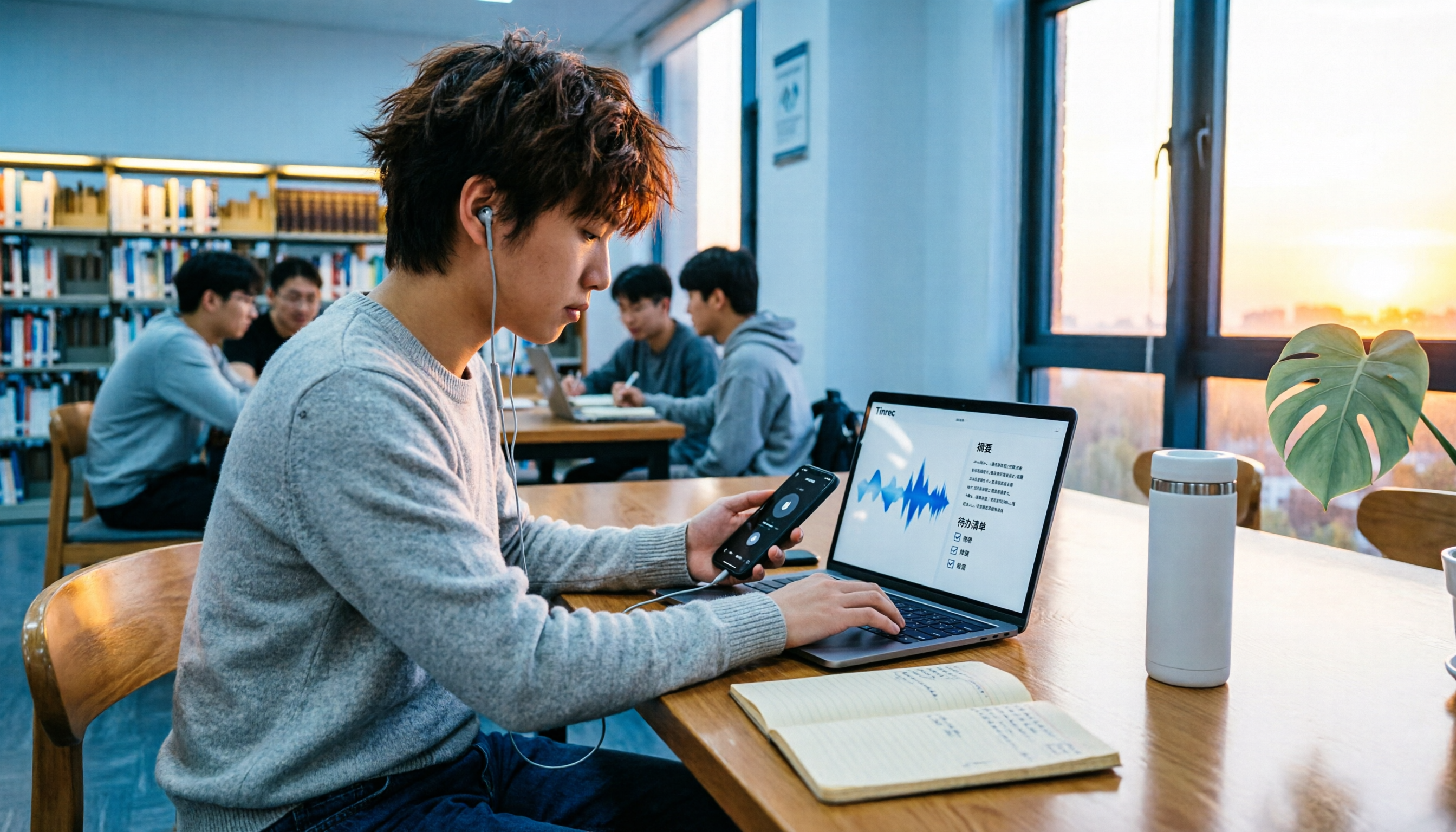
The Complete Guide to Phone Recording in 2026: iPhone Recording, Call Recording, and Transcription Made Simple
From step-by-step Voice Memos on iPhone and the requirements for call recording in iOS 18.1, to turning recordings into transcripts, summaries, and action items with Tinrec. A student's perspective on free tiers, pricing, and key factors for choosing a tool—avoiding the common misconception that 'having a recording means having notes.'

2026 Audio-to-Transcript Tools Tested: Is Gemini Good Enough?
Can Gemini really turn audio files into transcripts? I tested 5 audio-to-transcript tools in real student scenarios, comparing Chinese recognition, AI follow-up questions, free tiers, and pricing. I also share how to choose the right tool for class recordings, group discussions, and final exam review without wasting time.