

Turn recordings into transcripts and summaries in minutes
Upload audio or video for multilingual transcription, AI notes, and action items
Why are people looking for alternatives to ChatGPT recording?
People who search for "how long can ChatGPT record" are usually not thinking about minutes—they're thinking: can I just hand this two-hour meeting over to it and let it run?
Let's clarify the official statement first. ChatGPT's Record Mode transcribes in real time as you speak, with a timer on the window showing how long you've been recording, and you can pause or resume at any time. OpenAI's Help Center does not focus on a fixed number like "maximum minutes per session."
What's more likely to trip you up isn't the length of time, but these three things.
1. Plan and permissions. Record Mode isn't available on every account by default. Enterprise and Edu workspaces have it turned off by default; the workspace owner must manually enable it under "Settings → Workspace Controls." For individual users, it's mainly available on paid plans.
2. Consent and regulations. The official guidance explicitly reminds users to check local laws and obtain necessary consent before recording others' voices; the responsibility lies with the user.
3. Where the data goes. The audio file generated by recording is used only for transcription and is deleted immediately after completion—it is not retained. What remains are the transcript and summary, and their retention policy follows your workspace's existing settings.
So the honest answer to "how long can it record" is: there is no announced fixed minute limit; how long you can record depends on whether the plan has it enabled, whether permissions are granted, and whether your device can handle it.
But honestly, most people asking this question have a real pain point that's no longer about hours—it's about how to turn that transcript into something searchable, queryable, and shareable with colleagues. If you feel the same way, Tinrec is worth checking out.
Tinrec vs ChatGPT Record Mode: What's Different in the Core Experience?
What else can you do with the data after recording
Recording is only half the battle; the other half is whether you can go back and find things later. Tinrec organizes transcripts into summaries, chapters, key points, and action items, and you can ask questions directly via AI chat, such as "What decisions were made about the launch timeline in this meeting?" ChatGPT's Record Mode also generates notes or a canvas after the session, which can be rewritten into emails, project plans, or even code frameworks. Both can do post-processing, but the difference is that Tinrec puts each meeting into an accumulating database rather than a one-off conversation.
Coverage of meeting sources
Many people only think about recording after an online meeting ends. Tinrec's desktop app captures system audio directly, so for meetings on Zoom, Google Meet, Microsoft Teams, or Webex, you don't need to invite an extra meeting bot. It also supports uploading existing audio and video files, as well as mobile recording. ChatGPT's Record Mode focuses on in-app real-time recording. If you have a pile of historical recordings to organize, the gap between the two becomes obvious.
Where team data should live
For personal use, anything works, but once two or more people are involved, data ownership becomes an issue. Tinrec's team version is a separate team space where meeting data belongs to the team; when a member leaves, is removed, or loses their seat, resources are transferred to other active members and do not disappear with the individual account. It also provides roles, seats, usage analytics, and audit logs. This is an area where ChatGPT's Record Mode, as a personal feature, is harder to match.
Expression in Chinese meetings
Tinrec particularly excels in Chinese, Traditional Chinese, and mixed Chinese-English meetings, supporting real-time translation during recording—you can view the original, translation, or bilingual text—and teams can maintain their own hotword lists to improve recognition of product terms and internal code names. Actual performance will still be affected by recording quality, accents, noise, and overlapping speakers; we should be honest about that.
Output to existing workflows
Meeting notes ultimately need to go into the tools people actually use. Tinrec supports multi-format export and can be brought into Notion, Google Docs, OneNote, Dropbox, and other places for continued use, and you can use Agent post-processing to generate reports, tables, and documents. Simply put, it handles the most time-consuming part between the end of a meeting and delivery.
Tinrec's Core Features at a Glance
Real-time speech-to-text: Open it and record; text appears synchronously. For in-person meetings or interviews, you can check for missed key points as you go, and the transcript is already there when you finish.
Bot-free online meeting recording: The desktop version captures system audio without dropping a bot into the meeting room, so the participant list won't show an unfamiliar account. This is especially useful for external client meetings.
AI summaries and chapters: Long meetings are automatically divided into sections; you can look at chapter titles first and decide whether to read in detail, which is much faster than scrolling from start to finish.
Action item extraction and AI Q&A: Pull out action items from discussions, and later ask follow-up questions about a single meeting or across meetings, such as "who is responsible for what."
Stop organizing recordings by hand
Upload audio or video and automatically get a transcript, summary, and action items
Team space and governance: Centrally store team meeting data; admins can manage members, roles, seats, usage, and audits. Note that active members without a seat can view, play, and read team data but cannot upload, edit, or export—this is why roles and seats should be considered separately.
On pricing, the team version is currently USD 29.80 per paid seat per month, or USD 199 per paid seat per year (about USD 16.58 per month), with each paid seat providing 2,000 minutes of team shared import quota per month; real-time recording under an active team plan is currently not deducted by minutes. Eligible teams get a 7-day trial, 1 free seat, and 300 minutes of shared import quota for the first time. Actual amounts and promotions are subject to the official purchase page.
For individuals, there are a free version, weekly card, Pro monthly, and Pro annual. If you occasionally organize a recording, start with the free version; for short-term intensive meetings, consider the weekly card; if you have steady weekly needs, go Pro; for long-term retention, choose the annual card.
Practical Usage Scenarios
Weekly department meetings: Record directly with Tinrec's desktop app; summaries and action items are generated automatically after the meeting, and the decision process stays in the team space. Next week, when you need to check "why did we change direction last time," you don't have to scroll through chat rooms.
Customer interviews and requirements confirmation: Transcribe in real time during the interview; afterward, feed the transcript to AI and ask "what were the three concerns the customer mentioned?" Sales can use that directly to write follow-up emails without re-listening to a 40-minute recording.
Cross-language meetings: When meeting with overseas teams, turn on real-time translation and view the original and translation side by side; after the meeting, the bilingual transcript is archived directly, reducing back-and-forth communication costs.
Courses and personal notes: Record casually during classes or lectures, then use Q&A to find key passages, turning scattered recordings into a searchable personal database.
Things to Look Out for When Choosing a Speech-to-Text Tool
First, see how it "enters" the meeting. Whether it sends a bot, captures system audio, or only supports file uploads directly affects how you look when recording external meetings.
Confirm whether audio is retained. Some tools delete audio after transcription and keep only text. That's good for privacy, but if you need to go back and verify tone or numbers, think twice. Tinrec retains audio and provides a team audio recycle bin (currently retained for 30 days) for accidental deletions.
Understand how quotas are calculated. Real-time recording and file import often use different calculation methods. In Tinrec's team version, real-time recording does not deduct minutes, while file and web imports use the team shared quota—this design is friendlier for teams that meet often but upload few files.
Ask about permissions down to the "seat" level. For many tools, "members" and "users" are two different things; looking at them together can easily lead to buying the wrong thing.
Support for Chinese and technical terms. Rather than looking at claimed accuracy numbers, try it with a real meeting recording from your own company.
Conclusion: Is Tinrec Worth a Try?
Back to the original question. ChatGPT's Record Mode does not have a fixed minute limit in its official documentation; its real barriers are whether the plan is enabled, whether permissions are granted, and how you plan to use the data after recording.
If what you want is "record a snippet and organize it into text," existing tools can handle that. But if you face several meetings every week, need to look up historical decisions across departments, and want new colleagues to see past context when they take over—then you need a meeting database that accumulates, not a one-off recording.
Tinrec's value lies exactly there: bot-free online meeting recording, Chinese and multilingual transcription, summaries and action items, AI Q&A, multi-format export, plus team space, seats, and auditing. It's not a panacea; batch transcription of long audio files still has quota limits, and for important content, it's recommended to cross-check with transcript timestamps and audio playback.
We suggest starting with the free version and recording one of your own real meetings to see. That's more direct than reading any review.
FAQ
Q1: How long can ChatGPT actually record? OpenAI's Help Center does not announce a single fixed minute limit; the official description focuses on real-time transcription, a timer showing elapsed recording time, and the ability to pause or resume at any time. In practice, whether it interrupts depends more on whether your plan has recording enabled, whether microphone and system audio permissions are granted, and device status.
Q2: Is ChatGPT's Record Mode free? Currently it's mainly available on paid plans (Enterprise, Edu, Team, Pro, etc.). Note that recording is off by default in Enterprise and Edu workspaces and must be manually enabled by the workspace owner.
Q3: Does ChatGPT keep the recording file after recording? According to official statements, the audio file is used only for transcription and is deleted immediately after completion—it is not retained. What remains is the transcript and summary, whose retention policy follows your workspace's existing settings.
Q4: How long can Tinrec's free version record? The free version provides a basic quota to experience recording, import, summaries, and transcription. Actual minutes and plan details are subject to the official plan page; it's best to test with your own meeting.
Q5: Can all members of Tinrec's team version edit data? No, you need to distinguish. Active members without a seat can view, play, and read team data but cannot upload, edit, import, or export; these usage rights require a seat. Team roles govern governance, while seats govern usage eligibility.
Q6: What should I pay attention to before recording? Before recording others' voices, please check local regulations and obtain necessary consent. This varies depending on where you and the person being recorded are located; the responsibility lies with the user, and no tool will handle this for you.
References
- ChatGPT Recording | OpenAI Help Center
- ChatGPT Recording Mode Launched! Generate "Key Summary + To-Do List" for a 2-Hour Meeting in One Click: 4-Step Tutorial | BusinessNext
- How to Use ChatGPT Record Mode: Automatically Generate Meeting Minutes, What to Do If the Button Is Missing or There's No Sound (Updated 2026-10) - Bigolab
- ChatGPT Recording Mode Launched! Generate Key Summary + To-Do List for a 2-Hour Meeting in One Click | Future Commerce
- How Long Can ChatGPT Record? 2026 Speech-to-Text Tool Review and Tinrec Practical Guide - Tinrec Blog
Turn every recording into actionable outcomes
Get 60 free transcription minutes when you sign in. No credit card required.
Related Reading
You might also like

2026 Vocal AI Comparison: 4 Tools Tested for Meeting Transcription vs. Vocal Separation
When you search "Is vocal AI good?" first clarify whether you need music vocal processing or meeting transcription. This article focuses on meeting notes, comparing Tinrec, Otter.ai, Notta, and TurboScribe—their differences, pricing, and use cases—plus buying criteria and pitfalls to avoid.

ChatGPT Audio Recording Guide 2026: Upload Limits and Better Alternatives
Can ChatGPT read recordings? This guide breaks down ChatGPT's recording mode and the real limits of audio uploads, including plan requirements, the 512MB cap, and format issues. It also explains why meeting notes need a more complete workflow. Using Tinrec as an example, it covers bot-free online meeting recording, real-time transcription, summary and action items, and team sharing—so you can see how to choose and use the right tool.
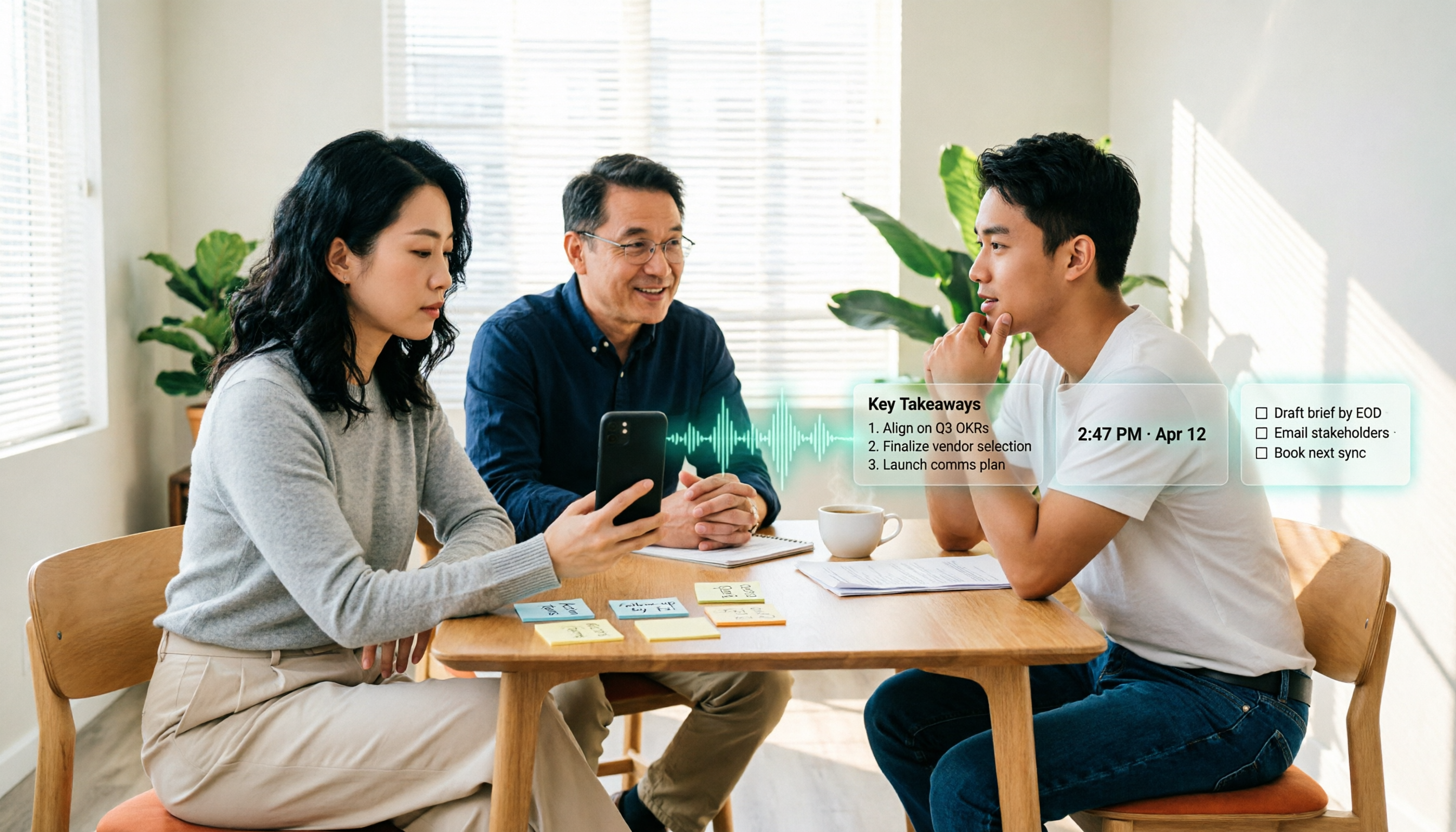
3 Free Note-Taking Recording Tools in 2026: Free Quotas and Meeting Notes Comparison
Can you record audio in Notes? iPhone, iPad, and Mac built-in Notes can record directly and transcribe. This article covers free options available as of August 2026, comparing built-in Notes, Tinrec, Notta, and Otter.ai on free terms, meeting-notes capabilities, and limitations—and explains how to turn recordings into usable data.

2026 Comparison of 4 Audio-to-Text Tools: Google Docs Can't Transcribe Audio Files—Which One Saves Time?
Google Docs cannot upload audio files for transcription; it only captures live microphone input. This article first clarifies the real limitations of Google Docs, Gemini, and Gemini Notebook, then from the perspective of a mid-level manager's post-meeting organization needs, tests and compares tools like Tinrec, Notta, and Otter.ai, summarizing key purchasing factors, pitfalls to avoid, and recommendations for different scenarios.

3 Ways to Get iPhone Recording Transcripts in 2026: Built-in Features and How Tinrec Fills the Gaps
Since iPhone 12, the Voice Memos app has a built-in transcription feature, but the button isn't obvious and many people can't find it—or they're blocked by device model, iOS version, or language settings. This article first shows you the 3 places to find iPhone recording transcripts, then discusses the limits of the built-in feature and how Tinrec fills in the gaps with summaries, action items, AI Q&A, and team collaboration.

5 Mobile Voice-to-Text Tools Compared (2026): Built-in Dictation, AI Meeting Assistants, and Recording Hardware
Mobile voice-to-text actually covers two very different scenarios: real-time dictation and converting recordings into transcripts. Choosing the wrong tool wastes your time. This guide starts from real-world use cases and compares iPhone and Android built-in dictation, Tinrec, Notta, PLAUD recording hardware, and Otter.ai—covering their differences, limitations, and pricing. It also highlights four common pitfalls to help you choose the right tool in one go.

4 Transcription Tools Tested for 2026: What Is Yating Transcription? Which Saves the Most Time?
What is Yating Transcription? This article first explains the positioning, features, and pricing of this Taiwan-based AI speech-to-text service, then compares Tinrec, Otter.ai, and Notta across four dimensions: accuracy assessment, post-meeting organization, meeting capture methods, and team collaboration. It concludes with buying criteria and pitfalls for Hong Kong office workers choosing a transcription tool.
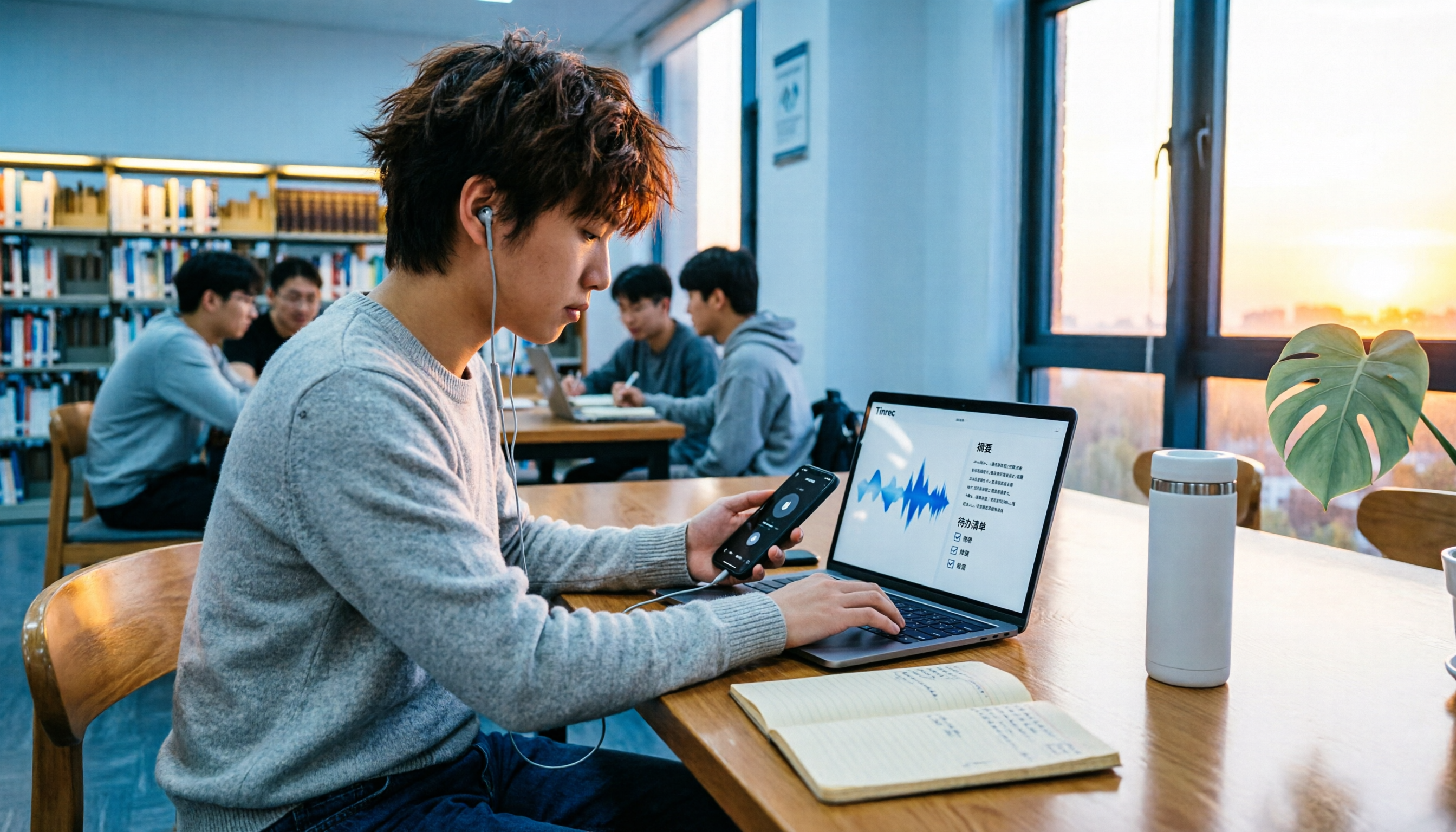
The Complete Guide to Phone Recording in 2026: iPhone Recording, Call Recording, and Transcription Made Simple
From step-by-step Voice Memos on iPhone and the requirements for call recording in iOS 18.1, to turning recordings into transcripts, summaries, and action items with Tinrec. A student's perspective on free tiers, pricing, and key factors for choosing a tool—avoiding the common misconception that 'having a recording means having notes.'

2026 Audio-to-Transcript Tools Tested: Is Gemini Good Enough?
Can Gemini really turn audio files into transcripts? I tested 5 audio-to-transcript tools in real student scenarios, comparing Chinese recognition, AI follow-up questions, free tiers, and pricing. I also share how to choose the right tool for class recordings, group discussions, and final exam review without wasting time.