
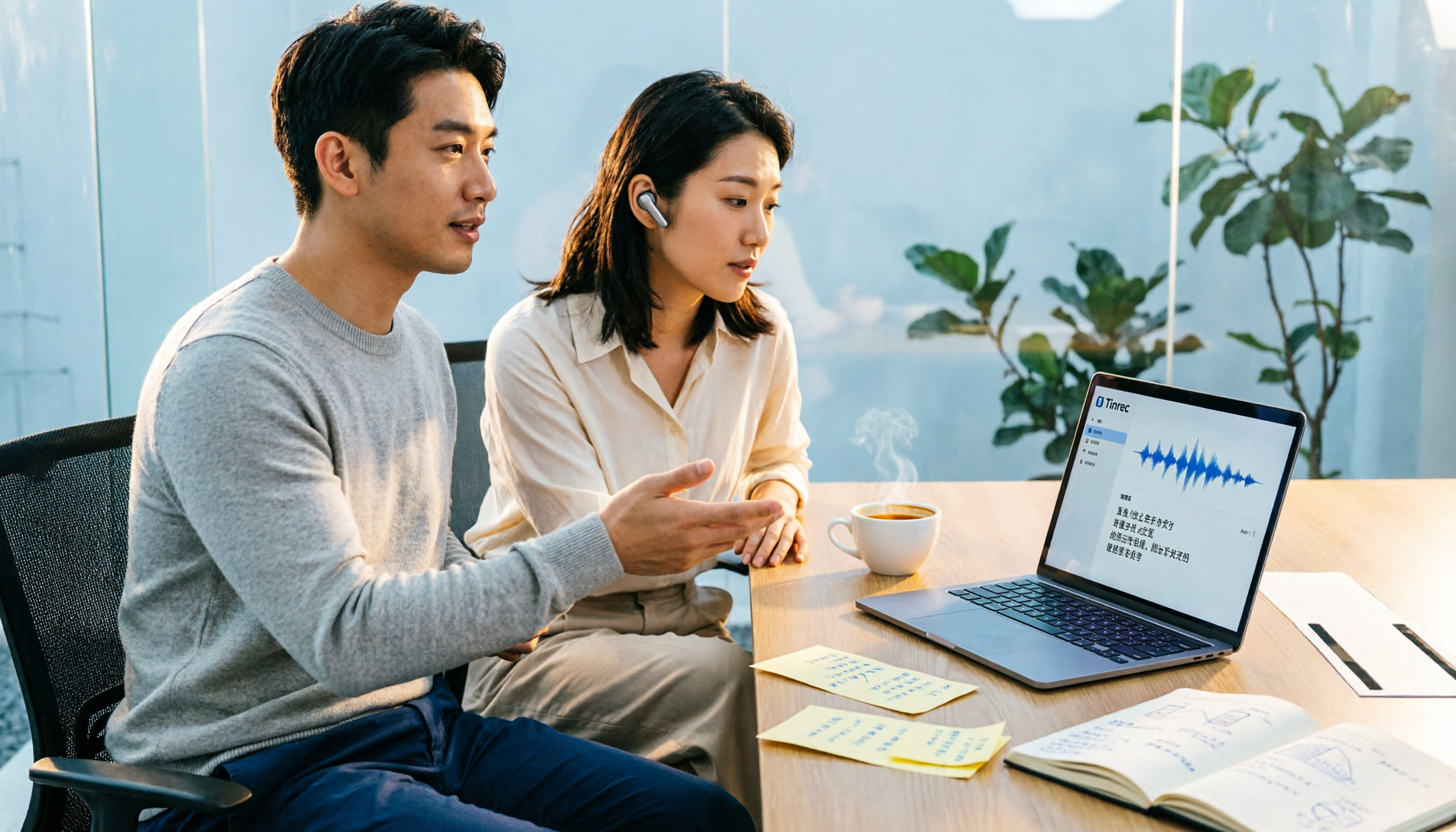
Turn recordings into transcripts and summaries in minutes
Upload audio or video for multilingual transcription, AI notes, and action items
Why does "turning voice into text" end up creating more work?
I used to think speech-to-text was simple: throw in a meeting recording, get a transcript, done.
After using it for a while, I realized that assumption was the biggest mistake.
A 40-minute weekly meeting transcript is roughly 6,000 to 8,000 words. You have to dig through it to find "which three things were decided" and "who promised to deliver what by next Wednesday"—and by the time you're done, another hour has passed. So meeting notes just shift from "listening to recordings" to "reading text," without really saving much time.
Another common inefficient approach is asking a colleague to type during the meeting. The result: the typist keeps their head down the whole time, and by the time they look up, the discussion has already moved to the next topic. Plus, their notes become the only version of that meeting.
The real problem isn't "whether text was generated"—it's "whether the output can be used directly": key points, decisions, action items, and whether you can find them later.
4 Key Points to Understand Before Choosing a Speech-to-Text Tool
1. What does it give you after transcription? A tool that only gives you a plain transcript is just outsourcing typing to AI—you still have to organize it yourself. Look for: automatic summaries, section segmentation, action item extraction, and the ability to ask questions directly about the meeting content.
2. How is the meeting recorded? There are two main approaches. One is sending a "meeting bot" to join online meetings as a participant; the other is capturing system audio directly from your computer without adding any participants. The former often requires explanation in client or external meetings; the latter works well for both internal and external use.
3. How to properly evaluate free quotas? Don't just look at "minutes per month"—look at the single-session limit. Some tools offer 120 minutes per month on the free plan, but only 3 minutes per session—useless for hour-long meetings. Also check whether the free plan includes time-saving features like summaries and Q&A.
4. Can the team take over? If recordings and transcripts only exist in one person's account, they leave when that person does. The real question for teams isn't "how many free minutes per person" but "who owns the data."
Tinrec — The One I Kept After Testing
Tinrec is an AI meeting notes and collaboration tool for individuals and teams, available on web, desktop, and mobile. Its positioning isn't just "audio to text"—it turns meetings into reusable data.
I initially used tools that required a meeting bot to join. Internal meetings were fine, but client meetings were awkward—you'd have to say "an AI will join the meeting," and some clients would say that's not convenient. Then I switched to Tinrec's desktop version, which captures system audio directly. It handles meeting audio played on your computer from Zoom, Google Meet, Microsoft Teams, and Webex without adding a participant. For those of us who frequently meet with external parties, this makes a big difference.
Then there's "what happens after transcription." Tinrec generates transcripts while recording, and after the meeting automatically creates summaries, chapters, and action items—who's responsible for what and when it's due. My most-used feature is its AI Q&A: previously, to find "who mentioned the budget in the last meeting," I'd have to scan through a 40-minute transcript from the beginning. Now I just ask—it answers by meaning, not by dumping keyword search results. This is something my other tools can't do.
Our internal testing method was to run real meeting recordings—with air conditioning noise, people talking over each other, and mixed Chinese-English technical terms. Honestly, no tool guarantees zero errors under these conditions, but Tinrec's usefulness in capturing key points and action items is the most directly usable I've tried so far. The company also doesn't recommend judging by a single accuracy number, because actual performance is affected by recording quality, noise, accents, and overlapping speakers—I think that's honest.
Three reasons I think it's worth it:
First, it connects the "post-meeting organization" workflow. Transcripts, summaries, action items, mind maps—it can even generate reports, tables, and documents directly, and export to Notion, Google Docs, OneNote, Dropbox for further processing. So after a meeting, I get a semi-finished product, not raw material.
Second, the Chinese meeting experience is smoother. It covers Chinese, Traditional Chinese, and multilingual meetings, supports real-time translation during recording, and lets you switch between original, translated, or bilingual views. Teams can also maintain their own hotwords, adding internal product codes and technical terms to the recognition list.
Stop organizing recordings by hand
Upload audio or video and automatically get a transcript, summary, and action items
Third, team data isn't tied to individuals. My team uses the team version, where meeting data is stored in a team space. New members can directly access past meetings; when a member leaves or loses their seat, their team resources are transferred to other active members—they don't just disappear.
Limitations to be clear about:
The free version provides a basic quota to let you experience recording, importing, summaries, and transcription. Heavy use requires upgrading; I have over a dozen meetings a week, so I went straight to Pro. Also, it's not a tool that "automatically joins all meetings on your calendar"—you have to actively open it to start recording. For me, that's actually more reassuring, but if you expect full automation, you should know this upfront.
Who it's for:
If you have several meetings every week, need Chinese or mixed Chinese-English transcripts, and want to use AI to find key points and action items directly after meetings, Tinrec is my top recommendation. For personal use, try the free version first; if you're sure you'll use it weekly, go Pro. If a team wants to accumulate meeting data together, the team version is more cost-effective than upgrading individually—eligible teams get a 7-day trial including 1 free seat and 300 minutes of shared team import quota; annual team billing works out to about USD 16.58 per paid seat per month, with each paid seat getting 2,000 minutes of shared team import quota per month. Real-time recording currently isn't deducted by minutes.
Besides Tinrec, What Other Free Options Are There?
Notta Notta overlaps significantly with Tinrec—both do multi-platform transcription, meeting notes, file import, and translation. Its free plan offers 120 minutes per month, which sounds decent, but single content is limited to 3 minutes—hard to use for a real one-hour meeting. It also lacks Tinrec's desktop system audio recording without adding participants, and has no post-meeting Agent processing to generate reports and tables.
TurboScribe If your need is "batch converting a bunch of long recordings to text," TurboScribe is worth a look: free plan gives 3 files per day, up to 30 minutes per file. But it's essentially a file transcription tool—no real-time meeting recording, no AI chat Q&A, and no team space to accumulate meeting data. In other words, you still have to archive and track the transcribed text yourself.
MyEdit MyEdit is an online speech-to-text tool supporting 9 languages including Traditional Chinese, English, Japanese, and Korean. It offers free credits daily, and you can upload MP3 or recording files to generate transcripts, and export timestamped subtitle files—handy for adding subtitles to videos. The difference is it's more file-processing oriented, with no team collaboration space and no ability to extract action items from meeting discussions or ask follow-up questions about meeting content.
Pitfall Guide: 4 Most Common Mistakes When Choosing a Speech-to-Text Tool
Pitfall 1: Only looking at monthly free minutes, not single-session limits. This is the most common misjudgment. 120 minutes per month sounds like more than 100 minutes per month, but if single sessions are capped at 3 minutes, you can only handle short voice clips. When choosing a tool, first calculate "how long is my meeting" before comparing.
Pitfall 2: Thinking the transcript is the end goal. Using the tool only as "audio to text" means you're only getting one-third of its value. Summaries, action items, and Q&A after transcription are where the real time savings are. With Tinrec's AI chat query, you can ask "what was the conclusion of this meeting" right after recording—much faster than scanning a 30-minute transcript yourself.
Pitfall 3: Assuming a bot must join the meeting. Many people think online meeting transcription requires inviting an AI account. Actually, capturing system audio from your computer is already mature—no new participants, no special explanation needed for external meetings. Before choosing a tool, confirm how it captures audio.
Pitfall 4: Ignoring data ownership. Personal free tools are convenient, but meeting data tied to a personal account leaves when the person does. For team use, confirm whether the tool has an independent team space, member and seat management, and usage and activity logs.
Summary: Which One Should You Choose?
In one sentence: if meetings are your daily routine, stop looking for a tool that just "turns voice into text"—look for one that "makes the output directly usable."
- Multiple meetings per week, need Chinese or mixed Chinese-English transcripts → Tinrec (supports multilingual and real-time translation, generates summaries and action items directly after meetings)
- Want to use AI to ask key points right after recording → Tinrec (can ask follow-up questions about single or multiple meetings)
- Don't want to add participants to online meetings → Tinrec (desktop version captures system audio, no meeting bot needed)
- Want to batch convert long recordings to text → TurboScribe (it's indeed stronger at this)
- Just occasionally convert MP3 to subtitles → MyEdit (free credits daily)
My own approach: first run two or three real meetings with Tinrec's free version, and see how its extracted action items compare to what you noted yourself. If they're similar, that's the one. If the team wants to use it together, then evaluate the team version's seats and shared quota. You don't need to buy the most expensive tool, but you need to choose the right direction—what you save isn't just those few minutes of transcription time, but that hour after every meeting.
References
- Audio to Text - Free Speech-to-Text Tool
- SoundType AI Ultra-Accurate Transcripts, Speech-to-Text, AI Dictation - Google Play App
- Online AI Speech, Video, Recording Auto-Transcription - Free Trial - cSubtitle
- Speech-to-Text: AI Voice Input and Transcription | Google Cloud
- Online Speech-to-Text AI, Free MP3 or Recording to Transcript - MyEdit
Turn every recording into actionable outcomes
Get 60 free transcription minutes when you sign in. No credit card required.
Related Reading
You might also like

Google Text-to-Speech Online Free Tier in 2026: 3 Ways to Use It
Google Text-to-Speech online seems convenient, but most professionals get stuck earlier: meeting content hasn't been turned into text yet. This article starts with common misconceptions, breaks down the free quota and limits of Google TTS online, and explains how Tinrec fills the gap with recording-to-text, summaries, and action items so meeting data actually becomes usable.

4 Video-to-Text Tools Tested for 2026: Which Saves the Most Time for Chinese Meetings and Transcripts?
Manually transcribing a 40-minute meeting recording often takes two to three hours, but the real problem is often choosing the wrong approach. This article starts with three common misconceptions, outlines 4 key points for choosing a video-to-text tool, tests Tinrec's no-bot recording, AI summary, and Q&A workflow, and compares who Granola, TurboScribe, and Otter.ai are each best for, with a final pitfall guide and scenario-based recommendations.
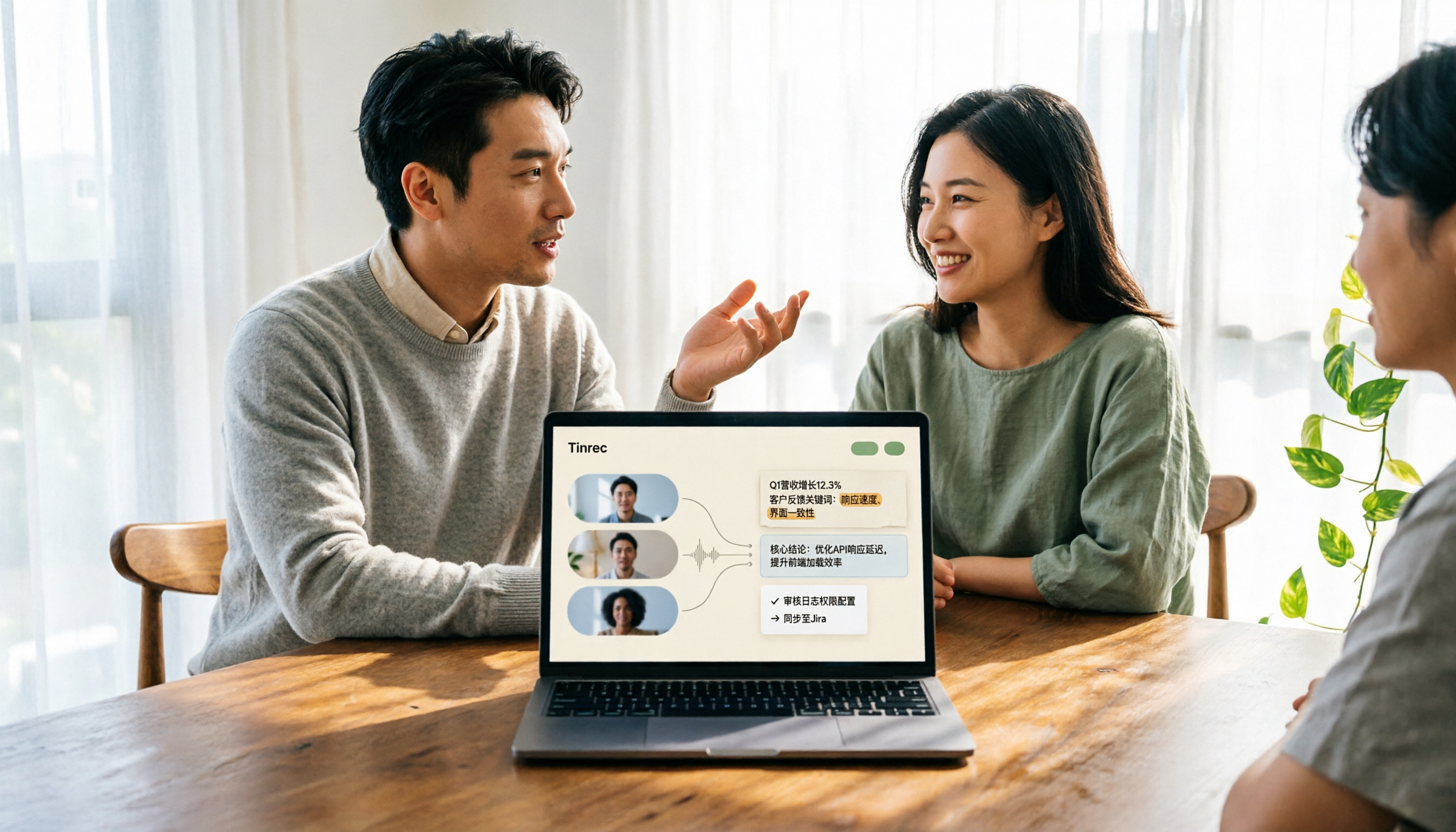
2026 Comparison of 3 Video Analysis Tools: Which One Actually Saves Time from Video to Transcript?
Video analysis isn't just about picture quality. This article starts with common misconceptions, breaks down the difference between 'resolution' and 'content analysis,' explains how meeting videos can become searchable transcripts, summaries, and action items, and outlines 5 key points for choosing a tool plus FAQs.
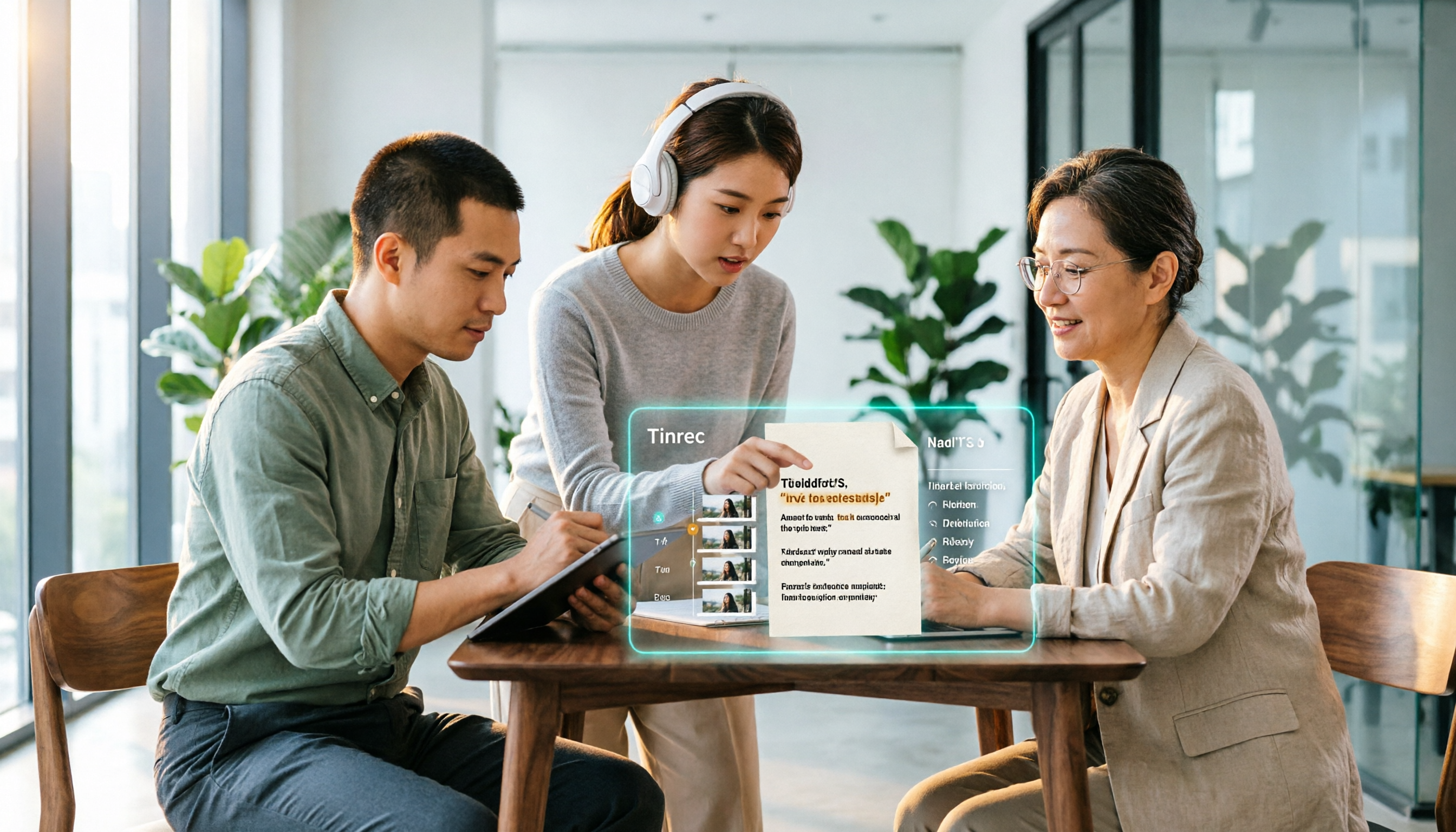
Which Web Video Parsing Tool Is Best? 2026 Comparison of 4 Key Criteria—This One Turns Videos into Transcripts Fastest
Should you choose a downloader or a transcription tool for web video parsing? Using Tinrec as an example, this article breaks down the practical uses of video parsing, 4 key buying criteria, common questions, and differences between team and personal plans to help you decide which tool to use to turn video content into searchable, citable transcripts, summaries, and action items.

How to Convert Video to Text in 2026: Auto-Generate Transcripts and Use AI Q&A to Summarize Key Points
How do you choose a video-to-text tool? This article walks through the full process of converting video to transcript, compares Tinrec, TurboScribe, Notta, and Vidnoz, and covers 4 key selection criteria, 4 common mistakes, and scenario-based recommendations to help you find a tool that delivers ready-to-use results.
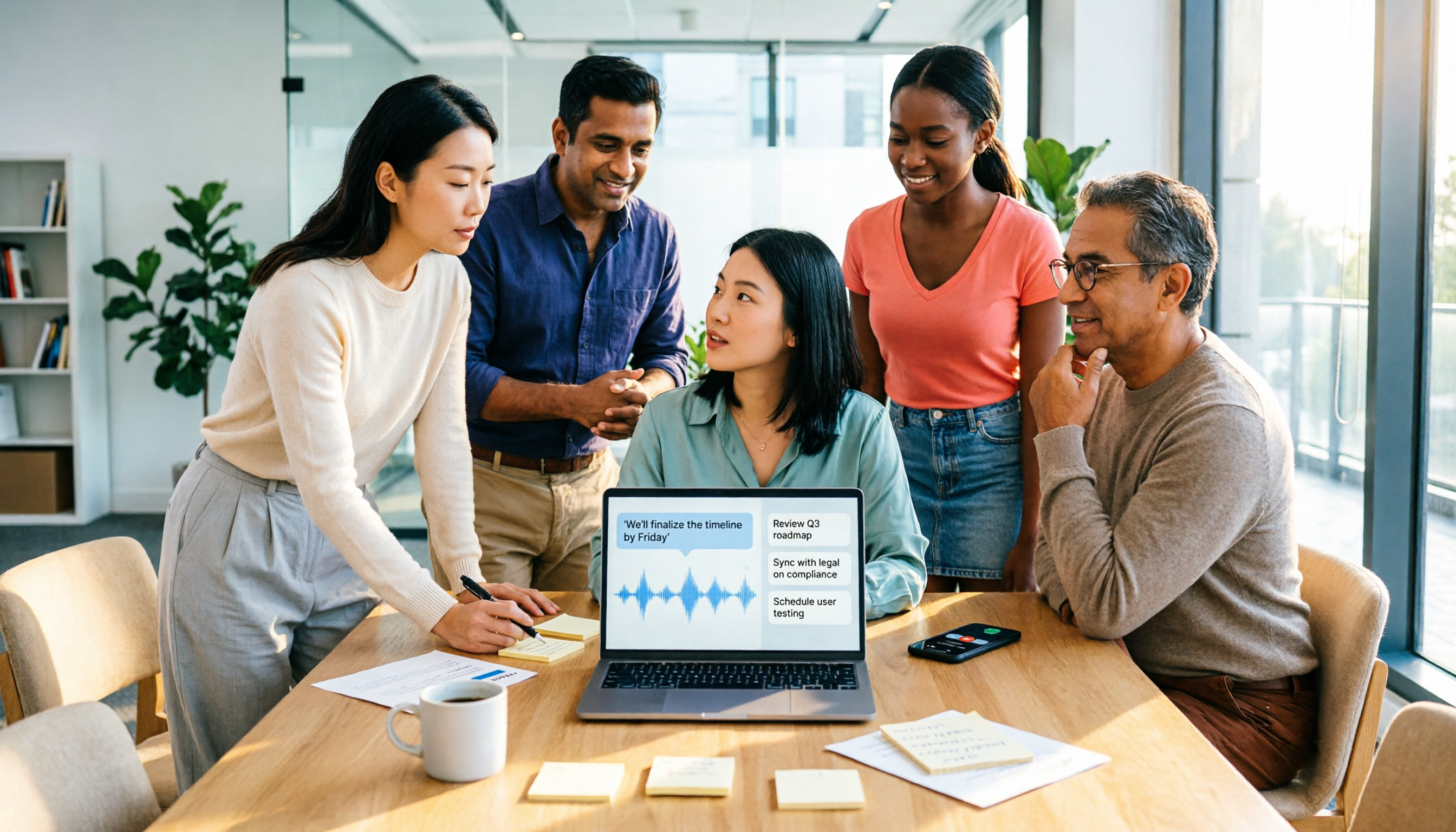
2026 AI Agent Assistant Free Plans Compared: 4 Options to Consider
What's the difference between an AI agent and an AI assistant, and is a free plan enough? This article examines four key factors—free usage limits, recording sources, post-meeting organization, and team data ownership—to compare the free plan restrictions and use cases of Tinrec, Otter.ai, Granola, and Notta, along with team plan seat and pricing information to help you make a clear case in procurement meetings.

Which AI Productivity Agent Is Best? 2026 Hands-On Test of 4 Tools—This One Wins for Chinese Meetings
AI Agents are more than just chat boxes. Starting from real meeting pain points, this article breaks down 4 key factors for choosing an AI productivity agent and compares Tinrec, Otter.ai, Notta, and PLAUD Note in hands-on tests, explaining why Tinrec won for Chinese meetings, mixed Chinese-English, and team knowledge retention.

4 AI Work Agents Tested for 2026: Which One Actually Finishes the Post-Meeting Work?
We tested 4 AI work agents from the perspective of post-meeting output, comparing meeting recording methods, Chinese and mixed Chinese-English experience, AI Q&A, and team collaboration capabilities, and analyzed why Tinrec is best suited for individuals and teams that want to turn meetings into actionable data.

2026 AI Office Agent Comparison: Meeting Notes, Chinese Summaries, and Team Knowledge — Which Approach Really Saves Time?
AI office agents aren't just chatbots—they can handle meeting recordings, summaries, and action items from start to finish. This article uses Tinrec as a primary example to compare four common approaches, breaking down core capabilities, real-world use cases, purchasing considerations, and team pricing, with FAQs included.