

Turn recordings into transcripts and summaries in minutes
Upload audio or video for multilingual transcription, AI notes, and action items
2026 AI Office Agent Comparison: Meeting Notes, Chinese Summaries, and Team Knowledge — Which Approach Really Saves Time?
When people hear "AI office agent," many imagine a smarter chatbot: you ask a question, it answers, and after you close the window, you still have to do the work yourself.
That's the first common misconception—treating an agent as a Q&A window rather than something that actually gets things done for you.
The second pitfall is also common: assuming that adding a meeting bot to an online meeting equals automation. A meeting bot can capture audio, but it appears on the participant list; for external clients or situations requiring prior authorization, this often becomes a blocker.
The third misconception is that "having a transcript equals having a record." A two-hour transcript without summaries, chapters, action items, and owners is basically unorganized—you still have to read through it from the beginning.
A more reasonable approach is to first ask three questions: Can this agent capture meeting content on its own? Once it has the content, can it organize it into actionable results? Can those results be retained and reused by the team?
The market roughly splits into four approaches: meeting assistants that require a bot to join, built-in transcription features in video platforms, file-based transcription tools, and bot-free desktop-centric agents like Tinrec. This article uses these four approaches as a comparison, with Tinrec as the primary example, to break down what an AI office agent can actually do.
What Can an AI Office Agent Do for You?
Scenario 1: Get meeting notes within 5 minutes after a meeting. Previously, after a two-hour meeting, you might spend another hour organizing. With Tinrec, as the meeting ends, the transcript, summary, chapters, and action items are already generated—who's responsible for what and when it's due, all listed out.
Scenario 2: After customer interviews, requirements and commitments automatically fall into place. Sales and customer success teams fear missing what customers said. Tinrec organizes interviews into transcripts and key summaries, and later you can use AI Q&A to ask follow-up questions like "What was the budget cap the customer mentioned?" or "What concerns weren't resolved on the spot?"
Scenario 3: Cross-language meetings don't require a separate translator. Tinrec supports real-time translation; during recording, you can switch between original, translated, or bilingual views. Mixed Chinese-English meetings don't need additional transcript work.
Scenario 4: Historical meetings become a queryable database. After meeting data is stored in Tinrec's team space, new members can directly search and ask about past meetings and decisions without digging through chat logs.
What Are the Core Capabilities of an AI Office Agent?
Real-time transcription: Transcribes as you record, not after. During meetings, you can follow along to confirm key points; Tinrec's real-time transcription works for both online and offline meetings.
Bot-free online meeting recording: Tinrec's desktop version directly captures your computer's system audio, handling sound from Zoom, Google Meet, Microsoft Teams, and Webex meetings played on your computer, without an extra bot joining the participant list. Note that this doesn't mean automatically joining all calendar meetings—users still need to actively open Tinrec to start recording.
AI summaries, chapters, and highlights: Not just condensing a transcript into a paragraph, but structurally organizing meeting topics, discussion conclusions, and key sections. Long meetings can be browsed by segment.
Action item extraction and AI Q&A: Tinrec extracts action items from discussions and lets you ask questions directly about meeting content, such as "Which option did this meeting decide on?" or "Who's responsible for follow-up contact?"
Post-meeting outputs and exports: Beyond transcripts and summaries, Tinrec can generate reports, tables, and documents, and export to Notion, Google Docs, OneNote, Dropbox, and other common tools, so meeting results flow directly into your existing workflow.
Team space and governance: The team version centralizes meeting data in one space. Admins can manage members, roles, seats, usage, and audit logs. When members change, data doesn't leave with individuals.
Real-World Use Cases: From Online Meetings to Content Creation
Online meetings and project weekly reviews: This is the most common scenario. Start recording with Tinrec desktop, and after the meeting, get summaries and action items directly. Project weekly action items can be handled one by one instead of scattered in everyone's notebooks.
Stop organizing recordings by hand
Upload audio or video and automatically get a transcript, summary, and action items
Customer interviews and requirements gathering: Focus on listening during the interview instead of typing. Tinrec keeps a full transcript for quoting customer words later; summaries can go directly into meeting notes or serve as a draft for CRM notes.
Classes, lectures, and continuing education: Works for both online courses and in-person lectures. Tinrec supports mobile recording, so you can record while out; after class, use AI Q&A to review, much faster than rewatching a two-hour video.
Content creation and interview organization: After uploading interview recordings to Tinrec for transcription, you can ask AI to extract viewpoints and quotable material, then export to a document to continue writing.
With Tinrec, the actual workflow is roughly:
- Open Tinrec desktop on your computer and confirm the system audio source to record.
- Start recording; the transcript appears in real time. Switch to bilingual view if translation is needed.
- Stop recording after the meeting or interview; the system generates summaries, chapters, and action items.
- Use AI Q&A to fill in details, e.g., "What risks were mentioned in this meeting?"
- Export results to Notion, Google Docs, or directly generate reports and tables.
(Note: When recording and transcribing involve others' conversations, please comply with local laws and obtain participant consent when necessary.)
5 Things to Consider When Choosing an AI Office Agent
Recording method: Does it require a meeting bot to join? If you often meet with external clients, having an extra bot on the list can be inconvenient. Tinrec takes the desktop system audio capture route, no extra bot needed.
Chinese and multilingual performance: Chinese meetings, mixed Chinese-English, and multilingual meetings are daily occurrences for users in Taiwan. Tinrec covers Chinese, Traditional Chinese, and multilingual scenarios, and offers real-time translation and team hotwords. Note that actual performance depends on recording quality, noise, accents, and overlapping speakers; don't trust any fixed accuracy numbers.
What else can it do after transcription: Tools that only provide transcripts still require you to read through them. Tinrec generates summaries, chapters, action items, and mind maps after transcription, and supports AI Q&A and agent post-processing—this is the biggest difference from pure transcription tools.
Team governance: Distinguish between "roles" and "seats." In Tinrec's team version, roles determine who can manage the team and settings; seats determine whether members can record, upload, edit, and export. Valid members without seats can still view, play, and read team data. Also, team data belongs to the team; when members leave or lose seats, they need to hand over responsible resources to other valid members.
Are quotas and pricing clearly stated: Tinrec's free version lets you experience recording, importing, summaries, and transcription with basic quota; for short-term intensive use, consider a weekly card; for steady use, Pro; for long-term data retention, annual card. For team version, eligible teams get a 7-day trial, 1 free seat, and 300 minutes of shared team import quota; monthly is USD 29.80 per paid seat per month, annual is USD 199 per paid seat per year (about USD 16.58/month). Paid seats provide 2,000 minutes of shared team import quota per month; real-time recording under valid team plans and seats is currently not deducted by minutes. Actual prices and benefits are subject to the official purchase page.
Frequently Asked Questions
How is Tinrec different from a regular recording app? A regular recording app only captures audio; Tinrec further transcribes it, organizes summaries, chapters, highlights, and action items, and supports AI Q&A, translation, export, and team collaboration.
Will Tinrec automatically join all my meetings? No. Tinrec desktop captures computer system audio to record online meetings; users must actively start recording. It's not a calendar-based automatic meeting bot, nor does it imply official partnerships with Zoom, Google Meet, or Teams.
Is the free version enough? If you just want to try it out, the free version offers basic quota to organize one or two recordings or a short meeting before deciding to upgrade.
What is Tinrec's transcription accuracy? It's not advisable to summarize with a single number. Actual performance depends on recording quality, noise, accents, overlapping speakers, and technical terms. For important content, verify with transcript timestamps and audio playback.
What's the difference between team and personal versions? Personal version data is managed by the individual account; team version provides a separate team space where meeting data belongs to the team, plus member, role, seat, shared benefits, usage analytics, audit logs, and audio recycle bin capabilities.
Do I need consent before recording? It depends on the situation. When recording and transcribing involve others' conversations, comply with local laws and obtain participant consent when necessary.
Conclusion
The value of an AI office agent isn't how well it chats, but whether it can complete the process of "record, organize, deliver" on its own. Rather than finding an AI that answers questions, find a tool that turns meetings into usable data.
If you have more than three meetings per week, or your team constantly has mismatched meeting notes, try Tinrec's free version with a real meeting to feel what it's like when transcripts, summaries, and action items are generated automatically.
References
- How AI Agents Improve Work Efficiency? No Longer Just Chatbots: Autonomous Task Execution, Building an Efficient Agentic Workplace
- AI Agents Are Here, But What Are They? AI Agent Definitions, Applications, and Challenges Explained | Global Views Magazine
- AI Agents for Individuals and Enterprises | Microsoft Copilot
- Build Your Personal Workflow with AI Agents from Zero | Digital Employees ✕ AI Tool Integration ✕ Agent Ecosystem Connection
- What Are AI Agents: Benefits and Enterprise Applications | SAP
Turn every recording into actionable outcomes
Get 60 free transcription minutes when you sign in. No credit card required.
Related Reading
You might also like
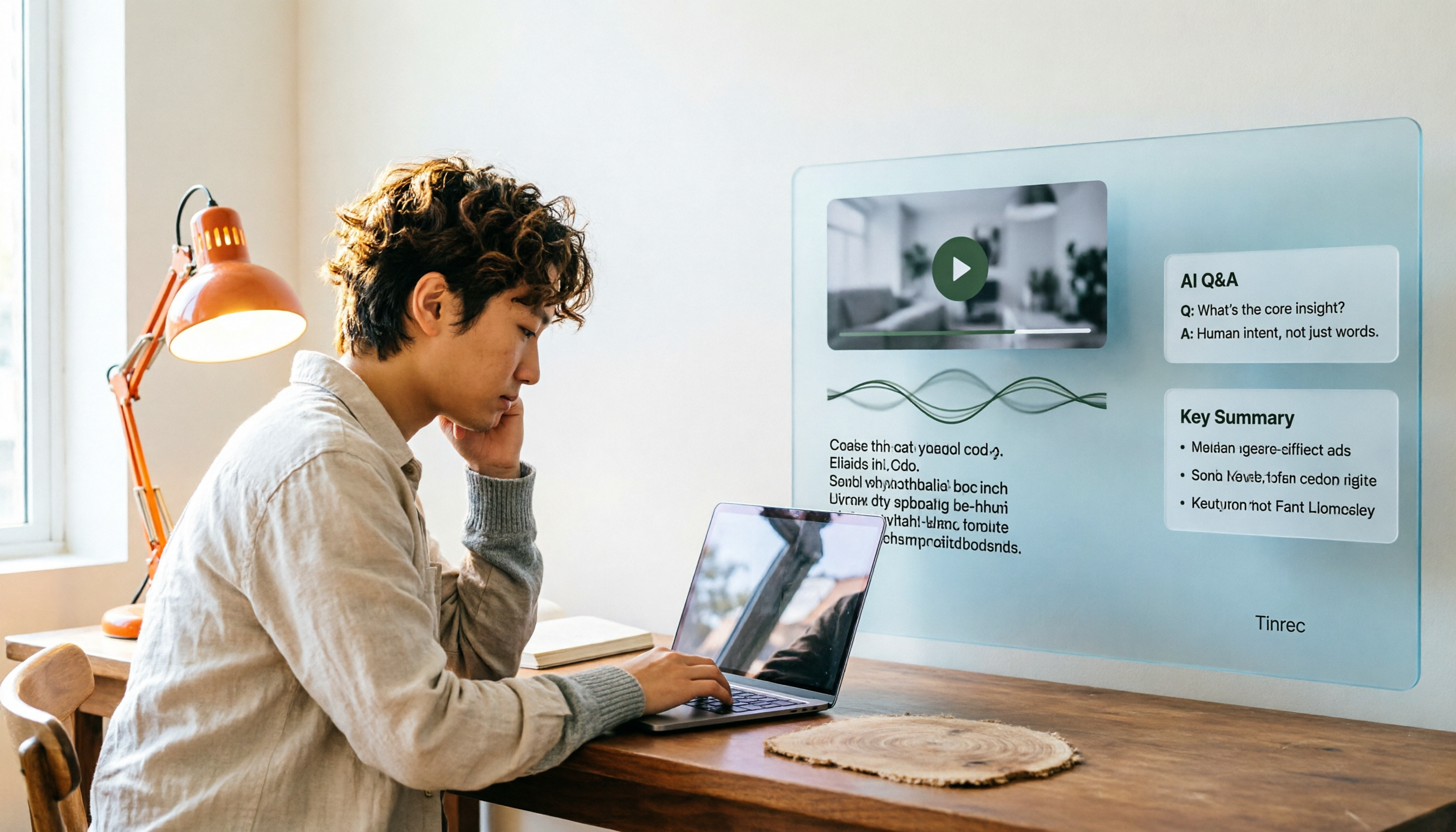
How to Convert Video to Text in 2026: Auto-Generate Transcripts and Use AI Q&A to Summarize Key Points
How do you choose a video-to-text tool? This article walks through the full process of converting video to transcript, compares Tinrec, TurboScribe, Notta, and Vidnoz, and covers 4 key selection criteria, 4 common mistakes, and scenario-based recommendations to help you find a tool that delivers ready-to-use results.
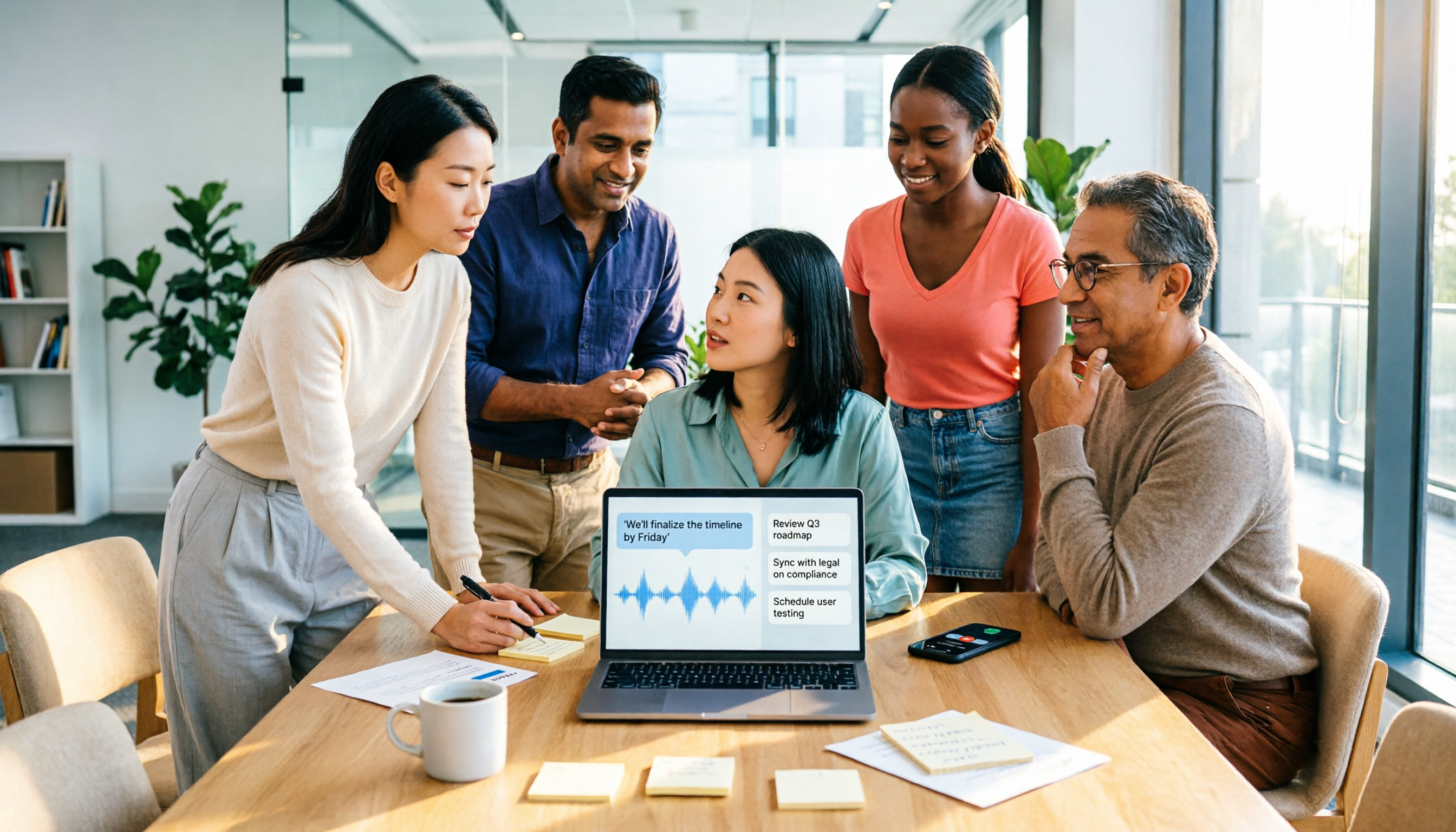
2026 AI Agent Assistant Free Plans Compared: 4 Options to Consider
What's the difference between an AI agent and an AI assistant, and is a free plan enough? This article examines four key factors—free usage limits, recording sources, post-meeting organization, and team data ownership—to compare the free plan restrictions and use cases of Tinrec, Otter.ai, Granola, and Notta, along with team plan seat and pricing information to help you make a clear case in procurement meetings.

Which AI Productivity Agent Is Best? 2026 Hands-On Test of 4 Tools—This One Wins for Chinese Meetings
AI Agents are more than just chat boxes. Starting from real meeting pain points, this article breaks down 4 key factors for choosing an AI productivity agent and compares Tinrec, Otter.ai, Notta, and PLAUD Note in hands-on tests, explaining why Tinrec won for Chinese meetings, mixed Chinese-English, and team knowledge retention.

4 AI Work Agents Tested for 2026: Which One Actually Finishes the Post-Meeting Work?
We tested 4 AI work agents from the perspective of post-meeting output, comparing meeting recording methods, Chinese and mixed Chinese-English experience, AI Q&A, and team collaboration capabilities, and analyzed why Tinrec is best suited for individuals and teams that want to turn meetings into actionable data.

4 AI Agent Secretaries Tested in 2026: Which One Nails Chinese Meeting Notes and Post-Meeting To-Dos?
Only three lines of notes after a meeting? This article breaks down the difference between AI Agent secretaries and regular AI secretary apps, four key buying factors, and tests Tinrec, Fireflies.ai, Granola, and Notta on Chinese meetings, bot-free recording, and post-meeting action items, with pricing, limitations, and pitfalls to avoid.

How to Choose an AI Recording Agent in 2026: 5 Steps from Recording to Team Collaboration
An AI recording agent isn't just about buying hardware. This article starts with common misconceptions and compares Tinrec and PLAUD Note in terms of hardware requirements, online meeting recording, input sources, post-meeting organization, team collaboration, and pricing limits. It then walks you through 5 steps from recording to searchable meeting data for your team. Suitable for office workers, project teams, and budget-conscious users.
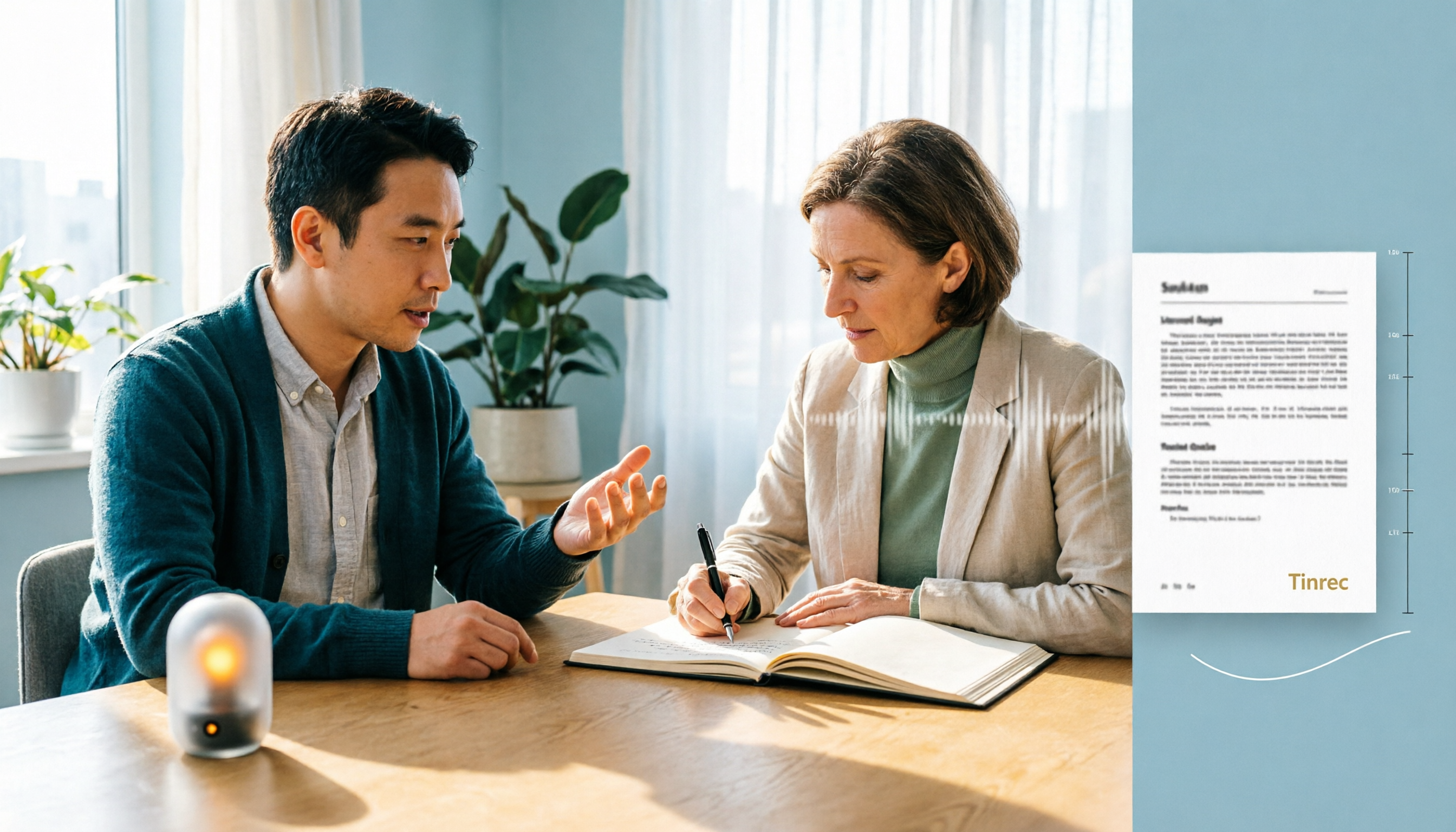
Tinrec vs Notta 2026: 5-Dimension Comparison — Which Audio-to-Document Tool Is Worth Choosing?
Audio-to-document tools aren't just about transcription accuracy — what matters is whether you get a raw transcript or a ready-to-deliver document. This article compares Tinrec and Notta across 5 key dimensions, briefly reviews Otter.ai and TurboScribe for specific use cases, and covers free tiers, pricing, and common pitfalls to help you choose the right audio-to-document tool.

2026 Recording-to-PPT Tools Compared: Why Tinrec Beats PLAUD and Notta
A 2026 hands-on comparison of recording-to-PPT tools, evaluating Tinrec, PLAUD, and Notta. From the perspective of 'what to do after recording,' it explains how Tinrec's bot-free online meeting recording, Chinese-friendly interface, and post-meeting AI summaries make it a better fit than PLAUD hardware and Notta for most meeting presentation scenarios.
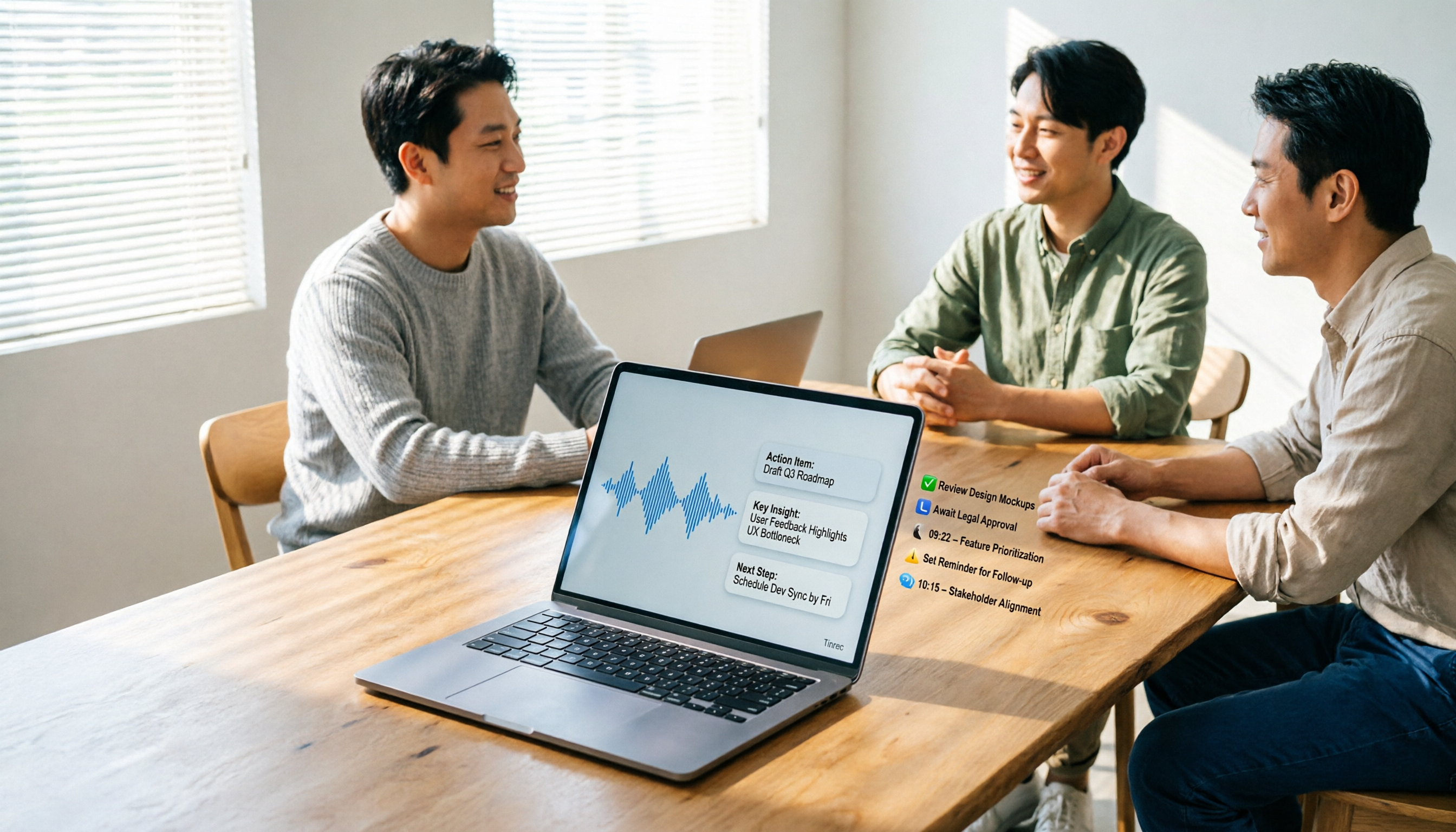
5 AI Meeting Agents Tested in 2026: Which One Turns Transcripts into Actionable Data?
The real cost of a meeting starts after it ends. Drawing from real-world use cases, this article shares hands-on observations and buying criteria for 5 AI meeting agents in 2026, and how I use Tinrec to turn a meeting recording into summaries, action items, and team-searchable meeting data.