
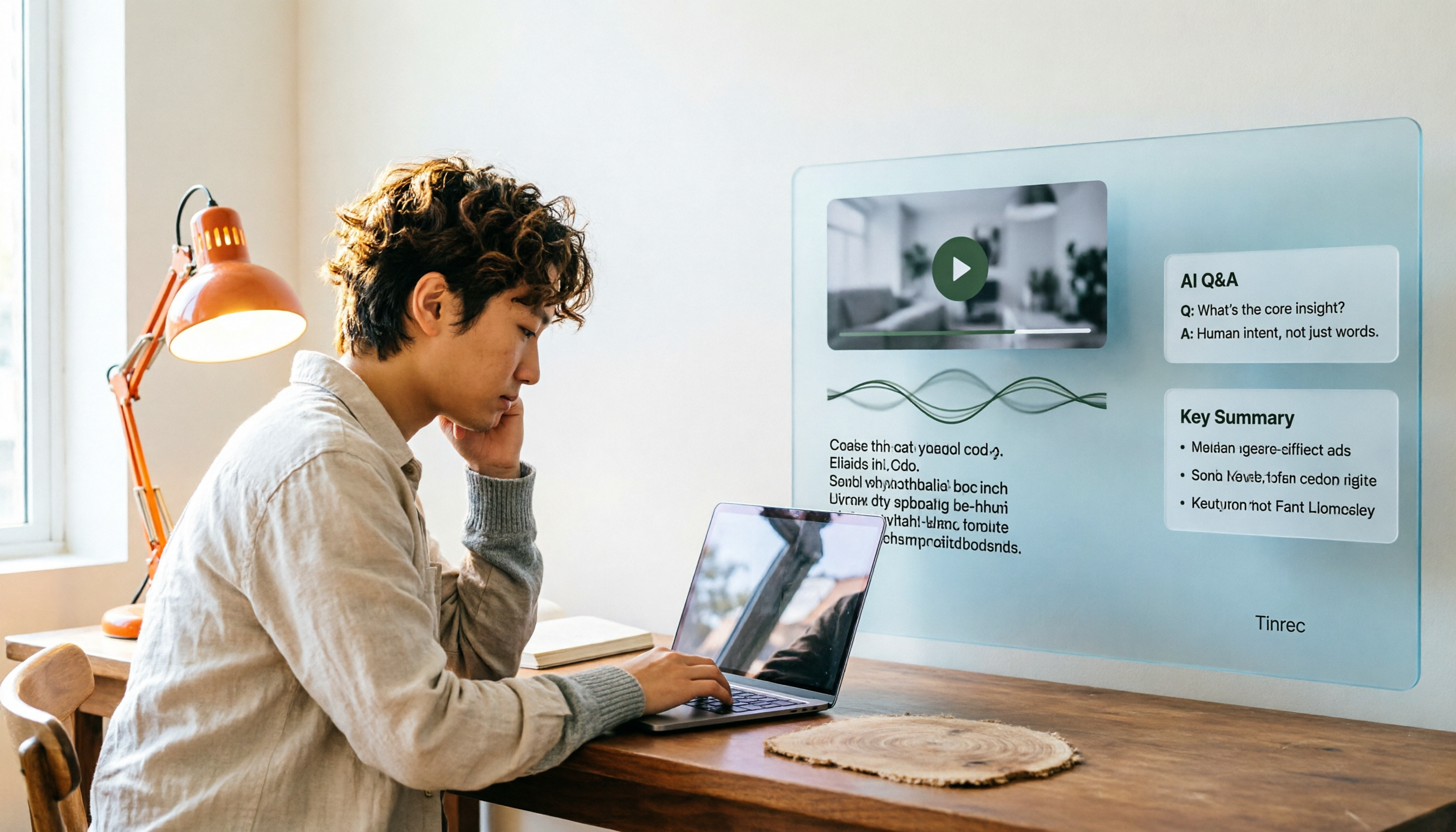
Turn recordings into transcripts and summaries in minutes
Upload audio or video for multilingual transcription, AI notes, and action items
How to Convert Video to Text in 2026: Auto-Generate Transcripts and Use AI Q&A to Summarize Key Points
The real pain of video-to-text isn't the conversion—it's what comes after
To transcribe a 1-hour interview video, most people put on headphones, pause and rewind repeatedly, and type sentence by sentence. Typing a 1-hour video takes about 3 to 4 hours—and that's before proofreading.
Online meetings are even trickier. After the meeting ends, the recording sits in the cloud. What you actually need isn't a play-by-play transcript—it's "What was decided?" "Who agreed to what?" "What's due next week?" The video file won't tell you any of that on its own.
If you have a pile of course recordings, interview footage, or meeting notes to process, the real question isn't "Is there a tool that can convert video to text?" but "After conversion, how much work is left for me?"
This article is my hands-on roundup after actually testing these tools.
Before choosing a video-to-text tool, understand these 4 key points
First, does it handle what comes after conversion? A transcript is just raw material. What really saves time is summaries, chapters, action items, and whether you can ask questions directly about the content. A tool that only gives you a plain text file means your work is only half done.
Second, can it handle content as it happens? Uploading files for transcription is common, but if you need to capture a live online meeting, whether the tool can directly capture system audio and whether it requires an extra bot to join the meeting makes a huge difference in experience.
Third, actual performance on Chinese speech recognition. Accuracy rates on official pages are usually measured in ideal conditions. Real meetings have air conditioning noise, people talking over each other, and mixed Chinese-English speech. You should look at performance in "Chinese meetings" and "mixed Chinese-English" scenarios, not marketing numbers.
Fourth, how free tiers work. Some tools offer a few files per day on the free plan, others a fixed number of minutes per month. Whether you're completely locked out or just need to pay when you hit the limit directly affects whether you can rely on it long-term.
Tinrec—the smoothest path I found after actually testing
Tinrec is an AI meeting notes and collaboration tool for individuals and teams, available on iOS, Android, desktop, and web. Its focus isn't just "turning audio into text"—it's turning audio into "data you can keep working with."
Drop in a video or audio file, and you get something usable. I uploaded a roughly 40-minute interview video. What I got back wasn't just a transcript—it also included an AI summary, chapters organized by topic, and key points. It also picks out action items from the conversation, like "Provide a quote by next Wednesday," and lists them directly.
No need to invite a bot to your online meetings. This is the biggest difference from most AI meeting assistants. Tinrec's desktop app directly captures your computer's system audio, handling audio from Zoom, Google Meet, Microsoft Teams, and Webex meetings played on your computer—no extra meeting bot joining as a "participant" required. When the meeting ends, the transcript is already there.
You can ask it questions right after transcription. This is what I find most useful. After recording or importing, you can directly ask: "What was the final decision in this meeting?" "What were the client's concerns about pricing?" It doesn't give you keyword search results—it gives you answers organized from the content. Not many tools in this price range offer this kind of conversational query.
Output goes straight into your existing workflow. Transcripts, summaries, and action items can all be exported, and can be brought into Notion, Google Docs, OneNote, Dropbox, and other tools for continued use. When you need to deliver externally, you can further generate documents, reports, or tables.
Test conditions, clearly stated. The material I used was a roughly 40-minute interview video (mixed Chinese-English, indoor environment, slight background noise) plus an online meeting recording. At Chinese-English switches, there were occasionally words that needed manual correction, but the overall time saved far outweighed the correction cost. Actual performance will still be affected by recording quality, accents, overlapping speakers, and technical terminology—this is true for any tool.
Stop organizing recordings by hand
Upload audio or video and automatically get a transcript, summary, and action items
Limitations, honestly stated. The free version provides a basic quota so you can try recording, importing, summaries, and transcription; if you have regular weekly meetings or courses to process, you'll need to upgrade. Also, AI summaries and Q&A are meant to speed up your understanding—for important numbers, amounts, and contract details, it's still best to go back to the transcript and recording to verify.
Who is it for? If you need to handle Chinese or mixed Chinese-English meetings and videos, want to use AI to find key points right after transcription, and switch between phone and computer, Tinrec is currently the smoothest option.
Besides Tinrec, what other options are there?
TurboScribe: Positioned as a cost-effective file transcription tool, it focuses on long files and batch uploads. The paid version supports up to 10 hours or 5 GB per file; the free version allows 3 files per day, up to 30 minutes each. If you have a batch of pre-recorded long videos and only need text files and subtitles, it's a great value. But it doesn't have live meeting recording or AI Q&A for asking questions about content—you still have to organize everything yourself after transcription.
Notta: Offers multi-platform transcription, meeting notes, file import, translation, and team plans. The free version gives 120 minutes per month, with a maximum of 3 minutes per session. There's significant feature overlap. The difference is that Tinrec's desktop app can capture system audio to record online meetings without a bot, and provides Agent post-processing to produce reports, tables, and documents.
Vidnoz: Focuses on quickly converting YouTube links or local videos to text. Supports MP4, MOV, M4V, WEBM, and 30+ languages, and can export TXT, JSON, or SRT subtitle files—very convenient for subtitles. However, its focus is video conversion and subtitle generation. It doesn't have team spaces or AI Q&A for follow-up questions about content—you still have to identify meeting highlights yourself.
Pitfall guide: The 4 most common mistakes when choosing a video-to-text tool
Pitfall 1: Only looking at the accuracy rate on the official website. Almost every company claims "high accuracy," but that's usually measured in quiet environments, single language, and no overlapping speech. Real meetings have air conditioning noise, people talking over each other, and mixed Chinese-English. I suggest running your most difficult recording through the free version—the numbers will be more honest than the ads.
Pitfall 2: Treating "converting to text" as the end goal. After getting the transcript, you still have to read through it, extract key points, and organize action items—that's where the real time goes. When choosing a tool, factor in "what else it can do for you after transcription." With Tinrec, you can directly ask "What was the conclusion of this meeting?"—much faster than flipping through a 40-minute transcript yourself.
Pitfall 3: Ignoring archiving and team handover. If meeting data only exists in personal accounts, it breaks when colleagues leave, switch devices, or hand over responsibilities. For team use, confirm the tool supports team spaces, member and seat management, and whether data can be transferred when members leave. These things usually go unnoticed—until something goes wrong.
Pitfall 4: Forgetting to inform and get consent before recording. Recording and transcription involve local regulations and participant rights. Regardless of which tool you use, it's advisable to check relevant rules first and obtain participant consent when necessary. No matter how good the tool is, poor procedures are still a risk.
Conclusion: Which one should you actually choose?
Simply put, start with what kind of material you have:
- Meeting recordings, interview videos, and you want to ask about key points right after transcription → Tinrec. AI summaries, action items, and conversational Q&A are where it saves the most time.
- You need live recording for online meetings and don't want to invite a bot → Tinrec. The desktop app captures system audio directly.
- Both individuals and teams will use it, and data needs to be transferable → Tinrec. It has team spaces, member and seat management, usage analytics, and audit logs.
- You have a batch of pre-recorded long videos and only need subtitles and text files → TurboScribe. Long files and batch processing are its strengths.
- Your main need is creating YouTube video subtitles → A tool like Vidnoz is sufficient.
Honestly, the difference between these tools isn't "can they convert text"—it's how much work you still have to do after conversion. I suggest running your most difficult video through Tinrec's free version first to see the quality of the transcript and summary, then decide whether to upgrade. No need to pay upfront.
References
- Convert Video to Text | Transcribe App & Online Editor
- Online AI Speech, Video, Audio Auto-Transcription - Free Trial - cSubtitle
- Transcribe Video to Text - Real-time, 99.9% Accurate - VEED.IO
- Free Video-to-Text Tool | AI Auto-Transcription with High Accuracy Subtitles
- Use AI to Transcribe Video to Text - Adobe
Turn every recording into actionable outcomes
Get 60 free transcription minutes when you sign in. No credit card required.
Related Reading
You might also like
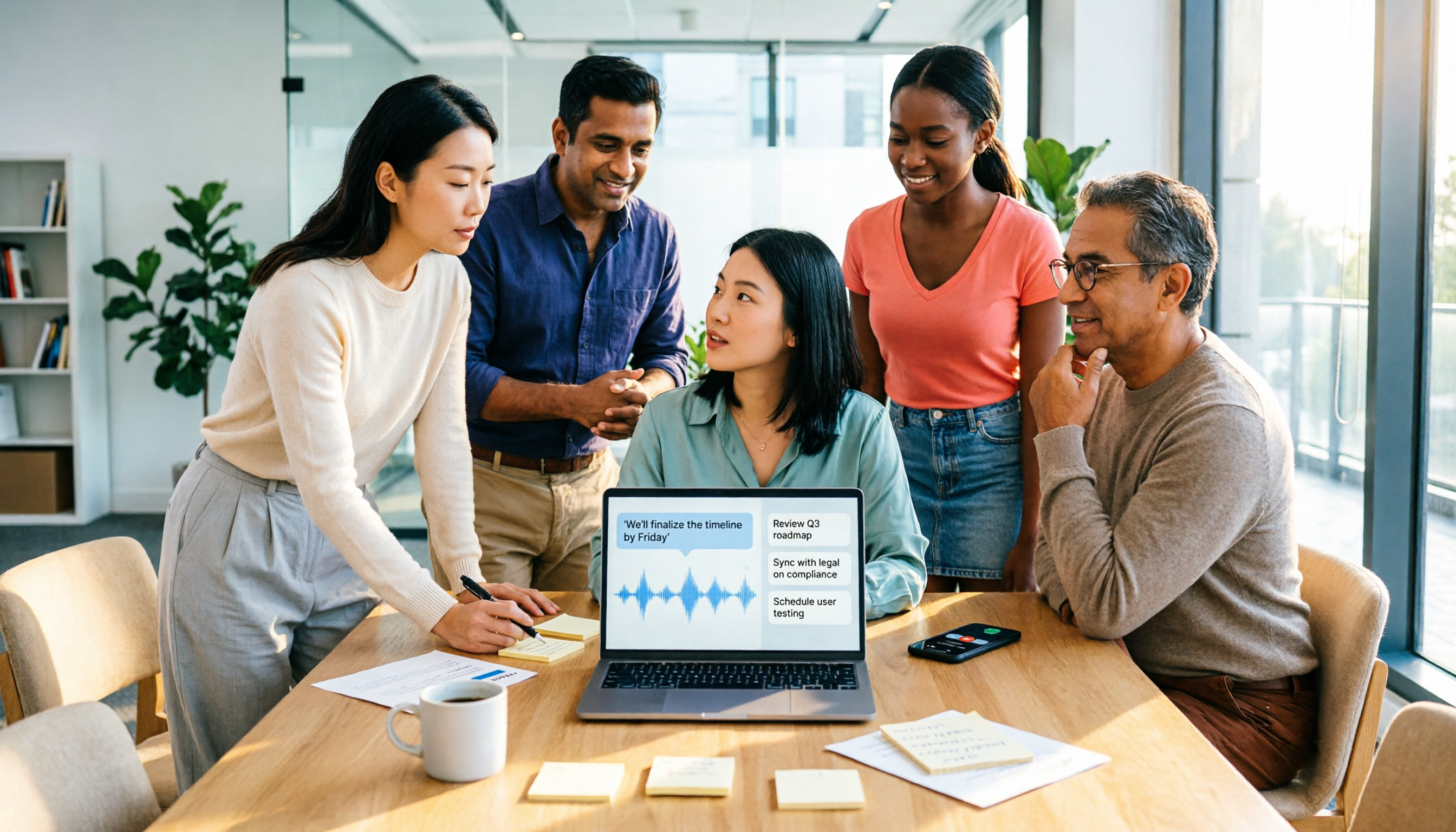
2026 AI Agent Assistant Free Plans Compared: 4 Options to Consider
What's the difference between an AI agent and an AI assistant, and is a free plan enough? This article examines four key factors—free usage limits, recording sources, post-meeting organization, and team data ownership—to compare the free plan restrictions and use cases of Tinrec, Otter.ai, Granola, and Notta, along with team plan seat and pricing information to help you make a clear case in procurement meetings.

Which AI Productivity Agent Is Best? 2026 Hands-On Test of 4 Tools—This One Wins for Chinese Meetings
AI Agents are more than just chat boxes. Starting from real meeting pain points, this article breaks down 4 key factors for choosing an AI productivity agent and compares Tinrec, Otter.ai, Notta, and PLAUD Note in hands-on tests, explaining why Tinrec won for Chinese meetings, mixed Chinese-English, and team knowledge retention.

4 AI Work Agents Tested for 2026: Which One Actually Finishes the Post-Meeting Work?
We tested 4 AI work agents from the perspective of post-meeting output, comparing meeting recording methods, Chinese and mixed Chinese-English experience, AI Q&A, and team collaboration capabilities, and analyzed why Tinrec is best suited for individuals and teams that want to turn meetings into actionable data.

2026 AI Office Agent Comparison: Meeting Notes, Chinese Summaries, and Team Knowledge — Which Approach Really Saves Time?
AI office agents aren't just chatbots—they can handle meeting recordings, summaries, and action items from start to finish. This article uses Tinrec as a primary example to compare four common approaches, breaking down core capabilities, real-world use cases, purchasing considerations, and team pricing, with FAQs included.

4 AI Agent Secretaries Tested in 2026: Which One Nails Chinese Meeting Notes and Post-Meeting To-Dos?
Only three lines of notes after a meeting? This article breaks down the difference between AI Agent secretaries and regular AI secretary apps, four key buying factors, and tests Tinrec, Fireflies.ai, Granola, and Notta on Chinese meetings, bot-free recording, and post-meeting action items, with pricing, limitations, and pitfalls to avoid.

How to Choose an AI Recording Agent in 2026: 5 Steps from Recording to Team Collaboration
An AI recording agent isn't just about buying hardware. This article starts with common misconceptions and compares Tinrec and PLAUD Note in terms of hardware requirements, online meeting recording, input sources, post-meeting organization, team collaboration, and pricing limits. It then walks you through 5 steps from recording to searchable meeting data for your team. Suitable for office workers, project teams, and budget-conscious users.
Tinrec vs Notta 2026: 5-Dimension Comparison — Which Audio-to-Document Tool Is Worth Choosing?
Audio-to-document tools aren't just about transcription accuracy — what matters is whether you get a raw transcript or a ready-to-deliver document. This article compares Tinrec and Notta across 5 key dimensions, briefly reviews Otter.ai and TurboScribe for specific use cases, and covers free tiers, pricing, and common pitfalls to help you choose the right audio-to-document tool.

2026 Recording-to-PPT Tools Compared: Why Tinrec Beats PLAUD and Notta
A 2026 hands-on comparison of recording-to-PPT tools, evaluating Tinrec, PLAUD, and Notta. From the perspective of 'what to do after recording,' it explains how Tinrec's bot-free online meeting recording, Chinese-friendly interface, and post-meeting AI summaries make it a better fit than PLAUD hardware and Notta for most meeting presentation scenarios.
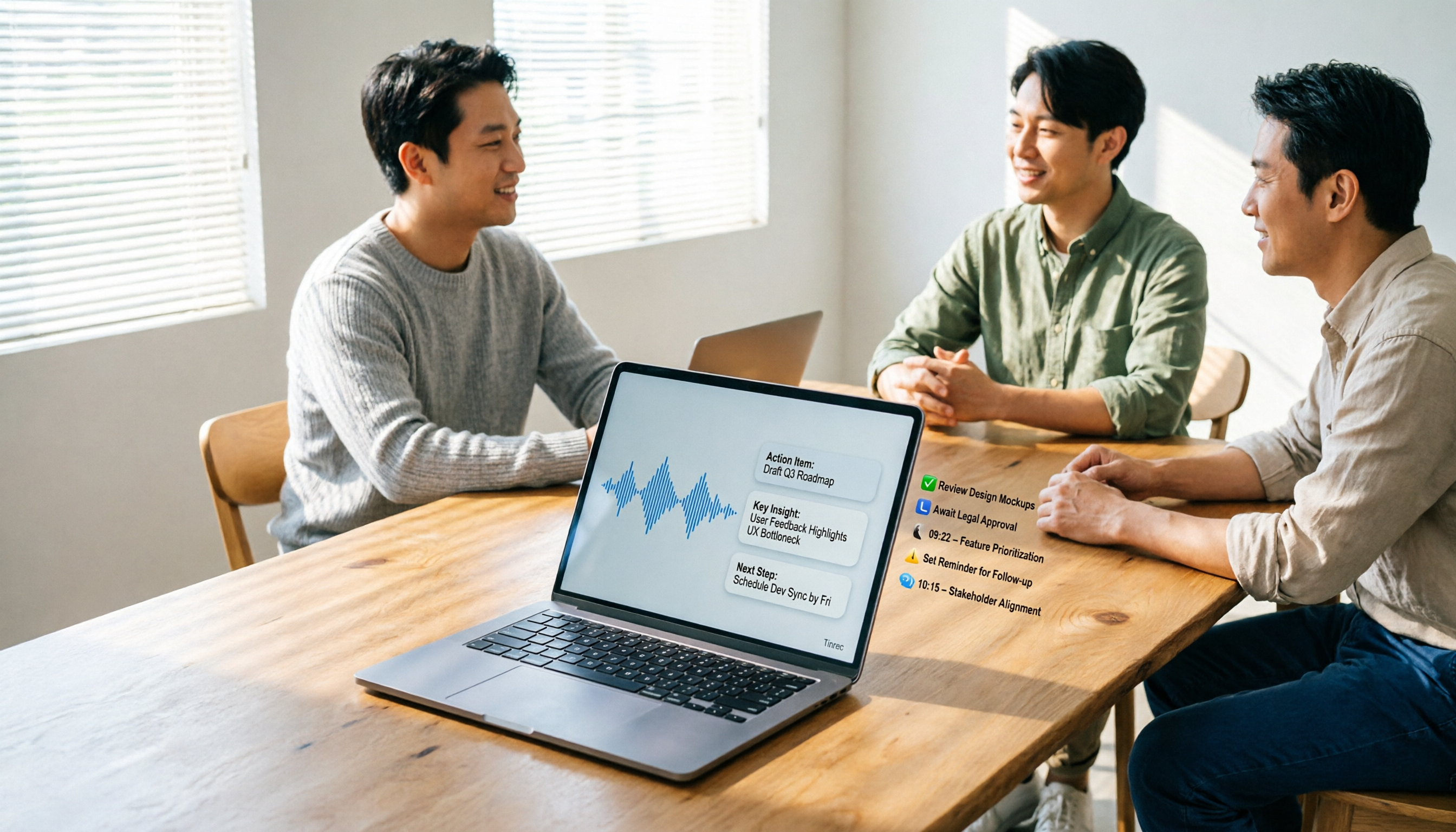
5 AI Meeting Agents Tested in 2026: Which One Turns Transcripts into Actionable Data?
The real cost of a meeting starts after it ends. Drawing from real-world use cases, this article shares hands-on observations and buying criteria for 5 AI meeting agents in 2026, and how I use Tinrec to turn a meeting recording into summaries, action items, and team-searchable meeting data.