

Turn recordings into transcripts and summaries in minutes
Upload audio or video for multilingual transcription, AI notes, and action items
Which AI Productivity Agent Is Best? 2026 Hands-On Test of 4 Tools—This One Wins for Chinese Meetings
The Moment the Meeting Ends Is When the Real Work Begins
A two-hour project meeting wraps up. You close the call, and you're left with three things: an audio recording, a few lines of notes you can't even decipher, and a meeting summary due tomorrow morning.
I used to tell myself, "I'll listen to the recording later." But that later never comes.
What's worse is a meeting with mixed Chinese and English. Halfway through, someone switches to English, and product terms are internal acronyms. The transcription is full of errors, and you spend more time fixing it than if you'd just retyped it yourself.
If you've been there, the problem isn't that you don't use AI—it's that you use AI for the Q&A part but don't let it take over the truly time-consuming workflow that follows.
That's why the term "Agent" keeps coming up this year. Conversational AI gives you suggestions; an Agent gets things done—it has task awareness, can call tools, and plans steps on its own.
Consultant reports note that most organizations do feel productivity gains from AI, but few have actually redesigned key processes around it.
The gap isn't in the tools; it's in whether the process has been rethought.
This article isn't about spec sheets. I want to share how I choose and use these tools when the goal is meetings and post-meeting follow-up.
Before Choosing an AI Productivity Agent, Understand These 4 Key Points
1. Does it "answer" or "get things done"?
Conversational tools give you a draft; an Agent gives you a finished product. The test is simple: can it handle an entire workflow—listen, transcribe, organize, produce, archive? If it only transcribes, you're still left with everything else.
2. How does meeting audio get into the system?
There are three main approaches: a meeting bot joins as a participant, desktop software captures system audio, or a standalone recording device. Each has trade-offs. What I care about most: I don't want another "participant," and I don't want to carry an extra device just for meetings.
3. After the transcript, what do you have left?
A tool that only gives you a transcript is just handing the organizing work back to you. Ask: Does it have summaries? Chapters? Action items? Can I ask it "Who mentioned the budget in the last meeting?"
4. Where does the data ultimately live?
Data in a personal account follows the person—when they leave, it goes with them. Teams need an asset that stays. That involves team spaces, member roles, seats, and usage management. This became the most important dimension for me.
Tinrec—The One I Kept After Hands-On Testing
Tinrec is an AI meeting notes and collaboration tool for individuals and teams, available on iOS, Android, desktop, and web.
It doesn't just turn audio into text; it turns meetings into searchable, queryable, and further processable data. Here are three scenarios from my actual use.
Scenario 1: No extra participant for online meetings
The desktop version captures system audio directly, handling Zoom, Google Meet, Microsoft Teams, Webex, and similar meetings. No bot to invite, no waiting for colleagues to set up, and no awkward extra participant for clients.
Scenario 2: Live transcription, ask it right after the meeting
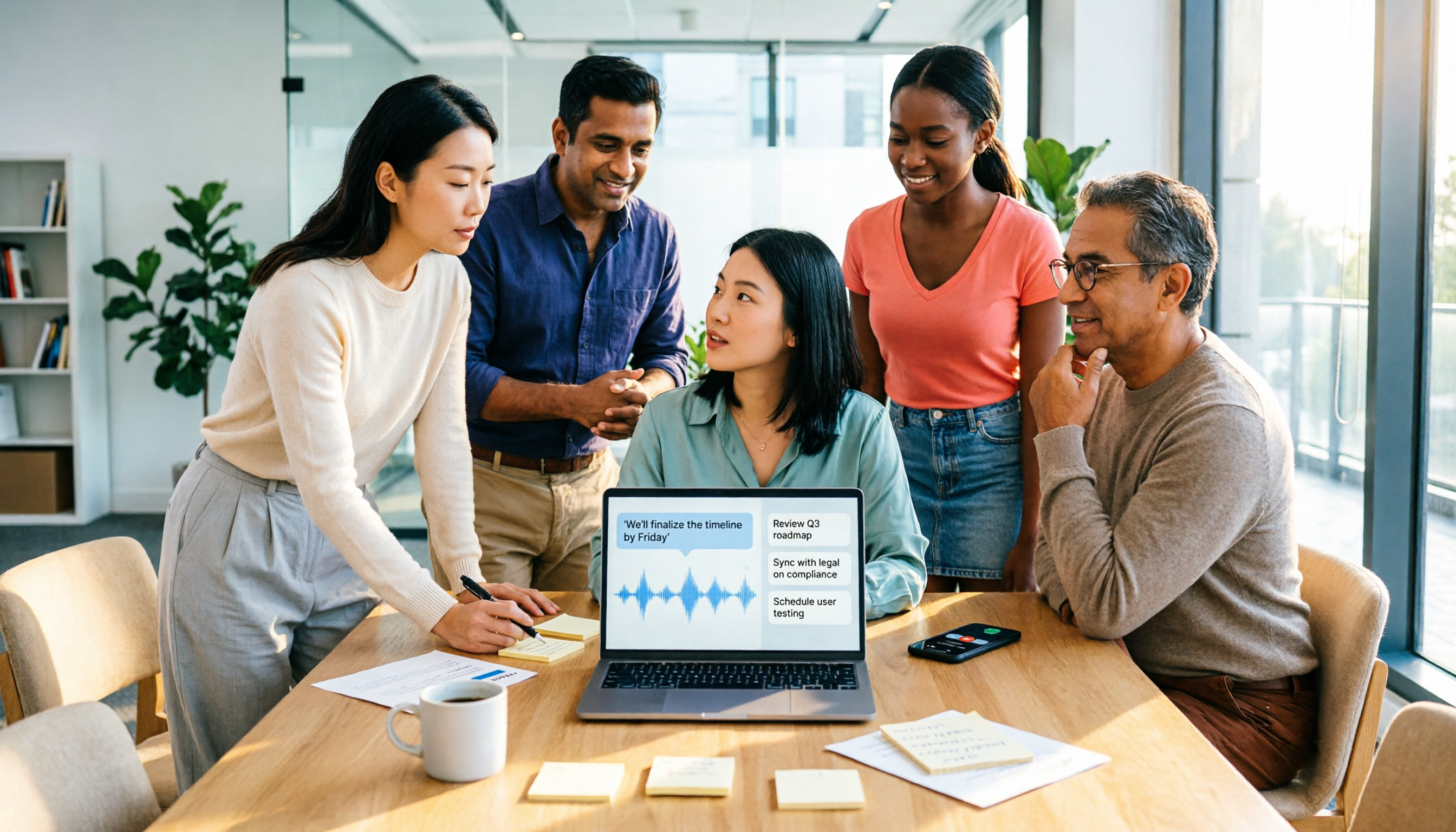
When the meeting ends, the transcript is nearly done. You don't have to scroll through 30 minutes of text—just ask "What was the conclusion?" or "Who's responsible for this?" It gives semantic answers, not a list of keyword search results.
It handles mixed Chinese-English or multilingual meetings, and during recording you can switch between original, translated, or bilingual views.
Scenario 3: Output you can use immediately
Summaries, chapters, key points, action items, and mind maps are generated automatically. When you need deliverables, it can further generate reports, tables, and documents, and export to Notion, Google Docs, OneNote, Dropbox, and other tools you already use.
My testing method wasn't demo audio—I threw in a real meeting recording with air conditioning noise, interruptions, and mixed Chinese-English product terms. That's when you see the real difference. Tinrec performed consistently on Chinese and mixed segments; I also add team-specific terms to the hotword list for smoother recognition.
To be honest: no tool should be expected to have a fixed accuracy rate. Audio quality, noise, accents, multiple people talking over each other, and technical jargon all affect results. For important content, I still go back to the transcript timestamps to verify.
Three advantages I see:
Stop organizing recordings by hand
Upload audio or video and automatically get a transcript, summary, and action items
- Complete post-meeting output: from transcript to summary, action items, and deliverable documents—not just half the job.
- No extra meeting burden: no bot to invite, no extra hardware to buy; works on phone, computer, and web.
- Team version keeps data: team spaces, member roles, seats, usage analytics, audit logs, and audio recycle bin—data belongs to the team.
Limitations to be clear about:
- The free tier is for experiencing the workflow; long-term or high-frequency use requires payment.
- The team version uses a two-layer design of "roles + seats": roles determine who can manage the team and settings; seats determine who can record, upload, edit, import/export. Members without seats can still view, play, and read team data but cannot perform the above resource operations. This is where I think it's clearer than most tools.
**Current team version benefits (subject to the official purchase page):** Eligible teams can try 7 days free, with 1 free seat and 300 minutes of shared team import quota; monthly team plan is USD 29.80 per paid seat per month, annual is USD 199 per paid seat per year (about USD 16.58 per month), each paid seat provides 2,000 minutes of shared team import quota per month. Live recording currently does not deduct minutes under an active plan and seat; file and web link imports consume shared team quota.
**Who it's for:** If your meetings are mainly in Chinese or mixed Chinese-English, you don't want a bot joining, and you want post-meeting data to stay with the team for continued use, Tinrec is the one I've kept.
Besides Tinrec, What Other Options Are There?
Otter.ai: A mature choice for English business meetings. Free version offers 300 minutes per month; Pro annual is about USD 8.49 per user per month. If your meetings are almost entirely in English, it's a great fit. However, my meetings have a lot of Chinese and mixed Chinese-English, and Tinrec is closer to my needs; I also like turning meetings directly into reports or tables, and I've streamlined that post-processing workflow on Tinrec.
Notta: Strong in multilingual transcription and file processing. Free version offers 120 minutes per month, max 3 minutes per session; Pro annual is about USD 8.17 per month; team plans also have role permissions and usage reports. The difference is in capture method and post-meeting flow: if you don't want a bot joining and want to directly ask questions about meeting content and generate post-meeting documents, Tinrec's desktop bot-free recording and AI Q&A are smoother.
PLAUD Note/NotePin: A representative of AI recording hardware. NotePin is USD 159 on the US official site, Note Pro USD 189; membership Starter is 300 minutes per month. Suitable for portable recording, phone call recording, and on-site notes. But if you're dealing with online meetings on a computer and want to keep historical recordings and team data in one place, Tinrec requires no extra hardware, works across devices, and team spaces can retain data.
Pitfall Guide: 4 Most Common Mistakes When Choosing an AI Productivity Agent
Pitfall 1: Only looking at "transcription accuracy," not "what you have after transcription." The transcript is just the entry ticket. What really eats time is organizing and follow-up—that's where you should compare.
Pitfall 2: Treating "has an Agent" as "everything is automatic." Most tools still require you to initiate recording; they won't automatically join every meeting on your calendar. When you see "fully automatic," ask exactly which part is automatic.
Pitfall 3: Using a personal account for team data. People move more often than you think. Team resources should belong to the team; when a member leaves or is removed and loses their seat, their resources should be transferable to other active members—confirm this when choosing a tool.
Pitfall 4: Misunderstanding "team sharing" as "file-level permissions." Most team plans offer team-level shared reading, with roles managing governance and seats managing usage eligibility—not per-file access settings. Understand this so you don't find out after launch that it's different from what you imagined.
One final reminder: recording and transcription involve legal and personal rights. Follow local laws and obtain participant consent when necessary.
Conclusion: Which One Should You Choose?
In short: if you want to "really save a step after meetings," Tinrec is my current answer.
- Chinese or mixed Chinese-English meetings, needing summaries, action items, and deliverable documents → Tinrec
- Don't want a meeting bot in online meetings → Tinrec desktop version
- Meeting data should stay with the team, manage members and usage → Tinrec team version
- Meetings almost entirely in English, just want to try free → Otter.ai
- Need portable hardware recording, phone call recording → PLAUD Note
Quick start (6 steps)
- Use the free tier and pick one of your own real meetings—not a demo audio.
- Try bot-free recording on desktop first to confirm it captures Zoom, Meet, or Teams audio.
- Add your team's common product terms to the hotword list.
- After the meeting, don't just read the transcript—ask "What was the conclusion?" and "Who does what?"
- Export action items to Notion or Google Docs to connect back to your workflow.
- For team use, first create a team space, invite members, then assign seats.
Don't open everything at once. Start with one meeting, run the process smoothly once, and you'll naturally know what to adjust next.
Test step by step, and you can gradually turn meetings from a liability into an asset.
References
- AI agent tools to improve work efficiency: How office workers should choose between ready-to-use and setup-required lists
- Tianfeng Securities: AI Agent applications ignite productivity revolution, trillion-dollar market awaits reshaping_models_technology_core
- How AI Agents improve work efficiency? No longer just chatbots: autonomous task execution, building an efficient Agentic Workspace
- Hua'an Securities: AI Agent will become the core of future digital productivity_Tencent News
- What is an AI Agent? Comparison with AI assistants, chatbots, and application scenarios - iKala
Turn every recording into actionable outcomes
Get 60 free transcription minutes when you sign in. No credit card required.
Related Reading
You might also like
2026 Free Speech-to-Text Options: 4 Tools Compared
Tired of spending hours after every meeting writing up transcripts? This article compares 4 free speech-to-text options in 2026, covering free quotas, single-session length limits, and post-meeting organization capabilities. I also share why I kept Tinrec after testing, its limitations, and how the team version handles member and data ownership.

Google Text-to-Speech Online Free Tier in 2026: 3 Ways to Use It
Google Text-to-Speech online seems convenient, but most professionals get stuck earlier: meeting content hasn't been turned into text yet. This article starts with common misconceptions, breaks down the free quota and limits of Google TTS online, and explains how Tinrec fills the gap with recording-to-text, summaries, and action items so meeting data actually becomes usable.

4 Video-to-Text Tools Tested for 2026: Which Saves the Most Time for Chinese Meetings and Transcripts?
Manually transcribing a 40-minute meeting recording often takes two to three hours, but the real problem is often choosing the wrong approach. This article starts with three common misconceptions, outlines 4 key points for choosing a video-to-text tool, tests Tinrec's no-bot recording, AI summary, and Q&A workflow, and compares who Granola, TurboScribe, and Otter.ai are each best for, with a final pitfall guide and scenario-based recommendations.
2026 Comparison of 3 Video Analysis Tools: Which One Actually Saves Time from Video to Transcript?
Video analysis isn't just about picture quality. This article starts with common misconceptions, breaks down the difference between 'resolution' and 'content analysis,' explains how meeting videos can become searchable transcripts, summaries, and action items, and outlines 5 key points for choosing a tool plus FAQs.
Which Web Video Parsing Tool Is Best? 2026 Comparison of 4 Key Criteria—This One Turns Videos into Transcripts Fastest
Should you choose a downloader or a transcription tool for web video parsing? Using Tinrec as an example, this article breaks down the practical uses of video parsing, 4 key buying criteria, common questions, and differences between team and personal plans to help you decide which tool to use to turn video content into searchable, citable transcripts, summaries, and action items.
How to Convert Video to Text in 2026: Auto-Generate Transcripts and Use AI Q&A to Summarize Key Points
How do you choose a video-to-text tool? This article walks through the full process of converting video to transcript, compares Tinrec, TurboScribe, Notta, and Vidnoz, and covers 4 key selection criteria, 4 common mistakes, and scenario-based recommendations to help you find a tool that delivers ready-to-use results.
2026 AI Agent Assistant Free Plans Compared: 4 Options to Consider
What's the difference between an AI agent and an AI assistant, and is a free plan enough? This article examines four key factors—free usage limits, recording sources, post-meeting organization, and team data ownership—to compare the free plan restrictions and use cases of Tinrec, Otter.ai, Granola, and Notta, along with team plan seat and pricing information to help you make a clear case in procurement meetings.

4 AI Work Agents Tested for 2026: Which One Actually Finishes the Post-Meeting Work?
We tested 4 AI work agents from the perspective of post-meeting output, comparing meeting recording methods, Chinese and mixed Chinese-English experience, AI Q&A, and team collaboration capabilities, and analyzed why Tinrec is best suited for individuals and teams that want to turn meetings into actionable data.

2026 AI Office Agent Comparison: Meeting Notes, Chinese Summaries, and Team Knowledge — Which Approach Really Saves Time?
AI office agents aren't just chatbots—they can handle meeting recordings, summaries, and action items from start to finish. This article uses Tinrec as a primary example to compare four common approaches, breaking down core capabilities, real-world use cases, purchasing considerations, and team pricing, with FAQs included.