

Turn recordings into transcripts and summaries in minutes
Upload audio or video for multilingual transcription, AI notes, and action items
Most Students Get the Point of Class Recording Wrong from the Start
"Just buy a voice recorder and you won't miss key points in class"—that's probably most people's first impression of voice recorders. But anyone who's actually used one for a full semester knows the real hassle isn't whether you recorded it, but what to do after recording.
You've probably encountered these situations: the professor speaks so fast it's like rapping, you're buried in notes and miss the key points; after class you open the recording and it's 90 minutes of noise and silence, and listening from start to finish takes another hour and a half; your phone rings mid-recording and the recording stops.
A more common misconception is treating the "noise reduction dB number" as the only metric. Classroom interference isn't a steady air conditioner hum—it's page turning, chair scraping, classmates whispering, and the professor suddenly lowering their voice for supplementary explanations. A single noise reduction number can't really describe microphone performance in these situations.
The mindset you really need to adjust is: think of "recording" and "organizing" together. You don't just need a device that stores sound; you need a workflow that lets you quickly find key points before an exam. The following content will guide you through choosing based on this logic.
5 Key Points to Understand Before Choosing a Student Recording Tool
1. Are you buying "recording" or "usable notes"? Many voice recorders have impressive specs, but the output is just an audio file. If you still have to transcribe and extract key points yourself, it only saves you handwriting, not time. When evaluating, ask yourself: can it turn recordings into text, summaries, or to-do lists?
2. Recording conditions should match a real classroom. Don't just look at lab data. Classrooms are long-distance, multi-person, and reverberant. Try recording a segment with your phone in the classroom, then test each tool with the same file to see the differences.
3. Battery life and storage must match your schedule. A 3-hour general education class, or 6 hours of continuous classes in a day—if battery life isn't enough, you'll have to recharge mid-way; same for storage, don't wait until review time to find old files overwritten.
4. How smooth is cross-device use? Record on one device today, organize on a laptop tomorrow, review on your phone the day after—if the tool is tied to a single device, your data will be scattered, making it harder to find before exams.
5. Can you export and continue processing? Can transcripts be exported as documents and brought into Notion or Google Docs for further editing? This determines whether your notes are a "dead file" or "material that can continuously add value."
Tinrec – Our Top Recommendation After Hands-On Testing
Tinrec is a multi-device AI recording and meeting notes tool covering iOS, Android, and web, with the core purpose of turning recordings directly into searchable, queryable, and organizable data.
For students, the most obvious difference is that hour after class. Start real-time recording in class, and it generates a transcript as it records; after class, no need to listen from the beginning—AI has already organized the content into summaries and chapters, instantly giving structure to a two-hour lecture. You can quickly locate which part covers exam scope and which part is supplementary reading.
The bigger difference is AI Q&A. After recording, you can directly ask it: "When is the report deadline the professor mentioned today?" It doesn't give you a list of keyword matches, but answers based on semantics. For those who want to quickly review before exams, this is far more practical than manually fast-forwarding through a 30-minute audio file.
If the class uses original textbooks or is taught in a foreign language, Tinrec supports real-time translation, allowing you to switch between original text, translation, or bilingual view. With to-do extraction, assignments, group work, and report schedules mentioned by the professor are organized into a list, so you won't miss them. The organized transcripts, summaries, and key points can be exported as documents or brought into Notion, Google Docs, OneNote, etc. for further editing. It also has built-in post-processing to turn class content into reports or tables, especially convenient for those who need to submit written assignments or do projects.
For online courses, the Tinrec desktop version directly captures computer system audio, handling Zoom, Google Meet, Microsoft Teams, Webex, etc. played on the computer, without needing an extra meeting bot to join.
Stop organizing recordings by hand
Upload audio or video and automatically get a transcript, summary, and action items
In our hands-on test, we used a classroom recording (about 5 minutes, with page turning and air conditioning background noise) and it still produced a readable transcript for mixed Chinese-English segments. It must be noted that actual accuracy is affected by recording distance, noise, accent, and multiple people speaking simultaneously. For important content, it's recommended to listen back to the original audio at specific timestamps; don't treat it as a zero-error guarantee.
Pros:
- No extra hardware needed; record with phone or computer, convenient for off-campus classes and commuting review.
- Directly get transcripts, summaries, chapters, and to-dos after recording, saving a lot of organizing time.
- Supports AI Q&A and real-time translation, especially useful for exam review and foreign language courses.
Limitations:
- The free version offers basic quota; heavy users need to upgrade; if you only record occasionally, the free version is sufficient.
- If you sit too far or the classroom is too noisy, recording quality still affects transcription results.
Who it's for: For those who don't want to carry an extra device, want to use text and AI to find key points right after recording, and often switch between phone and computer, Tinrec is currently the most convenient choice. If you later have group reports or club shared data, it also has team spaces to centrally store transcripts and to-dos for members to view together.
Besides Tinrec, What Other Options Are There?
PLAUD Note / NotePin PLAUD is a representative of AI recording hardware. NotePin is priced at USD 159, Note Pro at USD 189. Its strengths are portability, battery life, and phone call recording, suitable for those who like a "carry one device" approach. But it's a hardware route, requiring extra carrying and charging; for online courses played on a computer, it can't directly capture system audio like Tinrec desktop. If you often attend physical lectures and prefer a standalone device, consider it.
Notta Notta overlaps heavily with Tinrec, both support multi-platform transcription, file import, and translation. Free version: 120 minutes per month, max 3 minutes per session; Pro annual billing is about USD 8.17/month, 1,800 minutes per month. Its strength is file transcription and subtitles. However, in bot-free online class recording, AI Q&A, and team data accumulation, Tinrec's post-meeting workflow is more complete.
Otter.ai Otter.ai is a veteran English meeting assistant. Free version: 300 minutes per month; Pro annual billing is about USD 8.49/user/month. It's mature for English scenarios and generous with quota. But it's mainly for English business, not strong for Chinese classrooms, and lacks Tinrec's complete workflow of accumulating historical recordings into a queryable database and exporting to Notion etc. If your entire semester is taught in English, Otter is worth considering.
Pitfall Guide: 4 Most Common Mistakes When Choosing Student Recording Tools
Pitfall 1: Only looking at the official noise reduction number. Many products tout "HD noise reduction," but that's measured in a quiet environment. Real classrooms have page turning, chair noises, multiple people talking over each other, and performance drops significantly. Test with your own classroom recording, don't just look at ad numbers.
Pitfall 2: Thinking "having a recording" equals "having notes." Recording is just the first step. If your tool only gives you audio files, you still have to transcribe yourself after class. When choosing, make "can it transcribe, can it summarize" a necessary condition.
Pitfall 3: Ignoring cross-device and export. Recording on phone, organizing on computer is the norm. If the tool is locked to a single device and can't export, your notes are trapped inside, making it harder to organize before exams.
Pitfall 4: Buying a tool but only using 30% of its features. Many people treat AI recording tools as simple "voice to text." In fact, features like Tinrec's AI Q&A let you directly ask "What were the key points of this class?" after recording, much faster than manually flipping through a 30-minute transcript. Using the right features truly pays off the time saved.
Conclusion: Which One Should Students Choose?
In one sentence: if you want to save time on post-class organization, prioritize Tinrec; if you need standalone hardware or specific scenarios, look further down.
- Want transcript + summary + AI Q&A, and cross phone/computer use → Tinrec
- Often record online courses (Zoom, Meet, Teams) → Tinrec (desktop version directly captures system audio, no bot needed)
- Need real-time translation and bilingual view for foreign language courses → Tinrec
- Prefer a standalone device, often attend physical lectures → PLAUD Note
- Only handle English content, value English meeting experience → Otter.ai
- Main need is file transcription and subtitles → Notta
If you're still hesitating, try the Tinrec free version for one class: put your class recording in and see if the transcript and summary help you, then decide whether to upgrade. The best way to know if a tool works is to record a segment yourself.
References
- 【2026 Voice Recorder Recommendations】6 Dcard/PTT Hot-Selling Student Class Recording Gadgets Review: Professor Mumbling/Phone Recording Drains Battery, Student Class/Meeting Notes|Money-Saving Kitty
- 2026 Voice Recorder Recommendations》7 Must-Have Gadgets for Voice-to-Text and Evidence Collection! Students and Office Workers Just Read This - 憂憂 (@u_u_blue) | Dcard
- Top 10 Voice Recorders Must-Buy Recommendations October 2026 Latest - Yahoo Shopping Center
- 【2026 Voice Recorder Recommendations】You'll Cry If You Miss This! 6 Dcard/PTT Hot Discussions: SONY/u-ta/Evidence Collection Pitfall Guide - 楓糖 (@fanfansuger) | Dcard
- Class Recording - Best Deals - June 2026
Turn every recording into actionable outcomes
Get 60 free transcription minutes when you sign in. No credit card required.
Related Reading
You might also like
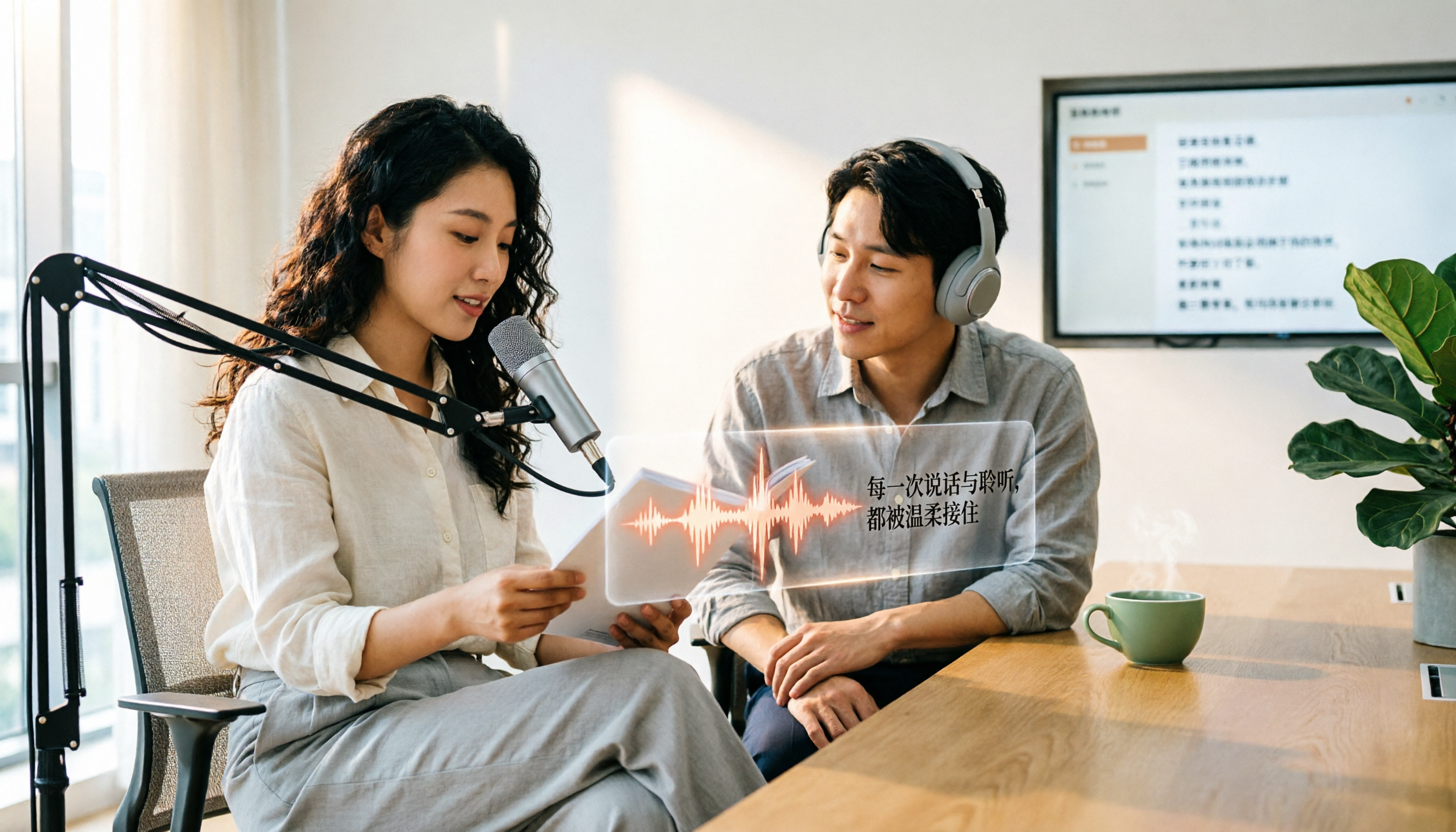
5 Best Text-to-Speech Tools in 2026: Free Tiers and Chinese Pronunciation Compared
How to choose an online text-to-speech (TTS) tool? This article reviews 5 free online TTS tools—Luvvoice, TTSMaker, Ondoku, MyEdit, and PiliApp—comparing supported languages, free quotas, and best use cases. It also clarifies the difference between text-to-speech and speech-to-text, and explains how Tinrec's meeting transcription and post-meeting organization features fit in.

How to Write Meeting Minutes in 2026: 5 Steps from Recording to Action Items
Discover how to write effective meeting minutes with a 5-step process, from setting the format before the meeting to recording, transcribing, and extracting decisions and action items. We also compare Tinrec and Granola, two bot-free meeting recording tools, on audio retention, file import, Chinese language support, post-meeting outputs, and team governance to help you choose the right approach for your team.
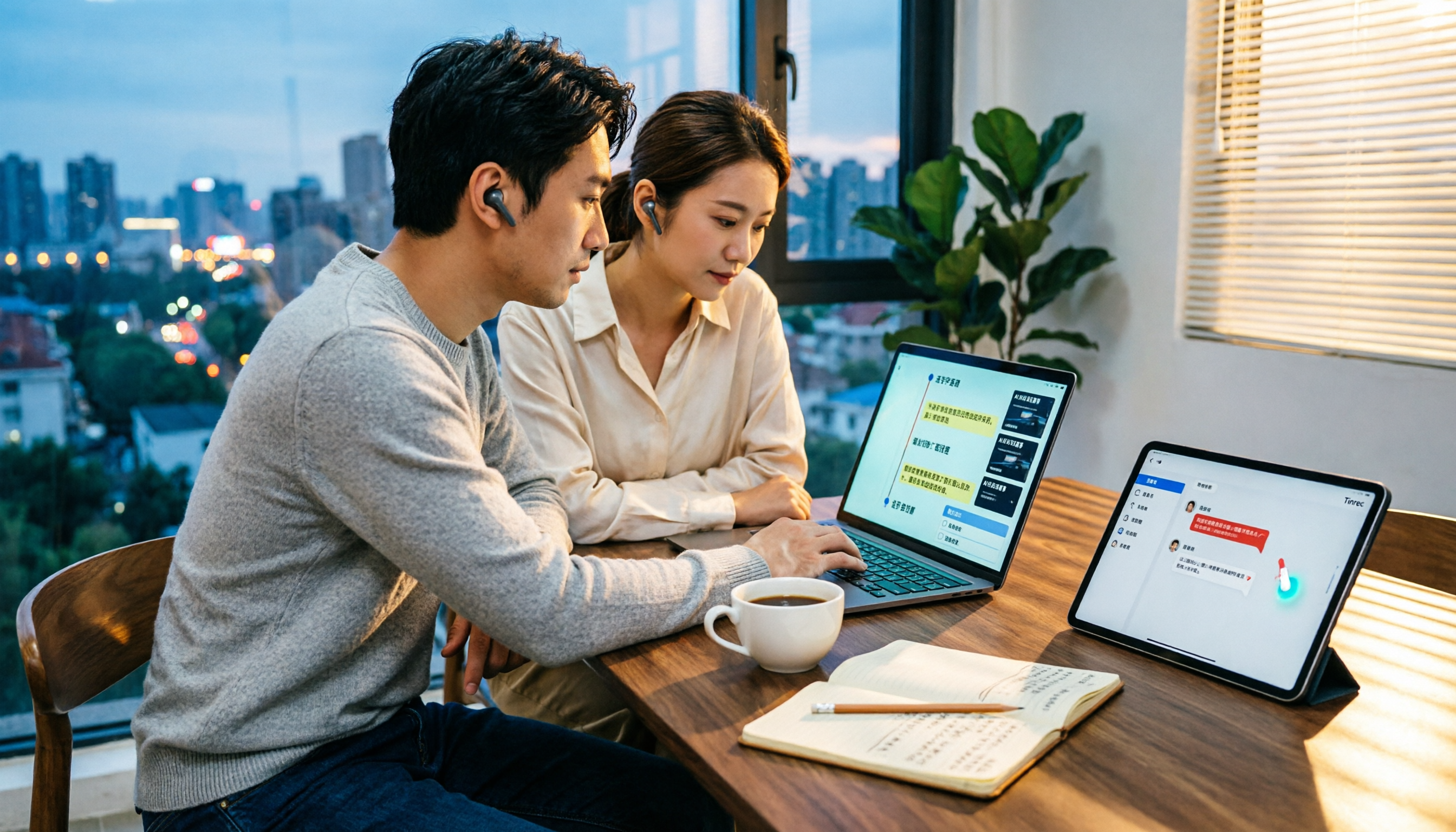
4 Video-to-Text Tools Tested and Compared in 2026: Which Saves More Time for Chinese Transcripts and AI Summaries?
Many people think video-to-text is just dropping a file and waiting for the result, but the real time sink is organizing the output. This article starts with common misconceptions, breaks down the capabilities video-to-text tools should have, practical use cases, and 5 key buying factors. Using Tinrec as an example, it explains how transcripts, AI summaries, action item extraction, and team spaces turn video content into searchable, queryable, and actionable data.

How to Extract Video Download Links in 2026: A Complete 5-Step Tutorial
From copying the URL to actually getting the file, extracting video download links often gets stuck in three places: link type, tool type, and post-processing. This article breaks down the entire process in 5 steps, compares the use cases of Tinrec, SurFast Video Downloader, JDownloader, and yt-dlp, and summarizes 4 common pitfalls, explaining which videos cannot be parsed at all and how to turn downloaded content into searchable, queryable data.

Best Speech-to-Text Software in 2026: Cantonese Transcription & Automatic Meeting Minutes
How to choose speech-to-text software in 2026? This guide reviews 7 practical options, covering Cantonese transcription, online meeting recording, and automatic post-meeting minutes and action items, with free tiers and pricing for each to help you find the right transcription tool.

2026 Business Meeting Transcription Tools Compared: Which One Works Without a Meeting Bot and Lets You Ask AI Follow-Up Questions?
After being overwhelmed by a 90-minute business meeting transcript in my first week of internship, I tested four transcription tools. This article compares Otter.ai, Notta, TurboScribe, and Tinrec from a student-friendly budget perspective, covering four key buying factors, three common pitfalls, and how to choose for different meeting scenarios.

4 Best Work-From-Home Audio Transcription Tools for 2026: From Free to Team Plans
Taking meeting notes from home often gets stuck in post-meeting cleanup. This guide covers 4 audio transcription tools, including Tinrec's bot-free recording, AI Q&A, and team spaces, plus how Otter.ai, Granola, and PLAUD differ and 4 common pitfalls to help you choose the right tool for your needs.

2026 Comparison of 4 Online Course Subtitle Tools: Which Saves the Most Time for Chinese Course Transcripts and Post-Class Organization?
This article compares 4 online course subtitle and transcript tools through hands-on testing, covering Chinese transcription, bot-free lecture recording, AI organization, and team collaboration to help you determine which is best for course content repurposing, with purchasing criteria and pitfalls to avoid.
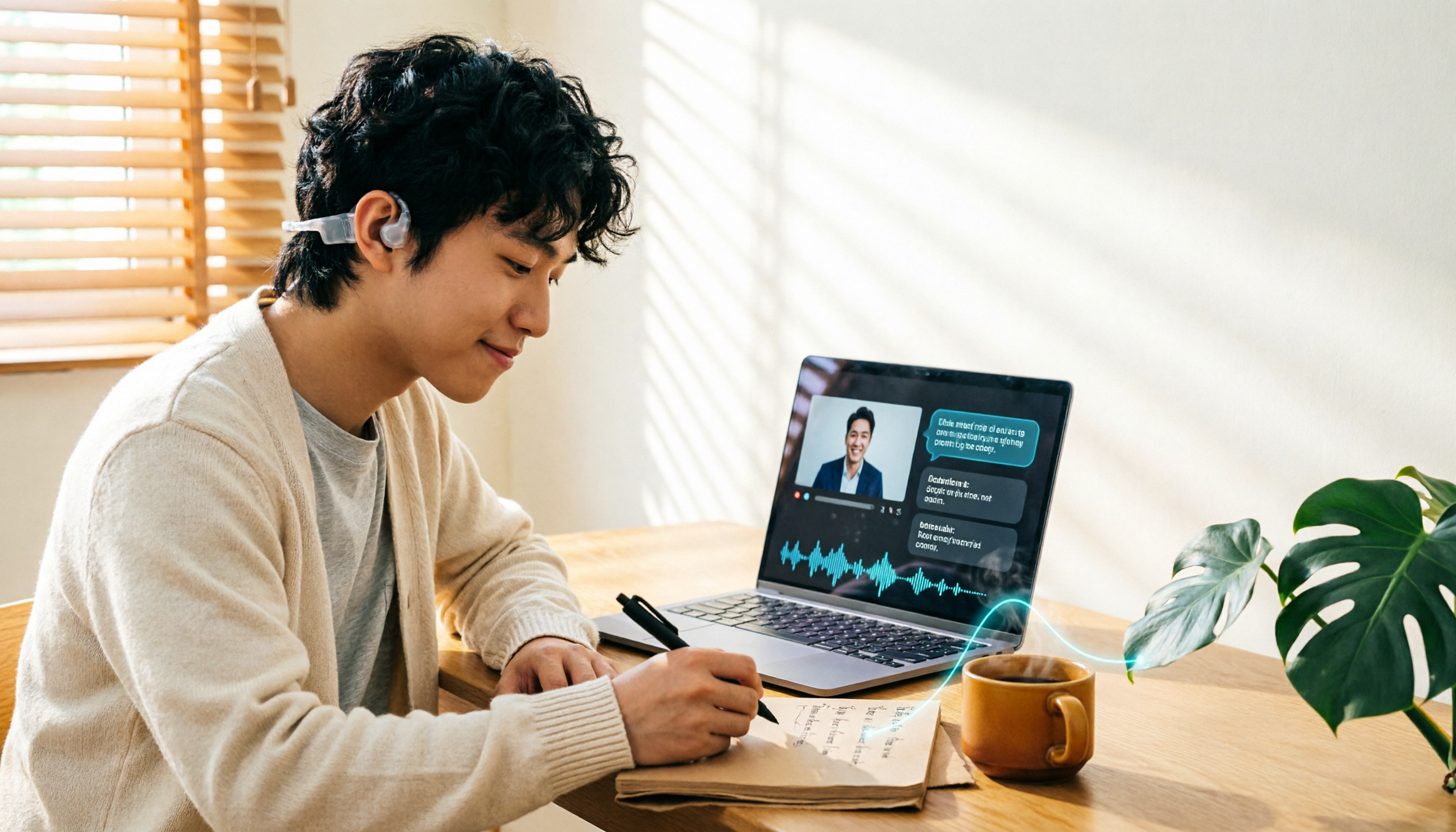
6 Best AI Note-Taking Tools for Online Classes in 2026: Which One Summarizes Transcripts and Key Points Best?
A hands-on comparison of 6 AI note-taking tools for online classes in 2026. Starting from the common misconception that recording a lecture equals having notes, we break down the positioning, highlights, pricing, and ideal users of Tinrec, Otter.ai, Notta, Granola, TurboScribe, and PLAUD, and help you choose the right tool based on your class scenario.