
Turn recordings into transcripts and summaries in minutes
Upload audio or video for multilingual transcription, AI notes, and action items
4 Video-to-Text Tools Tested and Compared in 2026: Which Saves More Time for Chinese Transcripts and AI Summaries?
Many people think video-to-text means dropping a file in, waiting for it to finish, copying and pasting, and done.
Honestly, I thought the same at first. The result was a long block of text with no paragraphs, no punctuation, and no speaker labels. I ended up spending more time organizing it than typing while listening.
The problem is never transcription speed—it's whether the output is directly usable. This article breaks down video-to-text and uses Tinrec as an example to show what kind of workflow actually saves time.
What Can Video-to-Text Do for You?
Scenario 1: Finish an online meeting and get meeting notes immediately Previously, after a one-hour meeting, you'd spend another 40-50 minutes rewatching the recording and pulling out key points. With Tinrec desktop, you can record online meetings, and the transcript is generated in real time as the meeting progresses. After it ends, you have summaries, chapters, and action items ready.
Scenario 2: Turn interview or course videos into searchable notes Interview videos are often one or two hours long. To find a specific sentence, you can only drag the timeline. After uploading the video to Tinrec and converting it to a transcript, you can search by keywords and even ask follow-up questions about the content.
Scenario 3: Rewrite video content into articles or subtitle material Content creators often need to convert videos to text and then rewrite. In addition to transcripts, Tinrec generates summaries and key points, essentially giving you a draft skeleton first.
Scenario 4: Turn archived videos into reusable data Many meeting recordings and course videos sit on hard drives and are never opened again. After putting them into Tinrec, they become searchable, queryable, and reusable data.
What Are the Core Capabilities of Video-to-Text Tools?
Multiple input sources, not just file uploads Tinrec supports live recording, audio and video file uploads; the desktop version can also capture computer system audio directly, handling online meetings on Zoom, Google Meet, Microsoft Teams, Webex, etc., without inviting a meeting bot.
AI summaries and chapters, so you don't have to watch long videos from start to finish A two-hour video can produce tens of thousands of words. Tinrec automatically generates summaries, chapters, and key points. You can read the summary first and then decide which parts need a closer look.
Action item extraction, so meeting notes can actually be used to get things done Tinrec organizes action items from the discussion content—who is responsible for what and what needs follow-up—so you don't have to go back through the transcript yourself.
AI Q&A, ask directly what was said in the video Questions like "How many times did the client mention the budget in this meeting?" can be asked directly through Tinrec's AI Q&A, without using Ctrl+F to search sentence by sentence.
Real-time translation and bilingual comparison For cross-language meetings, you can view the original, translation, or bilingual content while recording. Tinrec covers Chinese, Traditional Chinese, and multilingual meeting scenarios.
Multi-format export and further processing Transcripts can be exported to Notion, Google Docs, OneNote, Dropbox, and other tools. You can also use Agent post-processing to generate reports, tables, and documents. Transcription is just the entry point; what comes after is the main event.
Practical Use Cases
Meeting notes Project weekly meetings, client meetings, cross-department discussions—use Tinrec desktop for bot-free recording and get transcripts, summaries, and action items right after. The team version can also put all this data into a team space, so new members can look up past meetings.
Stop organizing recordings by hand
Upload audio or video and automatically get a transcript, summary, and action items
Interviews and research In-depth interviews often last one or two hours, and typing transcripts manually is very time-consuming. Upload the recording to Tinrec, get the transcript first, then use AI Q&A to organize the interviewee's viewpoints and key quotes.
Courses and lectures When online courses lack subtitles, reviewing means rewatching. Tinrec can convert course videos into transcripts, and then you can find sections by keyword—much faster than dragging the timeline.
Content creation Convert videos and livestream archives into text, then rewrite into articles or social media posts. Tinrec's summaries and chapters can help you grasp the structure first, reducing time spent re-listening.
5 Things to Consider When Buying a Video-to-Text Tool
1. Chinese recognition and proper noun performance Don't just look at the official accuracy rate. Actual performance is affected by recording quality, noise, accents, overlapping speakers, and technical terms. Tinrec offers a team hotword feature, allowing you to add frequently used professional terms to improve recognition.
2. What else comes after the transcript If a tool only gives you a long block of text, you still have to organize it yourself. In addition to transcripts, Tinrec provides summaries, chapters, action items, mind maps, and AI Q&A.
3. Is the audio retained, and can you go back to it Some tools don't keep the audio after transcription, making it troublesome to verify a specific sentence later. Tinrec retains the audio, so you can compare important information. Note that AI can still miss or misinterpret things; for critical content, it's recommended to cross-check with transcript timestamps and the recording.
4. Do the input sources match your habits If you often have online meetings, first confirm whether the tool can handle the platform you use. Tinrec desktop captures system audio directly without a meeting bot; the mobile app is suitable for on-the-go and offline recording.
5. Permissions and pricing for team use If meeting data is to be used by the whole team, pay attention to whether the tool distinguishes between "roles" and "seats." In Tinrec's team version, roles determine who can manage the team and members, and seats determine whether one can record, upload, edit, and export; members without a seat can still view and play team data. For pricing, the team monthly plan is USD 29.80 per paid seat per month, and the annual plan is USD 199 per paid seat per year (about USD 16.58 per month). Each paid seat provides 2,000 minutes of team shared import quota per month; under an active team plan, live recording currently does not deduct minutes. For individual use, there are free, weekly, Pro monthly, and annual plans. Actual prices and benefits are subject to the official purchase page.
FAQ
Is video-to-text accurate? With clear audio and common scenarios, it can achieve good quality, but no tool can guarantee 100% accuracy. Recording quality, noise, accents, and multiple people speaking at once all affect results. Tinrec's approach is to retain timestamps and the original recording for easy cross-checking.
Is the free version enough? If you only occasionally organize a recording, the Tinrec free version is worth a try. If you have meetings or interviews every week, Pro is smoother; for short-term intensive use, consider the weekly plan.
What video formats are supported? Tinrec supports uploading common audio and video files, and can also handle live recording and online meetings. It's recommended to try with your own files first to confirm the workflow meets your needs.
Can I record online meetings directly? Yes. Tinrec desktop records meetings by capturing computer system audio, without inviting a bot. However, before recording, check local regulations and obtain consent from participants when needed.
What's the difference between the team and individual versions? Individual data is managed under a personal account. The team version is a separate team space where meeting data belongs to the team, and it provides member invitations, role and seat management, usage analytics, audit logs, team hotwords, and an audio recycle bin.
Will meeting data disappear after a member leaves the team? No, it won't be taken away by the individual. Team resources belong to the team. When a member leaves or loses their seat, their resources are handed over to other active members.
Conclusion
The real value of video-to-text is not turning sound into words, but making that content searchable, queryable, and actionable afterward. If you have a bunch of meeting recordings and course videos you haven't watched again, try converting one with the Tinrec free version—see how much time transcripts plus summaries, action items, and Q&A can save you.
References
- Convert video to text | Transcribe App & Online Editor
- Transcribe video to text - Real-time, 99.9% accurate - VEED.IO
- Free video-to-text tool | AI automatic transcription with high accuracy subtitles
- Video to text, two methods to achieve it instantly!
- Online AI speech, video, audio file automatic transcription - Free trial - cSubtitle
Turn every recording into actionable outcomes
Get 60 free transcription minutes when you sign in. No credit card required.
Related Reading
You might also like

2026 Comparison of 4 Audio Transcription Tools: Which Saves the Most Time for Chinese Transcripts and Post-Meeting Organization?
Turning meeting recordings into transcripts is just the first step. This hands-on comparison of Tinrec, Notta, TurboScribe, and Otter.ai evaluates Chinese recognition, meeting recording methods, post-meeting organization, and team collaboration to help you find the most time-saving option.

Tinrec Review 2026: AI Recording Tool That Auto-Generates Meeting Minutes and Action Items
How do you choose an AI recording tool? A mid-level manager who holds 15 meetings a week shares common mistakes in meeting documentation, tests Tinrec's bot-free online meeting recording, Chinese transcription, AI summaries, and action item extraction, compares it with Granola, Notta, and PLAUD Note, and offers scenario-based selection advice.
5 Best Video to Text Tools in 2026: Free Tiers, Chinese Recognition, and Team Collaboration Compared
Based on real experience transcribing 12 interview videos for a graduation project, this guide breaks down common pitfalls in converting video content to text, compares 5 common approaches, and explains how Tinrec handles real-time transcription, bot-free online meeting recording, AI summary Q&A, action item extraction, and team collaboration. It also covers how students should evaluate free tiers and paid plans.
2026 Video Summarization Software Comparison: 4 Tools From Free to Paid
How do you choose a video summarization tool? This article breaks down two needs—"viewing" and "working"—outlines 4 key buying factors, and compares Tinrec, WayinVideo, Felo AI, and Monica across features, use cases, and plan limits to help you decide which one truly fits your workflow.
6 Best AI Video Summary Tools for Teachers in 2026: Which Saves the Most Prep Time?
How do you choose an educational video summarization tool? This guide compares 6 options—from Tinrec's audio/video transcription and AI summaries to YouTube Summary with GPT, Notta, TurboScribe, Otter.ai, and completely free resources like the NAER Academy and PTS Kids. We break down pricing, limits, and ideal users to help you pick the one that saves the most prep time based on your budget and use case.
5 Best Text-to-Speech Tools in 2026: Free Tiers and Chinese Pronunciation Compared
How to choose an online text-to-speech (TTS) tool? This article reviews 5 free online TTS tools—Luvvoice, TTSMaker, Ondoku, MyEdit, and PiliApp—comparing supported languages, free quotas, and best use cases. It also clarifies the difference between text-to-speech and speech-to-text, and explains how Tinrec's meeting transcription and post-meeting organization features fit in.
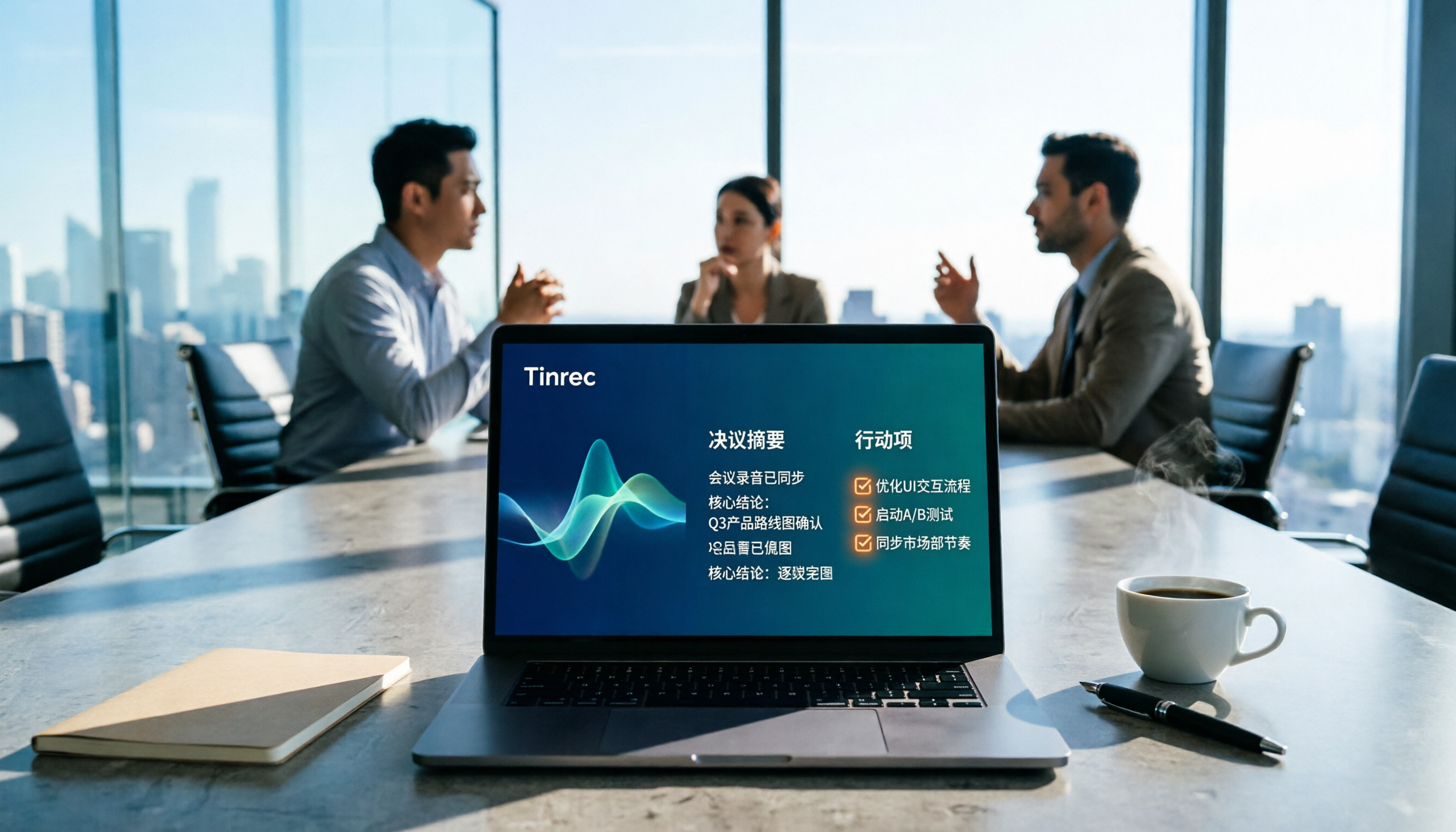
How to Write Meeting Minutes in 2026: 5 Steps from Recording to Action Items
Discover how to write effective meeting minutes with a 5-step process, from setting the format before the meeting to recording, transcribing, and extracting decisions and action items. We also compare Tinrec and Granola, two bot-free meeting recording tools, on audio retention, file import, Chinese language support, post-meeting outputs, and team governance to help you choose the right approach for your team.

How to Extract Video Download Links in 2026: A Complete 5-Step Tutorial
From copying the URL to actually getting the file, extracting video download links often gets stuck in three places: link type, tool type, and post-processing. This article breaks down the entire process in 5 steps, compares the use cases of Tinrec, SurFast Video Downloader, JDownloader, and yt-dlp, and summarizes 4 common pitfalls, explaining which videos cannot be parsed at all and how to turn downloaded content into searchable, queryable data.

Best Speech-to-Text Software in 2026: Cantonese Transcription & Automatic Meeting Minutes
How to choose speech-to-text software in 2026? This guide reviews 7 practical options, covering Cantonese transcription, online meeting recording, and automatic post-meeting minutes and action items, with free tiers and pricing for each to help you find the right transcription tool.