
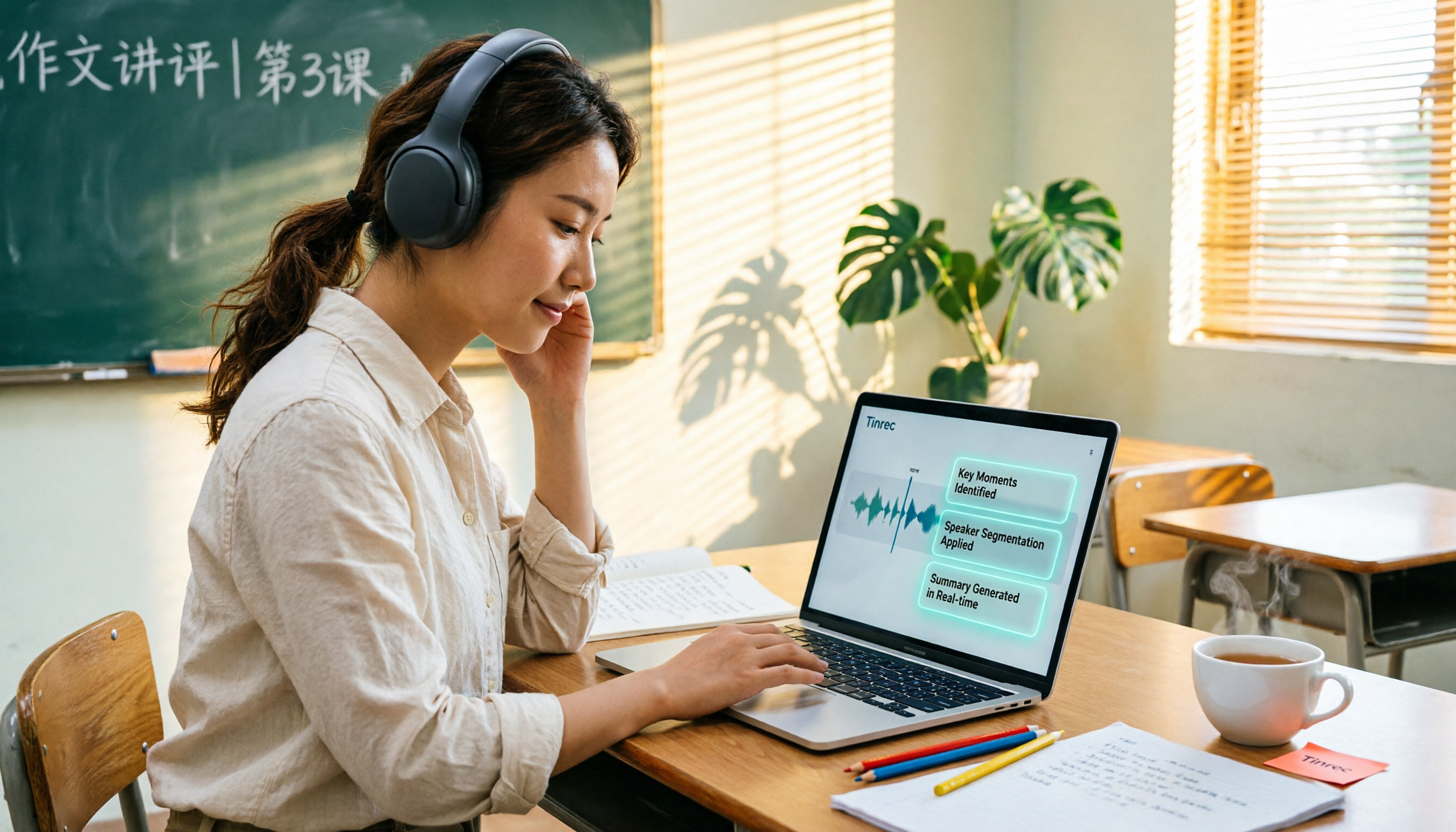
Turn recordings into transcripts and summaries in minutes
Upload audio or video for multilingual transcription, AI notes, and action items
6 Best AI Video Summary Tools for Teachers in 2026: Which Saves the Most Prep Time?
Why Do You Need Educational Video Summarization?
"Should I watch the whole video and take notes myself, or let a tool generate a transcript and summary first?" This is the first decision most teachers, graduate students, and corporate trainers face when dealing with educational videos longer than an hour. Video-assisted learning is becoming more common, and free educational video resources keep growing—for example, the PTS Kids Resource Network and the National Academy for Educational Research's NAER Academy both offer a wealth of course videos. But the real time sink isn't "finding the video"—it's "turning the video into usable notes." This article reviews 6 educational video summarization solutions, from AI summary tools to free video resource libraries, to help you choose one based on your budget and use case.
Option 1 | Tinrec — The Most Complete AI Assistant for Video and Meeting Content
Positioning: Tinrec is an AI meeting notes and collaboration tool for individuals and teams, turning audio, video, and meeting content into searchable, summarizable, and queryable data.
Key highlights:
- Upload audio/video files for transcription: Lecture recordings, course MP4s, and interview audio can all be imported and converted to transcripts—no need to type while playing. Some public video links can also be imported as a supplementary method.
- AI summaries, chapters, and key points: Long videos are automatically broken into structure, so you can review the summary first and decide whether to rewatch a section.
- AI Q&A: Ask follow-up questions about one or multiple video sources, such as "What were the three research methods mentioned in this class?" without replaying the entire video.
- To-dos and Agent post-processing: Extract action items from content and generate reports, tables, and documents.
- Export to existing workflows: Supports multiple export formats and can be taken to Notion, Google Docs, OneNote, Dropbox, and other tools for further processing.
- Team spaces: Teaching groups or training departments can use the team version to centrally store course notes; administrators can view member roles, seats, usage, and audit logs.
Pricing: The personal version offers a free tier for basic usage, plus weekly, Pro monthly, and Pro annual plans. The team version offers a 7-day trial for first-time eligible users, 1 free seat, and 300 minutes of shared team import quota; team monthly is USD 29.80 per paid seat per month, annual is USD 199 per paid seat per year (about USD 16.58 per month), with each paid seat including 2,000 minutes of shared team import quota per month. Actual prices and benefits are subject to the official purchase page.
Who it's for: Teachers, researchers, and training units that need to turn Chinese or mixed Chinese-English educational videos into transcripts, summaries, and Q&A notes, and even share them with a team.
Option 2 | YouTube Summary with GPT (Monica) — A Free Summary Tool Specializing in YouTube Videos
Positioning: A web app that uses GPT to generate summaries for YouTube videos, promising key points in seconds. Highlights include handling videos without subtitles and summarizing and recording text in multiple languages, especially convenient for international educational videos. Pricing: Source information indicates it is a free online video summary tool; paid plans and quotas were not within the scope of this review, so please refer to the official page. Who it's for: Students and self-learners whose learning materials are almost all on YouTube and who want zero-install quick key points.
Option 3 | Notta — Multilingual Transcription and Meeting Notes Tool
Positioning: Covers multi-platform transcription, meeting notes, document import, and translation, with high overlap with Tinrec. Highlights include Pro annual providing 1,800 minutes of transcription per month, and Business offering role permissions and usage reports. Pricing: Free is 120 minutes per month, up to 3 minutes per content; Pro annual is about USD 8.17 per month; Business annual is about USD 16.67 per seat per month, subject to the official pricing page. Who it's for: Individuals or small teams needing stable document transcription and multilingual subtitles.
Stop organizing recordings by hand
Upload audio or video and automatically get a transcript, summary, and action items
Option 4 | TurboScribe — Cost-Effective Long Document and Batch Transcription
Positioning: A transcription tool focused on long documents, batch uploads, subtitles, and translation. Highlights include paid version supporting up to 10 hours or 5 GB per file, and up to 50 files at once—ideal for organizing a whole semester's course recordings in one go. Pricing: Free allows 3 files per day, up to 30 minutes per file; Unlimited annual is USD 120, about USD 10 per month, subject to the official pricing page. Who it's for: Those with a large batch of long videos needing one-time batch processing.
Option 5 | Otter.ai — A Mature AI Assistant for English Business Meetings
Positioning: A mature AI meeting assistant covering Zoom, Microsoft Teams, Google Meet, live transcription, speaker identification, AI Chat, and team management. Highlights include mature English meeting and business scenario understanding, suitable for English teaching or multinational training. Pricing: Basic is free, 300 minutes per month; Pro annual is about USD 8.49 per user per month, including 1,200 minutes of in-app recording and 10 file imports per month, subject to the official pricing page. Who it's for: Teams whose main materials are English lectures and English course videos.
Option 6 | NAER Academy + PTS Kids Resource Network — Completely Free Educational Video Resource Libraries
Positioning: These are not AI summary tools but two public educational video resource platforms. NAER Academy is built by the National Academy for Educational Research, covering elementary to various stage course videos and offering advanced search; PTS Kids Resource Network has an educational video section emphasizing integrating videos into learning. Highlights include stable sources and completely free, but key point organization still requires your own effort or pairing with other transcription tools. Pricing: Free. Who it's for: Teachers and parents with zero budget who first need legal educational video sources.
With So Many Options, How Should You Choose?
- Want the most complete AI organization workflow (transcription + summary + chapters + AI Q&A + export) → Tinrec, especially for Chinese or mixed Chinese-English educational videos.
- Need to generate reports, tables, or documents from organized results for teaching materials and handouts → Tinrec's Agent post-processing.
- Need team sharing of course notes, member management, and usage viewing → Tinrec team version (spaces, roles, seats, usage, audit).
- Learning materials are almost all on YouTube and you just want zero-install quick summaries → YouTube Summary with GPT.
- Need to batch process many long videos and subtitles at once → TurboScribe.
- Mainly English lectures and need mature meeting integration → Otter.ai.
- Need multilingual transcription and subtitles with limited budget → Notta.
- Zero budget and only need video sources and manual notes → NAER Academy, PTS Kids Resource Network.
5 Things to Know Before Using Educational Video Summarization
- Summaries are not a substitute for transcripts: AI may miss or misunderstand details; for important sections, it's recommended to go back to the transcript timestamp and verify with the original video.
- Audio quality determines transcription quality: Background noise, accents, overlapping speakers, and technical terms all affect results; tools like Tinrec can maintain team hotwords to improve recognition of specialized terms.
- Check free plan limits first: Monthly minutes, single file length, and number of imported files vary greatly—for example, Notta free allows up to 3 minutes per content, TurboScribe free allows up to 30 minutes per file.
- Pay attention to video copyright and licensing: Educational videos may have usage restrictions; confirm licensing before reproducing, publicly sharing, or republishing.
- Recording and transcription must be compliant: When involving others' voices and content, follow local laws and obtain participant consent when necessary.
Conclusion
The point of educational video summarization is not "watching the video to the end" but "turning the video into usable data." Free resource libraries can solve video sources, and free summary tools can quickly capture key points. But if you need Chinese video transcripts, AI summaries, chapters, Q&A, to-dos, and team sharing, Tinrec currently offers the most complete feature coverage. We recommend starting with the free version on a course video, then deciding on weekly, Pro, or team plans based on actual needs.
References
- Video Section | Integrating Educational Videos into Learning Makes Education Richer and More Fun | PTS Kids Resource Network
- Summarize YouTube with GPT: Free Online Video Summary Tool
- 30 Unforgettable Movies About Teachers and Students | Flip Education
- Elementary Stage Course Videos - NAER Academy - National Academy for Educational Research
- 18 Free Educational Video Websites for Teachers - ViewSonic Library
Turn every recording into actionable outcomes
Get 60 free transcription minutes when you sign in. No credit card required.
Related Reading
You might also like
How to Transcribe Audio to Text in 2026: 3-Step Upload + AI Summary & Action Items
Want to turn recordings into transcripts fast? This guide uses Tinrec to explain key buying factors, practical features, and competitor differences for audio-to-text tools, plus pitfalls and selection tips to help you find the best Chinese transcription solution.

Tinrec vs Notta 2026: 5-Dimension Comparison of AI Recording Summary Tools for Chinese Meetings
Starting from common organization pitfalls, this article compares Tinrec and Notta across 5 dimensions for AI recording summaries, covering key purchasing factors, pitfalls to avoid, and team plan options to help you find the right recording organization workflow for Chinese meetings.

2026 Comparison of 3 Meeting Video Summary Tools: Which Is Better for Chinese Meetings and Bot-Free Recording?
How do you choose a meeting video summary tool? This article compares Tinrec and Otter.ai across 5 dimensions—Chinese meeting transcription, bot-free recording, audio retention, post-meeting outputs, and team collaboration—to help you decide which one better fits your meeting needs.

2026 Video Summarization Software: AI Summaries + Transcript Q&A
Videos too long to finish? This hands-on review of video summarization software covers buying criteria, Tinrec features, and competitor comparisons to help you find the right AI summarization tool for Chinese videos and meeting recordings, plus a guide to common pitfalls and selection tips.

How to Convert Video to Text in 2026: Bot-Free Meeting Recording + AI Q&A Highlights
Video-to-text isn't just about typing out audio. This article starts from real interview and meeting video scenarios, first covering 4 key points to understand before choosing a tool, then breaks down how Tinrec connects transcripts to summaries, to-dos, AI Q&A, and team spaces, compares cSubtitle, TurboScribe, and Vidnoz's different approaches, and finally provides a pitfall guide and a ready-to-follow starter checklist.

2026 Comparison of 4 Audio Transcription Tools: Which Saves the Most Time for Chinese Transcripts and Post-Meeting Organization?
Turning meeting recordings into transcripts is just the first step. This hands-on comparison of Tinrec, Notta, TurboScribe, and Otter.ai evaluates Chinese recognition, meeting recording methods, post-meeting organization, and team collaboration to help you find the most time-saving option.

Tinrec Review 2026: AI Recording Tool That Auto-Generates Meeting Minutes and Action Items
How do you choose an AI recording tool? A mid-level manager who holds 15 meetings a week shares common mistakes in meeting documentation, tests Tinrec's bot-free online meeting recording, Chinese transcription, AI summaries, and action item extraction, compares it with Granola, Notta, and PLAUD Note, and offers scenario-based selection advice.
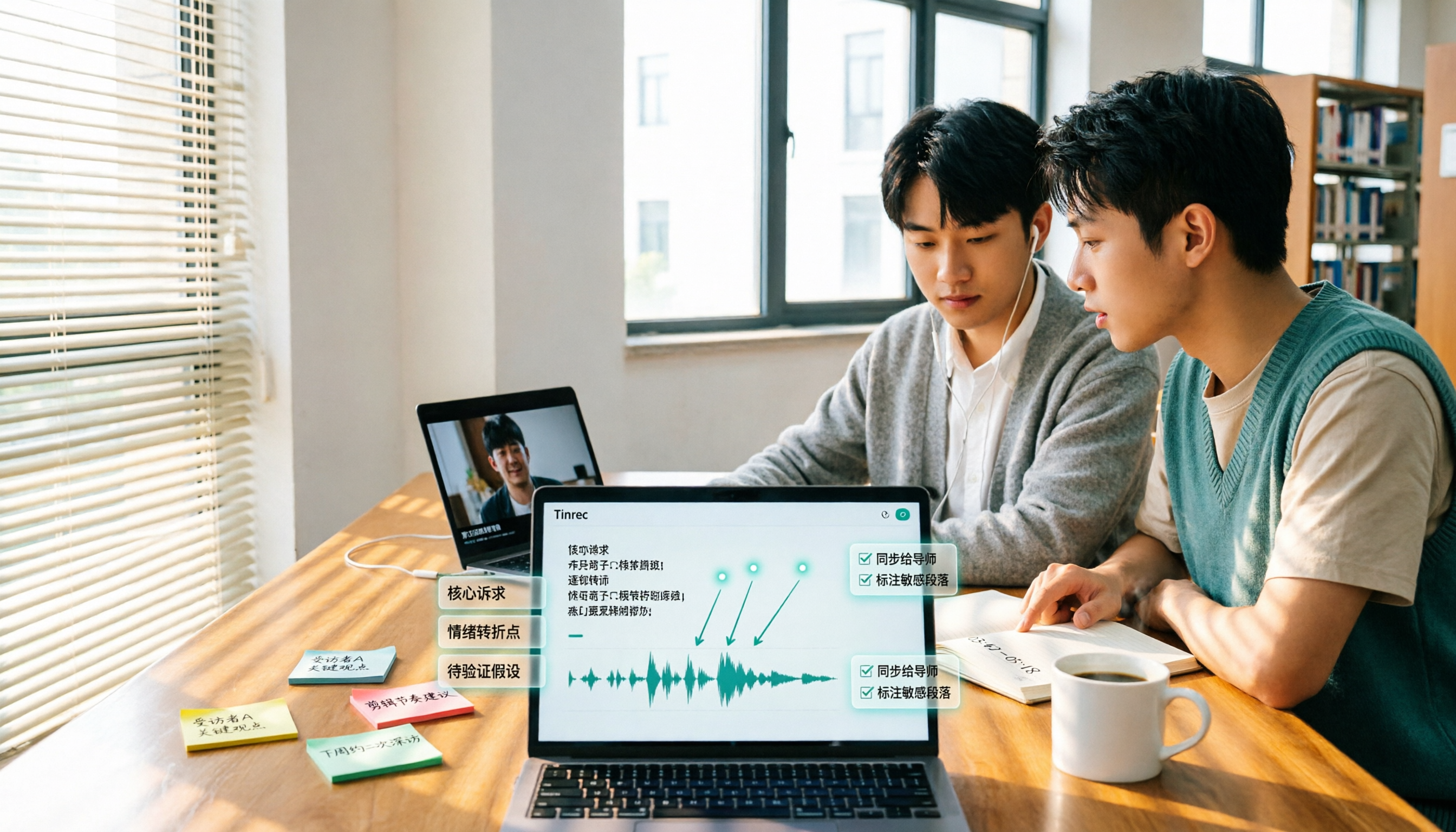
5 Best Video to Text Tools in 2026: Free Tiers, Chinese Recognition, and Team Collaboration Compared
Based on real experience transcribing 12 interview videos for a graduation project, this guide breaks down common pitfalls in converting video content to text, compares 5 common approaches, and explains how Tinrec handles real-time transcription, bot-free online meeting recording, AI summary Q&A, action item extraction, and team collaboration. It also covers how students should evaluate free tiers and paid plans.
2026 Video Summarization Software Comparison: 4 Tools From Free to Paid
How do you choose a video summarization tool? This article breaks down two needs—"viewing" and "working"—outlines 4 key buying factors, and compares Tinrec, WayinVideo, Felo AI, and Monica across features, use cases, and plan limits to help you decide which one truly fits your workflow.