
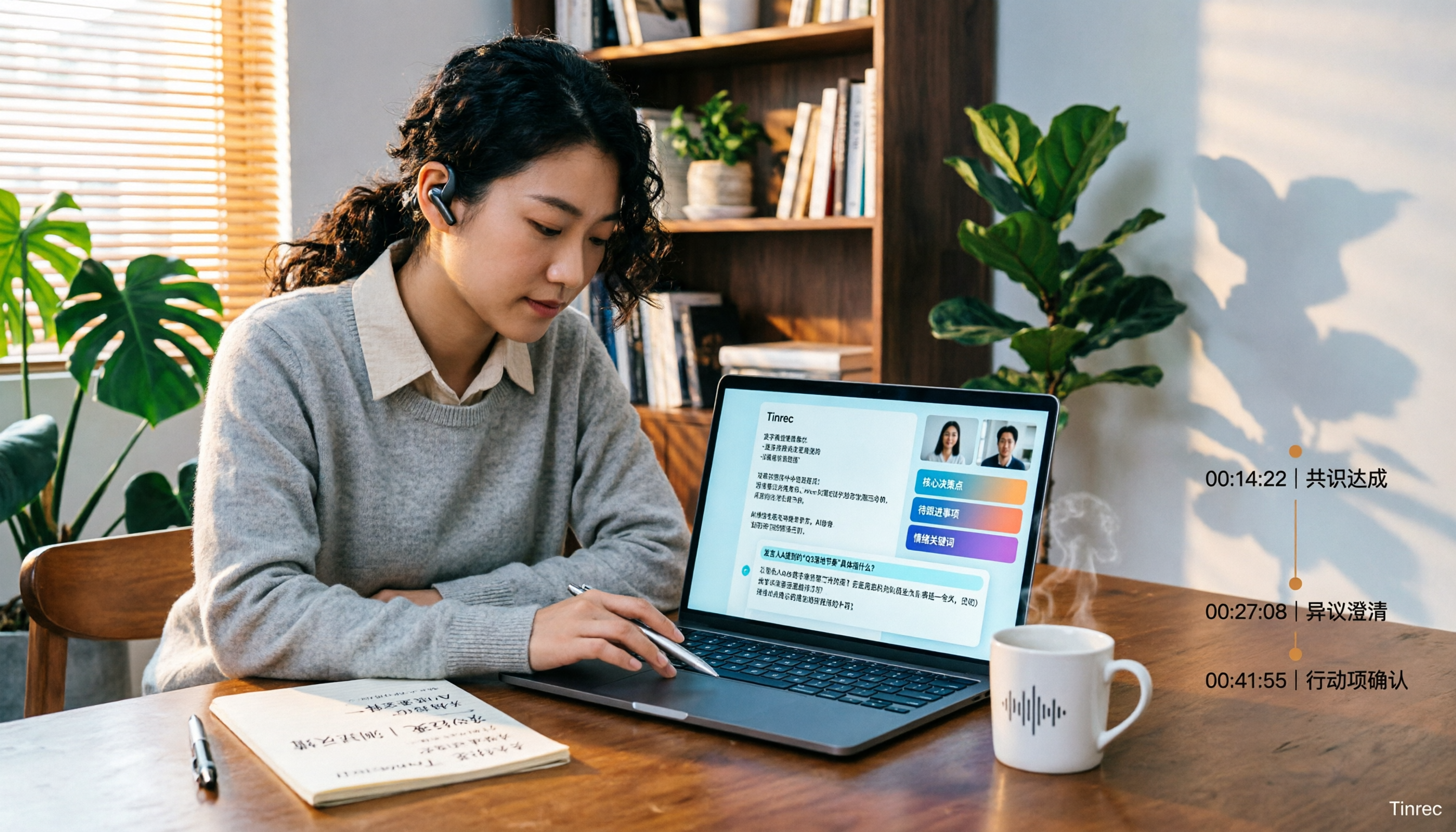
Turn recordings into transcripts and summaries in minutes
Upload audio or video for multilingual transcription, AI notes, and action items
2026 Video Summarization Software: AI Summaries + Transcript Q&A
Videos Too Long, Key Points Too Scattered — You Need a Solution, Not Just a Tool
Friday night, you finally have time to open that 40-minute product launch video you saved weeks ago. After 10 minutes, you realize there are only about three key points, but the progress bar still has 30 minutes left. When you close the video, you find you only remember the host saying "Next, we'll launch a new feature" — but what exactly it is, you can't recall at all.
Online courses are the same. The instructor talks for two hours, you take five pages of notes, but when you look back later, you find you've written down only trivial details. Meeting recordings are even more troublesome: your manager assigns five tasks during the meeting, you only remember two, and the other three get buried in your hard drive along with the video.
These situations aren't because you're not paying attention — it's that video as a format is inherently bad for quick retrieval. What you need is to turn the audio and visuals in videos into text data that can be searched, summarized, and queried. With the right tool, these problems can be solved.
Before Buying Video Summarization Software, Understand These 4 Key Points
There are many video summarization tools on the market, but their features vary significantly. Instead of looking at spec sheets, it's better to first think clearly about your use case.
First, what video sources are supported? Some tools only accept YouTube links, some support file uploads, and some can even record meetings in real time. If you need to organize your own meeting recordings, file upload and desktop recording are important. Tinrec supports multiple sources: uploading audio/video, pasting links to some public videos, and recording computer audio directly through the desktop version.
Second, can you ask follow-up questions after summarization? Traditional tools give you a summary and that's it. But the real need is often: "What was that number mentioned in the video?" "What was the speaker's attitude toward the budget?" If the tool supports AI Q&A, you don't have to manually search through the transcript. This is the dividing line between advanced and entry-level tools today.
Third, recognition ability for Chinese and mixed Chinese-English content. Many video summarization tools are English-focused, and their performance on Chinese meetings or mixed Chinese-English content drops noticeably. When testing, use your own videos, not the clean audio files from official demos. In practice, videos with technical terms or overlapping speakers are even more challenging.
Fourth, is the free quota enough, and do you need team collaboration? If you only occasionally organize a video, the free version is usually enough. But if you process meeting recordings every week and need to share data with colleagues, consider a team plan and pay attention to member permissions and usage management.
Tinrec — Our Top Pick After Hands-On Testing
Tinrec is an AI meeting notes and collaboration tool for individuals and teams, available on iOS, Android, desktop, and web. It doesn't just convert videos to text; it integrates transcription, summaries, Q&A, to-dos, and export into a single workflow.
In actual use, you can upload a 25-minute Chinese product launch video to Tinrec. Within minutes, it produces a transcript and automatically generates an AI summary, chapters, and key points. Each chapter comes with a timestamp, so you can click back to verify the original speech. Even more useful is to-do extraction: if the video is a meeting recording, Tinrec will organize "who is responsible for what and when it's due" from the discussion, and these action items can be exported directly to Notion, Google Docs, OneNote, or Dropbox for further processing.
Tinrec also has a feature that's quite different from competitors: AI Q&A. After recording or uploading a video, you can directly ask it: "What are the three marketing strategies mentioned in the video?" "What was the speaker's conclusion about the budget?" It answers based on semantic understanding of the entire content, not just keyword search results. For long videos or historical meeting data, this feature saves a tremendous amount of time.
If you need to record online meetings, Tinrec's desktop version uses a bot-free approach, directly capturing computer system audio to handle meetings on Zoom, Google Meet, Microsoft Teams, Webex, and other platforms, without inviting an extra meeting bot to join. During recording, you can view the transcript in real time and use real-time translation to browse in original, translated, or bilingual mode. This is very helpful for cross-language meetings or foreign language courses.
Stop organizing recordings by hand
Upload audio or video and automatically get a transcript, summary, and action items
Tinrec's advantages can be summarized in three points. First, complete input sources: file upload, link pasting, desktop recording, and mobile recording are all supported, so you don't need to switch tools for different sources. Second, strong post-meeting processing: summaries, chapters, to-dos, mind maps, AI Q&A, and multi-format export all in one place, not just a transcript. Third, the team version provides an independent team space where meeting data belongs to the team, with member, role, seat, usage analytics, and audit logs, suitable for departments or project teams that need to accumulate meeting assets.
Note that Tinrec's free version offers a basic quota, suitable for light use. If you have a large number of videos or meetings to organize every week, you'll need to consider a paid plan or team version. Also, Tinrec's desktop version requires you to actively initiate recording; it doesn't automatically join all calendar meetings. Transcription accuracy is also affected by audio quality, noise, accents, overlapping speakers, and technical terms. For important content, it's recommended to verify with timestamp playback. When using recording and transcription features, please be aware of local regulations and obtain participant consent when necessary.
Overall, if you frequently need to organize Chinese videos and meeting recordings, want to use AI to ask follow-up questions about key points after meetings, and have team sharing needs, Tinrec is currently our most recommended choice after hands-on testing.
Besides Tinrec, What Other Options Are There?
Notta: Notta is a multi-platform transcription tool that supports meeting notes, document import, and summaries. The free version offers 120 minutes per month, up to 3 minutes per session; Pro annual billing is about USD 8.17/month, with 1,800 minutes per month. It's suitable for light transcription. However, Tinrec offers bot-free desktop recording and team spaces, and AI Q&A can ask questions about the entire content, which Notta emphasizes less. If you only need basic transcripts, Notta is worth considering; if you need deep post-meeting use, Tinrec is more suitable.
TurboScribe: TurboScribe focuses on cost-effective file transcription, supporting long files and batch uploads. The free version allows 3 files per day, up to 30 minutes per file; Unlimited annual billing is USD 120, and the paid version supports files up to 10 hours and 50 files per upload. If you have a large number of recorded video files and only need text and subtitles, it's a great deal. But Tinrec is more complete in real-time meeting recording, AI summary Q&A, to-do extraction, and team collaboration.
WayinVideo: WayinVideo focuses on video summarization, supports uploading Zoom and Teams recordings, generates meeting summaries with timestamps, allows chatting with videos, supports 100+ languages, and offers free credits. It does a good job on single video summaries. However, Tinrec also provides team spaces, member seat management, audit logs, audio recycle bin, and export to third-party tools like Notion and Google Docs, making it more suitable for accumulating team data.
If you mainly use English meetings, Otter.ai is another common choice. Its Basic plan is free with 300 minutes per month, and Pro annual billing is about USD 8.49/user/month, including 1,200 minutes of in-app recording and 10 file imports per month. Otter is highly mature for English business meetings. But if you need Chinese meetings, mixed Chinese-English, or bot-free desktop recording, Tinrec will be smoother.
Pitfall Guide: The 3 Most Common Mistakes When Choosing Video Summarization Software
Pitfall 1: Only looking at "can it convert to text," ignoring post-processing. Many tools can convert videos to transcripts, but what happens after? If there's no summary, chapters, to-dos, and Q&A, you just get a longer, harder-to-read text. The right approach: first think clearly about what you'll do after transcription, then choose the tool.
Pitfall 2: Judging accuracy using official clean audio demos. Official promotions are usually tested in quiet environments with a single speaker and standard accent. Real videos may have background music, overlapping speakers, and technical terms. It's recommended to test the free version with your own videos to see actual performance before deciding.
Pitfall 3: Ignoring team collaboration and data ownership. If you and your colleagues all need to view the same meeting recordings, personal tools will scatter data across everyone's hands. A team version isn't "multiple people sharing one account" but an independent team space. Tinrec's team version distinguishes members, roles, and seats. Members can view data even without a seat, but need a seat to record, upload, and edit. Before choosing, understand how the team's permission management works.
Conclusion: Which One Should You Choose?
After reading the above, you can decide based on your use case:
- Need to organize Chinese videos and meeting recordings, and want to use AI to ask follow-up questions about key points after meetings → Tinrec. Its AI Q&A, to-do extraction, and chapter timestamps are a very complete combination among similar tools.
- Need to record online meetings but don't want to invite a meeting bot → Tinrec. The desktop version directly captures system audio, supporting Zoom, Meet, Teams, and Webex.
- Need to accumulate meeting data into team-shareable, searchable assets → Tinrec team version. It has team spaces, member roles, seat management, usage analytics, and audit logs.
- Already have a large number of video files and only need batch conversion to text and subtitles on a limited budget → TurboScribe. Its long file and batch upload capabilities are a great deal.
- Mainly handle English meetings and are used to the Otter ecosystem → Otter.ai. This is an exception for English scenarios.
Honestly, most people don't need to buy a plan right away. It's recommended to start with Tinrec's free version, test the summary and Q&A effects with your own videos, and see if the quota is enough. If it feels smooth, then consider upgrading to a personal or team version. There's no rush in choosing tools; finding the one that fits your workflow is the truly useful one.
References
- One-Click Video to Text: 3 Video Summarization AI Tools Recommended, Quickly Produce High-Quality Key Summaries - Tinrec Blog
- Using GPT to Summarize YouTube: Free Online Video Summarization Tool
- Top 10 Best AI YouTube Video Summarization Tools Recommended
- Free AI Video Summarization Tool — Accurate, Fast, with Timestamps
- r/shortcuts on Reddit: AI Summarize YouTube Video
Turn every recording into actionable outcomes
Get 60 free transcription minutes when you sign in. No credit card required.
Related Reading
You might also like
How to Transcribe Audio to Text in 2026: 3-Step Upload + AI Summary & Action Items
Want to turn recordings into transcripts fast? This guide uses Tinrec to explain key buying factors, practical features, and competitor differences for audio-to-text tools, plus pitfalls and selection tips to help you find the best Chinese transcription solution.

Tinrec vs Notta 2026: 5-Dimension Comparison of AI Recording Summary Tools for Chinese Meetings
Starting from common organization pitfalls, this article compares Tinrec and Notta across 5 dimensions for AI recording summaries, covering key purchasing factors, pitfalls to avoid, and team plan options to help you find the right recording organization workflow for Chinese meetings.

2026 Comparison of 3 Meeting Video Summary Tools: Which Is Better for Chinese Meetings and Bot-Free Recording?
How do you choose a meeting video summary tool? This article compares Tinrec and Otter.ai across 5 dimensions—Chinese meeting transcription, bot-free recording, audio retention, post-meeting outputs, and team collaboration—to help you decide which one better fits your meeting needs.

How to Convert Video to Text in 2026: Bot-Free Meeting Recording + AI Q&A Highlights
Video-to-text isn't just about typing out audio. This article starts from real interview and meeting video scenarios, first covering 4 key points to understand before choosing a tool, then breaks down how Tinrec connects transcripts to summaries, to-dos, AI Q&A, and team spaces, compares cSubtitle, TurboScribe, and Vidnoz's different approaches, and finally provides a pitfall guide and a ready-to-follow starter checklist.

2026 Comparison of 4 Audio Transcription Tools: Which Saves the Most Time for Chinese Transcripts and Post-Meeting Organization?
Turning meeting recordings into transcripts is just the first step. This hands-on comparison of Tinrec, Notta, TurboScribe, and Otter.ai evaluates Chinese recognition, meeting recording methods, post-meeting organization, and team collaboration to help you find the most time-saving option.

Tinrec Review 2026: AI Recording Tool That Auto-Generates Meeting Minutes and Action Items
How do you choose an AI recording tool? A mid-level manager who holds 15 meetings a week shares common mistakes in meeting documentation, tests Tinrec's bot-free online meeting recording, Chinese transcription, AI summaries, and action item extraction, compares it with Granola, Notta, and PLAUD Note, and offers scenario-based selection advice.
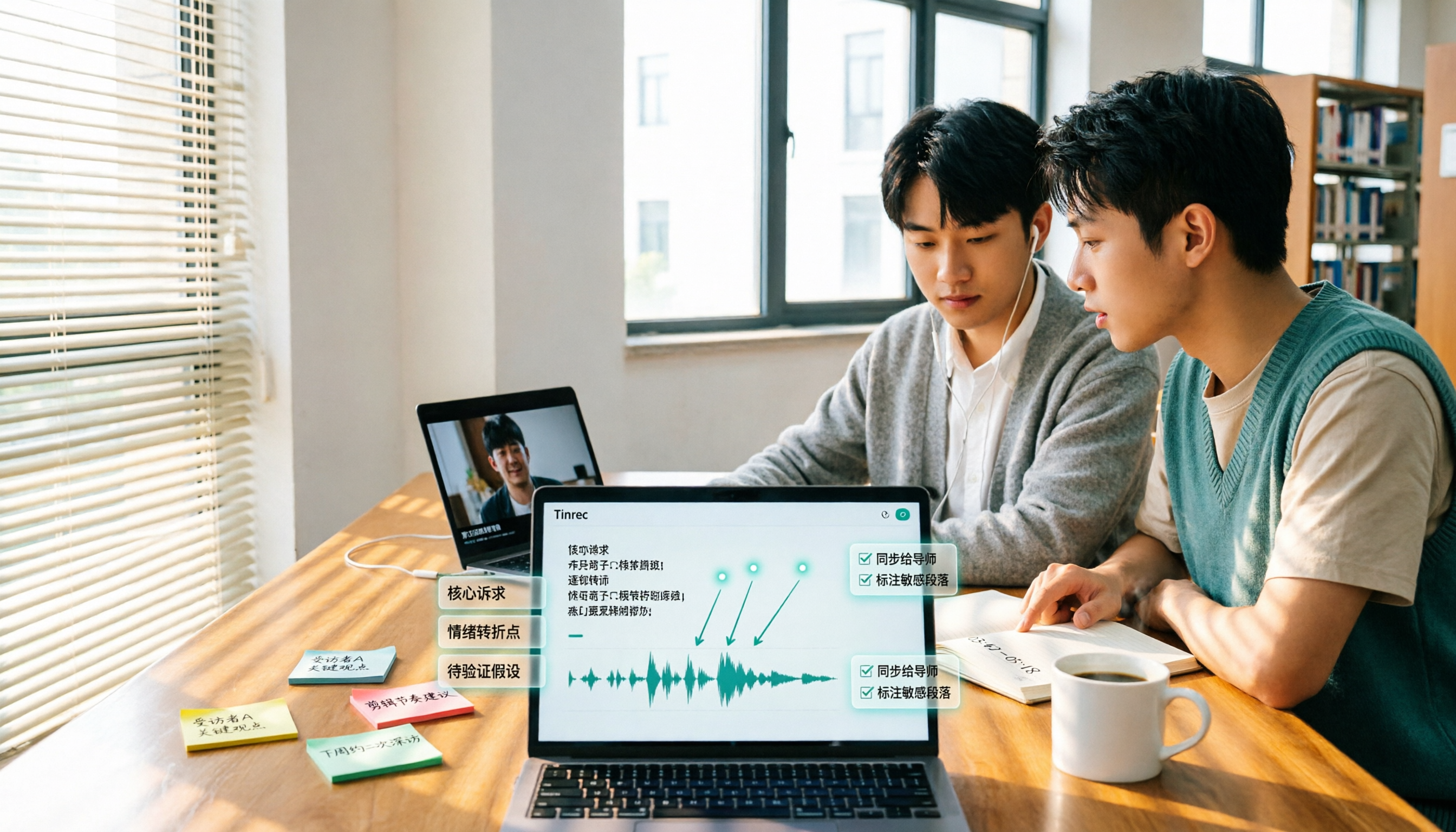
5 Best Video to Text Tools in 2026: Free Tiers, Chinese Recognition, and Team Collaboration Compared
Based on real experience transcribing 12 interview videos for a graduation project, this guide breaks down common pitfalls in converting video content to text, compares 5 common approaches, and explains how Tinrec handles real-time transcription, bot-free online meeting recording, AI summary Q&A, action item extraction, and team collaboration. It also covers how students should evaluate free tiers and paid plans.
2026 Video Summarization Software Comparison: 4 Tools From Free to Paid
How do you choose a video summarization tool? This article breaks down two needs—"viewing" and "working"—outlines 4 key buying factors, and compares Tinrec, WayinVideo, Felo AI, and Monica across features, use cases, and plan limits to help you decide which one truly fits your workflow.
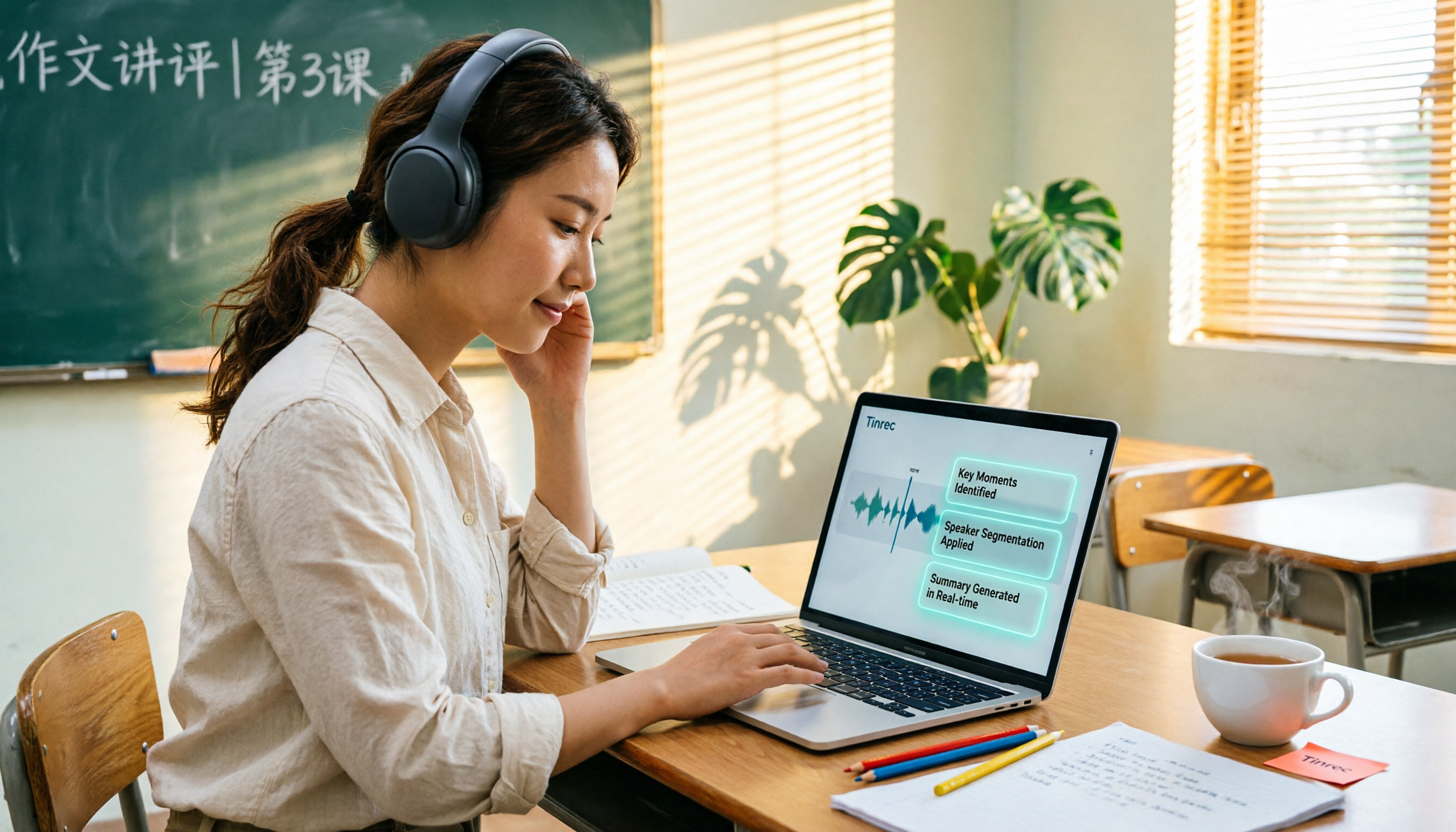
6 Best AI Video Summary Tools for Teachers in 2026: Which Saves the Most Prep Time?
How do you choose an educational video summarization tool? This guide compares 6 options—from Tinrec's audio/video transcription and AI summaries to YouTube Summary with GPT, Notta, TurboScribe, Otter.ai, and completely free resources like the NAER Academy and PTS Kids. We break down pricing, limits, and ideal users to help you pick the one that saves the most prep time based on your budget and use case.