

Turn recordings into transcripts and summaries in minutes
Upload audio or video for multilingual transcription, AI notes, and action items
Tinrec vs Notta 2026: 5-Dimension Comparison of AI Recording Summary Tools for Chinese Meetings
After the meeting, you realize the recording is too long to listen to—most people's organization method is wrong from the first step
Many people, when first using an AI recording summary tool, do almost the same thing: throw a one-and-a-half-hour meeting audio file into it as-is, hit generate, and expect a meeting record that can be forwarded directly to their boss.
The result is usually not as expected.
The summary looks plausible but misses the real decisions; the to-do list is long but doesn't say who is responsible; and worse, some sentences you're not sure if the AI made them up. So you go back and listen to the recording again—meaning you've processed the same meeting twice.
Another common inefficient habit is to start organizing only after the meeting. During the meeting, you bury yourself in notes, and after it ends, you open the recording to compare, still spending time and missing key points.
A more reasonable approach is: during the meeting, let the tool transcribe while recording, and after the meeting, use the transcript, summary, chapters, and to-dos as one dataset; when unsure, ask the AI a question directly or check the transcript timestamps to verify.
In other words, what you need is not "turning sound into text" but a workflow from recording to action.
This article will break down the two most commonly compared AI recording summary tools in Taiwan's workplace across 5 dimensions, and also mention a few other options worth knowing.
Before buying an AI recording summary tool, understand these 5 key points
1. What else can it do after transcription
If the tool only gives you a transcript, the organization work hasn't decreased at all—it's just shifted from "listening" to "reading." When choosing, look at whether it can then produce summaries, chapters, key points, and to-dos, and whether you can continue asking questions about the content. The gap here is often larger than the transcription itself.
2. How the meeting is recorded
There are two common methods: one is to send a meeting bot to join as a participant, and the other is to capture system audio from your computer. The former appears in the participant list, which some people mind in client meetings or when external vendors are present; the latter doesn't need an extra bot but requires you to actively start recording.
3. Will the audio file be kept
Some tools only keep text, not audio. When you need to go back and confirm "what did he really mean by that tone," having audio to replay versus just a line of text makes a big difference.
4. Performance with Chinese and mixed Chinese-English
Meetings in Taiwan are rarely all Chinese; usually, a sentence includes two or three English words. When choosing a tool, rather than looking at official accuracy numbers, run your own company's meeting recording through it—the difference will immediately show.
5. Who ultimately holds the data
Tools bought with a personal account mean data follows the individual; once someone leaves, historical meeting records disappear too. If meeting content belongs to the team, it should be stored in a team space, and you should understand what members, roles, seats, and usage each represent.
Tinrec—Turning meetings into searchable, collaborative team data
Tinrec is an AI meeting notes and collaboration tool for individuals and teams, supporting Chinese and multilingual meeting scenarios, available on mobile, desktop, and web.
Record online meetings without a meeting bot
The desktop version directly captures system audio to handle online meetings on Zoom, Google Meet, Microsoft Teams, Webex, etc., without an extra bot joining the participant list. For offline meetings and interviews, you can start real-time recording and get a transcript as you record. Note that this is not "automatically joining every meeting on your calendar" but requires the user to actively start recording.
The transcript is just the starting point; the post-meeting is the focus
After the meeting, Tinrec automatically organizes summaries, chapters, and to-dos, allowing you to quickly grasp the structure of long meetings. Even better is AI Q&A: you can directly ask "Who mentioned the budget in the last meeting?" or "What are the three revision suggestions this week?" It retrieves meeting content semantically and gives answers, rather than throwing a list of keyword search results at you.
Additionally, during recording, you can enable real-time translation to view in original, translated, or bilingual mode; after the meeting, you can use Agent post-processing to generate reports, tables, and documents, and export to Notion, Google Docs, OneNote, Dropbox, etc., for further processing.
Meeting data belongs to the team, not individuals
The team version is an independent team space, not multiple people sharing a personal account. Two things to clarify: roles determine who can manage members and team settings, and seats determine whether members can record, upload, edit, and export. Members who are active but have no seat can still view, play, and read team data, but cannot perform resource usage operations.
Stop organizing recordings by hand
Upload audio or video and automatically get a transcript, summary, and action items
Admins can view team usage trends, member rankings, and usage details, and can query, filter, and export audit logs; if audio is accidentally deleted, the team audio recycle bin provides a 30-day recovery period. When a member leaves or is removed, team resources are not taken away but handed over to other active members.
Plans and limitations, clearly explained
For the personal version, the free version provides basic quota to experience recording, import, summary, and transcription; for short-term intensive meetings or interviews, consider a weekly pass; for steady weekly use, the Pro monthly plan is suitable; for those who need long-term accumulation of recording data, consider the Pro annual plan.
For the team version, eligible teams can try 7 days, 1 free seat, and 300 minutes of shared team import quota. Paid seats are USD 29.80 per seat per month, or USD 199 per seat per year (about USD 16.58 per month), with each paid seat providing 2,000 minutes of shared team import quota per month. Under an active team plan and active seat, real-time recording is currently not deducted by minutes.
Limitations should also be clear: currently, the team version mainly shares at the team level and does not support file-level or member-level granular permissions; Tinrec also does not publicly promise a fixed accuracy rate, and actual performance is affected by recording quality, environmental noise, accents, and multiple people talking over each other. I personally think the latter point is a plus—it reminds you to verify important information against the transcript and recording, rather than accepting everything.
Who is it for
If you frequently have Chinese or mixed Chinese-English meetings, don't want a bot in the participant list, want to use AI to find key points right after recording, or need to accumulate meeting content as shared team data, Tinrec is currently the most worthwhile route to try in Chinese scenarios.
Besides Tinrec, what other options are there?
Notta: The competitor with the highest overlap with Tinrec, covering multi-platform transcription, meeting notes, document import, translation, and team plans. The free version offers 120 minutes per month, with a maximum of 3 minutes per content; the Pro annual plan is about USD 8.17 per month. The free version's 3-minute limit per session is clearly insufficient for long meetings; while Tinrec can record online meetings without a bot and can also hand post-meeting content to an Agent to generate reports and tables.
Otter.ai: A highly mature AI meeting assistant, Basic free offers 300 minutes per month, Pro annual is about USD 8.49 per user per month, including 1,200 minutes per month. Its main strength is English business meetings; Chinese and mixed Chinese-English are not its forte. If almost all your meetings are in English, it's very cost-effective; but when you need Chinese experience, real-time translation, and desktop bot-free recording, Tinrec is smoother.
Granola: Also a bot-free AI meeting note tool, Basic is free, Business is USD 14 per user per month. It supports viewing, copying, and searching real-time transcripts but does not support uploading pre-recorded audio files and does not save meeting audio. For those who want to organize existing recordings and replay for verification later, you'll need Tinrec's approach of retaining audio and supporting file import.
Pitfall guide: 4 most common mistakes when choosing an AI recording summary tool
Pitfall 1: Only looking at official accuracy claims. Those numbers are mostly measured in quiet environments with a single speaker. Real meeting rooms have air conditioning noise, keyboard sounds, and people talking over each other, so performance will be discounted. It's recommended to try with your own recordings, not just ads.
Pitfall 2: Thinking "free" means you can use it forever. Free plans usually have per-session length or monthly quota limits, such as 3 minutes per session or 120 minutes per month. Calculate your weekly meeting hours first, then decide whether to pay.
Pitfall 3: Treating AI summaries as the final answer. AI may misunderstand or miss details; treat it as a tool that "saves you most of the organization time," and still verify important conclusions against the transcript and recording.
Pitfall 4: Ignoring data ownership and handover. Recording team meetings with a personal account means data scatters when the person leaves. Choose a tool with team space, seat management, and audit capabilities, and confirm you have obtained participant consent and comply with local regulations before recording.
Conclusion: Which one should you choose?
In one sentence: for Chinese meeting scenarios, Tinrec is the most comprehensive choice in this comparison.
- Need Chinese and mixed Chinese-English transcription, plus post-meeting summaries, chapters, and to-dos → Tinrec
- Want to ask AI a question directly to find key points after recording, instead of Ctrl+F → Tinrec (AI Q&A is its most obvious difference from most tools at the same price)
- Don't want a meeting bot in the participant list → Tinrec (desktop captures system audio)
- Alternate between phone and computer, and need to keep audio for replay → Tinrec
- Want to leave meeting data for the whole team, manage seats and usage → Tinrec team version
- Limited budget, almost all English meetings → Otter.ai
It's recommended to start with the free version and run a complete workflow on a real meeting: record, transcribe, view summary, ask a question, export once. After that, you'll know how much time this workflow saves you.
References
- No time limit! 3 free AI transcription tools, recommended! AI voice notes generate meeting records, presentations, mind maps | 104 Workplace Power
- Meeting Ink - 2026 AI meeting record tool test | 7 voice-to-text and summary speed comparison | Meeting Ink - AI meeting record assistant automatically transcribes and summarizes meeting minutes
- Organizing meeting minutes is painful? 5 tricks for NotebookLM's "AI note transformation," accurately translating mixed Chinese-English and technical terms | BusinessNext
- How to use AI for meeting minutes? How to organize meeting transcripts? | AI voice-to-transcript tutorial | 104 Workplace Power
- Meeting recordings too hard to organize? 6 AI recording summary tools to help you generate key points and action items with one click - Tinrec Blog
Turn every recording into actionable outcomes
Get 60 free transcription minutes when you sign in. No credit card required.
Related Reading
You might also like
How to Transcribe Audio to Text in 2026: 3-Step Upload + AI Summary & Action Items
Want to turn recordings into transcripts fast? This guide uses Tinrec to explain key buying factors, practical features, and competitor differences for audio-to-text tools, plus pitfalls and selection tips to help you find the best Chinese transcription solution.

2026 Comparison of 3 Meeting Video Summary Tools: Which Is Better for Chinese Meetings and Bot-Free Recording?
How do you choose a meeting video summary tool? This article compares Tinrec and Otter.ai across 5 dimensions—Chinese meeting transcription, bot-free recording, audio retention, post-meeting outputs, and team collaboration—to help you decide which one better fits your meeting needs.
2026 Video Summarization Software: AI Summaries + Transcript Q&A
Videos too long to finish? This hands-on review of video summarization software covers buying criteria, Tinrec features, and competitor comparisons to help you find the right AI summarization tool for Chinese videos and meeting recordings, plus a guide to common pitfalls and selection tips.

How to Convert Video to Text in 2026: Bot-Free Meeting Recording + AI Q&A Highlights
Video-to-text isn't just about typing out audio. This article starts from real interview and meeting video scenarios, first covering 4 key points to understand before choosing a tool, then breaks down how Tinrec connects transcripts to summaries, to-dos, AI Q&A, and team spaces, compares cSubtitle, TurboScribe, and Vidnoz's different approaches, and finally provides a pitfall guide and a ready-to-follow starter checklist.

2026 Comparison of 4 Audio Transcription Tools: Which Saves the Most Time for Chinese Transcripts and Post-Meeting Organization?
Turning meeting recordings into transcripts is just the first step. This hands-on comparison of Tinrec, Notta, TurboScribe, and Otter.ai evaluates Chinese recognition, meeting recording methods, post-meeting organization, and team collaboration to help you find the most time-saving option.

Tinrec Review 2026: AI Recording Tool That Auto-Generates Meeting Minutes and Action Items
How do you choose an AI recording tool? A mid-level manager who holds 15 meetings a week shares common mistakes in meeting documentation, tests Tinrec's bot-free online meeting recording, Chinese transcription, AI summaries, and action item extraction, compares it with Granola, Notta, and PLAUD Note, and offers scenario-based selection advice.
5 Best Video to Text Tools in 2026: Free Tiers, Chinese Recognition, and Team Collaboration Compared
Based on real experience transcribing 12 interview videos for a graduation project, this guide breaks down common pitfalls in converting video content to text, compares 5 common approaches, and explains how Tinrec handles real-time transcription, bot-free online meeting recording, AI summary Q&A, action item extraction, and team collaboration. It also covers how students should evaluate free tiers and paid plans.
2026 Video Summarization Software Comparison: 4 Tools From Free to Paid
How do you choose a video summarization tool? This article breaks down two needs—"viewing" and "working"—outlines 4 key buying factors, and compares Tinrec, WayinVideo, Felo AI, and Monica across features, use cases, and plan limits to help you decide which one truly fits your workflow.
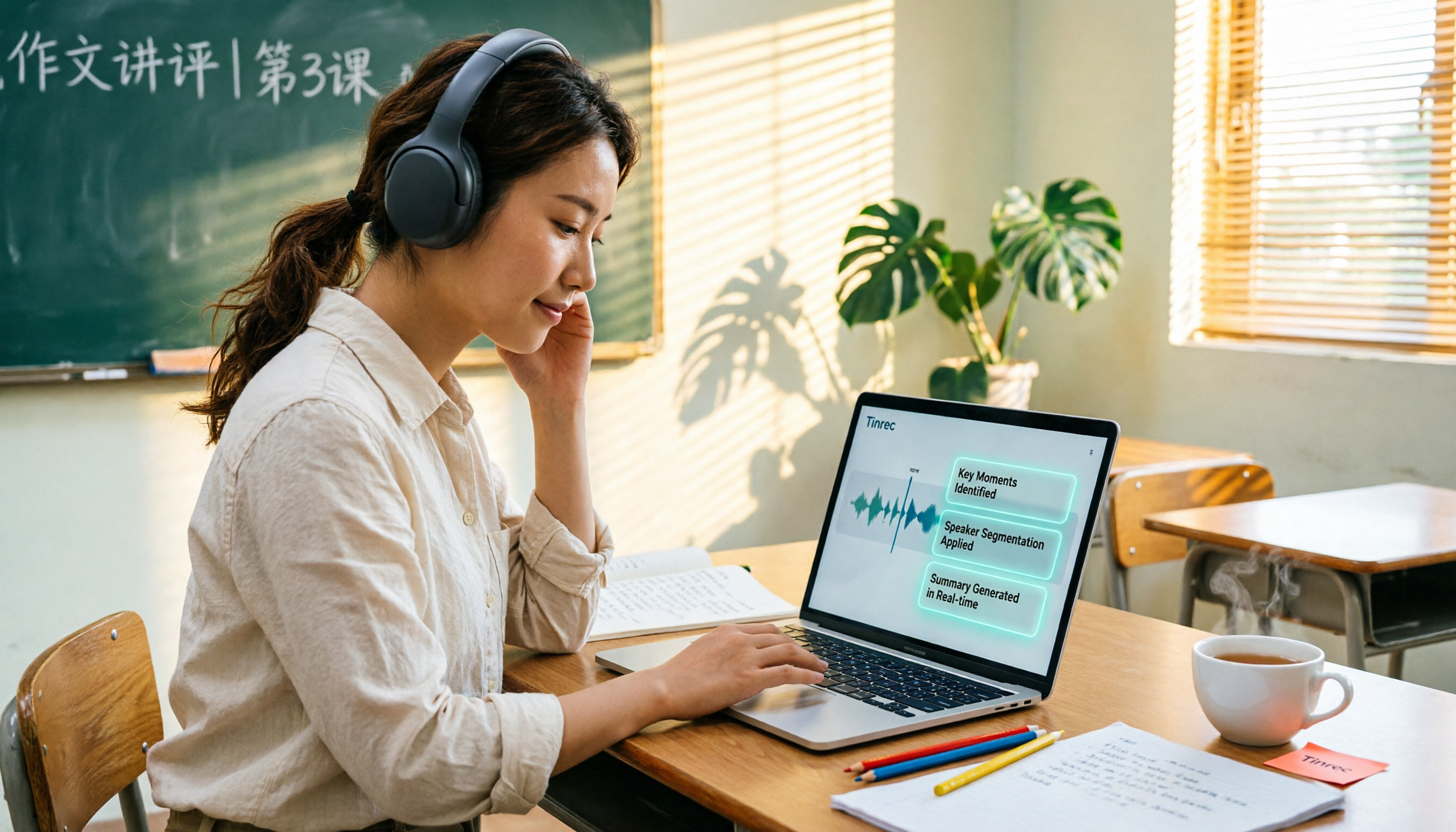
6 Best AI Video Summary Tools for Teachers in 2026: Which Saves the Most Prep Time?
How do you choose an educational video summarization tool? This guide compares 6 options—from Tinrec's audio/video transcription and AI summaries to YouTube Summary with GPT, Notta, TurboScribe, Otter.ai, and completely free resources like the NAER Academy and PTS Kids. We break down pricing, limits, and ideal users to help you pick the one that saves the most prep time based on your budget and use case.