

Turn recordings into transcripts and summaries in minutes
Upload audio or video for multilingual transcription, AI notes, and action items
Tinrec Review 2026: AI Recording Tool That Auto-Generates Meeting Minutes and Action Items
The Meeting Is Just the Beginning—You Don't Need a Tool, You Need a Solution
I attend about 15 meetings a week: weekly team meetings, project updates, one-on-ones, cross-department coordination. The most annoying part used to be not the meetings themselves, but the aftermath.
Most people take meeting notes by typing furiously during the meeting, then dumping the notes into some folder and never opening them again. But what you really need to capture isn't a blow-by-blow of who said what—it's three things: what was decided, who's responsible, and when it's due.
Scenario 1: When reporting to my boss, I get asked "What was that decision from last time?" I flip through my notes for three minutes, can't find it, and end up saying "I'll check and get back to you." In that moment, you look like a manager who's out of the loop.
Scenario 2: I verbally assign a task to a colleague. Two days later, I ask for an update, and they say "I thought you were just mentioning it casually." A verbal instruction without a record is as good as no instruction.
Scenario 3: In cross-department meetings, the most time-consuming part isn't the meeting itself—it's the follow-up. Three departments each take their own notes, and in the end, they don't match up, so you have to hold another meeting to confirm what was said in the previous one.
If you've experienced these situations, this article is for you. This isn't a comparison of "which tool records the clearest audio," but a practical account of "which tool saves me two hours of organizing."
Before Choosing an AI Recording Tool, Understand These 5 Key Points
1. Chinese recognition, and handling mixed Chinese-English
Our meetings often sound like this: "The KPI for this campaign needs to be updated to the client by next Wednesday." Pure English tools can't handle it, and pure Chinese models get stuck on proper nouns. When choosing a tool, test it with your own meeting recordings—don't just rely on demo audio from the website. Demo audio is recorded in quiet environments, which is nothing like the air conditioning, keyboard clatter, and people talking over each other in your meeting room.
2. Can it avoid inviting a meeting bot?
Many companies' security policies don't allow external bots to join meetings. Few people think about this when choosing a tool, only to find out later that it can't even enter the meeting room. One current solution is to capture the computer's system audio directly from a desktop app, without adding a bot to the participant list.
3. What can it do after recording?
A tool that only provides a transcript just hands the "organizing" work right back to you. What truly saves time is automatic summaries, automatic action item extraction, and the ability to ask questions directly about the meeting content.
4. Who ultimately owns team data?
If a team member leaves, does the meeting record go with them or stay with the company? This is almost unsolvable with purely personal tools; only team spaces can handle it.
5. Quotas and pricing
What happens when the free quota runs out? Pricing logic differs for personal and team use; team plans are usually per-seat. First figure out whether you'll use it "occasionally" or "every week," then decide whether to pay.
Tinrec—Our Team's Main Tool After Testing
Tinrec is an AI meeting notes and collaboration tool for individuals and teams, available on iOS, Android, and web, with a desktop version for online meetings.
Record online meetings without a meeting bot
Our company's security policy doesn't allow external bots to join Zoom, which rules out many tools. Tinrec's desktop version captures the computer's system audio directly—I open Tinrec, hit record, and the meeting proceeds as usual, without an extra "participant" appearing on the list. It works with Zoom, Google Meet, Microsoft Teams, and Webex, the platforms we use. Note that this is user-initiated recording, not automatically joining every meeting on your calendar.
Live transcription, and ask questions right after the meeting
During the meeting, Tinrec generates a live transcript. When the meeting ends, the summary, chapters, key points, and action items are already organized—who's responsible for what and when it's due, listed line by line. This makes a big difference for someone like me who needs to follow up on progress: previously I chased people for answers, now I just check the list.
Even more useful is the AI Q&A. Last week, while preparing for a quarterly review, I asked it directly: "How many times did clients mention price objections this quarter?" It didn't dump a bunch of keyword search results on me; it understood the context and answered directly. Not every tool in this price range offers this feature. It also supports real-time translation during recording, allowing you to view the original text, translation, or side-by-side bilingual display—no need to find a separate translator for cross-language meetings.
Stop organizing recordings by hand
Upload audio or video and automatically get a transcript, summary, and action items
From transcript to a file you can hand over
A transcript is only half the product. Tinrec can further generate reports, tables, and documents, and export to Notion, Google Docs, OneNote, Dropbox—tools we already use. Part of my weekly report is generated this way.
Pros
- No meeting bot needed: desktop version captures system audio, complying with most companies' security policies.
- Strong in Chinese and mixed Chinese-English meetings: supports multilingual transcription, real-time translation, and team version allows maintaining a "hotword" list to add internal terminology and product codes, reducing the chance of mishearing proper nouns.
- Complete post-meeting workflow: summary, action items, AI Q&A, export, then use Agent to generate documents—all in one line.
Limitations (to be clear upfront)
- The free version has a basic quota, suitable for trying out. If you have meetings daily like me, you'll need a paid plan. Personal plans include free, weekly, Pro monthly, and annual; actual quotas and prices are subject to the official purchase page.
- It's not a batch file processing monster. If you have a hundred historical audio files to transcribe at once, that's another type of tool's strength.
- Accuracy is affected by recording quality, accents, and overlapping speech. I won't tell you it's 100% accurate; for important content, I still go back to the recording to confirm.
Who it's for
People who have several meetings every week, need to follow up on action items, value Chinese or mixed Chinese-English recognition, and don't want external bots in the meeting room. If a team wants to use it together, Tinrec's team version is a separate team space: members can share and view meeting data, admins can manage roles, seats, usage, and audit logs; when a member leaves or loses their seat, resources can be transferred to other members and won't disappear with the personal account.
Current team plan pricing is USD 29.80 per paid seat per month, or USD 199 per paid seat per year (about USD 16.58 per month); each paid seat provides 2,000 minutes of shared team import quota per month, and real-time recording under active seats is currently not deducted by minutes. Eligible teams can try 7 days, 1 free seat, and 300 minutes of shared import quota. Prices, currencies, and promotions are subject to the official purchase page.
Besides Tinrec, What Other Options Are There?
Granola: Also a bot-free AI meeting note tool with a clean interface that combines your handwritten notes to highlight key points. But it doesn't support uploading pre-recorded audio files or saving meeting audio—so you can't go back and listen to a segment or add old recordings, which are basic features of Tinrec. It focuses on English meetings.
Notta: Good multilingual transcription and team plans; free version offers 120 minutes per month, max 3 minutes per session (subject to official page). It's positioned more for "transcription and translation." Post-meeting AI Q&A, Agent-generated documents, and team governance features like seats, usage, and auditing are where Tinrec is more complete.
PLAUD Note / NotePin: If you need portable recording hardware or even record phone calls, these products have their scenarios, at the cost of buying an extra device (official price starts at USD 159). But 90% of our team's meetings are on computers, so online meeting recording, old file import, and team data accumulation are the priorities—these don't require extra hardware.
Pitfall Guide: 4 Most Common Mistakes When Choosing an AI Recorder
Pitfall 1: Only looking at numbers like "98% accuracy." That's usually measured in a quiet environment. Real meeting rooms have air conditioning noise, keyboard sounds, and five people talking over each other. Correct approach: test with a recording of your own meeting to see if it recognizes your company's product names and people's names.
Pitfall 2: Ignoring mixed Chinese-English. Workplace meetings in Taiwan are rarely pure Chinese or pure English. If a tool can only handle one language, the transcript becomes unreadable. When testing, pick a meeting with mixed Chinese-English.
Pitfall 3: Treating "can record" as "can organize." Many tools only give you a transcript, and the organizing work still falls on you. If you want to save time, focus on summaries, action items, and whether you can ask questions directly about the meeting content.
Pitfall 4: Using a personal account for team meetings. I've been there—a colleague left, their account was deactivated, and half a year of client meeting records disappeared. Team data should be in a team space, controlled by roles and seats, and resources should be transferable when members leave. Also, recording and transcription must comply with local laws; obtain consent from participants when necessary.
Conclusion: Which One Should You Choose?
- Need Chinese/mixed Chinese-English meeting notes, plus post-meeting action items and Q&A → Tinrec, my current main tool.
- Don't want a meeting bot in meetings, but need to record online meetings → Tinrec desktop version's system audio capture.
- Team needs to accumulate meeting data together, manage members and usage → Tinrec team version.
- Have a large batch of historical audio files to transcribe → File-processing tools like TurboScribe are more cost-effective; Tinrec isn't designed for that.
- Only need English meeting notes → Otter.ai's English ecosystem is relatively mature and worth evaluating.
If you want to get a feel for the workflow, start with Tinrec's free version and test the summary and action item accuracy with a real meeting recording; if it works for you, then consider a weekly, Pro monthly, or annual plan. When it comes to tools, validating with your own work scenarios is more useful than reading ten reviews.
References
Turn every recording into actionable outcomes
Get 60 free transcription minutes when you sign in. No credit card required.
Related Reading
You might also like
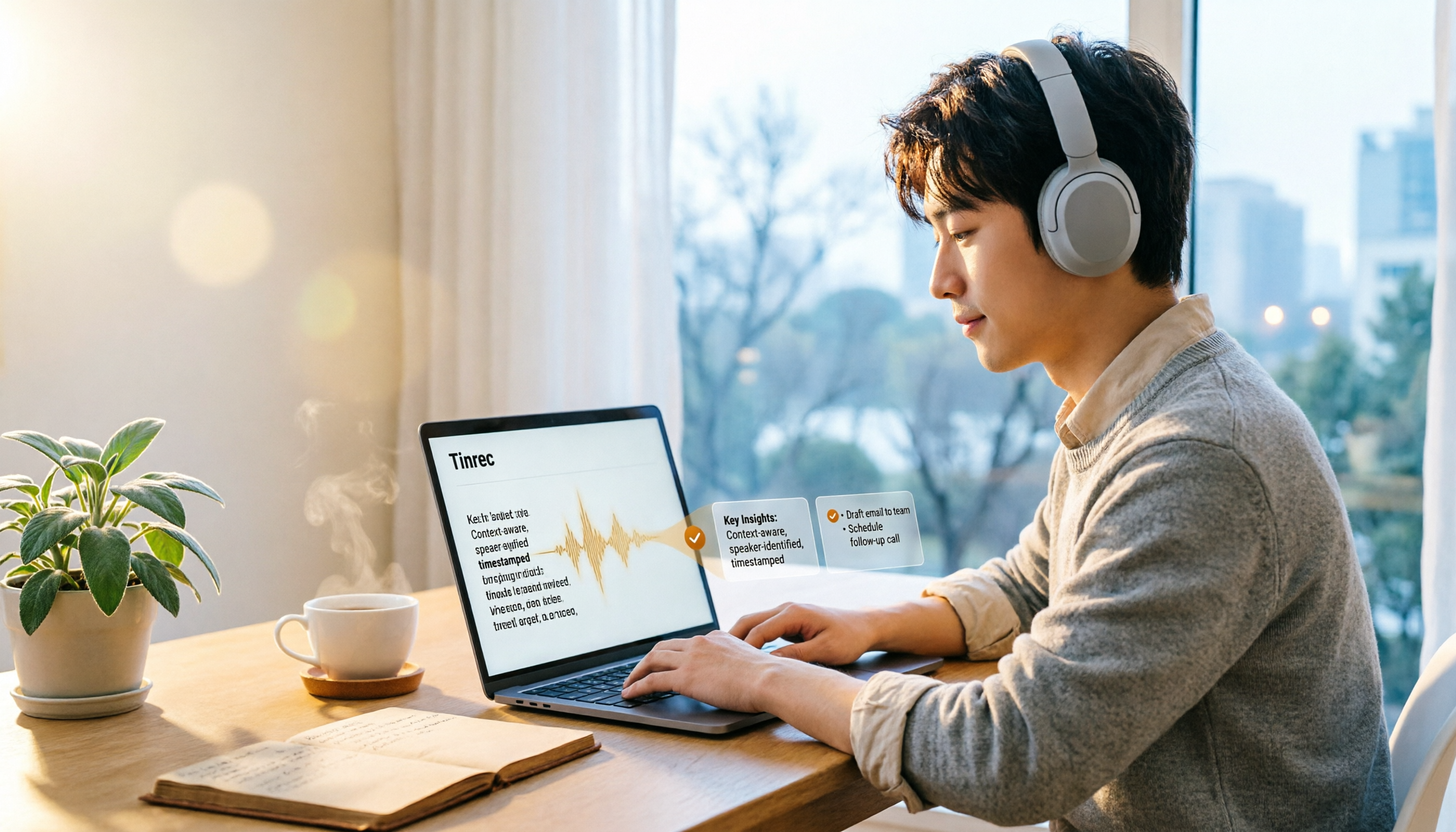
How to Transcribe Audio to Text in 2026: 3-Step Upload + AI Summary & Action Items
Want to turn recordings into transcripts fast? This guide uses Tinrec to explain key buying factors, practical features, and competitor differences for audio-to-text tools, plus pitfalls and selection tips to help you find the best Chinese transcription solution.

Tinrec vs Notta 2026: 5-Dimension Comparison of AI Recording Summary Tools for Chinese Meetings
Starting from common organization pitfalls, this article compares Tinrec and Notta across 5 dimensions for AI recording summaries, covering key purchasing factors, pitfalls to avoid, and team plan options to help you find the right recording organization workflow for Chinese meetings.

2026 Comparison of 3 Meeting Video Summary Tools: Which Is Better for Chinese Meetings and Bot-Free Recording?
How do you choose a meeting video summary tool? This article compares Tinrec and Otter.ai across 5 dimensions—Chinese meeting transcription, bot-free recording, audio retention, post-meeting outputs, and team collaboration—to help you decide which one better fits your meeting needs.
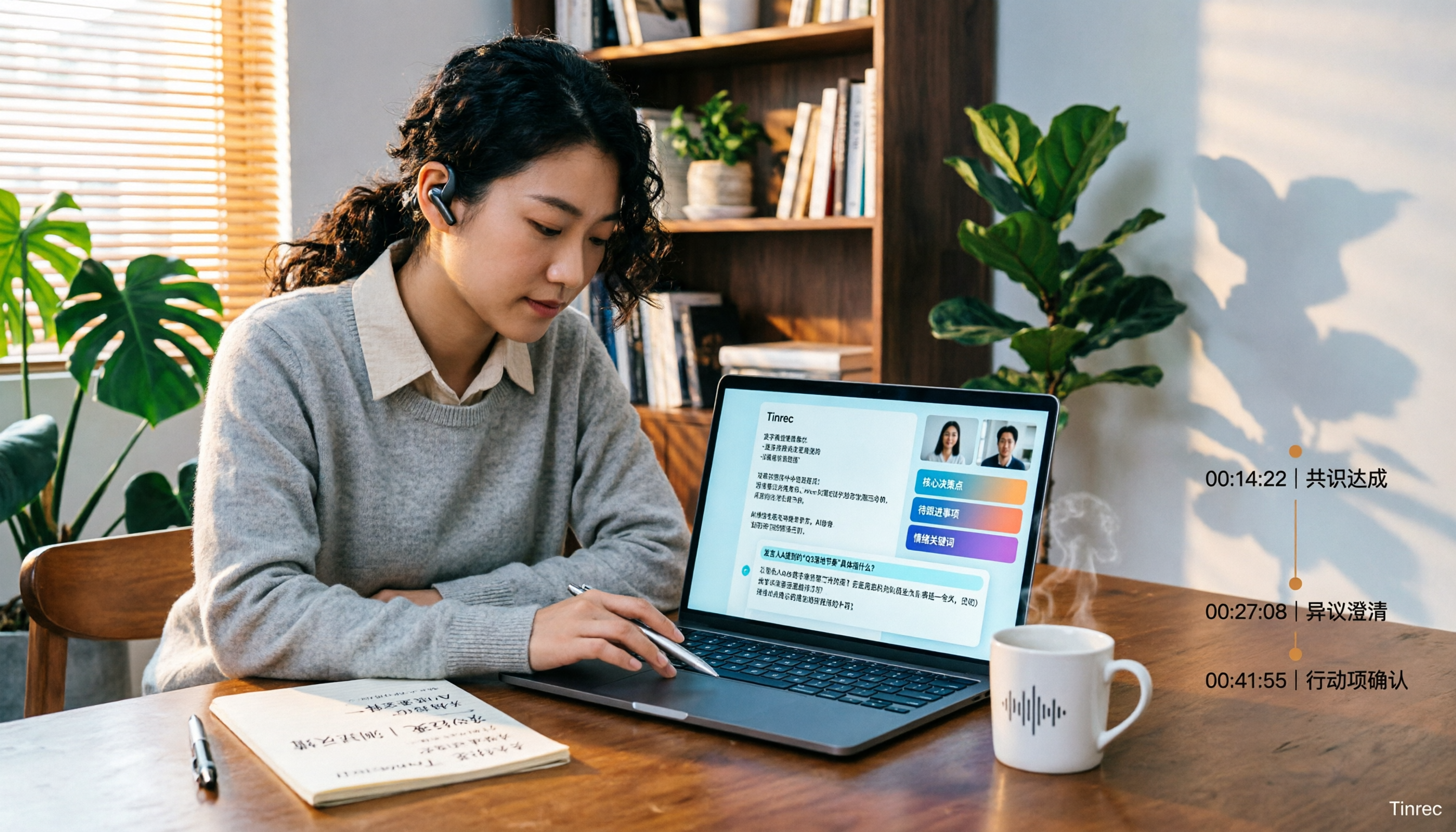
2026 Video Summarization Software: AI Summaries + Transcript Q&A
Videos too long to finish? This hands-on review of video summarization software covers buying criteria, Tinrec features, and competitor comparisons to help you find the right AI summarization tool for Chinese videos and meeting recordings, plus a guide to common pitfalls and selection tips.

How to Convert Video to Text in 2026: Bot-Free Meeting Recording + AI Q&A Highlights
Video-to-text isn't just about typing out audio. This article starts from real interview and meeting video scenarios, first covering 4 key points to understand before choosing a tool, then breaks down how Tinrec connects transcripts to summaries, to-dos, AI Q&A, and team spaces, compares cSubtitle, TurboScribe, and Vidnoz's different approaches, and finally provides a pitfall guide and a ready-to-follow starter checklist.

2026 Comparison of 4 Audio Transcription Tools: Which Saves the Most Time for Chinese Transcripts and Post-Meeting Organization?
Turning meeting recordings into transcripts is just the first step. This hands-on comparison of Tinrec, Notta, TurboScribe, and Otter.ai evaluates Chinese recognition, meeting recording methods, post-meeting organization, and team collaboration to help you find the most time-saving option.
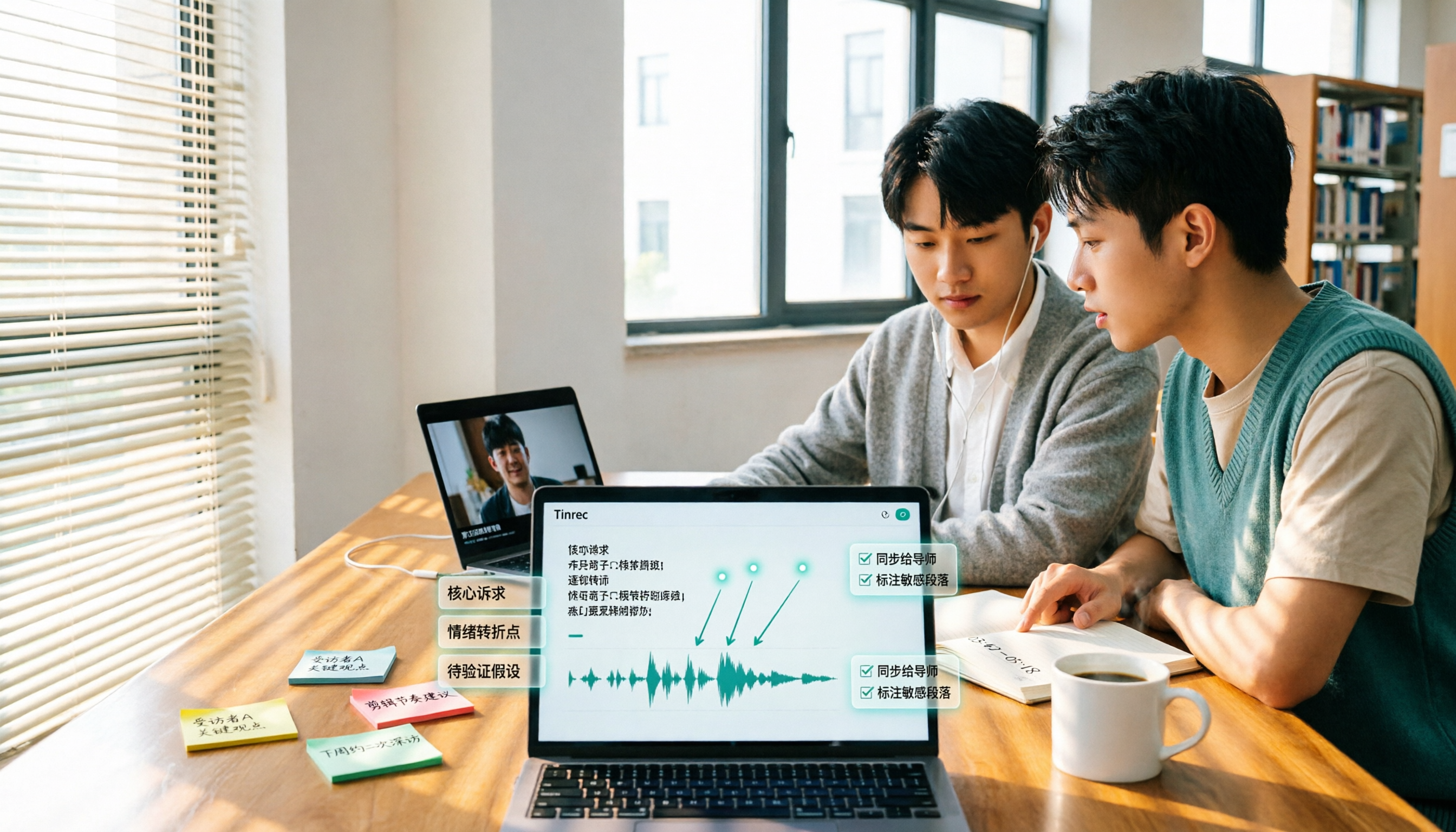
5 Best Video to Text Tools in 2026: Free Tiers, Chinese Recognition, and Team Collaboration Compared
Based on real experience transcribing 12 interview videos for a graduation project, this guide breaks down common pitfalls in converting video content to text, compares 5 common approaches, and explains how Tinrec handles real-time transcription, bot-free online meeting recording, AI summary Q&A, action item extraction, and team collaboration. It also covers how students should evaluate free tiers and paid plans.
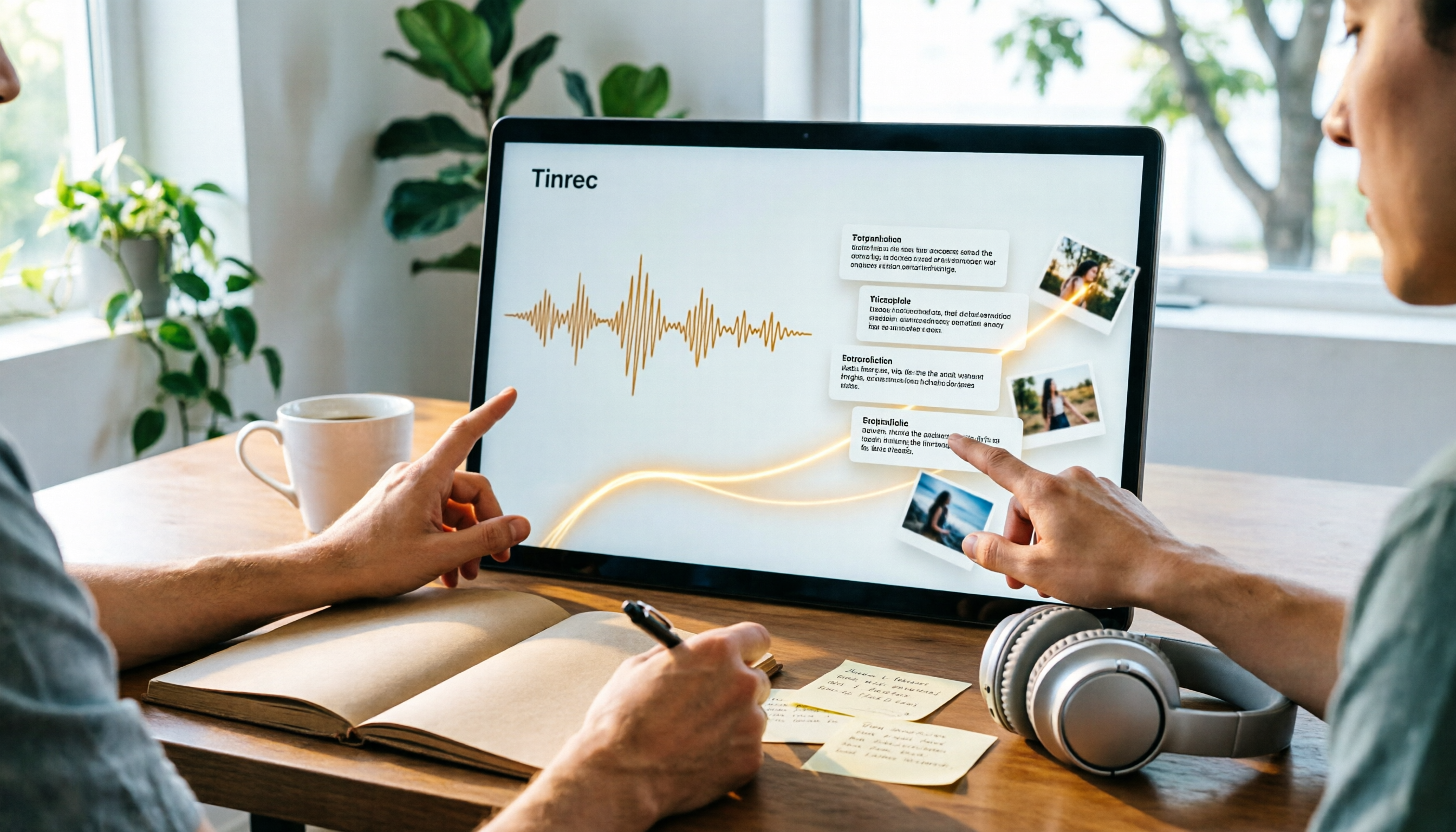
2026 Video Summarization Software Comparison: 4 Tools From Free to Paid
How do you choose a video summarization tool? This article breaks down two needs—"viewing" and "working"—outlines 4 key buying factors, and compares Tinrec, WayinVideo, Felo AI, and Monica across features, use cases, and plan limits to help you decide which one truly fits your workflow.
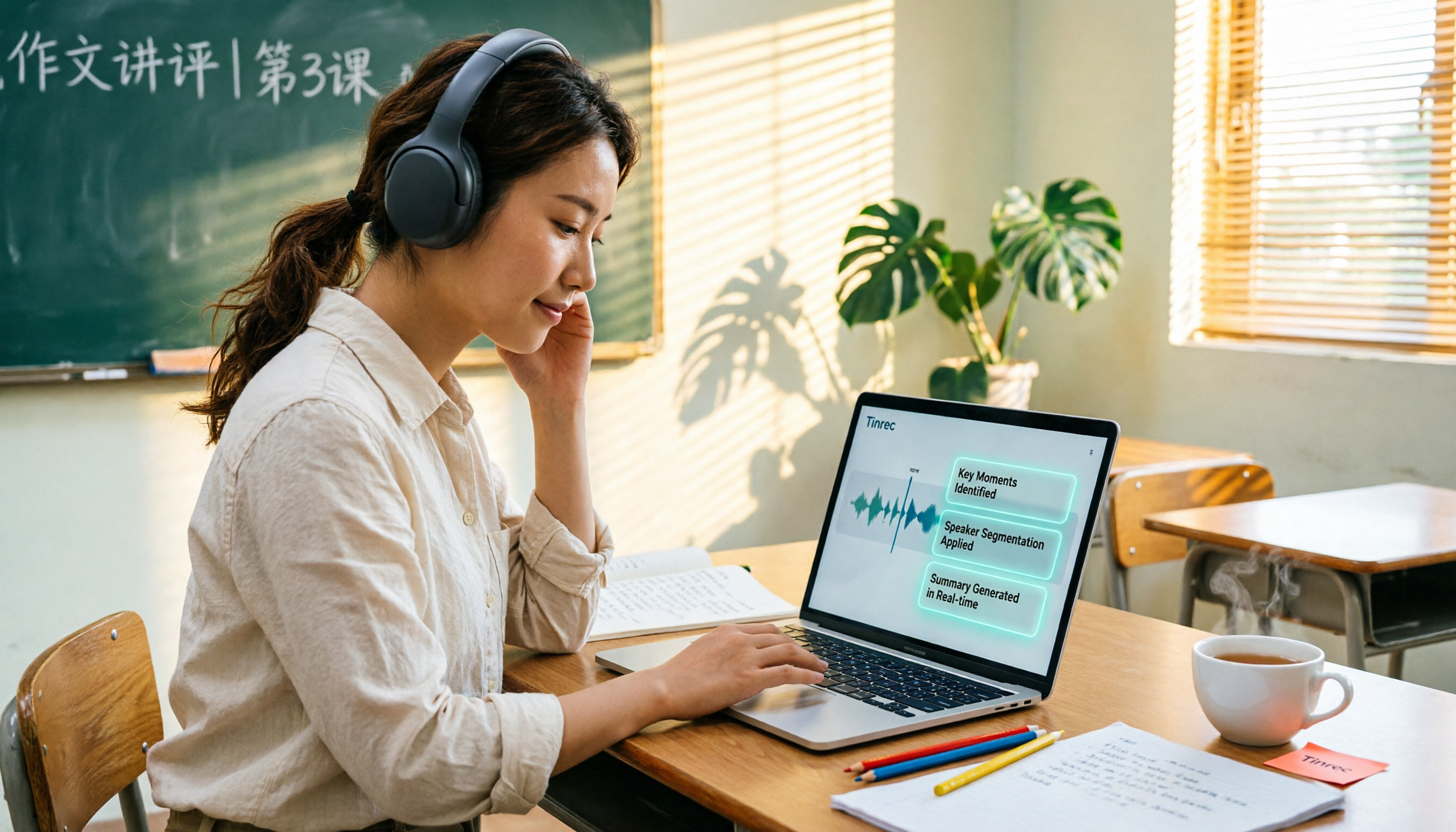
6 Best AI Video Summary Tools for Teachers in 2026: Which Saves the Most Prep Time?
How do you choose an educational video summarization tool? This guide compares 6 options—from Tinrec's audio/video transcription and AI summaries to YouTube Summary with GPT, Notta, TurboScribe, Otter.ai, and completely free resources like the NAER Academy and PTS Kids. We break down pricing, limits, and ideal users to help you pick the one that saves the most prep time based on your budget and use case.