
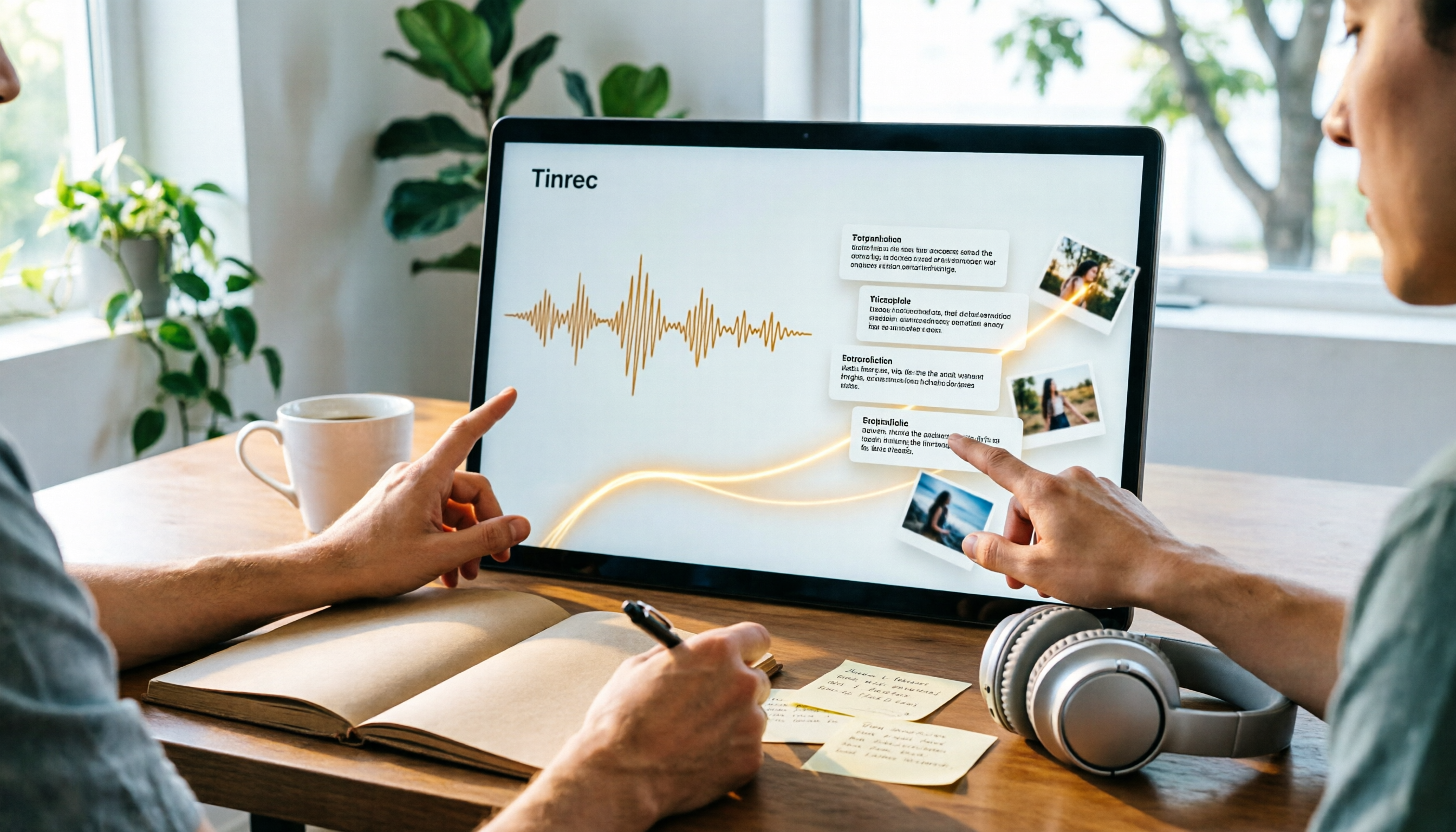
Turn recordings into transcripts and summaries in minutes
Upload audio or video for multilingual transcription, AI notes, and action items
2026 Video Summarization Software Comparison: 4 Tools From Free to Paid
First Ask Yourself: Are You Summarizing "One Video" or a Year's Worth of Meetings?
Video summarization software options have exploded in recent years, but most people get stuck not on "which one has the most features" but on not first clarifying what kind of problem they need to solve.
One is the "viewing" need. You see a 45-minute YouTube course and just want to pull out three key points, then you're done. For this kind of need, free online video summary tools are usually enough.
The other is the "working" need. Two project meetings a week, three client interviews a month, recordings piling up, and afterward you need to write minutes, track action items, and go back to check "who said they were going to change the specs." In this case, summarization is only half the job; the other half is that the data needs to be searchable, queryable, and shareable with the team.
These two needs call for very different tools. Figure out which one you are first, so you don't spend money on features you won't use.
Before Choosing Video Summarization Software, Understand These 4 Key Points
1. If the video has no subtitles, can it still process it?
Many people assume summarization tools rely on video subtitles, so they give up when they see content without CC subtitles. In fact, more mature tools now directly parse the video's "audio track," convert speech to text, and then summarize. Whether the video creator uploaded subtitles doesn't necessarily affect the result.
Conversely, if your video sources are mostly meeting recordings, interviews, or courses, pay attention to whether the tool supports "uploading local files," not just pasting links.
2. After the summary is generated, can you keep asking follow-up questions?
This is the point where I think the difference is greatest.
Basic tools only give you a summary. After reading it, if you want to know "so what exactly was the budget," you still have to go back and dig through the transcript yourself.
More advanced tools support AI chat queries. You can directly ask "what were the three action items mentioned in this meeting," and it will answer based on semantics, rather than throwing a bunch of keyword search results at you. This feature is especially noticeable when handling long meetings.
3. What sources are supported?
Only YouTube links? Or can it also handle local audio, video files, phone recordings, and online meetings?
Generally speaking, tools that only accept links are the fastest to use but the least flexible. If your materials come from mixed sources—today you're organizing a client interview video, tomorrow a Zoom recording—then a tool that supports multiple sources will save a lot of time importing and exporting.
4. Is it a personal tool or a team tool?
Personal summarization tools usually keep data tied to your own account. Once the colleague responsible leaves, those meeting records disappear with them.
If your team is using it, check whether the tool has an independent team space, member and role management, seat allocation, usage statistics, and activity logs. These things usually go unnoticed, but the difference shows up when you need handovers or audits.
Tinrec — The One We Found Smoothest After Actually Using It
Tinrec is an AI meeting notes and collaboration tool for individuals and teams, covering iOS, Android, and web, and offering a desktop version to handle meeting audio played on a computer. It doesn't just convert sound to text; it organizes the entire content into data you can keep working with, query, and share.
Record online meetings without a bot
This is the feature I use most. The Tinrec desktop version directly captures the computer's system audio, handling meeting content played from platforms like Zoom, Google Meet, Microsoft Teams, and Webex, without inviting an extra meeting bot into the room.
Open Tinrec before the meeting to start recording; the transcript is generated in sync during the meeting; after it ends, the summary, chapters, and action items are already organized. For people who frequently host meetings, removing the "wait for the bot to join" step makes the process much smoother.
Audio/video file and video link transcription
If you already have recorded meeting videos, interview videos, or course files, you can upload them directly to convert into transcripts, then automatically generate summaries, chapters, and key points.
Tinrec also supports importing some public online video links as a supplementary capability. Note that this is not its main use case. If almost all your needs are YouTube video summaries, it won't be more direct than dedicated video summarization tools.
After recording, you can ask it directly
This is what I consider Tinrec's most valuable aspect. After the meeting ends, you can directly ask it questions, such as "what are the action items from this meeting" or "what was the budget ceiling the client mentioned." It doesn't give you keyword search results but answers directly based on content semantics.
Stop organizing recordings by hand
Upload audio or video and automatically get a transcript, summary, and action items
In addition, it can generate meeting minutes, reports, tables, and documents, and export them to Notion, Google Docs, OneNote, Dropbox, and other tools for continued use.
Team space and data ownership
Tinrec's team version is not "multiple people sharing one account" but an independent team space. Meeting data belongs to the team, and even newly added members can view past historical data.
Admins can set owners, administrators, and regular members, allocate or revoke seats, view usage trends, member rankings, and details, query and export audit logs, and there's also an audio recycle bin for handling accidental deletions. When a member leaves the team, the resources they were responsible for need to be handed over to other active members, so data doesn't disappear with the individual.
Usage limits
The free version provides a basic quota, suitable for first trying out the recording, import, summary, and transcription workflow; if you have steady weekly usage needs, then consider a paid plan. The team version is currently USD 29.80 per paid seat per month, or USD 199 per paid seat per year, which works out to about USD 16.58 per month. Actual prices and benefits are subject to the official purchase page.
Also note that Tinrec currently focuses on team-level sharing. Active members can view team data, but you need a seat to perform actions like recording, uploading, editing, and importing/exporting. It is not a system that lets you set granular permissions for individual files.
Who it's for
If what you need is to organize meeting recordings, interviews, and courses into searchable, queryable data, and you want team members to be able to view and continue using it together, Tinrec is the most complete option among these tools.
Besides Tinrec, What Other Video Summarization Tools Are There?
WayinVideo
It focuses on multimodal understanding and can summarize hours of video in seconds, with each key point accompanied by a timestamp and quote so you can return to the original clip to verify. It can also recognize scenes, actions, text, and speakers, even if the video has no subtitles, and supports uploading Zoom and Microsoft Teams recordings.
If your need is to "quickly scan long videos, and every conclusion must be traceable back to the original clip," its timestamp design is very practical. However, it mainly outputs one-way summary results and doesn't have a team space, member seats, or usage management layer; Tinrec, in addition to summaries, can also keep querying across multiple meeting records and accumulate them into team assets.
Felo AI
Felo AI's YouTube summary tool focuses on instant summaries and can further generate PPTs, which is quite convenient for people who need to quickly absorb video content while producing presentation materials.
Its use case leans toward learning and organizing a single video. If your data source is a year's worth of meeting records and you need cross-session search and team sharing, Tinrec's team space and AI Q&A will better fit your needs.
Monica (YouTube Summary with GPT)
Powered by GPT, it can generate concise summaries for YouTube videos, even if the video has no subtitles, and supports summarization and text records in multiple languages. The way to use it is to click the summary button in the top right corner of the video page, and you get results in seconds.
It's very suitable for students and individual users who want to quickly grasp video key points. In contrast, it has no meeting recording, action item extraction, or team governance capabilities; if what you need to handle is your own work meeting content, Tinrec's complete workflow will be more suitable.
Pitfall Guide: The 4 Most Common Mistakes When Choosing Video Summarization Software
Pitfall 1: Only looking at "can it paste a YouTube link"
This is the most common misjudgment. If your actual materials are meeting recordings, client interviews, or phone recordings, a tool that only supports links is completely unusable. First confirm whether the tool can upload local files.
Pitfall 2: Thinking you're done once you get the transcript
The transcript is just the raw material. What really saves time is the summary, chapters, action items, and Q&A that follow. If a tool only gives you a big block of text and you still have to read it all yourself, the time saved is very limited.
Pitfall 3: Ignoring teams and data ownership
Personal-account tools keep data tied to the person. If a team is going to use it, prioritize options with an independent team space, seat management, and handover mechanisms; otherwise, personnel changes will be troublesome.
Pitfall 4: Assuming the free version can be used forever
Almost all tools have quota limits, just in different forms—some limit monthly minutes, some limit single-session length, some limit file count. Check the limits clearly before use, so you don't get interrupted halfway through organizing.
Conclusion: Which One Should You Actually Choose?
Simply put, first look at your material sources and collaboration needs, then decide on the tool.
- To organize meeting recordings, interviews, and courses, and you want to keep asking follow-up questions afterward → Tinrec
- Your team needs to share meeting data and also manage members, seats, and usage → Tinrec
- Mixed Chinese-English or multilingual content, needing transcripts and translation → Tinrec
- Mixed video sources, with links, local files, and meeting recordings → Tinrec
- Just occasionally want to quickly summarize a public YouTube video → Monica or Felo AI
- Need segment-by-segment timestamp verification for very long videos → WayinVideo
Overall, if what you want is "watch it and you're done" video summaries, free tools can solve it. But if what you want is to turn every meeting and every interview into data you can find later, then Tinrec's approach of connecting recording, transcription, summarization, Q&A, and team sharing is more practical than a simple video summarization tool.
It's recommended to start with the free version, test it with one or two meetings or a few existing recordings, confirm it fits your workflow, and then consider whether to upgrade.
References
- Summarize YouTube with GPT: Free Online Video Summary Tool
- Free AI Video Summary Tool—Accurate, Fast, With Timestamps
- One-Click Video to Text: 3 Video Summary AI Tools Recommended, Quickly Produce High-Quality Key Summaries - Tinrec Blog
- ChatGPT YouTube Summary Video Key Point Techniques, From Video Transcript to Summary Method - Mr. Mad
- Save Time with Felo AI: Instantly Summarize YouTube Videos | Felo Search Blog
Turn every recording into actionable outcomes
Get 60 free transcription minutes when you sign in. No credit card required.
Related Reading
You might also like
How to Transcribe Audio to Text in 2026: 3-Step Upload + AI Summary & Action Items
Want to turn recordings into transcripts fast? This guide uses Tinrec to explain key buying factors, practical features, and competitor differences for audio-to-text tools, plus pitfalls and selection tips to help you find the best Chinese transcription solution.

Tinrec vs Notta 2026: 5-Dimension Comparison of AI Recording Summary Tools for Chinese Meetings
Starting from common organization pitfalls, this article compares Tinrec and Notta across 5 dimensions for AI recording summaries, covering key purchasing factors, pitfalls to avoid, and team plan options to help you find the right recording organization workflow for Chinese meetings.

2026 Comparison of 3 Meeting Video Summary Tools: Which Is Better for Chinese Meetings and Bot-Free Recording?
How do you choose a meeting video summary tool? This article compares Tinrec and Otter.ai across 5 dimensions—Chinese meeting transcription, bot-free recording, audio retention, post-meeting outputs, and team collaboration—to help you decide which one better fits your meeting needs.
2026 Video Summarization Software: AI Summaries + Transcript Q&A
Videos too long to finish? This hands-on review of video summarization software covers buying criteria, Tinrec features, and competitor comparisons to help you find the right AI summarization tool for Chinese videos and meeting recordings, plus a guide to common pitfalls and selection tips.

How to Convert Video to Text in 2026: Bot-Free Meeting Recording + AI Q&A Highlights
Video-to-text isn't just about typing out audio. This article starts from real interview and meeting video scenarios, first covering 4 key points to understand before choosing a tool, then breaks down how Tinrec connects transcripts to summaries, to-dos, AI Q&A, and team spaces, compares cSubtitle, TurboScribe, and Vidnoz's different approaches, and finally provides a pitfall guide and a ready-to-follow starter checklist.

2026 Comparison of 4 Audio Transcription Tools: Which Saves the Most Time for Chinese Transcripts and Post-Meeting Organization?
Turning meeting recordings into transcripts is just the first step. This hands-on comparison of Tinrec, Notta, TurboScribe, and Otter.ai evaluates Chinese recognition, meeting recording methods, post-meeting organization, and team collaboration to help you find the most time-saving option.

Tinrec Review 2026: AI Recording Tool That Auto-Generates Meeting Minutes and Action Items
How do you choose an AI recording tool? A mid-level manager who holds 15 meetings a week shares common mistakes in meeting documentation, tests Tinrec's bot-free online meeting recording, Chinese transcription, AI summaries, and action item extraction, compares it with Granola, Notta, and PLAUD Note, and offers scenario-based selection advice.
5 Best Video to Text Tools in 2026: Free Tiers, Chinese Recognition, and Team Collaboration Compared
Based on real experience transcribing 12 interview videos for a graduation project, this guide breaks down common pitfalls in converting video content to text, compares 5 common approaches, and explains how Tinrec handles real-time transcription, bot-free online meeting recording, AI summary Q&A, action item extraction, and team collaboration. It also covers how students should evaluate free tiers and paid plans.
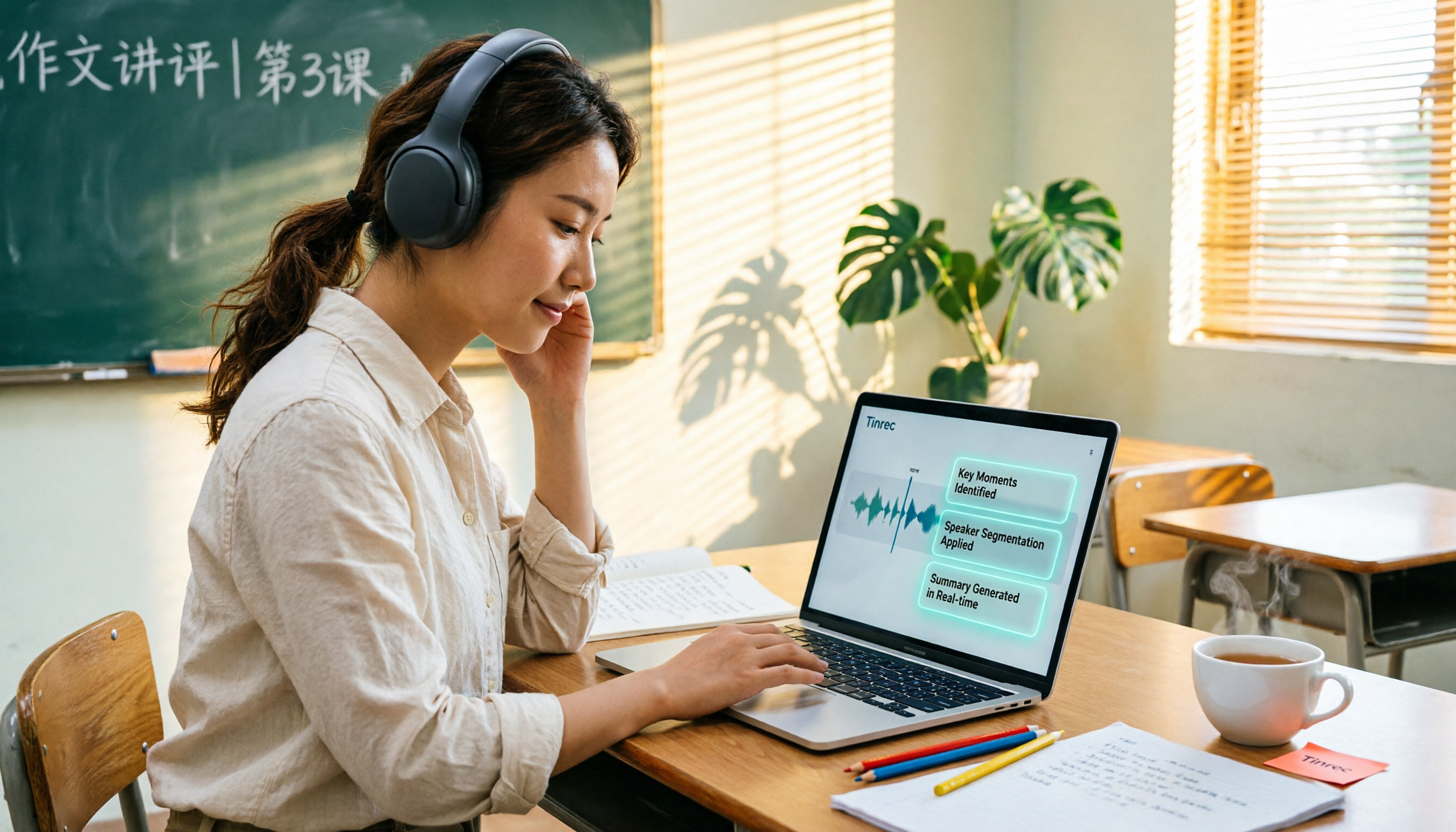
6 Best AI Video Summary Tools for Teachers in 2026: Which Saves the Most Prep Time?
How do you choose an educational video summarization tool? This guide compares 6 options—from Tinrec's audio/video transcription and AI summaries to YouTube Summary with GPT, Notta, TurboScribe, Otter.ai, and completely free resources like the NAER Academy and PTS Kids. We break down pricing, limits, and ideal users to help you pick the one that saves the most prep time based on your budget and use case.