

Turn recordings into transcripts and summaries in minutes
Upload audio or video for multilingual transcription, AI notes, and action items
2026 Comparison of 4 Audio Transcription Tools: Which Saves the Most Time for Chinese Transcripts and Post-Meeting Organization?
The Real Trouble Starts After the Meeting—With That Recording
It's 4 PM, the meeting just ended, and your boss is already asking in the group chat: "Who's writing down those three conclusions?"
You have a 40-minute recording and a memory that's already getting fuzzy.
Most people's approach: listen through once, type as they listen, and rewind three times whenever something is unclear. A single meeting often takes half its length again just to turn into readable text.
If the content is mixed Chinese-English and the speakers talk fast, that time goes up even more.
So the real problem with "audio transcription" was never just converting files to text—it's about letting you know as quickly as possible: what was discussed, who needs to do what, and where to find details later.
This article is a summary of my hands-on experience with several common tools recently.
Before Choosing an Audio Transcription Tool, Understand These 4 Key Points
1. Do you need file conversion or content conversion?
First, clarify your needs. If you just want to convert m4a to mp3 or extract audio from video, that's format conversion—another type of tool can handle it, no need for AI. But if you want transcripts, summaries, and action items, that's a completely different ballgame.
2. Actual performance in Chinese recognition
Many tools are strong in English but mediocre in Chinese. The gap usually shows up with mixed Chinese-English, technical terms, and names. I recommend testing with your own meeting recordings, not just trusting marketing numbers on the website.
3. How the meeting is recorded
Two common methods: one is sending a "meeting bot" to join the meeting room; the other is capturing system audio directly from your computer. The former requires notifying participants and raises privacy concerns; the latter doesn't add an extra person to the list. This is especially noticeable in external meetings.
4. What you get after transcription
Getting just a transcript versus getting summaries, chapters, action items, and the ability to ask follow-up questions are completely different levels of product. If you still have to spend half an hour manually organizing after recording, all the time saved earlier is lost.
Tinrec – My Most Used Tool After Testing
Tinrec is an AI meeting notes and collaboration tool for individuals and teams, supporting iOS, Android, and web. It doesn't just convert audio to text; it organizes meetings into searchable, queryable, and exportable data.
During the meeting: live transcription as you record
For online meetings, I use the desktop version, which captures system audio directly—no need to invite a bot to Zoom, Google Meet, Microsoft Teams, or Webex. For offline meetings, I use the mobile app for live recording with real-time transcription. For cross-language meetings, it offers live translation, viewable in original, translated, or bilingual mode.
After the meeting: summaries, chapters, and action items are already there
This is the most convenient part. As soon as the meeting ends, AI summaries, chapter segments, and action items are generated—who's responsible for what and when it's due are immediately clear. It can also generate mind maps, especially useful for meetings with divergent discussions.
Finding things later: just ask, no Ctrl+F needed
Tinrec supports AI Q&A around meeting content. You can directly ask, "Who mentioned the budget in the last meeting?" It uses semantic understanding to find answers, not just a list of keyword search results; you can also query across multiple meetings. This is the difference I've seen least in competing tools.
Output and further processing
Transcripts and summaries can be exported in common formats and taken to Notion, Google Docs, OneNote, or Dropbox for continued use. The built-in Agent post-processing can generate reports, tables, and documents based on meeting content, saving significant effort for those who need to submit weekly reports or meeting minutes.
Team use
Stop organizing recordings by hand
Upload audio or video and automatically get a transcript, summary, and action items
If meetings are held by a team, Tinrec's team plan offers an independent team space where meeting data belongs to the team. You can create multiple team spaces, invite members via link, and distinguish between "roles" and "seats": roles determine who can manage the team, view usage and audit logs; seats determine who can record, upload, edit, and export. Members without a seat can still view, play, and read team data. Admins can see usage trends, member rankings, and team hot words, and there's an audio recycle bin to recover accidentally deleted recordings.
Currently, the team monthly plan is USD 29.80 per paid seat per month, annual plan USD 199 per paid seat per year (about USD 16.58 per month). Each paid seat provides 2,000 minutes of shared team import quota per month; eligible teams get a 7-day trial, 1 free seat, and 300 minutes of shared import quota for the first time. Prices and benefits are subject to the official purchase page.
Things to note
The free version has a basic quota for trial; heavy users need to pay (personal plans include weekly, Pro monthly, and annual cards). Transcription quality is affected by the recording environment—air conditioning noise, multiple people talking over each other, and technical terms can all reduce accuracy. For important content, it's recommended to cross-check with timestamps. The team plan currently offers team-level shared visibility, not file-level granular permissions.
Who it's for
Those who frequently have mixed Chinese-English meetings, don't want a bot in the meeting room, and want to use AI to find key points directly after recording. If a team needs to consolidate meeting data together, the team plan's space, seats, and usage management are much clearer than sharing a single personal account.
Besides Tinrec, What Other Options Are There?
Notta: A multi-platform transcription and meeting notes tool, with the highest overlap with Tinrec. Free version: 120 minutes per month, 3 minutes per single content; Pro annual plan about USD 8.17 per month, 1,800 minutes per month. Its multilingual performance is above average, but it lacks Tinrec's bot-free desktop recording method, and post-meeting outputs are relatively simple. If you only occasionally transcribe short recordings, you can try its free version first.
TurboScribe: Focuses on cost-effective file transcription. Free version: 3 files per day, 30 minutes per file; paid annual plan USD 120 (about USD 10 per month), up to 10 hours or 5GB per file, 50 files per upload. If you have a batch of long historical recordings to process at once, it's more suitable than Tinrec for that. But it doesn't handle live meetings and lacks team spaces and AI follow-up workflows.
Otter.ai: A veteran choice for English meetings. Free version offers a generous 300 minutes per month; Pro annual plan about USD 8.49 per user per month. It now also has desktop capabilities, not just a meeting bot. But its strength is English business meetings; Chinese content is not its main focus. If almost all your meetings are in English, it's more cost-effective than Tinrec.
Pitfall Guide: 4 Most Common Mistakes When Choosing an Audio Transcription Tool
Pitfall 1: Only looking at official accuracy claims. Those numbers are usually measured in quiet environments. Real meeting rooms have air conditioning, keyboards, and people talking over each other—performance will be lower. Test with your own recording; the free trial is the most accurate.
Pitfall 2: Ignoring "how the meeting is recorded." If meetings often include external clients, inviting a bot into the meeting room may require extra explanation; capturing system audio directly from the computer is much simpler for such occasions.
Pitfall 3: Treating a transcription tool as just a transcription tool. This is the most regrettable point. Only taking the transcript means using only one-third of the tool's capabilities. Asking "What were the three conclusions of this meeting?" directly after recording is much faster than flipping through a 40-minute transcript yourself.
Pitfall 4: Sharing one account for the team. Sharing a personal account mixes data ownership, permissions, and usage all together. If meeting data is to be kept long-term, team spaces, roles, and seat division are much clearer than "everyone using one set of credentials."
Conclusion: Which One Should You Choose?
Simply put, first look at what your meetings are like:
- Mixed Chinese-English, often online, don't want a bot to join → Tinrec (desktop bot-free recording, Chinese is its main focus)
- Want to use AI to ask key points directly after recording, don't want to manually flip through transcripts → Tinrec (AI Q&A is the most obvious difference)
- Record on phone, organize on computer, need both to connect → Tinrec (iOS, Android, web all available)
- Team needs to consolidate meeting data together, need to manage seats and usage → Tinrec Team Plan (team space, roles and seats, usage and audit)
- Have a batch of super long historical recordings to transcribe at once → TurboScribe
- Almost only record English meetings, limited budget → Otter.ai
If your situation is "many meetings, mostly Chinese content, and post-meeting organization into other formats," then Tinrec is the one I open most often among these. I suggest trying the free version for two or three meetings to feel what it's like to ask questions directly after recording, then decide whether to upgrade—no need to pay upfront.
References
Turn every recording into actionable outcomes
Get 60 free transcription minutes when you sign in. No credit card required.
Related Reading
You might also like
How to Transcribe Audio to Text in 2026: 3-Step Upload + AI Summary & Action Items
Want to turn recordings into transcripts fast? This guide uses Tinrec to explain key buying factors, practical features, and competitor differences for audio-to-text tools, plus pitfalls and selection tips to help you find the best Chinese transcription solution.

Tinrec vs Notta 2026: 5-Dimension Comparison of AI Recording Summary Tools for Chinese Meetings
Starting from common organization pitfalls, this article compares Tinrec and Notta across 5 dimensions for AI recording summaries, covering key purchasing factors, pitfalls to avoid, and team plan options to help you find the right recording organization workflow for Chinese meetings.

2026 Comparison of 3 Meeting Video Summary Tools: Which Is Better for Chinese Meetings and Bot-Free Recording?
How do you choose a meeting video summary tool? This article compares Tinrec and Otter.ai across 5 dimensions—Chinese meeting transcription, bot-free recording, audio retention, post-meeting outputs, and team collaboration—to help you decide which one better fits your meeting needs.
2026 Video Summarization Software: AI Summaries + Transcript Q&A
Videos too long to finish? This hands-on review of video summarization software covers buying criteria, Tinrec features, and competitor comparisons to help you find the right AI summarization tool for Chinese videos and meeting recordings, plus a guide to common pitfalls and selection tips.

How to Convert Video to Text in 2026: Bot-Free Meeting Recording + AI Q&A Highlights
Video-to-text isn't just about typing out audio. This article starts from real interview and meeting video scenarios, first covering 4 key points to understand before choosing a tool, then breaks down how Tinrec connects transcripts to summaries, to-dos, AI Q&A, and team spaces, compares cSubtitle, TurboScribe, and Vidnoz's different approaches, and finally provides a pitfall guide and a ready-to-follow starter checklist.

Tinrec Review 2026: AI Recording Tool That Auto-Generates Meeting Minutes and Action Items
How do you choose an AI recording tool? A mid-level manager who holds 15 meetings a week shares common mistakes in meeting documentation, tests Tinrec's bot-free online meeting recording, Chinese transcription, AI summaries, and action item extraction, compares it with Granola, Notta, and PLAUD Note, and offers scenario-based selection advice.
5 Best Video to Text Tools in 2026: Free Tiers, Chinese Recognition, and Team Collaboration Compared
Based on real experience transcribing 12 interview videos for a graduation project, this guide breaks down common pitfalls in converting video content to text, compares 5 common approaches, and explains how Tinrec handles real-time transcription, bot-free online meeting recording, AI summary Q&A, action item extraction, and team collaboration. It also covers how students should evaluate free tiers and paid plans.
2026 Video Summarization Software Comparison: 4 Tools From Free to Paid
How do you choose a video summarization tool? This article breaks down two needs—"viewing" and "working"—outlines 4 key buying factors, and compares Tinrec, WayinVideo, Felo AI, and Monica across features, use cases, and plan limits to help you decide which one truly fits your workflow.
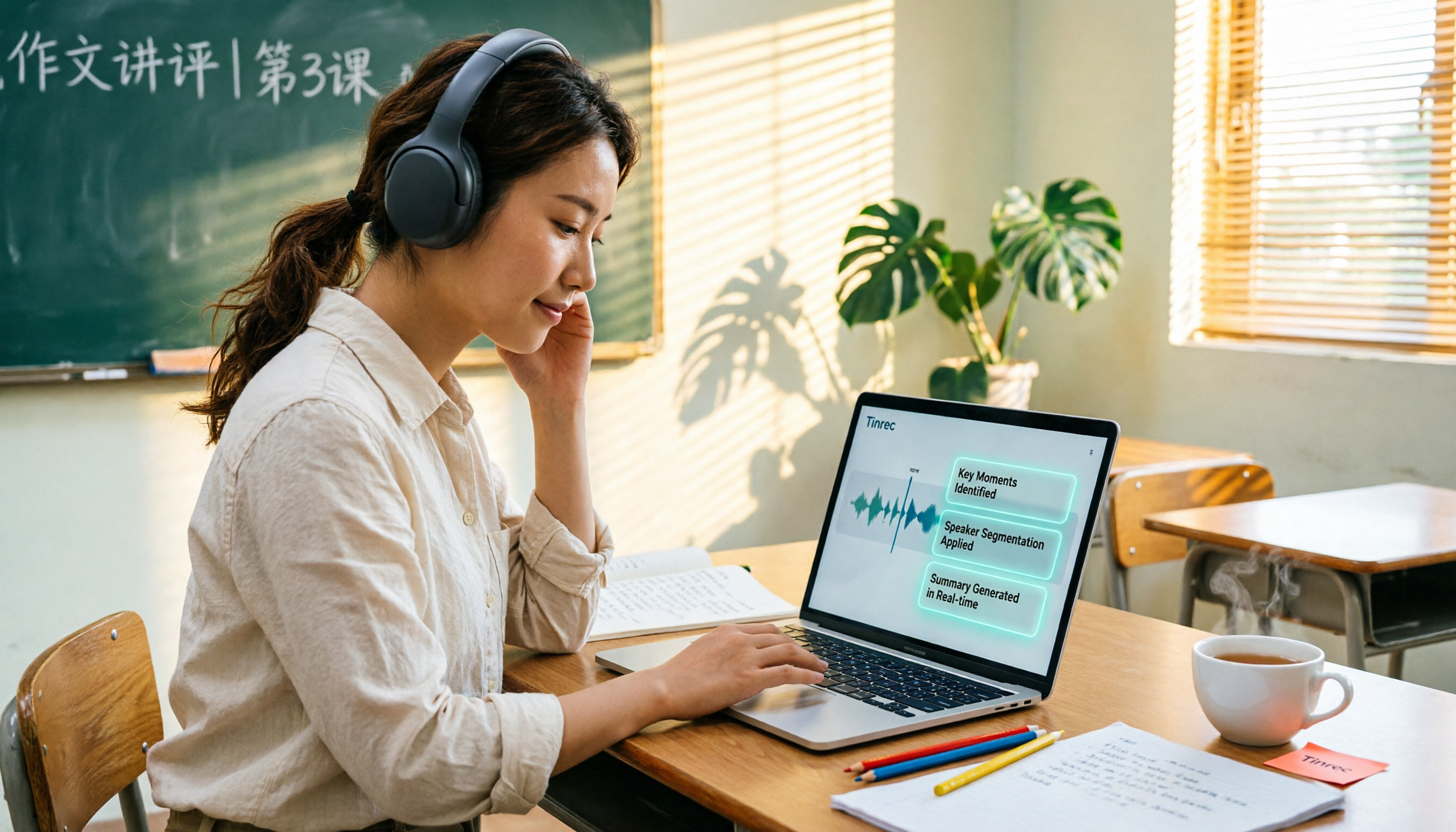
6 Best AI Video Summary Tools for Teachers in 2026: Which Saves the Most Prep Time?
How do you choose an educational video summarization tool? This guide compares 6 options—from Tinrec's audio/video transcription and AI summaries to YouTube Summary with GPT, Notta, TurboScribe, Otter.ai, and completely free resources like the NAER Academy and PTS Kids. We break down pricing, limits, and ideal users to help you pick the one that saves the most prep time based on your budget and use case.