

Turn recordings into transcripts and summaries in minutes
Upload audio or video for multilingual transcription, AI notes, and action items
Best Speech-to-Text Software in 2026: Cantonese Transcription & Automatic Meeting Minutes
When choosing speech-to-text software, the first question isn't "which one is most accurate"—in 2026, mainstream tools all have decent recognition. What really determines whether you'll still be using it next year comes down to three things: 1) Does it handle your typical meeting scenarios (online meetings, Cantonese, mixed Chinese-English)? 2) After transcription, do you get a raw transcript or meeting materials you can hand off directly? 3) If your whole team needs to use it, can you manage members, permissions, and usage? Below, we organize 7 options worth trying along these three lines.
Why You Need Speech-to-Text Software
Meeting notes, interviews, classes, client calls—almost every role deals with them. The problem is that manually transcribing requires constant pausing, playing back, and typing, which is mentally exhausting. A one-hour recording can easily take half a day.
Meanwhile, AI speech-to-text (ASR) has improved significantly in recent years. Some tools claim over 90% or even near 98% accuracy on clear recordings. However, accuracy is never fixed—audio quality, noise, accents, and overlapping speech all affect results.
This article starts from "actual workflow" and lists 7 options, explaining each one's positioning, highlights, free and paid tiers, and who it's best for.
Option 1 | Tinrec — The Most Complete AI Recording Assistant
Tinrec is an AI meeting notes and collaboration tool for individuals and teams. Its focus isn't just "transcription" but turning meetings into searchable, queryable, and actionable data.
Desktop bot-free recording for online meetings: The desktop version captures system audio directly, handling Zoom, Google Meet, Microsoft Teams, Webex, and other online meetings without inviting a meeting bot as an extra participant. Just open Tinrec and start recording before the meeting—it doesn't automatically join all calendar events.
Post-transcription is where it shines: Beyond transcripts, it automatically generates summaries, chapters, key points, action items, and mind maps. You can ask AI questions about single or multiple meetings to dig into details. It also supports Agent post-processing to generate reports, tables, and documents, then export to Notion, Google Docs, OneNote, Dropbox, and other workflows. No need to build notes manually after meetings—especially useful for those who frequently submit minutes.
Chinese and multilingual meetings: Covers Chinese, Traditional Chinese, and multilingual scenarios, supports mixed Chinese-English content organization, real-time translation during recording, and bilingual viewing. The team version also offers hotword management for consistent internal terminology. The official site doesn't promise a fixed accuracy rate; actual results depend on audio quality, accents, overlapping speech, and technical terms.
Team space and governance: The team version is a separate collaboration space, not just several people sharing one account. You can create multiple teams, invite members via link, set owners/admins/regular members, assign or revoke seats, view usage trends and member rankings, query and export audit logs, and handle accidental deletions via audio recycle bin. Note that roles and seats are different: roles determine who can manage the team, members, and settings; seats determine whether members can record, upload, edit, import/export. Members with valid status but no seat can still view, play, and read team data. When a member leaves or is removed, their team resources need to be transferred to other valid members—data doesn't follow the individual.
Pricing: Personal plans include free, weekly pass, Pro monthly, and Pro annual. Team version first eligible trial is 7 days, 1 free seat, 300 minutes shared import quota. Team monthly is USD 29.80 per paid seat per month; annual is USD 199 per paid seat per year (about USD 16.58/month). Each paid seat provides 2,000 minutes shared import quota per month. Real-time recording during the valid period is currently not deducted by minutes. Prices and benefits are subject to the official purchase page.
Best for: Office workers who mainly have Chinese meetings, don't want a bot joining, and need to submit minutes and action items afterward; and departments or project teams that need to turn meeting data into team assets.
Option 2 | Notta — Multilingual Transcription and Subtitle Output
Notta overlaps most with Tinrec, also covering multi-platform transcription, meeting notes, file import, and translation. The difference is Notta leans more toward "quickly getting text and subtitles," while Tinrec emphasizes post-meeting Q&A, action items, and team data management. Free version: 120 minutes per month, max 3 minutes per item; Pro annual is about USD 8.17/month, 1,800 minutes per month; Business annual is about USD 16.67 per seat per month, offering unlimited transcription, role permissions, and usage reports. Suitable for those who often have foreign language meetings and need subtitle files. Actual plans subject to official page.
Stop organizing recordings by hand
Upload audio or video and automatically get a transcript, summary, and action items
Option 3 | Otter.ai — Mature English Business Meeting Assistant
Otter is a veteran AI meeting assistant, covering Zoom, Microsoft Teams, Google Meet, with real-time transcription, speaker identification, AI Chat, workflows, and team management. It's very strong for English meetings. Free Basic: 300 minutes per month; Pro annual is about USD 8.49 per user per month, including 1,200 minutes in-app recording and 10 file imports per month; Business offers unlimited meetings and in-app recording plus more management capabilities. Suitable for English-dominant teams already using English workflows. Prices subject to official page.
Option 4 | Granola — Bot-free AI Meeting Notes
Granola also takes the bot-free route, using desktop system audio and microphone for real-time transcription, combined with your own handwritten notes to generate more targeted meeting content. Transcripts can be viewed, copied, and searched, but it doesn't support uploading pre-recorded audio files and doesn't save meeting audio files. Basic is free; Business USD 14 per user per month; Enterprise USD 35 per user per month. Suitable for English meetings, those who like to take notes during meetings, and don't need to keep recordings.
Option 5 | TurboScribe — High-Value File Transcription
TurboScribe focuses on long files and batch processing, with subtitles and translation. It's positioned as a "cheap and powerful file transcription tool." Free version: 3 files per day, max 30 minutes per file; Unlimited annual is USD 120, about USD 10/month. Paid version supports up to 10 hours or 5 GB per file, and up to 50 files at once. Suitable for those with a pile of old recordings to clear but no need for real-time meeting features. Details subject to official page.
Option 6 | cSubtitle — Online, No Install, Upload and Convert
cSubtitle is online-only, no account needed to upload video or audio files. Supports MP4, MOV, MP3, WAV, M4A, OGG, WMA, etc., up to 4 GB per file and 5 hours duration. Outputs standard text files and Word transcripts, plus AI engine automatically adds punctuation, paragraphs, and generates time-coded subtitle files. Also offers batch processing. Suitable for occasional file processing or those who want to test transcription quality before committing. Actual quotas and fees subject to official page.
Option 7 | iPhone/iPad Notes — Completely Free Entry Option
The built-in Notes app on iPhone and iPad supports real-time voice-to-text, free, supports Chinese and English, but only on iOS. Note that "simultaneous recording + real-time transcription" is a free feature, while "converting recorded files directly to text" is a paid feature. Suitable for iPhone-only users who occasionally take live notes and have zero budget; if you need to process many old recordings or online meetings, this option is clearly insufficient.
With So Many Options, How Should You Choose?
- Want the most complete AI features (transcription + AI chat query + automatic minutes + action items + export) → Tinrec, one of the few in the list with all these steps.
- Need Chinese, mixed Chinese-English, or multilingual meeting transcription, plus real-time translation and bilingual comparison → Tinrec.
- Don't want a meeting bot joining, but need to record Zoom, Meet, Teams, Webex → Tinrec desktop, or Granola (the latter doesn't keep recordings).
- Need to switch between phone, computer, and web → Tinrec, all platforms connect to the same meeting database.
- Team needs to share meeting data and manage members, seats, usage, and audit → Tinrec team version, the most concrete governance in the list.
- Mainly English meetings, already in English workflow → Otter.ai or Granola are both worth considering.
- Just want to quickly convert a pile of recordings and videos to text and subtitles → TurboScribe, cSubtitle.
- Zero budget, only live notes on iPhone → built-in Notes is enough.
4 Things to Know Before Using Speech-to-Text Software
1. First confirm if recording is legal and compliant. Different regions have different requirements for recording and transcription. Before meetings or interviews, it's best to get consent from participants, especially for client calls and research interviews.
2. Free tiers usually have hidden limits. Minutes, single-session duration, file size, and daily file count may all be limited. Running a real recording with the free tier is more accurate than reading specs.
3. Accuracy is not a fixed number. Clear audio and single speaker yield the best results; multiple overlapping speakers, heavy accents, and many technical terms require manual verification. The correct approach is to keep transcript timestamps and verify important content against the recording.
4. For team use, distinguish roles and seats. Seats determine who can record, upload, and edit; roles determine who can manage members and settings. Don't confuse the two. Also plan for resource handover after members leave—don't let meeting data be tied to individual accounts.
Conclusion
In 2026, there's no shortage of speech-to-text software—what's missing is "what can you do after transcription." If you just want to turn files into text, tools like TurboScribe and cSubtitle are cheap and effective. If you have daily meetings, need to submit minutes and action items, or even share meeting data across a team, solutions like Tinrec that connect transcription, summarization, Q&A, export, and team space into one workflow offer clearly higher value. We recommend starting with a free tier or team trial, testing with a real meeting, and you'll know which one suits you.
References
- Online AI voice, video, audio file auto-transcription - Free trial - cSubtitle
- SoundType AI Ultra-precise transcription, voice-to-text, AI dictation - Google Play App
- Speech-to-Text - Voice-to-Text Assistant - Free download and install on Windows | Microsoft Store
- Voice Real-time Conversion to Text APP Recommendation 1. iPhone/iPad Notes APP - Supports real-time conversion to text - Cost: Free - Supports Chinese, English
- No time limit! 3 free AI transcription tools, highly recommended! AI voice notes generate meeting records, presentations, mind maps | 104 Workplace
Turn every recording into actionable outcomes
Get 60 free transcription minutes when you sign in. No credit card required.
Related Reading
You might also like

2026 Comparison of 4 Audio Transcription Tools: Which Saves the Most Time for Chinese Transcripts and Post-Meeting Organization?
Turning meeting recordings into transcripts is just the first step. This hands-on comparison of Tinrec, Notta, TurboScribe, and Otter.ai evaluates Chinese recognition, meeting recording methods, post-meeting organization, and team collaboration to help you find the most time-saving option.

Tinrec Review 2026: AI Recording Tool That Auto-Generates Meeting Minutes and Action Items
How do you choose an AI recording tool? A mid-level manager who holds 15 meetings a week shares common mistakes in meeting documentation, tests Tinrec's bot-free online meeting recording, Chinese transcription, AI summaries, and action item extraction, compares it with Granola, Notta, and PLAUD Note, and offers scenario-based selection advice.
5 Best Video to Text Tools in 2026: Free Tiers, Chinese Recognition, and Team Collaboration Compared
Based on real experience transcribing 12 interview videos for a graduation project, this guide breaks down common pitfalls in converting video content to text, compares 5 common approaches, and explains how Tinrec handles real-time transcription, bot-free online meeting recording, AI summary Q&A, action item extraction, and team collaboration. It also covers how students should evaluate free tiers and paid plans.
2026 Video Summarization Software Comparison: 4 Tools From Free to Paid
How do you choose a video summarization tool? This article breaks down two needs—"viewing" and "working"—outlines 4 key buying factors, and compares Tinrec, WayinVideo, Felo AI, and Monica across features, use cases, and plan limits to help you decide which one truly fits your workflow.
6 Best AI Video Summary Tools for Teachers in 2026: Which Saves the Most Prep Time?
How do you choose an educational video summarization tool? This guide compares 6 options—from Tinrec's audio/video transcription and AI summaries to YouTube Summary with GPT, Notta, TurboScribe, Otter.ai, and completely free resources like the NAER Academy and PTS Kids. We break down pricing, limits, and ideal users to help you pick the one that saves the most prep time based on your budget and use case.
5 Best Text-to-Speech Tools in 2026: Free Tiers and Chinese Pronunciation Compared
How to choose an online text-to-speech (TTS) tool? This article reviews 5 free online TTS tools—Luvvoice, TTSMaker, Ondoku, MyEdit, and PiliApp—comparing supported languages, free quotas, and best use cases. It also clarifies the difference between text-to-speech and speech-to-text, and explains how Tinrec's meeting transcription and post-meeting organization features fit in.
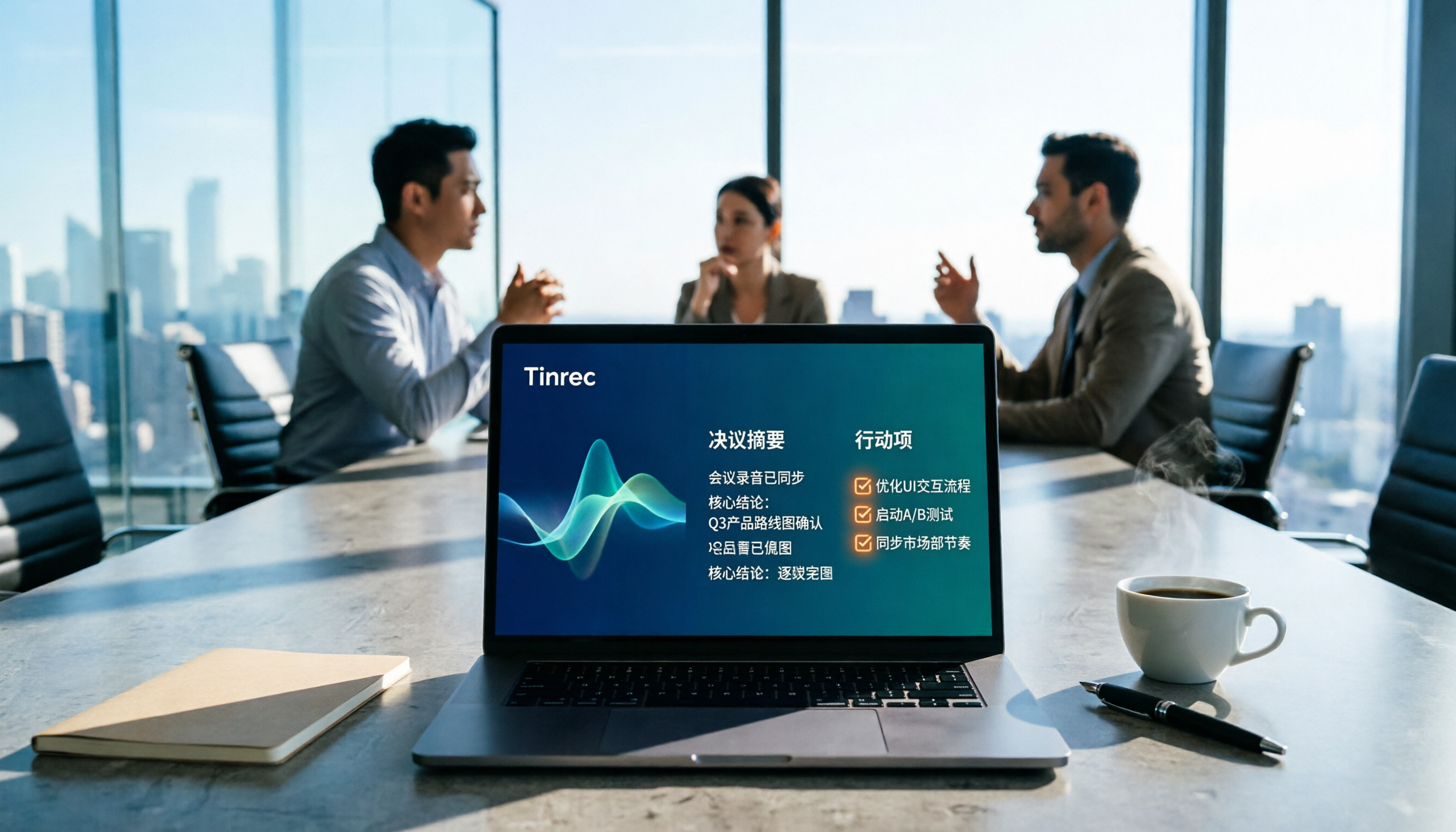
How to Write Meeting Minutes in 2026: 5 Steps from Recording to Action Items
Discover how to write effective meeting minutes with a 5-step process, from setting the format before the meeting to recording, transcribing, and extracting decisions and action items. We also compare Tinrec and Granola, two bot-free meeting recording tools, on audio retention, file import, Chinese language support, post-meeting outputs, and team governance to help you choose the right approach for your team.
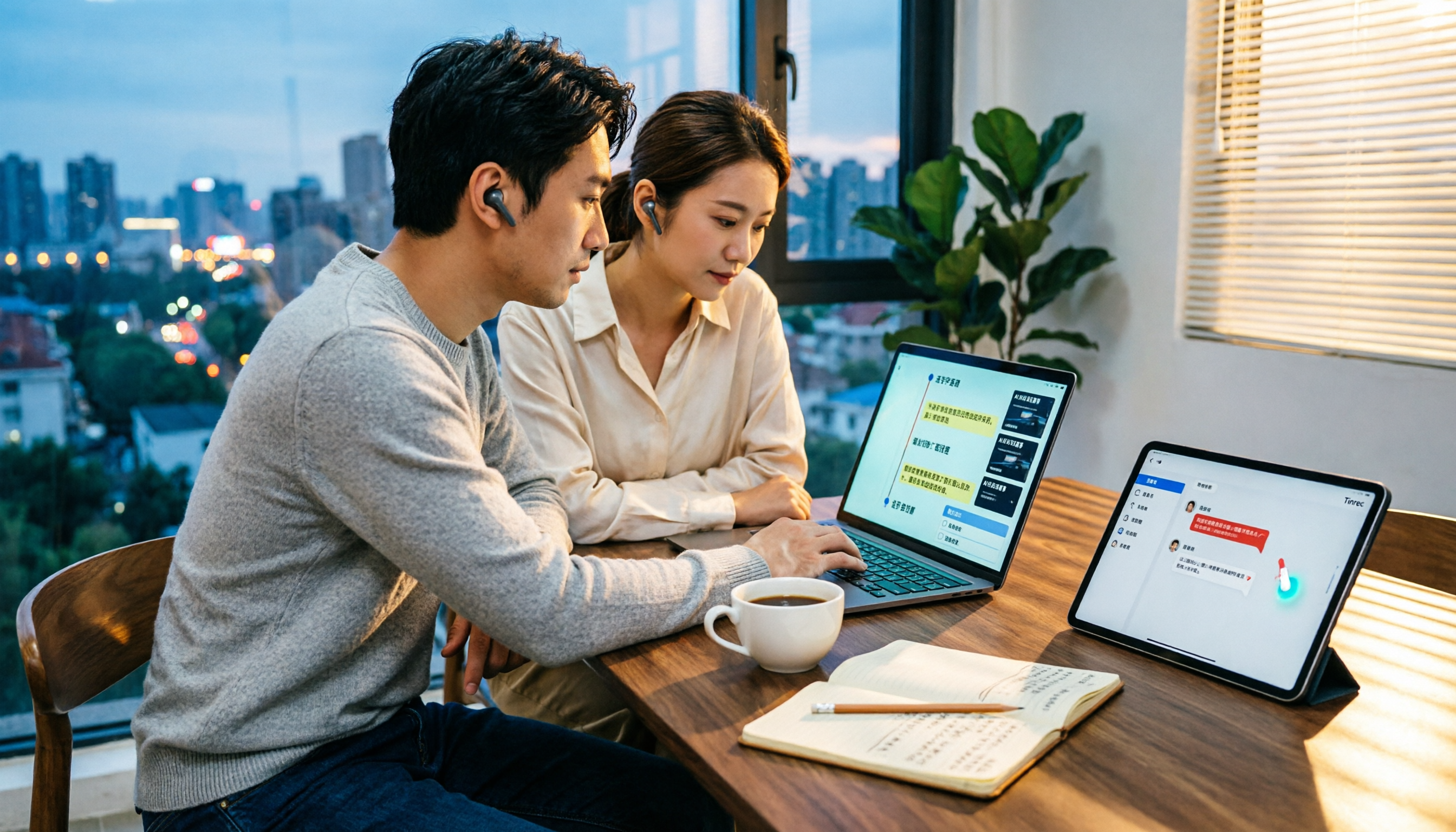
4 Video-to-Text Tools Tested and Compared in 2026: Which Saves More Time for Chinese Transcripts and AI Summaries?
Many people think video-to-text is just dropping a file and waiting for the result, but the real time sink is organizing the output. This article starts with common misconceptions, breaks down the capabilities video-to-text tools should have, practical use cases, and 5 key buying factors. Using Tinrec as an example, it explains how transcripts, AI summaries, action item extraction, and team spaces turn video content into searchable, queryable, and actionable data.

How to Extract Video Download Links in 2026: A Complete 5-Step Tutorial
From copying the URL to actually getting the file, extracting video download links often gets stuck in three places: link type, tool type, and post-processing. This article breaks down the entire process in 5 steps, compares the use cases of Tinrec, SurFast Video Downloader, JDownloader, and yt-dlp, and summarizes 4 common pitfalls, explaining which videos cannot be parsed at all and how to turn downloaded content into searchable, queryable data.