

Turn recordings into transcripts and summaries in minutes
Upload audio or video for multilingual transcription, AI notes, and action items
How to Extract Video Download Links in 2026: A Complete 5-Step Tutorial
Why Does Copying and Pasting a Link Often Fail to Parse? — You Don't Need More Tools, You Need a Process
You've probably encountered this: you see a video on a webpage you want to save, but there's no "Save As" option when you right-click. You paste the URL into a downloader and get a "cannot parse" error. Or the video looks the same, but when someone else pastes the link, it downloads instantly, while you get a 0-byte empty file.
More often, the problem isn't the tool—it's the link itself. On the same website, a share short link, mobile URL, embedded page, and the actual file URL that hosts the video are four completely different paths. Paste the wrong one, and no tool can save you.
There's another often-overlooked step: what happens after you download the video? MP4 files piled up on your hard drive can't be searched, cited, or used in meetings. If you want "reusable content," downloading is just the first step in the entire process.
This article will explain video download link extraction from start to finish in 5 steps, and also explain why most people actually get stuck at steps two and five.
Before Extracting Video Links, Understand These 4 Key Points
1. What type of link are you trying to extract?
Videos on webpages generally fall into three categories: direct links to MP4 files, streaming manifests like HLS/DASH (commonly ending in .m3u8), and embedded pages wrapped in a player. The first type is easiest—just paste and download. The second requires tools that support streaming parsing. The third often requires finding the actual source URL. Understanding which type you're dealing with can save you half the time of blind trial and error.
2. What's the difference between online tools, desktop software, and command-line tools?
Online tools are convenient because they require no installation and are great for occasional use, but they often have ads, limited quality, and may suddenly shut down. Desktop software is better for batch downloads, 4K+ quality, or entire playlists, and is usually more stable. Command-line tools (like yt-dlp) support the most websites and can handle the most stubborn content, but require time to set up. First decide whether you're "occasionally grabbing one video" or "regularly organizing every week," then choose the form.
3. Which videos simply cannot be captured?
This must be made clear upfront: paid streaming platforms protected by DRM (like Netflix, Disney+) cannot be obtained with general downloaders; videos that require login, are private, or have restricted access also cannot. This isn't because the tool isn't good enough—it's by design. Spending time confirming "is this video publicly accessible" is more effective than trying ten different tools.
4. What will you do with it after downloading?
If you just want to watch it offline once, downloading is the end. But if you want to turn the video content into a transcript, summary, searchable notes, or reuse it within a team, then you should factor in "post-processing" when choosing a tool—this is also the main focus when recommending tools in this article.
Tinrec — Our Top Pick After Testing
One-sentence positioning: Tinrec is an AI meeting notes and collaboration tool for individuals and teams, supporting web, desktop, and mobile, turning audio and video content into searchable, queryable, and collaborative data.
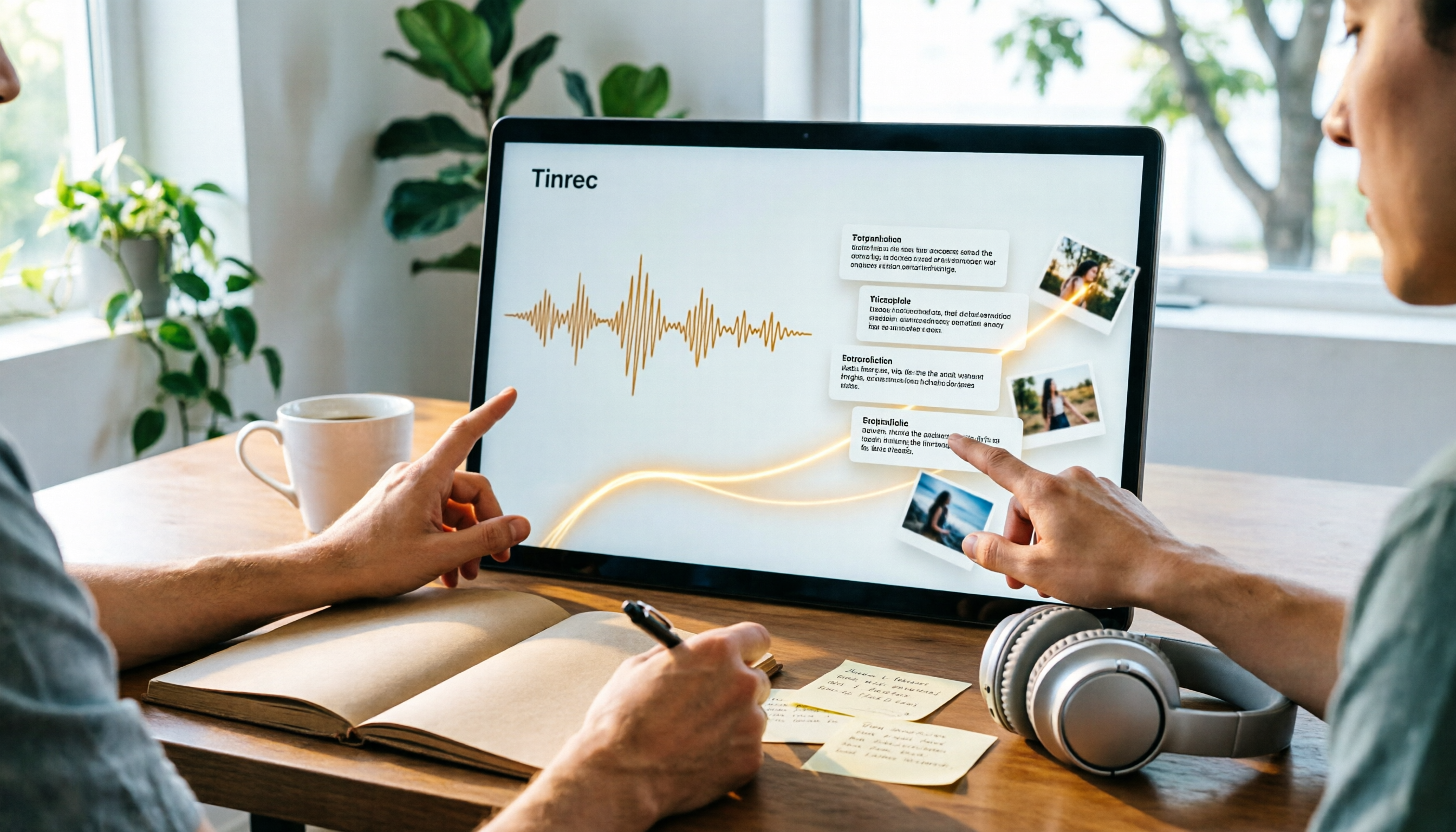
Let's be clear: Tinrec's main strength is not as a universal video downloader. But its web link import capability can handle some public video content, turning links directly into transcripts; and the organization work after extraction is where it truly stands out. In one sentence: most tools finish when the download is done, but Tinrec is just getting started after import.
Feature 1: Link and file import, directly converting to readable text transcripts
Drop a public video link, or audio/video files you have, into Tinrec, and it will convert them into transcripts, automatically segmenting chapters and summaries. For a 40-minute interview video, you don't have to watch from start to finish—scan the chapter titles first to know which parts are worth a closer look.
Feature 2: AI Q&A, the most critical differentiator
The biggest problem with transcripts is that they're "very long." Tinrec lets you ask questions directly after transcription: What does this video say about pricing? Which competitors did the speaker mention? It doesn't give you keyword search results, but answers based on semantic understanding. Currently, similar download or transcription tools almost never have this layer—you either manually Ctrl+F through it, or rewatch from the beginning.
Stop organizing recordings by hand
Upload audio or video and automatically get a transcript, summary, and action items
Feature 3: Post-meeting output and team knowledge retention
Tinrec can extract action items from content, generate reports, tables, and documents, and export to Notion, Google Docs, OneNote, Dropbox, etc. for continued use. The team version offers a dedicated team space: meeting and video data belongs to the team, members can view, play, and read historical data, and admins can manage roles, seats, sharing quotas, usage analytics, and audit logs. When a member leaves or loses their seat, the data doesn't disappear with them.
Hands-on experience (no exaggeration)
The Tinrec desktop version records online meetings by capturing computer system audio, without needing to invite a meeting bot. For those who don't want an unfamiliar account appearing in Zoom, Google Meet, or Microsoft Teams, this is very practical. Transcription quality is affected by the recording environment—background noise, multiple people talking over each other, and technical jargon can all degrade results, so for important content, it's recommended to cross-check with the transcript timestamps. This applies to any tool.
Limitations to mention
First, paid streaming platforms or private videos requiring login cannot be handled by Tinrec either—such content is simply out of scope. Second, the free version has monthly quota limits, and heavy users need to pay; if your need is just to occasionally grab a video for offline viewing, a free desktop downloader is enough.
Who it's for
People who need to turn videos, interviews, and meeting recordings into "searchable, queryable, and shareable with the team" data. If you just want to save video files, the tool list later in this article has more direct options; but if you want the content itself to be reusable, Tinrec is currently the most hassle-free approach.
Besides Tinrec, What Other Extraction and Download Options Are There?
SurFast Video Downloader
Supports over 1000 websites, can handle YouTube, TikTok, Instagram, and some embedded videos, emphasizes up to 8K quality, resume broken downloads, batch download playlists and subtitles, and offers a Traditional Chinese interface and Chrome extension (requires desktop version). Suitable for those who need stable, high-quality, batch downloads; the full version requires payment. It can grab files, but lacks AI Q&A and summary features—post-download organization is still up to you.
JDownloader
A veteran free open-source desktop tool. After pasting a URL into "Add Links," it lists detected files in the "LinkGrabber" panel; expand folders to select items to download. Its strength is grabbing multiple files from the same page at once. The downside is an engineer-oriented interface, and it only handles downloads—it won't produce transcripts, summaries, or action items.
yt-dlp
An open-source command-line tool supporting over 1800 websites, capable of handling content that many GUI tools can't, usually requiring FFmpeg. For technical users willing to spend time setting it up, it's almost the ultimate solution. But it has no Chinese GUI, no AI summaries, and no team collaboration space—it's a type with high capability ceiling and high barrier to entry.
Pitfall Guide: The 4 Most Common Mistakes When Extracting Video Links
Pitfall 1: Assuming all websites can be parsed. For DRM-protected platforms like Netflix, Disney+, or private videos requiring login, trying multiple tools yields the same result. First confirm whether the video is publicly accessible before spending time.
Pitfall 2: Pasting the wrong link. On the same website, share short links, mobile URLs, and embedded pages often behave differently. When it fails, first find the actual URL hosting the video instead of rushing to switch tools.
Pitfall 3: Focusing only on quality, ignoring usability. A saved 4K video that just sits on your hard drive doesn't create much value. When evaluating tools, consider "can it convert to text, can it be searched, can it be shared with colleagues" to avoid downloading a bunch of unusable files.
Pitfall 4: Forgetting copyright and platform terms. Download videos primarily for personal offline viewing; do not commercially redistribute or publicly share. When involving others' recordings or meeting content, comply with local laws and obtain participant consent when necessary.
Conclusion: Which One Should You Choose?
- Want to turn public video links into transcripts and later query the content → Tinrec (link import plus AI Q&A, its core strength)
- Need batch downloads, high quality, entire playlists → SurFast Video Downloader or JDownloader
- Have technical background, need to handle the toughest websites → yt-dlp
- Need to share with team after download, require permissions and usage management → Tinrec Team version (dedicated team space, role and seat management, audit logs)
- Just occasionally grab a video for offline viewing → Start with free online or desktop tools, no need to pay yet
Most people's problem isn't finding a downloader—it's treating download as the end. Download first, then transcribe, and finally make the content searchable and queryable. Once you complete this path, the videos you grab truly become assets. If you want to try, start with Tinrec's free quota to experience what it's like to ask questions about video content, then decide whether to go further.
References
- 2026 Latest Web Video Downloader Recommendations! 3 Tested Tools for You - pleasefill's Creation - Bahamut
- [2025 Latest] 10 Universal Web Video Downloader Recommendations (Support Online/Any Website) Wondershare Filmora
- CatchV: Download Online Web Videos
- Video Downloader - Save Videos from a URL | CrePal
- Embedded Video Download Tutorial 2026: How to Easily Download Videos from Webpages (7 Practical Methods) | 4Gamers
Turn every recording into actionable outcomes
Get 60 free transcription minutes when you sign in. No credit card required.
Related Reading
You might also like

2026 Comparison of 4 Audio Transcription Tools: Which Saves the Most Time for Chinese Transcripts and Post-Meeting Organization?
Turning meeting recordings into transcripts is just the first step. This hands-on comparison of Tinrec, Notta, TurboScribe, and Otter.ai evaluates Chinese recognition, meeting recording methods, post-meeting organization, and team collaboration to help you find the most time-saving option.

Tinrec Review 2026: AI Recording Tool That Auto-Generates Meeting Minutes and Action Items
How do you choose an AI recording tool? A mid-level manager who holds 15 meetings a week shares common mistakes in meeting documentation, tests Tinrec's bot-free online meeting recording, Chinese transcription, AI summaries, and action item extraction, compares it with Granola, Notta, and PLAUD Note, and offers scenario-based selection advice.

5 Best Video to Text Tools in 2026: Free Tiers, Chinese Recognition, and Team Collaboration Compared
Based on real experience transcribing 12 interview videos for a graduation project, this guide breaks down common pitfalls in converting video content to text, compares 5 common approaches, and explains how Tinrec handles real-time transcription, bot-free online meeting recording, AI summary Q&A, action item extraction, and team collaboration. It also covers how students should evaluate free tiers and paid plans.
2026 Video Summarization Software Comparison: 4 Tools From Free to Paid
How do you choose a video summarization tool? This article breaks down two needs—"viewing" and "working"—outlines 4 key buying factors, and compares Tinrec, WayinVideo, Felo AI, and Monica across features, use cases, and plan limits to help you decide which one truly fits your workflow.

6 Best AI Video Summary Tools for Teachers in 2026: Which Saves the Most Prep Time?
How do you choose an educational video summarization tool? This guide compares 6 options—from Tinrec's audio/video transcription and AI summaries to YouTube Summary with GPT, Notta, TurboScribe, Otter.ai, and completely free resources like the NAER Academy and PTS Kids. We break down pricing, limits, and ideal users to help you pick the one that saves the most prep time based on your budget and use case.

5 Best Text-to-Speech Tools in 2026: Free Tiers and Chinese Pronunciation Compared
How to choose an online text-to-speech (TTS) tool? This article reviews 5 free online TTS tools—Luvvoice, TTSMaker, Ondoku, MyEdit, and PiliApp—comparing supported languages, free quotas, and best use cases. It also clarifies the difference between text-to-speech and speech-to-text, and explains how Tinrec's meeting transcription and post-meeting organization features fit in.

How to Write Meeting Minutes in 2026: 5 Steps from Recording to Action Items
Discover how to write effective meeting minutes with a 5-step process, from setting the format before the meeting to recording, transcribing, and extracting decisions and action items. We also compare Tinrec and Granola, two bot-free meeting recording tools, on audio retention, file import, Chinese language support, post-meeting outputs, and team governance to help you choose the right approach for your team.

4 Video-to-Text Tools Tested and Compared in 2026: Which Saves More Time for Chinese Transcripts and AI Summaries?
Many people think video-to-text is just dropping a file and waiting for the result, but the real time sink is organizing the output. This article starts with common misconceptions, breaks down the capabilities video-to-text tools should have, practical use cases, and 5 key buying factors. Using Tinrec as an example, it explains how transcripts, AI summaries, action item extraction, and team spaces turn video content into searchable, queryable, and actionable data.

Best Speech-to-Text Software in 2026: Cantonese Transcription & Automatic Meeting Minutes
How to choose speech-to-text software in 2026? This guide reviews 7 practical options, covering Cantonese transcription, online meeting recording, and automatic post-meeting minutes and action items, with free tiers and pricing for each to help you find the right transcription tool.