

Turn recordings into transcripts and summaries in minutes
Upload audio or video for multilingual transcription, AI notes, and action items
5 Best Text-to-Speech Tools in 2026: Free Tiers and Chinese Pronunciation Compared
First, Clarify: Do You Need Text-to-Speech or Speech-to-Text?
Many people looking for these tools for the first time actually mix up the direction.
Text-to-speech (TTS) turns a written script into audio, used for narration, voiceover, or audiobooks. Speech-to-text (STT) is the opposite: it turns meeting, interview, or lecture recordings into transcripts. Different directions mean completely different tools.
My rule of thumb is simple: if you already have text and need audio, keep reading for TTS tools; if you have a pile of recordings and need text, you need a different type of service. This article reviews 5 online text-to-speech tools, listing free quotas, supported languages, and suitable scenarios. At the end, I also include an option for the reverse need.
Tinrec – If Your Need Is Actually Speech-to-Text
Let's start with the most commonly misunderstood one. Tinrec is not a text-to-speech tool; it's an AI meeting notes and collaboration tool for individuals and teams, designed to turn recordings into searchable, queryable, and further editable text data.
Here are a few features I find useful:
- The desktop version directly captures computer system audio, so when handling online meetings on Zoom, Google Meet, Microsoft Teams, Webex, etc., you don't need to invite a meeting bot to join.
- After transcription, it automatically generates summaries, chapters, key points, and action items. It also supports AI Q&A about the meeting content, making it easy to confirm "what was actually decided" afterward.
- Supports live recording, audio, and video import. Transcripts can be exported to Notion, Google Docs, OneNote, Dropbox, etc., and can further generate reports, tables, and meeting minutes.
- The team version provides an independent team space, with data owned by the team, and management capabilities such as members, roles, seats, usage analytics, audit logs, and audio recycle bin.
Pricing: The personal version has a free plan, weekly pass, Pro monthly, and Pro annual. The team version offers a 7-day trial for first-time eligible users, including 1 free seat and 300 minutes of shared team import quota. Monthly payment is USD 29.80 per paid seat per month; annual payment is USD 199 per paid seat per year (about USD 16.58 per month). Each paid seat provides 2,000 minutes of shared team import quota per month. Live recording within the team plan is currently not deducted by minutes.
Who it's for: People who have meetings every week, need Chinese transcripts and post-meeting organization, and departments or project teams that want to turn meeting data into team assets.
Luvvoice – Free Online TTS with Multiple Character Voices
Luvvoice is a free online text-to-speech tool. Enter text, choose a voice, and you can download MP3 or listen directly. The official page highlights that it's free with no word limit.
What's special is the character voices. The official description says they can be used for social content on YouTube, TikTok, etc., as well as for learning new languages or reading books aloud. After logging in, you can insert pauses from 0.5 to 5 seconds in the text to precisely control pacing. The official recommendation is not to exceed 20 pauses per use.
Free to use, suitable for content creators, students, or anyone who needs to read text aloud.
TTSMaker – Online AI Voice Generator with Multilingual Support and API
TTSMaker is also an online text-to-speech tool, also known as an AI voice generator. It can convert text to audio for playback or download.
The official site continuously updates supported languages and voices. Those who need fine-tuning can click "More Settings" to adjust speed and volume. It also offers email support and a TTS API service, which is friendlier for those with programming integration needs. Note that conversion takes some time; the longer the text, the longer the wait.
Free to use, suitable for language learning, audiobook production, and developers who want to integrate speech into their own systems.
Ondoku – Minimalist Traditional Chinese TTS
Ondoku is very intuitive: enter your text in the box, choose a preferred voice, and hear the reading immediately. You can also download it as an MP3 audio file.
Stop organizing recordings by hand
Upload audio or video and automatically get a transcript, summary, and action items
It doesn't have many complex settings; its main appeal is "enter text, hear it immediately." Suitable for those who don't want to study parameters and just want to turn a piece of Chinese content into audio, such as listening to an article on the fly or doing simple voiceover.
MyEdit – AI Voiceover Tool with Voice Cloning and Multilingual Support
MyEdit's free text-to-speech tool uses AI voice generation technology. The official list includes English (US/UK), Traditional Chinese, Simplified Chinese, Japanese, French, German, Korean, Spanish, Italian, Portuguese, and more, with different gender voices to choose from.
It also supports voice cloning, which can be reused in text-to-speech and other tools after creation, suitable for creators who need a consistent auditory experience. The entire process is done in a web browser, no software, app, or extension download required.
Suitable for YouTubers, Vloggers, and Podcast creators adding narration to their work.
PiliApp Text-to-Speech – Browser-Based TTS, No Installation
PiliApp's online TTS is free, no installation, and no registration required. It works by calling the browser's built-in Speech Synthesis API, so the actual available voices depend on your computer or phone's system language settings.
Note two limitations: a single utterance cannot exceed 60 seconds, so long texts must be split into multiple lines; history is limited to 50 items. Suitable for those who want to quickly listen to a piece of text without leaving any account data.
With So Many Options, How Should You Choose?
The fastest way is by scenario:
- You have meeting or interview recordings and need transcripts, summaries, and action items → Tinrec (it's not TTS; the direction is opposite)
- You need to handle Zoom, Meet, Teams online meetings without a bot joining → Tinrec desktop version
- You need Chinese transcripts and the ability to ask follow-up questions about meeting content → Tinrec's AI Q&A
- Meeting data should stay within the team for sharing, and you need to manage seats and usage → Tinrec team version
- For cross-language meetings, you want to see both original and translation → Tinrec's real-time translation
- You have a written script and need voiceover → Luvvoice, MyEdit
- You need multiple languages, adjustable speed, or API integration → TTSMaker
- You just want to quickly listen to a piece of Chinese without registering → Ondoku, PiliApp
3 Things to Know Before Using Text-to-Speech Tools
1. Free quotas usually have hidden limits. Some limit seconds per use, others limit file count or download count. For example, PiliApp limits to 60 seconds per use, so long texts must be split manually. This is easy to run into on first use.
2. Commercial licensing must be verified yourself. Each service has different rules for the use of AI-generated voices. Before using for ads, monetized videos, or client deliverables, it's best to read the terms of service.
3. For the reverse—recording to text—compliance is even more important. Before recording, confirm local regulations and obtain consent from participants. Also, AI transcription may miss or misinterpret details. For important information, it's recommended to cross-check with transcript timestamps and recording playback, and not treat it as a final draft directly.
FAQ
Are text-to-speech tools free?
All 5 tools mentioned in this article have free usage options, but with different limitations. Some limit length per use, others limit languages or number of voices. Actual quotas are subject to each service's current announcements.
What's the difference between text-to-speech and speech-to-text?
The former turns text into audio (TTS), the latter turns audio into text (STT). One is for voiceover, the other for transcripts. The tools are not interchangeable.
Why does the generated voice sound robotic?
Different services have different maturity levels of voice models, and the intonation, pauses, and emotional expression of characters vary. Trying multiple voices or using pause settings to adjust rhythm usually makes it sound more natural.
Is Chinese pronunciation accurate?
Most tools support Chinese, but performance varies greatly with polyphonic characters, proper nouns, and mixed Chinese-English sentences. It's recommended to test with a script you'll actually use before deciding.
Can it be used for commercial purposes?
Platform terms differ, so there's no uniform answer. Before using for monetized content, please read the service's licensing information and contact the official support if necessary.
Is Tinrec also a text-to-speech tool?
No. Tinrec handles the reverse need: turning meetings, interviews, and audio/video files into transcripts, and generating summaries, action items, and AI Q&A. If you already have text and need audio, you should choose the TTS tools above.
Conclusion
Overall, the difference among these 5 text-to-speech tools is not "whether they work" but free quotas, supported languages, and whether you need to download audio files. For voiceover, start with Luvvoice and MyEdit; for API or multilingual adjustments, look at TTSMaker; for quickly listening to a piece of Chinese, Ondoku and PiliApp are the easiest.
But if you actually need to turn meeting recordings into usable text data, that's a completely different direction. Meeting notes tools like Tinrec are more suitable than TTS, and worth trying before deciding.
References
Turn every recording into actionable outcomes
Get 60 free transcription minutes when you sign in. No credit card required.
Related Reading
You might also like

2026 Comparison of 4 Audio Transcription Tools: Which Saves the Most Time for Chinese Transcripts and Post-Meeting Organization?
Turning meeting recordings into transcripts is just the first step. This hands-on comparison of Tinrec, Notta, TurboScribe, and Otter.ai evaluates Chinese recognition, meeting recording methods, post-meeting organization, and team collaboration to help you find the most time-saving option.

Tinrec Review 2026: AI Recording Tool That Auto-Generates Meeting Minutes and Action Items
How do you choose an AI recording tool? A mid-level manager who holds 15 meetings a week shares common mistakes in meeting documentation, tests Tinrec's bot-free online meeting recording, Chinese transcription, AI summaries, and action item extraction, compares it with Granola, Notta, and PLAUD Note, and offers scenario-based selection advice.
5 Best Video to Text Tools in 2026: Free Tiers, Chinese Recognition, and Team Collaboration Compared
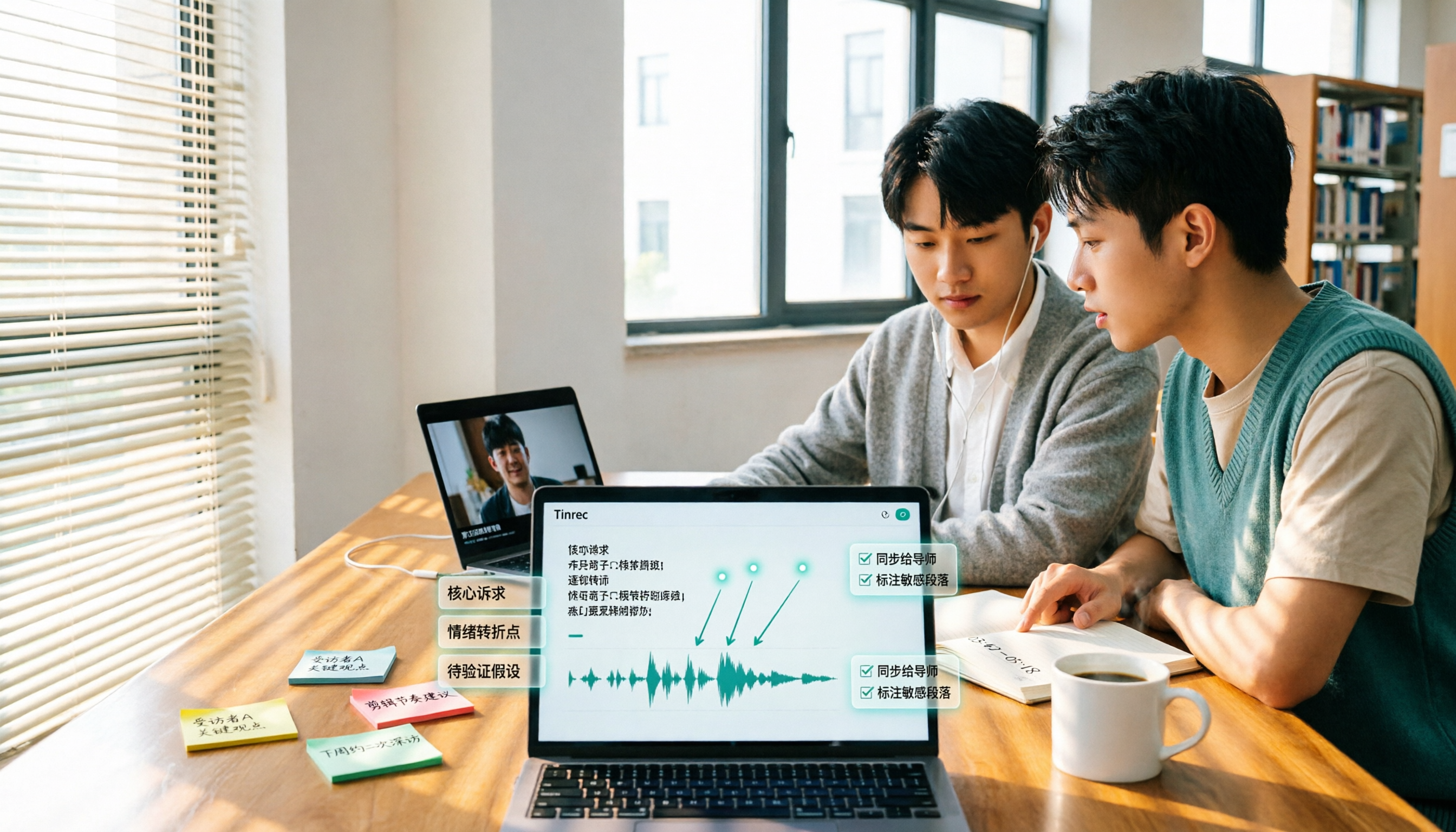
Based on real experience transcribing 12 interview videos for a graduation project, this guide breaks down common pitfalls in converting video content to text, compares 5 common approaches, and explains how Tinrec handles real-time transcription, bot-free online meeting recording, AI summary Q&A, action item extraction, and team collaboration. It also covers how students should evaluate free tiers and paid plans.

2026 Video Summarization Software Comparison: 4 Tools From Free to Paid
How do you choose a video summarization tool? This article breaks down two needs—"viewing" and "working"—outlines 4 key buying factors, and compares Tinrec, WayinVideo, Felo AI, and Monica across features, use cases, and plan limits to help you decide which one truly fits your workflow.

6 Best AI Video Summary Tools for Teachers in 2026: Which Saves the Most Prep Time?
How do you choose an educational video summarization tool? This guide compares 6 options—from Tinrec's audio/video transcription and AI summaries to YouTube Summary with GPT, Notta, TurboScribe, Otter.ai, and completely free resources like the NAER Academy and PTS Kids. We break down pricing, limits, and ideal users to help you pick the one that saves the most prep time based on your budget and use case.

How to Write Meeting Minutes in 2026: 5 Steps from Recording to Action Items
Discover how to write effective meeting minutes with a 5-step process, from setting the format before the meeting to recording, transcribing, and extracting decisions and action items. We also compare Tinrec and Granola, two bot-free meeting recording tools, on audio retention, file import, Chinese language support, post-meeting outputs, and team governance to help you choose the right approach for your team.

4 Video-to-Text Tools Tested and Compared in 2026: Which Saves More Time for Chinese Transcripts and AI Summaries?
Many people think video-to-text is just dropping a file and waiting for the result, but the real time sink is organizing the output. This article starts with common misconceptions, breaks down the capabilities video-to-text tools should have, practical use cases, and 5 key buying factors. Using Tinrec as an example, it explains how transcripts, AI summaries, action item extraction, and team spaces turn video content into searchable, queryable, and actionable data.

How to Extract Video Download Links in 2026: A Complete 5-Step Tutorial
From copying the URL to actually getting the file, extracting video download links often gets stuck in three places: link type, tool type, and post-processing. This article breaks down the entire process in 5 steps, compares the use cases of Tinrec, SurFast Video Downloader, JDownloader, and yt-dlp, and summarizes 4 common pitfalls, explaining which videos cannot be parsed at all and how to turn downloaded content into searchable, queryable data.

Best Speech-to-Text Software in 2026: Cantonese Transcription & Automatic Meeting Minutes
How to choose speech-to-text software in 2026? This guide reviews 7 practical options, covering Cantonese transcription, online meeting recording, and automatic post-meeting minutes and action items, with free tiers and pricing for each to help you find the right transcription tool.