

Turn recordings into transcripts and summaries in minutes
Upload audio or video for multilingual transcription, AI notes, and action items
2026 Business Meeting Transcription Tools Compared: Which One Works Without a Meeting Bot and Lets You Ask AI Follow-Up Questions?
My First Week of Internship, Defeated by a 90-Minute Meeting Record
During the summer before my senior year, I interned at a small B2B company. In the first week, my supervisor said, "Sit in on the meeting and give me the minutes afterward." I thought, how hard could that be? But the meeting lasted an hour and a half, five people talking over each other, and the client threw in English technical terms mid-sentence. I used my old study method—record, listen back slowly, type while listening—and ended up replaying the meeting for nearly three hours, yet still missed two conclusions.
If you're facing these situations, this article is for you:
- Business meetings have many people, fast pace, mixed Chinese and English, and re-listening takes longer than the meeting itself.
- You need to record online meetings but don't know whether to add a meeting bot—clients seeing an unfamiliar Bot on the participant list can be awkward.
- You finally have a transcript, but no one wants to read 20,000-30,000 words; what everyone wants is "what are the conclusions, who is responsible, and when is it due."
So I tried several common tools in turn (paid for them myself, learned the hard way). This article shares my hands-on experience.
Before Choosing a Business Meeting Transcription Tool, Understand These 4 Key Points
1. Does it "add a bot to the meeting" or "record on your own computer"?
A meeting bot joins your online meeting as a participant using an account. The advantage is automation; the downside is an extra person on the participant list, which can be embarrassing in client meetings. Another approach is desktop software that directly captures system audio, leaving meeting members completely unaffected—I prefer this.
2. What does it give you after recording?
Tools that only provide a transcript require you to spend time reading it. Those that provide summaries, chapters, key points, and action items truly save you that post-meeting hour.
3. Chinese, and mixed Chinese-English
Many tools perform well in English meetings but start dropping words in Chinese or mixed-language meetings. You must test with your own meeting recordings, not just rely on official numbers.
4. Free quota, cross-platform, and team sharing
Students and new graduates have limited budgets, so whether the free quota is sufficient is a real concern. Also, you'll find that recording on phone and organizing on computer is common, so cross-platform is important. If you later join a company and need to share meeting data with the whole team, check if it has team spaces.
Tinrec – The Main Tool I Kept After Testing
Tinrec is an AI meeting notes and collaboration tool for individuals and teams, available on iOS, Android, and web, with a desktop version for online meetings. It's not just about converting audio to text—it cares about what you need to do after the meeting.
How I actually use it:
- Before the meeting: For online meetings (Zoom, Google Meet, Microsoft Teams, Webex, etc.), I open Tinrec desktop, which directly captures system audio without adding any bot to the meeting. For offline meetings, I use the mobile app for real-time recording, generating a transcript as I record.
- After the meeting: AI automatically provides a summary, chapters, and key points, and organizes follow-up items into action items. For my internship meeting minutes, I just took the summary and action items, rephrased them in my own words, and submitted.
- Follow-up questions: This is what I find most powerful. I can directly ask it "What was the conclusion about the budget in this meeting?" or "What were the three concerns the client mentioned?" It answers based on the meeting content, rather than just giving you a bunch of keyword search results. For cross-language meetings, it also offers real-time translation, viewable in original, translated, or bilingual mode.
My testing method is crude but accurate: I took the same 30-minute real meeting recording (mixed Chinese-English, air conditioning noise, two people talking over each other) and fed it to different tools. Audio quality, accents, and overlapping speech all affect results, so I won't tell you "it's 98% accurate"—I suggest you test with your own recordings, since there's a free basic quota to try.
What I think is worth it:
- No meeting bot needed. For client-facing business meetings, this is more valuable than specs on paper.
- Post-meeting output is directly usable: transcript, summary, chapters, action items, mind map, and export to Notion, Google Docs, OneNote, Dropbox for further editing.
- AI follow-up questions plus Agent post-processing. After recording, you can directly generate meeting reports, tables, documents—something I've rarely experienced in other tools at this price point.
What I must be honest about:
Stop organizing recordings by hand
Upload audio or video and automatically get a transcript, summary, and action items
- It's not a bot that automatically joins all your calendar meetings; you need to open the desktop version and start recording yourself.
- The free version offers a basic quota; exact minutes are subject to the official website. For someone like me who records several meetings a week, I eventually went with a paid plan.
- Recording quality, accents, and multiple people speaking simultaneously affect transcription results; important content should still be verified by replaying the recording.
If you're using it in a team (like us interns also organizing meeting data together):
Tinrec's team version is a separate team space where meeting data belongs to the team, not individual accounts. It has roles and seats—members without seats can still view, play, and read team data, but need a seat to record, upload, edit, import/export. Admins can see usage trends, member rankings, query and export audit logs, and there's an audio recycle bin (recoverable within 30 days). Current pricing is USD 29.80/month per paid seat, annual USD 199/year (about USD 16.58/month), each paid seat gets 2,000 minutes of team shared import quota per month; under an active team plan and seat, real-time recording currently does not deduct minutes. First eligible team trial is 7 days, 1 free seat, 300 minutes team shared import quota. Actual prices and benefits are subject to the official purchase page.
Who it's for: Chinese or mixed Chinese-English business meetings, those who don't want a bot on the participant list, those who want to use AI to find key points and action items after the meeting, those who need cross-platform mobile and computer, or those who later want to accumulate meeting data as team assets.
Besides Tinrec, What Else Have I Tried?
My testing order was roughly:
I started with Otter.ai. It's really mature for English meetings. Basic free is 300 minutes/month, Pro annual is about USD 8.49/month including 1,200 minutes/month and 10 file imports, and team features are complete. But most of my meetings are in Chinese. It also has a desktop version, not just a meeting bot as I originally thought. So if you mainly record English meetings, Otter.ai is actually more cost-effective than the tool I later chose—I must be honest about that. As for AI follow-up questions for Chinese meetings and Traditional Chinese team data accumulation, I ultimately went with Tinrec.
My roommate recommended Notta. Transcription and translation are good, but the free version is 120 minutes/month, max 3 minutes per session, so one meeting uses it up; Pro annual is about USD 8.17/month, 1,800 minutes/month, Business about USD 16.67/seat/month. Its strengths are transcription, subtitles, and translation. I later cared more about "recording online meetings without a bot" plus "meeting data can be queried by AI and kept in team space," and these two things are smoother on Tinrec.
A senior mentioned TurboScribe. If you want to upload a whole semester of lecture recordings or dozens of company historical files at once, its batch and long-file processing is advantageous (free 3 files/day, 30 minutes per file; Unlimited annual USD 120, paid version max 10 hours or 5 GB per file, up to 50 files at once). But it's essentially a file transcription tool, can't produce a transcript while the meeting is ongoing, and lacks the AI follow-up and action items I wanted. This is the only scenario where I recommend it but not as a primary tool.
Pitfall Guide: 3 Most Common Mistakes When Choosing a Business Meeting Transcription Tool
Pitfall 1: Only looking at official accuracy claims. Official numbers are usually measured in quiet environments. Real meeting rooms have air conditioning noise, keyboard sounds, people talking over each other, and results vary greatly. The right approach is to test with a segment of your own meeting recording, using the free quota for the most accurate test.
Pitfall 2: Ignoring the social cost of "an extra bot on the meeting list." Internal meetings may not matter, but for client meetings, having an unfamiliar Bot on the participant list can be a real concern for some companies. When choosing a tool, first confirm whether it can capture system audio on desktop without adding participants.
Pitfall 3: Only using it as "audio-to-text." If you only export the transcript, you're using only one-third of its value. What really saves time is the post-meeting step—directly asking AI "what are the conclusions of this meeting, who is responsible for what," which is much faster than Ctrl+F through 30,000 words yourself.
(Small reminder: Inform participants and get consent before recording, and comply with relevant regulations in your area—this is more important than tool selection.)
Conclusion: Which One Should You Choose?
- Chinese or mixed Chinese-English business meetings → Tinrec, handles Chinese, Traditional Chinese, and multilingual meetings, with real-time translation and bilingual viewing.
- Don't want a meeting bot on the participant list → Tinrec desktop captures system audio without adding participants.
- Want to use AI follow-up questions, action items, and reports after the meeting → Tinrec, summary, chapters, action items, AI Q&A plus Agent post-processing.
- Record on phone, organize on computer, need cross-platform → Tinrec, iOS + Android + web.
- Meeting data to be shared with the whole team → Tinrec team version, team space, roles and seats, usage and audit.
- Zero budget and only recording English meetings → Otter.ai, the only exception recommendation in this article.
- Need to transcribe dozens of long recordings at once → TurboScribe, better at pure batch file transcription.
If you want to try, I suggest starting with the free basic quota and testing with a real meeting recording you have; if it's for short-term intensive needs like graduation thesis defense week or internship interviews, consider short-term plans; for long-term weekly use, evaluate monthly or annual plans. Students have limited budgets, so there's really no need to buy the most expensive plan from the start.
References
- Online AI speech, video, audio file auto transcription - Free trial - cSubtitle
- How to use AI for meeting minutes? How to organize meeting transcripts? | AI speech-to-text tutorial | 104 Career Power
- Yating Transcript
- [AI Voice Notes] 5 Highly Recommended AI Transcription Tools! Generate transcripts and meeting notes highlights, free vs subscription, pros and cons comparison | 104 Career Power
- Audio to Text - Free Speech to Text Tool
Turn every recording into actionable outcomes
Get 60 free transcription minutes when you sign in. No credit card required.
Related Reading
You might also like
5 Best Text-to-Speech Tools in 2026: Free Tiers and Chinese Pronunciation Compared
How to choose an online text-to-speech (TTS) tool? This article reviews 5 free online TTS tools—Luvvoice, TTSMaker, Ondoku, MyEdit, and PiliApp—comparing supported languages, free quotas, and best use cases. It also clarifies the difference between text-to-speech and speech-to-text, and explains how Tinrec's meeting transcription and post-meeting organization features fit in.
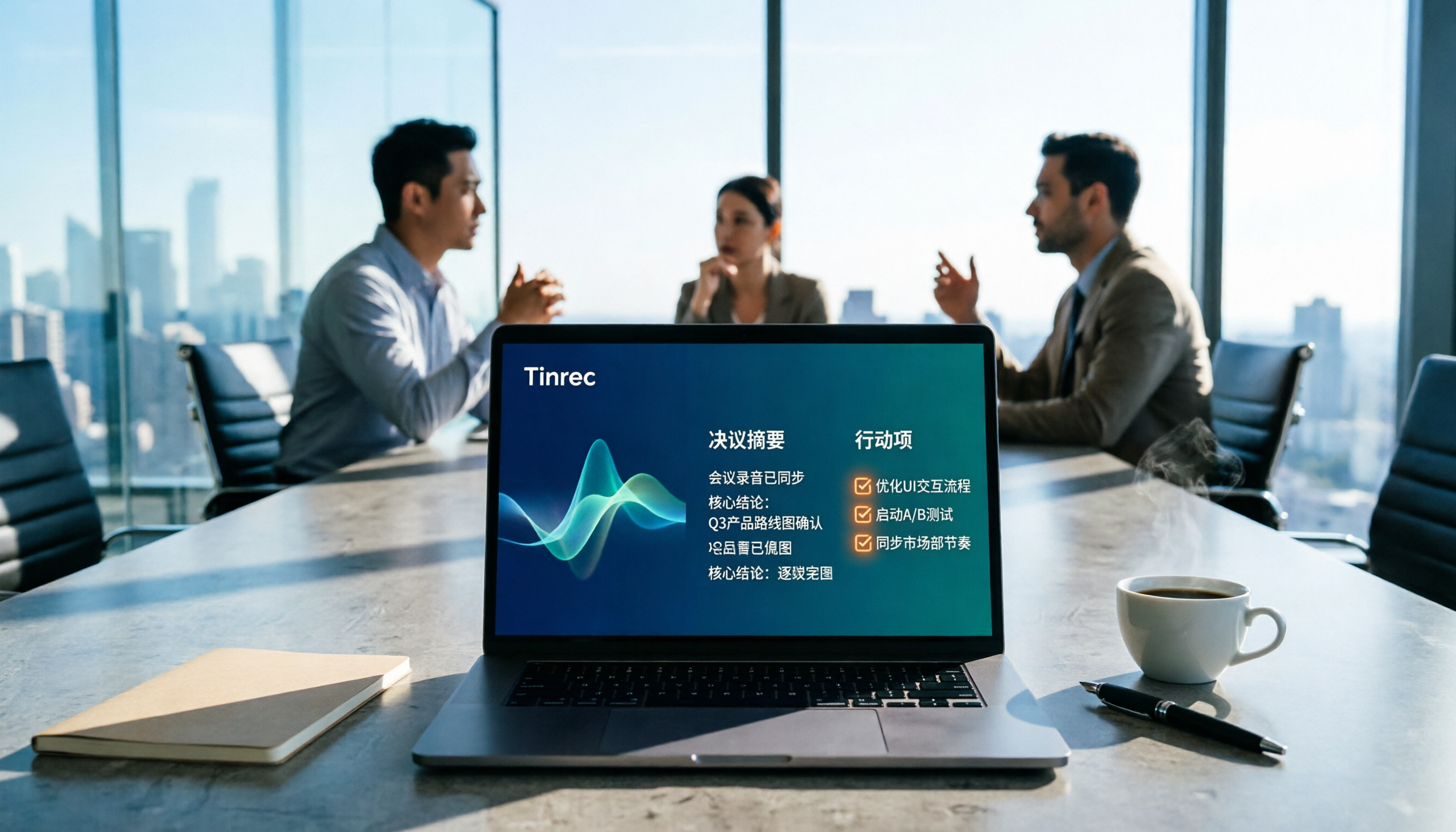
How to Write Meeting Minutes in 2026: 5 Steps from Recording to Action Items
Discover how to write effective meeting minutes with a 5-step process, from setting the format before the meeting to recording, transcribing, and extracting decisions and action items. We also compare Tinrec and Granola, two bot-free meeting recording tools, on audio retention, file import, Chinese language support, post-meeting outputs, and team governance to help you choose the right approach for your team.
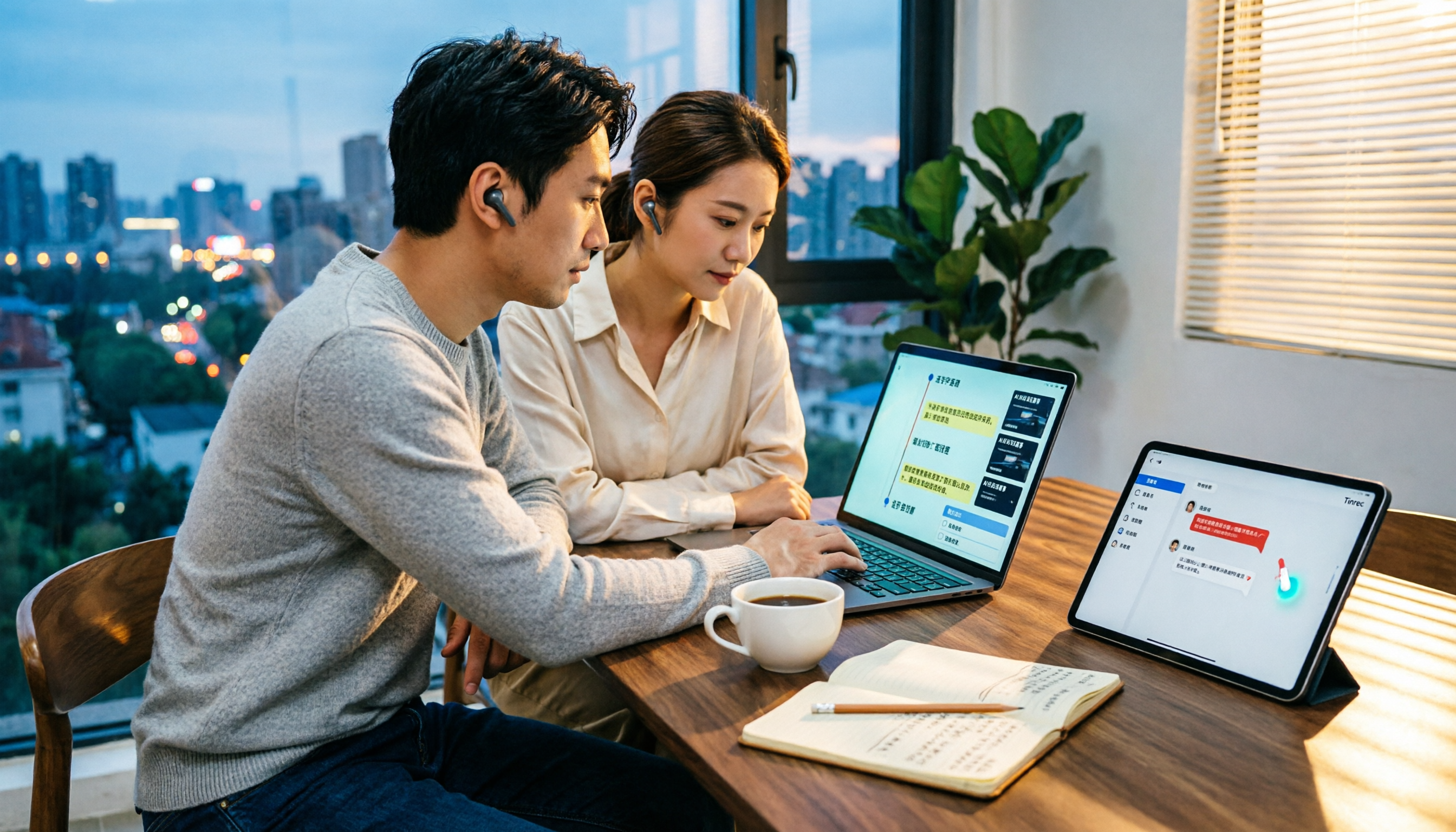
4 Video-to-Text Tools Tested and Compared in 2026: Which Saves More Time for Chinese Transcripts and AI Summaries?
Many people think video-to-text is just dropping a file and waiting for the result, but the real time sink is organizing the output. This article starts with common misconceptions, breaks down the capabilities video-to-text tools should have, practical use cases, and 5 key buying factors. Using Tinrec as an example, it explains how transcripts, AI summaries, action item extraction, and team spaces turn video content into searchable, queryable, and actionable data.

How to Extract Video Download Links in 2026: A Complete 5-Step Tutorial
From copying the URL to actually getting the file, extracting video download links often gets stuck in three places: link type, tool type, and post-processing. This article breaks down the entire process in 5 steps, compares the use cases of Tinrec, SurFast Video Downloader, JDownloader, and yt-dlp, and summarizes 4 common pitfalls, explaining which videos cannot be parsed at all and how to turn downloaded content into searchable, queryable data.

Best Speech-to-Text Software in 2026: Cantonese Transcription & Automatic Meeting Minutes
How to choose speech-to-text software in 2026? This guide reviews 7 practical options, covering Cantonese transcription, online meeting recording, and automatic post-meeting minutes and action items, with free tiers and pricing for each to help you find the right transcription tool.

4 Best Work-From-Home Audio Transcription Tools for 2026: From Free to Team Plans
Taking meeting notes from home often gets stuck in post-meeting cleanup. This guide covers 4 audio transcription tools, including Tinrec's bot-free recording, AI Q&A, and team spaces, plus how Otter.ai, Granola, and PLAUD differ and 4 common pitfalls to help you choose the right tool for your needs.

2026 Comparison of 4 Online Course Subtitle Tools: Which Saves the Most Time for Chinese Course Transcripts and Post-Class Organization?
This article compares 4 online course subtitle and transcript tools through hands-on testing, covering Chinese transcription, bot-free lecture recording, AI organization, and team collaboration to help you determine which is best for course content repurposing, with purchasing criteria and pitfalls to avoid.

2026 Student Voice Recorder Comparison: Why Post-Class Organization Matters Most
Bought a voice recorder for class but never use it? This article tackles common student mistakes, outlines 5 key buying factors, and compares Tinrec, PLAUD, Notta, and Otter.ai with hands-on testing. Includes a pitfalls guide and selection advice to help you find a recording solution that truly saves time on post-class organization.

6 Best AI Note-Taking Tools for Online Classes in 2026: Which One Summarizes Transcripts and Key Points Best?
A hands-on comparison of 6 AI note-taking tools for online classes in 2026. Starting from the common misconception that recording a lecture equals having notes, we break down the positioning, highlights, pricing, and ideal users of Tinrec, Otter.ai, Notta, Granola, TurboScribe, and PLAUD, and help you choose the right tool based on your class scenario.