
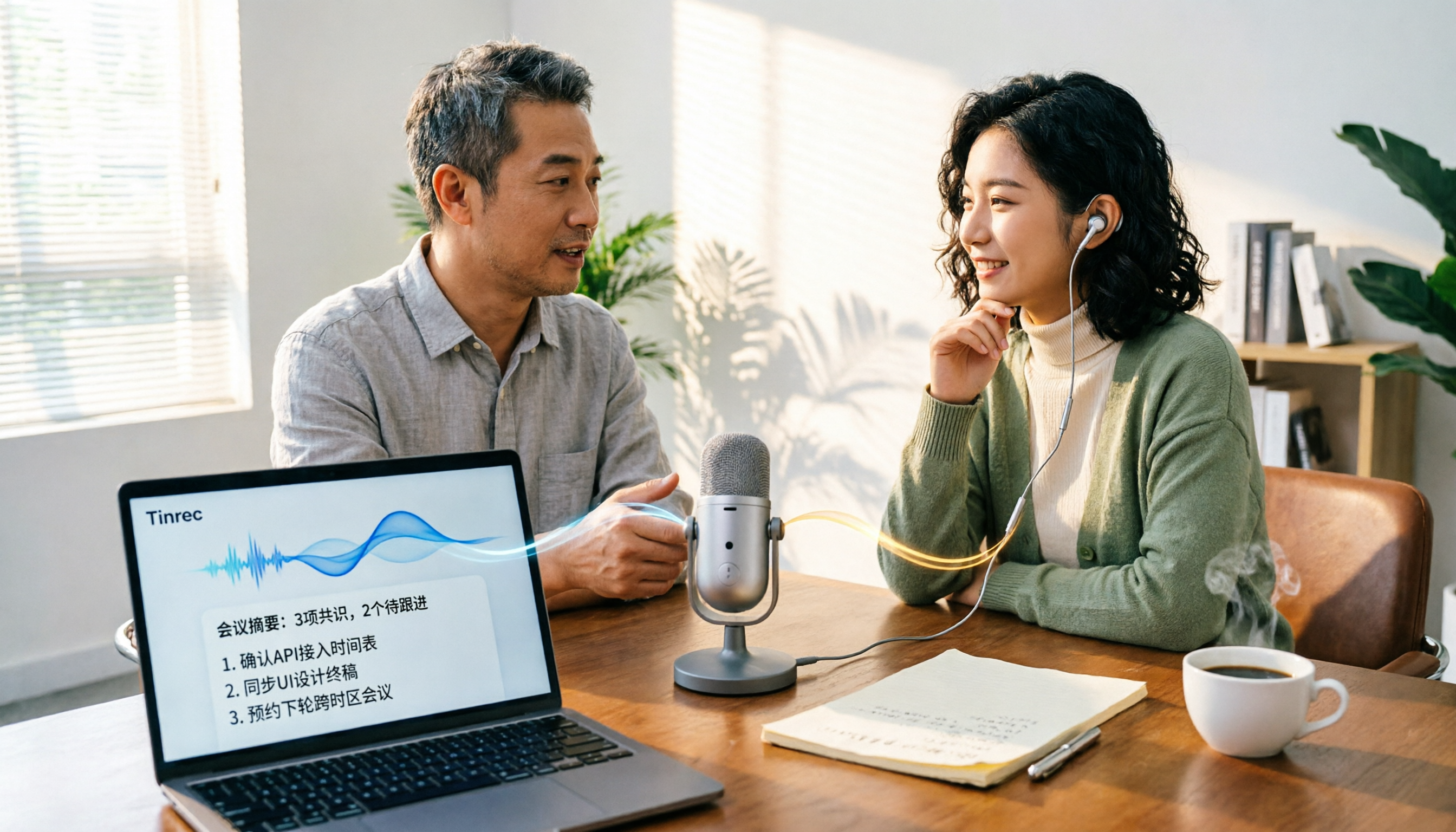
Turn recordings into transcripts and summaries in minutes
Upload audio or video for multilingual transcription, AI notes, and action items
Tinrec vs PLAUD Note in 2026: A 5-Dimension Comparison — Which Is More Complete Beyond an Online Meeting Microphone?
Have you noticed that when an online meeting goes wrong, many people's first reaction is to "get a new microphone"?
Poor audio or others not hearing you clearly does intuitively seem like a hardware issue. But if your real problem is that "the meeting ended and no one remembers what was decided," a new microphone won't help.
A good meeting microphone solves whether sound gets in; a meeting notes tool solves whether content comes out. These two things are often discussed together, and that's the most common pitfall when buying.
This article compares Tinrec and PLAUD Note, two products on different paths, to see how audio capture and note-taking should divide the work for online meetings.
Tinrec vs PLAUD Note | Quick Overview
Tinrec is an AI meeting notes and collaboration tool for individuals and teams, focused on turning meeting content into searchable, summarizable, queryable, and exportable data. PLAUD Note/NotePin is AI recording hardware — a portable recording device.
They are not on the same path, but are often compared for handling "keeping a record of meetings."
| Item | Tinrec | PLAUD Note/NotePin |
|---|---|---|
| Product type | Software (web, desktop, mobile) | Physical recording device plus app |
| Online meeting handling | Desktop version captures computer system audio, no bot needed | Primarily hardware recording in person |
| Input sources | Live recording, online meetings, audio and video files, mobile recording | Mainly device recording |
| Price | Free version available; weekly, Pro monthly, and annual plans; Team version USD 29.80 per paid seat per month, annual USD 199 per paid seat | NotePin USD 159, Note Pro USD 189; Starter 300 minutes per month, Pro annual USD 99.99, Unlimited annual USD 239.99 |
Prices and plans may change; refer to official pages.
Next, I'll look at 5 dimensions: meeting capture method, recording storage and file import, Chinese and multilingual experience, post-meeting AI organization, and team collaboration and data management.
Dimension 1 | Online Meeting Audio Capture and Collection
First, microphones. Common online meeting audio options fall into three categories: USB conference speakerphones, omnidirectional tabletop microphones, and headset microphones. USB models like the IPEVO VC-A10 use Type-C connection, built-in 360° omnidirectional microphone, and a mute button, suitable for small meeting rooms or home offices; many models also emphasize noise reduction, long-range pickup, and Bluetooth daisy-chaining.
These devices can significantly improve audio quality, but they won't turn your meeting into a transcript.
PLAUD takes the hardware recording route: a device you carry, press to record for in-person interviews, phone calls, or spontaneous discussions — the most intuitive advantage of hardware.
Tinrec takes a different route: the desktop version directly captures computer system audio for Zoom, Google Meet, Microsoft Teams, Webex, etc., without inviting a meeting bot, and the user starts recording manually.
→ This dimension: If your meetings mainly happen on a computer, Tinrec's capture method means one less device and one less "extra attendee."
Dimension 2 | Recording Storage and File Import
PLAUD stores recordings on the device and in the app, for playback or export when needed — sufficient for "record first, deal with it later" users.
Tinrec also keeps recordings but emphasizes post-meeting file processing: besides live recording, you can upload existing audio and video files to organize past meetings and interviews into text. The Team version also offers an audio recycle bin, where mistakenly deleted audio can be restored before permanent cleanup begins, currently with a 30-day retention period.
→ This dimension: Both keep recordings, but for "bringing old files in for organization," Tinrec is more flexible.
Dimension 3 | Chinese and Multilingual Meeting Experience
PLAUD's transcription and summarization are mainly done in the app, and results depend on device, plan, and language settings.
Tinrec focuses on Chinese meetings: supports Chinese and multilingual meetings, mixed Chinese-English content, switching between original, translated, or bilingual view during recording, and the Team version can maintain hotwords for better recognition of product names and proper nouns.
Stop organizing recordings by hand
Upload audio or video and automatically get a transcript, summary, and action items
Note that no tool should promise a fixed accuracy rate. Recording quality, background noise, accents, overlapping speech, and technical terms all affect results.
→ This dimension: For Chinese and bilingual meeting flexibility, Tinrec is more complete.
Dimension 4 | Post-Meeting Organization and AI Applications
PLAUD offers summaries, templates, and Q&A features, helpful for quickly turning a recording into key points.
Tinrec focuses on the workflow after transcription: automatically generating summaries and chapters, extracting action items from discussions, asking AI questions about meeting content, and using Agent post-processing to produce reports, tables, and documents, and exporting to Notion, Google Docs, OneNote, Dropbox, etc. for further work.
→ This dimension: If you want more than a transcript — data you can directly deliver — Tinrec clearly wins.
Dimension 5 | Team Collaboration and Data Management
PLAUD's team capabilities are mainly membership and device management.
Tinrec's Team version is a separate team collaboration space: create and switch between multiple teams, invite members via join link, set owner/admin/member roles, and assign, revoke, or transfer seats. Team Audio, Folder, and TODO are stored together; admins can view usage trends, member rankings, and details, and query and export audit logs.
Here, distinguish "role" and "seat": roles determine who can manage the team and settings; seats determine whether members can record, upload, edit, and export. Active members without a seat can still view, play, and read team data, but cannot modify content.
Also, team resources belong to the team. When a member leaves, is removed, or loses a seat, their responsible resources must be handed over to other active members and do not leave with the individual. Paid seats provide 2,000 minutes of team shared import quota per month; eligible new teams may have a trial plan; details subject to the official purchase page.
→ This dimension: For multi-person sharing of meeting data and management needs, Tinrec's Team version is significantly more complete.
What Are the Unique Advantages of Each?
Tinrec's unique advantages:
- No extra hardware. Works on web, desktop, and mobile; no need to find a device for impromptu meetings.
- Bot-free online meeting recording. Desktop version captures system audio, so no unknown attendee appears in the meeting room.
- Complete post-meeting workflow. From transcript, summary, action items to AI Q&A and Agent output, all in one line.
- Team data accumulation and governance. Roles, seats, usage, audit, recycle bin, plus resource handover when members change.
PLAUD's unique advantages:
- Portable hardware. For in-person interviews, phone recording, long outings, press to record.
- No computer needed. When phone is not at hand or computer is off, hardware still has its place.
Conclusion: Which Should You Choose?
- Mainly use Zoom, Meet, Teams, Webex on computer, need Chinese transcript and post-meeting organization → Tinrec
- Need team to view historical meetings together, manage seats and usage → Tinrec Team version
- Want to turn meeting content directly into reports, tables, and action items → Tinrec's Agent post-processing
- Often do in-person interviews, need phone recording, want a standalone device → PLAUD-type hardware is more suitable
In one sentence: The microphone determines how good the sound is; Tinrec determines whether the meeting content is usable. For most office workers and teams focused on online meetings, Tinrec is a more complete choice; start with the free version and test with your own meeting recordings.
FAQ
Q1: If I buy a good online meeting microphone, do I still need Tinrec?
Yes, they solve different problems. The microphone handles audio; Tinrec handles post-meeting transcript, summary, action items, and team data.
Q2: Does Tinrec need a meeting bot to join the meeting?
No. The desktop version directly captures computer system audio; the user starts recording manually. It is not currently a mode that automatically joins all calendar meetings.
Q3: Can I record online meetings without buying hardware?
Yes. Use Tinrec desktop version to record meeting audio playing on your computer, no extra device needed.
Q4: Can Chinese meeting accuracy be guaranteed?
Not recommended to promise that. Actual results are affected by recording quality, noise, accents, overlapping speech, and technical terms. For important content, verify against transcript and recording playback.
Q5: What's the difference between Team and Personal versions?
Personal version data belongs to the individual account; Team version is a separate space, data belongs to the team, with additional members, roles, seats, sharing benefits, usage analysis, audit logs, and recycle bin.
Q6: Can deleted team audio be recovered?
After audio enters the team recycle bin, it can be restored before permanent cleanup begins, currently with a 30-day retention period. TODO is not covered by the recycle bin.
References
Turn every recording into actionable outcomes
Get 60 free transcription minutes when you sign in. No credit card required.
Related Reading
You might also like
2026 Top 4 Online Meeting Systems Compared: From Free to Paid, Which Saves the Most Time After the Meeting?
Online meeting systems aren't just about smooth video—they also need to capture what happens after the meeting. This article compares Tinrec, Google Meet, Microsoft Teams, and Zoom across four key areas: meeting recording methods, transcript post-processing, Chinese language performance, and team governance. It also covers common purchasing pitfalls and selection advice.

2026 Speech-to-Text Tools: Record Meetings Without Bots + AI To-Do Lists
Just finished a meeting and realized you missed half the key points? This hands-on review of speech-to-text tools covers four critical factors: recording methods, audio file retention, post-meeting organization, and mixed-language recognition. We take a deep dive into Tinrec's bot-free recording, AI Q&A, and team spaces, plus brief reviews of Notta, Otter.ai, and Granola. Includes a pitfalls guide and selection advice.

2026 Comparison of 3 Google Audio-to-Text Tools: Hidden Limits of Free Options
Want to use Google to turn audio files into text, but find that files won't upload, transcription stops after a certain length, or you still have to retype everything? This article breaks down the real limitations of three free Google methods—Google AI Studio, Google Docs voice typing, and Google Cloud Speech-to-Text—and compares how Tinrec handles Chinese meetings, summaries, action items, and team knowledge retention. Includes 4 common pitfalls to avoid and scenario-based recommendations.
4 Free Audio-to-Text Tools Tested: Which Free Tier Actually Works?
There are plenty of free audio-to-text tools, but the real pitfalls often lie in quota rules and Chinese recognition. This article tests 4 tools, comparing free quota calculations, punctuation and paragraphing, post-meeting organization, and team collaboration, and highlights 4 common purchasing mistakes to help you find one that's free and sufficient.

How to Choose Free Online Meeting Software in 2026: 5 Steps to Find the Best Meeting Notes Solution
Free online meeting software helps you host meetings, but organizing notes afterward is the real pain point. This article compares Zoom's free version with Tinrec, analyzing five dimensions—meeting notes, AI summaries, cross-platform support, Chinese language support, and team collaboration—to help you find the best free online meeting notes solution.

2026 Comparison of 4 Online Video Conferencing Tools: Which Handles Chinese Transcripts and AI Meeting Summaries Best?
Starting from the real struggles of student online group meetings and remote presentations, this hands-on comparison tests 4 tools related to online meeting records: from bot-free recording, Chinese and mixed Chinese-English recognition, post-transcript summaries and action items, to how teams share data and pricing. It compiles the most practical buying criteria and pitfalls to avoid for students and project teams.

2026 Comparison of 2 Online Meeting Transcription Solutions: Tinrec vs Cisco Webex
Cisco Webex is where many online meetings start, but after the meeting ends, transcripts, notes, and action items often end up scattered across different platforms. This article compares Tinrec and Cisco Webex across 5 dimensions—cross-platform recording, Chinese transcription and real-time translation, post-meeting output, team data retention, and pricing thresholds—to help you decide which online meeting transcription approach suits you best.
2026 Comparison of 3 Webex Online Check-In Methods: Chat, Recording Proof, and Team Knowledge Retention
Is a simple Webex chat check-in enough, or do you need more complete attendance proof? This article compares three online check-in approaches, outlines the chat check-in steps for desktop and mobile, and tests Tinrec desktop's bot-free recording of Webex meetings. From attendance retention to speaking proof and team knowledge retention, get the full picture at once.
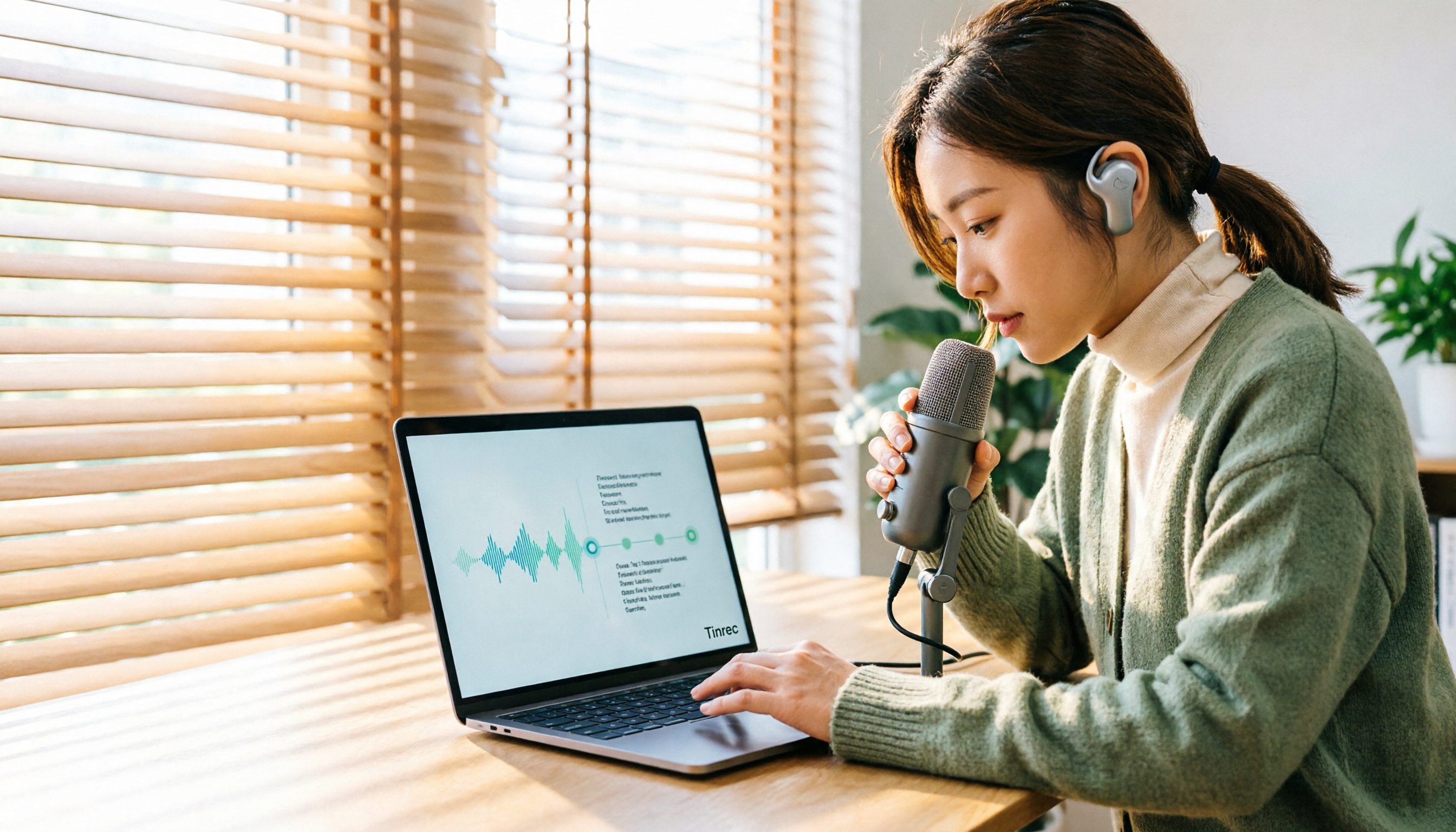
How to Transcribe Audio Files with Google in 2026: A Complete 5-Step Guide
Google's free tools can convert audio files to text, but there are several pitfalls to watch out for. This guide starts with common misconceptions, walks you through a 5-step process to transcribe audio, and compares Google AI Studio, Google Docs voice typing, and Tinrec to help you choose the right tool.