

Turn recordings into transcripts and summaries in minutes
Upload audio or video for multilingual transcription, AI notes, and action items
The real hell begins after the meeting—what you need to solve isn't 'can we meet'
Online meeting systems are now almost all free and can do video. The real difference comes after the meeting ends. Most people's daily routine is like this: after a two-hour cross-department meeting, you close the window, and then spend another one to two hours recalling who said what, typing up conclusions into notes, and throwing to-dos into a group chat.
Chinese meetings are even more troublesome. With mixed Chinese-English discussions, industry jargon, and multiple people talking over each other, many tools produce transcripts that are barely understandable, and you still have to manually re-listen. There's also an awkward situation: some meeting note tools must join as a 'meeting bot,' and when external clients see an unfamiliar account on the participant list, you have to explain it.
If what you care about is 'can the meeting content be retained, can it be found later, and can the team reuse it,' this comparison is for you. Below, we first cover 5 key judgment points, then compare 4 common options side by side.
Before choosing an online meeting system, understand these 5 key points
1. How is the meeting audio recorded? Currently, there are roughly two approaches: one is to have a bot join the meeting as a participant, and the other is to directly capture the computer's system audio on the desktop. The former requires considering participant perception and platform limitations, while the latter requires you to actively start recording on your computer. This difference directly affects how smoothly your meeting goes.
2. After the transcript, what else does the tool give you? Having only a transcript is like trading 'typing work' for 'reading work.' Whether it can automatically generate summaries, chapters, key points, and to-dos, and whether you can directly ask questions about the meeting content, determines how much time you actually save.
3. Real-world performance with Chinese and mixed Chinese-English. Don't just look at the officially claimed accuracy rate. See whether it was tested in a quiet recording studio or in a real meeting room—air conditioning noise, keyboard sounds, and overlapping speakers can significantly degrade performance.
4. How should the team manage it? Personal accounts and team spaces are two different things; roles and seats are also two different things. Who can manage members, who can record and upload, and who owns the data after a member leaves—these are usually unnoticeable but make a big difference when problems arise.
5. Free quota and pricing logic. Some plans charge by minutes, others by seats. High-frequency short meetings and low-frequency long meetings suit different plans. First, clarify your meeting type, then look at the price.
Tinrec—After side-by-side comparison, the one most worth trying first
Tinrec is an AI meeting notes and collaboration tool for individuals and teams, available on web, desktop, and mobile. Its positioning isn't 'converting audio to text' but turning meetings into searchable, queryable, collaborative data.
Record online meetings without a bot. Tinrec's desktop version directly captures the computer's system audio to handle meeting audio played on computers from platforms like Zoom, Google Meet, Microsoft Teams, and Webex, without inviting any bot into the meeting. The participant list stays clean, and you don't have to explain an extra account to external clients. Note that you actively start recording, rather than automatically joining all calendar meetings.
The transcript is just the starting point. You can see the transcript while the meeting is in progress, and after it ends, it automatically generates summaries, chapters, key points, and to-dos. Long meetings are broken into quickly browsable sections. When you need to report or archive, you can export documents, reports, tables, or take them to Notion, Google Docs, OneNote, or Dropbox for further processing.
You can still ask questions after recording. This is where it differs most from ordinary transcription tools. You can directly ask, 'Who mentioned the budget in the last meeting?' or 'What concerns did the client have about the delivery date?' and it will answer based on the meeting content, rather than throwing a list of keyword search results. Historical meetings stay in the same space, allowing repeated questioning and cross-referencing; for cross-language meetings, there's real-time translation, and you can switch between original text, translation, or bilingual view.
Stop organizing recordings by hand
Upload audio or video and automatically get a transcript, summary, and action items
The team version is an independent space, not a shared account. Meeting data belongs to the team. You can create and switch between multiple team spaces, invite members via link, set owners/admins/regular members, and allocate, reclaim, or transfer seats. Admins can view usage trends, member rankings, and details, query and export audit logs; audio has a recycle bin to recover accidentally deleted files, and you can maintain team hotwords to improve recognition of professional terminology. For pricing, the first eligible team trial is 7 days, 1 free seat, 300 minutes of team shared import quota; monthly US$29.80 per paid seat, annual US$199 per paid seat (about US$16.58/month), each paid seat provides 2,000 minutes of team shared import quota per month, and real-time recording currently does not deduct minutes under active team plans and seats. Actual prices and benefits are subject to the official purchase page.
Limitations are also clearly stated. Tinrec does not automatically join all your calendar meetings; users must actively start recording. Transcription quality is affected by recording environment, accents, overlapping speakers, and professional terminology. The team version currently focuses on team-level sharing, not file-level granular permissions. Members without seats can view, play, and read data, but must obtain a seat to record, upload, edit, and export.
Who is it for? If you frequently handle Chinese or mixed Chinese-English meetings, don't want an extra bot in the meeting, and want to use AI to find key points directly after recording and retain data in a team space, Tinrec is the closest choice to this need.
Besides Tinrec, what other options are there?
Google Meet: The intuitive choice for Google ecosystem users, with smooth integration with Calendar, Gmail, and Drive. Most participants can join without logging in. According to sources, the free version supports up to 100 people per meeting for 60 minutes, while paid versions can reach 500 people for up to 24 hours per meeting. Its meeting data stays within the Google system. If you also have Teams and Zoom meetings, they cannot be collected into the same queryable database—this is exactly where Tinrec fills the gap.
Microsoft Teams: The mainstay for internal communication in Microsoft-based enterprises, integrating Outlook, OneDrive, and file collaboration. According to sources, the free version supports up to 100 people per meeting for 60 minutes, paid versions can reach 300 people for 24 hours, and Business Basic starts at about NT$130/month. If your company already runs on the Microsoft ecosystem, it works smoothly; but AI querying of Chinese transcripts, unified organization of cross-platform meetings, and export flexibility are areas where Tinrec has more room to shine.
Zoom: Simple interface and strong host controls, suitable for seminars and online teaching. According to sources, the free version allows 1-on-1 meetings up to 24 hours, while meetings with 3 or more people are limited to 40 minutes and up to 100 participants. It was once suspended by some educational institutions due to security controversies, so enterprises should evaluate before adopting. Its strength is during the meeting; whether it can retain audio after the meeting, import existing files, use AI to query, and export multiple formats is where Tinrec is relatively more complete.
Pitfall guide: The 4 most common mistakes when choosing an online meeting system
Pitfall 1: Only comparing free version participant limits and minutes. A few dozen minutes difference in free quota is actually less important than 'how much time post-meeting organization takes.' First, clarify whether you want to meet or what you want to produce after the meeting.
Pitfall 2: Thinking meeting bots are the only way. Bots joining meetings may require extra setup on some platforms, and participants can see them. If your meetings often have external clients or interviewees, capturing system audio on the desktop is less intrusive.
Pitfall 3: Only looking at officially claimed accuracy rates. Real meeting rooms have air conditioning noise, keyboard sounds, and people talking over each other. It's recommended to test with a real meeting recording of your own, not just advertising numbers.
Pitfall 4: Using personal accounts for team meetings. When members leave or change devices, data gets scattered. Team spaces, roles and seats, export and audit mechanisms are usually unnoticeable but make a big difference when problems arise.
Summary: Which one should you choose?
In one sentence: first look at where your meetings are held, then look at what you want to do with the content afterward.
- Need Chinese or mixed Chinese-English transcripts and AI querying after the meeting → Tinrec
- Don't want an extra bot in the meeting → Tinrec (desktop version captures system audio)
- Team needs to share meeting data, manage seats and usage → Tinrec team version
- Company is fully tied to Google or Microsoft ecosystem → Use Google Meet or Microsoft Teams for meetings, and let Tinrec handle post-meeting organization
- Need large-scale seminars with strong host control → Use Zoom for meetings, and let Tinrec organize the recorded audio
The recommended approach is to first try it with one of your own real meetings: start recording, look at the transcript, and ask it a question after the meeting. The free version lets you experience the basic workflow. If it suits you, consider upgrading—no need to pay from the start.
References
- How to choose online meeting software? Master the features, prices, and use cases of 5 software in one go! - 棋崚ALEN
- The 5 most recommended online meeting software to greatly improve remote online work meeting efficiency | On-line to Know
- 2026 Free Online Meeting Software and Video Software Recommendation List! Compare the differences between Teams, Zoom, and Google Meet? | Tasker Good Articles Column
- The 5 most recommended online meeting software to greatly improve remote online work meeting efficiency! - EventX
- Video conferencing software recommendations: Google Meet, Microsoft Teams, Zoom comparison
Turn every recording into actionable outcomes
Get 60 free transcription minutes when you sign in. No credit card required.
Related Reading
You might also like

2026 Cisco Webex Meeting Guide: Join Without Installing + Automate Meeting Notes
The real work begins after your Webex meeting ends. This guide covers common mistakes, the 4 key factors for choosing a meeting notes tool, and a hands-on test of Tinrec—showing how it uses bot-free desktop recording to capture Webex meetings, generate transcripts, summaries, and action items. We also compare Webex built-in recording, Otter.ai, and Notta, with clear recommendations for different needs.
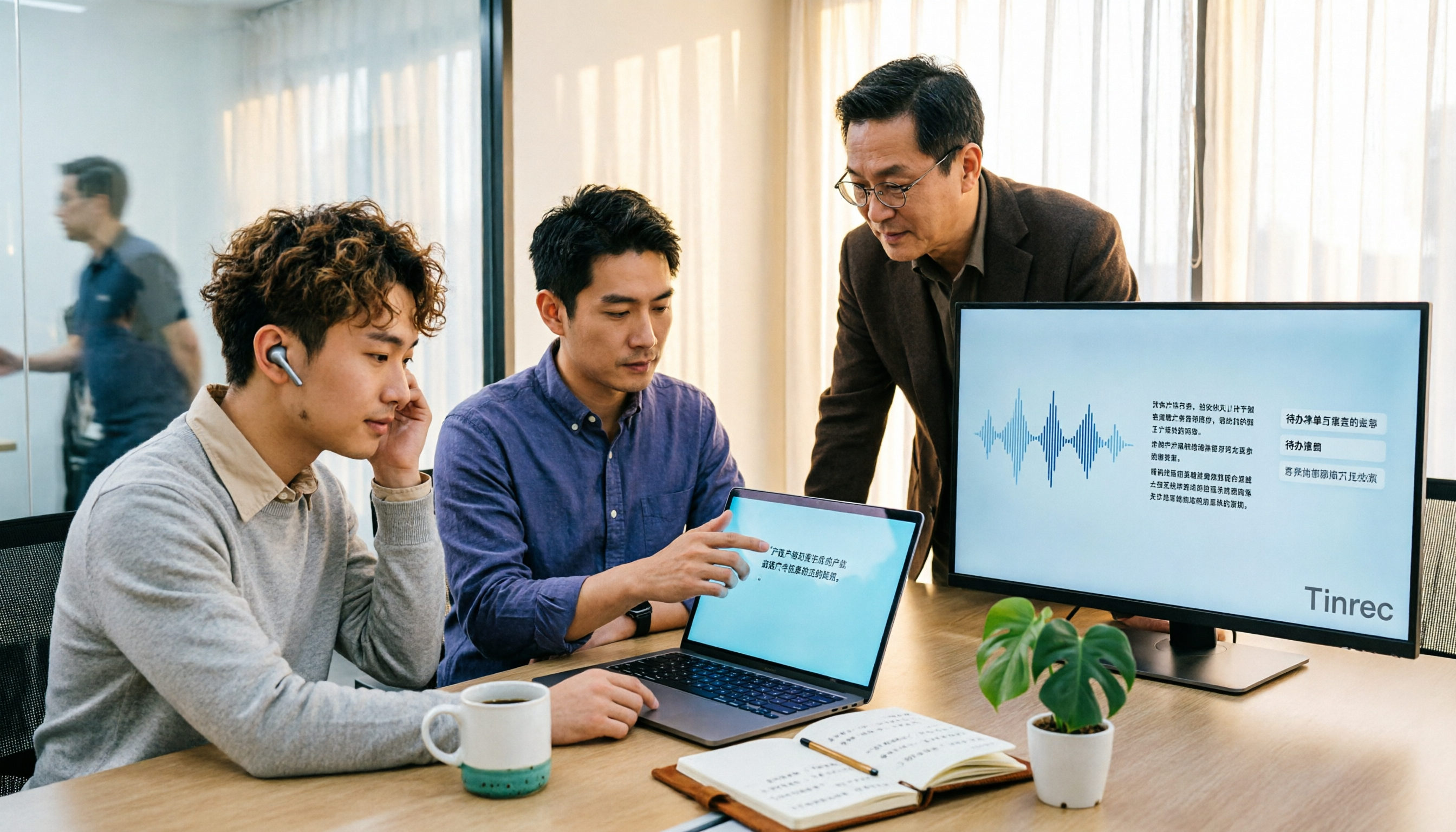
4 Audio-to-Text Tools Tested for 2026: Which Saves the Most Time for Chinese Meeting Transcription and Post-Meeting Organization?
Transcribing audio to text is easy; the hard part is how much time you spend organizing afterward. This article covers buying considerations, hands-on comparisons, and pitfalls, analyzing Tinrec, Otter.ai, Granola, and Notta on Chinese recognition, bot-free online meeting recording, AI Q&A, and team collaboration to help you decide which fits your meeting scenario.

Tinrec vs Zoom 2026: 5-Dimension Comparison — Which Saves More Time on Online Meeting Notes and Organization?
Online video software makes meetings easy, but conclusions and action items often get lost. This article starts from real-world pain points and explains how Tinrec uses bot-free recording, real-time transcription, AI summaries, and team spaces to turn online meetings into searchable, queryable, collaborative team data. It also covers 5 buying considerations and common questions.

Tinrec Review 2026: Free Audio-to-Text Transcription & Automated Meeting Notes
Many people search for "Yating transcription coupons" to save on meeting notes, but the real bottleneck isn't the discount code—it's that tools still require manual work from recording to transcription to organization. This article uses real meeting scenarios to explain how Tinrec's free tier, live recording, and bot-free online meeting transcription work, plus 5 checkpoints for choosing an audio-to-text tool and common FAQs.

4 Lifesize Online Alternatives Tested and Compared in 2026: Which Is More Practical—Bot-Free Recording or Chinese Transcription?
Lifesize online meetings run smoothly, but post-meeting organization often still relies on manual work. Based on real-world use cases, this article explains how Tinrec uses bot-free desktop recording, real-time transcription and translation, AI summaries and action items, AI Q&A, and team spaces to turn online meetings into searchable, collaborative data. It also outlines 5 key considerations and FAQs when choosing an alternative.

2026 Speech-to-Text Tools: Record Meetings Without Bots + AI To-Do Lists
Just finished a meeting and realized you missed half the key points? This hands-on review of speech-to-text tools covers four critical factors: recording methods, audio file retention, post-meeting organization, and mixed-language recognition. We take a deep dive into Tinrec's bot-free recording, AI Q&A, and team spaces, plus brief reviews of Notta, Otter.ai, and Granola. Includes a pitfalls guide and selection advice.

2026 Comparison of 3 Google Audio-to-Text Tools: Hidden Limits of Free Options
Want to use Google to turn audio files into text, but find that files won't upload, transcription stops after a certain length, or you still have to retype everything? This article breaks down the real limitations of three free Google methods—Google AI Studio, Google Docs voice typing, and Google Cloud Speech-to-Text—and compares how Tinrec handles Chinese meetings, summaries, action items, and team knowledge retention. Includes 4 common pitfalls to avoid and scenario-based recommendations.
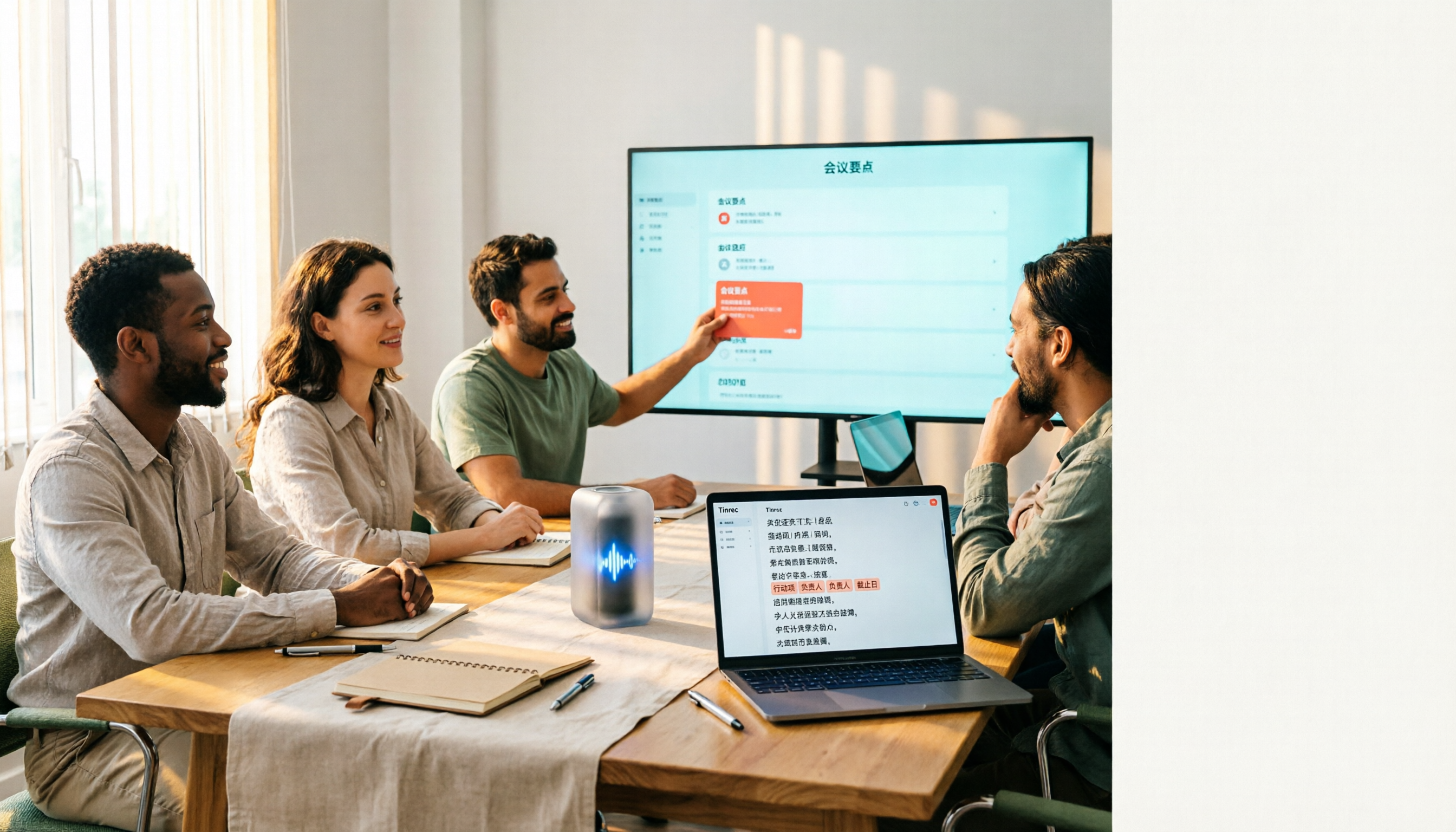
4 Free Audio-to-Text Tools Tested: Which Free Tier Actually Works?
There are plenty of free audio-to-text tools, but the real pitfalls often lie in quota rules and Chinese recognition. This article tests 4 tools, comparing free quota calculations, punctuation and paragraphing, post-meeting organization, and team collaboration, and highlights 4 common purchasing mistakes to help you find one that's free and sufficient.

How to Choose Free Online Meeting Software in 2026: 5 Steps to Find the Best Meeting Notes Solution
Free online meeting software helps you host meetings, but organizing notes afterward is the real pain point. This article compares Zoom's free version with Tinrec, analyzing five dimensions—meeting notes, AI summaries, cross-platform support, Chinese language support, and team collaboration—to help you find the best free online meeting notes solution.