
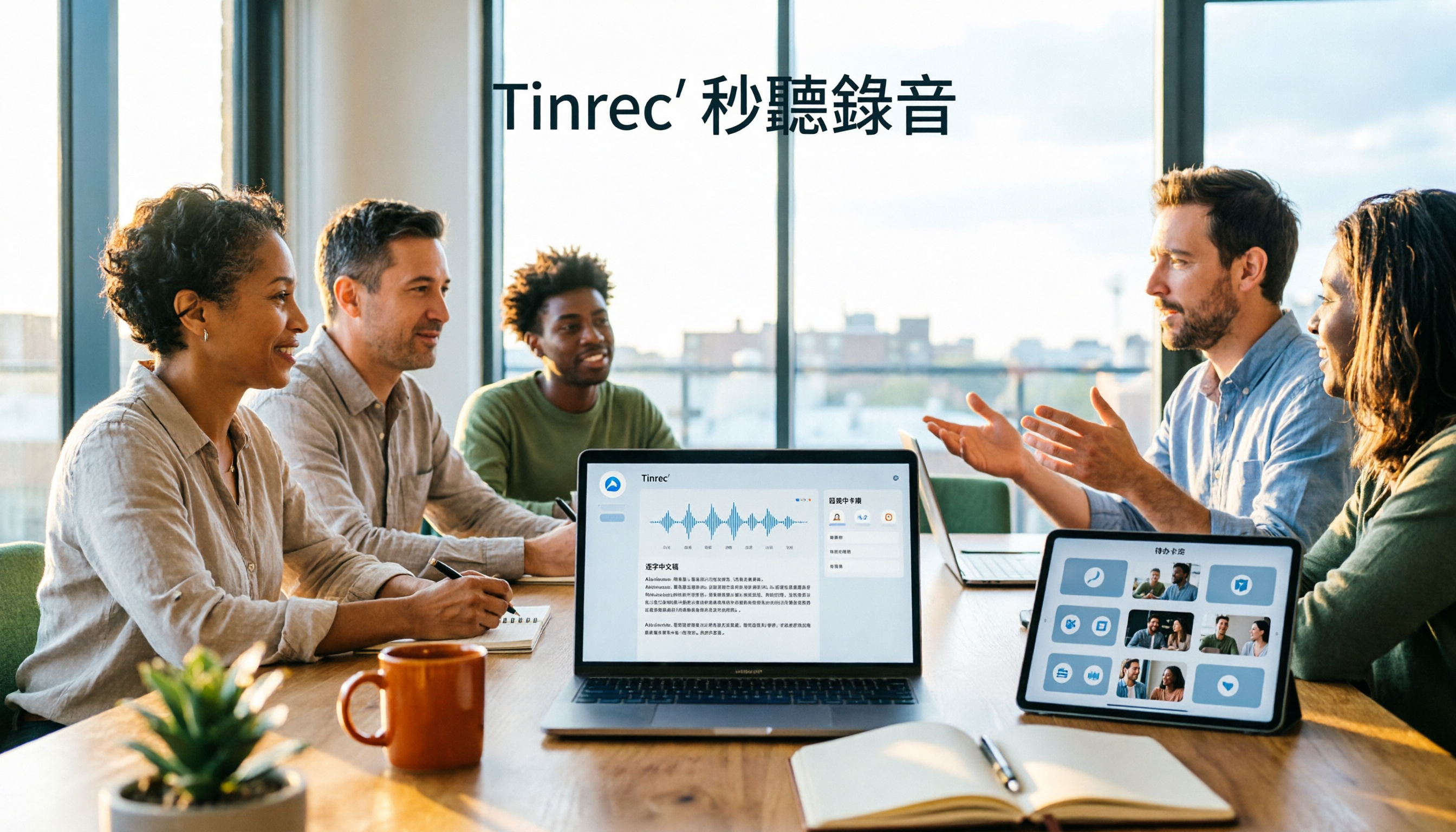
Turn recordings into transcripts and summaries in minutes
Upload audio or video for multilingual transcription, AI notes, and action items
The meeting is over, and you want to turn that online discussion into notes—only to realize you have nothing but a video file. Watching it again and typing out the transcript as you listen eats up an entire afternoon.
What's worse, the next time you need to confirm "what exactly did the client agree to," you have to drag the video back to that moment and search frame by frame.
This is a common pain point for many teams using Lifesize online meetings: the meeting itself is smooth, but post-meeting organization is a bottleneck. Tinrec is designed to handle exactly that—moving meetings from "recorded" to "ready to use."
After a Lifesize Online Meeting, What Can Tinrec Do for You?
Scenario 1: Meeting notes ready 5 minutes after the meeting ends
In the past, after a two-hour meeting, you might spend another hour organizing notes. With Tinrec, the transcript is generated in real time as the meeting happens. After it ends, AI directly produces a summary, chapters, and action items—who is responsible for what and when it's due, all clearly listed.
Scenario 2: Client interview ends, key requirements already captured
The biggest fear for sales and customer success teams is "it seemed like they mentioned it, but I can't remember clearly." Tinrec can transcribe while you talk, and after the meeting you can use AI Q&A to ask follow-up questions like "What was the budget cap the client mentioned?" or "What objections came up?"—no need to replay the entire recording.
Scenario 3: Past meetings become a searchable database
Meetings shouldn't just sit on someone's computer. Tinrec preserves transcripts and summaries so you can search, ask follow-up questions, and export later—essentially building a meeting database that keeps growing for your team.
Scenario 4: Turn meeting content into reports
Tinrec's Agent post-processing can generate reports, tables, and documents based on meeting content. For those who need to produce weekly reports or retrospective records, it saves the second round of organizing.
What Are Tinrec's Core Capabilities?
Bot-free recording of online meetings
Tinrec's desktop version directly captures your computer's system audio, so you don't need to invite a meeting bot into the room. It can handle audio from Zoom, Google Meet, Microsoft Teams, and Webex meetings playing on your computer. Note: this is not "automatically joining every meeting on your calendar"—you actively open Tinrec to start recording.
Real-time transcription and translation while recording
Tinrec supports real-time audio-to-text conversion and lets you view the original text, translation, or bilingual content during recording—especially useful for cross-language meetings. Actual performance depends on recording quality, noise, accents, and overlapping speakers; it's not recommended to judge it by a fixed accuracy rate.
AI summaries, chapters, and action item extraction
The real value comes after transcription. Tinrec automatically generates summaries and chapters, breaking long meetings into a readable structure, and extracts action items from discussions. It also supports mind maps to help understand relationships between topics.
AI Q&A: Ask meeting content directly
You can ask questions about a single meeting or across multiple meetings, such as "What was the conclusion of this meeting?" or "Who mentioned the budget?" This is closer to how people naturally think than keyword searching through transcripts.
Multi-format export and team spaces
Organized results can be exported to Notion, Google Docs, OneNote, Dropbox, and other tools for further use. For team use, Tinrec's team plan offers an independent team space where meeting data belongs to the team, with capabilities including members, roles, seats, usage analytics, audit logs, audio recycle bin, and team hotwords.
Practical Use Cases
Cross-department weekly and decision meetings
Regular weekly meetings are the easiest to forget. With Tinrec recording, the basis for decisions stays in the team space, so next time you can directly check previous conclusions and action item progress.
Client interviews and sales meetings
Requirements, objections, and commitments are organized in one go. After the meeting, export the summary as a document—easy to hand off to managers or cross-department colleagues.
Stop organizing recordings by hand
Upload audio or video and automatically get a transcript, summary, and action items
Online courses and lectures
After course recordings are transcribed, they can be searched, annotated, and reorganized into teaching materials—a very practical asset library for content creators.
Research interviews and user studies
Interview transcripts are fundamental to research. Tinrec lets you spend time analyzing instead of typing what you hear.
5 Things to Consider When Choosing a Lifesize Online Meeting Alternative
1. Recording method: bot or system audio capture?
Meeting bots join as participants, which some teams mind. Tinrec takes a different approach—the desktop version captures system audio, so no extra attendee appears in the meeting.
2. Chinese and multilingual performance
If your meetings are in Chinese, mixed Chinese-English, or require real-time translation, choose a tool that has invested in these areas. Tinrec covers Chinese, Traditional Chinese, and multilingual scenarios, and supports team hotwords for specialized terminology.
3. What you can do after transcription
A tool that only gives you a transcript is essentially throwing the organizing work back at you. Tinrec emphasizes the post-transcription workflow: summaries, chapters, action items, Q&A, translation, export, and further generation of reports and tables.
4. Team knowledge retention and member handover
Meeting data is a company asset, not a personal one. Tinrec's team plan keeps data in the team space. When a member leaves or loses their seat, their team resources can be handed over to other active members—data doesn't leave with the person.
5. Billing method and quota calculation
The personal plan includes a free version, weekly pass, Pro monthly, and Pro annual, so you can choose based on usage frequency. The team plan is priced per paid seat: monthly at USD 29.80 per paid seat per month, annual at USD 199 per paid seat per year (about USD 16.58 per month). Each paid seat provides 2,000 minutes of team shared import quota per month; under an active team plan and active seats, real-time recording currently does not deduct minutes. Actual prices and promotions are subject to the official purchase page.
Frequently Asked Questions
Q1: Can I directly upload Lifesize online meeting recordings to Tinrec for transcription?
Yes. Tinrec supports uploading audio and video files for transcription, suitable for organizing recorded meetings, interviews, and historical recordings. After transcription, it can also generate summaries, chapters, and action items.
Q2: Does Tinrec need a meeting bot to join the meeting?
No. Tinrec's desktop version directly captures computer system audio, so no bot attendee appears in the meeting. However, note that this means you need to actively open Tinrec to start recording—it is not a service that automatically joins all calendar meetings.
Q3: Is the free version enough?
The free version provides basic quota for experiencing recording, import, summaries, and transcription. If you only occasionally organize a recording, start with the free version. If you have steady weekly needs, consider Pro monthly or annual.
Q4: What's the difference between the team plan and personal plan?
Personal plan data is managed under your personal account; the team plan is an independent collaboration space where data belongs to the team, with additional governance capabilities like member and role management, seat allocation, usage analytics, audit logs, and audio recycle bin. The team plan also distinguishes between "roles" and "seats": active members without a seat can view, play, and read team data, but need a seat to record, upload, edit, and export.
Q5: What accuracy can I expect from the transcript?
Tinrec does not recommend judging accuracy by a fixed number. Actual results depend on recording quality, ambient noise, accents, overlapping speakers, and specialized terminology. For important content, verify against transcript timestamps and recording playback.
Q6: What should I pay attention to when recording?
Recording and transcription involve personal data and local regulations. Before recording, confirm compliance with relevant rules and obtain participant consent when necessary.
Conclusion
Lifesize online meetings connect people, but the post-meeting organizing work is often the most time-consuming part. Tinrec's value lies in turning "recorded" into "ready to use": bot-free recording, real-time transcription and translation, AI summaries and action items, AI Q&A, plus team spaces that turn meetings into searchable, collaborative assets.
If you hold several online meetings every week, we suggest running through the full workflow with the free version first to see what it's like to get summaries and action items right after the meeting.
References
- Ingod Technology Co., Ltd.
- Lifesize Video Conferencing - Google Play App
- Lifesize APP Download, Installation, and Usage Guide For Windows 1. Download: Please choose the download URL for the platform you need to install.
- Lifesize APP Download, Installation, and Usage Guide For Android 1. Download software: Please search for the video software according to your device's software platform.
- 2. Lifesize Weizan Technology - Lifesize Cloud Try Now
Turn every recording into actionable outcomes
Get 60 free transcription minutes when you sign in. No credit card required.
Related Reading
You might also like

Tinrec vs Otter.ai in 2026: 5-Dimension Comparison — Which Is Better for Chinese Meeting Notes?
Many people choose transcription software based only on free minutes, only to end up reading the entire transcript themselves. This article compares Tinrec and Otter.ai across 5 practical dimensions, with brief reviews of Notta and Granola, to help you find the tool that truly saves time for Chinese meetings.

4 Best Real-Time Translation Tools for Online Meetings in 2026: Beyond Bilingual Subtitles, Which One Leaves You with Usable Meeting Records?
How to choose a real-time translation tool for online meetings? This article examines four key criteria: system audio vs. meeting bot, what's left after the meeting, performance in Chinese meetings, and how free tiers are calculated. It compares Tinrec, Notta, Granola, and Akkadu, and summarizes the four most common purchasing mistakes and scenario-based recommendations.

5 Audio-to-Text Apps Compared in 2026: Why Tinrec Is Better for Chinese Meetings
A roundup of common audio-to-text apps in 2026, comparing Tinrec, cSubtitle, MyEdit, SoundType AI, and Yating Transcription, and explaining what to look for in Chinese meeting transcription, AI summaries, action items, and team collaboration.
2026 Comparison of 5 Transcription Tools: Which Saves the Most Time for Chinese Meetings and Mixed Chinese-English?
Transcription isn't about who transcribes fastest, but how much time you spend cleaning up afterward. This article addresses common misconceptions, breaks down the practical uses of transcription, core capabilities, and 5 key checkpoints for choosing a tool. It also demonstrates Tinrec's complete workflow from recording, transcription, summarization, to-dos, to team knowledge retention, helping you make a regret-free decision on a limited budget.

5 Chinese Speech-to-Text Tools Tested for 2026: Which Saves More Time on Meeting Transcripts and AI Summaries?
The same Chinese meeting recording can yield vastly different results depending on the approach. In 2026, five common Chinese speech-to-text methods each suit different users. This article compares Chinese sentence segmentation, post-meeting organization, export integration, and team governance, and explains how Tinrec uses bot-free desktop recording, real-time transcripts, AI summaries, and action item extraction to turn meetings into searchable, collaborative team data.

2026 Cisco Webex Meeting Guide: Join Without Installing + Automate Meeting Notes
The real work begins after your Webex meeting ends. This guide covers common mistakes, the 4 key factors for choosing a meeting notes tool, and a hands-on test of Tinrec—showing how it uses bot-free desktop recording to capture Webex meetings, generate transcripts, summaries, and action items. We also compare Webex built-in recording, Otter.ai, and Notta, with clear recommendations for different needs.
4 Audio-to-Text Tools Tested for 2026: Which Saves the Most Time for Chinese Meeting Transcription and Post-Meeting Organization?
Transcribing audio to text is easy; the hard part is how much time you spend organizing afterward. This article covers buying considerations, hands-on comparisons, and pitfalls, analyzing Tinrec, Otter.ai, Granola, and Notta on Chinese recognition, bot-free online meeting recording, AI Q&A, and team collaboration to help you decide which fits your meeting scenario.

Tinrec vs Zoom 2026: 5-Dimension Comparison — Which Saves More Time on Online Meeting Notes and Organization?
Online video software makes meetings easy, but conclusions and action items often get lost. This article starts from real-world pain points and explains how Tinrec uses bot-free recording, real-time transcription, AI summaries, and team spaces to turn online meetings into searchable, queryable, collaborative team data. It also covers 5 buying considerations and common questions.

Tinrec Review 2026: Free Audio-to-Text Transcription & Automated Meeting Notes
Many people search for "Yating transcription coupons" to save on meeting notes, but the real bottleneck isn't the discount code—it's that tools still require manual work from recording to transcription to organization. This article uses real meeting scenarios to explain how Tinrec's free tier, live recording, and bot-free online meeting transcription work, plus 5 checkpoints for choosing an audio-to-text tool and common FAQs.