
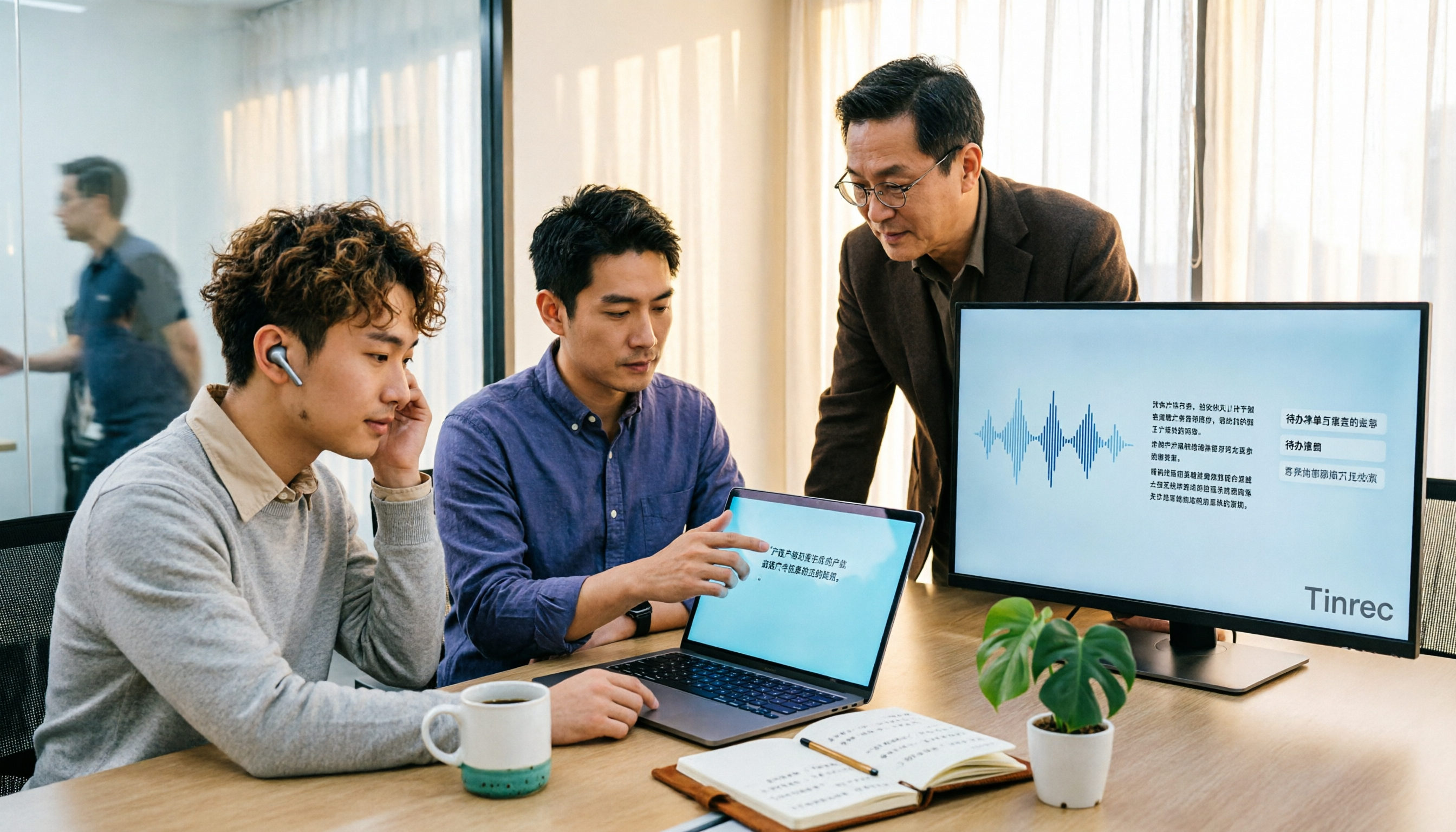
Turn recordings into transcripts and summaries in minutes
Upload audio or video for multilingual transcription, AI notes, and action items
The real bottleneck with your recording isn't transcription
"Transcribing audio to text" sounds like a one-step solution, but anyone who's actually done it knows the hassle comes after.
After transcribing a two-hour meeting recording, you still have to go through it from start to finish to find out who agreed to what, what decisions were made, and who needs to deliver what next week. If the conversation includes mixed Chinese and English technical terms, multiple people talking over each other, and air conditioning noise, the transcription needs another round of editing.
So this article isn't just a list of tools. Before choosing a tool, answer three practical questions:
- Do you need a one-time transcript, or meeting data you can search and query later?
- Does your recording come from online meetings, in-person interviews, or old files already on your hard drive?
- Will only you use it, or does the whole team need to share it?
Once you clarify these three questions, half of your selection is decided. Below is a summary after actual comparison.
Before choosing an audio-to-text tool, understand these 4 key points
1. Don't just look at official accuracy numbers Official recognition rates are usually measured in quiet environments. Real meeting rooms have air conditioning noise, keyboard sounds, and overlapping speech, so performance varies greatly. In practice, I suggest testing with your own recording—one with mixed Chinese and English and technical terms—to see real results.
2. How your meeting audio gets in Online meetings generally have two capture methods: one is sending a "meeting bot" to join as a participant; the other is using a desktop app to directly capture the computer's system audio, without an extra bot appearing in the list. The latter is especially friendly for client meetings and external meetings.
3. Is there a next step after transcription A tool that only gives you a transcript is essentially handing the organization work back to you. If it can also generate summaries, chapters, to-dos, and even let you ask questions directly about the meeting content, the time saved is measured in hours.
4. How quotas and licensing work For personal versions, look at free quotas and payment cycles; for team versions, understand the difference between "roles" and "seats"—being able to manage the team versus being able to record, upload, and edit are two different things. Many people only discover this at the point of purchase.
Tinrec — the one I recommend most often
Tinrec is an AI meeting notes and collaboration tool for individuals and teams, supporting iOS, Android, and web, with a desktop version for recording online meetings.
Its biggest difference from ordinary recording apps: it doesn't just record, it also completes everything after recording.
No bot needed in online meetings When using Tinrec desktop for meetings, it directly captures the computer's system audio to record, compatible with Zoom, Google Meet, Microsoft Teams, and Webex. No bot account appears in the meeting list, which is very practical for those meeting with external clients. Note that you still need to actively open Tinrec to start recording; it's not a service that automatically joins all meetings on your calendar.
Drop in a recording, get usable data out Besides live recording, you can also upload audio or video files to transcribe. After transcription, it automatically generates summaries and chapters, and extracts to-dos from the discussion, so you don't have to watch long meetings from start to finish. Many pure online transcription services end with a txt or srt file and that's it—this is the biggest difference.
Ask questions about the meeting after recording This is the feature I find saves the most time. You don't have to Ctrl+F in the transcript for keywords; just ask "What was the budget mentioned last meeting?" or "What were the three concerns the client mentioned?" and it will organize answers by meaning. There's also real-time translation, viewable in original, translated, or bilingual format; results can be exported to Notion, Google Docs, OneNote, Dropbox, etc., and can also generate reports, tables, and documents (Agent post-processing).
Team version: data belongs to the team, not individuals If a whole department or project team uses it, Tinrec team version provides an independent team space where meeting data is stored centrally. It separates "roles" and "seats": roles determine who can manage members and team settings, seats determine whether one can record, upload, edit, and export. Members who are active but have no seat can still view, play, and read team data, but cannot modify it.
Stop organizing recordings by hand
Upload audio or video and automatically get a transcript, summary, and action items
Managers can also view team usage trends, member rankings, and operation audit logs, plus an audio recycle bin (accidentally deleted audio can be restored within a 30-day retention period), and team hotwords to improve recognition of technical terms. When a member leaves, is removed, or loses a seat, team resources can be transferred to other active members and won't disappear with the individual account.
The team version currently offers a 7-day trial, 1 free seat, and 300 minutes of team shared import quota; paid plans are USD 29.80 per paid seat per month, or USD 199 per paid seat per year (about USD 16.58 per month), with each paid seat providing 2,000 minutes of team shared import quota per month. Live recording is currently not deducted by minutes under an active team plan. Prices and benefits are subject to the official purchase page.
Limitations to note Tinrec is not unlimited transcription; document and web link imports consume team shared import minutes, so heavy users should watch their quota. Also, Chinese, mixed Chinese-English, and multilingual recognition performance is still affected by recording quality, accents, noise, overlapping speech, and technical terms; important content should be verified with timestamp playback. The team version currently focuses on team-level sharing, not file-level independent permission control.
Who it's for Those who need to record Chinese-dominant online or offline meetings, want to use AI to find key points directly after recording, and want to turn meeting data into team assets. The personal version has a free plan, weekly card, Pro monthly, and Pro annual, so you can choose by usage frequency—use the free version for occasional transcription, consider paid for regular weekly meetings.
Besides Tinrec, what other options are there?
Otter.ai A mature choice for English business meetings, free version 300 minutes per month, Pro annual about USD 8.49 per user per month (includes 1,200 minutes per month). Its automation and English experience are solid, and it offers desktop capabilities. But Chinese and mixed Chinese-English meeting organization is not its strong suit, and team data accumulation after transcription relies more on existing workflows. If almost all your meetings are in English, it's worth considering.
Granola Also takes the bot-free route, using desktop system audio and microphone for real-time transcription, combined with your handwritten notes to generate content. Basic is free, Business is USD 14 per user per month. Note that it does not support uploading pre-recorded audio files, nor does it save meeting audio. If you have a batch of old recordings to organize, or need to keep recordings, real-time translation, and multi-format export, Tinrec is more suitable.
Notta Good multilingual transcription, free version 120 minutes per month, max 3 minutes per session, Pro annual about USD 8.17 per month (1,800 minutes per month). It's closer to a "transcription + translation" positioning. In contrast, Tinrec goes deeper in bot-free online meeting recording, team space, AI Q&A, and post-meeting document generation.
If you only occasionally transcribe an MP3 and don't need a database, online tools like VEED, MyEdit, cSubtitle are sufficient—upload files, support common formats like MP3/WAV/M4A, output TXT, SRT, or VTT, fast, and most don't even require registration. The difference is their endpoint is usually just that text file; meetings don't become searchable data later.
Pitfall guide: 4 most common mistakes when choosing audio-to-text tools
Pitfall 1: Only looking at official accuracy. The gap between a quiet studio and a real meeting room is huge. Test with your own recording for free, especially one with many terms and mixed Chinese-English.
Pitfall 2: Treating "getting a transcript" as the endpoint. A transcript is just raw material. If you still spend two hours organizing summaries and to-dos after recording, the tool only saves you half. When choosing a tool, ask first: what does it give me after transcription?
Pitfall 3: Not understanding seats and roles during team purchase. "Buying a few accounts" doesn't equal "how many people can use it." For example, with Tinrec team version, roles govern management, seats govern usage; members without seats can still read data but cannot edit or upload. List the number of people and usage scenarios before buying.
Pitfall 4: Forgetting recording consent and compliance. Recording and transcription involve personal data, and local regulations may require prior consent from participants. This isn't something a tool can solve for you, but you must handle it first.
Conclusion: Which one should you choose?
Simply put, if you just want to "convert this file to text," free online tools are enough; but if you want to "turn every meeting into searchable, queryable data," the selection logic is completely different.
- Chinese-dominant online/offline meetings, don't want a bot in the meeting room → Tinrec
- Want to use AI to ask key points, find decisions and to-dos directly after recording → Tinrec
- Need to use on both phone and computer, and export to Notion, Google Docs → Tinrec
- Meeting data to be kept for the whole team, need seats, usage, and audit management → Tinrec team version
- Almost only English meetings, zero budget → Otter.ai free version
I suggest starting with Tinrec free version, take your most difficult recording—one with accents, terms, and noise—and actually transcribe it once. Whether the output can be used directly is more accurate than any spec sheet.
References
Turn every recording into actionable outcomes
Get 60 free transcription minutes when you sign in. No credit card required.
Related Reading
You might also like

Tinrec vs Otter.ai in 2026: 5-Dimension Comparison — Which Is Better for Chinese Meeting Notes?
Many people choose transcription software based only on free minutes, only to end up reading the entire transcript themselves. This article compares Tinrec and Otter.ai across 5 practical dimensions, with brief reviews of Notta and Granola, to help you find the tool that truly saves time for Chinese meetings.

4 Best Real-Time Translation Tools for Online Meetings in 2026: Beyond Bilingual Subtitles, Which One Leaves You with Usable Meeting Records?
How to choose a real-time translation tool for online meetings? This article examines four key criteria: system audio vs. meeting bot, what's left after the meeting, performance in Chinese meetings, and how free tiers are calculated. It compares Tinrec, Notta, Granola, and Akkadu, and summarizes the four most common purchasing mistakes and scenario-based recommendations.

5 Audio-to-Text Apps Compared in 2026: Why Tinrec Is Better for Chinese Meetings
A roundup of common audio-to-text apps in 2026, comparing Tinrec, cSubtitle, MyEdit, SoundType AI, and Yating Transcription, and explaining what to look for in Chinese meeting transcription, AI summaries, action items, and team collaboration.

2026 Comparison of 5 Transcription Tools: Which Saves the Most Time for Chinese Meetings and Mixed Chinese-English?
Transcription isn't about who transcribes fastest, but how much time you spend cleaning up afterward. This article addresses common misconceptions, breaks down the practical uses of transcription, core capabilities, and 5 key checkpoints for choosing a tool. It also demonstrates Tinrec's complete workflow from recording, transcription, summarization, to-dos, to team knowledge retention, helping you make a regret-free decision on a limited budget.

5 Chinese Speech-to-Text Tools Tested for 2026: Which Saves More Time on Meeting Transcripts and AI Summaries?
The same Chinese meeting recording can yield vastly different results depending on the approach. In 2026, five common Chinese speech-to-text methods each suit different users. This article compares Chinese sentence segmentation, post-meeting organization, export integration, and team governance, and explains how Tinrec uses bot-free desktop recording, real-time transcripts, AI summaries, and action item extraction to turn meetings into searchable, collaborative team data.

2026 Cisco Webex Meeting Guide: Join Without Installing + Automate Meeting Notes
The real work begins after your Webex meeting ends. This guide covers common mistakes, the 4 key factors for choosing a meeting notes tool, and a hands-on test of Tinrec—showing how it uses bot-free desktop recording to capture Webex meetings, generate transcripts, summaries, and action items. We also compare Webex built-in recording, Otter.ai, and Notta, with clear recommendations for different needs.

Tinrec vs Zoom 2026: 5-Dimension Comparison — Which Saves More Time on Online Meeting Notes and Organization?
Online video software makes meetings easy, but conclusions and action items often get lost. This article starts from real-world pain points and explains how Tinrec uses bot-free recording, real-time transcription, AI summaries, and team spaces to turn online meetings into searchable, queryable, collaborative team data. It also covers 5 buying considerations and common questions.

Tinrec Review 2026: Free Audio-to-Text Transcription & Automated Meeting Notes
Many people search for "Yating transcription coupons" to save on meeting notes, but the real bottleneck isn't the discount code—it's that tools still require manual work from recording to transcription to organization. This article uses real meeting scenarios to explain how Tinrec's free tier, live recording, and bot-free online meeting transcription work, plus 5 checkpoints for choosing an audio-to-text tool and common FAQs.

4 Lifesize Online Alternatives Tested and Compared in 2026: Which Is More Practical—Bot-Free Recording or Chinese Transcription?
Lifesize online meetings run smoothly, but post-meeting organization often still relies on manual work. Based on real-world use cases, this article explains how Tinrec uses bot-free desktop recording, real-time transcription and translation, AI summaries and action items, AI Q&A, and team spaces to turn online meetings into searchable, collaborative data. It also outlines 5 key considerations and FAQs when choosing an alternative.