

Turn recordings into transcripts and summaries in minutes
Upload audio or video for multilingual transcription, AI notes, and action items
4 Best Real-Time Translation Tools for Online Meetings in 2026: Beyond Bilingual Subtitles, Which One Leaves You with Usable Meeting Records?
First, Figure Out: Do You Want to 'Understand' or 'Use' the Content?
This is the fork in the road I encounter most often when answering reader questions over the past few years.
Tools that all claim to provide real-time translation for online meetings vary: some only give you a row of subtitles that disappear once the meeting ends, leaving nothing behind; others keep transcripts, summaries, and action items, and even let colleagues who missed the meeting find answers on their own.
If your meetings are just about 'understanding,' subtitle-only tools are indeed sufficient, and you don't necessarily need to pay.
But if you have cross-language meetings every week, need to organize records afterward, or have team members who must take over follow-up tasks, then what you're really choosing is not a translation tool but an entry point for meeting data.
First determine which type you are, then read on.
Before Choosing a Real-Time Translation Tool for Online Meetings, Understand These 4 Key Points
First, does it capture system audio or require a bot to join the meeting? The bot approach joins the meeting as a participant, adding a name to the list, which can be inconvenient for client meetings or external interviews. Desktop apps that directly capture the computer's audio output won't show an extra participant to others.
Second, beyond translated subtitles, what's left after the meeting? This is usually the first thing I check. Is there a transcript? Can it automatically generate summaries, chapters, action items? Can you ask follow-up questions about the meeting content? Tools with only subtitles mean every meeting starts from scratch.
Third, performance in Chinese and mixed Chinese-English. Many tools are designed for all-English meetings, and recognition quality drops when faced with entire meetings in Chinese, mixed Chinese-English, or with many technical terms. Actual performance is affected by recording quality, background noise, accents, and overlapping speakers, so accuracy numbers on tool pages are only for reference—testing with your own meeting is most accurate.
Fourth, is the free tier 'minutes per month' or 'minutes per session'? These are very different. Some free versions give you 120 minutes per month but limit each session to 3 minutes, meaning you can't even finish a formal meeting.
Tinrec – The Choice That Connects Real-Time Translation to Post-Meeting Workflows
Tinrec is an AI meeting notes and collaboration tool for individuals and teams, supporting macOS, Windows, iOS, Android, and web.
Its most direct difference is the capture method. The desktop version directly captures system audio, handling Zoom, Google Meet, Microsoft Teams, Webex, and other online meetings without needing a meeting bot. Start recording on the desktop before the meeting, and others won't see an extra participant on the list.
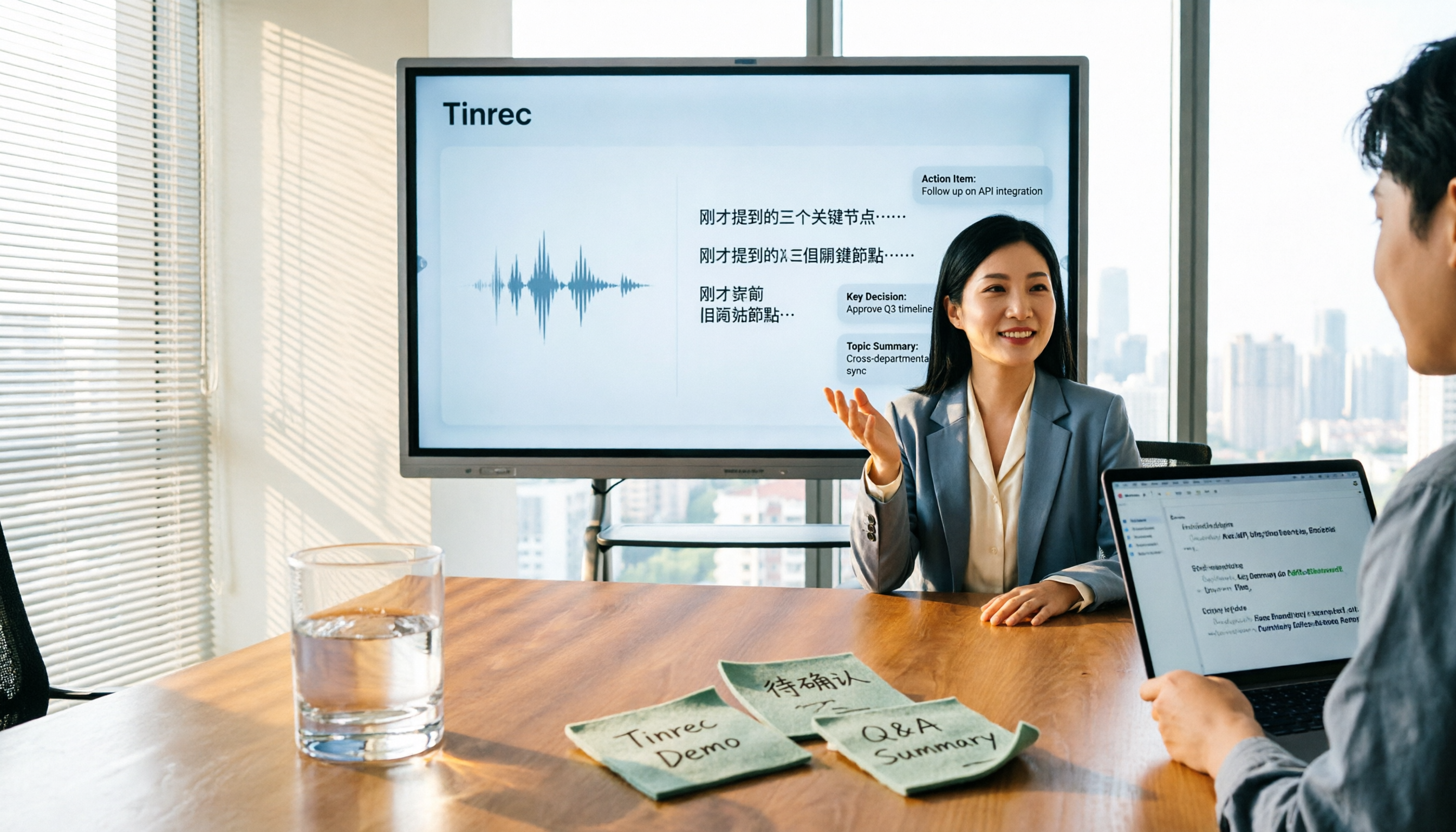
Real-time translation is its most practical feature for cross-language meetings. During recording, you can switch between original text, translation, or bilingual view, and it keeps up with mixed Chinese-English meetings; the team version also maintains team hotwords, adding frequently used product names and project codes to reduce misrecognition of technical terms.
After the meeting ends is where it truly stands out. Tinrec automatically generates summaries, chapters, key points, and action items. You can directly ask it 'Who mentioned the budget in the last meeting?' or 'What were the client's concerns about the delivery date?' It answers based on semantic understanding, not just a list of keyword search results. When you need to deliver, you can export to Notion, Google Docs, OneNote, Dropbox, and use Agent post-processing to generate reports, tables, and documents.
For team use, the team version is a separate team space, not multiple people sharing one account. Meeting data belongs to the team; members can view, play, and read historical data; administrators can assign seats, view usage trends and member details, manage team hotwords, query and export audit logs, and there's an audio recycle bin to recover accidentally deleted audio files (retained for 30 days; action items are not included in the recycle bin).
Stop organizing recordings by hand
Upload audio or video and automatically get a transcript, summary, and action items
Two limitations to be honest about: First, it's not a bot that 'automatically joins all calendar meetings'—you need to actively open the desktop version to start recording. Second, the team version currently focuses on team-level sharing; all active members can read team data, and there's no file-level granular permission control.
Pricing: The personal version has a free tier, weekly pass, Pro monthly, and Pro annual. Choose based on usage frequency; for occasional recording organization, the free version is enough. The team version is currently USD 29.80 per paid seat per month, or USD 199 annually (about USD 16.58/month). Each paid seat provides 2,000 minutes of team shared import quota per month; eligible teams can also get a 7-day trial with 1 free seat and 300 minutes of shared import quota. Under an active team plan and active seats, real-time recording currently does not deduct minutes. Actual prices and benefits are subject to the official purchase page.
Who is it for? If you have Chinese or mixed Chinese-English cross-language meetings, don't want a bot appearing in the participant list, need to produce records and action items afterward, and even want this data to stay within the team for searching and questioning, Tinrec is currently a smoother choice.
Besides Tinrec, What Other Options Are There?
Notta: A veteran tool for multilingual transcription and subtitle translation, supporting meeting notes, file import, and team plans. Note that the free version offers 120 minutes per month but limits each session to 3 minutes, making it hard to cover a full formal meeting; Pro annual is about USD 8.17/month with 1,800 minutes per month, Business annual is about USD 16.67/seat/month. It's suitable for subtitle translation-focused use, but for summaries, action items, and team data questioning after real-time translation, Tinrec offers more.
Granola: A bot-free AI meeting notes tool that captures system audio on desktop and combines it with your own handwritten notes to generate content. Basic is free, Business is USD 14 per person per month. Its focus is 'note enhancement,' does not retain meeting audio, and does not support uploading pre-recorded audio files. If you need to listen back to the original audio for verification or organize existing recordings, Tinrec covers this more completely.
Akkadu: Focuses on real-time AI subtitles for online events and live streams, supporting over 90 languages, capturing any audio from the computer, thus compatible with Zoom, Teams, Webex, etc. It also allows uploading custom terminology glossaries and displaying subtitles on multiple screens. It's great for large event subtitle needs; if you want transcripts, summaries, action items, and centralized team data management, Tinrec's design is more aligned.
Pitfall Guide: The 4 Most Common Mistakes When Choosing a Real-Time Translation Tool for Online Meetings
Pitfall 1: Treating the number of supported languages as the only metric. 60 or 90 languages sounds impressive, but you might only use 3. Test with the type of meeting you most frequently hold, not the length of the list.
Pitfall 2: Assuming subtitles equal meeting records. Subtitles are real-time and disappear when closed. What really saves time is what can be delivered afterward—summaries, action items, searchable transcripts.
Pitfall 3: Ignoring recording and data ownership. Before recording, be aware of local regulations and obtain participant consent when needed. For team use, confirm whether meeting data is stored in personal accounts or team spaces; if in personal accounts, data is lost when the person leaves.
Pitfall 4: Assuming the team version means 'multiple people sharing one account.' What really matters is how roles and seats are divided: who can manage members, who can record and upload. Tinrec's team version separates 'roles' (management permissions) and 'seats' (access to resources). Members without seats can still view and read team data but cannot record, upload, or edit. Clarify this before purchasing.
Conclusion: Which One Should You Choose?
Chinese or mixed Chinese-English cross-language meetings, with post-meeting record production → Tinrec (real-time translation can switch between original, translation, bilingual, plus summaries, chapters, and action items).
Don't want a meeting bot in the participant list → Tinrec (desktop captures system audio, no extra participant).
Want to ask follow-up questions about content after the meeting, or let non-attendees find answers themselves → Tinrec (AI Q&A + team space).
Need to manage member permissions, usage, and operation logs → Tinrec team version (roles, seats, usage analytics, audit logs).
Only need real-time subtitle display for large events or live streams → Subtitle-focused tools like Akkadu are more suitable.
We suggest starting with Tinrec's free version, running a real meeting recording through it to see if the transcript, translation, and post-meeting summary fit your workflow; if it works, consider upgrading—no need to pay from the start.
References
- Online Meeting Translation: Supports 60+ Languages
- Online Meetings and Real-Time Translation: A Complete Guide
- Vurbo.ai Real-Time Voice Translation and Note Tool
- ViiTor Real-Time Translation - AI Translation & Real-Time Bilingual Subtitles & Free - Chrome Web Store
- AI Real-Time Translation Subtitles: 90+ Languages, 95% Accuracy, Secure Encryption
Turn every recording into actionable outcomes
Get 60 free transcription minutes when you sign in. No credit card required.
Related Reading
You might also like

5 Best Online Video Chat Rooms in 2026: Anonymous Chat, Random Pairing, and AI Meeting Notes Compared
How do you choose an online video chat room in 2026? We tested 5 tools for anonymous socializing, random pairing, and meeting documentation, plus what to look for—including how Tinrec handles bot-free meeting recording, AI summaries and action items, and team workspaces.

2026 Comparison of 4 Online Meeting and Teaching Tools: After a Webex Meeting, What's the Easiest Way to Keep Records?
Closing the window right after an online meeting is the most common and costly habit. This article compares Cisco Webex, Tinrec, Granola, and TurboScribe in terms of meeting recording, transcription, summarization, and post-meeting organization, and highlights the four most common pitfalls when choosing online meeting and teaching tools.
4 Best Audio-to-Text Software in 2026: Which Is Most Useful for Chinese Meeting Notes and AI Q&A?
Still stuck transcribing after meetings? We tested 4 audio-to-text software in 2026, comparing Chinese and mixed Chinese-English recognition, bot-free online meeting recording, post-meeting AI summaries and Q&A, and team data ownership. We also list 4 key buying factors and 3 common pitfalls to help you find the one that truly saves time.

3 AI Meeting Note Tools Tested in 2026: A No-Bot Option for Webex Users
Cisco Webex is a common online meeting tool for businesses, but post-meeting organization often still relies on manual work. This article explores real-world scenarios to explain what AI meeting note tools can do for professionals, using Tinrec as an example to demonstrate a complete workflow for bot-free Webex meeting recording, real-time transcription, AI summaries, action item extraction, and team spaces, while also covering 5 key considerations for purchasing and FAQs.

2026 Best Free Audio-to-Text Tools Compared: Which One Is Actually Enough?
Meeting recordings pile up, Cantonese transcripts take forever to type, and free versions cut you off mid-transcription with an upgrade prompt. This guide breaks down the free tiers, language support, and post-meeting organization of 5 audio-to-text tools in 2026, and explains why Tinrec's no-bot desktop recording, AI summaries and Q&A, and team workspace make it more practical for Chinese-language meetings.

Tinrec vs Otter.ai in 2026: 5-Dimension Comparison — Which Is Better for Chinese Meeting Notes?
Many people choose transcription software based only on free minutes, only to end up reading the entire transcript themselves. This article compares Tinrec and Otter.ai across 5 practical dimensions, with brief reviews of Notta and Granola, to help you find the tool that truly saves time for Chinese meetings.

5 Audio-to-Text Apps Compared in 2026: Why Tinrec Is Better for Chinese Meetings
A roundup of common audio-to-text apps in 2026, comparing Tinrec, cSubtitle, MyEdit, SoundType AI, and Yating Transcription, and explaining what to look for in Chinese meeting transcription, AI summaries, action items, and team collaboration.

2026 Comparison of 5 Transcription Tools: Which Saves the Most Time for Chinese Meetings and Mixed Chinese-English?
Transcription isn't about who transcribes fastest, but how much time you spend cleaning up afterward. This article addresses common misconceptions, breaks down the practical uses of transcription, core capabilities, and 5 key checkpoints for choosing a tool. It also demonstrates Tinrec's complete workflow from recording, transcription, summarization, to-dos, to team knowledge retention, helping you make a regret-free decision on a limited budget.

5 Chinese Speech-to-Text Tools Tested for 2026: Which Saves More Time on Meeting Transcripts and AI Summaries?
The same Chinese meeting recording can yield vastly different results depending on the approach. In 2026, five common Chinese speech-to-text methods each suit different users. This article compares Chinese sentence segmentation, post-meeting organization, export integration, and team governance, and explains how Tinrec uses bot-free desktop recording, real-time transcripts, AI summaries, and action item extraction to turn meetings into searchable, collaborative team data.