

Turn recordings into transcripts and summaries in minutes
Upload audio or video for multilingual transcription, AI notes, and action items
Online video chat rooms aren't just for anonymous pairing—first figure out whether you need dating or meetings
Many people see "online video chat room" and immediately think of random pairing, anonymous socializing, and killing time. That's a common misconception: using a social chat room for a formal meeting means no transcript, no action items, no permissions—just screenshots and memory afterward.
A better approach is to first decide whether you need "anonymous socializing" or "meeting collaboration." If you're just looking for someone to chat with, an anonymous chat room is plenty. If it's a team weekly, client interview, or project discussion, you need a tool that keeps records, lets you ask follow-up questions, and assigns action items.
5 key points to understand before choosing an online video chat room
- Purpose: Anonymous socializing, random pairing, and topic-based group chat are different needs from team meetings. First confirm whether you want entertainment or work.
- Records: What's left after the chat? Just the conversation window, or a transcript, summary, chapters, and action items?
- Cross-platform: Can you continue on phone, desktop, and web? Meetings often start on a phone and get organized on a computer.
- Post-meeting processing: Can it do AI Q&A, translation, and export to Notion, Google Docs, OneNote, or Dropbox?
- Team governance: When multiple people use it, are there roles, seats, usage limits, and audits? These capabilities are usually more important than "how many chat rooms" there are.
Tinrec—our top pick after testing
Tinrec is an AI meeting notes and collaboration tool for individuals and teams, covering iOS, Android, and web, with a desktop version that can capture audio from Zoom, Google Meet, Microsoft Teams, Webex, and other online meetings. It's not an anonymous chat room—it turns meetings into searchable, collaborative, actionable data.
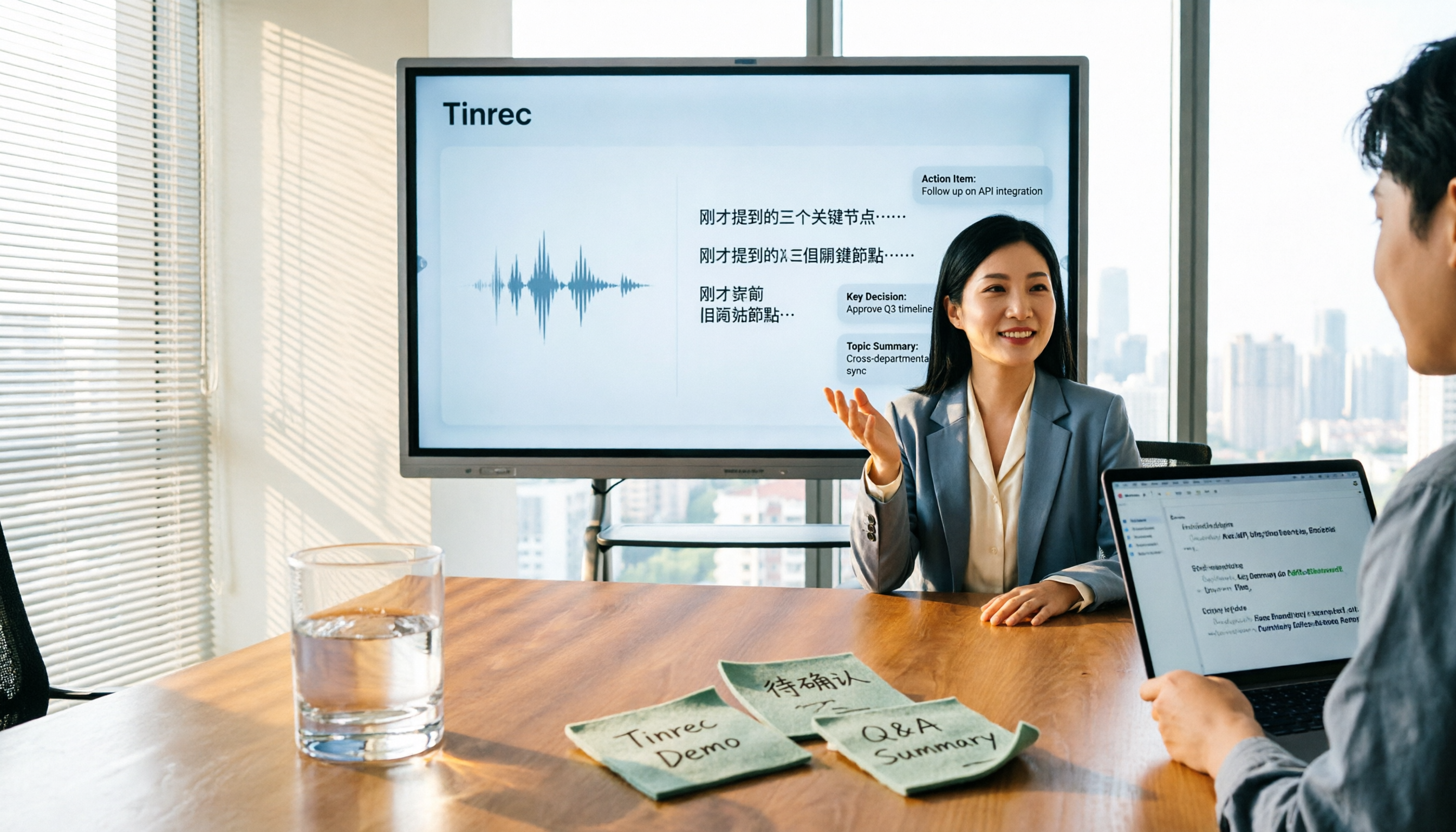
When a meeting starts, open the Tinrec desktop app and it captures your computer's system audio without inviting a meeting bot into the call. It transcribes while recording, then automatically generates a summary, chapters, key points, and action items when you finish.
Even better is AI Q&A. You can directly ask, "Who mentioned the budget in the last meeting?" and it answers based on meeting semantics rather than just throwing keywords at you. This is especially useful for Chinese-language meetings, mixed Chinese-English content, and searching past meetings.
Tinrec also supports importing audio and video files, real-time translation, multi-format export, and Agent post-processing to generate reports, tables, and documents. The team version provides an independent team workspace where meeting data belongs to the team, plus members, roles, seats, usage analytics, audit logs, team hotwords, and an audio recycle bin.
Stop organizing recordings by hand
Upload audio or video and automatically get a transcript, summary, and action items
Limitations should be clear: the free version has a basic quota, and heavy use requires an upgrade. The team version currently offers a 7-day trial for first-time eligible users, 1 free seat, and 300 minutes of shared team import quota; monthly billing is USD 29.80 per paid seat per month, annual billing is USD 199 per paid seat per year (about USD 16.58 per month); paid seats include 2,000 minutes of shared team import quota per month. Real-time recording under an active team plan and active seat is currently not deducted by the minute; file and web imports consume shared team quota. Accuracy is affected by recording quality, noise, and accents, so we don't recommend promising a fixed 98%.
If you need Chinese meeting notes, bot-free recording, post-meeting AI Q&A, and team knowledge retention, Tinrec is a very suitable choice right now.
Besides Tinrec, what other options are there?
尋夢園聊天室: A veteran anonymous chat room founded in 1996, with both real-name and anonymous systems, hundreds of topic chat rooms, free registration, and phone access—good for singing, private messages, and making friends. But chat rooms won't organize meeting transcripts, summaries, and action items for you; Tinrec can turn meeting recordings into searchable data you can query.
AntiLand: An anonymous group chat app featuring 100+ avatars, multilingual groups, and anonymous socializing. Good for people who want to chat without revealing their identity. But it has no team meeting database or post-meeting workflow; Tinrec can centrally store transcripts, summaries, action items, and exported documents.
Granola: Bot-free AI meeting notes, free on Basic, USD 14 per user per month on Business, USD 35 on Enterprise. It supports live transcription but doesn't support uploading pre-recorded audio files and doesn't save meeting audio; Tinrec supports audio/video import and keeps recordings.
Pitfall guide: the 3 most common mistakes when choosing an online video chat room
Pitfall 1: Treating an anonymous social tool as a formal meeting room. Anonymous chat is convenient, but without member permissions, data ownership, and meeting records, it's not suitable for client or project meetings.
Pitfall 2: Only looking at free and ignoring quotas and import limits. Many tools' free quotas look sufficient, but single-session length, file count, or team shared quota can hold you back. The Tinrec team version counts shared import minutes, so check usage rules before purchasing.
Pitfall 3: Thinking a transcript is enough. If all you get is a transcript, you still have to re-listen, highlight, and chase action items yourself. Tinrec's summaries, chapters, action items, and AI Q&A are what really save time after meetings.
Conclusion: which one should you actually choose?
Anonymous socializing, random pairing, singing and chatting → 尋夢園, 敲敲看, AntiLand.
Chinese meetings, bot-free recording, post-meeting organization, and AI Q&A → Tinrec.
Teams that need to share meeting data and manage seats and usage → Tinrec team version.
English-dominant meetings → Otter.ai is still a mature choice; but if you care more about the Chinese experience and team knowledge retention, try Tinrec first.
Batch transcription of long documents → tools like TurboScribe are a better fit.
We suggest running one of your own meeting recordings through Tinrec's free version first, and if the summaries, action items, and team workspace meet your needs, then consider upgrading or getting the team version.
References
Turn every recording into actionable outcomes
Get 60 free transcription minutes when you sign in. No credit card required.
Related Reading
You might also like

2026 Comparison of 5 Meeting Minutes Tools: Which AI Auto-Generated Summaries Save the Most Time?
Still manually filling out meeting minutes every time? This article starts from student and group collaboration scenarios, comparing 5 meeting minutes tools and free templates, including Tinrec, Otter.ai, Notta, Granola, TurboScribe, PLAUD, and government/school templates. It covers pricing, free quotas, AI summaries, and to-do features to help you choose the most time-saving option.

2026 Meeting Notes Tools Compared: What to Record and Which AI Can Organize It for You?
What should you actually capture in meeting notes? This article breaks it down into three key judgments—topics, decisions, and action items—and compares four tools: Tinrec, Otter.ai, Notta, and Granola. It covers buying criteria, common pitfalls, and scenario-based recommendations to help you find a solution that turns meeting content into usable data.

2026 Comparison of 4 Meeting Minutes Tools: Downloadable Templates vs. AI Auto-Organization—Which Saves More Time?
Should you download a meeting minutes template and fill it out yourself, or let AI organize everything automatically? This article starts with the essential fields of a meeting minutes table, then covers core capabilities such as live transcription, summary sections, action item extraction, AI Q&A, and team collaboration. It uses Tinrec to demonstrate real-world scenarios, and includes 5 purchasing considerations and FAQs.

4 Best Speech-to-Chinese Transcription Tools in 2026: Which One Handles Chinese Meeting Transcripts and Post-Meeting Notes Best?
Tired of recording meetings and never listening to them? This article breaks down common mistakes, outlines 4 key factors for choosing a speech-to-Chinese transcription tool, and compares Tinrec, Notta, TurboScribe, and Otter.ai. Find out which tool suits your needs, plus a guide to avoiding pitfalls and pricing details to help you save time.

5 Best Speech-to-Text Tools in 2026: Which One Saves the Most Time on Chinese Meeting Notes?
Many people think speech-to-text is just getting a transcript, but the real time sink is post-meeting organization. This article addresses common misconceptions and outlines key factors for choosing a speech-to-text tool in 2026, including post-transcription processing, meeting capture methods, Chinese language performance, and team data ownership. It compares Tinrec, Notta, Otter.ai, and TurboScribe to help you find the most time-saving option.

2026 Comparison of 4 Online Meeting and Teaching Tools: After a Webex Meeting, What's the Easiest Way to Keep Records?
Closing the window right after an online meeting is the most common and costly habit. This article compares Cisco Webex, Tinrec, Granola, and TurboScribe in terms of meeting recording, transcription, summarization, and post-meeting organization, and highlights the four most common pitfalls when choosing online meeting and teaching tools.
4 Best Audio-to-Text Software in 2026: Which Is Most Useful for Chinese Meeting Notes and AI Q&A?
Still stuck transcribing after meetings? We tested 4 audio-to-text software in 2026, comparing Chinese and mixed Chinese-English recognition, bot-free online meeting recording, post-meeting AI summaries and Q&A, and team data ownership. We also list 4 key buying factors and 3 common pitfalls to help you find the one that truly saves time.

3 AI Meeting Note Tools Tested in 2026: A No-Bot Option for Webex Users
Cisco Webex is a common online meeting tool for businesses, but post-meeting organization often still relies on manual work. This article explores real-world scenarios to explain what AI meeting note tools can do for professionals, using Tinrec as an example to demonstrate a complete workflow for bot-free Webex meeting recording, real-time transcription, AI summaries, action item extraction, and team spaces, while also covering 5 key considerations for purchasing and FAQs.

2026 Best Free Audio-to-Text Tools Compared: Which One Is Actually Enough?
Meeting recordings pile up, Cantonese transcripts take forever to type, and free versions cut you off mid-transcription with an upgrade prompt. This guide breaks down the free tiers, language support, and post-meeting organization of 5 audio-to-text tools in 2026, and explains why Tinrec's no-bot desktop recording, AI summaries and Q&A, and team workspace make it more practical for Chinese-language meetings.