

Turn recordings into transcripts and summaries in minutes
Upload audio or video for multilingual transcription, AI notes, and action items
2026 Comparison of 4 Meeting Minutes Tools: Downloadable Templates vs. AI Auto-Organization—Which Saves More Time?
Have you noticed that people searching for "meeting minutes template" usually get stuck on the same question: should you download a Word or Excel template and fill it in yourself during the meeting, or let a tool automatically turn the entire meeting into a ready-made record?
There's no standard answer to this choice, but it depends on three things: how often you hold meetings, how long they last, and how many people will act on your minutes afterward.
Currently, common approaches fall into four categories: pure manual template filling, built-in platform transcription, general transcription tools, and AI meeting minutes tools like Tinrec.
If you have meetings three or more times a week, each lasting an hour or more, the hidden cost of manually filling out forms is actually quite high. This article will start with what a meeting minutes table should look like, then show you which steps AI meeting minutes tools can save.
What Can a Meeting Minutes Table Do for You?
Scenario 1: Get a completed record within 10 minutes after the meeting
The traditional approach is to type while listening, then replay the recording afterward to fill in gaps. Take Tinrec as an example: you can use live recording-to-text to generate a transcript while the meeting is happening. After the meeting, AI directly generates a summary, sections, and action items—the content you would normally fill in column by column is drafted for you first.
Scenario 2: Turn "who does what and when it's due" into a checklist
The most common fields in a meeting minutes table are decisions and owners. Tinrec extracts action items from the discussion, so you don't have to scramble during the meeting asking "who's responsible for this?"—you can confirm later against the transcript.
Scenario 3: Look back three months later and check "what exactly was decided"
Once paper or static tables are filed, they're hard to search. Tinrec keeps transcripts and summaries, so you can directly ask questions about the meeting content, such as "What was the conclusion about the budget last time?" without rereading the entire record from start to finish.
What Are the Core Capabilities of a Meeting Minutes Table?
Live transcription: text appears as you speak, not after recording ends
Text is generated simultaneously as the meeting proceeds, so you can check at any time whether key points are missed. Tinrec supports live recording-to-text, suitable for in-person meetings, interviews, and on-site discussions.
Bot-free online meeting recording: no extra account needed in the meeting room
Tinrec's desktop version records online meetings by capturing computer system audio. It can handle meeting audio played on a computer from platforms like Zoom, Google Meet, Microsoft Teams, and Webex, without requiring a meeting bot to join. Note that this does not mean automatically joining every meeting on your calendar; you actively start the recording.
AI summary and sections: no need to read long meetings from start to finish
If you only get a transcript from a two-hour meeting, it's not organized yet. Tinrec produces a summary, sections, and key points, so you can read the conclusion first and then decide whether to read further.
Action item extraction: "action items" in the table grow automatically
Organizing follow-up actions from the discussion is the most time-consuming part of meeting minutes. Tinrec extracts action items, and you manually add owners and deadlines.
AI Q&A and multi-format export: connect records back to your original workflow
You can continue asking questions about the meeting content, and export results to tools like Notion, Google Docs, OneNote, and Dropbox, or further use Agent post-processing to generate reports, tables, and documents.
Real-World Application Scenarios
Weekly team meetings
For a weekly department meeting, the most troublesome part is tracking last week's action items. After recording the meeting with Tinrec and getting the summary and action items, you can check progress against last week's list. The team version also centralizes meeting data in a shared team space, so new members can look back at historical meetings.
Customer interviews and requirements meetings
Key points from customer meetings are often hidden in conversational details. After Tinrec generates a transcript and summary, you can use AI Q&A to confirm "what were the customer's concerns about pricing?" and then organize the conclusions into follow-up proposal materials.
Cross-language meetings
Stop organizing recordings by hand
Upload audio or video and automatically get a transcript, summary, and action items
If meetings mix Chinese and English, Tinrec supports multilingual transcription, mixed Chinese-English content organization, and live translation during recording, viewable in original text, translation, or bilingual format.
Classes, lectures, and research interviews
This type of content is usually long and dense. After importing audio or video files into Tinrec for transcription, then generating summaries and sections, it's much easier than taking notes while listening.
5 Things to Note When Choosing a Meeting Minutes Tool
1. Do the table fields match your decision-making needs?
Common fields include meeting topic, time, attendees, discussion highlights, decisions, owners, and deadlines. When choosing a tool, check whether it can directly produce these structures, rather than just giving you a large block of text. Tinrec's summary, sections, and action items basically follow this logic.
2. Can it organize after transcription?
A tool that only provides a transcript is essentially handing the organization work right back to you. Tinrec's focus is after transcription: summary, sections, action items, Q&A, export, and Agent post-processing to generate reports, tables, and documents.
3. Performance with Chinese and mixed Chinese-English
Not every tool handles Chinese meetings well. Tinrec covers Chinese, Traditional Chinese, and multilingual scenarios, and supports team hotwords to make professional terminology recognition closer to your team's language habits. Actual results will still be affected by recording quality, noise, accents, and overlapping speakers.
4. How does meeting audio get in?
A common approach for online meetings is to have a bot join the meeting room, but some teams don't want an extra participant. Tinrec's desktop version directly captures system audio, without requiring an additional account to join the meeting.
5. Team collaboration and data ownership
If meeting minutes are meant for a group, check whether the tool can manage members and usage rights. Tinrec's team version provides an independent team space, roles (owner, admin, regular member), and seat management. Meeting data belongs to the team; members without a seat can still view, play, and read team data, but need a seat to record, upload, edit, and export.
Frequently Asked Questions
What fields must a meeting minutes table have?
At minimum: meeting topic, date and time, attendees, discussion highlights, decisions, owners, and deadlines. If the meeting is project-based, you can add "related documents" and "items to follow up." With Tinrec, the summary and action items first organize the content for you, and you just fill in names and deadlines.
Is Tinrec's free version enough?
The free version provides a basic quota, which can be used to experience recording, import, summary, and transcription. If you only occasionally organize a recording, start with the free version; if you have intensive meetings or interviews in the short term, consider a weekly pass; if you have steady weekly needs, the Pro plan is suitable.
Does Tinrec need to add a bot to meetings?
No. Tinrec's desktop version records online meetings by capturing computer system audio, without adding an extra meeting participant. Users need to actively start recording; currently it should not be understood as automatically joining all calendar meetings.
What's the difference between the team version and the personal version?
Personal version data is managed by the individual account. The team version is an independent team space where meeting data belongs to the team, and adds capabilities such as member invitations, role and seat management, sharing rights, usage analytics, audit logs, and audio recycle bin. Team monthly payment is USD 29.80 per paid seat per month; annual payment is USD 199 per paid seat per year, equivalent to about USD 16.58 per month. Each paid seat provides 2,000 minutes of team shared import quota per month; eligible teams can try 7 days, 1 free seat, and 300 minutes of team shared import quota for the first time. Actual prices are subject to the official purchase page.
Can transcription accuracy be guaranteed?
It's not advisable to summarize with a single number. Transcription quality is affected by recording environment, noise, accents, multiple people speaking simultaneously, and professional terminology. In practice, a more reliable approach is to try it once with your own meeting recording; for important content, confirm against transcript timestamps and recording playback.
Can deleted meeting audio be recovered?
In Tinrec's team version, deleted audio first goes to the recycle bin and can be restored before permanent cleanup begins. The current recycle bin retention period is 30 days. Note that action items are not within the scope of the team recycle bin.
Conclusion
The core of a meeting minutes table isn't whether the format looks good, but whether anyone actually acts on it afterward. Downloading a template is the fastest way to start, but if you have meetings every week, the time spent manually filling out forms will gradually become a fixed expense. Tinrec puts recording, transcription, summary, action items, and team data into one workflow, suitable for Chinese meetings, those who don't want to add a meeting bot, and those who need to turn meetings into team assets. You can start with the free version for one meeting and see how the record it organizes for you differs from the table you usually fill out by hand.
References
- Form Download Meeting Format - Secretariat - Tamkang University
- Meeting Minutes and Sign-in Sheet Format Example
- [Example Form - General Affairs] Meeting Minutes | 101EIP.net
- Meeting Minutes Format Template [Ready to Copy] 4 Key Points + Writing Examples, Fill It Out and Submit
- [Meeting Minutes Writing 2026] Format Tutorial | Free Template + Template Download - ProjectManager
Turn every recording into actionable outcomes
Get 60 free transcription minutes when you sign in. No credit card required.
Related Reading
You might also like

2026 Comparison of 5 Meeting Minutes Tools: Which AI Auto-Generated Summaries Save the Most Time?
Still manually filling out meeting minutes every time? This article starts from student and group collaboration scenarios, comparing 5 meeting minutes tools and free templates, including Tinrec, Otter.ai, Notta, Granola, TurboScribe, PLAUD, and government/school templates. It covers pricing, free quotas, AI summaries, and to-do features to help you choose the most time-saving option.

2026 Meeting Notes Tools Compared: What to Record and Which AI Can Organize It for You?
What should you actually capture in meeting notes? This article breaks it down into three key judgments—topics, decisions, and action items—and compares four tools: Tinrec, Otter.ai, Notta, and Granola. It covers buying criteria, common pitfalls, and scenario-based recommendations to help you find a solution that turns meeting content into usable data.
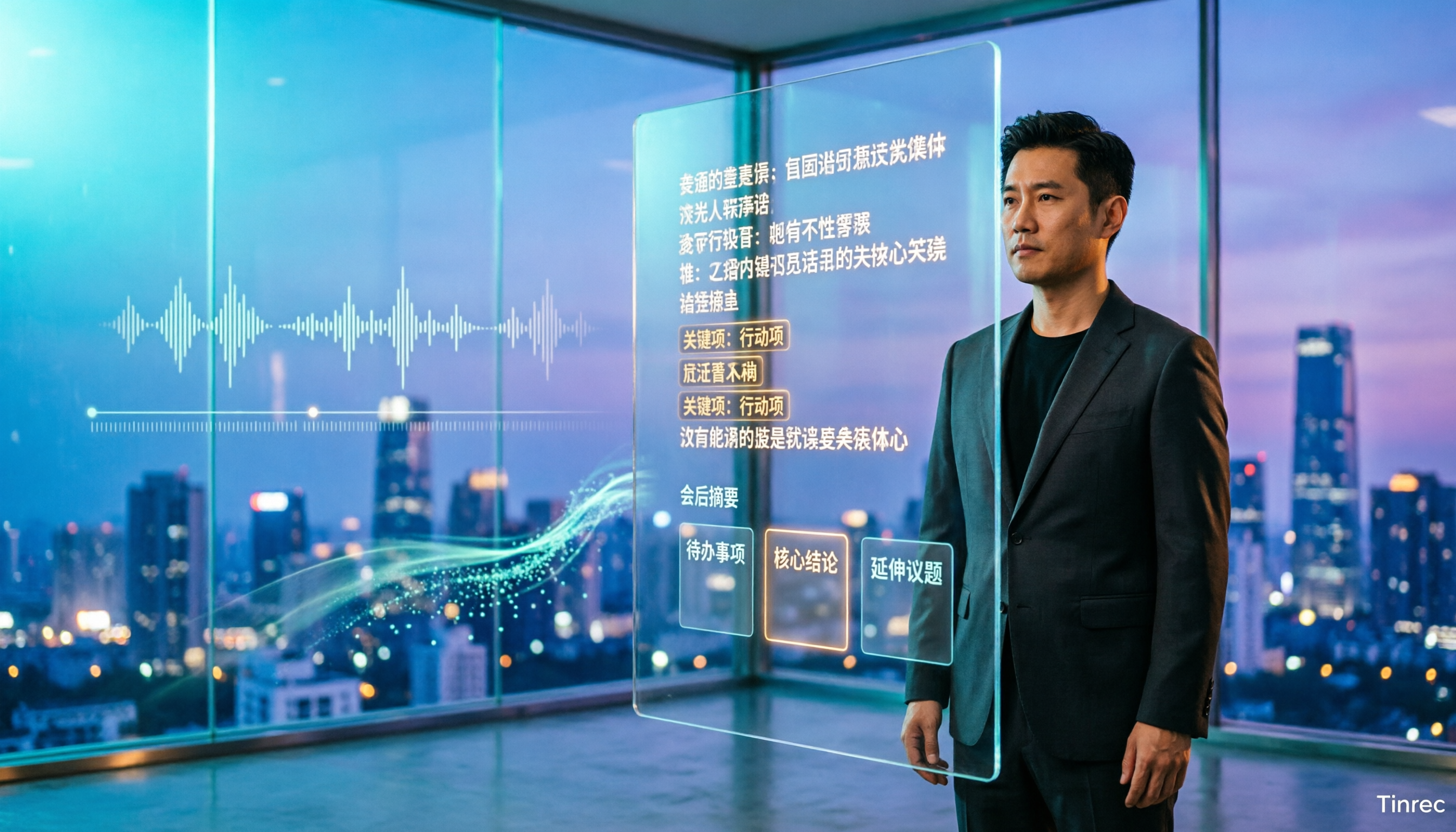
4 Best Speech-to-Chinese Transcription Tools in 2026: Which One Handles Chinese Meeting Transcripts and Post-Meeting Notes Best?
Tired of recording meetings and never listening to them? This article breaks down common mistakes, outlines 4 key factors for choosing a speech-to-Chinese transcription tool, and compares Tinrec, Notta, TurboScribe, and Otter.ai. Find out which tool suits your needs, plus a guide to avoiding pitfalls and pricing details to help you save time.

5 Best Speech-to-Text Tools in 2026: Which One Saves the Most Time on Chinese Meeting Notes?
Many people think speech-to-text is just getting a transcript, but the real time sink is post-meeting organization. This article addresses common misconceptions and outlines key factors for choosing a speech-to-text tool in 2026, including post-transcription processing, meeting capture methods, Chinese language performance, and team data ownership. It compares Tinrec, Notta, Otter.ai, and TurboScribe to help you find the most time-saving option.

5 Best Online Video Chat Rooms in 2026: Anonymous Chat, Random Pairing, and AI Meeting Notes Compared
How do you choose an online video chat room in 2026? We tested 5 tools for anonymous socializing, random pairing, and meeting documentation, plus what to look for—including how Tinrec handles bot-free meeting recording, AI summaries and action items, and team workspaces.

2026 Comparison of 4 Online Meeting and Teaching Tools: After a Webex Meeting, What's the Easiest Way to Keep Records?
Closing the window right after an online meeting is the most common and costly habit. This article compares Cisco Webex, Tinrec, Granola, and TurboScribe in terms of meeting recording, transcription, summarization, and post-meeting organization, and highlights the four most common pitfalls when choosing online meeting and teaching tools.
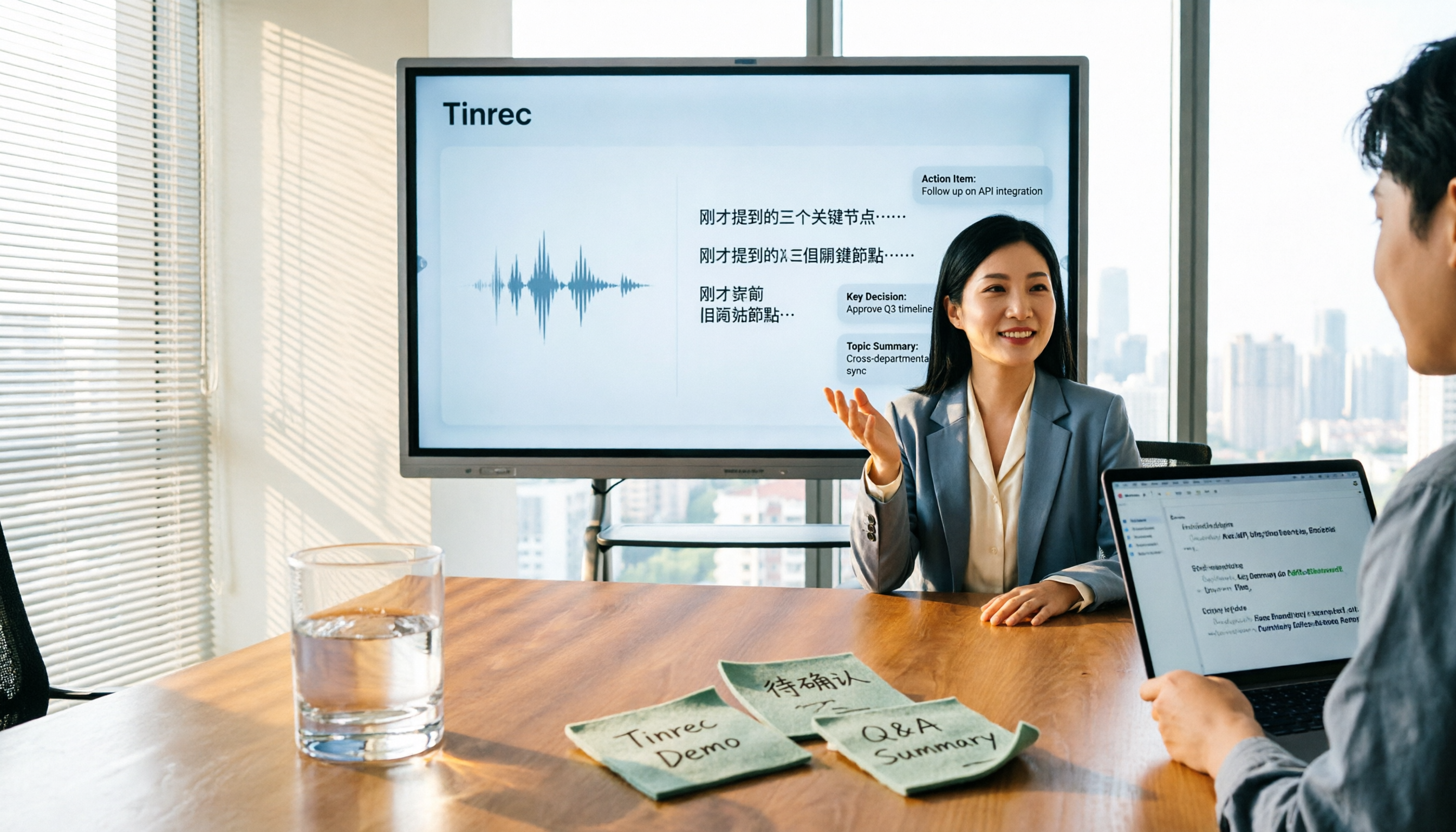
4 Best Audio-to-Text Software in 2026: Which Is Most Useful for Chinese Meeting Notes and AI Q&A?
Still stuck transcribing after meetings? We tested 4 audio-to-text software in 2026, comparing Chinese and mixed Chinese-English recognition, bot-free online meeting recording, post-meeting AI summaries and Q&A, and team data ownership. We also list 4 key buying factors and 3 common pitfalls to help you find the one that truly saves time.

3 AI Meeting Note Tools Tested in 2026: A No-Bot Option for Webex Users
Cisco Webex is a common online meeting tool for businesses, but post-meeting organization often still relies on manual work. This article explores real-world scenarios to explain what AI meeting note tools can do for professionals, using Tinrec as an example to demonstrate a complete workflow for bot-free Webex meeting recording, real-time transcription, AI summaries, action item extraction, and team spaces, while also covering 5 key considerations for purchasing and FAQs.

2026 Best Free Audio-to-Text Tools Compared: Which One Is Actually Enough?
Meeting recordings pile up, Cantonese transcripts take forever to type, and free versions cut you off mid-transcription with an upgrade prompt. This guide breaks down the free tiers, language support, and post-meeting organization of 5 audio-to-text tools in 2026, and explains why Tinrec's no-bot desktop recording, AI summaries and Q&A, and team workspace make it more practical for Chinese-language meetings.