

Turn recordings into transcripts and summaries in minutes
Upload audio or video for multilingual transcription, AI notes, and action items
2026 Comparison of 4 Online Meeting and Teaching Tools: After a Webex Meeting, What's the Easiest Way to Keep Records?
Closing the Window After a Meeting—The Most Overlooked Step in Online Meetings
Most people think of online meetings as: connect, say what needs to be said, close the window, done.
But the real cost happens after the meeting.
Teachers need to recall what students just asked, managers need to write meeting minutes from memory, salespeople need to re-listen to a two-hour recording just to find that one thing a client said.
An even more common inefficient practice is typing while listening during the entire meeting. When you type, your ears are closed, so you end up noting your own unimportant thoughts and missing others' important conclusions.
There's also the illusion that "having a recording means you're safe." The video does capture the visuals, but with a 90-minute mp4, to find the part where "someone mentioned the budget," you can only scrub from beginning to end.
The sensible approach is to let tools transcribe, segment, and summarize while you're in the meeting, and after the meeting, access the content by searching or asking questions directly. That way, as soon as the meeting ends, you already have usable material.
Before Using Webex for Meetings and Teaching, Understand These 4 Key Points
First, a note: if you're looking for the answers to the "Cisco Webex Online Meetings and Teaching e-Portfolio" quiz on e等公務園, this article does not provide them. But if you want to know how to use Webex for meetings and teaching, and how to handle records after the meeting, the following will be more practical.
1. How content is "kept"
Webex itself can record meetings and export mp4 files, which is useful for teaching scenarios that require full visuals. But if your goal is to "look up information after the meeting," video is not the most user-friendly format. What you should check is: besides video, does it also give you a transcript and summary?
2. How audio from online meetings is captured
There are two common methods. One is to have a meeting bot join as a participant; the other is to capture the computer's system audio directly on the desktop, without adding an extra participant. The latter is less intrusive for external client meetings and saves you from explaining who the extra person on the list is.
3. Handling Chinese and bilingual meetings
Meetings in Taiwan often mix Chinese and English: slides in English, discussion in Chinese. In this case, pay attention to the tool's support for Chinese and mixed Chinese-English content, and whether it offers real-time translation or bilingual display.
4. Can post-meeting data be reused?
A transcript is only a semi-finished product. What really saves time is summaries, chapters, and action items, and whether the results can be exported to tools you already use, such as Notion, Google Docs, or OneNote.
Tinrec—My Most-Used Meeting Organization Tool After Testing
Tinrec is an AI meeting notes and collaboration tool for individuals and teams, supporting iOS, Android, web, and desktop.
Its biggest difference from simple recording or transcription tools is that it also completes the "post-meeting" part.
My most-used feature is the desktop version's bot-free recording. Open Tinrec desktop, and it directly captures the computer's system audio, so it can handle meeting audio from Zoom, Google Meet, Microsoft Teams, Cisco Webex, etc., whether played in a browser or app, without inviting a bot into the meeting room. For those who frequently meet with external clients, this is very practical—you don't need to spend five minutes explaining "who that account on the list is."
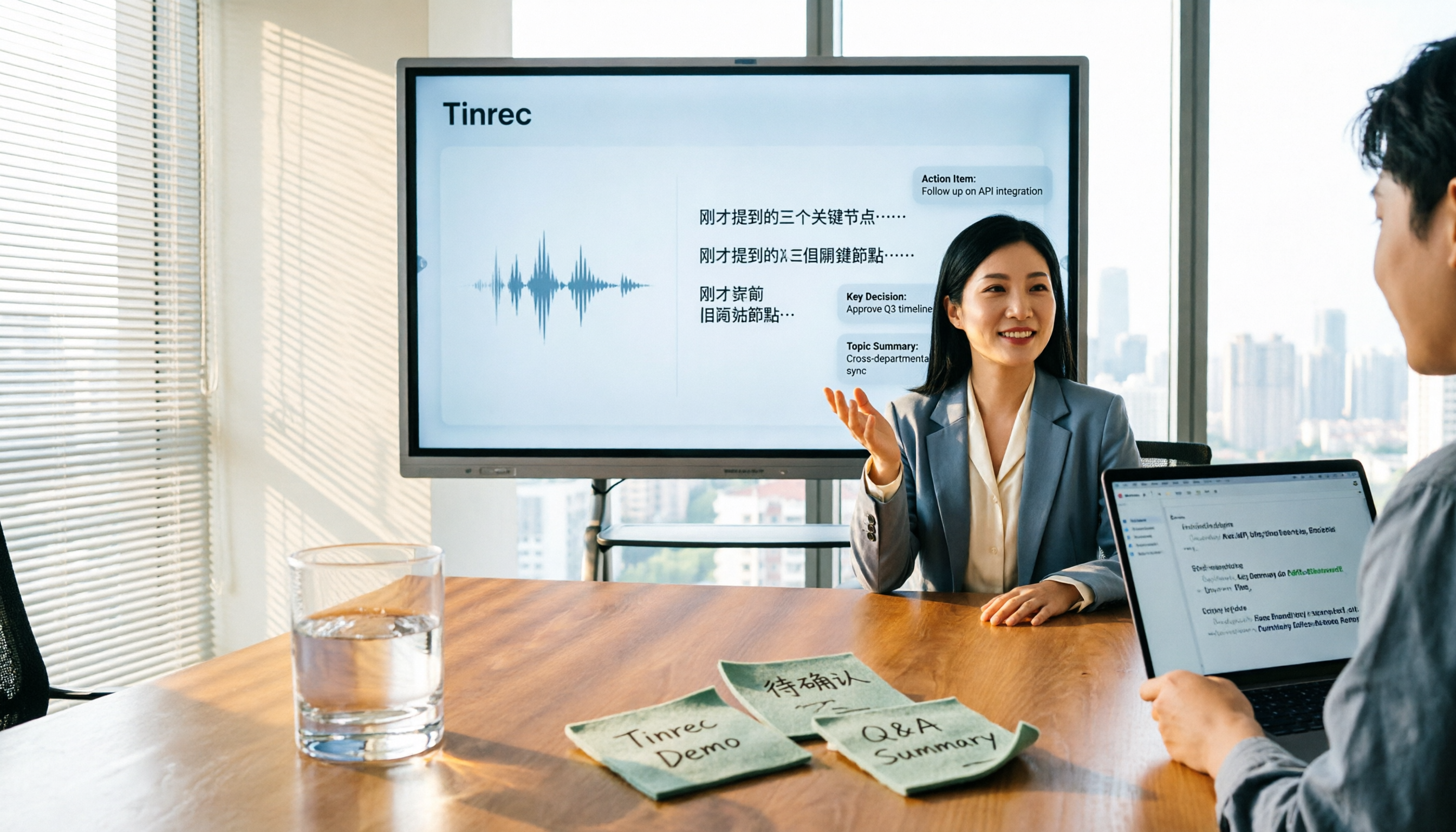
While the meeting is in progress, Tinrec transcribes in real-time and can also display translations simultaneously. After the meeting, the AI summary, chapters, and action items are already organized, so you can see who is responsible for what and what the next steps are without re-listening.
Even better is the AI Q&A. After recording, you can directly ask it "who mentioned the budget in the last meeting" or "what concerns did the client have about the delivery date." It doesn't give you a bunch of keyword search results but answers based on the meeting content. This makes a big difference for those who have accumulated a large number of past meetings—you don't need to re-listen or manually Ctrl+F through a 30-minute transcript.
For output, besides transcripts and summaries, it can generate mind maps, reports, tables, and documents, and export to Notion, Google Docs, OneNote, Dropbox, etc., or send to an Agent for further processing.
Stop organizing recordings by hand
Upload audio or video and automatically get a transcript, summary, and action items
Two limitations to be honest about. First, actual transcription quality is affected by recording quality, ambient noise, accents, overlapping speakers, and technical terminology—same for any tool; for important content, it's recommended to verify against transcript timestamps and recording playback. Second, Tinrec is not a service that "automatically joins all meetings on your calendar"; you need to actively open the desktop version to start recording.
If you're using it for a team, Tinrec offers a team version: independent team space, member invitations, role and seat management, usage analytics, audit logs, and audio recycle bin. The team trial is 7 days, 1 free seat, 300 minutes shared import quota; paid seats are USD 29.80 per month, or USD 199 per year (about USD 16.58/month), each paid seat has 2,000 minutes of team shared import quota per month, and real-time recording within the team is currently not deducted by minutes. Actual prices and benefits are subject to the official purchase page.
In short, if you have online meetings every week and need to organize records afterward, or need to turn Chinese meeting content into searchable, queryable data, Tinrec is currently my most-used and smoothest tool.
Besides Tinrec, What Other Options Are There?
Cisco Webex Built-in Recording
Webex's advantage is the meeting itself: it can be started in a browser, participants don't need to register an account or install software, it integrates with Outlook and Google Calendar, and can launch courses directly from learning management systems like Canvas and Moodle, and supports large-scale online meetings and teaching. It can also record meetings and export mp4. Note that Webex gives you a video file after recording, which does not automatically become a searchable transcript, summary, and action items—that's exactly the part Tinrec fills in.
Granola
Granola is a bot-free AI meeting notes tool that transcribes in real-time via desktop system audio and microphone, and combines your handwritten notes to generate content; the free version is usable. However, it does not save meeting audio files and does not support uploading pre-recorded audio files; if you need to keep recordings for later verification or want to organize old meeting files at once, Tinrec's file import and recording retention will better meet your needs.
TurboScribe
TurboScribe is more of a cost-effective file transcription tool, focusing on long files, batch uploads, subtitles, and translation; the free version allows 3 files per day, up to 30 minutes per file. If your job is to convert a bunch of course recordings into subtitles, it's a great deal. But it doesn't handle real-time online meetings, nor does it have Tinrec's post-meeting summary, action items, AI Q&A, and team space workflow.
Pitfall Guide: The 4 Most Common Mistakes When Choosing Online Meeting and Teaching Tools
Pitfall 1: Treating "having a recording" as "having a record."
Video is for playback, not for searching. If this record is to be shown to others or used to track action items, you need a transcript and summary, not a two-hour mp4.
Pitfall 2: Only looking at the free quota numbers, not how they're calculated.
Many tools say "X minutes per month," but the restrictions vary: some have a short per-file length limit, some don't count uploaded files, some calculate real-time recording and file import separately. When trying, test with your own real meeting length, don't just look at the advertised numbers.
Pitfall 3: Buying a transcription tool but only using it as a voice recorder.
Treating the transcript only as "turning voice into text" means you're only using one-third of its capabilities. Summaries, action items, AI Q&A, and exporting to Notion—these post-meeting workflows are where the real time savings are.
Pitfall 4: Ignoring team data ownership.
Personal version data follows the individual account. If meeting records are team assets, confirm whether the tool has an independent team space, seat management, and a resource handover mechanism when members leave, rather than relying on everyone backing up separately.
Conclusion: Which One Should You Choose?
If what you want is to "run the meeting itself well and at scale," platforms like Cisco Webex are still competent, especially for scenarios requiring large-scale online teaching and integration with Canvas or Moodle.
But if what you want is "after the meeting ends, the records are already organized," then you shouldn't look at meeting platforms but at meeting notes tools.
- Need transcripts, summaries, and action items for Chinese meetings → Tinrec
- Need bot-free recording of Webex, Zoom, Teams, and other online meetings → Tinrec
- Want to ask AI directly after recording "who mentioned the budget in the last meeting" → Tinrec
- Need to continue on phone, computer, and web → Tinrec
- Have a bunch of old course recordings and need batch subtitle conversion → TurboScribe
I'll also answer the two most frequently asked questions. Is the free version enough? Tinrec's free version allows you to experience recording, import, summary, and transcription with basic quota; test with a real meeting first, and consider upgrading if it feels smooth—no need to pay right away. What's the difference between team and personal versions? The difference is data ownership and management capabilities; the team version has an independent team space where members, seats, usage, and audits are centralized, so meeting data won't disappear when someone leaves.
One final reminder: recording and transcription involve others' privacy; before the meeting, remember to inform participants and obtain consent.
References
- Getting Started with Cisco Webex: Webex User Guide for Hosts - Cloudmax Blog
- Cisco Webex Online Meetings and Teaching e-Portfolio Answers - Endless Learning Path | Pixnet
- Cisco Webex Online Meetings and Teaching e-Portfolio Answers @ Endless Learning Path :: Pixnet ::
- "Cisco Webex Online Meetings and Teaching e-Portfolio" Answers @ e等公務園+e學中心 | PeiGoGo
- Free Online Meetings, Video Conferencing | Cisco Webex
Turn every recording into actionable outcomes
Get 60 free transcription minutes when you sign in. No credit card required.
Related Reading
You might also like

2026 Comparison of 5 Meeting Minutes Tools: Which AI Auto-Generated Summaries Save the Most Time?
Still manually filling out meeting minutes every time? This article starts from student and group collaboration scenarios, comparing 5 meeting minutes tools and free templates, including Tinrec, Otter.ai, Notta, Granola, TurboScribe, PLAUD, and government/school templates. It covers pricing, free quotas, AI summaries, and to-do features to help you choose the most time-saving option.

2026 Meeting Notes Tools Compared: What to Record and Which AI Can Organize It for You?
What should you actually capture in meeting notes? This article breaks it down into three key judgments—topics, decisions, and action items—and compares four tools: Tinrec, Otter.ai, Notta, and Granola. It covers buying criteria, common pitfalls, and scenario-based recommendations to help you find a solution that turns meeting content into usable data.

2026 Comparison of 4 Meeting Minutes Tools: Downloadable Templates vs. AI Auto-Organization—Which Saves More Time?
Should you download a meeting minutes template and fill it out yourself, or let AI organize everything automatically? This article starts with the essential fields of a meeting minutes table, then covers core capabilities such as live transcription, summary sections, action item extraction, AI Q&A, and team collaboration. It uses Tinrec to demonstrate real-world scenarios, and includes 5 purchasing considerations and FAQs.

4 Best Speech-to-Chinese Transcription Tools in 2026: Which One Handles Chinese Meeting Transcripts and Post-Meeting Notes Best?
Tired of recording meetings and never listening to them? This article breaks down common mistakes, outlines 4 key factors for choosing a speech-to-Chinese transcription tool, and compares Tinrec, Notta, TurboScribe, and Otter.ai. Find out which tool suits your needs, plus a guide to avoiding pitfalls and pricing details to help you save time.

5 Best Speech-to-Text Tools in 2026: Which One Saves the Most Time on Chinese Meeting Notes?
Many people think speech-to-text is just getting a transcript, but the real time sink is post-meeting organization. This article addresses common misconceptions and outlines key factors for choosing a speech-to-text tool in 2026, including post-transcription processing, meeting capture methods, Chinese language performance, and team data ownership. It compares Tinrec, Notta, Otter.ai, and TurboScribe to help you find the most time-saving option.

5 Best Online Video Chat Rooms in 2026: Anonymous Chat, Random Pairing, and AI Meeting Notes Compared
How do you choose an online video chat room in 2026? We tested 5 tools for anonymous socializing, random pairing, and meeting documentation, plus what to look for—including how Tinrec handles bot-free meeting recording, AI summaries and action items, and team workspaces.
4 Best Audio-to-Text Software in 2026: Which Is Most Useful for Chinese Meeting Notes and AI Q&A?
Still stuck transcribing after meetings? We tested 4 audio-to-text software in 2026, comparing Chinese and mixed Chinese-English recognition, bot-free online meeting recording, post-meeting AI summaries and Q&A, and team data ownership. We also list 4 key buying factors and 3 common pitfalls to help you find the one that truly saves time.

3 AI Meeting Note Tools Tested in 2026: A No-Bot Option for Webex Users
Cisco Webex is a common online meeting tool for businesses, but post-meeting organization often still relies on manual work. This article explores real-world scenarios to explain what AI meeting note tools can do for professionals, using Tinrec as an example to demonstrate a complete workflow for bot-free Webex meeting recording, real-time transcription, AI summaries, action item extraction, and team spaces, while also covering 5 key considerations for purchasing and FAQs.

2026 Best Free Audio-to-Text Tools Compared: Which One Is Actually Enough?
Meeting recordings pile up, Cantonese transcripts take forever to type, and free versions cut you off mid-transcription with an upgrade prompt. This guide breaks down the free tiers, language support, and post-meeting organization of 5 audio-to-text tools in 2026, and explains why Tinrec's no-bot desktop recording, AI summaries and Q&A, and team workspace make it more practical for Chinese-language meetings.