

Turn recordings into transcripts and summaries in minutes
Upload audio or video for multilingual transcription, AI notes, and action items
2026 Meeting Notes Tools Compared: What to Record and Which AI Can Organize It for You?
What Should You Record in Meeting Notes? First, Clarify Two Key Judgments
Most people searching for "meeting notes" are looking for a template to copy. But what really trips you up are two judgments: What exactly are the "key points" of this meeting? And after you write them down, who will receive them and use them?
An article from 104 Job Bank puts it bluntly: meeting notes are not dictation practice, not a verbatim transcript. The point is to write down the topic as a clear question, and not to focus on what people "said" but on what it "relates to." In other words, you're not recording sentences; you're recording topics.
The second judgment is often overlooked: Who is this record for? If it's just for yourself, you can write casually. But if it's for colleagues who missed the meeting, someone taking over the project next week, or even someone looking back at decisions three months later, the notes must "level the information"—use plain language, no personal shorthand, so anyone can understand the progress after reading.
Online meetings are even harder. A guide from Meta Note mentions that remote meetings, due to multiple people speaking at once, audio delays, and rapid screen switching, often have higher information density than in-person meetings. It's even more important to summarize by topic breaks and recap at the end.
That's why choosing a "meeting notes tool" isn't just about picking a fast typing tool—it's about choosing a process that helps you capture topics, decisions, and action items.
Before Choosing a Meeting Notes Tool, Understand These 4 Key Points
1. Does it help you "copy" or "converge"? Transcripts have their value—you can look back and verify. But if a tool only gives you a 5,000-word transcript, the organizing work still falls on you. You need to see if it can automatically generate summaries, chapters, and key points, breaking a long meeting into a scannable structure.
2. Does it have the concept of "action items"? A summary from Pasona mentions that meeting minutes should include not only decisions but also the decision-making process and subsequent actions—who is responsible, by when, and the next meeting time. RunningMate's template suggestion is even more direct: consolidate action plans into one column, written as "task + responsible partner + deadline." If the tool only transcribes text, you'll still have to fill this in manually.
3. How should online meetings be recorded? This is where many people stumble. Some tools require a "meeting bot" to join as a participant; others capture system audio directly from the desktop. The former requires inviting in advance, and the other party will see an extra attendee; the latter doesn't need an extra bot but requires you to actively start the tool. Understanding this will prevent you from fumbling during an important client meeting.
4. Will you still find this record a month later? The value of meeting notes isn't on the day itself but when you look back. Asana suggests creating written meeting notes so team members can refer to decisions made at specific times, which also helps maintain accountability. So data storage, searchability, and the ability to ask questions about the content affect long-term benefits more than "transcription speed."
Tinrec — Our Top Pick After Testing
Tinrec is an AI meeting notes and collaboration tool for individuals and teams, supporting iOS, Android, and web, with a desktop version that can handle online meeting audio played on your computer. Its positioning isn't just a recording-to-text tool but a way to turn meetings into searchable, collaborative, actionable data.
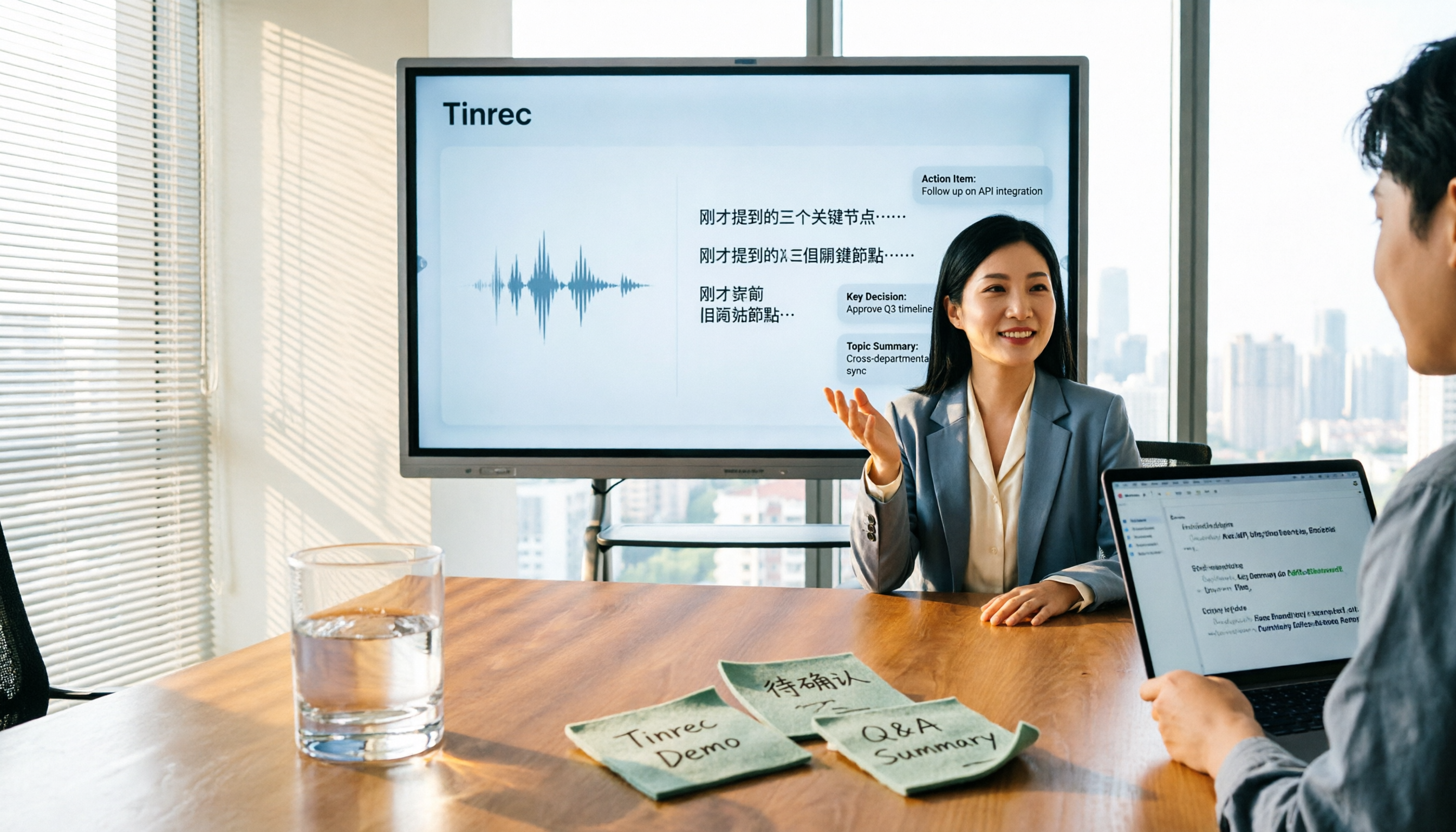
Live transcription during the meeting, structured output after Start Tinrec's real-time recording during the meeting, and it will transcribe as it records. After the meeting, AI automatically generates summaries, chapters, and key points, and extracts to-dos from the discussion—who is responsible for what, what's next—so you don't have to dig through the transcript line by line. This directly addresses the "convergence" need: the tool helps you capture topics instead of handing you a conversation log.
No extra bot for online meetings Tinrec's desktop version captures system audio directly, so when handling online meetings on Zoom, Google Meet, Microsoft Teams, Webex, etc., you don't need to invite a meeting bot. One less technical step means one less chance for error, which is actually crucial in external meetings.
You can keep asking it after recording This is what sets it apart from most similar tools. You can ask questions directly about a single meeting or multiple meetings, such as "What was the conclusion about the budget in the last meeting?" It will answer based on semantic understanding, not just keyword search results.
The post-meeting workflow is the main event Tinrec supports organizing meeting content into reports, tables, and documents, and can export to Notion, Google Docs, OneNote, Dropbox, etc. for further processing; for cross-language meetings, you can enable real-time translation and view in original, translated, or bilingual mode.
Stop organizing recordings by hand
Upload audio or video and automatically get a transcript, summary, and action items
Team version: Turn meetings from personal notes into team assets If meeting notes are for the whole department, Tinrec for Teams provides a separate team space: centrally store meeting audio, transcripts, summaries, and to-dos. New members can view historical data, and when members leave, data isn't taken away but handed over to other active members. The admin side includes member roles, seat allocation, usage analytics, audit logs, and an audio recycle bin.
Here you need to distinguish between "roles" and "seats": roles determine who can manage the team and view audits; seats determine whether members can record, upload, edit, import/export. Active members without seats can still view, play, and read team data.
Pricing The personal version offers a free plan, weekly pass, Pro monthly, and annual plans, depending on usage frequency. For the team version, eligible teams can enjoy a 7-day trial, including 1 free seat and 300 minutes of team shared import quota; team monthly is USD 29.80 per paid seat per month, annual is USD 199 per paid seat per year (about USD 16.58 per month), with each paid seat providing 2,000 minutes of team shared import quota per month. Under an active team plan and active seats, real-time recording currently does not deduct minutes; document and web imports use the team shared quota. Actual prices and benefits are subject to the official purchase page.
Limitations are also clear AI summaries and transcription are affected by recording quality, background noise, accents, overlapping speech, and technical terms. We don't recommend treating any tool's accuracy as a fixed number. Important content should still be verified against transcript timestamps or by replaying the recording. Also, Tinrec is currently not a "bot that automatically joins all calendar meetings"—you need to actively start recording.
Who it's for If your meetings are primarily in Chinese, you want to use AI to find key points directly after the meeting, you don't want an extra bot in client meetings, and meeting data needs to be retained for team sharing, Tinrec is a very suitable choice.
Besides Tinrec, What Other Options Are There?
Otter.ai A mature English AI meeting assistant. Free version offers 300 minutes per month; Pro annual is about USD 8.49 per user per month, including 1,200 minutes of in-app recording per month. If almost all your recordings are English business meetings, its maturity is high. However, Chinese meeting experience and team data retention are not its focus, and its current desktop capabilities follow a different approach from Tinrec's system audio capture—check carefully before choosing. Prices are subject to Otter's official page.
Notta A multilingual transcription tool with significant overlap with Tinrec. Free version offers 120 minutes per month, max 3 minutes per session; Pro annual is about USD 8.17 per month (1,800 minutes per month). It's suitable for file transcription, subtitles, and translation. Tinrec relatively emphasizes bot-free online meeting recording, team space, and AI Q&A; if you want to "keep asking questions about meeting content after the meeting," Notta doesn't have that capability.
Granola Also uses a bot-free approach, transcribing in real-time via desktop system audio and microphone, combined with your handwritten notes for AI enhancement. Basic is free, Business is USD 14 per user per month. It supports real-time transcript viewing, copying, and searching, but does not support uploading pre-recorded audio files and does not save meeting audio. If you need to catch up on a meeting you missed or want to keep recordings for later verification, this is the biggest gap between it and Tinrec.
Pitfall Guide: 3 Most Common Mistakes When Choosing a Meeting Notes Tool
Pitfall 1: Treating the tool as a transcription machine. The value of meeting notes is in convergence, not word count. If you just save the transcript, you're leaving the "organizing" task to your future self. When choosing a tool, first see if it can generate summaries, chapters, and to-dos.
Pitfall 2: Only looking at free quota, not how the team takes over. For personal use, the free version is usually enough; but once meeting data is for others, you'll face questions like "Whose account is this record in?" and "What happens to the data after they leave?" This is the meaning of the team version—data belongs to the team and can be handed over when members change.
Pitfall 3: Thinking "having a record" equals "having follow-up." Many meeting notes are written completely but lack an owner and deadline, so three months later you still don't know what was done. Remember to write action items as "task + owner + deadline"; if the tool has a to-do extraction feature, let it do a first pass, then you add names and dates.
**A reminder:** Meeting recording and transcription involve personal data and local regulations. Before recording, please ensure compliance and obtain participant consent when necessary.
Conclusion: Which One Should You Choose?
- Primarily Chinese meetings, want to use AI to find key points after → Tinrec (supports Chinese and multiple languages, AI Q&A, to-do extraction)
- Don't want an extra bot in online meetings → Tinrec (desktop captures system audio)
- Need to retain meeting data for the whole department → Tinrec Team version (team space, seats, usage, and audit)
- Almost all English meetings, limited budget → Otter.ai (free 300 minutes/month)
- Mainly processing existing audio files, subtitles, and translation → Notta-type file transcription tools
- Want a portable recording device → PLAUD Note/NotePin
Meeting notes are never about "how much you recorded" but "did you capture the topics, decisions, and next steps." Tools just make this process faster and more trackable.
We suggest starting with Tinrec's free version and trying it with a real meeting you have on hand: see if the summary and to-dos it produces are closer to what you want than manual organizing. If it works, consider upgrading—no need to pay from the start.
References
- Meeting notes = transcript? Professional meeting minutes only record 3 key points | Writing tips, templates at once | 104 Job Bank
- Meeting notes format template [copy directly] 4 key points + writing examples, fill in and submit
- How to take meeting notes? 2026 complete guide for beginners - Meta Note
- Latest news - How to write meeting notes? Three secrets to perfect meeting notes! | Pasona
- 9 tips for writing better meeting notes 2025 • Asana
Turn every recording into actionable outcomes
Get 60 free transcription minutes when you sign in. No credit card required.
Related Reading
You might also like

2026 Comparison of 5 Meeting Minutes Tools: Which AI Auto-Generated Summaries Save the Most Time?
Still manually filling out meeting minutes every time? This article starts from student and group collaboration scenarios, comparing 5 meeting minutes tools and free templates, including Tinrec, Otter.ai, Notta, Granola, TurboScribe, PLAUD, and government/school templates. It covers pricing, free quotas, AI summaries, and to-do features to help you choose the most time-saving option.

2026 Comparison of 4 Meeting Minutes Tools: Downloadable Templates vs. AI Auto-Organization—Which Saves More Time?
Should you download a meeting minutes template and fill it out yourself, or let AI organize everything automatically? This article starts with the essential fields of a meeting minutes table, then covers core capabilities such as live transcription, summary sections, action item extraction, AI Q&A, and team collaboration. It uses Tinrec to demonstrate real-world scenarios, and includes 5 purchasing considerations and FAQs.

4 Best Speech-to-Chinese Transcription Tools in 2026: Which One Handles Chinese Meeting Transcripts and Post-Meeting Notes Best?
Tired of recording meetings and never listening to them? This article breaks down common mistakes, outlines 4 key factors for choosing a speech-to-Chinese transcription tool, and compares Tinrec, Notta, TurboScribe, and Otter.ai. Find out which tool suits your needs, plus a guide to avoiding pitfalls and pricing details to help you save time.

5 Best Speech-to-Text Tools in 2026: Which One Saves the Most Time on Chinese Meeting Notes?
Many people think speech-to-text is just getting a transcript, but the real time sink is post-meeting organization. This article addresses common misconceptions and outlines key factors for choosing a speech-to-text tool in 2026, including post-transcription processing, meeting capture methods, Chinese language performance, and team data ownership. It compares Tinrec, Notta, Otter.ai, and TurboScribe to help you find the most time-saving option.

5 Best Online Video Chat Rooms in 2026: Anonymous Chat, Random Pairing, and AI Meeting Notes Compared
How do you choose an online video chat room in 2026? We tested 5 tools for anonymous socializing, random pairing, and meeting documentation, plus what to look for—including how Tinrec handles bot-free meeting recording, AI summaries and action items, and team workspaces.

2026 Comparison of 4 Online Meeting and Teaching Tools: After a Webex Meeting, What's the Easiest Way to Keep Records?
Closing the window right after an online meeting is the most common and costly habit. This article compares Cisco Webex, Tinrec, Granola, and TurboScribe in terms of meeting recording, transcription, summarization, and post-meeting organization, and highlights the four most common pitfalls when choosing online meeting and teaching tools.
4 Best Audio-to-Text Software in 2026: Which Is Most Useful for Chinese Meeting Notes and AI Q&A?
Still stuck transcribing after meetings? We tested 4 audio-to-text software in 2026, comparing Chinese and mixed Chinese-English recognition, bot-free online meeting recording, post-meeting AI summaries and Q&A, and team data ownership. We also list 4 key buying factors and 3 common pitfalls to help you find the one that truly saves time.

3 AI Meeting Note Tools Tested in 2026: A No-Bot Option for Webex Users
Cisco Webex is a common online meeting tool for businesses, but post-meeting organization often still relies on manual work. This article explores real-world scenarios to explain what AI meeting note tools can do for professionals, using Tinrec as an example to demonstrate a complete workflow for bot-free Webex meeting recording, real-time transcription, AI summaries, action item extraction, and team spaces, while also covering 5 key considerations for purchasing and FAQs.

2026 Best Free Audio-to-Text Tools Compared: Which One Is Actually Enough?
Meeting recordings pile up, Cantonese transcripts take forever to type, and free versions cut you off mid-transcription with an upgrade prompt. This guide breaks down the free tiers, language support, and post-meeting organization of 5 audio-to-text tools in 2026, and explains why Tinrec's no-bot desktop recording, AI summaries and Q&A, and team workspace make it more practical for Chinese-language meetings.