

Turn recordings into transcripts and summaries in minutes
Upload audio or video for multilingual transcription, AI notes, and action items
Just finished a meeting and realized you missed half the key points? You need more than just "speech to text"
After a 90-minute client meeting, you look down at your notebook and see only three lines written. The client's key requirements, the budget cap they casually mentioned—none of it is there.
If you want to go back and listen to the recording, a 30-minute file means spending another 30 minutes listening to it again, constantly pausing, rewinding, and typing manually. By the time you finish the transcript, the day is over.
Cross-language meetings are even trickier. Your manager speaks strategy in Chinese, the client responds in English, and the two languages interweave—afterward, you can't even tell who said what.
The common thread in all these situations: the problem isn't your memory, it's that the tool only helps you "record" without helping you "use" it. Choose the right tool, and you can eliminate most of these headaches.
Before choosing a speech-to-text tool, understand these 4 key points
These dimensions show the most obvious differences after actually using a range of tools.
First, the recording method. Some tools require inviting a "meeting bot" to join online meetings as a participant, while others directly capture your computer's system audio. The former can feel odd to clients during external meetings; the latter doesn't disturb anyone and lets the meeting proceed as usual.
Second, whether audio files are retained. No matter how accurate the transcript is, you'll occasionally need to go back and verify tone and context. If the tool only provides text and doesn't keep the recording, you lose your last line of verification when errors occur.
Third, what you can do after transcription. With tools that only give you a transcript, you still have to read through the whole thing and pick out key points yourself. Tools that automatically generate summaries, chapters, and action items save you that second round of organization.
Fourth, handling of Chinese and mixed-language content. Meetings in Taiwan often mix Chinese and English, along with product terminology and internal code names. How accurately these can be recognized is more practical than "how many languages are supported."
Keep these four points in mind, and evaluating products will be much clearer.
Tinrec — the most recommended choice after hands-on testing
In one sentence: Tinrec is an AI meeting notes and collaboration tool for individuals and teams, available on iOS, Android, and web.
It doesn't just convert voice to text—it turns meetings into searchable, queryable, and further processable data.
Desktop version captures system audio directly, no bot needed for online meetings
This is its most practical feature. By capturing your computer's system audio through the desktop version, you can handle Zoom, Google Meet, Microsoft Teams, and Webex meetings played on your computer without inviting an extra bot into the meeting room.
During external meetings, clients won't see a strange bot join, and the meeting flow is completely undisturbed. Note that this doesn't mean it automatically joins all meetings on your calendar—you still need to actively open Tinrec to start recording.
Live transcription while recording, automatic summaries and action items after the meeting
Open Tinrec during the meeting, and it transcribes in real time. As soon as the meeting ends, AI has already organized the summary, chapters, and action items—who's responsible for what, when it's due, listed one by one.
If you're handling cross-language meetings simultaneously, it supports real-time translation, allowing you to switch between original text, translation, or bilingual view—no need to find someone to translate afterward.
After recording, you can ask the meeting directly
This is where it stands out from similar tools. After recording, you can directly ask it: "Who mentioned the budget in the last meeting?" "What were the client's concerns about pricing?"
It doesn't give you keyword search results—it answers you directly based on semantic understanding. Tools at the same price point are mostly still at the stage of "here's a transcript, Ctrl+F it yourself."
Output can be integrated into your existing workflow
Meeting results can be exported to Notion, Google Docs, OneNote, Dropbox, and other tools, and can also generate meeting minutes, reports, tables, and mind maps. For those who need to submit weekly reports, write meeting notes, or do client debriefs, the time saved here is considerable.
Stop organizing recordings by hand
Upload audio or video and automatically get a transcript, summary, and action items
Hands-on observations
We tested in real meeting scenarios (indoor, with air conditioning noise, multiple people speaking in turn, mixed Chinese and English). The transcript's timestamps are clear, making it easy to verify original sentences. Note that actual performance is still affected by recording quality, accents, background noise, people talking over each other, and technical terminology. For important content, we recommend cross-checking with audio playback.
Pros summary
- Desktop version captures system audio directly, no bot needed for online meetings.
- Beyond transcripts, there are summaries, chapters, and action items—no need to organize again after the meeting.
- Supports AI Q&A around meeting content—find key points without scrolling through the entire transcript.
Things to note
The free version has a basic quota for trial; long-term or high-frequency use requires payment. The team version uses independent team spaces, not multiple people sharing a personal account. It's seat-based: monthly USD 29.80 per paid seat per month, annual USD 199 per paid seat per year (about USD 16.58 per month). Each paid seat provides 2,000 minutes of team shared import quota per month; eligible teams get a 7-day trial, 1 free seat, and 300 minutes of shared quota for the first time. Prices, currencies, and benefits are subject to the official purchase page.
Who it's for
If you frequently hold Chinese or mixed Chinese-English meetings, don't want a bot joining the meeting room, and want to use AI to directly ask for key points after the meeting—Tinrec is currently the closest fit for these needs. Departments that need teams to collectively accumulate meeting data can also consider its team spaces, turning data into searchable, transferable team assets.
Besides Tinrec, what other options are there?
Notta is a multi-platform transcription tool supporting meeting notes, file import, and translation. Free version: 120 minutes per month, max 3 minutes per session. Pro annual: about USD 8.17 per month, 1,800 minutes per month. It has broad language coverage, but bot-free desktop system audio recording isn't its focus, and its post-transcription workflow is relatively simple—Tinrec is much more complete in post-meeting Q&A and post-processing.
Otter.ai is a mature choice for English business meetings. Basic free: 300 minutes per month. Pro annual: about USD 8.49 per user per month, including 1,200 minutes per month. If your meetings are almost entirely in English, Otter is a reasonable option; but its Chinese meeting experience is weaker, and it lacks Tinrec's design for turning meetings into team data.
Granola also takes the bot-free route, using desktop system audio plus microphone for real-time transcription, combined with your handwritten notes to generate content. Business: USD 14 per user per month. It's positioned as "meeting notes that understand you," but doesn't support uploading pre-recorded audio files and doesn't retain meeting audio—if you need to organize historical recordings or keep audio for verification, Tinrec is more suitable.
Pitfalls guide: 3 most common mistakes when choosing speech-to-text tools
Pitfall 1: Only looking at "how many languages supported," ignoring actual Chinese mixed-language performance. Many tools list hundreds of languages, but when Chinese meetings mix in English technical terms, Taiwanese, or internal code names, recognition easily goes off track. We recommend testing with a real meeting recording of your own, not just looking at specs.
Pitfall 2: Ignoring whether audio files are retained. Transcripts are ultimately AI-generated. When it comes to important numbers, amounts, or commitments, you'll still want to go back and listen to the original audio. If the tool doesn't retain audio, you lose your last verification mechanism.
Pitfall 3: Only using the tool as "recording to text." If you buy it and only use it to produce transcripts, you're only using a third of its capabilities. Like Tinrec's AI Q&A—after recording, directly ask "What was the conclusion of this meeting?"—it's much faster than manually scrolling through a 40-minute transcript.
Conclusion: Which one should you choose?
Need Chinese or mixed Chinese-English meeting notes → Tinrec (Chinese experience and bot-free recording are strengths)
Want to use AI to directly ask for key points after recording → Tinrec (AI Q&A and post-meeting outputs are the differentiators)
Don't want a bot entering external meetings → Tinrec (desktop version captures system audio, doesn't disturb the meeting)
Need to retain audio files, import files, team sharing → Tinrec (team version turns data into team assets)
Meetings almost entirely in English, need bot to auto-join → Otter.ai (more mature for this scenario)
Prefer handwritten notes then let AI augment → Granola (but doesn't retain audio, doesn't support uploading pre-recorded files)
Overall, for most users' meeting scenarios, Tinrec has the most complete coverage. We recommend starting with the free version, using one or two real meetings to experience the transcript and summary quality, and considering an upgrade only if it works well—no need to pay from the start.
References
Turn every recording into actionable outcomes
Get 60 free transcription minutes when you sign in. No credit card required.
Related Reading
You might also like

2026 Cisco Webex Meeting Guide: Join Without Installing + Automate Meeting Notes
The real work begins after your Webex meeting ends. This guide covers common mistakes, the 4 key factors for choosing a meeting notes tool, and a hands-on test of Tinrec—showing how it uses bot-free desktop recording to capture Webex meetings, generate transcripts, summaries, and action items. We also compare Webex built-in recording, Otter.ai, and Notta, with clear recommendations for different needs.
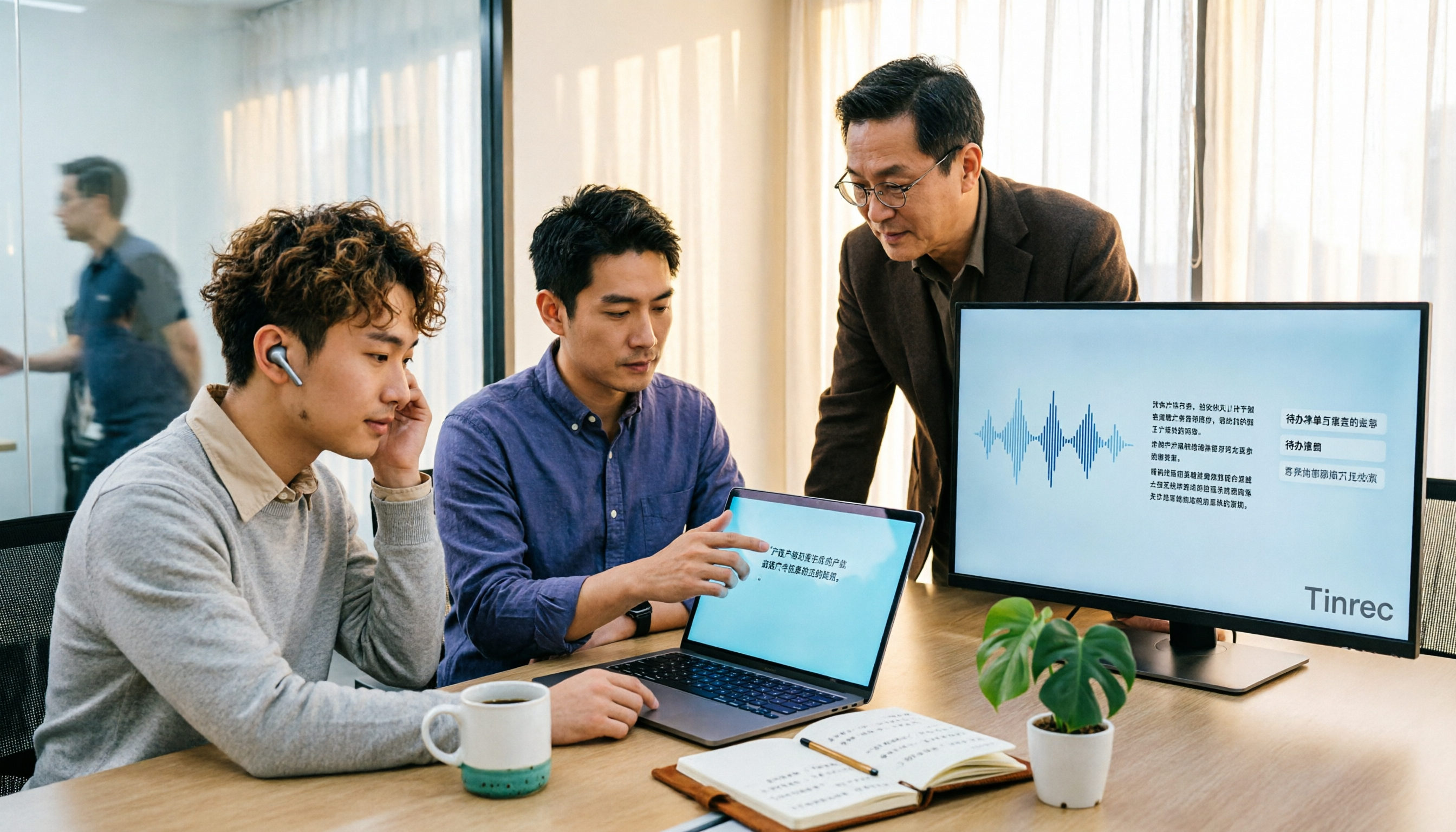
4 Audio-to-Text Tools Tested for 2026: Which Saves the Most Time for Chinese Meeting Transcription and Post-Meeting Organization?
Transcribing audio to text is easy; the hard part is how much time you spend organizing afterward. This article covers buying considerations, hands-on comparisons, and pitfalls, analyzing Tinrec, Otter.ai, Granola, and Notta on Chinese recognition, bot-free online meeting recording, AI Q&A, and team collaboration to help you decide which fits your meeting scenario.

Tinrec vs Zoom 2026: 5-Dimension Comparison — Which Saves More Time on Online Meeting Notes and Organization?
Online video software makes meetings easy, but conclusions and action items often get lost. This article starts from real-world pain points and explains how Tinrec uses bot-free recording, real-time transcription, AI summaries, and team spaces to turn online meetings into searchable, queryable, collaborative team data. It also covers 5 buying considerations and common questions.

Tinrec Review 2026: Free Audio-to-Text Transcription & Automated Meeting Notes
Many people search for "Yating transcription coupons" to save on meeting notes, but the real bottleneck isn't the discount code—it's that tools still require manual work from recording to transcription to organization. This article uses real meeting scenarios to explain how Tinrec's free tier, live recording, and bot-free online meeting transcription work, plus 5 checkpoints for choosing an audio-to-text tool and common FAQs.

4 Lifesize Online Alternatives Tested and Compared in 2026: Which Is More Practical—Bot-Free Recording or Chinese Transcription?
Lifesize online meetings run smoothly, but post-meeting organization often still relies on manual work. Based on real-world use cases, this article explains how Tinrec uses bot-free desktop recording, real-time transcription and translation, AI summaries and action items, AI Q&A, and team spaces to turn online meetings into searchable, collaborative data. It also outlines 5 key considerations and FAQs when choosing an alternative.
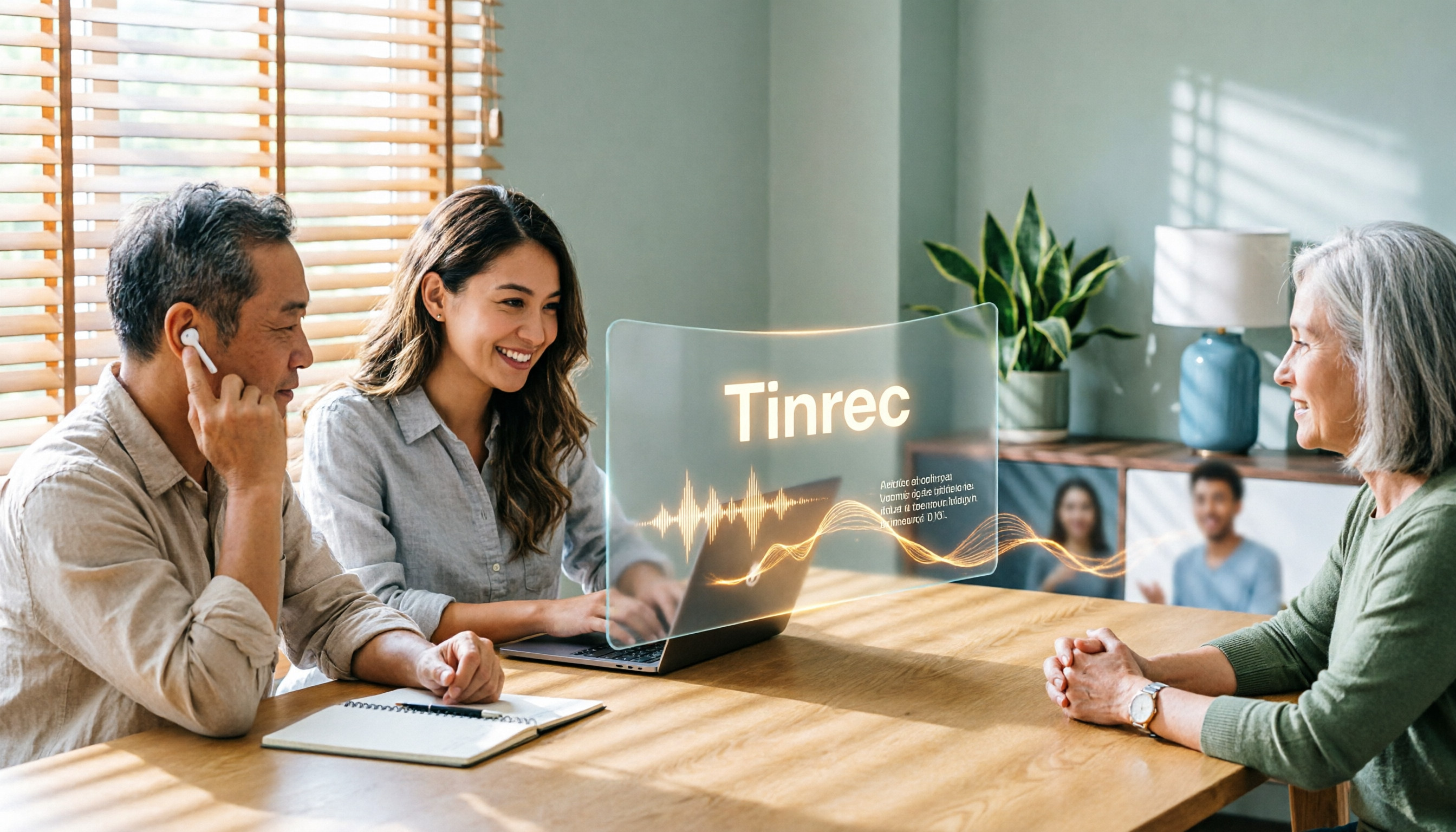
2026 Top 4 Online Meeting Systems Compared: From Free to Paid, Which Saves the Most Time After the Meeting?
Online meeting systems aren't just about smooth video—they also need to capture what happens after the meeting. This article compares Tinrec, Google Meet, Microsoft Teams, and Zoom across four key areas: meeting recording methods, transcript post-processing, Chinese language performance, and team governance. It also covers common purchasing pitfalls and selection advice.

2026 Comparison of 3 Google Audio-to-Text Tools: Hidden Limits of Free Options
Want to use Google to turn audio files into text, but find that files won't upload, transcription stops after a certain length, or you still have to retype everything? This article breaks down the real limitations of three free Google methods—Google AI Studio, Google Docs voice typing, and Google Cloud Speech-to-Text—and compares how Tinrec handles Chinese meetings, summaries, action items, and team knowledge retention. Includes 4 common pitfalls to avoid and scenario-based recommendations.
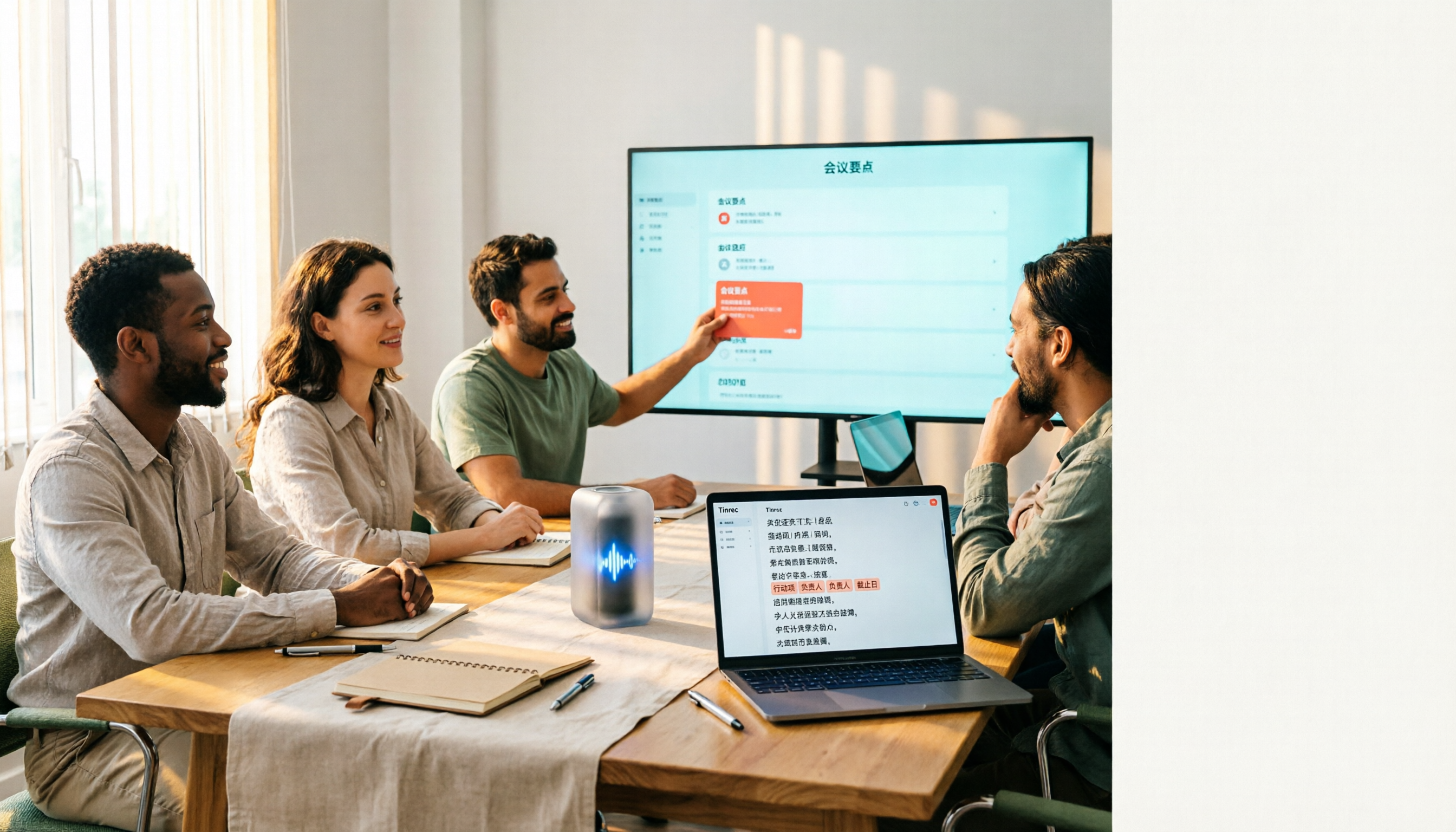
4 Free Audio-to-Text Tools Tested: Which Free Tier Actually Works?
There are plenty of free audio-to-text tools, but the real pitfalls often lie in quota rules and Chinese recognition. This article tests 4 tools, comparing free quota calculations, punctuation and paragraphing, post-meeting organization, and team collaboration, and highlights 4 common purchasing mistakes to help you find one that's free and sufficient.

How to Choose Free Online Meeting Software in 2026: 5 Steps to Find the Best Meeting Notes Solution
Free online meeting software helps you host meetings, but organizing notes afterward is the real pain point. This article compares Zoom's free version with Tinrec, analyzing five dimensions—meeting notes, AI summaries, cross-platform support, Chinese language support, and team collaboration—to help you find the best free online meeting notes solution.