
Turn recordings into transcripts and summaries in minutes
Upload audio or video for multilingual transcription, AI notes, and action items
The pitfalls of free audio-to-text tools are usually not about payment, but about unclear rules
Many people first search for the word "free" when looking for audio-to-text tools.
They see "free transcription" and upload, only to discover halfway through: single file limited to 3 minutes, only 3 files per day, and exceeding requires an upgrade.
Even more frustrating is when the transcript comes out as a wall of text without punctuation or paragraphs, and you still have to go back and match it sentence by sentence.
Another situation is when the quota is not based on minutes but on "number of files." You think the free tier is sufficient, but a two-hour meeting split into three files uses up your daily quota.
These are not because the tools are bad, but because the rules of free plans are hidden in the details.
This article first clarifies "how free quotas are calculated," then actually compares 4 tools' performance in Chinese meeting scenarios.
Before choosing a free audio-to-text tool, understand these 4 key points
1. What unit is the free quota calculated in?
There are three common types: fixed minutes per month, number of files uploadable per day, and maximum length per file.
Some tools generously give you 300 minutes per month, but with many restrictions per file; others don't limit minutes but restrict how many files you can upload per day.
First think clearly whether your usage frequency is "occasional recording" or "several meetings per week," so you don't choose a tool whose rules conflict with your habits.
2. How well does it handle Chinese recognition, punctuation, and paragraphing?
Taiwanese users most often encounter mixed Chinese and English, as well as mixed Mandarin and Taiwanese Hokkien.
The way to judge is simple: throw in a real recording of your own and see if it automatically adds punctuation and paragraphs, rather than just looking at the official accuracy numbers.
Real meeting rooms have air conditioning noise, keyboard sounds, and multiple people talking over each other. Under these conditions, the differences between tools truly emerge.
3. After transcription, can it be used directly?
Getting only a transcript versus getting a summary, chapters, and action items at the same time makes a big difference in the time you spend afterward.
If the tool also lets you ask questions directly about the meeting content, such as "What was the conclusion of this meeting?" you won't have to manually go through a 30-minute transcript.
This difference is often the key to whether you'll use it long-term.
4. Cross-platform and data retention
Recording on mobile and organizing on computer is a common work rhythm.
If the tool is only available on a single platform, you'll have to figure out how to transfer the recording to another device, and it's easy to give up on organizing.
Also, whether the recording itself is retained and whether you can go back and listen again later is worth confirming before purchase.
Tinrec — Our top recommendation after testing
Tinrec is an AI meeting notes and collaboration tool for individuals and teams, supporting iOS, Android, web, and desktop, and can handle Chinese, Traditional Chinese, and multilingual meetings.
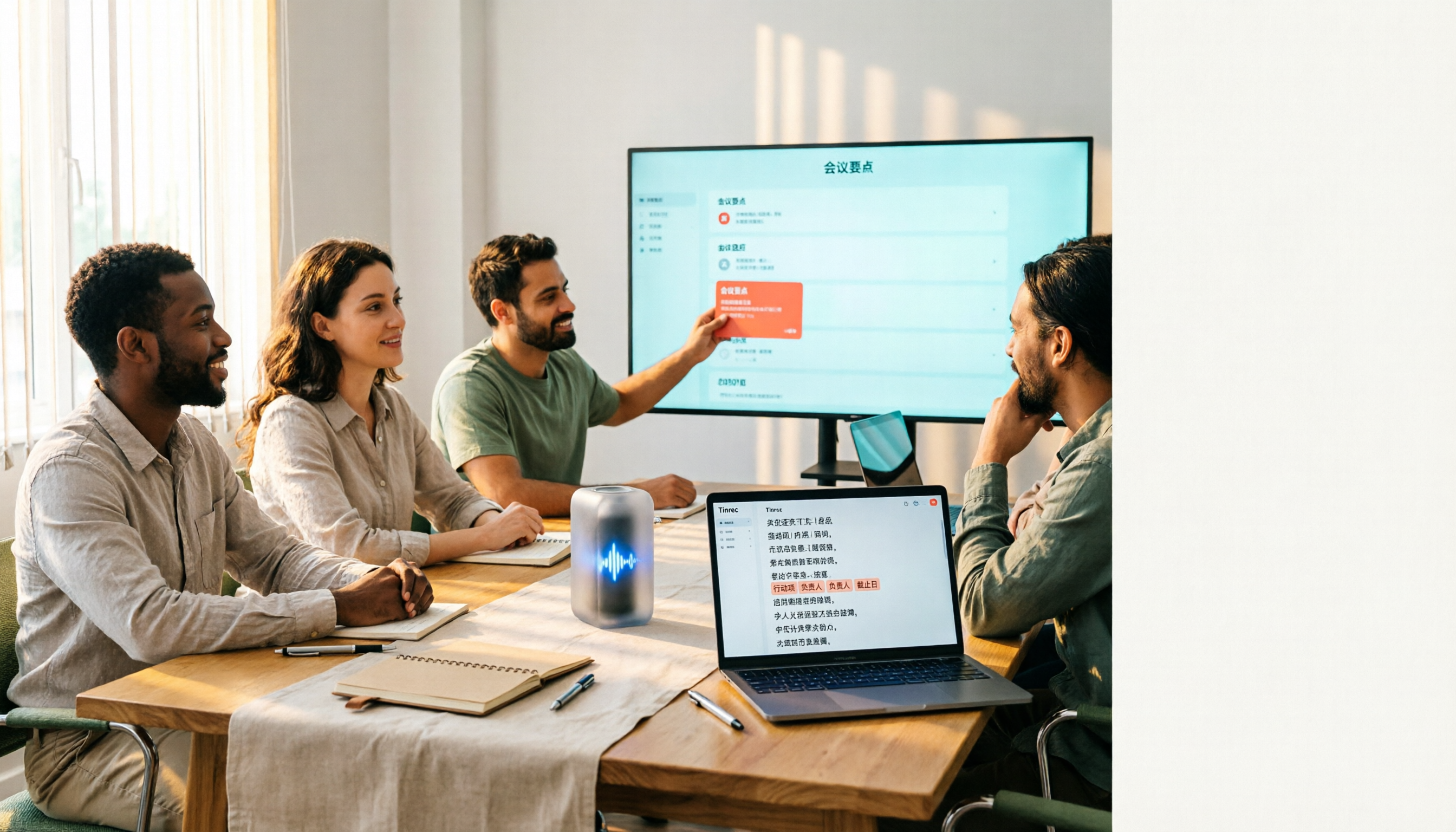
Open Tinrec during a meeting, and the transcript appears as you speak. When the meeting ends, AI has already automatically organized a summary, chapters, and action items—who is responsible for what and what to do next is visible at a glance.
No bot needed for online meetings. The desktop version directly captures computer system audio, handling Zoom, Google Meet, Microsoft Teams, and Webex meetings without an extra bot hanging in the meeting list. This is especially practical for client meetings, as the other party won't see a strange account suddenly join.
After recording, you can continue to ask questions. This is where it differs most from ordinary transcription tools. After the meeting, you can directly ask it "Who mentioned the budget in the last meeting?" and it will give an answer based on semantics, rather than just throwing a list of keyword search results.
Our test conditions were: a real meeting recording of about 20 minutes, mixed Chinese and English, with air conditioning background noise, and occasionally two people speaking simultaneously. The transcript correctly segmented and added punctuation; proper nouns occasionally needed manual correction, but the overall time saved on organizing was quite significant.
Stop organizing recordings by hand
Upload audio or video and automatically get a transcript, summary, and action items
Main advantages
- Workflow after transcription: summaries, chapters, key points, action items, mind maps, and Agent post-processing to generate reports, tables, and documents, directly exportable to Notion, Google Docs, OneNote, Dropbox for continued use.
- Wide input sources: real-time recording, online meetings, audio and video files, mobile recording, and also supports real-time translation and bilingual viewing during recording.
- Team version is an independent space, not a shared account: meeting data belongs to the team, with management of members, roles, and seats, plus team hotwords, usage analytics, audit logs, and audio recycle bin.
Limitations to note
- The free version provides a basic quota, suitable for first experiencing recording, importing, summaries, and transcription; if you have many meetings every week, you'll need a weekly pass or Pro plan.
- Not recommended as a tool that guarantees 100% accuracy. Actual performance is affected by recording quality, accent, noise, overlapping speech, and technical terminology. For important content, it's still advisable to listen back with timestamps for verification.
Who is it for?
If you frequently hold meetings in Chinese, don't want a meeting bot to join, want to use AI to find key points directly after recording, or need a place for your team to accumulate meeting data, Tinrec is currently the most suitable choice.
The team version currently offers a 7-day trial (1 free seat, 300 minutes of team shared import quota). Paid seats are USD 29.80 per seat per month, or USD 199 per seat per year, with each seat including 2,000 minutes of team shared import quota per month. Actual prices are subject to the official purchase page.
Besides Tinrec, what other free options are there?
Notta: A multilingual transcription and meeting notes tool. Free version offers 120 minutes per month, but each session is limited to 3 minutes, so long meetings need to be split. Pro annual plan is about USD 8.17 per month, with 1,800 minutes per month. It lacks Tinrec's desktop bot-free online meeting recording, and also lacks team spaces and AI Q&A post-meeting follow-up.
TurboScribe: A cost-effective file transcription tool. Free version allows 3 files per day, up to 30 minutes per file; after payment, single file can be up to 10 hours or 5 GB, and up to 50 files can be uploaded at once. If your need is "batch transcription of a large number of long recordings at once," it's more suitable than Tinrec; but it doesn't focus on real-time meeting recording and post-meeting action item organization.
Otter.ai: A mature choice for English business meetings. Free version offers 300 minutes per month, a relatively generous quota. Note that it mainly serves English meeting scenarios; Chinese meetings are not its strength, and it lacks Tinrec's real-time translation and team hotwords design. If almost all your recordings are in English, this is one of the few scenarios in this article where we recommend prioritizing a competitor.
Pitfall guide: The 4 most common mistakes when choosing a free audio-to-text tool
Pitfall 1: Only looking at the word "free," not the quota rules. Minutes, number of files, and single file length are three different calculation methods. It's recommended to test directly with your own recordings to see how many days the free version lasts under your real usage frequency.
Pitfall 2: Treating the transcript as the end point. If you have to spend time marking key points and writing action items yourself every time, the time saved is actually limited. Tools that can directly generate summaries and action items after the meeting are the ones that truly save time.
Pitfall 3: Ignoring data retention and cross-platform. If recordings can only be processed on a single device, or if the audio file can't be found after transcription, verifying content later will be troublesome. For team use, it's even more important to confirm whether data belongs to the team or individual accounts.
Pitfall 4: Not paying attention to recording consent and regulations. Recording involves others' privacy, and regulations differ by region. Before formal meetings, inform participants and obtain consent, and comply with local personal data protection regulations when necessary. This step cannot be skipped.
Conclusion: Which one should you choose?
In one sentence: If you need Chinese meeting transcription plus post-meeting organization, Tinrec is our top choice after testing.
- Chinese meetings, lots of mixed Chinese-English content → Tinrec (Chinese experience and real-time translation are key)
- Don't want a meeting bot to join online meetings → Tinrec (desktop version captures system audio)
- Want to ask AI directly to find key points and get action items after recording → Tinrec (AI Q&A and Agent post-processing)
- Team needs to share meeting data, manage seats and usage → Tinrec Team Version (team space, audit logs, audio recycle bin)
- Only have a bunch of long recordings to batch transcribe → TurboScribe
- Almost only record English meetings, budget is 0 → Otter.ai
We suggest starting with Tinrec's free version, using a real meeting to go through the entire process: record, transcribe, view summary, ask a question. After experiencing it, decide whether to upgrade—it's more solid than paying from the start.
One reminder before recording: remember to get participants' consent first. This is more important than which tool you choose.
References
- Online AI speech, video, audio file auto transcription - Free trial - cSubtitle
- Online speech-to-text AI, free MP3 or audio file to text transcript - MyEdit
- Tested 4 best "speech-to-text" online tools, free instant audio file to transcript
- Audio to text - Free speech-to-text tool
- No time limit! 3 free AI transcript tools, highly recommended! AI voice notes generate meeting minutes, presentations, mind maps | 104 Career Power
Turn every recording into actionable outcomes
Get 60 free transcription minutes when you sign in. No credit card required.
Related Reading
You might also like

2026 Cisco Webex Meeting Guide: Join Without Installing + Automate Meeting Notes
The real work begins after your Webex meeting ends. This guide covers common mistakes, the 4 key factors for choosing a meeting notes tool, and a hands-on test of Tinrec—showing how it uses bot-free desktop recording to capture Webex meetings, generate transcripts, summaries, and action items. We also compare Webex built-in recording, Otter.ai, and Notta, with clear recommendations for different needs.
4 Audio-to-Text Tools Tested for 2026: Which Saves the Most Time for Chinese Meeting Transcription and Post-Meeting Organization?
Transcribing audio to text is easy; the hard part is how much time you spend organizing afterward. This article covers buying considerations, hands-on comparisons, and pitfalls, analyzing Tinrec, Otter.ai, Granola, and Notta on Chinese recognition, bot-free online meeting recording, AI Q&A, and team collaboration to help you decide which fits your meeting scenario.

Tinrec vs Zoom 2026: 5-Dimension Comparison — Which Saves More Time on Online Meeting Notes and Organization?
Online video software makes meetings easy, but conclusions and action items often get lost. This article starts from real-world pain points and explains how Tinrec uses bot-free recording, real-time transcription, AI summaries, and team spaces to turn online meetings into searchable, queryable, collaborative team data. It also covers 5 buying considerations and common questions.

Tinrec Review 2026: Free Audio-to-Text Transcription & Automated Meeting Notes
Many people search for "Yating transcription coupons" to save on meeting notes, but the real bottleneck isn't the discount code—it's that tools still require manual work from recording to transcription to organization. This article uses real meeting scenarios to explain how Tinrec's free tier, live recording, and bot-free online meeting transcription work, plus 5 checkpoints for choosing an audio-to-text tool and common FAQs.

4 Lifesize Online Alternatives Tested and Compared in 2026: Which Is More Practical—Bot-Free Recording or Chinese Transcription?
Lifesize online meetings run smoothly, but post-meeting organization often still relies on manual work. Based on real-world use cases, this article explains how Tinrec uses bot-free desktop recording, real-time transcription and translation, AI summaries and action items, AI Q&A, and team spaces to turn online meetings into searchable, collaborative data. It also outlines 5 key considerations and FAQs when choosing an alternative.

2026 Top 4 Online Meeting Systems Compared: From Free to Paid, Which Saves the Most Time After the Meeting?
Online meeting systems aren't just about smooth video—they also need to capture what happens after the meeting. This article compares Tinrec, Google Meet, Microsoft Teams, and Zoom across four key areas: meeting recording methods, transcript post-processing, Chinese language performance, and team governance. It also covers common purchasing pitfalls and selection advice.

2026 Speech-to-Text Tools: Record Meetings Without Bots + AI To-Do Lists
Just finished a meeting and realized you missed half the key points? This hands-on review of speech-to-text tools covers four critical factors: recording methods, audio file retention, post-meeting organization, and mixed-language recognition. We take a deep dive into Tinrec's bot-free recording, AI Q&A, and team spaces, plus brief reviews of Notta, Otter.ai, and Granola. Includes a pitfalls guide and selection advice.

2026 Comparison of 3 Google Audio-to-Text Tools: Hidden Limits of Free Options
Want to use Google to turn audio files into text, but find that files won't upload, transcription stops after a certain length, or you still have to retype everything? This article breaks down the real limitations of three free Google methods—Google AI Studio, Google Docs voice typing, and Google Cloud Speech-to-Text—and compares how Tinrec handles Chinese meetings, summaries, action items, and team knowledge retention. Includes 4 common pitfalls to avoid and scenario-based recommendations.

How to Choose Free Online Meeting Software in 2026: 5 Steps to Find the Best Meeting Notes Solution
Free online meeting software helps you host meetings, but organizing notes afterward is the real pain point. This article compares Zoom's free version with Tinrec, analyzing five dimensions—meeting notes, AI summaries, cross-platform support, Chinese language support, and team collaboration—to help you find the best free online meeting notes solution.