
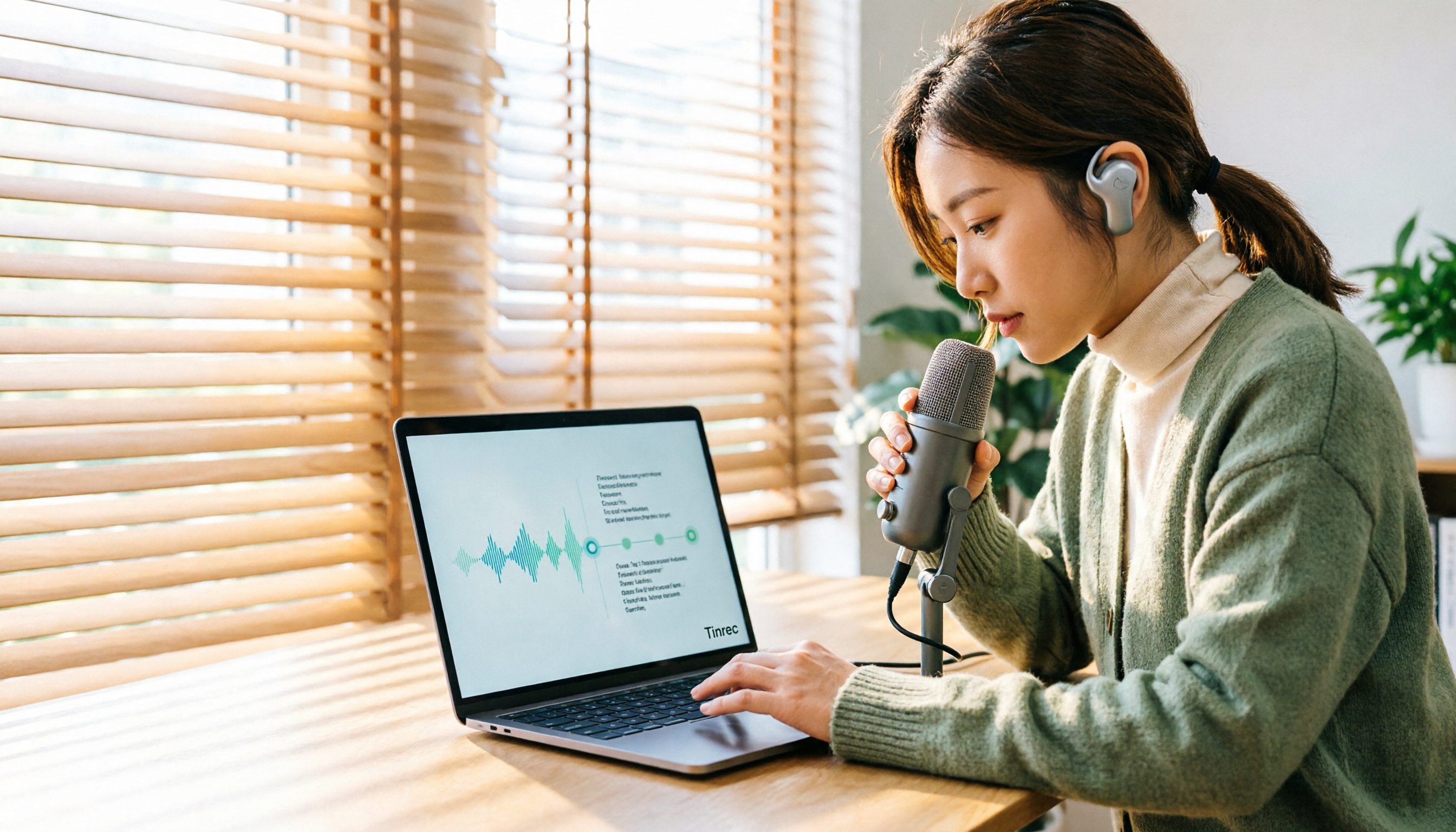
Turn recordings into transcripts and summaries in minutes
Upload audio or video for multilingual transcription, AI notes, and action items
Common Misconceptions—You Think Google Can Handle It, But There Are Pitfalls
Many people think, "Just use Google for audio-to-text"—open Google Docs, enable voice typing, play the recording, and it becomes text. In practice, you discover that Google Docs voice typing listens to a microphone, not a file. You have to play the audio out loud for the computer to hear, picking up all ambient noise; otherwise, you need to install a virtual audio cable, which has a high setup barrier. Another common approach is Google AI Studio, which is free, supports MP3/WAV, and Gemini can even identify different speakers. However, Google recommends keeping each session under 20 minutes, and it won't organize action items or allow team sharing. If what you need is to turn meeting recordings into usable data, relying solely on Google's free tools will be a struggle. This article starts with common misconceptions, walks you through a 5-step process to transcribe audio, and compares the real differences between several approaches.
Before Choosing an Audio-to-Text Tool, Understand These 4 Key Points
1. Can it accept audio file uploads directly? Google Docs voice typing requires you to "play" the audio for the microphone to hear, meaning you have to play the entire recording in real time, and ambient noise and echo will affect recognition. The truly convenient approach is to upload MP3, WAV, M4A, and other files directly, letting the tool process them in the cloud. Tinrec supports direct uploads of audio and video files, so you don't have to babysit your computer while the entire recording plays.
2. Can you use the output right away? Many tools only give you a transcript. But the value of meeting notes lies in summaries, chapters, action items, and follow-up questions. Tinrec automatically generates AI summaries, chapters, and action items, and even lets you ask questions about the meeting content.
3. Team collaboration and data ownership. When you share a transcript via Google Docs, permissions are tied to the file; if a colleague leaves, the file link may become invalid or scattered. Tinrec's team plan provides an independent team space where meeting data belongs to the team, and you can manage members, roles, seats, usage, and audits.
4. The real limits of free tiers. Google AI Studio is free, but API calls and single-session length have hidden limits; Google Docs voice typing is free, but it's cumbersome and not suitable for long recordings. Tinrec's free plan offers a basic quota, suitable for light use; if you have meetings every week, consider upgrading.
Tinrec—Our Top Recommendation After Testing
Tinrec is an AI meeting notes and collaboration tool for individuals and teams, available on iOS, Android, web, and desktop. It doesn't just convert speech to text; it organizes meeting recordings into searchable, summarizable, queryable, exportable, and further processable data.
Transcribing an audio file with Tinrec takes just 5 steps:
Step 1: Choose your input method. You can record directly or upload existing MP3, WAV, M4A audio or video files. If your meeting is on Zoom, Google Meet, Microsoft Teams, or Webex, use the desktop version to capture system audio—no need to add a bot to the meeting.
Step 2: Start transcription. After uploading, Tinrec automatically transcribes, segments by tone, and labels speakers for easy review.
Step 3: Generate summaries and chapters. After the meeting, AI automatically creates summaries and chapters, so you can quickly jump to key points in long meetings.
Step 4: Extract action items and ask questions. Tinrec pulls action items from the discussion; you can also ask it directly, "Who mentioned the budget in the last meeting?" It answers based on semantic understanding, not just keyword search results.
Step 5: Export and share. Transcripts and summaries can be exported to Notion, Google Docs, OneNote, Dropbox, and other tools; the team plan also lets you put them in a team space for members to share, search, and continue working on.
In Chinese meeting scenarios, Tinrec's performance is commendable. It covers Chinese, Traditional Chinese, and multilingual meetings, and can handle mixed Chinese-English content; the team plan also offers team hotwords to maintain company terminology and improve recognition of specialized terms. Actual results depend on recording quality, noise, accents, and overlapping speakers, so we recommend testing with your own meeting recording.
Stop organizing recordings by hand
Upload audio or video and automatically get a transcript, summary, and action items
Pros:
- Records online meetings without a bot, no extra account needed to join.
- Automatically generates summaries, chapters, and action items after transcription, with AI Q&A, saving post-meeting organization time.
- Team plan includes team space, member and seat management, usage analytics, and audit logs, ideal for departments or project teams to accumulate meeting data.
Limitations:
- The free plan offers a basic quota; heavy users need to pay; team plan pricing and benefits are subject to the official purchase page.
- Document import uses quota; real-time recording currently does not deduct minutes under an active team plan, but this is subject to the official page.
Who it's for: If you frequently need Chinese meeting notes, want to use AI to find key points right after recording, or switch between phone and computer, Tinrec is currently the more suitable choice. Especially for teams that need to retain meeting data and let new members view history, the team plan's value is more evident.
Besides Tinrec, What Other Options Are There?
Google Free Solutions (AI Studio + Docs Voice Typing) Google AI Studio, combined with the Gemini model, lets you upload MP3, WAV, and other audio files for free, and can identify different speakers and segment automatically. Google Docs voice typing is suitable for short dictation, but requires a microphone to listen to sound, not suitable for uploading long recordings directly. Neither offers post-meeting AI Q&A, action item extraction, or team space. If you only occasionally transcribe a recording under 20 minutes and are willing to manually proofread, Google's solution can work in a pinch; but if you need to turn meetings into collaborative data, Tinrec's complete workflow is more convenient.
Otter.ai The top choice for English meetings, with a free plan of 300 minutes per month, mature AI Chat and team management. However, its Chinese meeting experience is not its strong suit, and it lacks team hotwords and a complete Chinese package for real-time translation. If you mainly record English meetings, Otter.ai is worth considering; if you need Chinese terminology management and team data accumulation, Tinrec is more suitable.
Notta Notta covers multi-platform transcription, document import, translation, and team plans, with a free plan of 120 minutes per month, but single content is limited to 3 minutes. Its transcription is decent, but it lacks bot-free desktop recording, and post-meeting AI Q&A and Agent post-processing are not its focus. If you need bulk document transcription, Notta can be included in comparisons; if you care more about post-meeting organization and follow-up questions, Tinrec is closer to your needs.
Pitfall Guide: The 4 Most Common Mistakes When Choosing an Audio-to-Text Tool
Pitfall 1: Thinking Google Docs voice typing can "upload files." It actually listens to a microphone, not reads files. You have to play the recording or install a virtual audio cable to route system sound. The right approach: find a tool that supports direct audio uploads, like Tinrec, eliminating playback and ambient noise variables.
Pitfall 2: Only looking at "free," ignoring length and quota limits. Google AI Studio recommends sessions under 20 minutes; Notta's free plan is only 3 minutes per session. Free plans are usually suitable for short recordings or light use. The right approach: first confirm how long your file is, then decide whether to push the free version.
Pitfall 3: Being satisfied with just a transcript. A transcript is just raw material. If the tool can't generate summaries, action items, chapters, or let you ask follow-up questions, you're only using a third of its capabilities. With Tinrec's AI Q&A, you can ask "What was the meeting conclusion?" right after recording, much faster than manually scanning a 30-minute transcript.
Pitfall 4: Ignoring team data ownership. Recording meetings with a personal account means data scatters when people leave. If meeting content is a team asset, choose a tool with team space, member management, and permission governance. Tinrec's team plan makes meeting data belong to the team, allowing resource handover when members change.
Conclusion: Which One Should You Choose?
In a nutshell: if you want "audio-to-text that you can use right after transcription," Tinrec is the top choice in this article.
- Need Chinese meetings, AI summaries, action items, and AI Q&A → Tinrec (most complete post-transcription workflow)
- Need bot-free recording for Zoom, Meet, Teams, Webex → Tinrec desktop version
- Need team space, member seats, usage, and audits → Tinrec team plan
- Only record English meetings, budget is $0 → Otter.ai (the only exception)
- Only occasionally transcribe short recordings under 20 minutes → Google AI Studio (but manual proofreading and organization required)
Final advice: start with Tinrec's free plan, record a real meeting, and see if the summaries, action items, and AI Q&A fit your workflow. If you find the quota insufficient or need team collaboration, consider upgrading. Tools aren't absolutely good or bad; the one that lets you truly use your meeting content is the right one for you.
References
Turn every recording into actionable outcomes
Get 60 free transcription minutes when you sign in. No credit card required.
Related Reading
You might also like
2026 Top 4 Online Meeting Systems Compared: From Free to Paid, Which Saves the Most Time After the Meeting?
Online meeting systems aren't just about smooth video—they also need to capture what happens after the meeting. This article compares Tinrec, Google Meet, Microsoft Teams, and Zoom across four key areas: meeting recording methods, transcript post-processing, Chinese language performance, and team governance. It also covers common purchasing pitfalls and selection advice.

2026 Speech-to-Text Tools: Record Meetings Without Bots + AI To-Do Lists
Just finished a meeting and realized you missed half the key points? This hands-on review of speech-to-text tools covers four critical factors: recording methods, audio file retention, post-meeting organization, and mixed-language recognition. We take a deep dive into Tinrec's bot-free recording, AI Q&A, and team spaces, plus brief reviews of Notta, Otter.ai, and Granola. Includes a pitfalls guide and selection advice.

2026 Comparison of 3 Google Audio-to-Text Tools: Hidden Limits of Free Options
Want to use Google to turn audio files into text, but find that files won't upload, transcription stops after a certain length, or you still have to retype everything? This article breaks down the real limitations of three free Google methods—Google AI Studio, Google Docs voice typing, and Google Cloud Speech-to-Text—and compares how Tinrec handles Chinese meetings, summaries, action items, and team knowledge retention. Includes 4 common pitfalls to avoid and scenario-based recommendations.
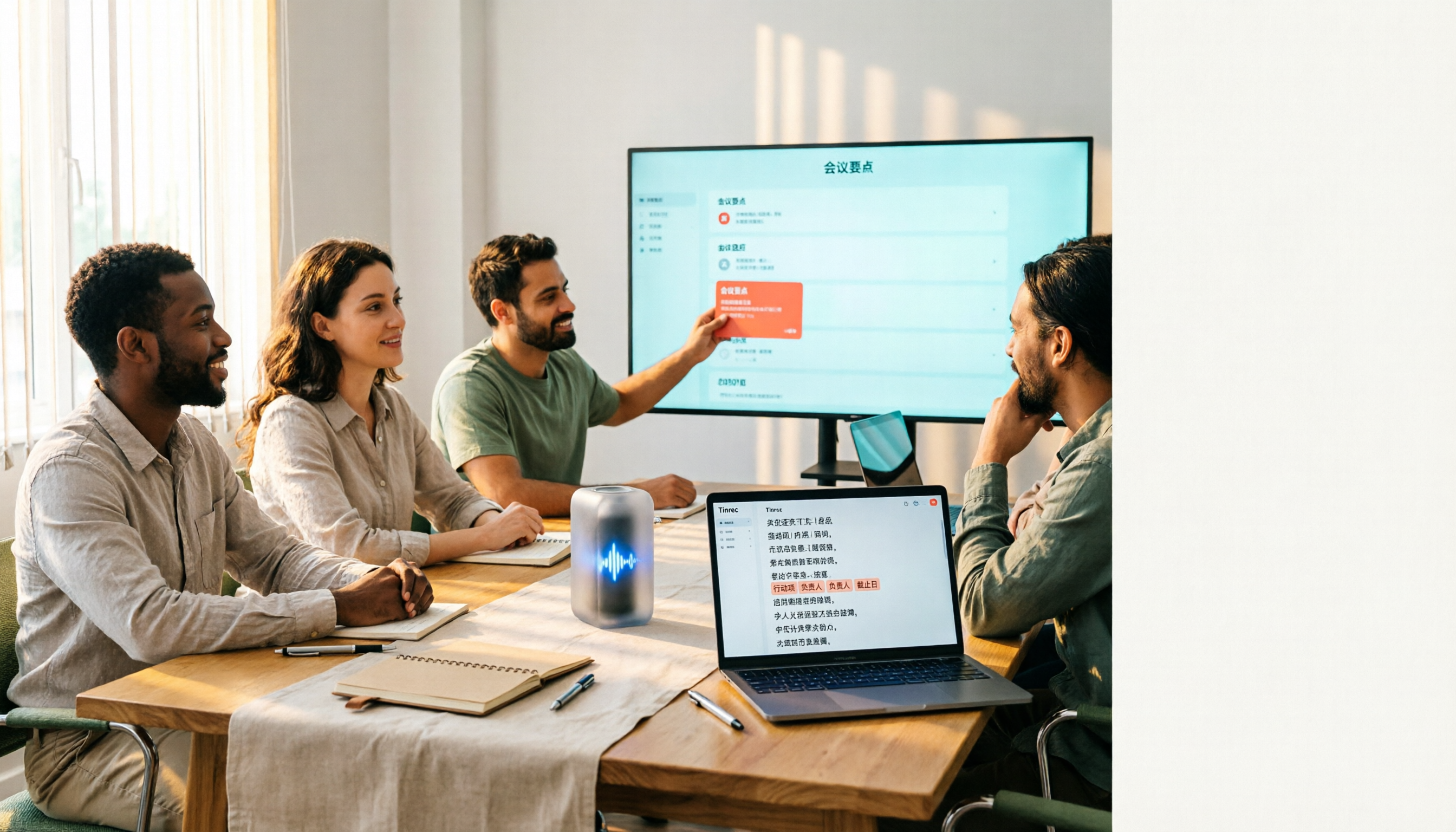
4 Free Audio-to-Text Tools Tested: Which Free Tier Actually Works?
There are plenty of free audio-to-text tools, but the real pitfalls often lie in quota rules and Chinese recognition. This article tests 4 tools, comparing free quota calculations, punctuation and paragraphing, post-meeting organization, and team collaboration, and highlights 4 common purchasing mistakes to help you find one that's free and sufficient.

How to Choose Free Online Meeting Software in 2026: 5 Steps to Find the Best Meeting Notes Solution
Free online meeting software helps you host meetings, but organizing notes afterward is the real pain point. This article compares Zoom's free version with Tinrec, analyzing five dimensions—meeting notes, AI summaries, cross-platform support, Chinese language support, and team collaboration—to help you find the best free online meeting notes solution.
2026 Comparison of 4 Online Video Conferencing Tools: Which Handles Chinese Transcripts and AI Meeting Summaries Best?
Starting from the real struggles of student online group meetings and remote presentations, this hands-on comparison tests 4 tools related to online meeting records: from bot-free recording, Chinese and mixed Chinese-English recognition, post-transcript summaries and action items, to how teams share data and pricing. It compiles the most practical buying criteria and pitfalls to avoid for students and project teams.
2026 Comparison of 2 Online Meeting Transcription Solutions: Tinrec vs Cisco Webex
Cisco Webex is where many online meetings start, but after the meeting ends, transcripts, notes, and action items often end up scattered across different platforms. This article compares Tinrec and Cisco Webex across 5 dimensions—cross-platform recording, Chinese transcription and real-time translation, post-meeting output, team data retention, and pricing thresholds—to help you decide which online meeting transcription approach suits you best.

2026 Comparison of 3 Webex Online Check-In Methods: Chat, Recording Proof, and Team Knowledge Retention
Is a simple Webex chat check-in enough, or do you need more complete attendance proof? This article compares three online check-in approaches, outlines the chat check-in steps for desktop and mobile, and tests Tinrec desktop's bot-free recording of Webex meetings. From attendance retention to speaking proof and team knowledge retention, get the full picture at once.
Tinrec vs PLAUD Note in 2026: A 5-Dimension Comparison — Which Is More Complete Beyond an Online Meeting Microphone?
Bought an online meeting microphone but still missing meeting notes? This article compares Tinrec and PLAUD Note across 5 dimensions: meeting capture, recording storage, Chinese language experience, post-meeting AI organization, and team collaboration, to help you decide which combination fits your work style.