
Turn recordings into transcripts and summaries in minutes
Upload audio or video for multilingual transcription, AI notes, and action items
Were You Asked for 'Meeting Minutes' or a 'Meeting Report'? Figure This Out First
"Can you clean up last week's meeting for me?" I've heard this sentence too many times, and I've mixed it up too many times.
The first time, I pasted the transcript verbatim to my boss, and he replied: "I wanted the key points." The second time, I only wrote three lines of conclusions, and he asked: "What were the client's concerns? What do you suggest we do?"
The problem isn't whether you write well—it's whether you first determine: does he want meeting minutes or a meeting report?
The difference between these two documents boils down to three questions:
- Who will read this document?
- Are you trying to capture "decisions" or "recommendations"?
- Three months from now, who will come back to this document?
Once you clarify these three questions, you can decide which one to write, how long it should be, and how detailed it should be. Get the order wrong, and no matter how beautifully you write, it's wasted effort.
Meeting Minutes vs. Meeting Report: Different Purposes, Different Writing Styles
First, look at a table—this is the version I put together for new team members:
| Item | Meeting Minutes | Meeting Report |
|---|---|---|
| Main Purpose | Record discussion process and decisions as a basis for follow-up execution | Explain meeting results, analysis, and recommendations to persuade others to make decisions |
| Primary Readers | Attendees, execution team, those who need to track progress | Managers, decision-makers, clients, or external parties |
| Content Focus | Decisions, action items, owners, deadlines | Background context, key findings, conclusions, recommended options |
| Writing Stance | Neutral, faithful, no personal opinions | Opinionated, analytical, must take a clear stance |
| Timeliness | Send as soon as possible after the meeting; the later, the less valuable | Usually needs time to digest and organize; can be later |
| Length | Concise, ideally one page | More complete, with data and attachments if necessary |
| Nature | Often used as a basis for follow-up execution | A reporting document |
In one sentence: Minutes are responsible for "what was left behind," while reports are responsible for "what is explained and what is recommended."
Here's another easily overlooked point. In the Hong Kong Education Bureau's meeting document teaching materials, it mentions that typical meeting documents are actually a whole set: meeting notice, meeting agenda, meeting record, and meeting minutes, each with its own stage tasks. In other words, "meeting record" and "meeting minutes" are originally two different things in formal documents—records lean toward the process, while minutes lean toward convergence.
The 104 Job Bank article puts it more bluntly: meeting minutes are not a typing exercise; their value lies in converging conclusions and highlighting key points. Many people (including me when I first became a manager) make the first mistake of submitting a transcript as meeting minutes and feeling very diligent.
So the complete hierarchy is like this:
- Transcript: Who said what, word for word. Suitable for later verification.
- Meeting Record: Structured recording of the discussion process and voting results.
- Meeting Minutes: Only decisions, action items, owners, and deadlines. For those who execute.
- Meeting Report: Adds your analysis and recommendations. For those who make decisions.
Determine These 3 Things Before You Start Writing
1. Who will read this document
For the same project team, the focus is "who does what and when it's due." For the boss, the focus is "what conclusions we reached and what I recommend for next steps." Different readers mean you need to include completely different things.
2. Are you capturing decisions or recommendations
Decisions are things already finalized in the meeting; you can only record them faithfully, not embellish. Recommendations are your judgments and must be supported by analysis. Putting recommendations into minutes is equivalent to endorsing the meeting; putting decisions into a report makes the entire document lack perspective.
3. Who will come back to this document three months later
I learned this the hard way. During a quarterly project review last year, my boss asked, "Why did we choose this option back then?" I searched all my notes and only found the conclusion, not the reasons for the trade-offs at the time. Since then, I've required my team: Minutes should be searchable, reports should be citable.
Tinrec — My Team's Current Meeting Document Workflow
Now that we've covered principles, let's talk tools. Honestly, 90% of the content in minutes and reports comes from the same meeting—I used to listen to the recording twice and go through my notes twice to produce two documents. Now my team's approach is: Record once, use Tinrec to generate materials, then rewrite separately.
Tinrec is an AI meeting notes and collaboration tool for individuals and teams, available on iOS, Android, web, and desktop. What I find most impressive in practice are these three things:
First, no bot needed for online meetings. The desktop version directly captures your computer's system audio, so for Zoom, Google Meet, Microsoft Teams, Webex, and similar meetings, you don't need to invite an extra account into the meeting room. This makes a big difference for client meetings—you don't want an unknown participant in front of your client.
Stop organizing recordings by hand
Upload audio or video and automatically get a transcript, summary, and action items
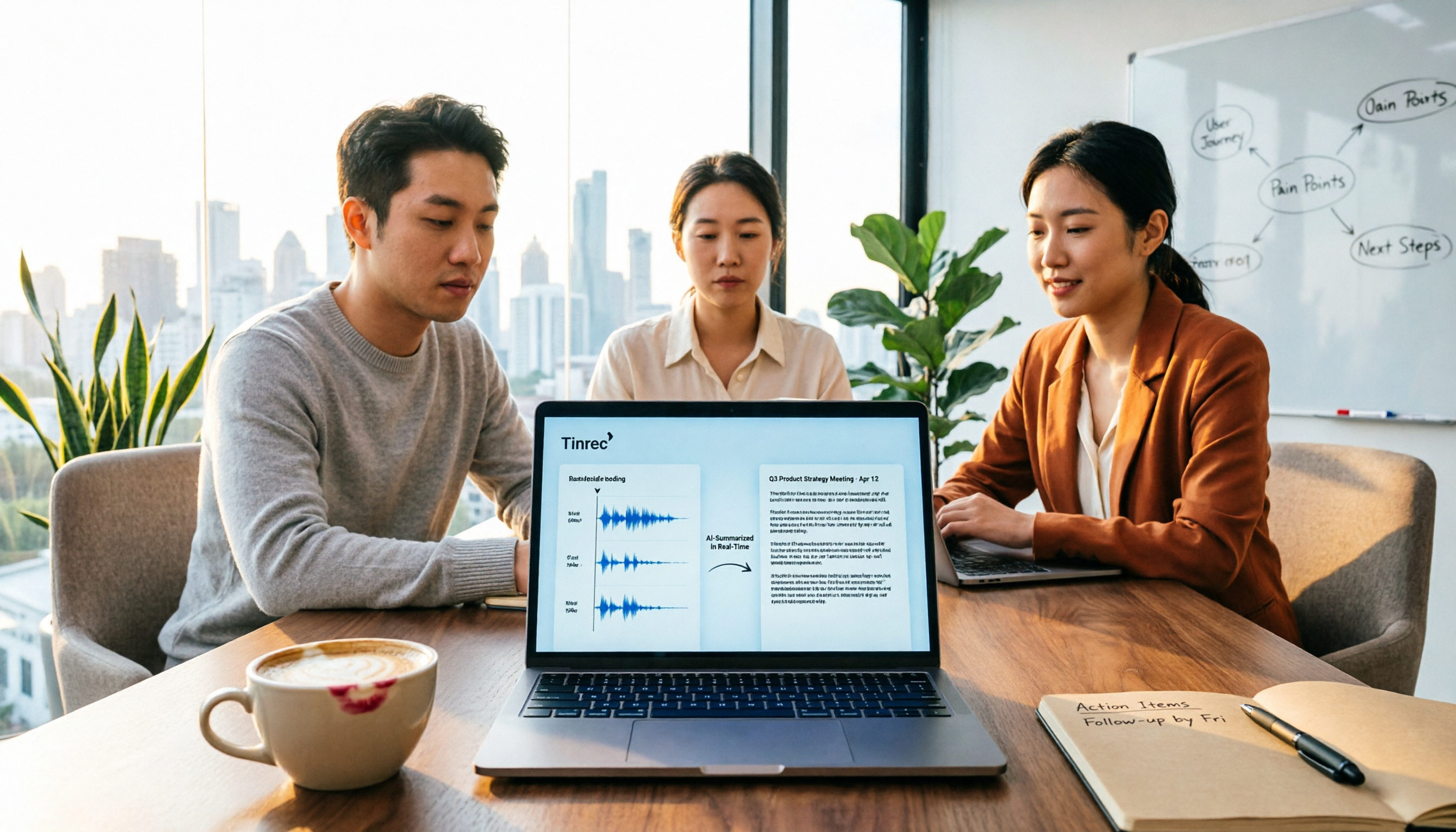
Second, it automatically generates editable content after the meeting. During the meeting, it produces a transcript while recording; when the meeting ends, the AI summary, chapters, and action items are already organized, with a list showing who is responsible for what and when it's due. This is the skeleton of meeting minutes—I just need to add the formal wording of decisions and can send it out in five minutes. The first half of the meeting report (background and discussion highlights) also comes from here.
Third, you can ask it questions directly after recording. This is my most-used feature. Before writing a report, I'll directly ask: "What was the budget cap the client mentioned this time?" "What was the conclusion about the timeline from the last meeting?" It gives answers based on the meeting semantics, rather than throwing a bunch of keywords for you to search through. Among tools in the same price range, most I've tried don't have this layer.
Additionally, it can use an Agent to further generate reports, tables, and documents from meeting content, and export to Notion, Google Docs, OneNote, Dropbox, and other tools you already use, so you don't have to copy and paste separately.
Test conditions clearly stated: I tested with a roughly 20-minute Chinese project meeting recording (MacBook built-in microphone, office air conditioning noise, four people taking turns speaking). The transcript was basically usable as-is, and it recognized proper nouns; but in sections where two people spoke at the same time, I still had to go back to the original recording to confirm. With any tool, I don't rely solely on the AI version for important numbers.
Three reasons I would recommend it:
- From the same recording, you can generate materials for both minutes and reports without listening twice.
- No extra hardware needed; works on phone, computer, and web.
- The team version centralizes meeting data in one space, so members can search, ask follow-up questions, and continue processing, and it won't all disappear if someone leaves.
Limitations to mention: First, it doesn't promise a fixed accuracy rate; audio quality, accents, and overlapping speakers all affect results, so for important content, it's recommended to cross-check with the transcript timestamps. Second, the free version has a basic quota limit; if your meeting volume is as intense as our department's, you'll need to upgrade. Third, the team version's sharing rights are calculated per seat; members without a seat can view, play, and read team data, but recording, uploading, and editing require a seat. The team monthly plan is USD 29.80 per paid seat, and the annual plan is USD 199 per paid seat, which works out to about USD 16.58 per month. Paid seats provide 2,000 minutes of team shared import quota per month; under an active team plan and active seats, real-time recording currently does not deduct minutes. Prices and benefits are subject to the official purchase page.
Who it's for: If you need to submit meeting minutes weekly, occasionally write post-meeting reports, and most meetings are in Chinese, held both online and offline, then Tinrec is the smoothest choice I've used so far.
Besides Tinrec, What Other Options Are There?
Otter.ai: A mature choice for English meetings, with a free version offering 300 minutes per month, and Pro annual at about USD 8.49/user/month. It has a strong understanding of English business meetings, but if you're recording Chinese meetings, it's not its strong suit. Also, it doesn't have Tinrec's Agent post-processing workflow that directly generates reports and tables from the same recording.
Notta: Good at multilingual transcription and file import, with a free version offering 120 minutes per month and a maximum of 3 minutes per session, and Pro annual at about USD 8.17/month. It overlaps significantly with Tinrec, but for online meetings it still leans toward a meeting bot model, whereas Tinrec's desktop version directly captures system audio without adding an extra participant.
Granola: Also takes a bot-free approach, generating meeting notes through desktop system audio, with Business at about USD 14/user/month. It excels at "your handwritten notes + AI enhancement," but it doesn't support uploading pre-recorded audio files and doesn't retain meeting audio—if you need to listen back to the original recording to verify minutes, you should think this through first.
Pitfall Guide: The 3 Most Common Mistakes in Writing Meeting Minutes and Reports
Pitfall 1: Submitting a transcript as minutes. This is the most common beginner mistake. A transcript is raw material, not a finished product. Minutes should converge into decisions, action items, owners, and deadlines, ideally readable in one page.
Pitfall 2: Inserting your own recommendations into minutes. Minutes take a neutral stance; recommendations belong in the report. Mixing them makes it hard to distinguish later which sentence was a meeting consensus and which was your personal judgment.
Pitfall 3: Recording only conclusions, not the "why." Three months later, everyone remembers that Option A was chosen but forgets the reason. The value of a meeting report often lies here—preserving the trade-off process.
Pitfall 4: Meeting data scattered across personal accounts. Recording casually with personal tools means data disappears when the person leaves. If meeting content belongs to the team, it should be in a team space, with clear roles (who can manage) and seats (who can use)—these two are designed separately in Tinrec's team version. Admins can manage members, audits, and usage, but recording and editing require the corresponding seat.
Summary: Which Approach Should You Actually Use?
Back to the original question: What's the difference between meeting minutes and a meeting report? The difference lies in readers, stance, and purpose. Minutes are for those who execute—neutral, concise, trackable; reports are for those who decide—opinionated, analytical, persuasive.
As for how to combine tools, my recommendation is:
- Meetings are in Chinese, and you need both minutes and reports → Tinrec (two outputs from one recording)
- You don't want an extra bot participant in online meetings → Tinrec (desktop captures system audio)
- After recording, you want to directly ask AI "who mentioned the budget" → Tinrec (AI Q&A)
- You need to keep recordings and also import historical files for organization → Tinrec (Granola doesn't retain audio or support uploading pre-recorded files)
- Your team wants to centralize meeting data and manage seats and usage → Tinrec team version
- Mainly recording English meetings, with the lowest possible budget → Otter.ai (the only exception in this article)
My actual approach is: first run two or three real meetings with the free version to confirm it understands your accent and terminology, then decide whether to upgrade. Tools are meant to save time, not add work—if a process can't let you leave half an hour earlier, it's not worth keeping in your work habits.
One final reminder: recording and transcription involve others' privacy and local regulations. Remember to get attendees' consent before the meeting—this is much easier than remedying afterward.
References
- Meeting Minutes = Transcript? Professional Meeting Minutes Only Record 3 Key Points | Writing Tips and Templates at a Glance | 104 Job Bank
- 1 Meeting Documents (1) Function Typical meeting documents include meeting notice, meeting agenda, meeting record, and meeting minutes. Sometimes even
- National Development Council - Meeting Records
- Attachment 6: Meeting Record Format Example ○○○○ ...
- No Meeting Is a Waste! Five Common Meeting Types and Meeting Minutes Techniques (Meeting Minutes Template Provided)
Turn every recording into actionable outcomes
Get 60 free transcription minutes when you sign in. No credit card required.
Related Reading
You might also like

How to Create Meeting Minutes Templates in 2026: 5-Column Template + AI-Generated Action Items
How can you create meeting minutes that actually get used? This guide starts with common pitfalls, breaks down the essential action items, decisions, and traceability design for tables, compares manual templates with AI tools, and explains how Tinrec uses transcripts, summaries, and action item extraction to replace the old workflow of typing while listening.

2026 Comparison of 3 Meeting Minutes PDF Tools: Which Delivers Chinese Meeting Documents Fastest?
After a meeting, the real time sink isn't converting to PDF—it's re-listening to recordings and filling in decisions. This comparison of Tinrec, Granola, and Notta covers meeting notes, Chinese language handling, and document export, plus a ready-to-use meeting minutes template.

Word vs Excel for Meeting Minutes: I Tested 3 Methods in 2026 and Chose an AI Tool
Should meeting minutes be in Word or Excel? Drawing on a mid-level manager's hands-on experience, this article breaks down the scenarios each format suits, compares Word, Excel, Notta, Otter.ai, and Tinrec for Chinese meeting notes, action item tracking, and team collaboration, and lists 4 common pitfalls to help you pick the method that truly saves time.

4 Meeting Note Tools Tested in 2026: Which Can Auto-Generate Task Lists?
After the meeting, no one knows who does what next? We tested 4 meeting note tools to compare which can automatically extract task lists from recordings and transcripts, and we break down Tinrec's actual workflow, team plan seats and pricing, plus 6 key points to consider before buying.

2026 Comparison of 5 Free Meeting Minutes Templates: How Much Faster Is AI Auto-Generation Than Manual Filling?
Downloading free meeting minutes templates is easy, but the real time sink isn't the template—it's organizing the content into it. Using Tinrec as an example, this article shows what free meeting minutes templates can help with, what AI approaches exist, 5 key points to consider when choosing a tool, and answers to common questions.

4 Meeting Minutes to Excel Tools Tested in 2026: Which One Can Turn Recordings into Spreadsheets?
When it comes to generating Excel from meeting minutes, the real challenge isn't the spreadsheet format—it's how to automatically flow content into columns. This article compares four tools—Tinrec, Otter.ai, Notta, and TurboScribe—on their meeting capture methods, post-meeting outputs, and team collaboration capabilities. It also outlines 5 key purchasing criteria and 4 common pitfalls to help you determine which tool can truly turn recordings into deliverable spreadsheets.

5 Meeting Action Item Table Formats Tested for 2026: Which One Actually Tracks To-Dos to Completion?
Meetings end, but action items often go untracked. This article compares 5 common meeting action item table approaches, breaking down field design, owner assignment, and cross-meeting tracking, and tests how Tinrec automatically generates transcripts and to-dos during meetings. Includes a pitfalls guide and selection advice.

4 Meeting Minutes Tools Tested for 2026: Which One Automatically Builds Owner and Due Date Tables?
The biggest fear with meeting minutes is writing down only the discussion and not who is responsible or when it is due. This article starts with common mistakes in owner and due date tables, then tests and compares Tinrec, Granola, TurboScribe, and PLAUD. It covers buying criteria, pitfalls to avoid, and selection advice to help you track post-meeting action items all the way to completion.

2026 Comparison of 4 Meeting Task Tools: Which One Turns Discussions into Trackable To-Dos?
After a meeting, are your to-dos scattered across chat logs and sticky notes? This article starts from the practical criteria for choosing a meeting task tool, explains what problems these tools can solve for professionals, the 5 key points to consider when selecting one, and uses Tinrec as an example to demonstrate the complete workflow from recording, transcription, AI summary to to-do extraction and team collaboration.