

Turn recordings into transcripts and summaries in minutes
Upload audio or video for multilingual transcription, AI notes, and action items
Many people search for "meeting minutes PDF" thinking about the final step: saving the file as a PDF.
The real bottleneck is earlier. After the meeting, the recording sits there with no one re-listening, decisions are scattered in group chats; when it's time to submit the document, you realize three discussion points and two action items are missing, and you can only fill them in from memory.
PDF is just the final delivery format. To make that step easy, you need to handle three things first: whether the meeting content was fully captured, whether it can be quickly organized into structured minutes afterward, and whether the minutes can be further edited and archived.
This article compares Tinrec, Granola, and Notta to see which part each tool solves.
Tinrec, Granola, Notta | Quick Overview
Tinrec is an AI meeting notes and team collaboration tool, Granola is a bot-free AI meeting note-taker, and Notta leans toward multilingual transcription and document processing. All three start with "turning meetings into text," but how far they go afterward varies significantly.
| Item | Tinrec | Granola | Notta |
|---|---|---|---|
| Core positioning | AI meeting notes and team collaboration | Bot-free AI meeting notes | Transcription, subtitles, and document processing |
| Meeting capture | Desktop app captures system audio, no bot needed | Desktop app captures system audio and microphone | Meeting bot, desktop app, or file upload |
| Recording retention | Supported; team plan has audio recycle bin | Does not save meeting audio files | Usually supported |
| Pricing threshold | Personal plan has free version, weekly pass, Pro monthly and annual; team plan USD 29.80 per paid seat per month | Free Basic; Business USD 14 per user per month, Enterprise USD 35 per user per month | Free 120 minutes per month; Pro annual equivalent USD 8.17 per month; Business annual equivalent USD 16.67 per seat per month |
Prices above are from official pages at the time of writing; actual rates and benefits are subject to each product's official purchase page. Next, I'll break it down across five dimensions.
Dimension 1 | How is the meeting recorded in the moment?
Granola takes a bot-free approach: the desktop app captures system audio and microphone, transcribes during the meeting, and combines it with your own handwritten notes.
Tinrec's desktop version also captures computer system audio without inviting a meeting bot, and can handle meeting audio played on a computer such as Zoom, Google Meet, Microsoft Teams, and Webex.
One thing both share: they require the user to actively start recording; they don't automatically join just because there's a meeting on the calendar.
→ This dimension: Tie. Both avoid the awkwardness of "a bot in the meeting room."
Dimension 2 | Can existing recordings be reused?
This is where the gap widens. According to Granola's official documentation, it does not support uploading pre-recorded audio files and does not save meeting audio files—transcripts can be viewed, copied, and searched, but the audio itself is not retained.
Tinrec, in addition to live recording, supports uploading audio and video files for transcription, retains recordings, and the team plan has an audio recycle bin for accidental deletions.
If you already have a batch of old meeting recordings to create minutes from, this difference is direct: Granola has no entry point, Tinrec can import directly.
→ This dimension: Tinrec wins.
Dimension 3 | Handling Chinese and multilingual meetings
Tinrec covers Chinese, Traditional Chinese, and multilingual meeting scenarios, allowing simultaneous viewing of original text, translation, or bilingual content during recording, and teams can maintain hotwords to improve recognition of product names, project codes, and other specialized terms.
Granola's product mindset leans more toward English meeting notes. Notta also has a reputation for multilingual transcription, but it leans more toward file processing.
Note that actual recognition performance is affected by recording quality, accents, background noise, multiple people talking over each other, and specialized terminology; it's not advisable to understand it in terms of a fixed accuracy rate.
→ This dimension: For Chinese meetings, Tinrec is clearly advantageous.
Dimension 4 | Can minutes be produced in a structured way?
Granola generates note content on top of the transcript and supports asking questions about the meeting.
Tinrec goes further: summaries, chapters, key points, action items, mind maps, and continued AI Q&A around meeting data, or using an Agent to further generate reports, tables, and documents.
In other words, Granola helps you finish the meeting; Tinrec helps you produce everything you need to deliver after the meeting.
Stop organizing recordings by hand
Upload audio or video and automatically get a transcript, summary, and action items
→ This dimension: Tinrec wins, especially for those who need to write weekly reports, retrospectives, or delivery documents afterward.
Dimension 5 | The last mile from minutes to PDF
First, what a deliverable PDF minutes should include: organization and meeting name, date/time/location (or video platform), chair and recorder, attendance and absence list, agenda items in order, discussion highlights summary (not a transcript), clearly written decisions, and action items with owners. Board or formal governance meetings also record motions, voting results, and dissenting opinions.
This checklist is what you actually deliver; PDF is just its shell.
Tinrec supports exporting meeting results to common document formats and bringing them to Google Docs, Notion, OneNote, Dropbox, and other tools for further editing, then saving as PDF for archiving or delivery. Granola's output focuses on note content and integrations.
Honestly, most AI tools today don't produce a formatted PDF with one click; in practice, "produce an editable document first, then convert to PDF" is smoothest and easier to format.
→ This dimension: Tinrec wins.
What unique advantages does each have?
Tinrec has several features that are hard for the other two to replace:
- Records online meetings without a meeting bot; desktop version directly captures system audio.
- Complete post-meeting workflow, from transcript, summary, chapters, action items to AI Q&A and Agent-generated documents.
- Chinese, Traditional Chinese, and real-time bilingual translation view; teams can maintain specialized hotwords.
- Team plan is a separate space with members, roles, seats, usage analytics, audit logs, and audio recycle bin.
Granola also has its strengths:
- Combines user-written notes with AI transcription, producing content closer to personal thinking.
- Emphasizes cross-meeting context understanding, suitable for those with long-term note-taking habits.
Conclusion: Which should you choose?
If you need Chinese meeting minutes and want to organize them into deliverable documents, Tinrec is the more complete choice.
- Need to put minutes into Google Docs, Notion, then convert to PDF for delivery → Tinrec
- Have old recordings to create minutes from → Tinrec (Granola does not support importing pre-recorded files)
- Want summaries, chapters, and action items directly after the meeting without retyping → Tinrec
- Team needs to manage seats, usage, and audit logs → Tinrec team plan
- If you only meet in English, prefer writing your own notes during meetings, and don't need to retain recordings → Granola is sufficient
In one sentence: The challenge of PDF minutes isn't conversion, but the organization beforehand. For most Chinese meeting users, Tinrec is the broader choice; try the free version with your own meeting recording to see if the output can be used directly.
Finally, note that recording and transcription involve local regulations; before recording, confirm whether you need to obtain participants' consent.
FAQ
Q1: Can meeting minutes be directly generated as PDF?
Most tools produce editable minutes content first, then export to PDF. Tinrec supports exporting to common document formats and tools like Google Docs, Notion, OneNote, Dropbox; saving as PDF in those tools is the smoothest process.
Q2: Is the free version enough?
Tinrec's personal plan has a free version to experience recording, import, summary, and transcription; start with the free version for occasional recordings. For short-term concentrated meetings, consider the weekly pass; for weekly needs, consider Pro. Notta's free version offers 120 minutes per month, max 3 minutes per session; Granola has a free Basic plan. Check official pages for each provider's limits.
Q3: What if I forget to press record?
If the meeting itself has a saved recording file, you can import it into Tinrec for transcription. Granola does not support uploading pre-recorded audio, so it can't help in this case.
Q4: How good is Chinese meeting recognition?
Tinrec covers Chinese, Traditional Chinese, and multilingual scenarios, and can improve specialized term recognition with team hotwords. Actual performance is affected by recording quality, noise, accents, and multiple people talking over each other; it's not advisable to understand it in terms of a fixed accuracy rate.
Q5: What's the difference between team and personal plans?
Personal plan data is managed under the individual account. The team plan is a separate space where data belongs to the team, with additional member invitations, role settings, seat allocation, shared benefits, usage analytics, audit logs, and audio recycle bin. Note that roles and seats are two different things: roles determine who can manage the team, seats determine whether one can record, upload, edit, and export; members without seats can still view, play, and read team data. The team plan currently offers a 7-day trial for first-time eligible users, 1 free seat, and 300 minutes of team shared import quota; paid seats are USD 29.80 per month, annual USD 199 (about USD 16.58 per month), with 2,000 minutes of team shared import quota per seat per month; live recording is currently not deducted by minutes under an active plan and seat. Prices are subject to the official purchase page.
Q6: Do AI-generated minutes still need human review?
It's recommended to review them. AI can save a lot of time on manual note-taking and organization, but for important decisions, numbers, amounts, and names, it's safer to verify against the transcript timestamps or recording.
References
Turn every recording into actionable outcomes
Get 60 free transcription minutes when you sign in. No credit card required.
Related Reading
You might also like

How to Create Meeting Minutes Templates in 2026: 5-Column Template + AI-Generated Action Items
How can you create meeting minutes that actually get used? This guide starts with common pitfalls, breaks down the essential action items, decisions, and traceability design for tables, compares manual templates with AI tools, and explains how Tinrec uses transcripts, summaries, and action item extraction to replace the old workflow of typing while listening.

Word vs Excel for Meeting Minutes: I Tested 3 Methods in 2026 and Chose an AI Tool
Should meeting minutes be in Word or Excel? Drawing on a mid-level manager's hands-on experience, this article breaks down the scenarios each format suits, compares Word, Excel, Notta, Otter.ai, and Tinrec for Chinese meeting notes, action item tracking, and team collaboration, and lists 4 common pitfalls to help you pick the method that truly saves time.

4 Meeting Note Tools Tested in 2026: Which Can Auto-Generate Task Lists?
After the meeting, no one knows who does what next? We tested 4 meeting note tools to compare which can automatically extract task lists from recordings and transcripts, and we break down Tinrec's actual workflow, team plan seats and pricing, plus 6 key points to consider before buying.

2026 Comparison of 5 Free Meeting Minutes Templates: How Much Faster Is AI Auto-Generation Than Manual Filling?
Downloading free meeting minutes templates is easy, but the real time sink isn't the template—it's organizing the content into it. Using Tinrec as an example, this article shows what free meeting minutes templates can help with, what AI approaches exist, 5 key points to consider when choosing a tool, and answers to common questions.
4 Meeting Minutes to Excel Tools Tested in 2026: Which One Can Turn Recordings into Spreadsheets?
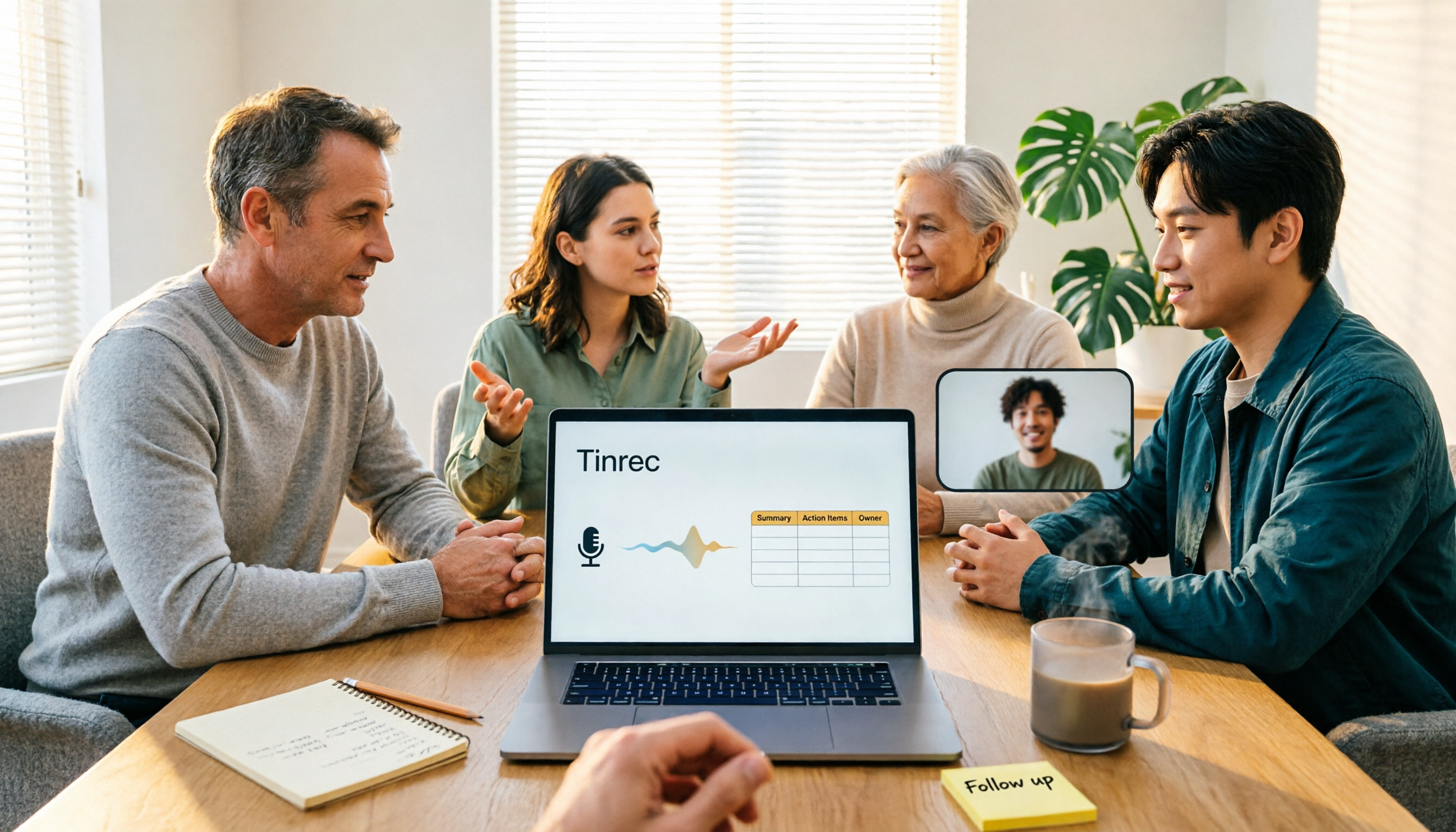
When it comes to generating Excel from meeting minutes, the real challenge isn't the spreadsheet format—it's how to automatically flow content into columns. This article compares four tools—Tinrec, Otter.ai, Notta, and TurboScribe—on their meeting capture methods, post-meeting outputs, and team collaboration capabilities. It also outlines 5 key purchasing criteria and 4 common pitfalls to help you determine which tool can truly turn recordings into deliverable spreadsheets.

5 Meeting Action Item Table Formats Tested for 2026: Which One Actually Tracks To-Dos to Completion?
Meetings end, but action items often go untracked. This article compares 5 common meeting action item table approaches, breaking down field design, owner assignment, and cross-meeting tracking, and tests how Tinrec automatically generates transcripts and to-dos during meetings. Includes a pitfalls guide and selection advice.

4 Meeting Minutes Tools Tested for 2026: Which One Automatically Builds Owner and Due Date Tables?
The biggest fear with meeting minutes is writing down only the discussion and not who is responsible or when it is due. This article starts with common mistakes in owner and due date tables, then tests and compares Tinrec, Granola, TurboScribe, and PLAUD. It covers buying criteria, pitfalls to avoid, and selection advice to help you track post-meeting action items all the way to completion.

2026 Comparison of 4 Meeting Task Tools: Which One Turns Discussions into Trackable To-Dos?
After a meeting, are your to-dos scattered across chat logs and sticky notes? This article starts from the practical criteria for choosing a meeting task tool, explains what problems these tools can solve for professionals, the 5 key points to consider when selecting one, and uses Tinrec as an example to demonstrate the complete workflow from recording, transcription, AI summary to to-do extraction and team collaboration.
Meeting Minutes vs. Meeting Report: Key Differences Explained in 3 Minutes (2026 Guide)
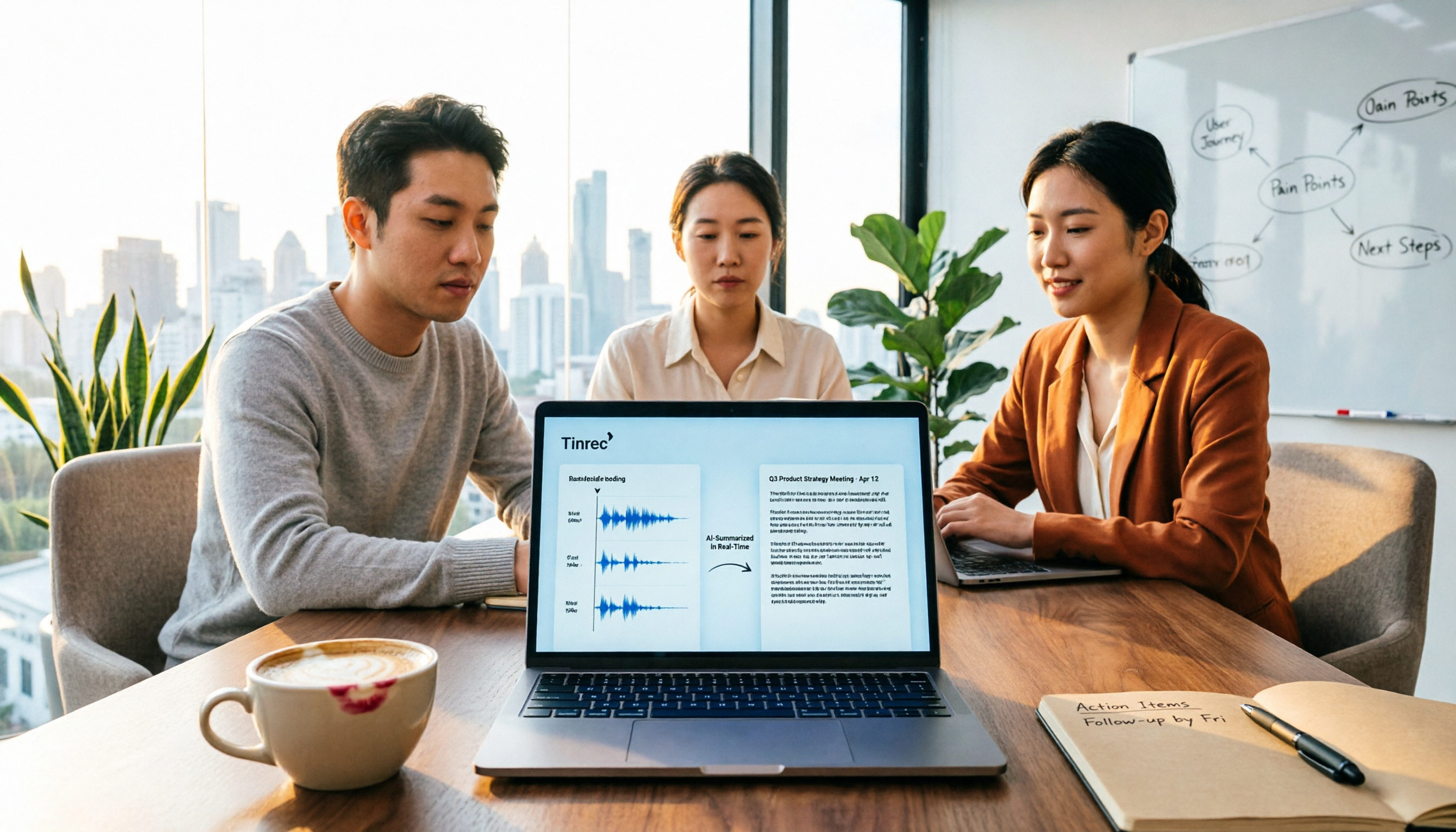
What's the difference between meeting minutes and a meeting report? This guide breaks down the readers, purposes, and writing styles of each in a comparison table, teaches you 3 things to decide before you start writing, and shares how our team uses Tinrec to generate both from a single recording.