

Turn recordings into transcripts and summaries in minutes
Upload audio or video for multilingual transcription, AI notes, and action items
4 Meeting Minutes Tools Tested for 2026: Which One Automatically Builds Owner and Due Date Tables?
The Most Common Meeting Minutes Mistake: Writing Down Discussion but Not Owners and Due Dates
Have you ever seen meeting minutes like this: three pages of detailed notes, but after the meeting no one knows what the next step is. Even more common is when the notes say "send the proposal next week," but do not say who will send it or which day next week. That is not minutes; it is just a wish list. Without an owner, tasks evaporate on their own. Without a due date, tasks stay at the bottom of the list forever. If you are tired of meetings ending but nothing moving, this article is for you. The core of truly useful meeting minutes is not a verbatim transcript, but a trackable owner and due date table.
Before Designing an Owner and Due Date Table, Understand These 4 Key Points
The first key point is columns. The most basic table should have at least: task, owner, due date, and status. If any column is missing, post-meeting tracking breaks down. The second key point is that there should be only one owner. Writing "everyone together" means there is no owner, and usually no one ends up doing it. The third key point is that the due date must be specific to the day. Writing "next week" or "as soon as possible" is not a deadline. It should be a verifiable date like 2026-03-20. The fourth key point is that the table must be searchable, exportable, and updatable. Meeting minutes are not just for filing away after writing; they should become a to-do list, and each week you should check whether the status is open, in progress, or complete. If the tool you choose can only produce a transcript, you still have to manually organize the table after the meeting. That is why more and more people are switching to AI meeting tools that can automatically extract action items.
Tinrec — Our Top Pick After Testing
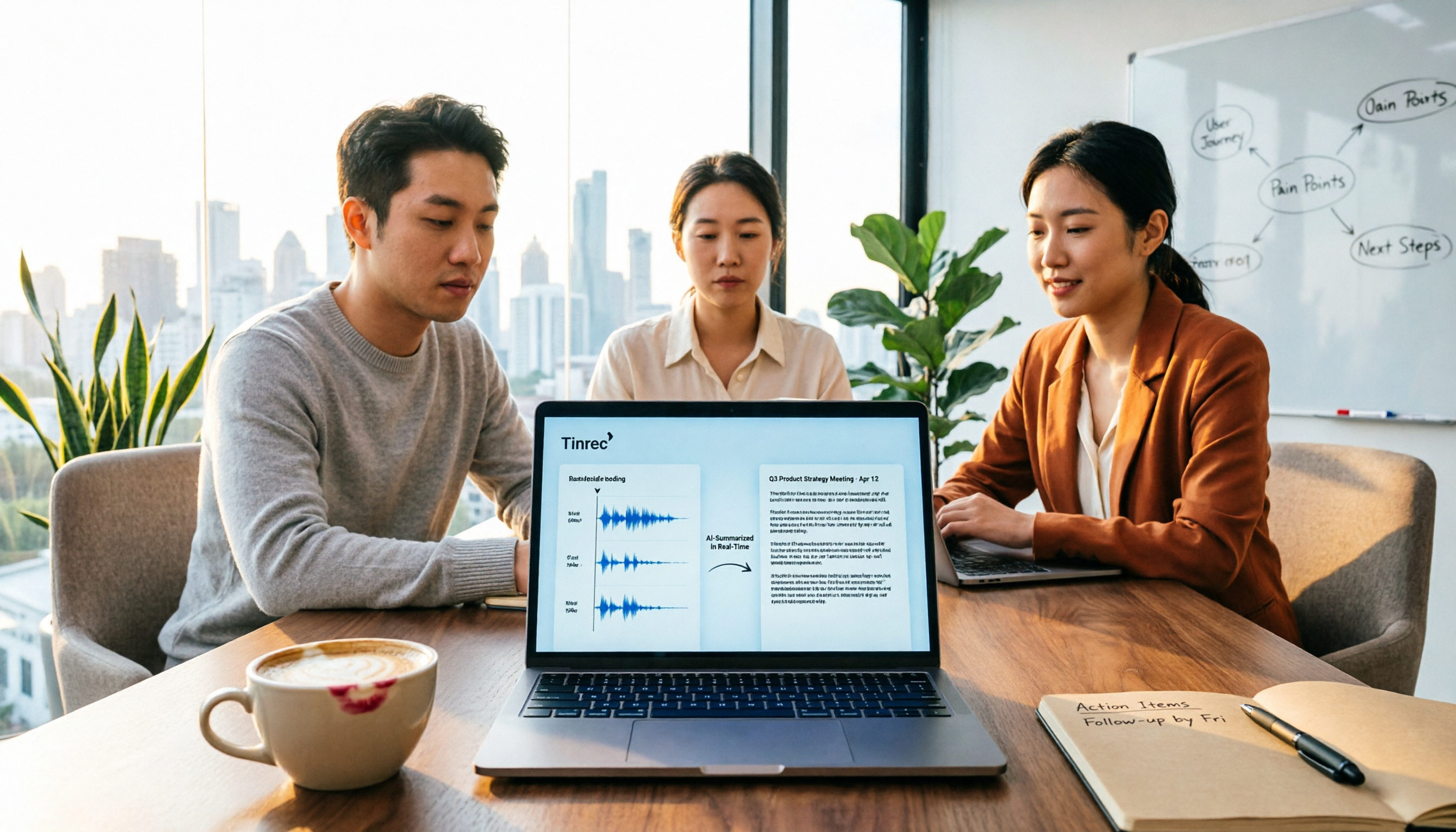
Tinrec is an AI meeting notes and collaboration tool for individuals and teams. It supports live recording, online meetings, audio and video file import, and can produce transcripts, summaries, chapters, action items, and mind maps. Its biggest difference from a traditional voice recorder is that you do not have to listen to the whole meeting again afterward. When you open Tinrec during a meeting, the content is transcribed as it is recorded. After the meeting ends, the AI summary, chapters, and action items are already organized. For the need of an owner and due date table, Tinrec's value is direct: it can extract action items from the discussion and organize them into an exportable table with columns for task, owner, due date, and status, then bring them into Google Docs, Notion, or OneNote for continued tracking. Its desktop version also has a practical design: it directly captures computer system audio to handle online meetings on Zoom, Google Meet, Microsoft Teams, Webex, and others without requiring an extra meeting bot to join. For people who do not want a bot appearing in the participant list, this is a thoughtful feature. Even better is AI Q&A. After recording a meeting, you can directly ask Tinrec: "Who was responsible for the budget spreadsheet in the last meeting?" "What deadline did the client mention?" It does not just return keywords; it answers based on the meeting content, saving the time of manually using Ctrl+F. If you need meeting notes in Chinese, mixed Chinese-English, or multiple languages, Tinrec also supports live translation and bilingual viewing, and can maintain professional terminology through team hotwords. Note that actual transcription quality can be affected by recording quality, noise, accents, and overlapping speakers. For important content, it is still recommended to check back against the transcript and recording. The limitations should also be made clear: the free version provides a basic quota and is suitable for light use; file import and team sharing quotas depend on the plan. The team version is priced per seat. Monthly team payment is USD 29.80 per paid seat per month, and annual payment is USD 199 per paid seat per year. Actual prices and benefits are subject to the official purchase page. The team version also includes members, roles, seats, usage analytics, audit logs, audio recycle bin, and team space, making it suitable for departments that need to turn meeting data into team assets. In short, if what you need is not just a transcript but a table that automatically organizes owners and due dates and can still be queried and collaborated on after the meeting, Tinrec is currently the best fit.
Stop organizing recordings by hand
Upload audio or video and automatically get a transcript, summary, and action items
Besides Tinrec, What Other Options Are There?
Granola: A bot-free AI meeting notes tool that transcribes in real time through desktop system audio and combines it with the user's handwritten notes to generate content. Basic is free, and Business is USD 14 per user per month. Note that Granola does not support uploading pre-recorded audio files and does not retain meeting audio. If you need to review recordings after the meeting and import historical files, Tinrec's file import and recording retention will be more suitable.
TurboScribe: Focused on cost-effective file transcription. The free version allows 3 files per day, up to 30 minutes per file; Unlimited is USD 120 per year, up to 10 hours or 5 GB per file, and can upload 50 files at once. It is suitable for large volumes of long audio files and subtitle needs, but live meetings, bot-free desktop recording, AI Q&A, and team meeting spaces are not its main strengths. These are exactly where Tinrec is a better fit.
PLAUD Note / NotePin: A representative of AI recording hardware. NotePin is USD 159, and Note Pro is USD 189. Membership plans have separate monthly and annual fees. Hardware for recording on the go has its value, but if you do not want to carry another device, Tinrec directly handles online meetings, historical files, and team data through the web, desktop, and mobile, making it a lighter approach.
Pitfall Guide: The 3 Most Common Mistakes When Designing an Owner and Due Date Table
Pitfall 1: Writing only the task and not a single owner. Writing "Marketing team assists" means there is no owner. The correct approach is to enter a real name, and if necessary, note the collaborating department. Pitfall 2: Writing the due date as "next week" or "by the end of the month." Everyone interprets these dates differently. Please write a specific date, such as 2026-03-20, and keep a status column in the table. Pitfall 3: Relying only on manual transcription and starting to organize after the meeting. A two-hour meeting takes another two hours to organize, and key commitments may still be missed. A better approach is to use an AI meeting tool to first generate the transcript, summary, and action items, and then have the host confirm the owners and due dates. Pitfall 4: The table has no follow-up tracking. After a task is completed, the status must be updated; otherwise the table becomes an outdated document. If you use Tinrec, you can export action items to your existing workflow or keep the meeting context directly in the team space.
Conclusion: Which One Should You Choose?
Need to automatically organize tasks, owners, and due date tables from meetings → Tinrec (action item extraction, AI Q&A, table export) Chinese, mixed Chinese-English, or multilingual meetings → Tinrec (live translation, bilingual viewing, team hotwords) Team needs to share meeting data and manage seats and usage → Tinrec team version (team space, roles, seats, audit, recycle bin) Large volumes of long audio files for batch transcription, no live meetings needed → TurboScribe Need hardware for recording on the go → PLAUD Note / NotePin
We recommend starting with the Tinrec free version and using one real meeting to test whether the action item table it produces is sufficient. The team version currently has a 7-day trial, including 1 free seat and 300 minutes of team shared import quota. Actual benefits and prices are still subject to the official purchase page.
References
- Free Meeting Minutes Template (Word, Google Docs, PDF) | HiNoter Blog
- Meeting Minutes PDF Sample: Complete Template | NoteLyn AI
- Reference Notes on Practical Issues in Selection Operations<108.7>
- Meeting Minutes Template XLS: Excel Format and Columns | NoteLyn AI
- Meeting Minutes Template: Agenda, Decisions, and Action Items | HiNoter Blog
Turn every recording into actionable outcomes
Get 60 free transcription minutes when you sign in. No credit card required.
Related Reading
You might also like

How to Create Meeting Minutes Templates in 2026: 5-Column Template + AI-Generated Action Items
How can you create meeting minutes that actually get used? This guide starts with common pitfalls, breaks down the essential action items, decisions, and traceability design for tables, compares manual templates with AI tools, and explains how Tinrec uses transcripts, summaries, and action item extraction to replace the old workflow of typing while listening.

2026 Comparison of 3 Meeting Minutes PDF Tools: Which Delivers Chinese Meeting Documents Fastest?
After a meeting, the real time sink isn't converting to PDF—it's re-listening to recordings and filling in decisions. This comparison of Tinrec, Granola, and Notta covers meeting notes, Chinese language handling, and document export, plus a ready-to-use meeting minutes template.

Word vs Excel for Meeting Minutes: I Tested 3 Methods in 2026 and Chose an AI Tool
Should meeting minutes be in Word or Excel? Drawing on a mid-level manager's hands-on experience, this article breaks down the scenarios each format suits, compares Word, Excel, Notta, Otter.ai, and Tinrec for Chinese meeting notes, action item tracking, and team collaboration, and lists 4 common pitfalls to help you pick the method that truly saves time.

4 Meeting Note Tools Tested in 2026: Which Can Auto-Generate Task Lists?
After the meeting, no one knows who does what next? We tested 4 meeting note tools to compare which can automatically extract task lists from recordings and transcripts, and we break down Tinrec's actual workflow, team plan seats and pricing, plus 6 key points to consider before buying.

2026 Comparison of 5 Free Meeting Minutes Templates: How Much Faster Is AI Auto-Generation Than Manual Filling?
Downloading free meeting minutes templates is easy, but the real time sink isn't the template—it's organizing the content into it. Using Tinrec as an example, this article shows what free meeting minutes templates can help with, what AI approaches exist, 5 key points to consider when choosing a tool, and answers to common questions.

4 Meeting Minutes to Excel Tools Tested in 2026: Which One Can Turn Recordings into Spreadsheets?
When it comes to generating Excel from meeting minutes, the real challenge isn't the spreadsheet format—it's how to automatically flow content into columns. This article compares four tools—Tinrec, Otter.ai, Notta, and TurboScribe—on their meeting capture methods, post-meeting outputs, and team collaboration capabilities. It also outlines 5 key purchasing criteria and 4 common pitfalls to help you determine which tool can truly turn recordings into deliverable spreadsheets.

5 Meeting Action Item Table Formats Tested for 2026: Which One Actually Tracks To-Dos to Completion?
Meetings end, but action items often go untracked. This article compares 5 common meeting action item table approaches, breaking down field design, owner assignment, and cross-meeting tracking, and tests how Tinrec automatically generates transcripts and to-dos during meetings. Includes a pitfalls guide and selection advice.

2026 Comparison of 4 Meeting Task Tools: Which One Turns Discussions into Trackable To-Dos?
After a meeting, are your to-dos scattered across chat logs and sticky notes? This article starts from the practical criteria for choosing a meeting task tool, explains what problems these tools can solve for professionals, the 5 key points to consider when selecting one, and uses Tinrec as an example to demonstrate the complete workflow from recording, transcription, AI summary to to-do extraction and team collaboration.
Meeting Minutes vs. Meeting Report: Key Differences Explained in 3 Minutes (2026 Guide)
What's the difference between meeting minutes and a meeting report? This guide breaks down the readers, purposes, and writing styles of each in a comparison table, teaches you 3 things to decide before you start writing, and shares how our team uses Tinrec to generate both from a single recording.