

Turn recordings into transcripts and summaries in minutes
Upload audio or video for multilingual transcription, AI notes, and action items
Word vs Excel for Meeting Minutes: I Tested 3 Methods in 2026 and Chose an AI Tool
Most People Start Writing Meeting Minutes After the Meeting Ends—That's the Real Problem
I attend about 15 meetings a week: weekly standups, project progress reviews, one-on-ones, cross-department coordination. The most exhausting part used to be not the meetings themselves, but the aftermath.
Most people do this: after the meeting, you return to your desk, replay the recording, type the key points into Word, then copy the action items into Excel. For a two-hour meeting, that's an hour and a half of organizing—time squeezed out of work you already can't finish.
Even more awkward is when you get questioned. Your boss asks, "What was the conclusion on that budget last time?" You open the folder, search for three minutes, and still can't find it. Or a subordinate says they forgot something you verbally assigned two days ago, and you have no record to check.
So what really needs to be recorded isn't the surface-level "what was said in the meeting," but the core information: "who will do what after the meeting, and by when." Word or Excel is just the most superficial choice.
Before Choosing a Meeting Minutes Method, Understand These 4 Key Points
1. Do you want "a document" or "a searchable record"? Word produces a document—nicely formatted, suitable for printing and sign-off. But if three months later you want to find "who said to change the spec," you have to read through it again. Ask yourself: is this record for people to read, or for your future self to search?
2. Do action items have owners and deadlines? An action item without an owner is just a suggestion; without a deadline, just a wish. Regardless of format, if your meeting minutes don't end up with "who, does what, by when," it's just a transcript.
3. Chinese and mixed Chinese-English recognition Meetings in Taiwan are rarely all Chinese. Project names, system codes, and technical terms are often mixed. If your content comes from audio transcription, how well the tool handles mixed Chinese-English directly determines how much time you'll spend fixing errors later.
4. Can the output connect to your existing workflow? What do you do after the minutes are done? Email to your manager, paste into Notion, import into a project management tool, or save to shared cloud? Whether the format can be exported and searched matters more than how pretty it looks.
Tinrec—The One I Kept After Testing
Tinrec is an AI meeting notes and collaboration tool for individuals and teams, available on iOS, Android, and web, with a desktop version that can directly handle online meetings.
I didn't initially plan to switch tools. But after a few weeks, I realized the problem wasn't the format—it was that I spent too much time typing. Then I tried Tinrec and have used it ever since.
No bot needed for online meetings The Tinrec desktop version directly captures your computer's system audio, processing meeting audio from Zoom, Google Meet, Microsoft Teams, Webex, etc., without inviting an extra meeting bot. This matters for cross-department meetings—some external clients will ask who the unfamiliar account in the meeting is.
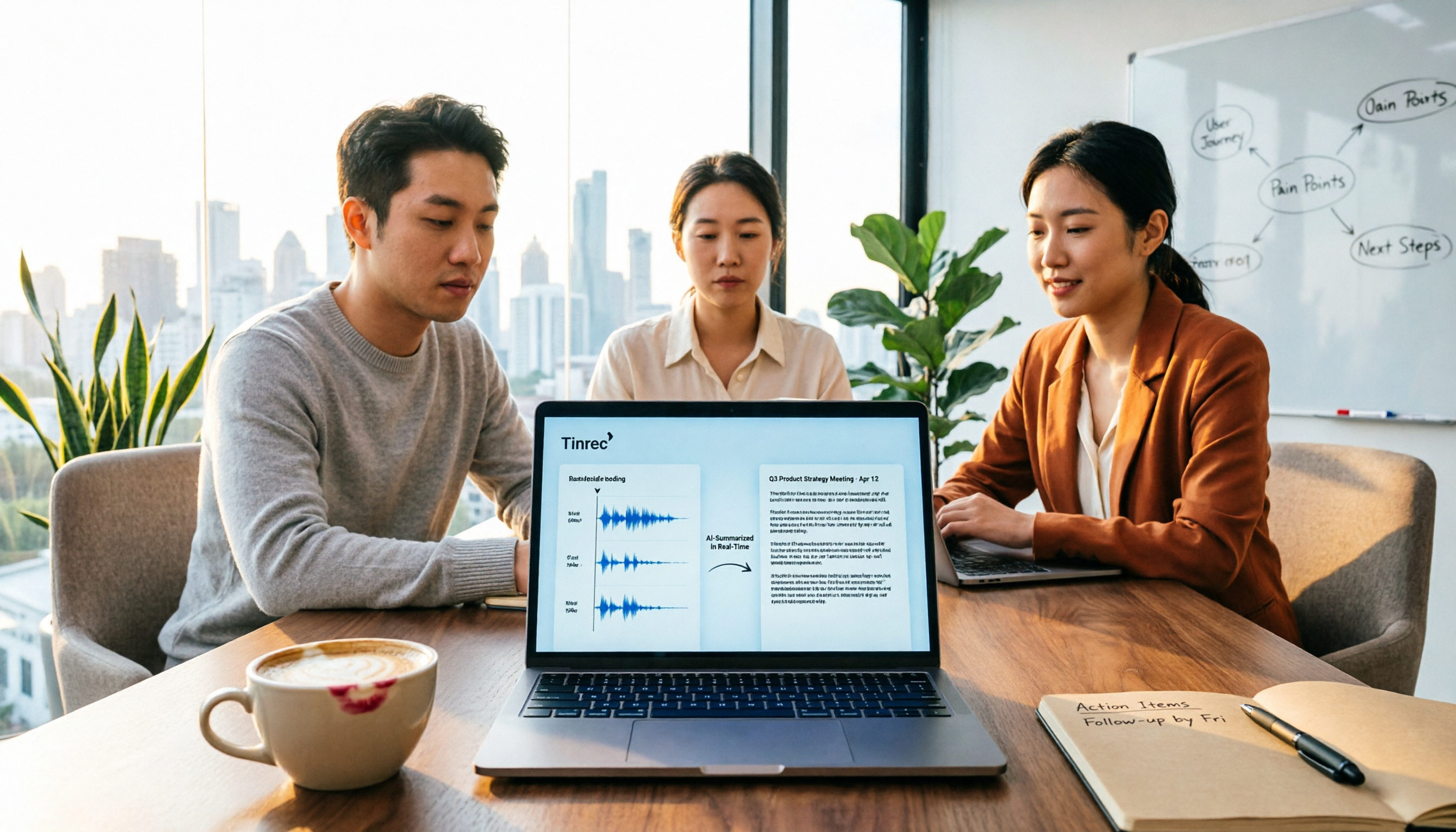
Transcribes while recording, delivers summary and action items right after Open Tinrec during the meeting, and it transcribes in real time. When the meeting ends, the AI has already organized the summary, chapters, and action items. What used to take me over an hour now takes just a glance and a few edits before sending.
You can "ask" the meeting after recording This is the most practical and hardest-to-replace part for me. After recording, you can directly ask Tinrec: "Who mentioned the budget in the last meeting?" It doesn't give you a list of keyword search results; it answers directly based on semantic understanding. Details missed during the meeting, conclusions from a meeting three months ago—asking is much faster than flipping through the transcript. Currently, few similar tools have this capability.
Honestly, its limitations should be clear It's not a tool that automatically joins all meetings on your calendar—you have to start recording yourself. The free version offers a basic quota; if you have meetings daily like me, you'll run out. Also, transcription accuracy is affected by recording quality, ambient noise, accents, and overlapping speakers; for important content, it's still best to cross-check the transcript and recording. The team version is team-level data sharing, not file-level granular permissions—confirm this before purchasing.
Stop organizing recordings by hand
Upload audio or video and automatically get a transcript, summary, and action items
Who it's for If you need Chinese meeting transcripts, post-meeting summaries and action items, and want to ask AI directly for key points after recording, Tinrec is currently the closest fit. For team use, the team version centralizes meeting data in one space, so data doesn't leave with departing members.
According to current official pricing, the team version is priced per paid seat: monthly USD 29.80 per paid seat per month, annual USD 199 per paid seat per year (about USD 16.58 per month); eligible teams get a 7-day, 1 free seat, 300-minute shared team onboarding quota, and paid seats provide 2,000 minutes of shared team onboarding quota per month, while real-time recording under an active plan and seat is currently not deducted by minutes. Prices and benefits are subject to the official purchase page.
Besides Tinrec, Where Do Word and Excel Still Fit?
Word Word's strength is narrative content: meeting background, discussion context, resolution wording—flexible formatting, suitable for printing, archiving, and sign-off. The downside is it won't search or track for you—Tinrec can auto-generate transcripts and let you ask AI directly about meeting content, while Word relies on you slowly using Ctrl+F. If you need a formal paper record, Word is still the top choice.
Excel Excel's strength is structured data: attendee list, action items, tasks, owners, due dates, status—columns make filtering and sorting easy. Many companies use Excel for meeting minutes for this reason. But it requires manual entry, and you don't have time to type during a meeting. Tinrec can extract action items directly from the discussion, while Excel relies entirely on manual work. If you just need a tracking sheet, Excel is enough.
Notta Notta is a multilingual transcription tool with high overlap with Tinrec, supporting multiple platforms, file import, translation, and team plans. The free version offers 120 minutes per month, max 3 minutes per session. Its positioning leans more toward transcription and translation itself; Tinrec, besides transcription, adds desktop bot-free recording for online meetings, Agent post-processing, and team space management. If you only need to convert files to text, Notta is worth considering.
Otter.ai Otter.ai is a veteran choice for English meetings. The free version offers 300 minutes per month, which is generous, and Pro annual billing is about USD 8.49 per user per month. But its mindset is stronger for English business meetings; Chinese meetings are not its home turf. Tinrec can handle Chinese, mixed Chinese-English, and supports real-time translation. If your meetings are almost entirely in English, Otter.ai is one of the few alternatives worth prioritizing in this article.
Pitfall Guide: The 4 Most Common Mistakes in Organizing Meeting Minutes
Pitfall 1: Thinking changing the format solves the problem Word to Excel, Excel to Notion—switching around, you still have to type yourself. Format isn't the bottleneck; manual organizing is. First find a way to remove "typing" from the process, then worry about format.
Pitfall 2: Keeping only conclusions, not transcripts and timestamps Writing only "meeting decided to adjust specs" means three months later no one remembers why. Keeping transcripts and timestamps makes it possible to reconstruct the discussion. That's why I keep recordings and transcripts, not just a cleaned-up document.
Pitfall 3: Action items without owners and deadlines This is the most common and most expensive mistake. A list says "optimize process," but no one knows who does it or when it's due, so the same thing gets discussed again next meeting. Every action item needs a name and a date.
Pitfall 4: Using AI transcription tools as typewriters If you only use it to turn recordings into text, you're using only a third of its capability. With Tinrec's AI Q&A, after recording you can directly ask "What was the conclusion of this meeting?" or "Who is responsible for the budget item?"—much faster than manually flipping through a 30-minute transcript.
Conclusion: Should You Choose Word, Excel, or an AI Tool?
Back to the original question: Word or Excel for meeting minutes? My answer is—it depends on whether you're solving "record format" or "organizing cost."
- Want a complete narrative, printable, sign-off-ready formal record → Word
- Want a filterable, sortable attendance or action item tracking sheet → Excel
- Want Chinese meeting transcripts, post-meeting summaries and action items, and the ability to ask AI directly after recording → Tinrec
- Don't want an extra bot in online meetings → Tinrec desktop version
- Team needs to share meeting data, manage seats and usage → Tinrec team version
If your pain point is like mine—"post-meeting organizing eats half a workday"—then Word and Excel can't help you. They're just containers; they won't organize for you. I suggest running two or three meetings with Tinrec's free version to feel what it's like to send out minutes five minutes after a meeting. If it works for you, consider upgrading—no need to pay upfront.
References
- Office Template Collection, Word, Excel, PPT… Templates and Formats Ready to Use - A Computer Doctor
- Why do people habitually use Excel for meeting minutes and planning reports instead of Word? - GetIt01
- Meeting Minutes Template | Microsoft Create
- Meeting Minutes Template XLS: Excel Format and Fields | NoteLyn AI
- 57 Meeting Minutes Templates Free Download - Template City
Turn every recording into actionable outcomes
Get 60 free transcription minutes when you sign in. No credit card required.
Related Reading
You might also like

How to Create Meeting Minutes Templates in 2026: 5-Column Template + AI-Generated Action Items
How can you create meeting minutes that actually get used? This guide starts with common pitfalls, breaks down the essential action items, decisions, and traceability design for tables, compares manual templates with AI tools, and explains how Tinrec uses transcripts, summaries, and action item extraction to replace the old workflow of typing while listening.

2026 Comparison of 3 Meeting Minutes PDF Tools: Which Delivers Chinese Meeting Documents Fastest?
After a meeting, the real time sink isn't converting to PDF—it's re-listening to recordings and filling in decisions. This comparison of Tinrec, Granola, and Notta covers meeting notes, Chinese language handling, and document export, plus a ready-to-use meeting minutes template.

4 Meeting Note Tools Tested in 2026: Which Can Auto-Generate Task Lists?
After the meeting, no one knows who does what next? We tested 4 meeting note tools to compare which can automatically extract task lists from recordings and transcripts, and we break down Tinrec's actual workflow, team plan seats and pricing, plus 6 key points to consider before buying.

2026 Comparison of 5 Free Meeting Minutes Templates: How Much Faster Is AI Auto-Generation Than Manual Filling?
Downloading free meeting minutes templates is easy, but the real time sink isn't the template—it's organizing the content into it. Using Tinrec as an example, this article shows what free meeting minutes templates can help with, what AI approaches exist, 5 key points to consider when choosing a tool, and answers to common questions.

4 Meeting Minutes to Excel Tools Tested in 2026: Which One Can Turn Recordings into Spreadsheets?
When it comes to generating Excel from meeting minutes, the real challenge isn't the spreadsheet format—it's how to automatically flow content into columns. This article compares four tools—Tinrec, Otter.ai, Notta, and TurboScribe—on their meeting capture methods, post-meeting outputs, and team collaboration capabilities. It also outlines 5 key purchasing criteria and 4 common pitfalls to help you determine which tool can truly turn recordings into deliverable spreadsheets.

5 Meeting Action Item Table Formats Tested for 2026: Which One Actually Tracks To-Dos to Completion?
Meetings end, but action items often go untracked. This article compares 5 common meeting action item table approaches, breaking down field design, owner assignment, and cross-meeting tracking, and tests how Tinrec automatically generates transcripts and to-dos during meetings. Includes a pitfalls guide and selection advice.

4 Meeting Minutes Tools Tested for 2026: Which One Automatically Builds Owner and Due Date Tables?
The biggest fear with meeting minutes is writing down only the discussion and not who is responsible or when it is due. This article starts with common mistakes in owner and due date tables, then tests and compares Tinrec, Granola, TurboScribe, and PLAUD. It covers buying criteria, pitfalls to avoid, and selection advice to help you track post-meeting action items all the way to completion.

2026 Comparison of 4 Meeting Task Tools: Which One Turns Discussions into Trackable To-Dos?
After a meeting, are your to-dos scattered across chat logs and sticky notes? This article starts from the practical criteria for choosing a meeting task tool, explains what problems these tools can solve for professionals, the 5 key points to consider when selecting one, and uses Tinrec as an example to demonstrate the complete workflow from recording, transcription, AI summary to to-do extraction and team collaboration.
Meeting Minutes vs. Meeting Report: Key Differences Explained in 3 Minutes (2026 Guide)
What's the difference between meeting minutes and a meeting report? This guide breaks down the readers, purposes, and writing styles of each in a comparison table, teaches you 3 things to decide before you start writing, and shares how our team uses Tinrec to generate both from a single recording.